
Parametric Box Generator
Print Profile(1)

Description
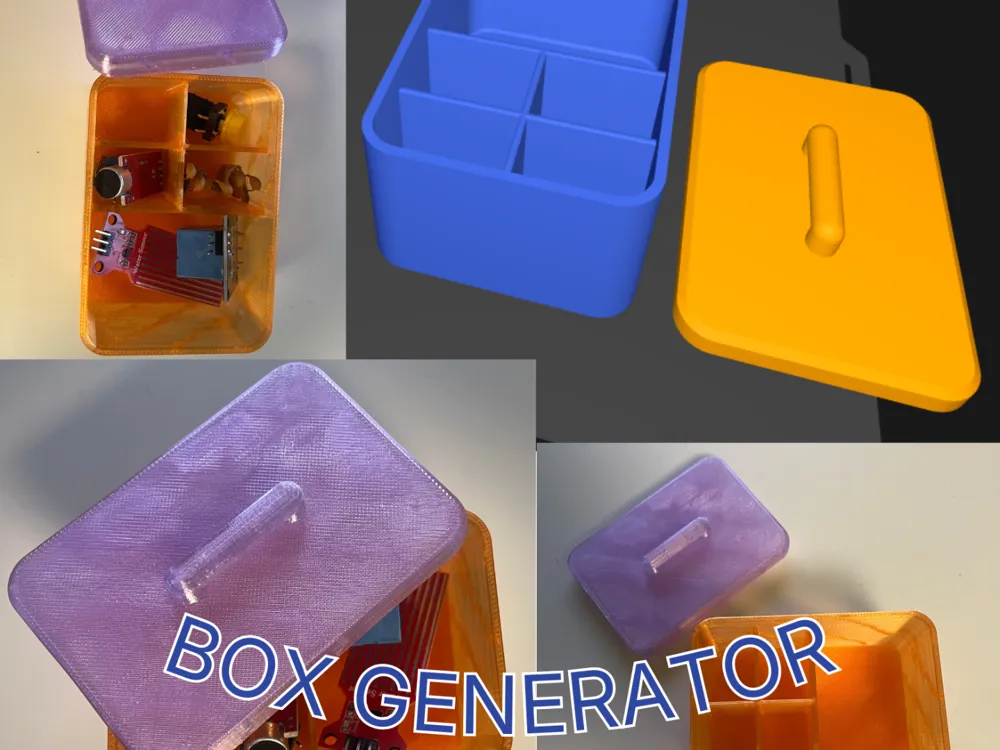
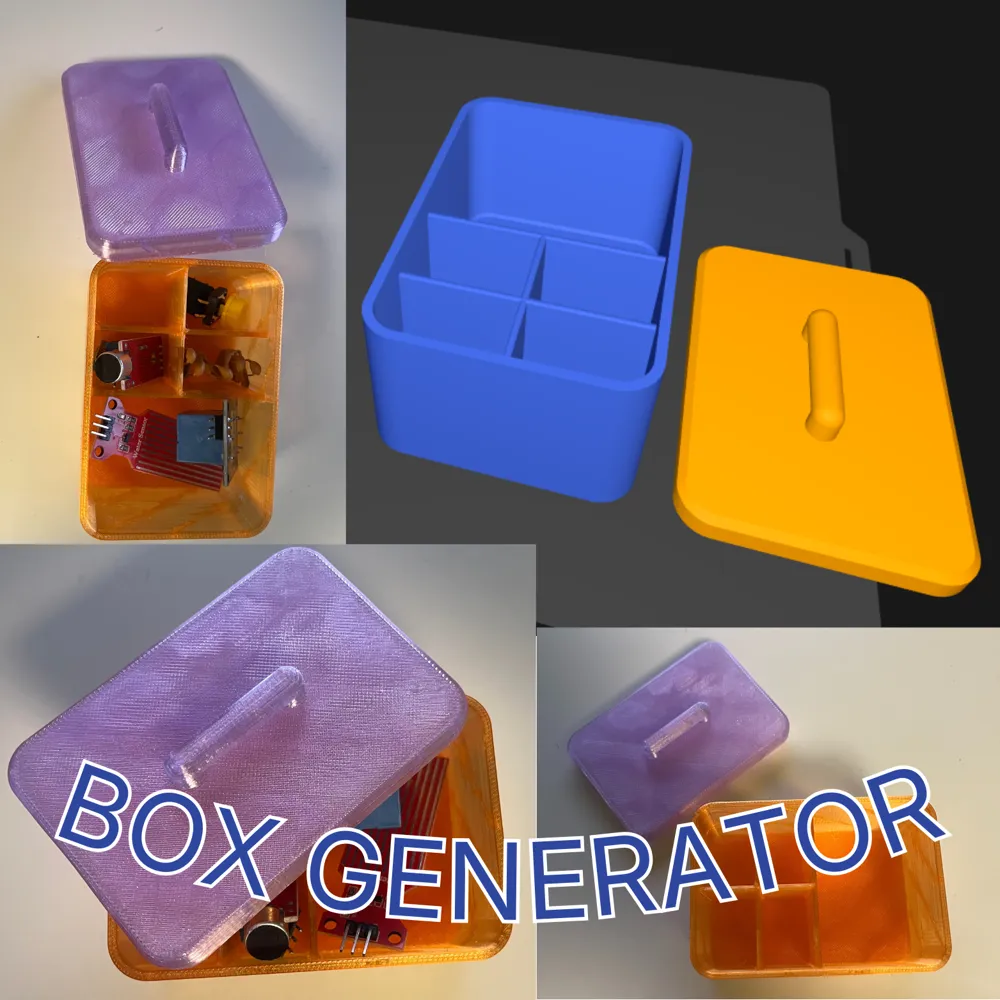
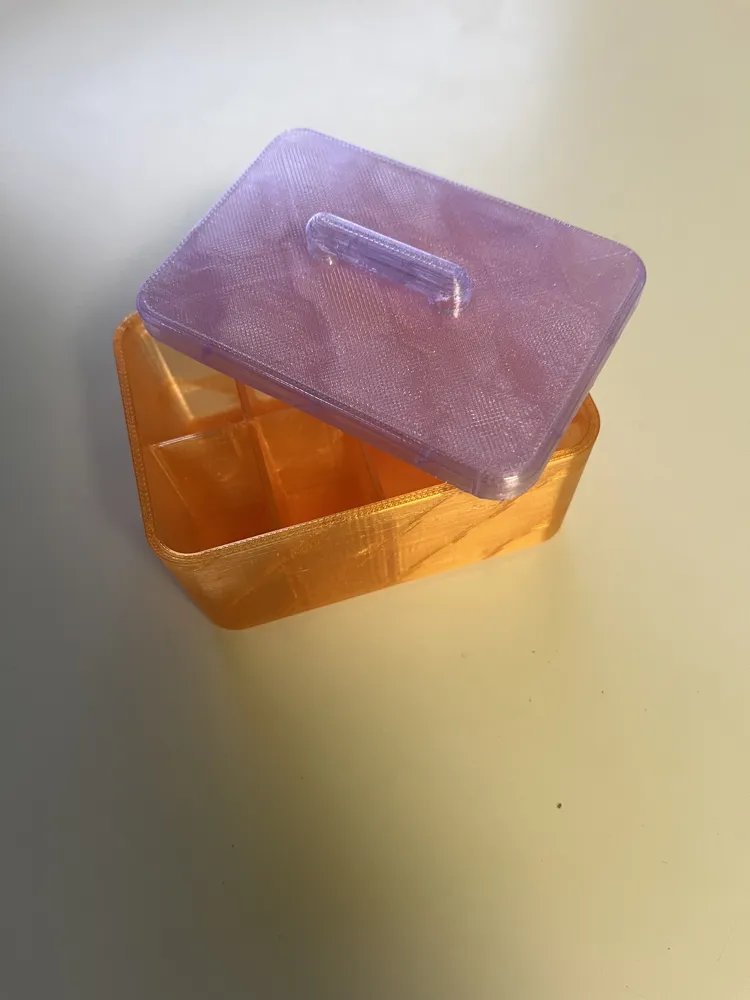
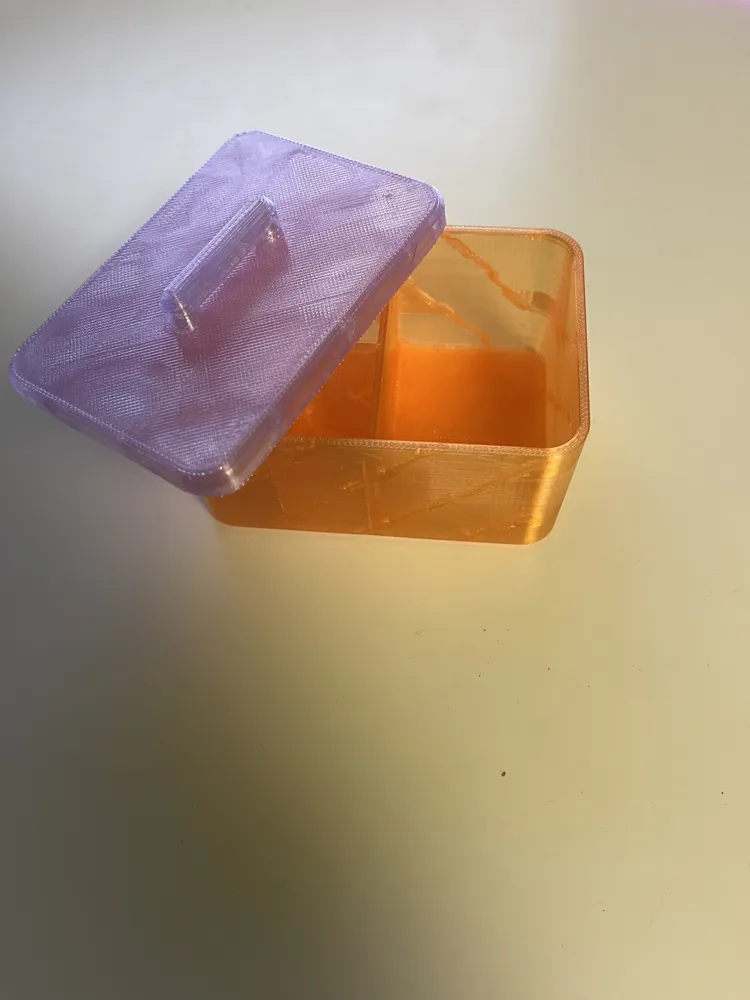
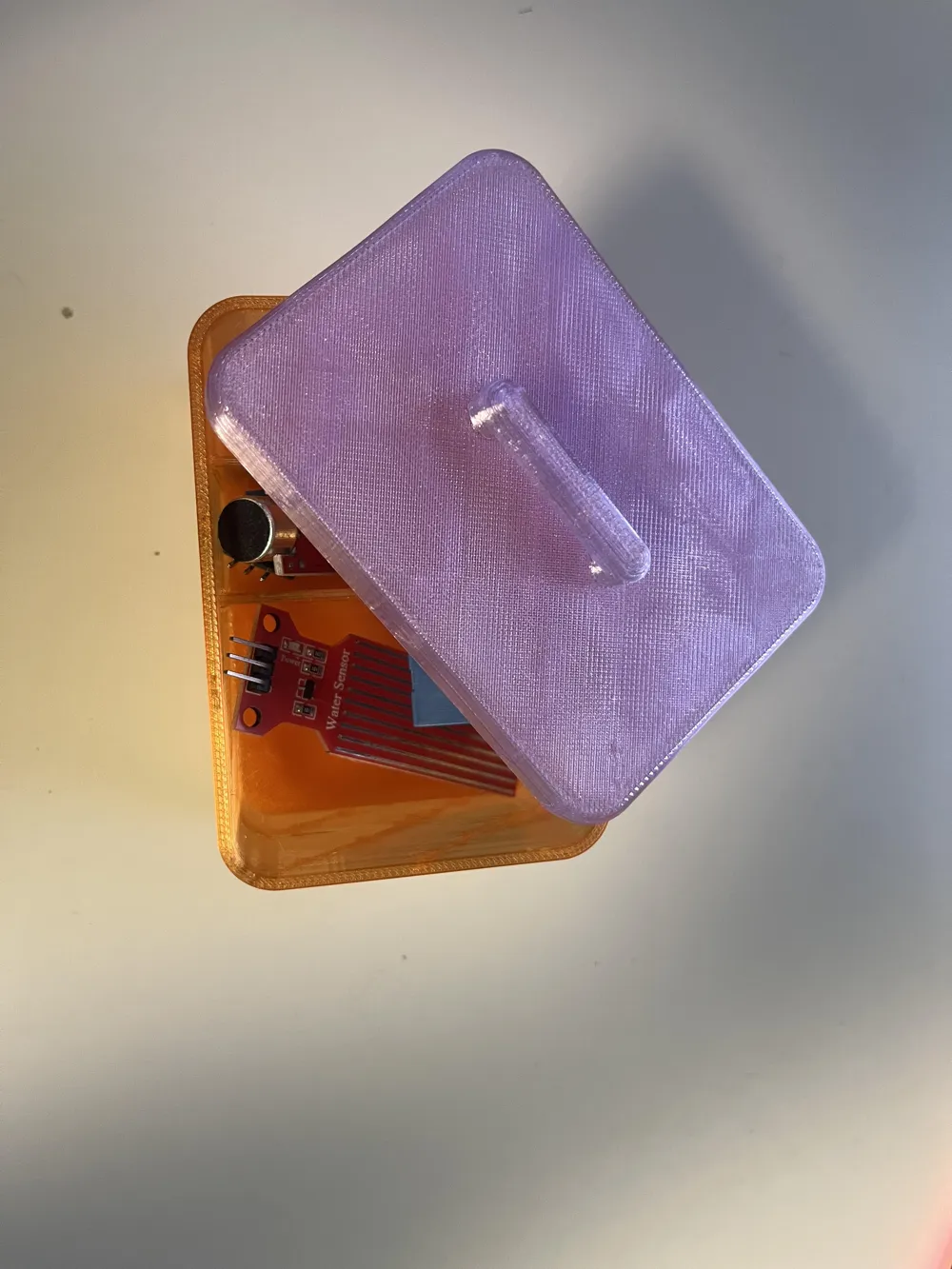
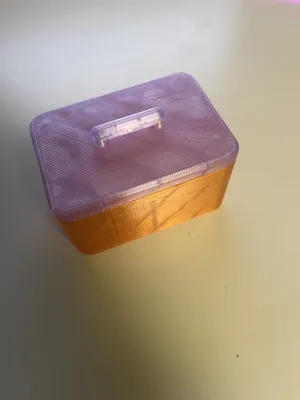
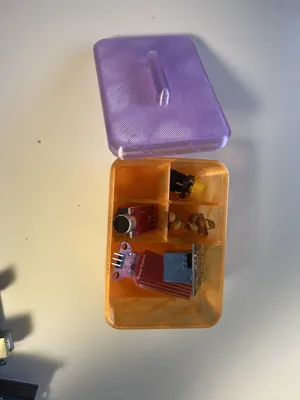
This is a fully parametric OpenSCAD box generator designed for clean, professional-looking 3D prints.
Unlike basic box generators, this model focuses on:
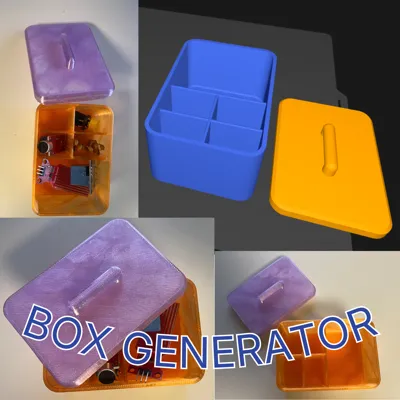
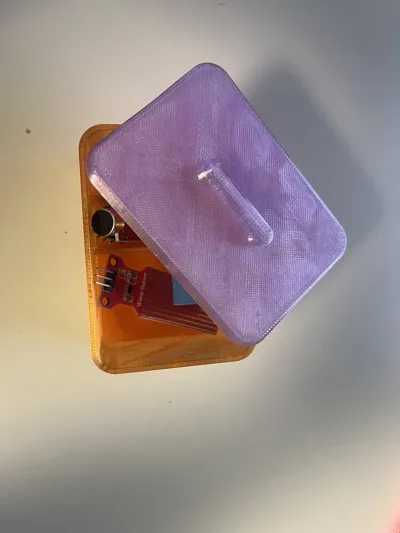
- Smooth rounded corners and bottom fillets for a premium look
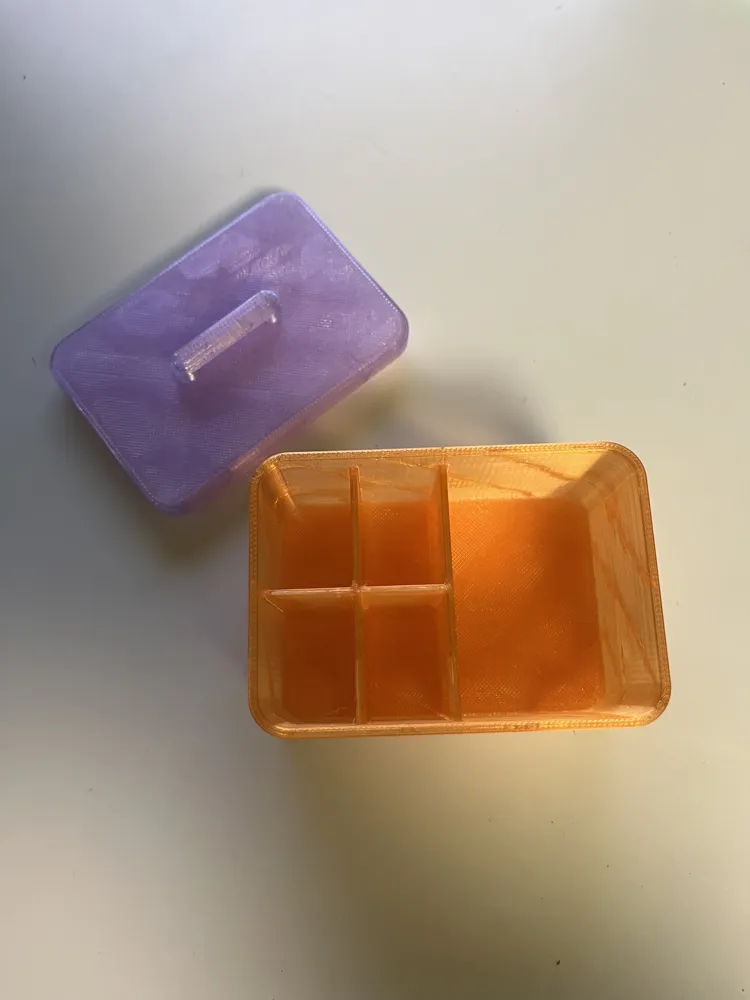
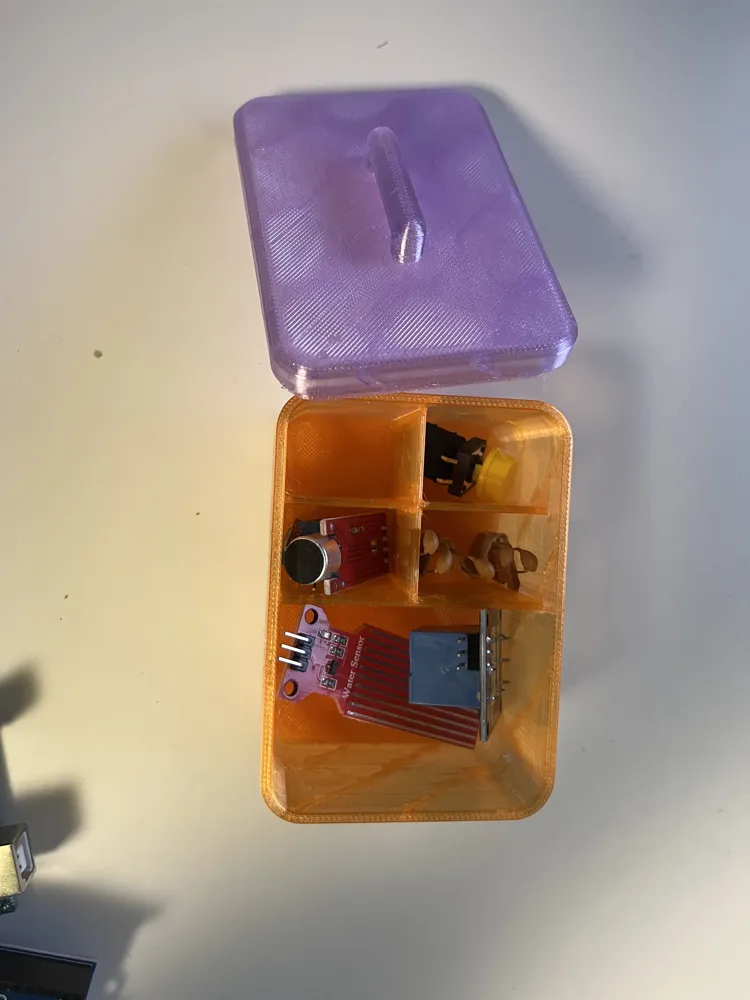
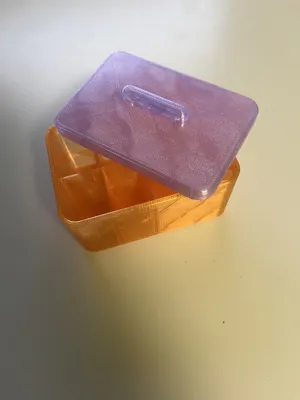
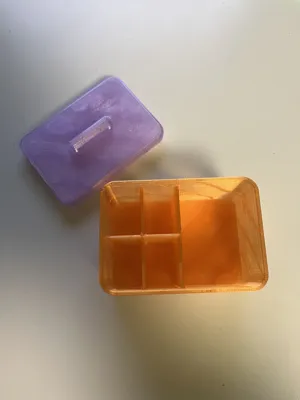
- Customizable internal dividers for perfect organization
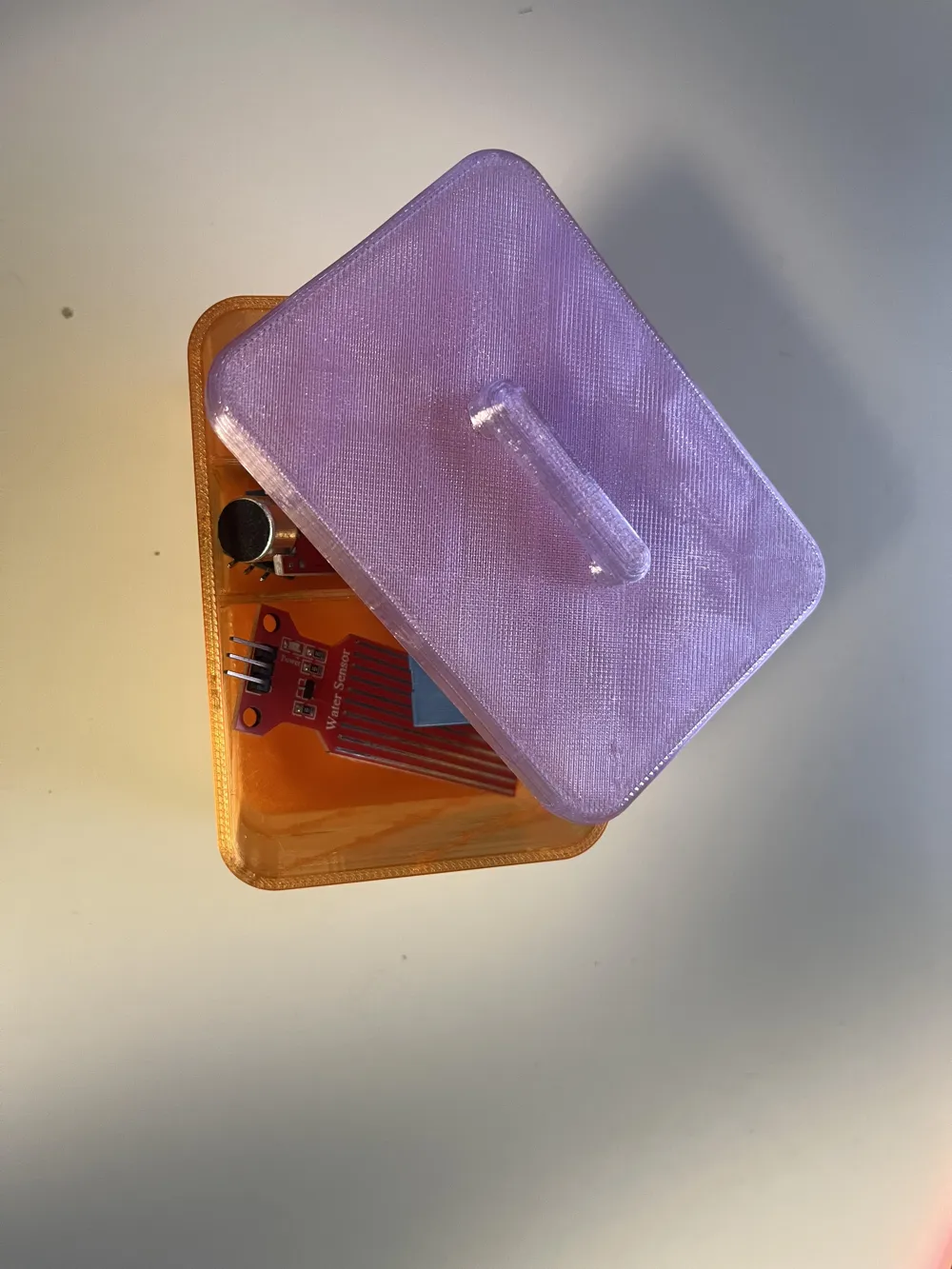
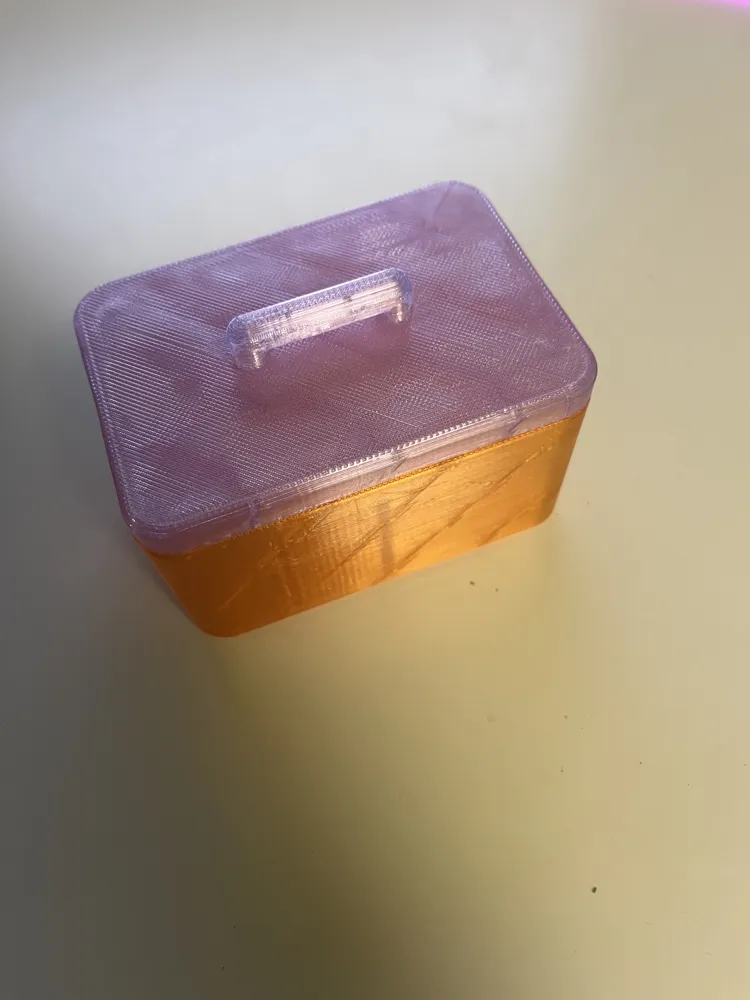
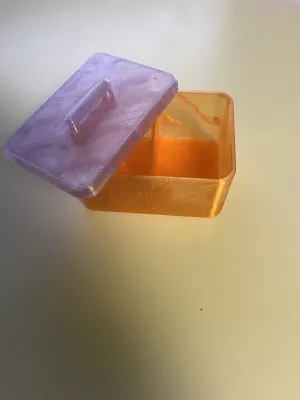
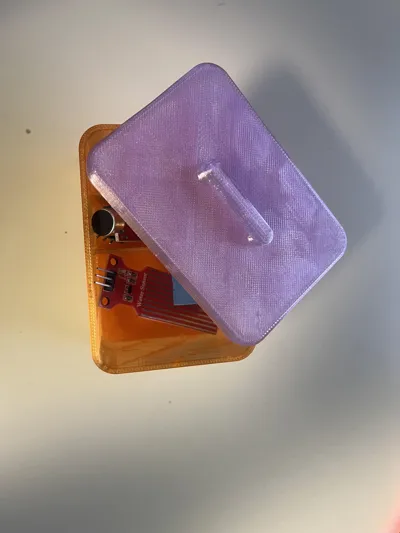
- Optional matching lid with adjustable tolerance and multiple handle styles
- FDM-friendly geometry (no unnecessary overhangs or fragile details)
Whether you’re organizing electronics, tools, screws, desk items, or hobby parts, this generator lets you create exactly the box you need — no CAD experience required.
Just change a few values at the top of the file, render, and export.
🖨️ PRINTING NOTES
- Designed for FDM printers
- No supports required
- Print box upright
- Lid orientation can be flipped depending on handle type
- Recommended layer height: 0.2 mm or finer for best fillets
🛠️ HOW TO USE (Beginner Friendly)
- Open the .scad file in OpenSCAD
- Adjust the variables at the top (explained below)
- Press F5 (Preview)
- Press F6 (Render)
- Export as STL
- Slice and print 🎉
🔧 VARIABLE EXPLANATION
📦 Box Dimensions
These control the outside size of the box.
- box_length – Outside length (X direction)
- box_width – Outside width (Y direction)
- box_height – Outside height (Z direction, lid not included)
- corner_radius – How round the vertical corners are
(larger = smoother, smaller = sharper) - bottom_fillet – Rounding of the bottom edge for a softer look and stronger base
🧱 Walls & Thickness
Controls strength and print durability.
- wall_thickness – Thickness of the side walls
(2–3 mm recommended) - bottom_thickness – Thickness of the bottom floor
(increase for heavier contents)
🎨 Colors (Preview Only)
Used only for visualization in OpenSCAD.
- box_color – Color of the box
- lid_color – Color of the lid
(Does not affect the STL)
🧢 Lid Settings
Enable and customize a matching lid.
- generate_lid – Turn lid on or off
- lid_height – Height of the visible lid section
- lid_tolerance_steps – Fit adjustment
(higher = looser fit, lower = tighter fit) - lip_depth – How deep the lid goes into the box
- lid_handle_type – Handle style:
- none, pull, knob, smooth_knob, t_handle, sphere, square
- lid_handle_height – Height of the handle
- lid_handle_size – Width/diameter of the handle
- lid_orientation
- flat_top → best for flat lids
- lip_down → best for handles
🧩 Dividers (Internal Organization)
Create compartments inside the box.
- enable_dividers – Turn dividers on/off
- divider_method
- count → evenly spaced dividers
- custom → exact positions using percentages
- dividers_x / dividers_y – Number of dividers in each direction
- dividers_x_custom / dividers_y_custom – Custom divider positions (0–100%)
- divider_thickness / divider_thickness_x / divider_thickness_y – Divider wall thickness
- divider_fillet – Smooth rounding where dividers meet walls
- divider_height_ratio – Divider height as % of box height
- divider_x_anchor / divider_y_anchor – Which side dividers start from
- divider_x_span_ratio / divider_y_span_ratio – How far dividers extend
👀 Render Options (Preview Only)
- part_to_show
- box → box only
- lid → lid only
- both → box + lid
- explode_dist – Distance between box and lid in preview
- explode_axis – Direction the lid moves in preview
✅ WHO THIS IS FOR
- Makers who want clean, professional storage boxes
- People organizing electronics, tools, screws, desk items
- Anyone who prefers parametric models over fixed STLs
- Beginners who want results without learning full CAD
License

You may create derivative works based on this object, provided that all such derivative works are published exclusively on the MakerWorld platform and include proper attribution to the original creator. You may not share, upload, host, distribute, or publish this object—or any derivative work of this object—on any other digital platform, marketplace, or distribution channel. Commercial use of this object and any derivative works is strictly prohibited. This includes, but is not limited to, selling, renting, sublicensing, or using the object in any context in which you receive monetary compensation or other financial benefits.


Comment & Rating (0)