
Luke Skywalker - Hueforge
Print Profile(4)


Description
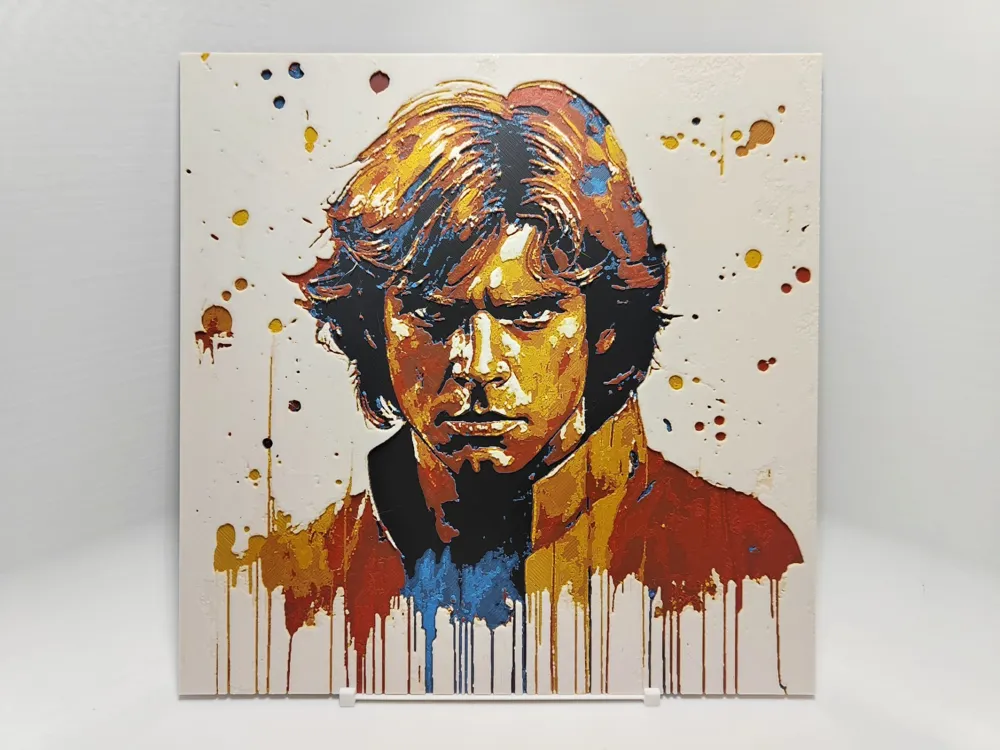
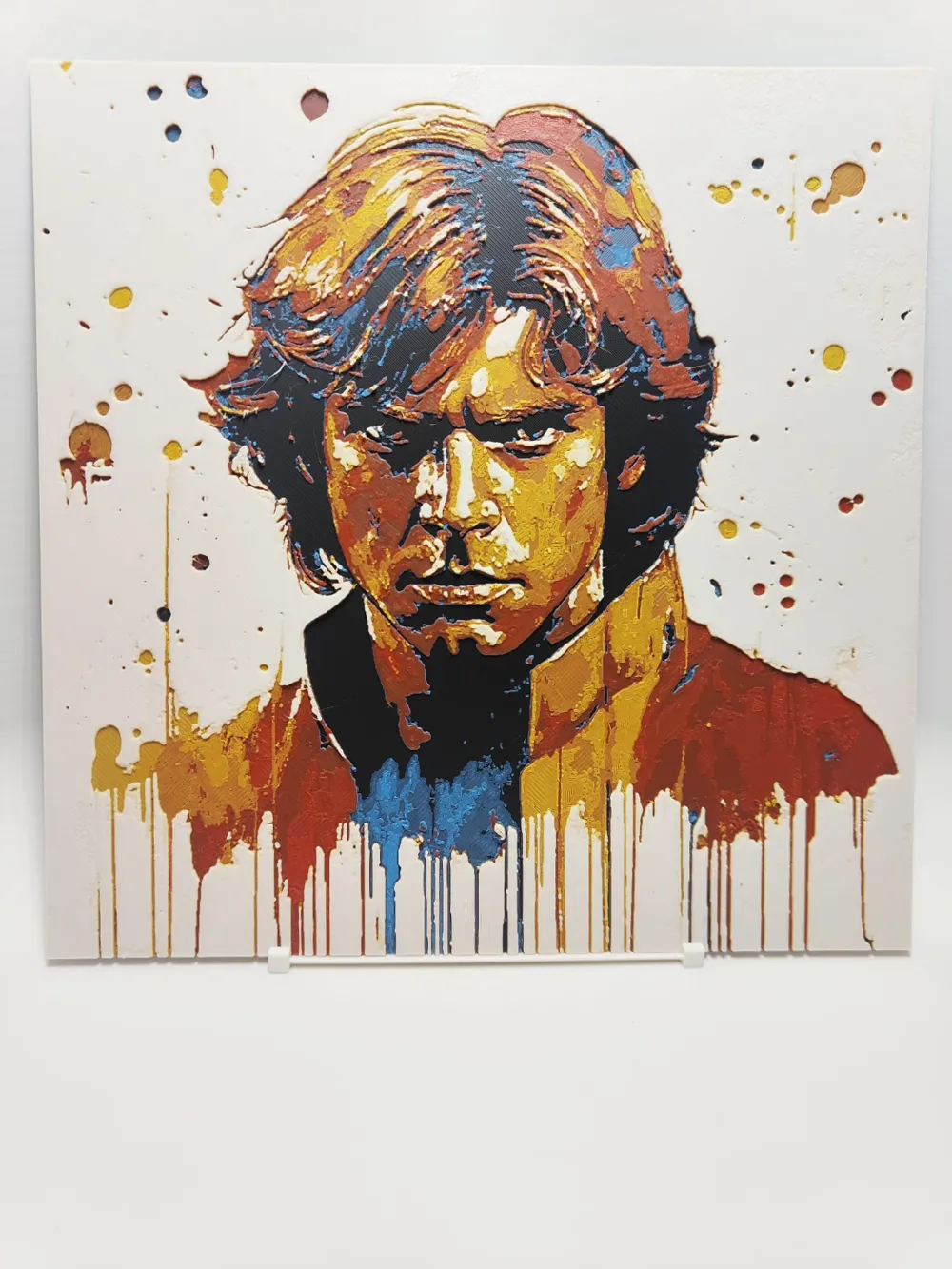
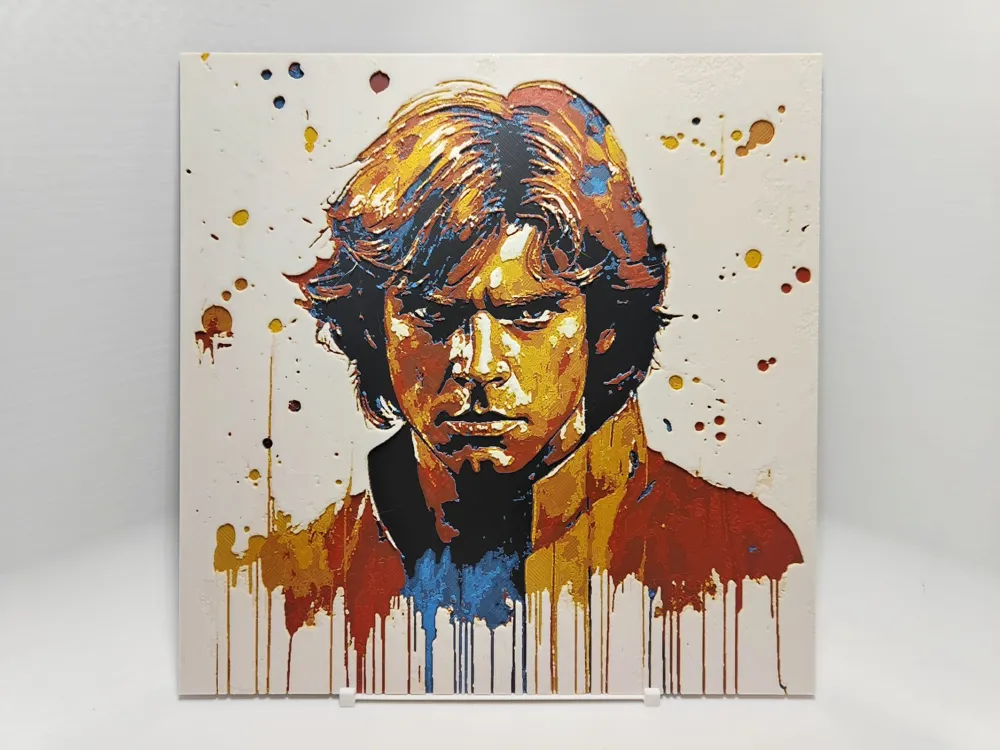
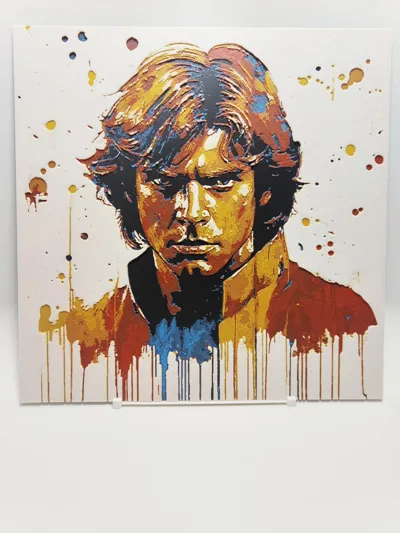
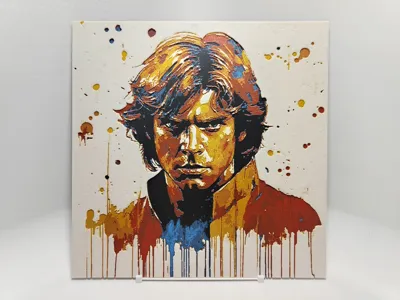
This is 5 colour Hueforge of Luke Skywalker abstract painting.
I uploaded two sizes 200x200 X1/P1/A1 and size 180x180 for A1 Mini.
And profiles for both sizes with pause during 2nd colour (Blue) for changing the other spool.
Guide for printing more than 4 colours with single AMS down below instructions.
Do not adjust the thickness (Z) in your slicer!! The layers will not come out right. You can adjust the other dimensions (X,Y) though to make it bigger or smaller, just not the thickness.
If you want stand for this print check out my Simple vertical stand.
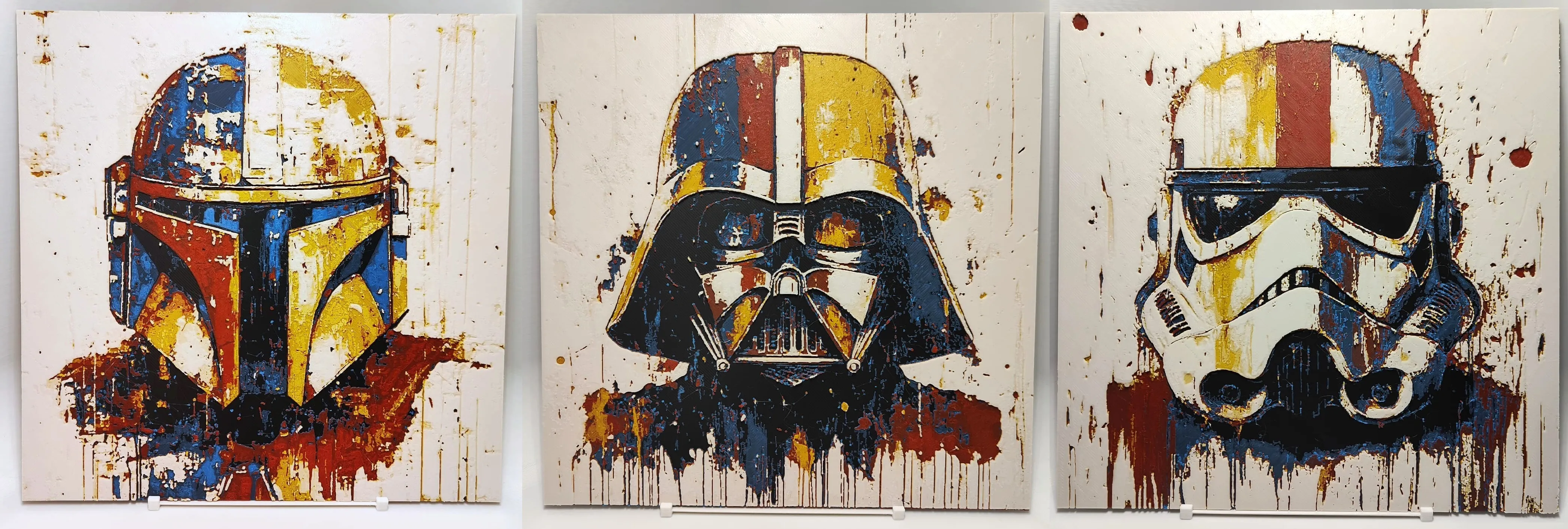
If you like this picture, you can look at my other Star Wars pictures here in this collection:
https://makerworld.com/en/collections/3849110
Boost Me (for free)
I print all of my creations myself.
If you like my work, pls send me a boost, it will help me make more.
Feel free to PM me if you have some idea for a nice picture.
Thank you.
Instructions:
Print at 100% infill with a layer height of 0.08mm with a base layer of 0.16mm
Filaments Used:
PLA BambuLab Basic Black Transmission Distance: 0.6
PLA BambuLab Basic Cyan Transmission Distance: 4
PLA BambuLab Basic Red Transmission Distance: 3
PLA BambuLab Basic Sunflower Yellow Transmission Distance: 3.2
PLA BambuLab Basic Jade White Transmission Distance: 4.8
This print uses 5 unique filaments
Swap Instructions:
Start with Black
At layer #5 (0.48mm) swap to Cyan
At layer #9 (0.8mm) swap to Red
At layer #13 (1.12mm) swap to Sunflower Yellow
At layer #17 (1.44mm) swap to Jade White for the rest.
How to print more than 4 colours with single AMS/AMS Lite
You can add pause in slicer, or pause manually during print, or you can download/print my profile with pause.
In my print profile pause is set during printing the 2nd colour (Blue).
When starting the print you can assign all of the colours to your 4 slots. Start with AMS filled with first four colours and then assign the last colour to slot using the first colour in the print, in this case black.
WRITE DOWN WHAT SLOTS DID YOU ASIGN FOR WHAT COLORS so you don't mess up.
For this print my assignment of colours looked like this:
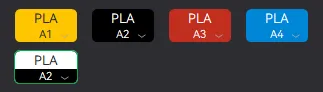
When the pause happens you simply change the spool for the last colour and press continue.
For this print I started with loaded colours in AMS this way:
Slot 1: Yellow
Slot 2: Black
Slot 3: Red
Slot 4: Blue
When the pause happens during 2nd colour (Blue), change the spools this way:
Slot 2 - change form Black to White
This is just example for this print, but this is the way to print more than four colours using single AMS.
License

You shall not share, sub-license, sell, rent, host, transfer, or distribute in any way the digital or 3D printed versions of this object, nor any other derivative work of this object in its digital or physical format (including - but not limited to - remixes of this object, and hosting on other digital platforms). The objects may not be used without permission in any way whatsoever in which you charge money, or collect fees.


Comment & Rating (15)