Search models, users, collections, and posts

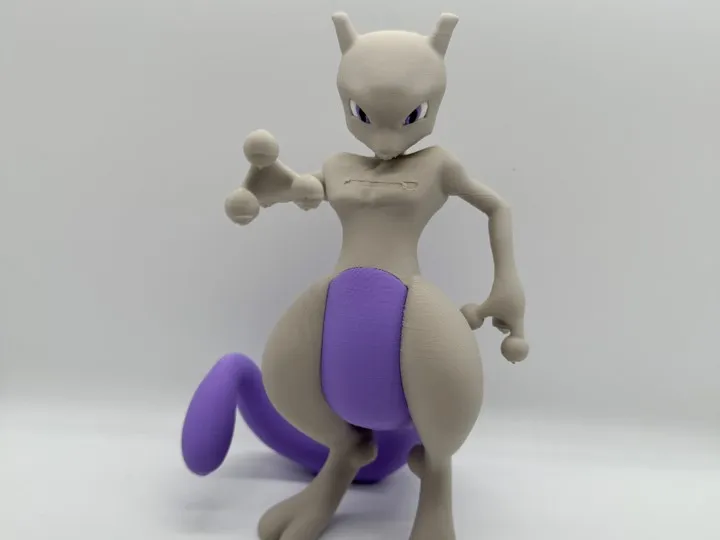
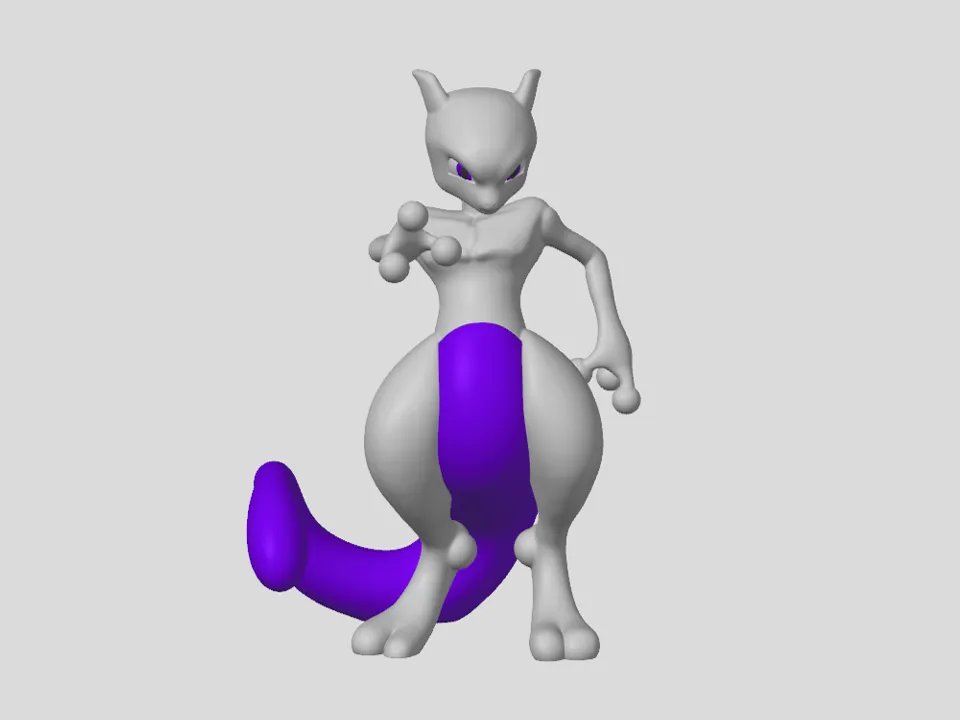
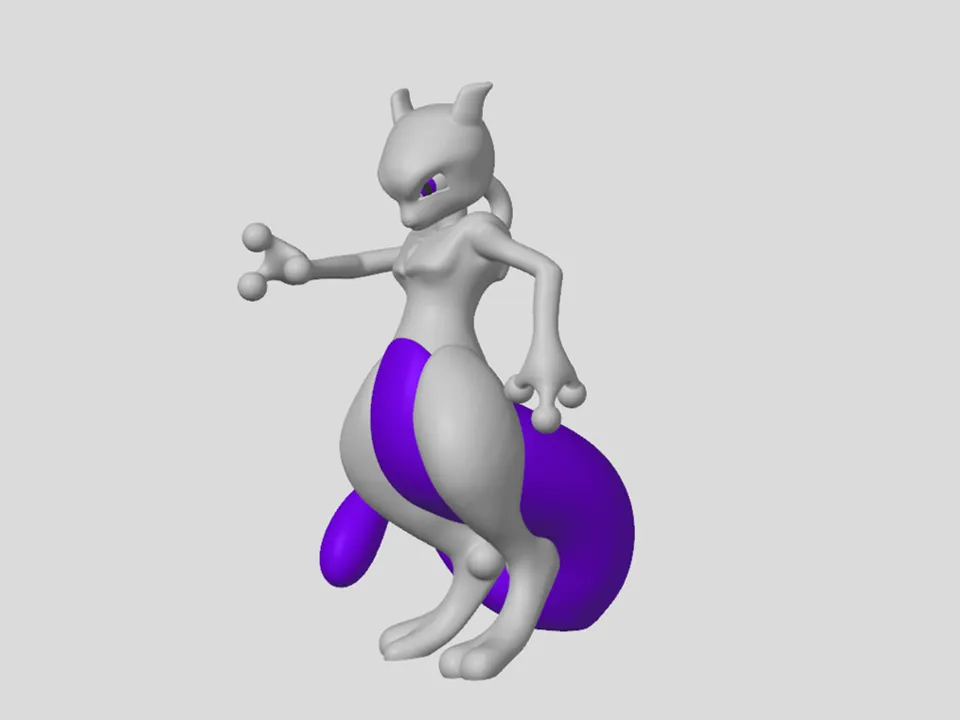
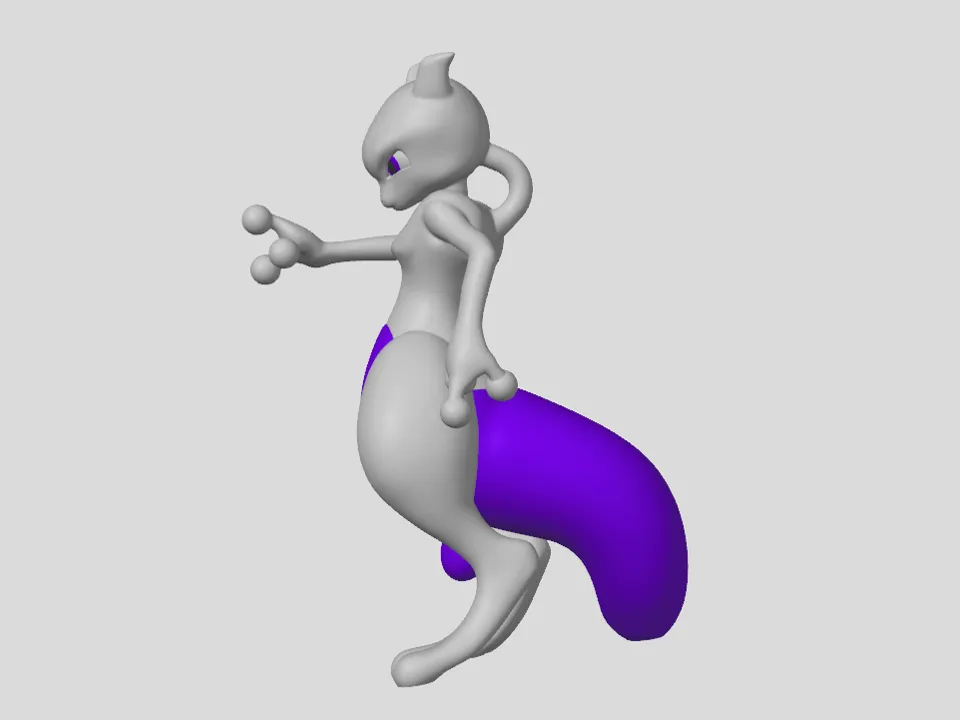
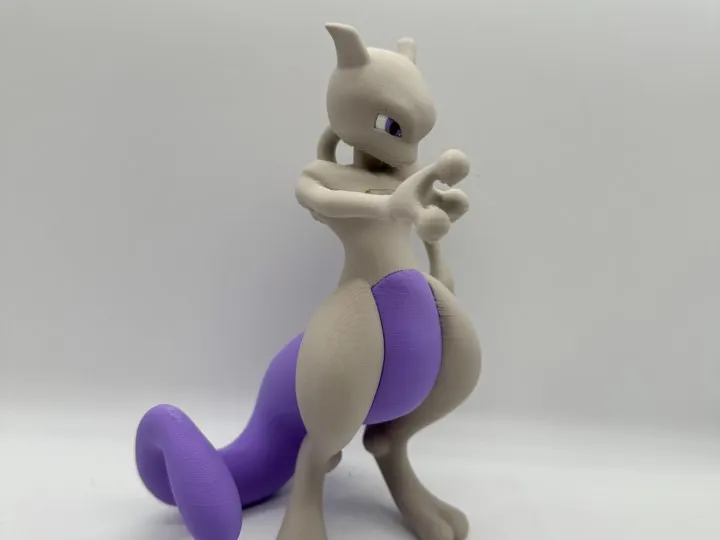
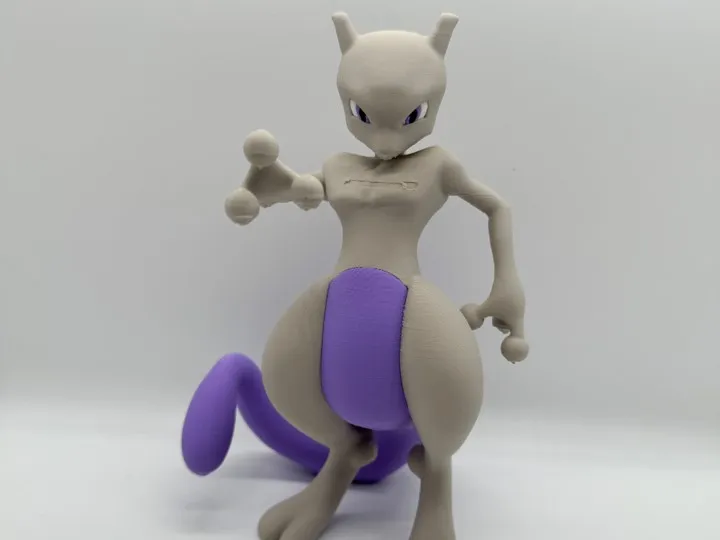
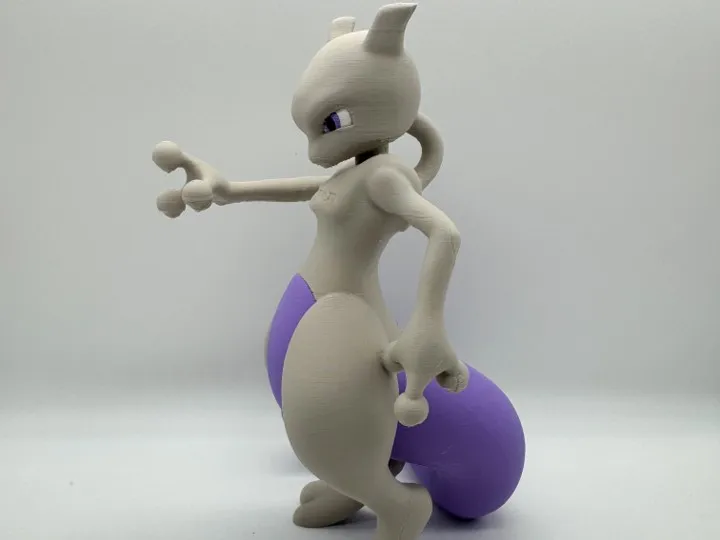
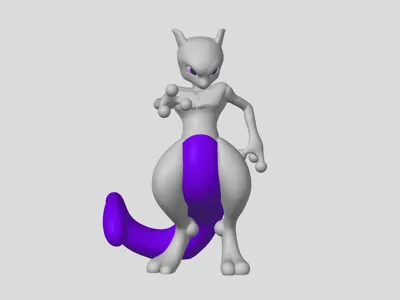
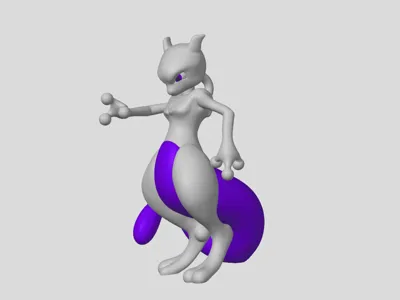
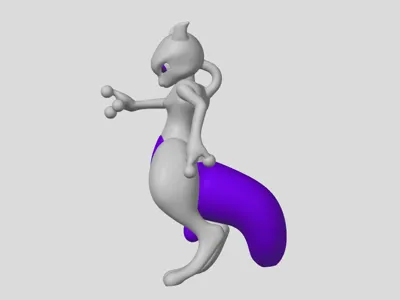
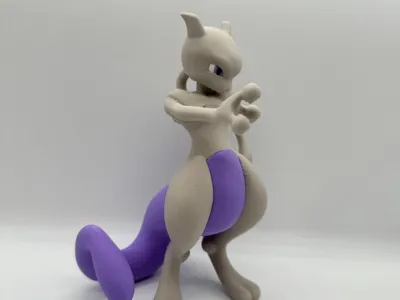
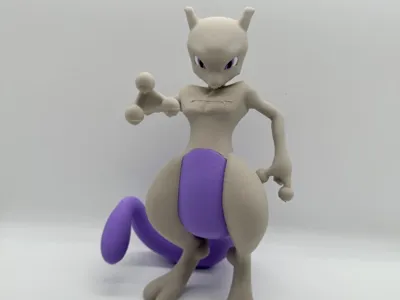
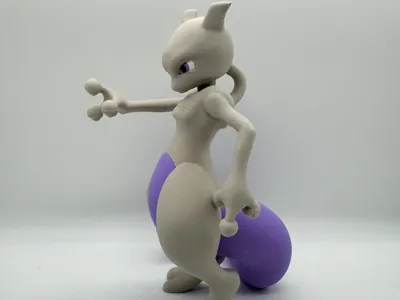
Mewtwo Multicolor

Print Profile(1)

All
X1 Carbon
P1S
P1P
X1
X1E
A1
A1 mini
H2D
H2D Pro
H2S
P2S
H2C
X2D
A2L

0.2mm layer, 3 walls, 10% infill
Designer
26 h
1 plate
4.7(98)

Open in Bambu Studio
Boost
821
1947
124
118
3.1 k
1 k
Released 

Description

Mewtwo is now available, and you have the choice between different file formats:

  • STL
  • 3mf for Multicolor Bambu Lab printer
  • 3mf for Multicolor Prusa printer

Video of printing the model: Instagram, TikTok, YouTube

For printing, I used PolyTerra PLA filament from Polymaker:

4 colors version:

To discover which new models will be released next, follow @polymaker_figurines:
Instagram, TikTok, YouTube

Join the Figurines Community on Discord

Happy Printing!

-----------------------------------------------

Printer settings on the Bambu Lab X1C

  • Rafts: No
  • Supports: Yes
  • Resolution: 0.2mm
  • Infill: 10%
  • Filament brand: Polymaker
  • Filament color: purple, grey, white and black
  • Filament material: PolyTerra PLA

Comment & Rating (124)

(0/1000)

Print Profile
0.2mm layer, 3 walls, 10% infill
I am a beginner so take this into consideration.
Support Issue:The supports seemed excessive to me. They were especially difficult to remove from around the neck and fingers.
Strength Issue: The left hand broke at the two two free fingers while attempting to remove after snipping/cutting the support in the middle.
Other Issues:The curved parts of the body, legs, arms and head had a very noticeable texture. Being a beginner I am not sure if this is an issue with my nozzle temp or using the Bambu Studio software vs the Bambu Handy app. There was also a lot of residual from the supports I could not get off. I tried 1500 grit sandpaper, but it is not coarse enough. Perhaps starting at 120 grit and stepping would work. Overall I felt this print profile was decent, but not for beginners. I did slow they P1S speed down to 50% overnight so that may have caused issues. The overall print quality with the seams and various lines/texture issues leave me wondering if I did something wrong or it's just print profile. I'm still learning!
1
Reply
I just printed this down to a smaller scale and had issues where the leg didn't form on the right, lots of junk left in the tail from support and fingers snapped off while trying to remove the supports. I think you've got some valid points, and I am also a beginner.
(Edited)
1
Reply
I do not understand why you rate with your stars when the fault was yours for not knowing how to use the slicer which is the first thing you should learn before criticizing the work of a designer which is not easy at all I encourage you to learn and do better
(Edited)
Show original
4
Reply
Replying to @elhachemaker :
but the slicer settings should be defined by the print profile, should it not?
(Edited)
1
Reply
Print Profile
0.2mm layer, 3 walls, 10% infill
215% scale, PLA
3
Reply
Print Profile
0.2mm layer, 3 walls, 10% infill
This one turned out pretty great! I was happy that I could get the supports off without breaking the model. ( Usually I am pretty ham handed.). Your design looks great and is well made. Thank you for sharing your design. The child that I am making this for with be very excited and happy with this.
1
Reply
Print Profile
0.2mm layer, 3 walls, 10% infill
leg broke but very good
1
Reply
Difficult to print, I've tried twice and the tail keeps falling off😓 Does anyone know how I can fix this?
Show original
0
Reply
Hey, clean your print plate thoroughly with dish soap until it is completely grease-free. Then use adhesion spray or a glue stick so that prints no longer detach from the plate. Dry your filament before printing. If it has absorbed too much moisture, the layers will not adhere cleanly to each other. You can also try printing at a slightly higher temperature – follow the manufacturer's recommendations.
Show original
0
Reply
Print Profile
0.2mm layer, 3 walls, 10% infill
Printed awesome for 99% of it. The supports removed easily. For some reason, the tail didn’t fill all the way. Not sure if it’s my machine or not, but I haven’t had any other issues. other than that, excellent!
0
Reply
use tree supports
0
Reply
Great model!!! I print it with 0.2mm layer, 15 infill and auto tree support. and here is few advice for other future print: 1. come back to check if your poop chute is full 2. mind the finger, it breaks out quite easy since it's layer building direction. 3. I will definitely get PVA support if I gonna print another one... it took me 2 hours to remove everything, particular the parts around the neck.
1
Reply
First print with my AMS lite and so thrilled with the results. Thank you so much!
1
Reply
Print Profile
0.2mm layer, 3 walls, 10% infill
OMG 🤩🤩🤩 THANK YOU THANK YOU THANK YOU 🤩 - Print: perfect - Duration on my A1 mini: approx 18.5 h - but it was worth it 🤩 I will print another Shiny one 🥳🥰 and Morpeko finally has a friend 🥰
Show original
0
Reply
Verwendetes Filament: PolyTerra Muted White, Overture Matte White, eSUN PLA+ Black und PolyTerra Muted Purple
0
Reply
Print Profile
0.2mm layer, 3 walls, 10% infill
no issue love it he's got a friend in arcanine loved this series and will keep printing your pokemon design waiting on Mew next 😀
1
Reply

License

This user content is licensed under a Standard Digital File License.

You shall not share, sub-license, sell, rent, host, transfer, or distribute in any way the digital or 3D printed versions of this object, nor any other derivative work of this object in its digital or physical format (including - but not limited to - remixes of this object, and hosting on other digital platforms). The objects may not be used without permission in any way whatsoever in which you charge money, or collect fees.
