
Hygrometer Holder

Print Profile(4)


Bill of Materials


Description
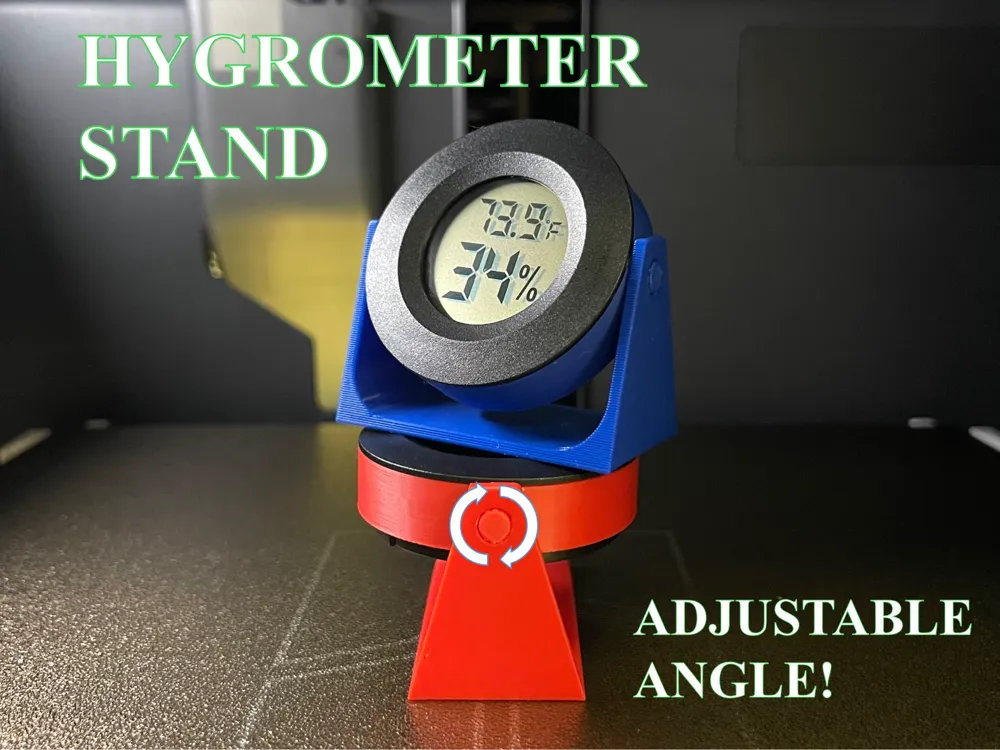
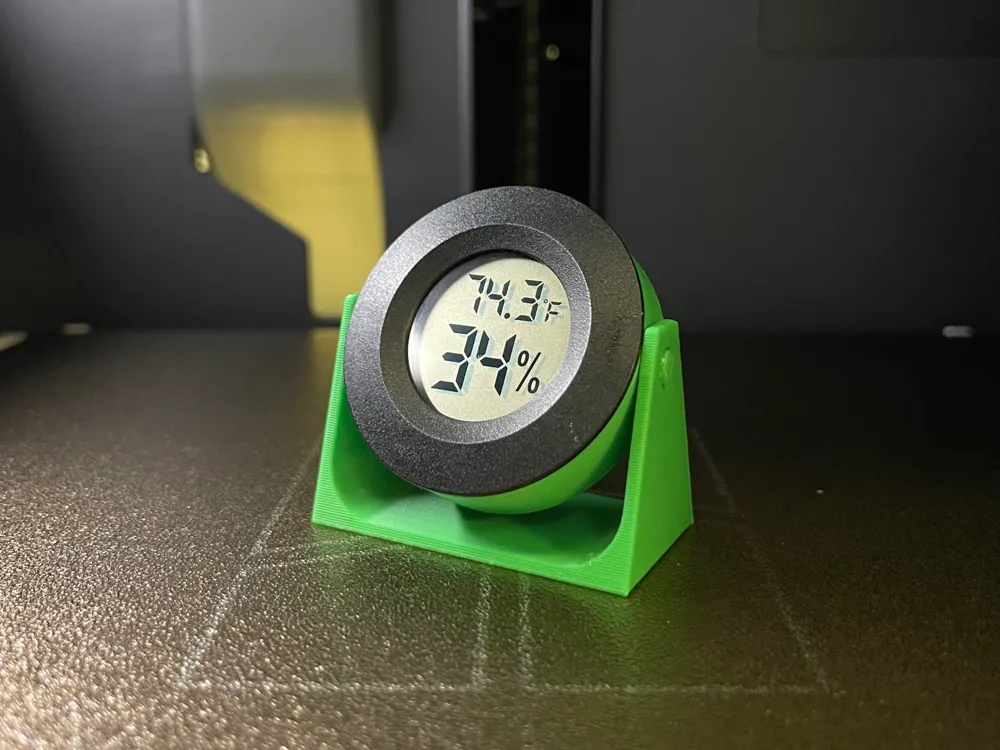
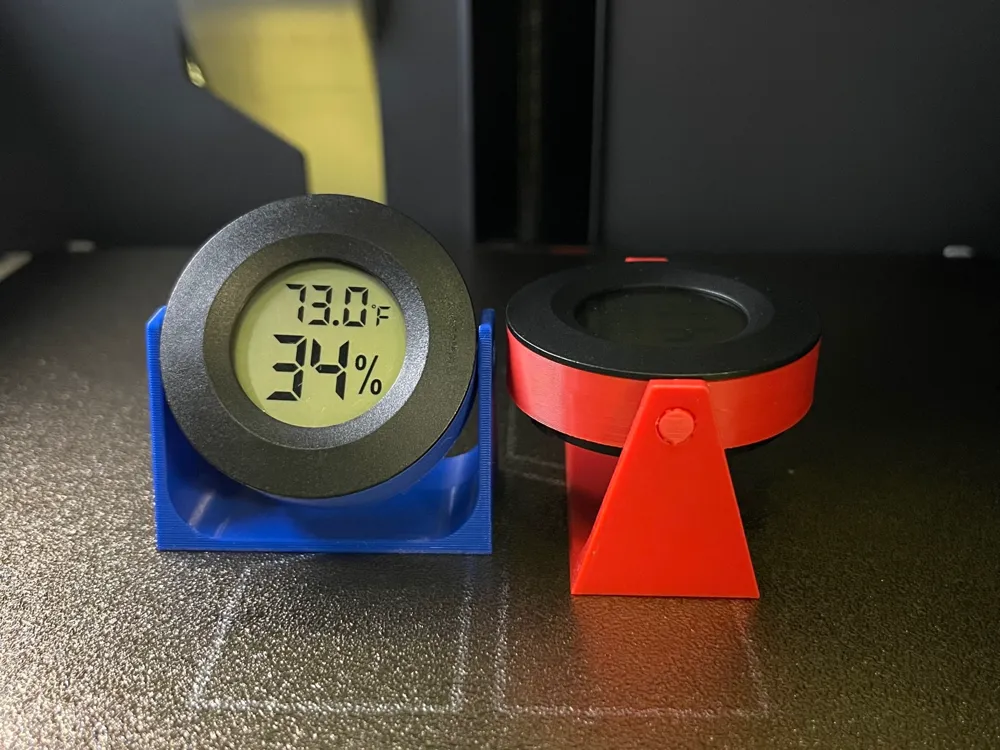
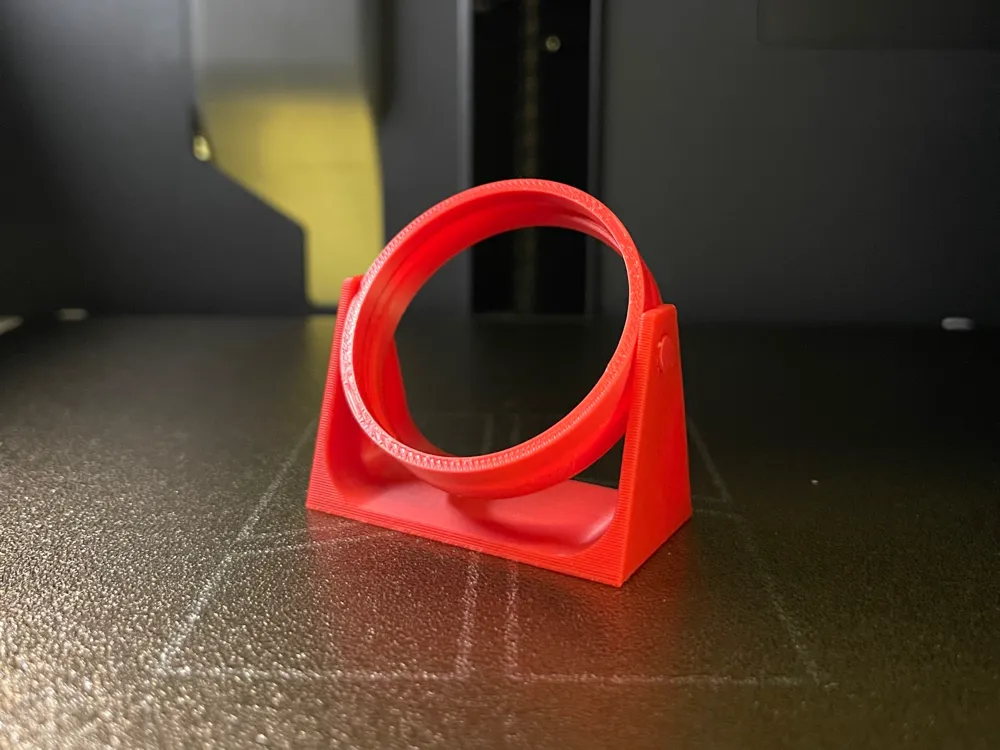
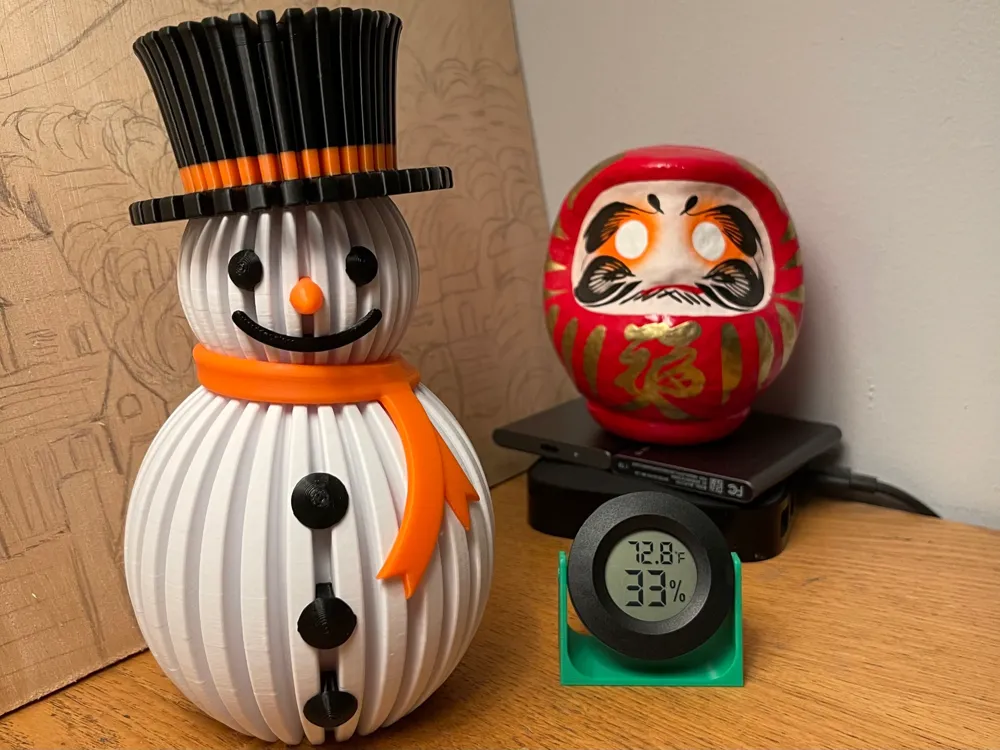
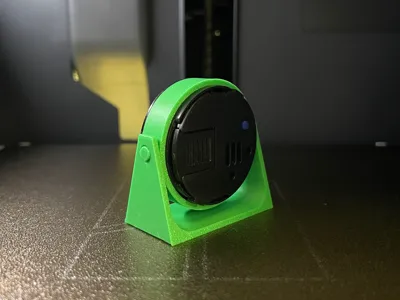
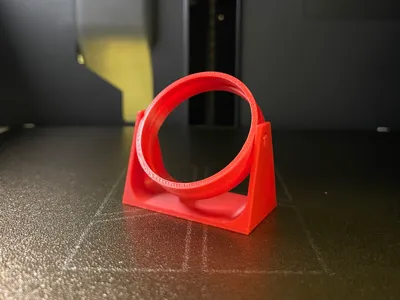
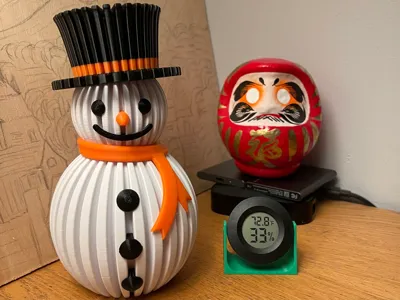
Adjustable angle hygrometer holder for round hygrometers- will work with all tab patterns. Tired of bending down to get the right viewing angle for you hygrometer? Tilt the hygrometer instead!
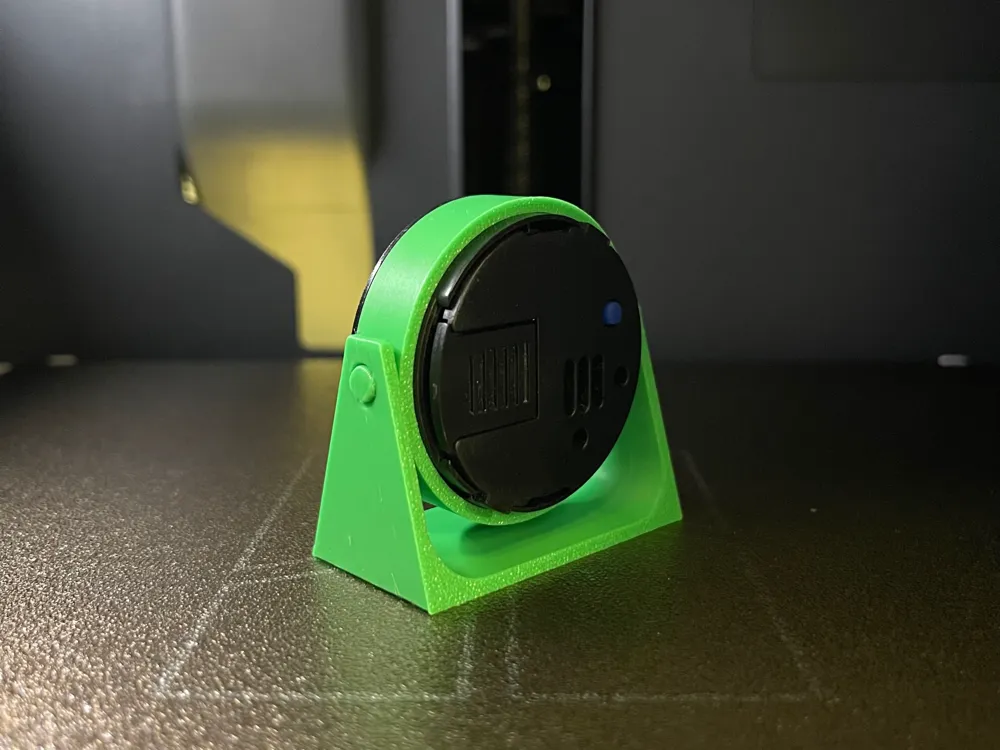
Open Back design: does not block any sensors and the battery is swappable without removing the stand. Prints in less than 30 minutes. No additional hardware is needed. Fast and easy print- Less than 8.2 grams!
If you need an adjustable mount for your rectangular hygrometer, I make one too!
https://makerworld.com/en/models/901588#profileId-860704
Installation:
- Print in place, no supports, no brim (make sure build plate is clean).
- After printing, rotate the housing in the base. A little bit of force will be needed to loosen the joint.
- Push the hygrometer into the housing; the tabs will snap in and lock the hygrometer in the housing.
- NOTE: Level hygrometer before pushing it all the way in.
Removal:
- With hygrometer facing away from you, put index and middle finger nails on both sides of the housing.
- Point towards soft object. Push firmly on the back of the hygrometer with your thumbs. The hygrometer will pop out of the housing.
For use with circular hygrometers that you can get from Bambu. Also commonly found on Amazon:
License

You shall not share, sub-license, sell, rent, host, transfer, or distribute in any way the digital or 3D printed versions of this object, nor any other derivative work of this object in its digital or physical format (including - but not limited to - remixes of this object, and hosting on other digital platforms). The objects may not be used without permission in any way whatsoever in which you charge money, or collect fees.


Comment & Rating (200)