
Nozzle Indicator
Print Profile(1)

Description
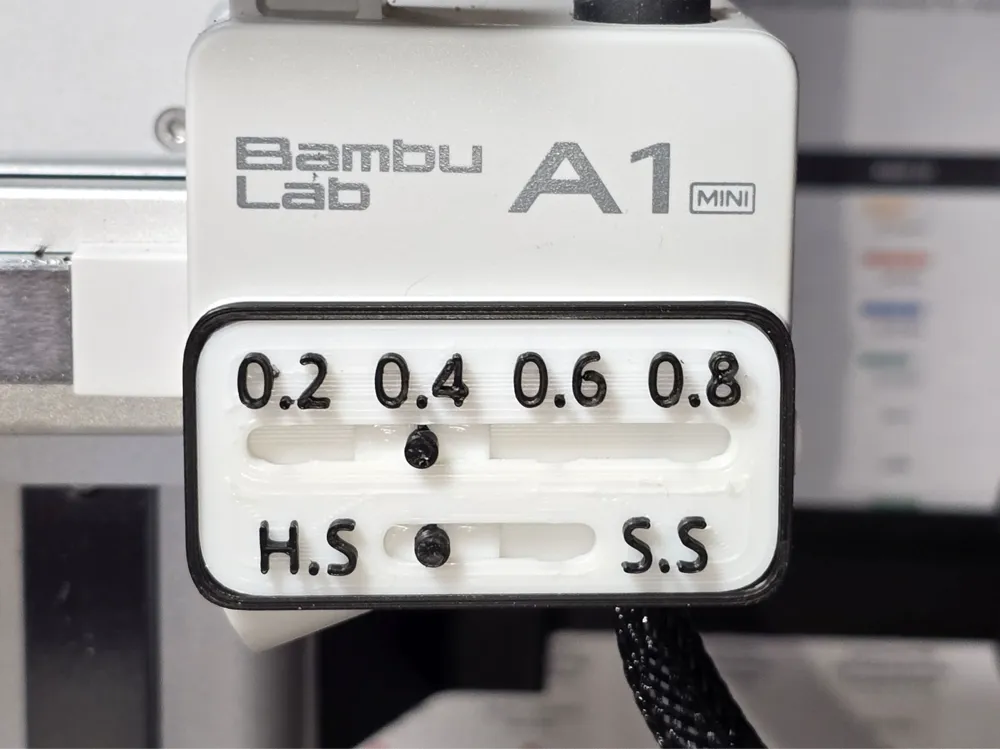
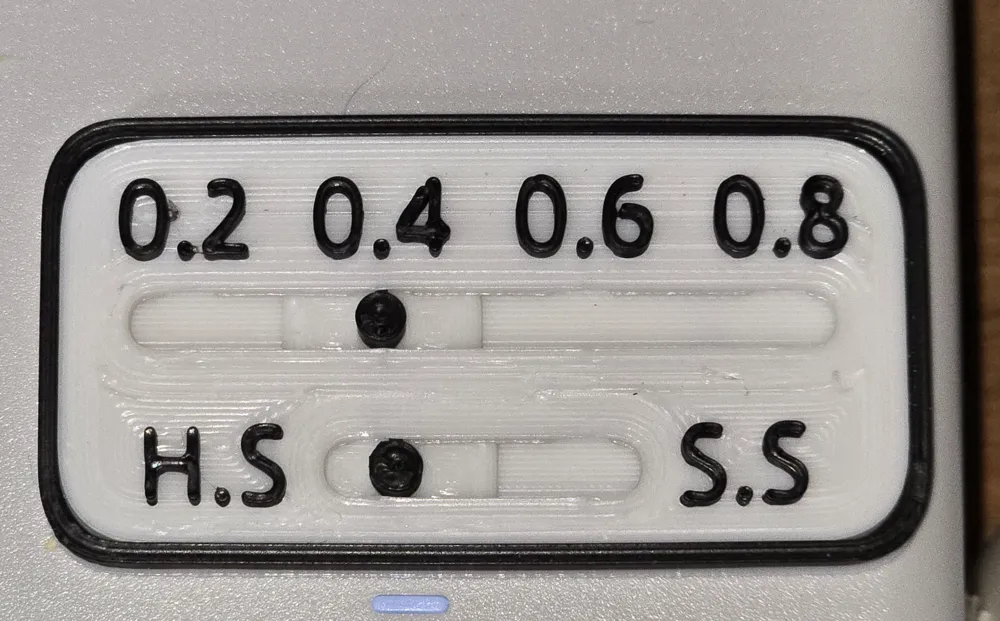
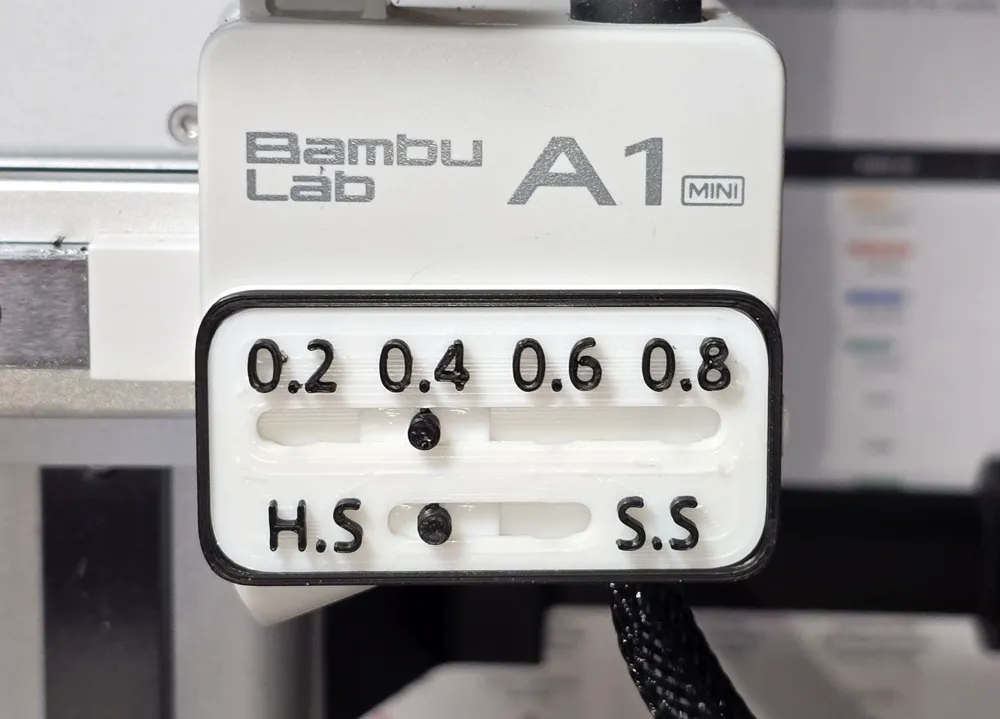
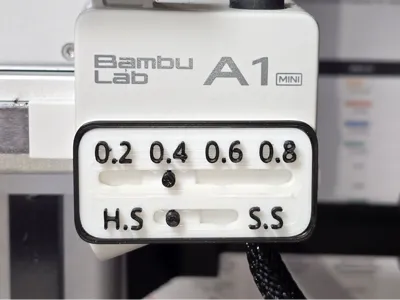
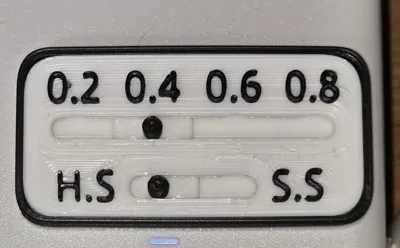
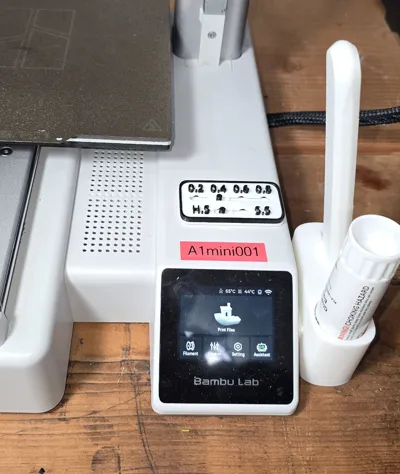
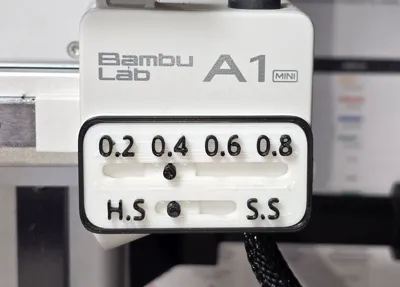
This Nozzle Indicator can be used to make it visible which nozzle is installed in your 3D printer.
No AMS or Glue required.
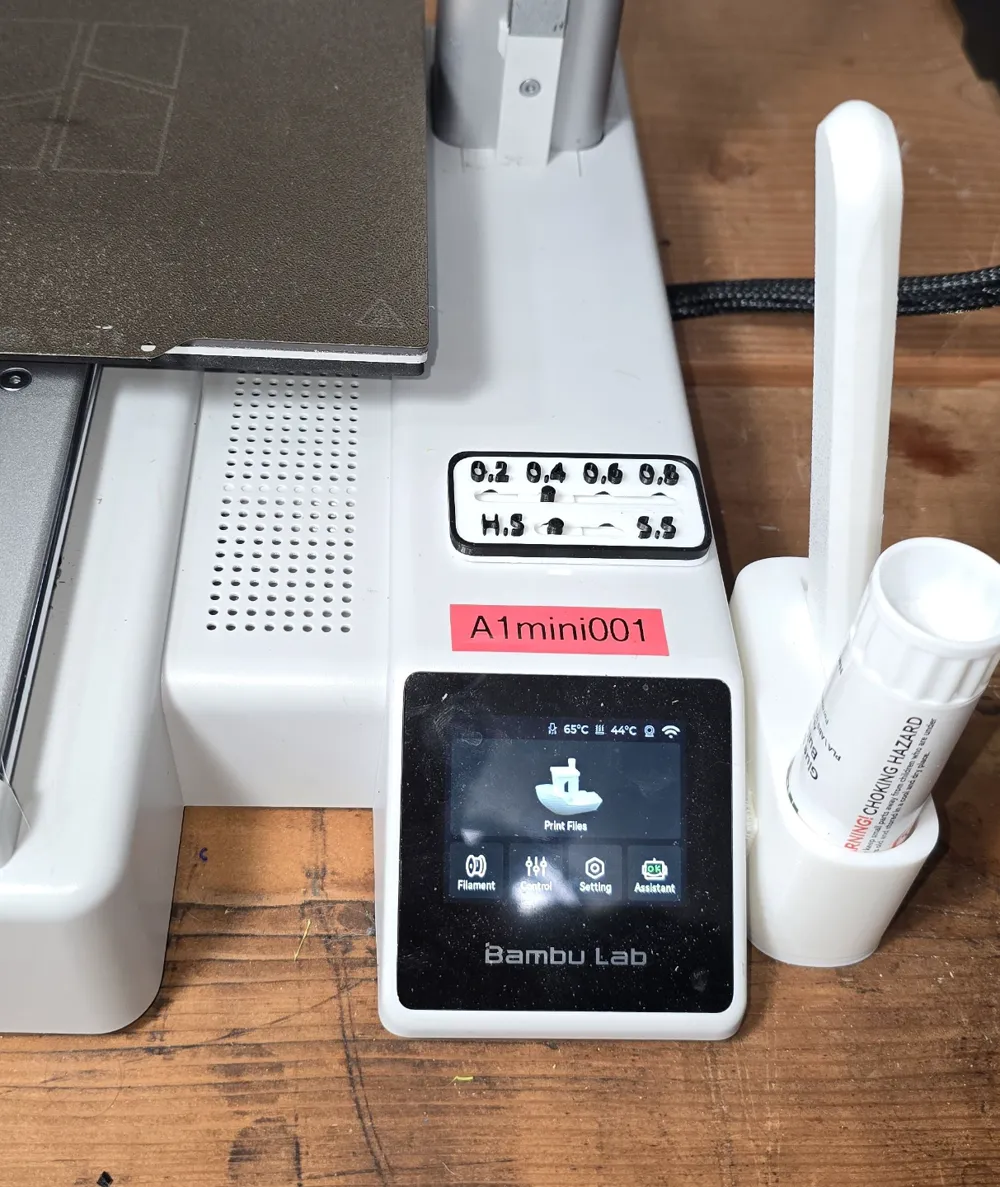
I was inspired by @paul_ who designed the Current Nozzle Indicator https://makerworld.com/en/models/612227. When I saw that he had designed a smaller version, I thought that it was still too big. Plus it has to be attached to a solid surface to hold the sliders in place. So I decided to design my own version from scratch that would be small enough to fit on the X-axis Motor Cover of my A1 mini or on the base behind the display. Also, I wanted it to keep the sliders captive and not require any glue or tape to use by itself without attaching it to anything if you don't want to. I think I met those goals.
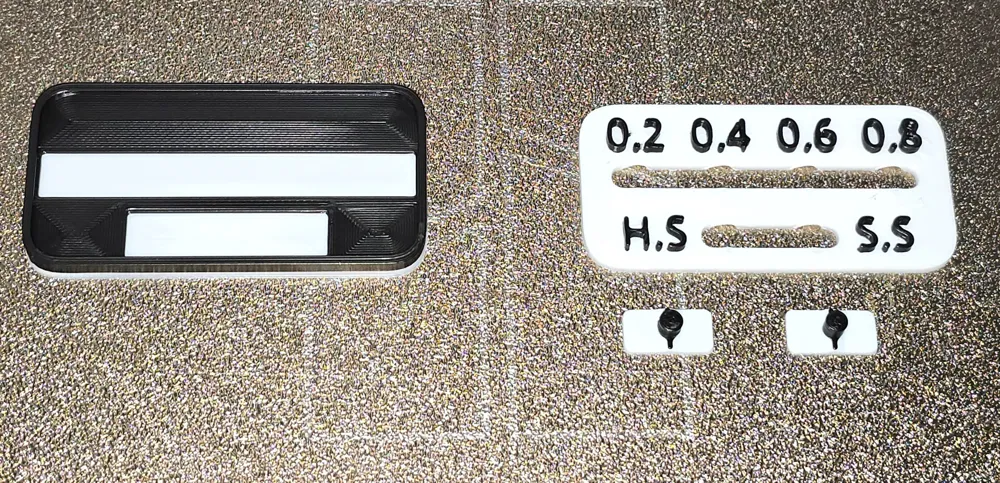
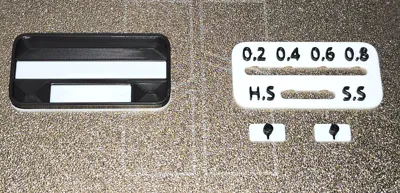
I don't have an AMS, so I just set up the print profile to pause before layer 9 to allow a filament change. The first filament will be the color of the background (white in my print) and the second filament will be the color of the lettering and the tips of the sliders.
After printing, put a slider into each slot of the base and press the cover into the base with the tips of the sliders sticking through the slots in the cover. It will just snap into place. The sliders can be a bit difficult to move, but that is intentional to keep them from moving when you don't want them to.
I printed in PLA. Should work with PETG but I haven't tried it.
License



Comment & Rating (3)