
Giving New Life to Used Bambu Spool For Automation

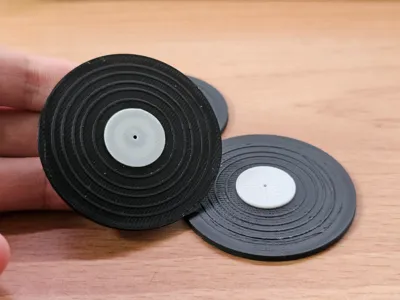
Print Profile(1)

Description
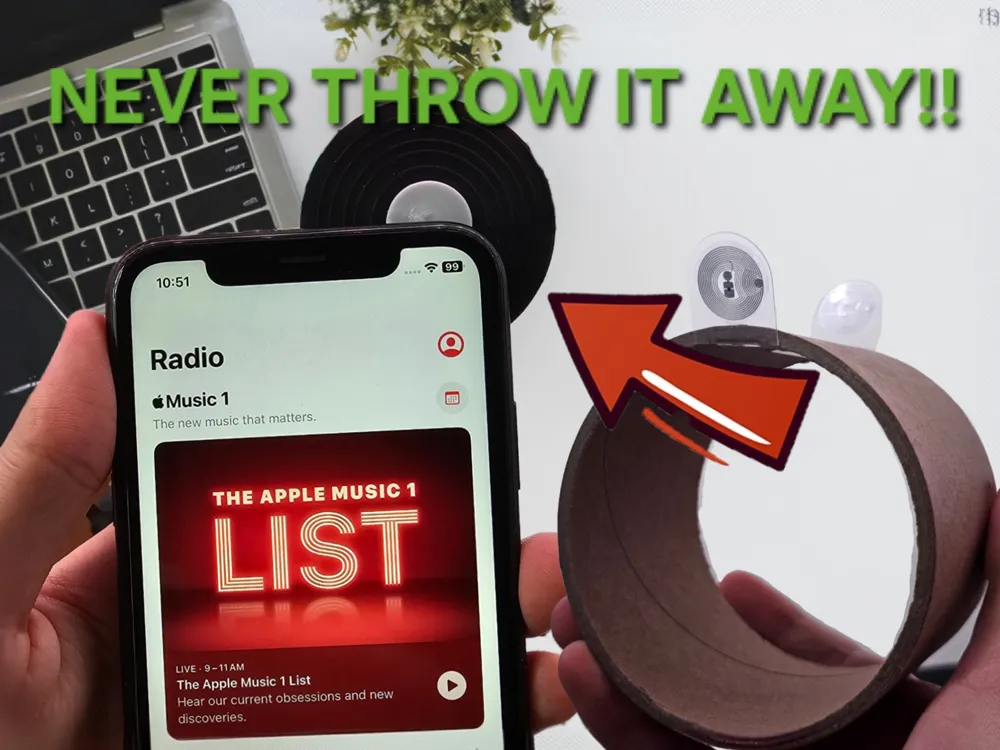
Don't Throw Away Your Used Bambu Filament Spools!
Do you feel it’s wasteful to toss out used Bambu filament spools? Here’s a brilliant upcycling idea: turn them into automated music records or use them for other smartphone automation tasks!
Step-by-Step Tutorial
- Remove the NFC Tag from a Used Bambu Filament Spool
Carefully cut out the NFC tag from the filament spool. Print the Vinyl Model and Insert the NFC Tag

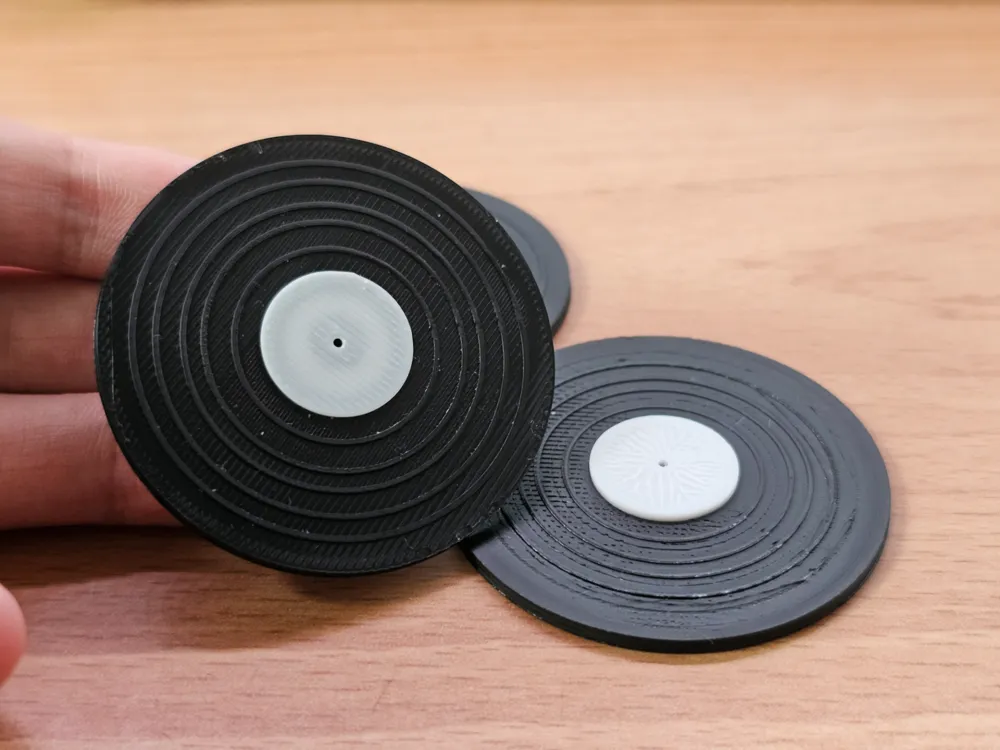
Print my vinyl model, and place the NFC tag inside. Apply a small amount of glue to secure it in place, preventing it from being blown away by the auxiliary fan.
- Continue Printing
Once the NFC tag is securely in place, resume the printing process. - Set Up Automation on Your Smartphone
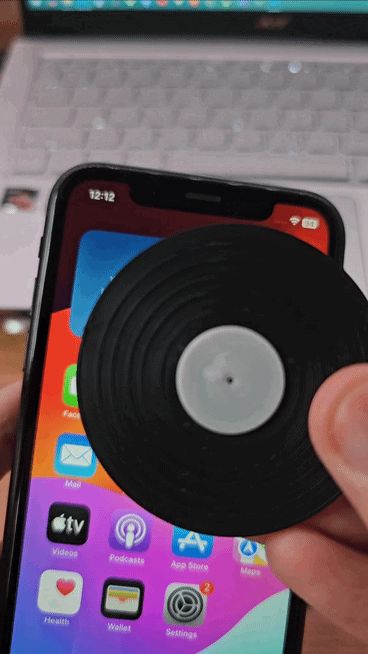
Configure the NFC tag to trigger an action on your smartphone, such as playing music or performing other automated tasks.
For now, this method involves using Tasker (a paid app), but I am looking for a free alternative.
================================
2024/11/16 - UPDATE
Tutorial for Android phones uploaded.
License

You shall not share, sub-license, sell, rent, host, transfer, or distribute in any way the digital or 3D printed versions of this object, nor any other derivative work of this object in its digital or physical format (including - but not limited to - remixes of this object, and hosting on other digital platforms). The objects may not be used without permission in any way whatsoever in which you charge money, or collect fees.


Comment & Rating (147)