Search models, users, collections, and posts

Parametric Quick & Simple Label Maker
IP Report

Print Profile(1)

0.16mm layer, 2 walls, 15% infill
Designer
21 min
2 plates
Open in Bambu Studio
Boost
129
375
9
13
415
154
Released
Description
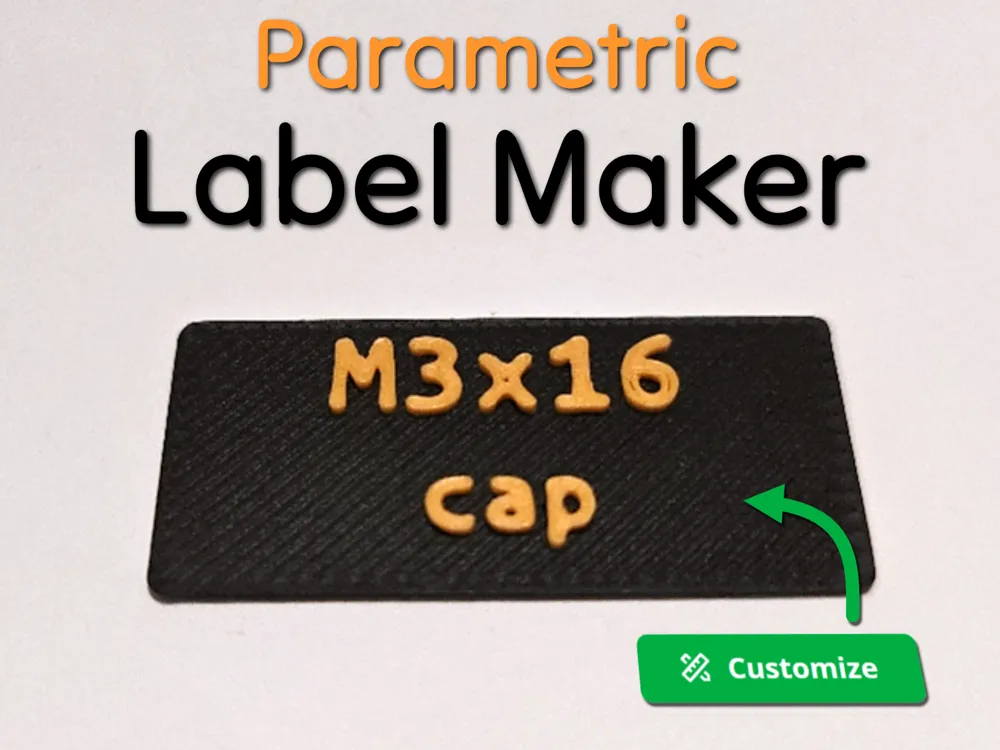
Parametric Quick & Simple Label Maker 🔠
This parametric model generates easy, customizable labels for any purpose. Originally designed to streamline the creation of screw labels for this project, but I thought this design might be useful for much more !
V3 is live !
- Better implementation of dynamic text sizing
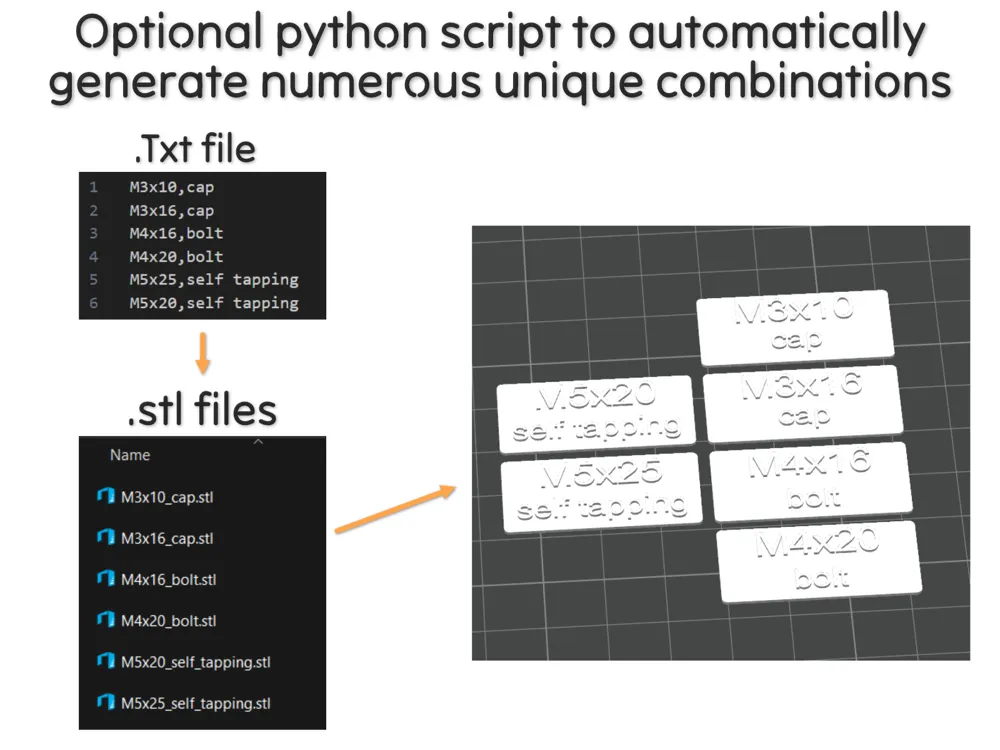
- You can directly generate 10 labels without using the python code
- Multi-line support using a custom separator
- Support for sub-folder when automatic label generation
Usage Guide (for automatic label generation)
1. Setup
- Make sure you have OpenSCAD installed and accessible via command line.
See documentation for instructions on making openscad accessible via command line.
To verify, simply write openscad in a terminal and it should open the application.
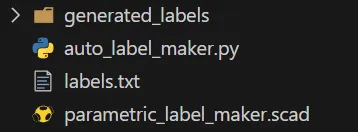
2. Download and unzip the automatic_labelling folder
- Modify labels.txt to generate your custom labels
In the python script, you can change the default separator ("/")

3. Run the Script
- Change your labels dimensions in parametric_label_maker_V3.scad as you want
- Open a terminal in the working directory
Run the script in a command line:
python generate_labels.py - The script will read each line in labels.txt, parse them, then generate an STL file in a folder called generated_labels.
4. Output
- The generated .stl files are saved in generated_labels, with filenames based on the label values (e.g., M3x16_cap.stl).
- Drag and drop the stls inside the 3mf file and colorize them.
- I use the preview window to set a color change from a specific layer. This way, it applies to all stls directly
Feel free to reach out if you have any questions. Enjoy your making journey! 🛠️💬
Boost Me (for free)
If you like this model, a boost is always appreciated ! 😊 Thank you very much !
If you really like what I do, you can also buy me a beer🍺! Happy printing!
Documentation (2)
Assembly Guide (1)
instructions_env_path_openscad.pdf
Other Files (1)
automatic_label.zip
License

This user content is licensed under a
Creative Commons Attribution-Noncommercial-Share Alike


Comment & Rating (9)