
AMS lite Feeder PTFE Tube Connector-Saver

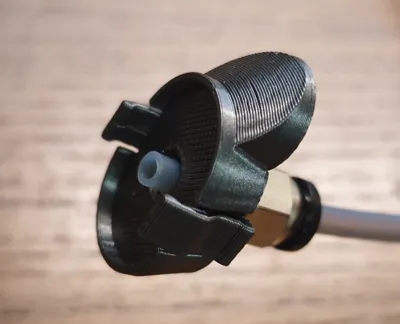
Print Profile(2)


Bill of Materials


Description
⚠️Working on this complicated model takes a lot of time and if you like my work and want to support me and this design - please BOOST this design (click on the small Rocket 🚀 or „BOOST“ button) and print my bulletproof “Designer” printprofiles!🙏👍 Thank you in advance!🙏
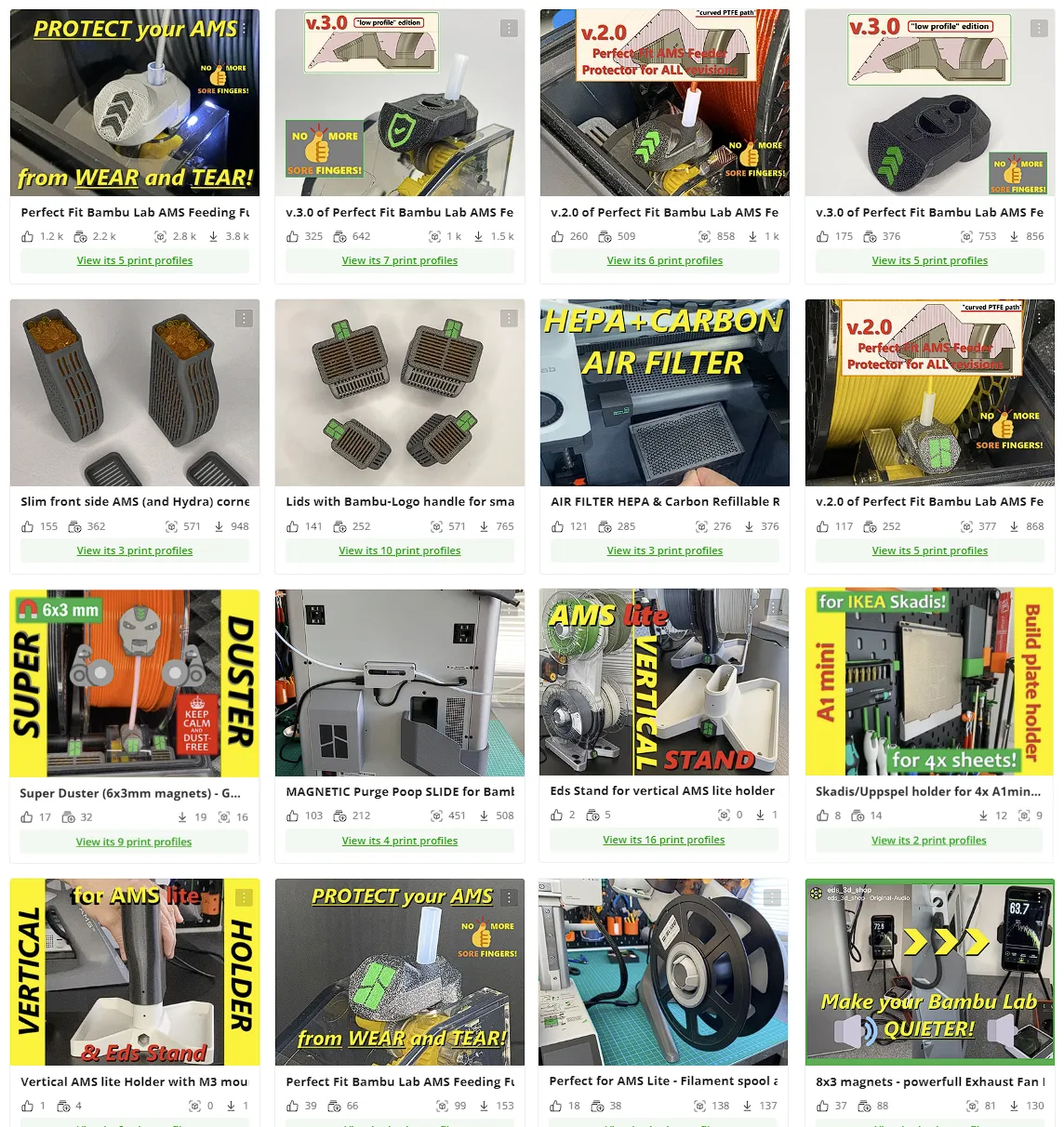
⚠️If you interested for another two variants of this design - take a look at these:
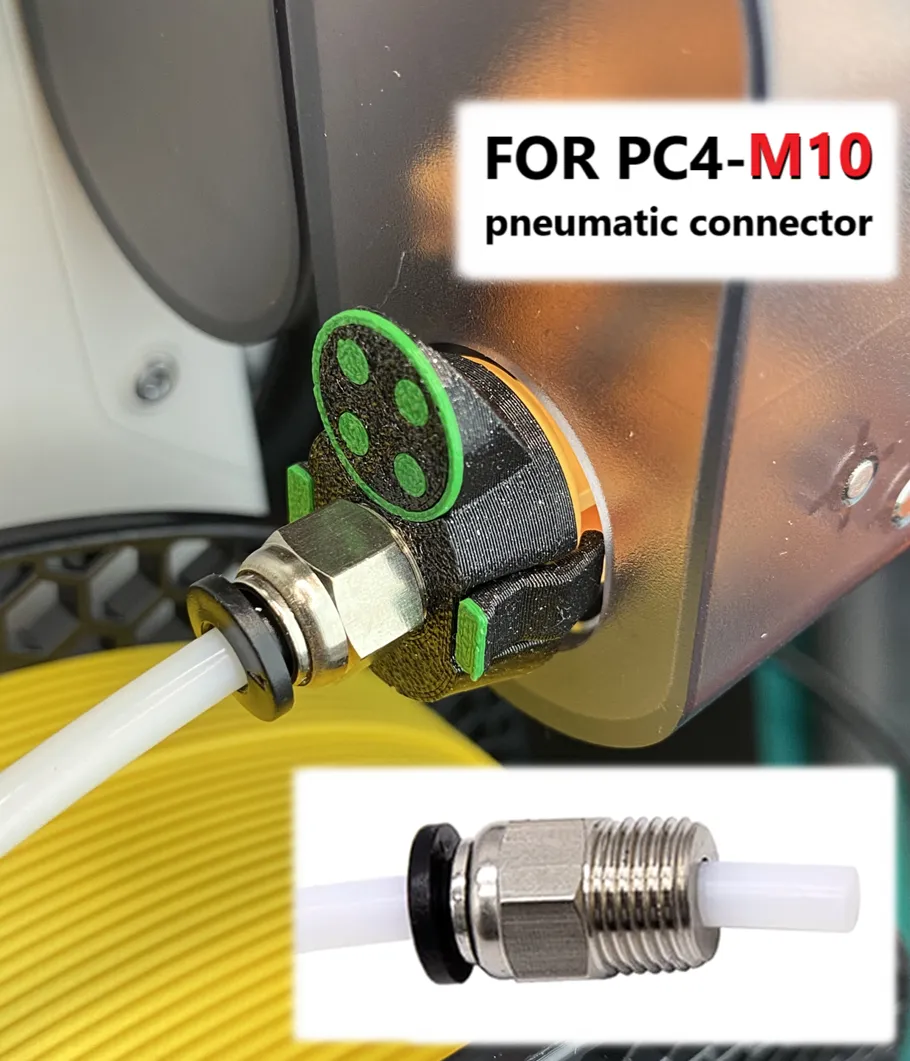 | 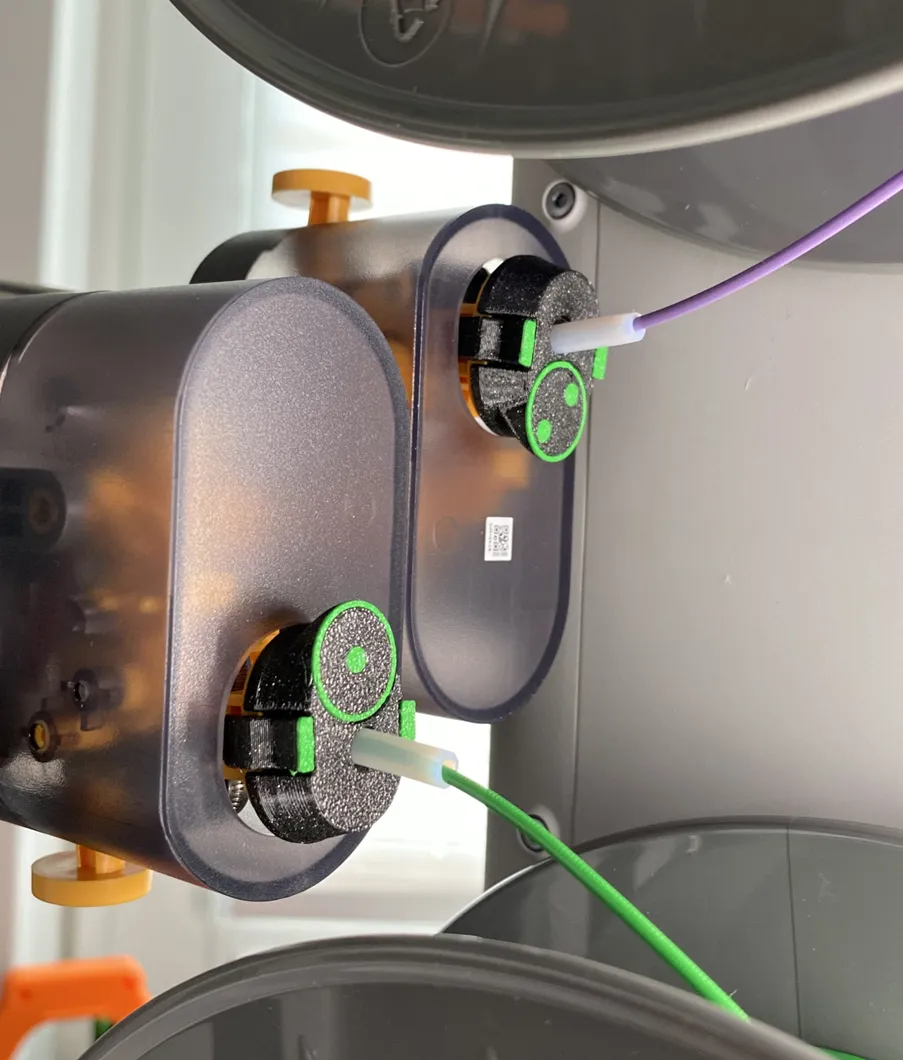 |

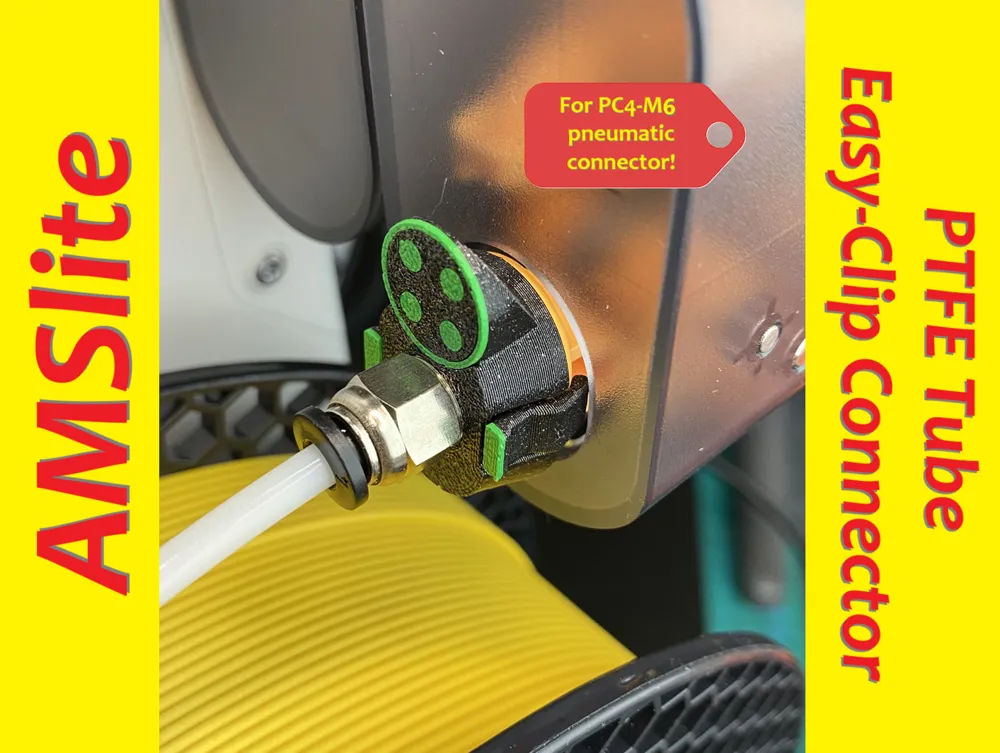
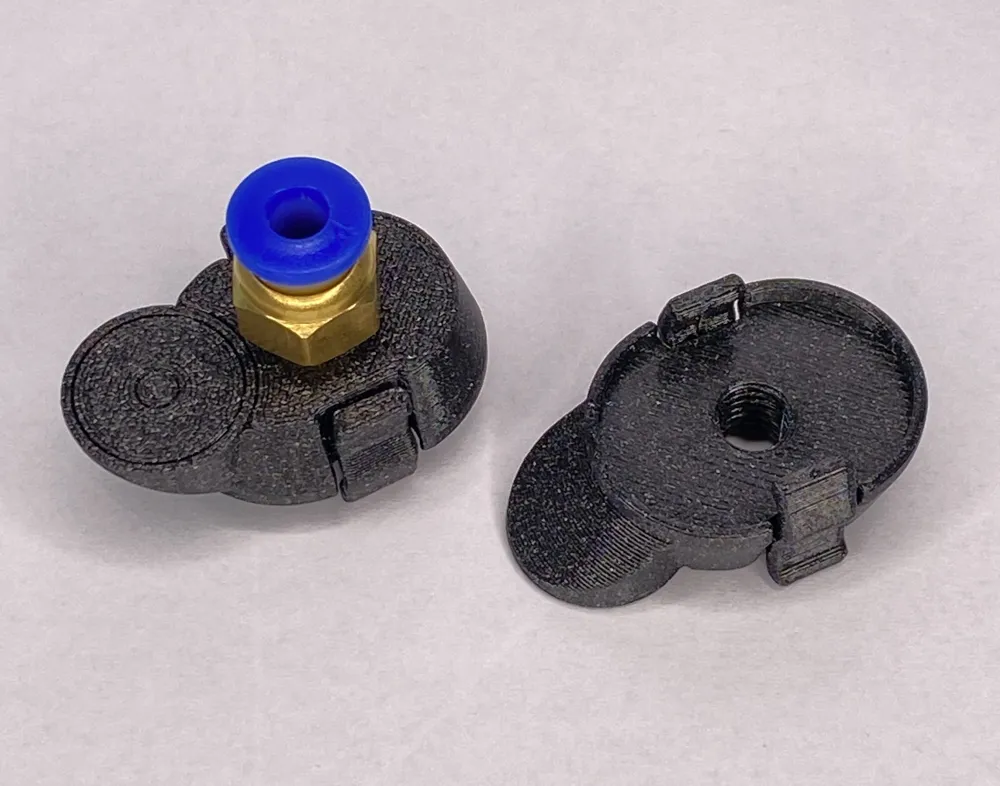
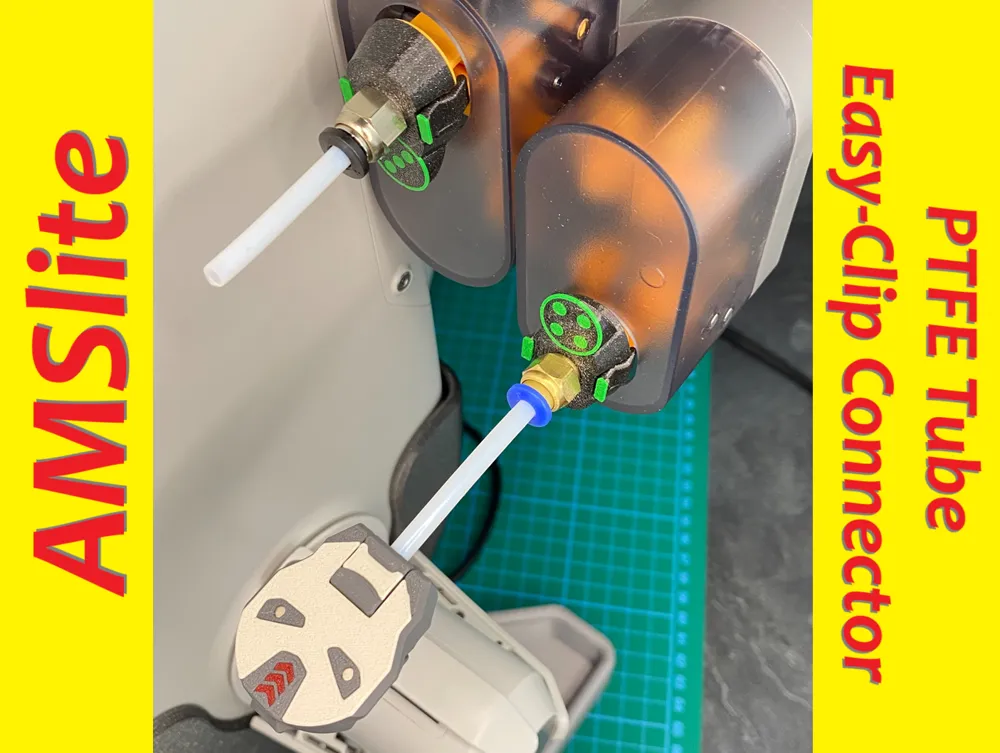
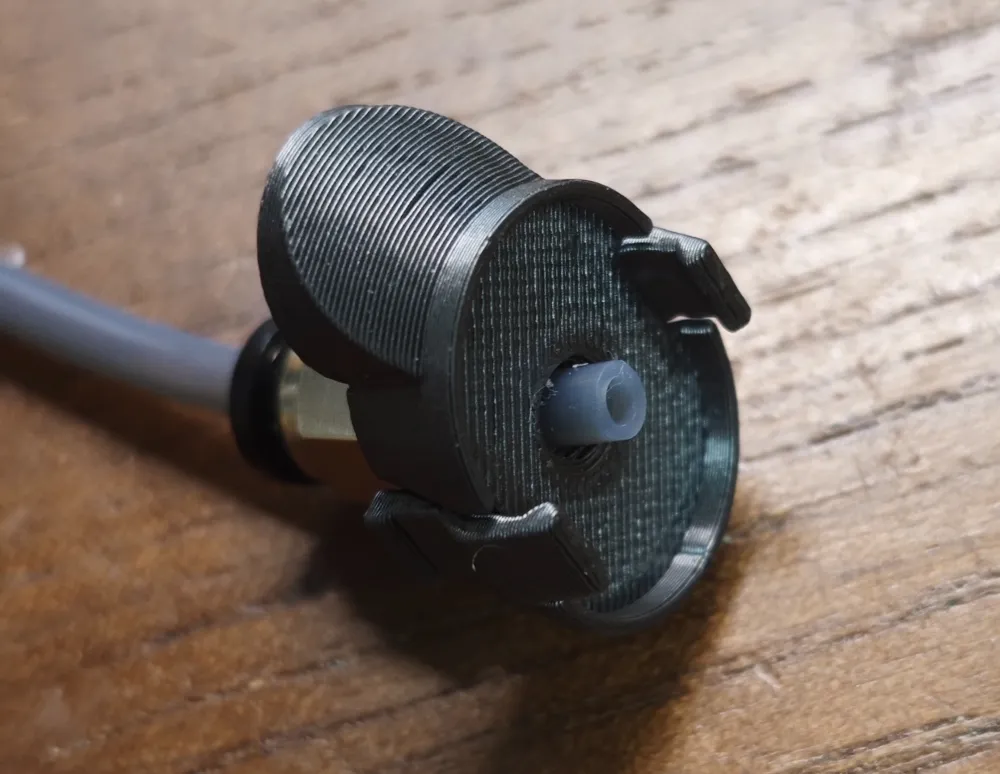
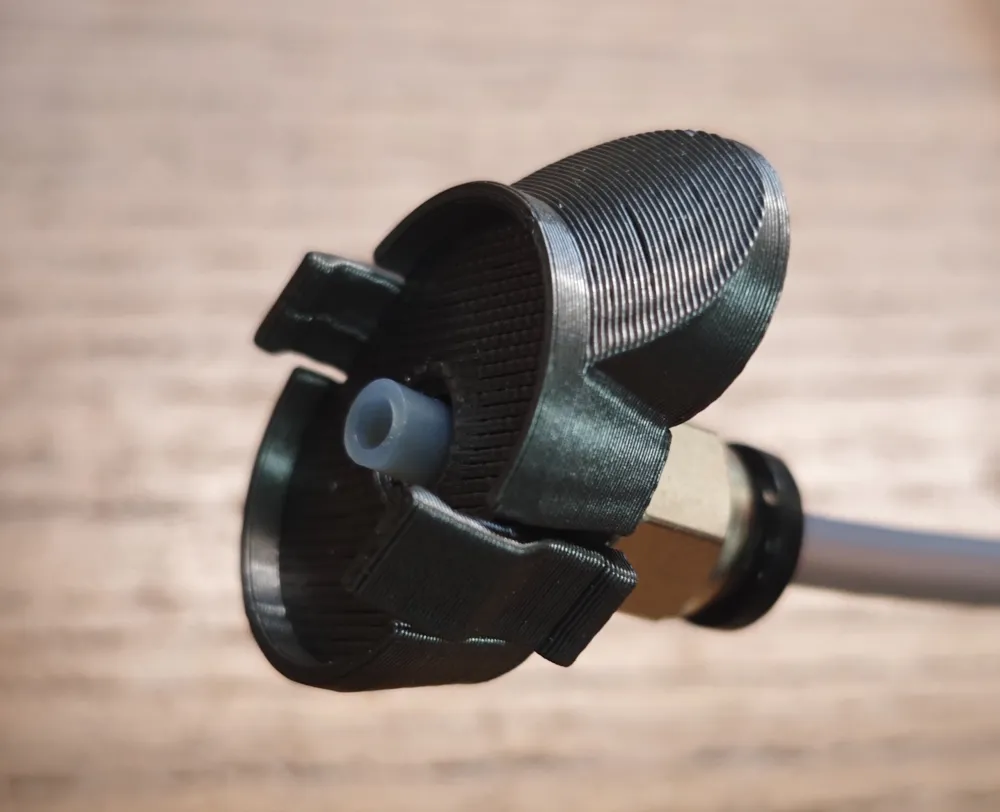
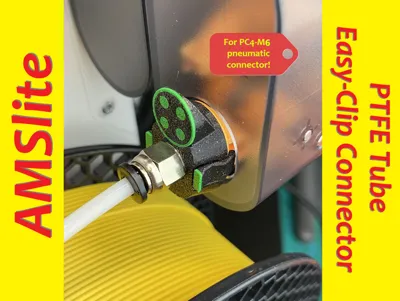
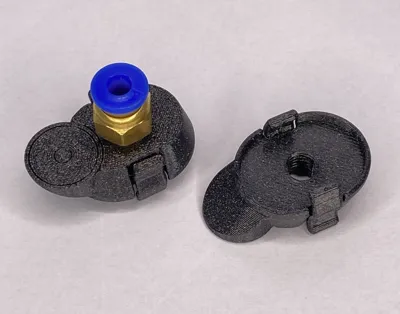
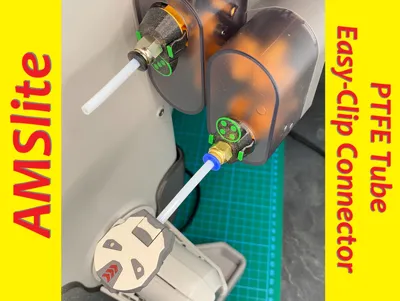
After the release of AMSlite PTFE Tube Easy-Clip-Connector, I was asked by many AMSlite owners if I could also make a variant for the pneumatic connector. Many of them would like to be able to connect their DryBoxes, external filament holders directly via PTFE hose and AMSlite. I have already created this variant for the PC4-M10 pneumatic connector. My follower Zardozlv.w asked for the variant for PC4-M6 connector and i've created this one!
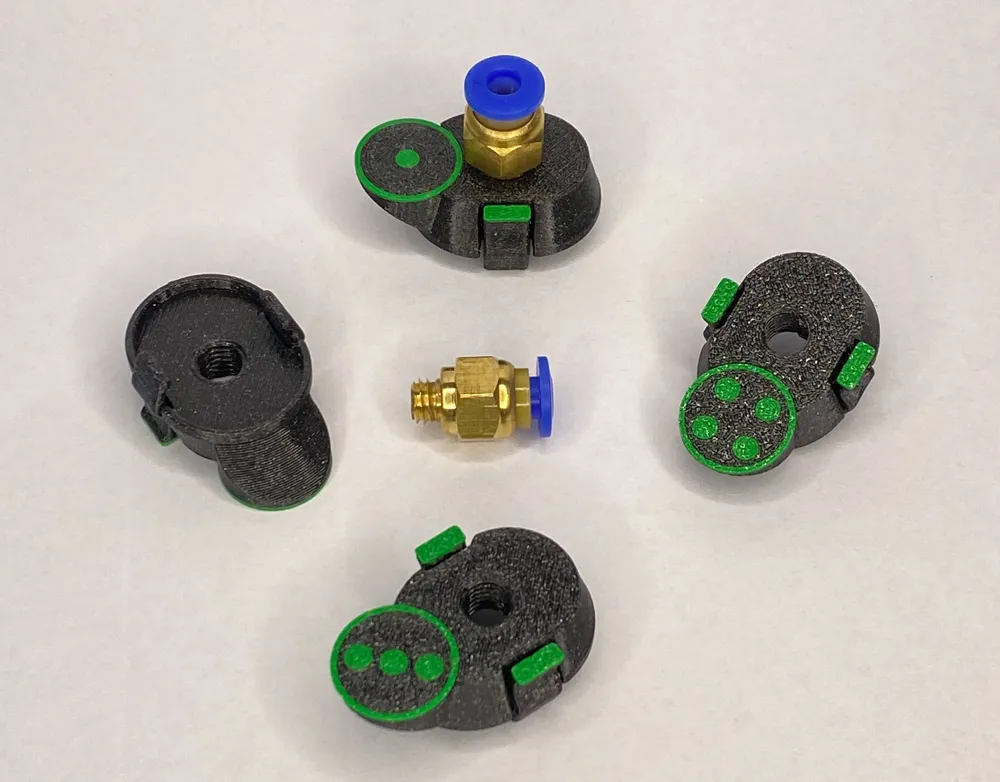
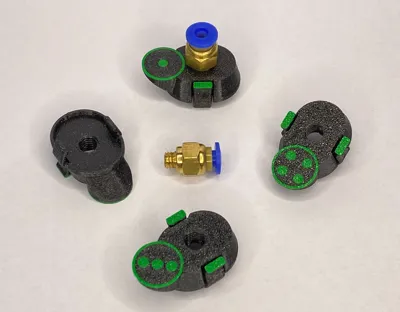
These little helpers have beautiful dice symbols to number the filament inputs on the AMSlite. This is especially helpful when installing AMSlite vertically!
Thanks to my supporter and tester Zardozlv.w 🦾😍
With his great help I was able to check and improve the functionality of this design!!! 🙏❤️👍
Please check his profile - you will discover some cool and helpful designs! 👍
⚠️This model must be printed in PETG filament! PETG is very important for the function of the clamps! Printed with PLA, for example, they won't last long on the AMSlite! ⚠️
Print Instructions:
⚠️I recommend to use my print profiles - there are all these settings well done and tuned!
- place them with the number on the build plate
- first layer line width: 0,38 (0.4 mm Nozzle)
- first layer speed: 10ms per second (for perfect look of the button-surface)
- first layer infill: 50ms per second (for perfect look of the button-surface)
- 3 perimeter, 5 top, 3 bottom layer, 15% infill
- WALL generator: Classic (in this case please no Arachne) !!!
- It is helpful to swith your Bambulab Printer from “Standard” Speed to “Quiet” - better quality and fit!
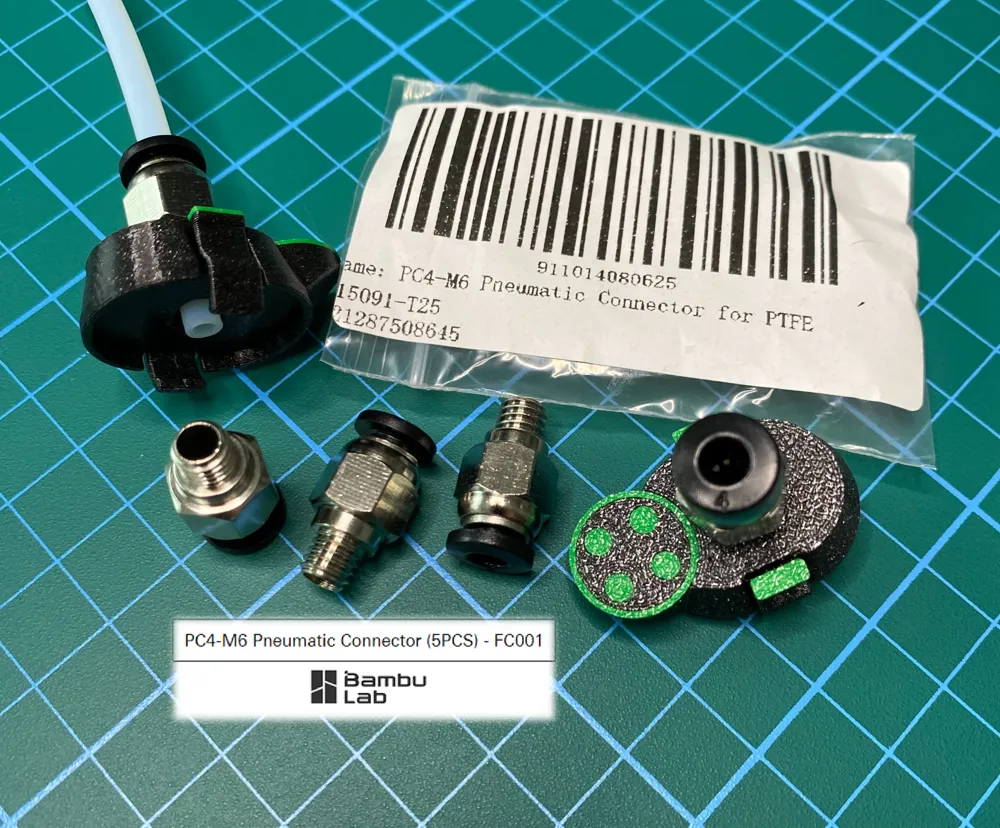
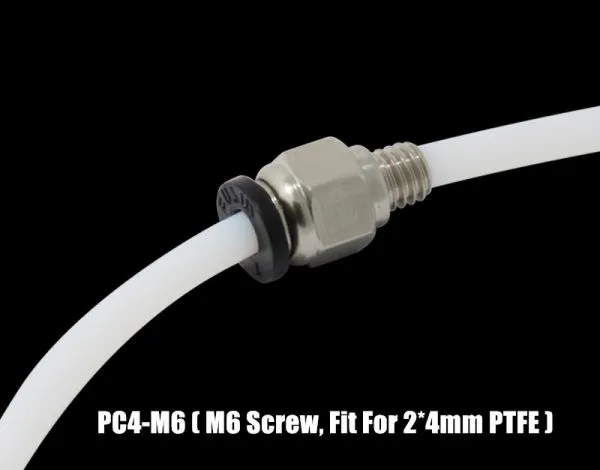
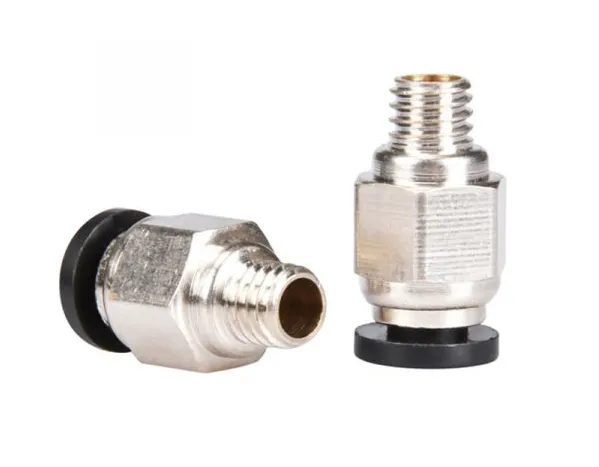
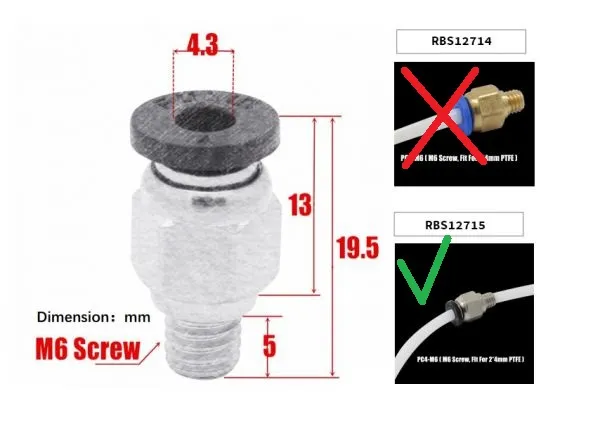
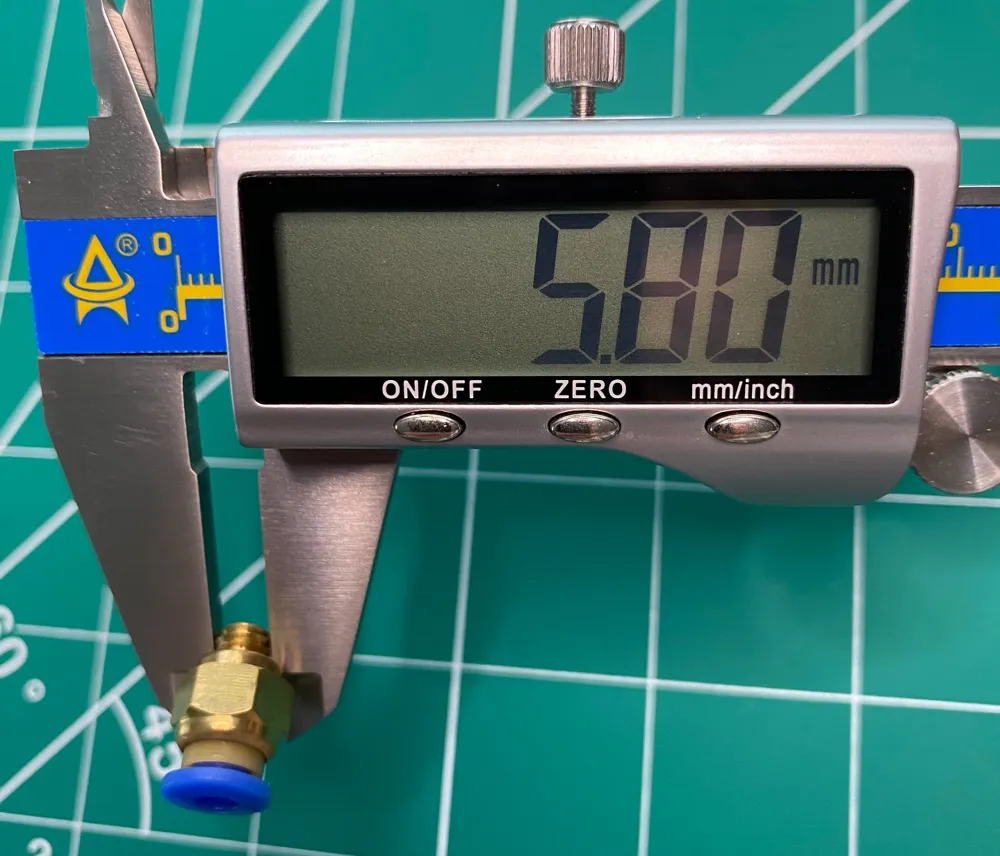
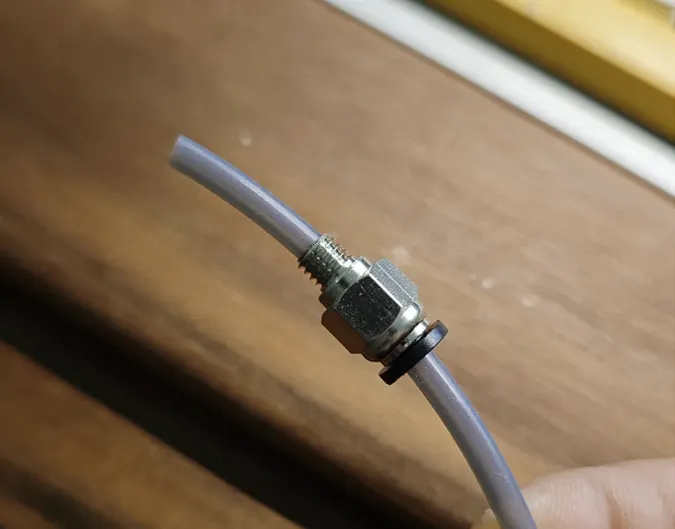
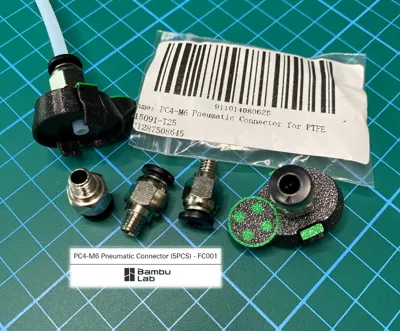
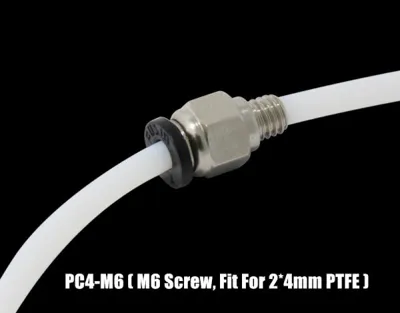
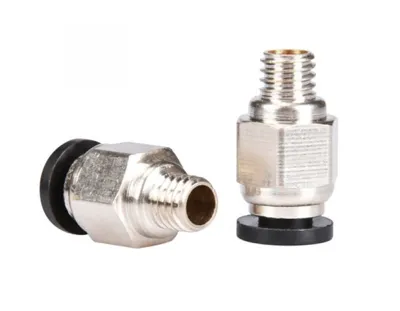
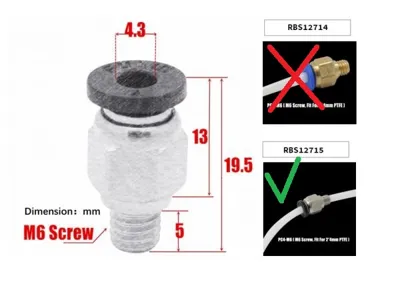
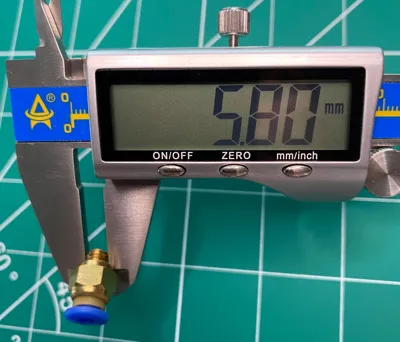
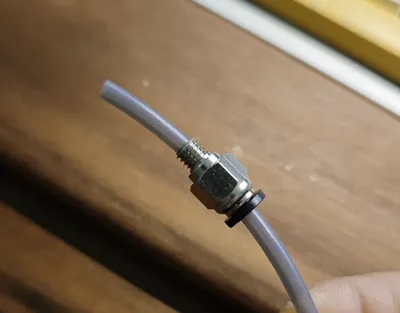
⚠️Please use the “PC4-M6” pneumatic connecter for this, where PTFE hose can be completely pulled through (see pictures).⚠️
for example such one: https://www.roboter-bausatz.de/p/pc4-m6-bowden-schnellverbinder-straight-through
or this one: https://de.aliexpress.com/item/1005006401558657.html
or just from Bambu Lab Shop: https://eu.store.bambulab.com/products/pc4-m6-pneumatic-connector-for-ptfe-tube
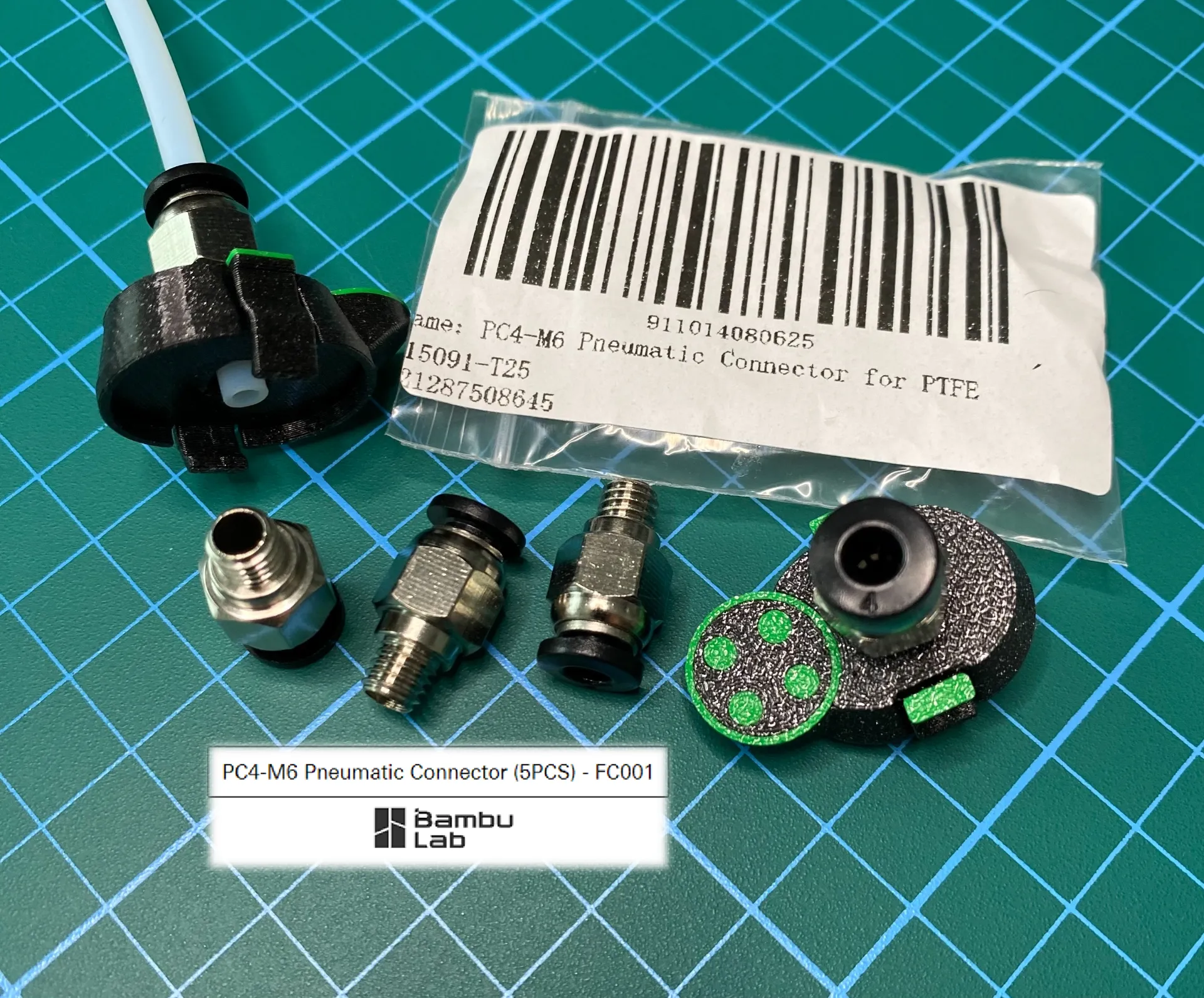
Assembly Instructions:
After printing, first screw the connector in - please turn it in until you feel a slight resistance.
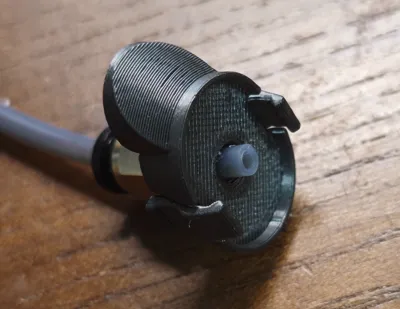
After that, please install the entire Easy-Clip connector on AMSlite feeder. Then press the black ring on the PC4-M6 connector and push PTFE hose completely until resistance on the feeder and then release the black ring - so PTFE hose sits securely in it and filament comes through PTFE hose directly into the opening of the feeder!
— ! —
Thanks for downloading, rating in advance and please don't forget to like👍and to BOOST 🚀 this model! ;-)
Take a look at my other very helpful designs for X1/P1P/P1S/A1/A1mini:
If you like my work and want to support me - please follow me here and on Instagram. If you want - you can buy me a coffee! https://linktr.ee/eds_3d_shop
Thank you for your support and.. happy printing!
Ed ;-)
License

You shall not share, sub-license, sell, rent, host, transfer, or distribute in any way the digital or 3D printed versions of this object, nor any other derivative work of this object in its digital or physical format (including - but not limited to - remixes of this object, and hosting on other digital platforms). The objects may not be used without permission in any way whatsoever in which you charge money, or collect fees.


Comment & Rating (228)