
AMS Cable Guide
Print Profile(1)

Description
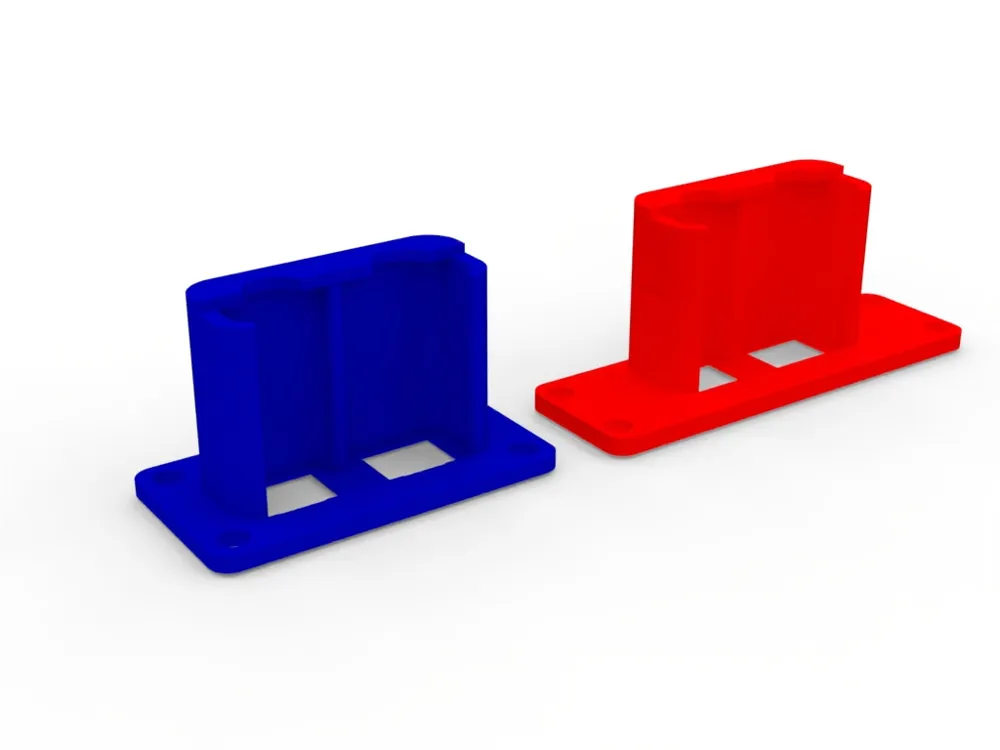
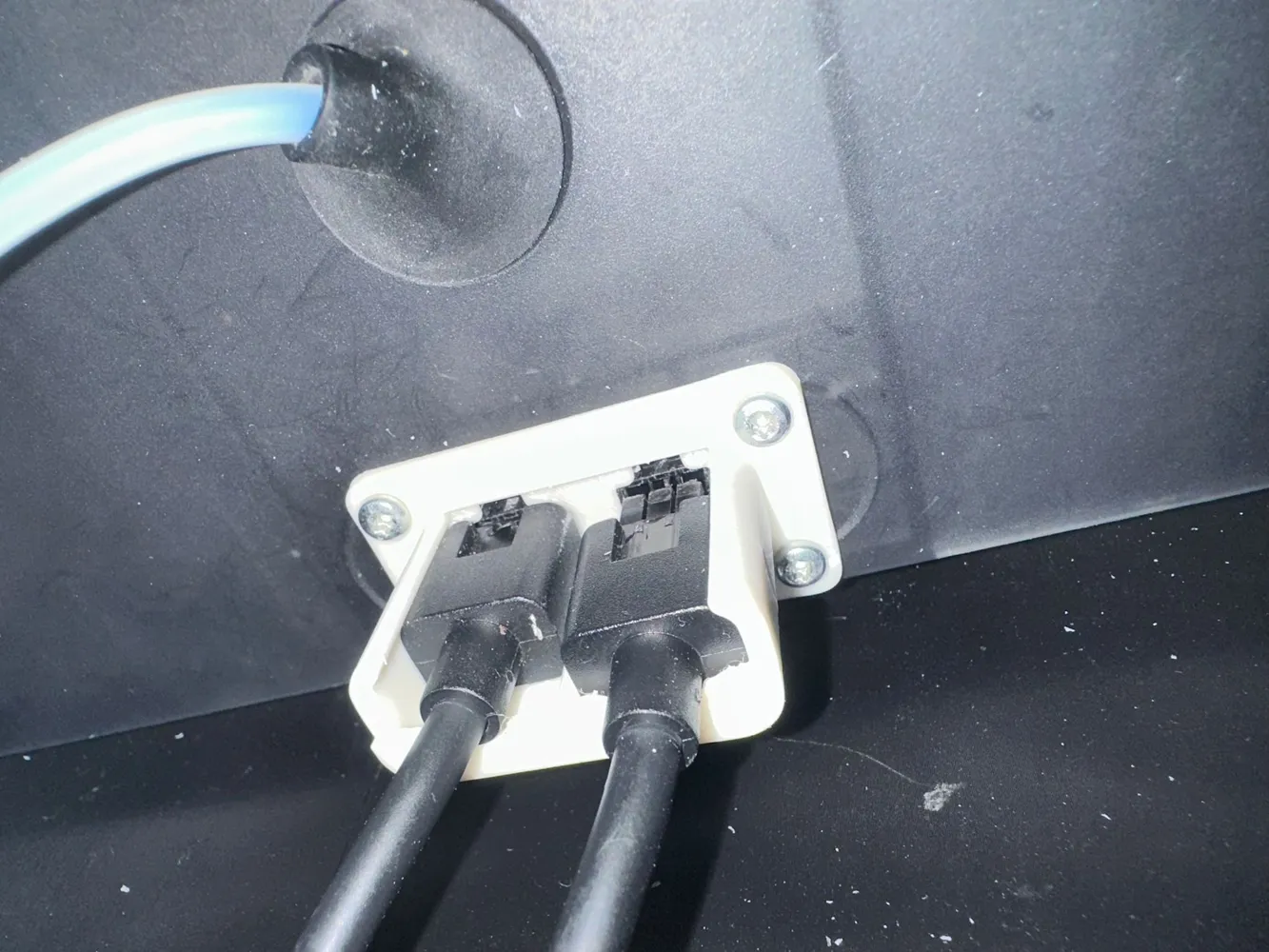
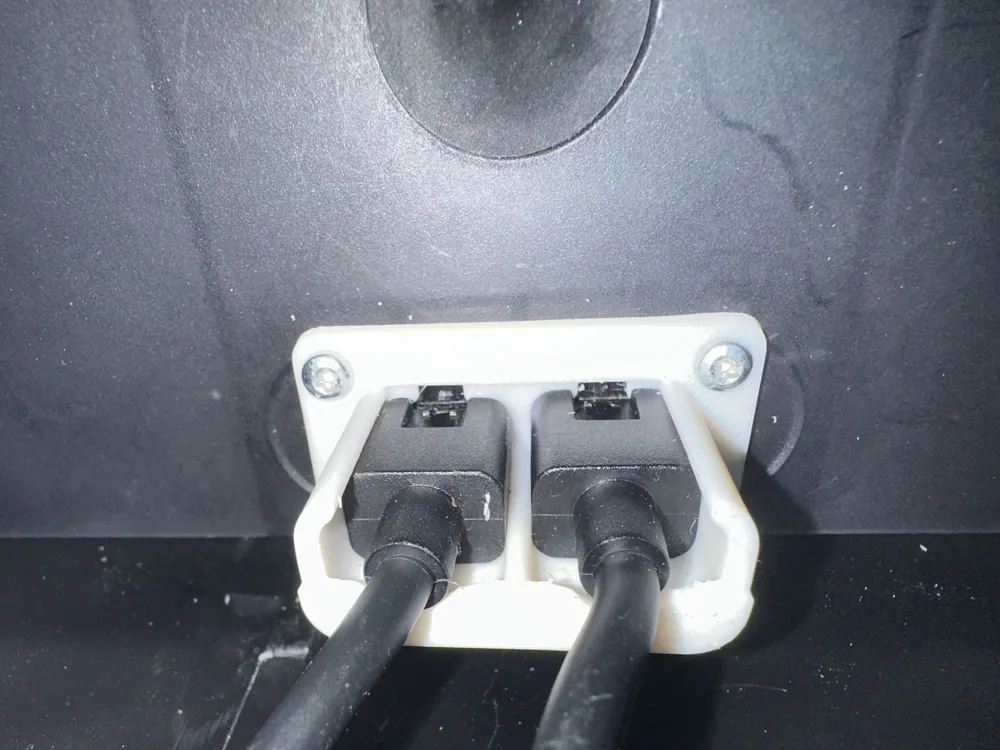
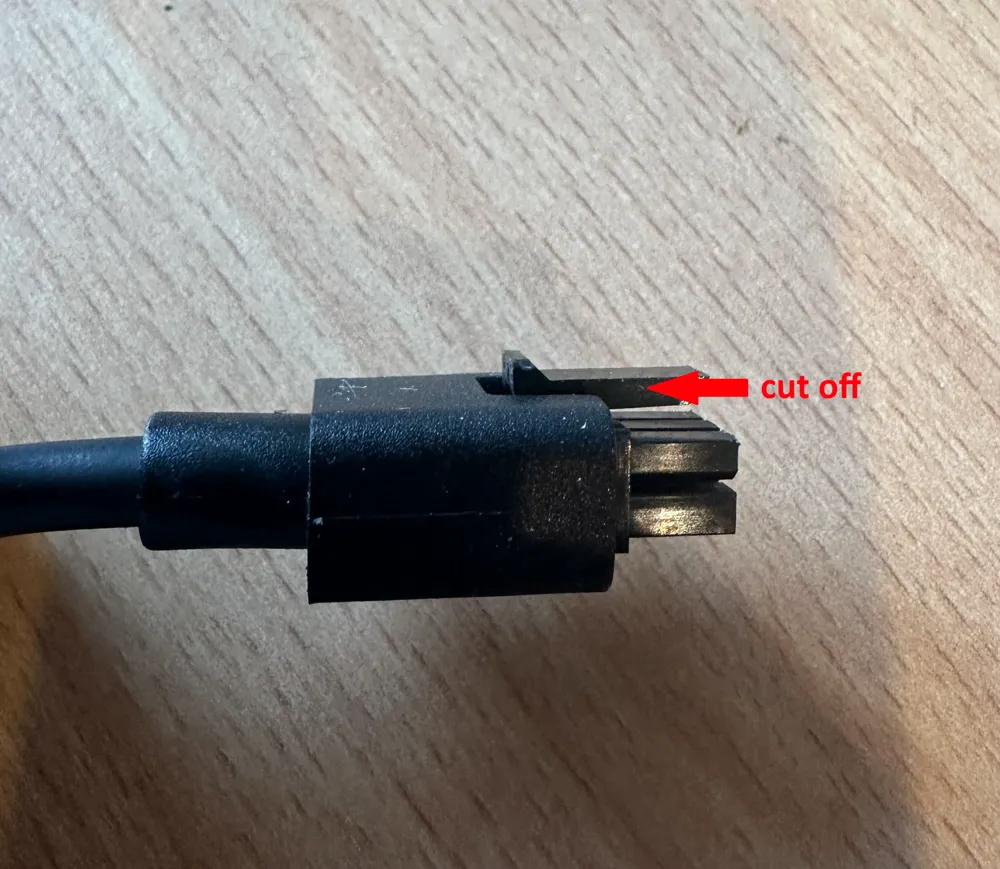
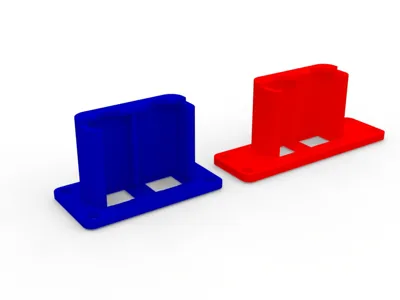
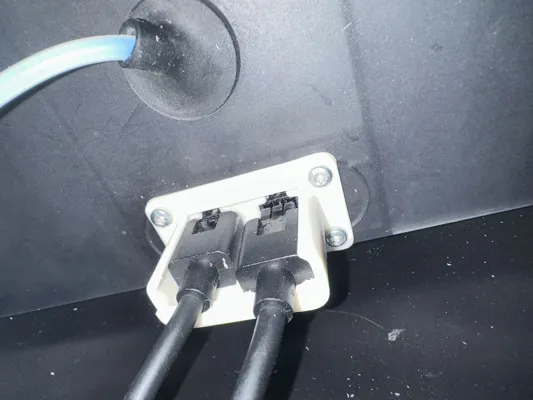
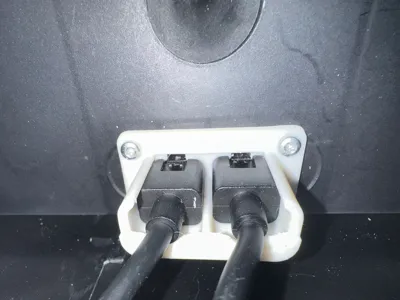
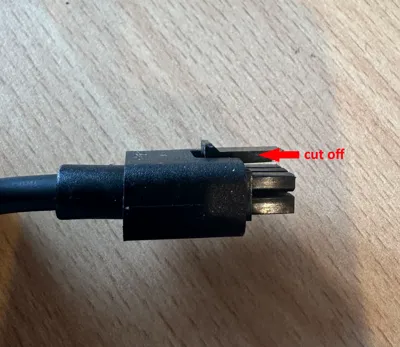
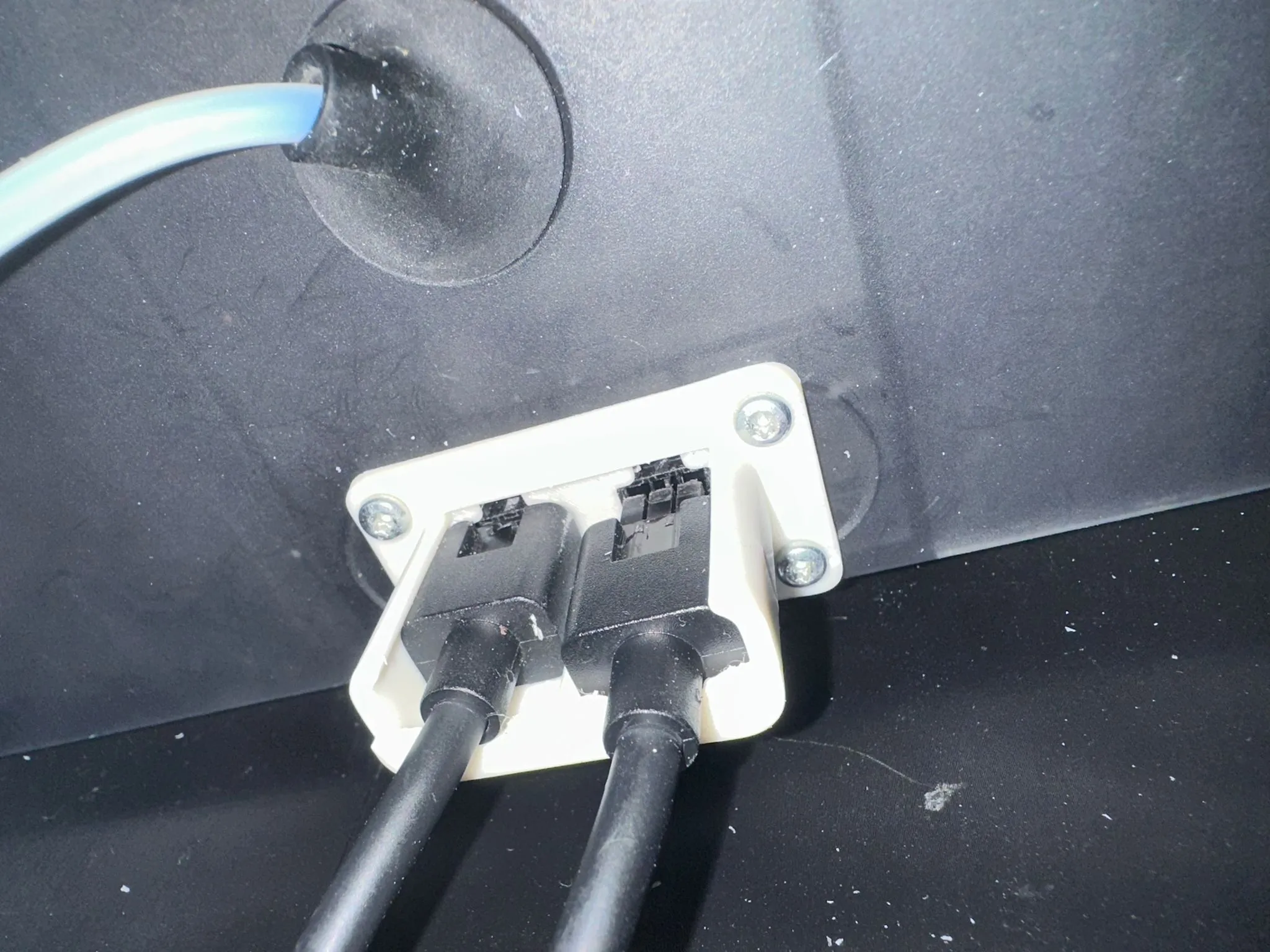
Little cable guide to enable “no look” switch of cables on backside of the AMS. I wanted to use my “additional” AMS on both printers. unfortunately there is no option to have a hub, so I decided to do it technical myself. There are 2 versions on the print plate. The wider one is for Python System and the narrow one for regular AMS. To install it, I suggest to remove the fixations on the plugs, put BOTH plugs in the guide and screw it very careful to the place needed. Don't be to sloppy during application, as it is very sensitive for taking in and out, and you want to use it as no look.
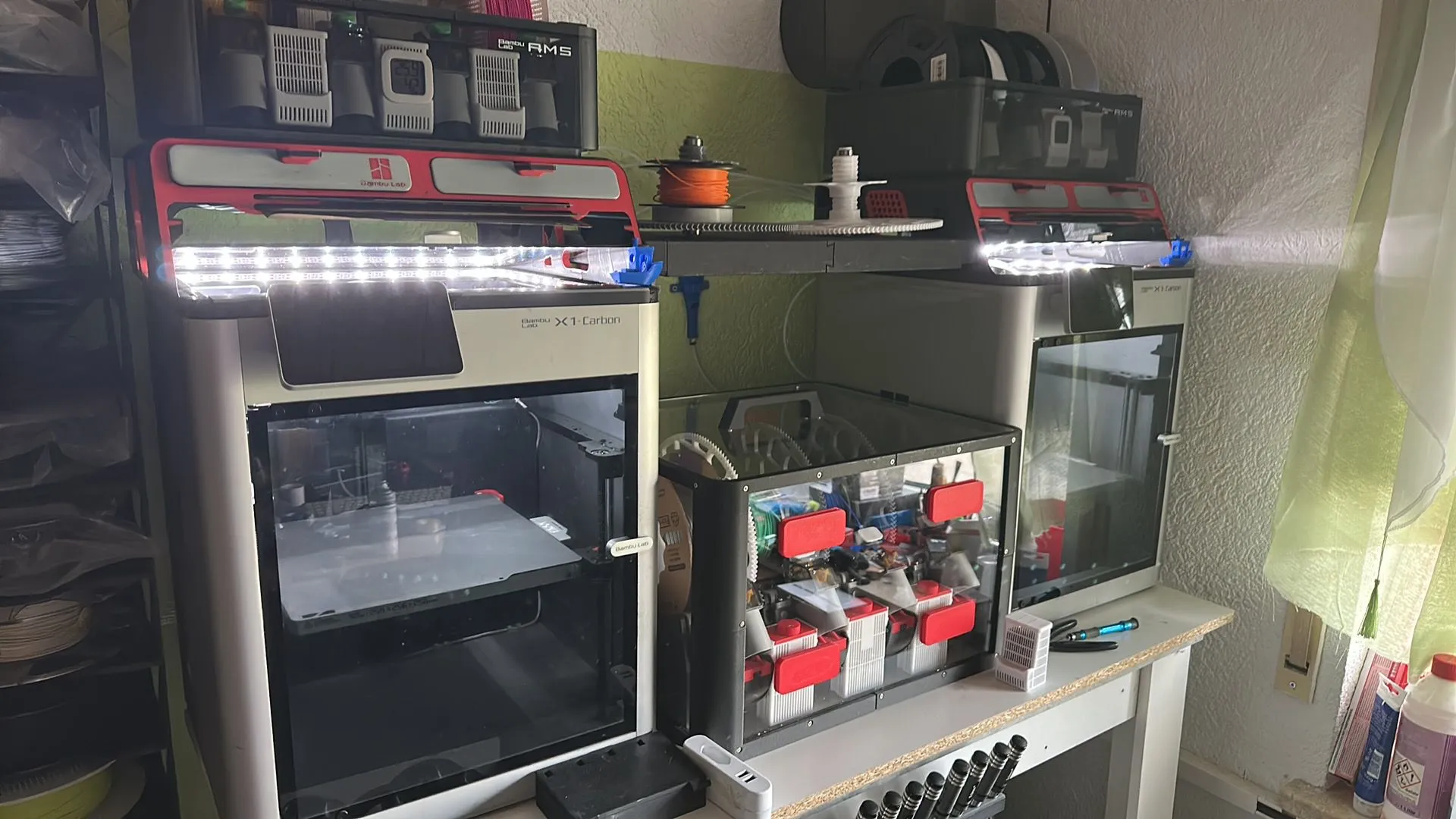
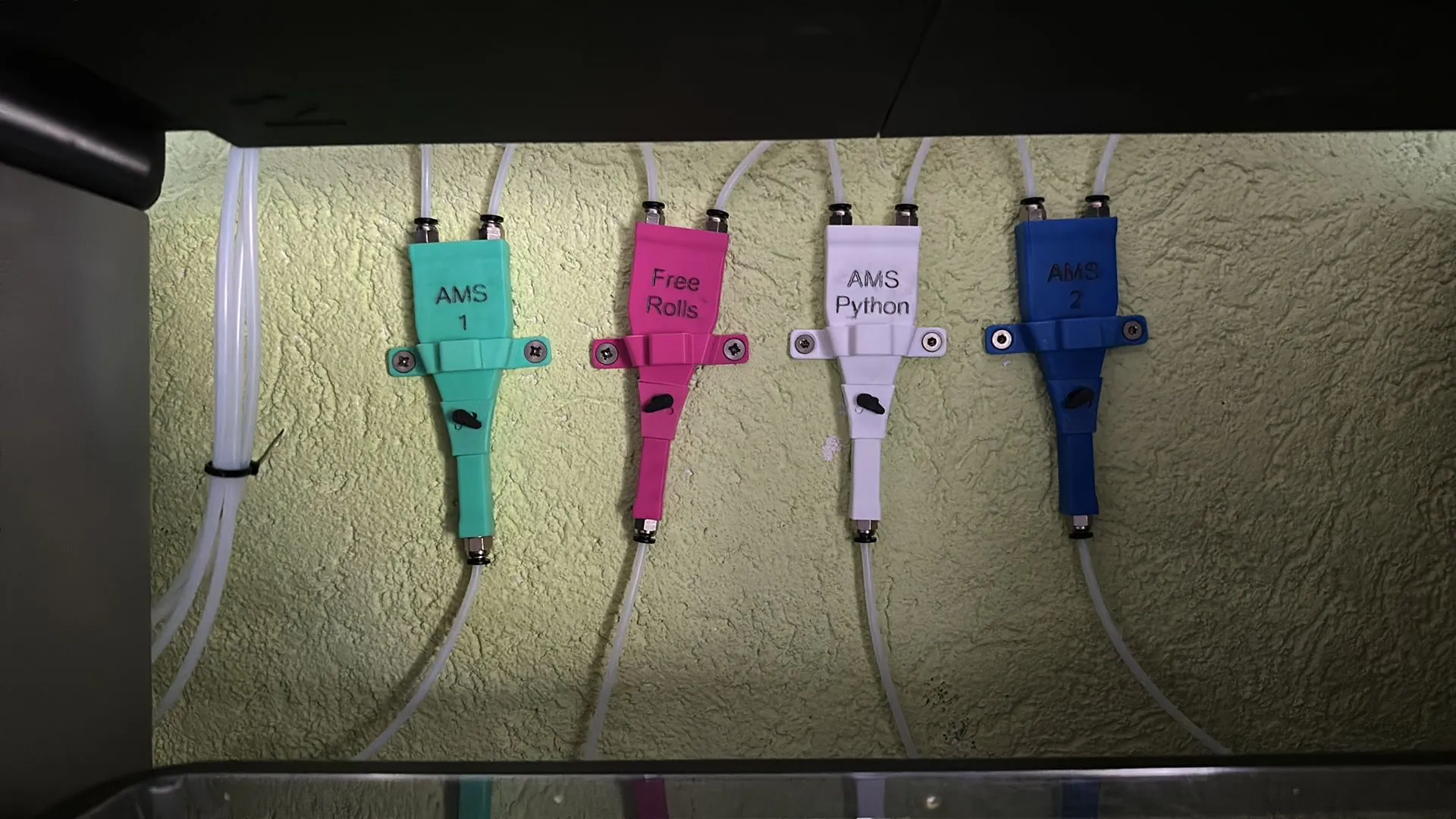
In combination with my "Switchable Y Splitter” you can easily switch around. In my setup below I'm able to use just by switching and change plugins 2 regular AMS and one Python system on either Printer 1 or Printer 2.
https://makerworld.com/en/models/102149-filament-splitter-switchable#profileId-108803
License



Comment & Rating (0)