
Simple fidget (with easy tutorial)
Print Profile(1)

Description
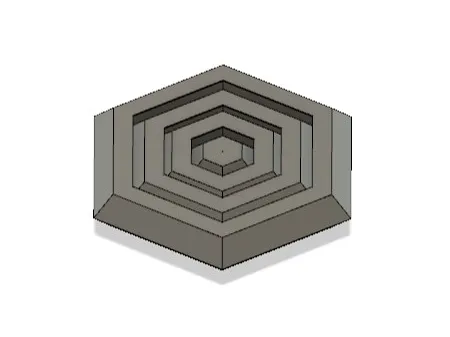
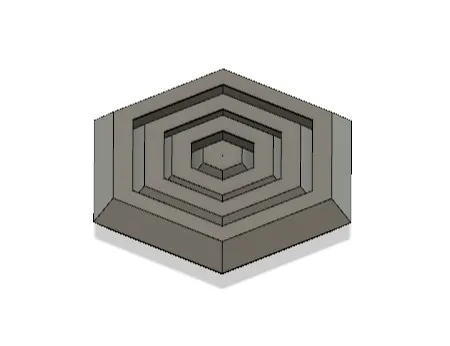
A simple fidget that comes with a tutorial so that you can make some too !
Tutorial
- Open your CAD (Fusion 360, FreeCAD, SolidWorks, …) but not blender or things like that. The type of ones that uses commands like “Extrude”, “Sketch”, “Revolve”, …
- Create Sketch on the X-Z plane (like the floor) and create a shape (using the line, rectangle, polygon, or other tools for that kind of stuff)
- Then, finish sketch
Create a new sketch on the on the X - Y or Z - Y plane (like a wall) and create, with the line tool an arrow pointing to the outside. Then multiply it. If you're in Fusion 360, you can use the “Move / Copy” tool, select the arrow you created (by selecting all the dots and lines), tick the option “create copy” in the side panel and move it with the right arrow, then, press ok. Do this a few times to duplicate it. If you're not in fusion 360, you need to do it manually, by recreating it on the side. The result should be :
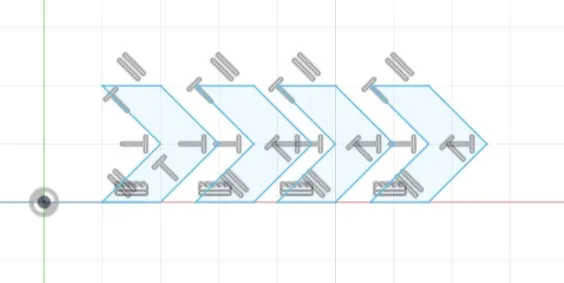
5. Finish the sketch
6. Then, find the “Sweep” tool (I know it's in Fusion 360, but that's all): select the arrows as the profiles and the path as the shape (the first shape)
That's all for now folks.
If you liked it, please show me you liked it in any way you can so that I can keep doing stuff like this. And, mabye, please consider
Boost Me (for free)
It could really help
License



Comment & Rating (0)