
Print Profile(2)


Description
Membership
Join now and start making sales. You are also supporting my creativity with the membership.
As AI generated content becomes increasingly common, I wanted to create something unique yet inspired by the decor style that IKEA offers, which my wife adores and buys all the time.
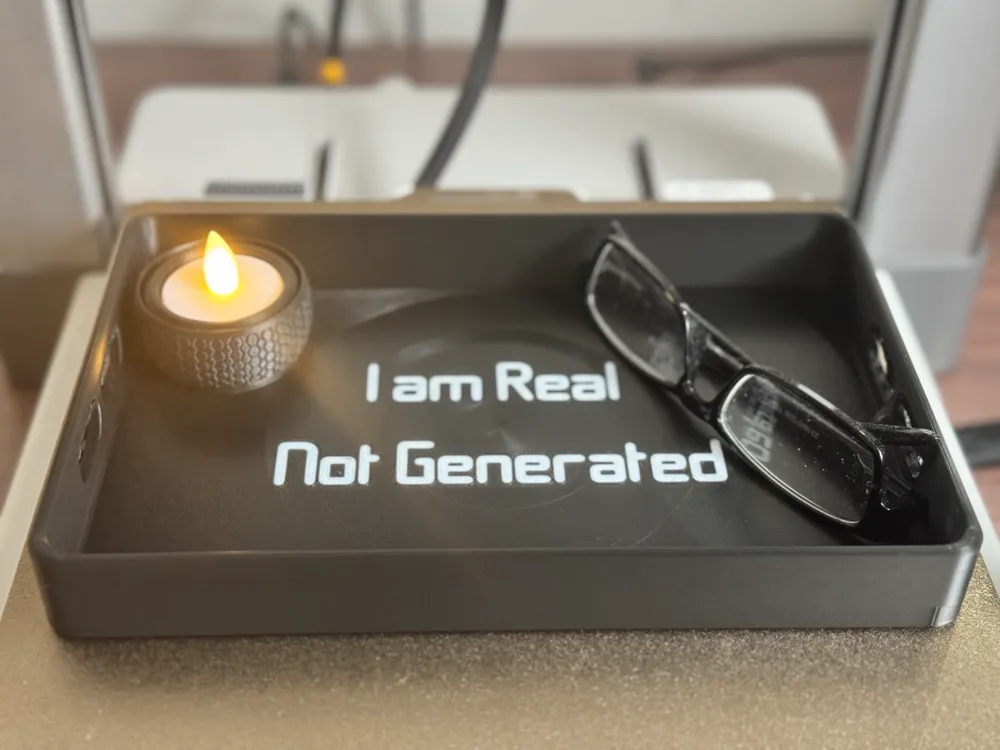
Consequently, I created a quick model in my spare 5 minutes that i had at the time, and after done i printed what i call, a Modern Tray to enhance your space, whether for decorative purposes or practical use.
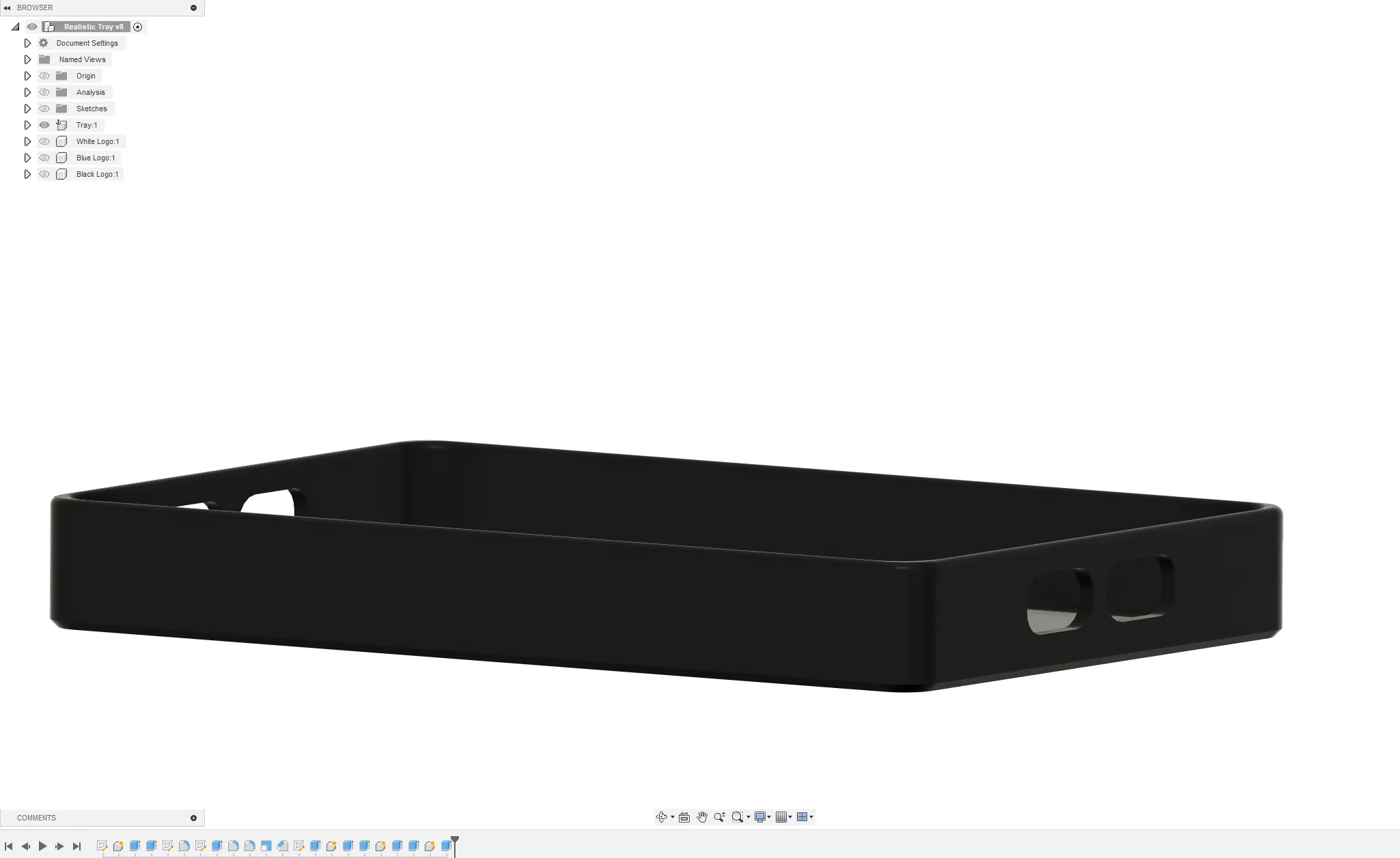
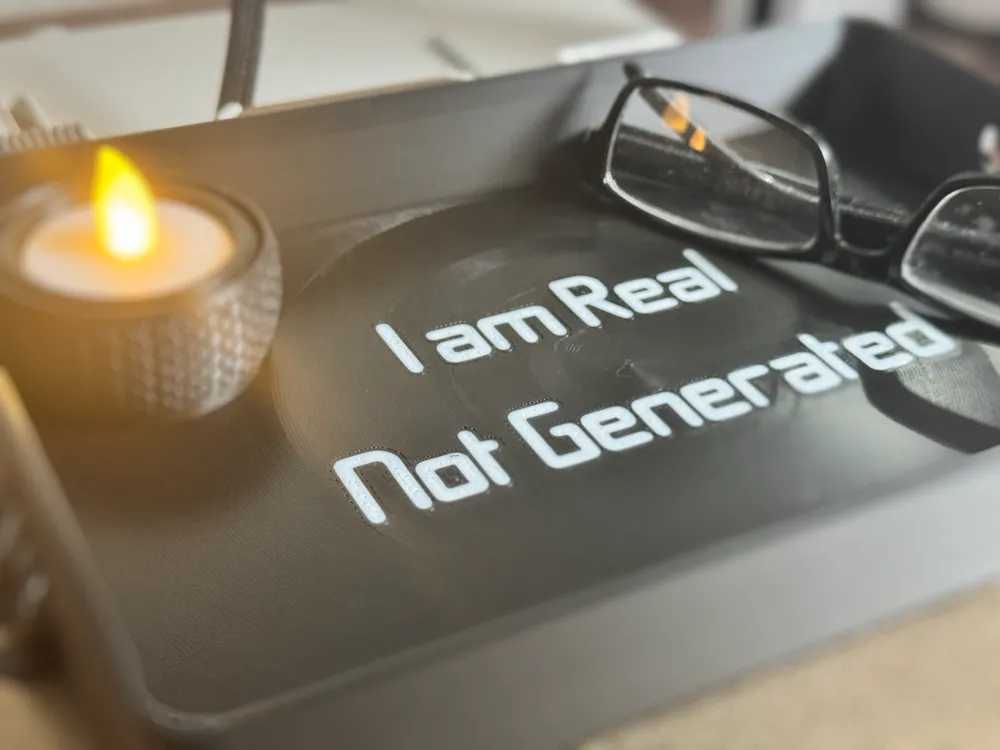
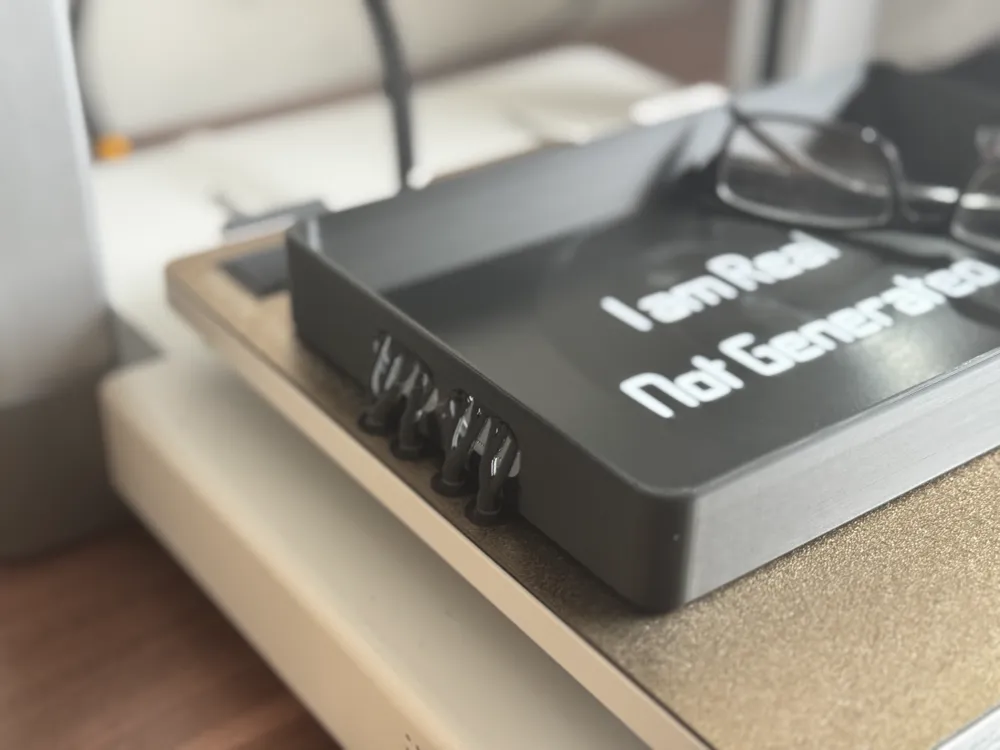
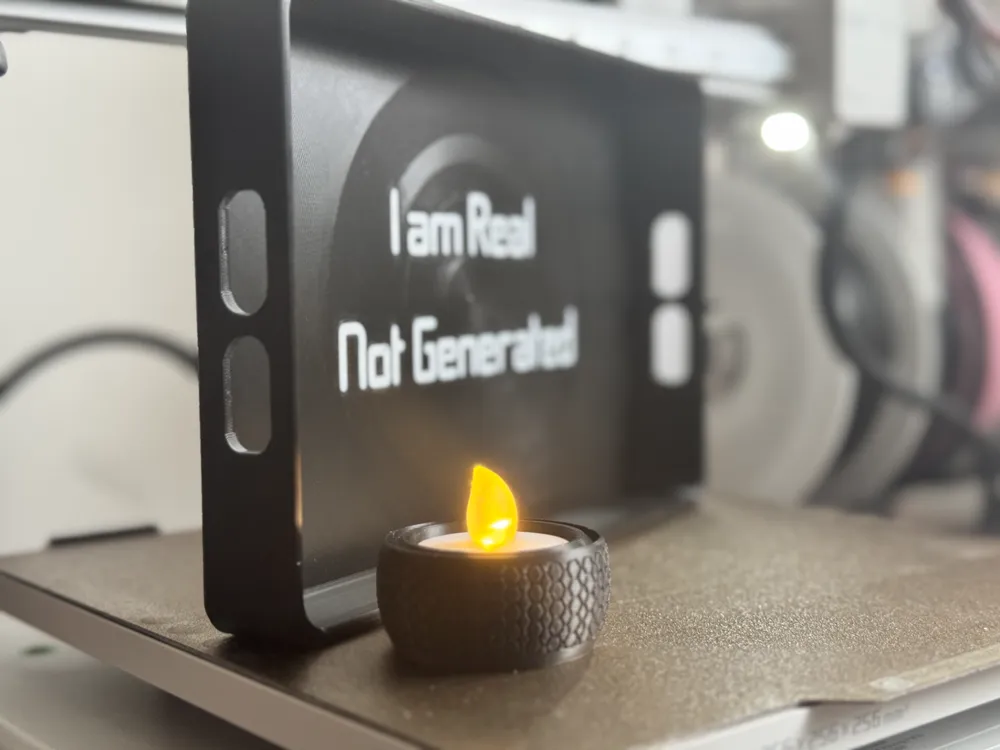
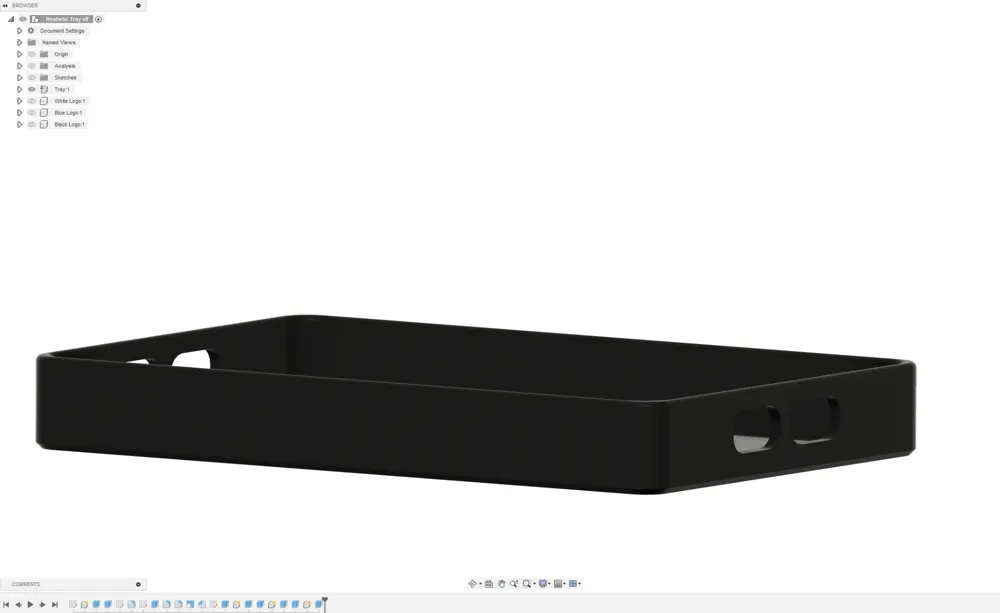
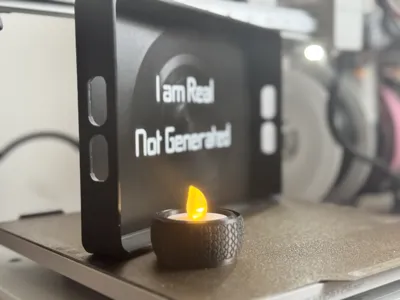
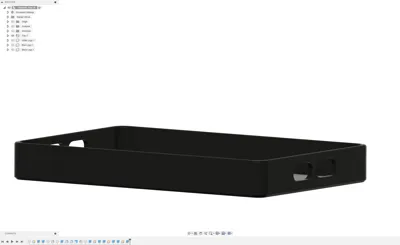
As visible on the right side picture, model was made from the start until the end with one goal in mind, to be rather simplistic but at the same time embodying some fine details such as rounded corners, no sharp edges, inner lip soft rounded, tray walls with curvy handles and much more, all visible after printing.
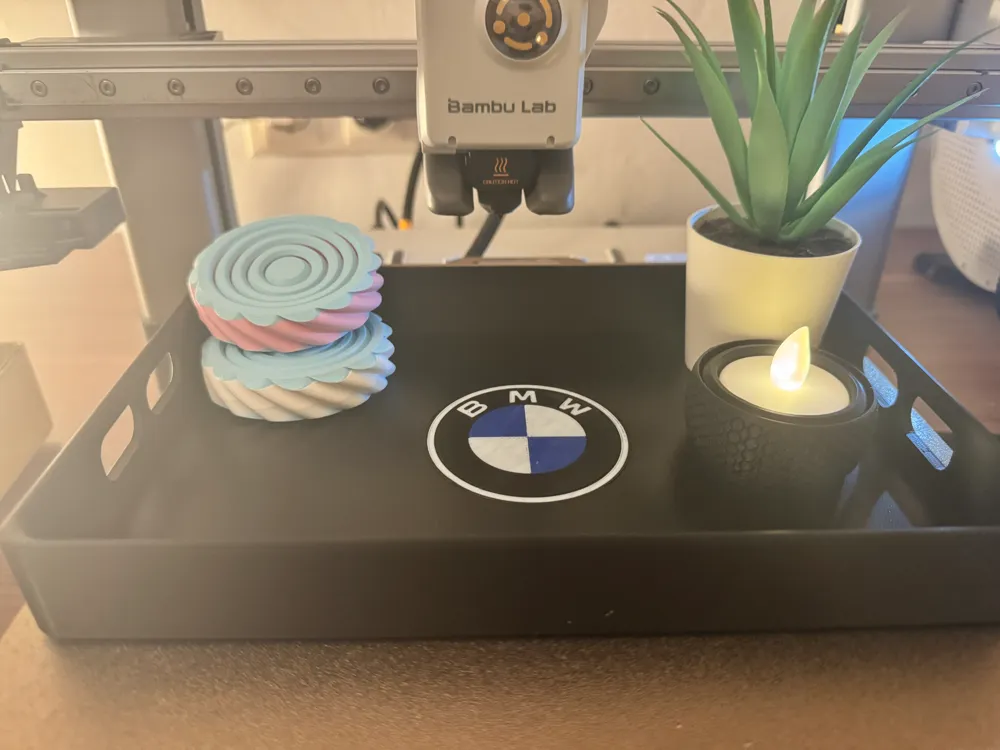
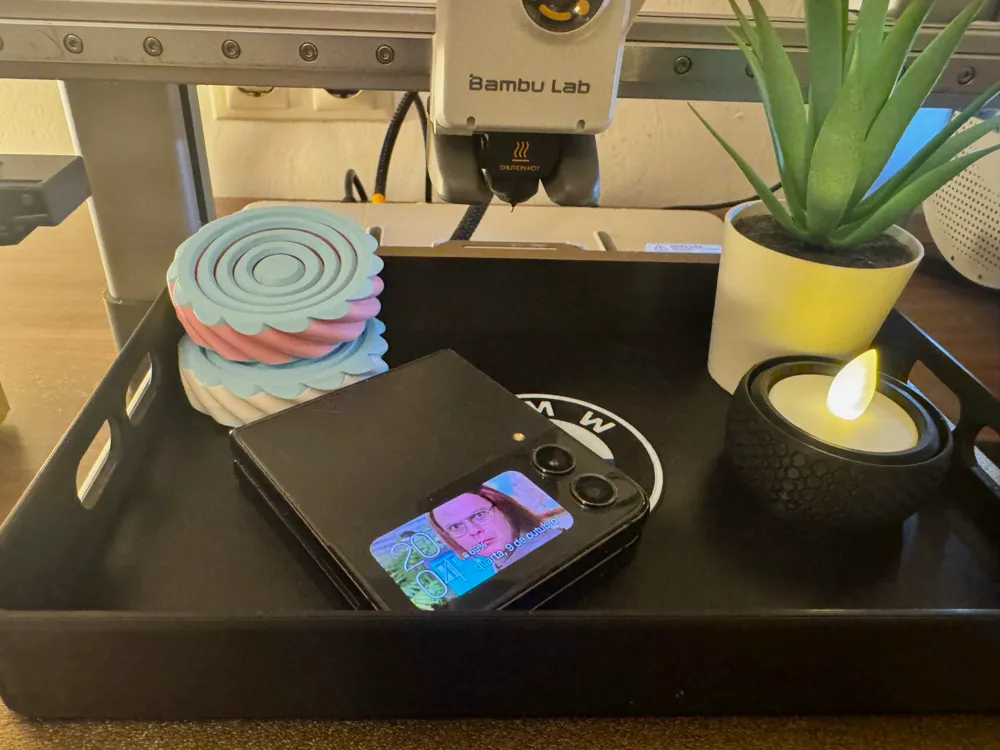
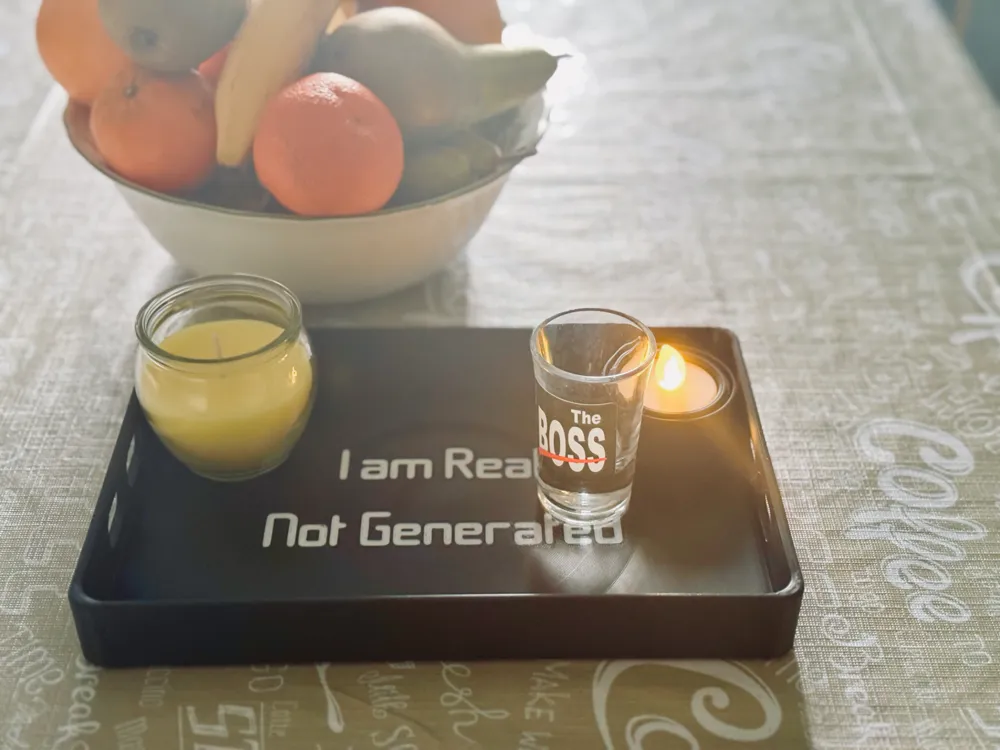
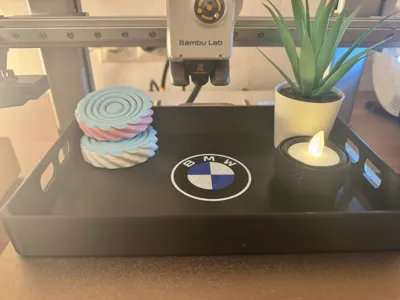
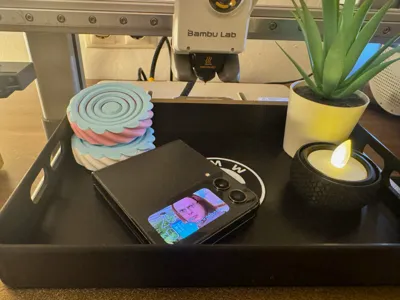
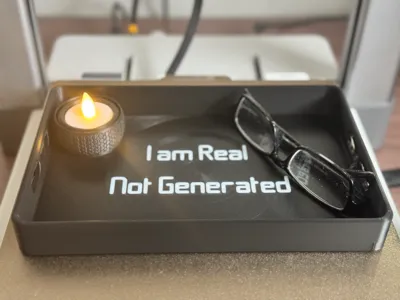
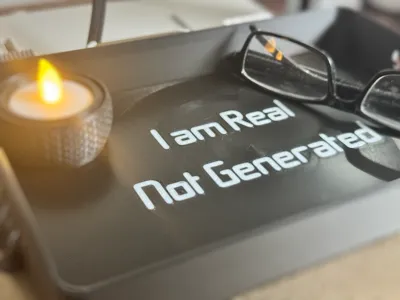
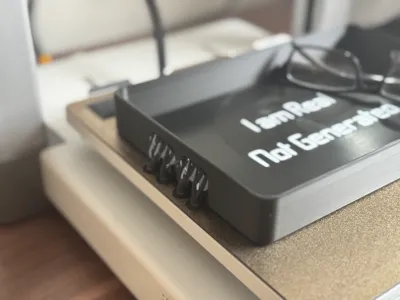
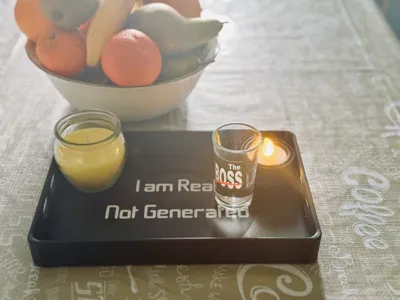
I introduce to you the Modern "Not Generated" Tray, free of any pretense, complete with the charming imperfections inherent to this hobby. As evident in the homemade photos above, the lines and flaws are visible when searching for them, embodying the essence of 3D printing. Perfection isn't the goal; rather, it's the overlapping layers that come together to form beautiful (and somewhat useful) objects. The tray measures 23.5x15x3cm (235x150x30mm), result of the maximum size of our Bambu printers at the time.
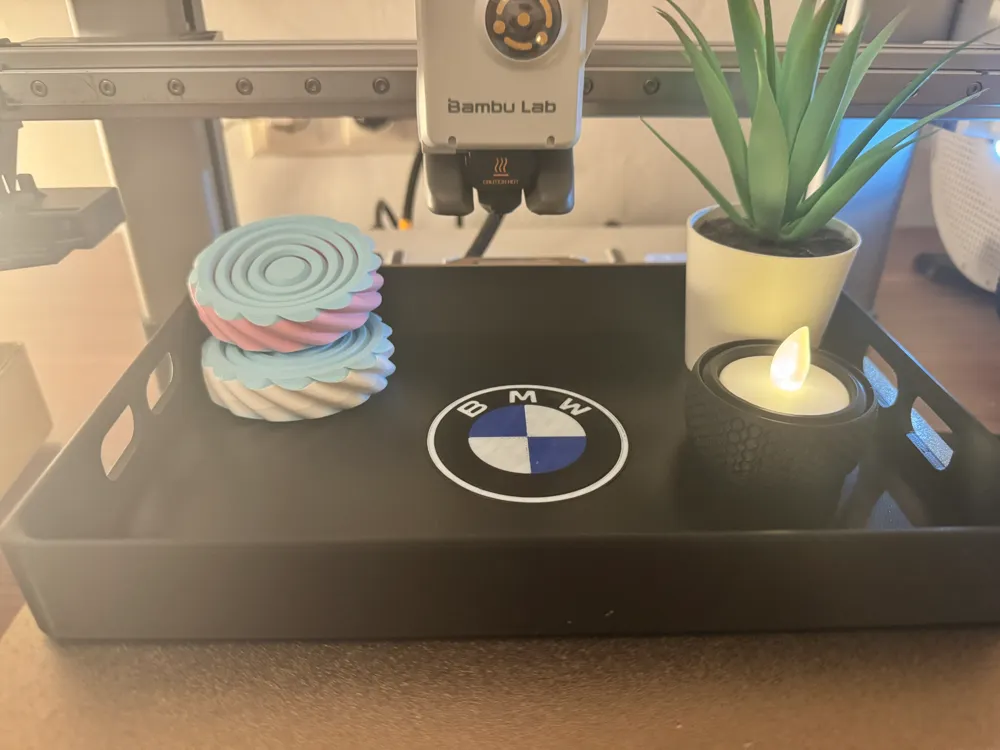
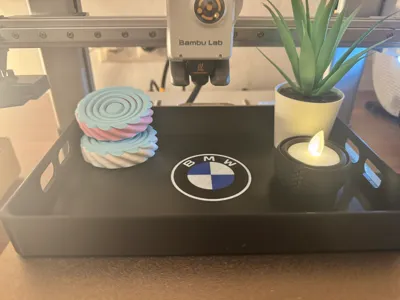
Two models are available: one can be customized with your own text or simply 3D printed as is. The other is a fan-made representation of the BMW logo, perfect for enthusiasts who want to showcase their love for the brand. More brands to come on request. Choose the one you prefer on the profiles in the right side. Supports come out clean as a baby butt, leaving no marks or rough edges, making this the perfect object to hold without any fears.
For A1 Mini users, you can resize it after opening the profile, but end measure result won't be as expected nor on scale. Have that in mind!
Instructions to replace the text or remove it:
- go into “Objects”
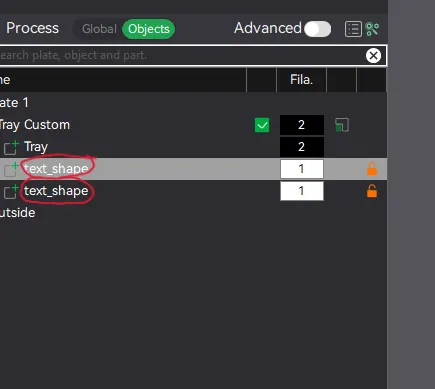
- click “Text shape” object and click on the Text button on top of Bambu Studio.
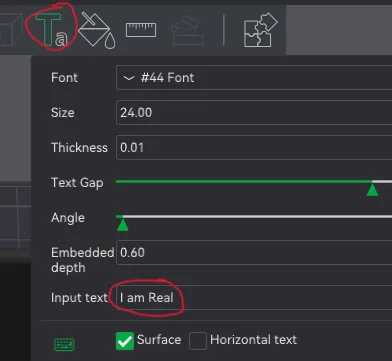
- Change to your own text and do the same to the other line. Pick the object (text) color.
- If you want to remove the text, just delete both “Text Shape” objects and it's done.
Boost Me (for free)
As always, if you enjoyed this or any other of my models, consider a Boost. They are free to you but a way of us, creators, knowing that we are appreciated. Thank you
Fidget Models shown in some pictures are from MalcTheOracle. Go check them out!
Candle Light is my own model, not yet released.
Boost Me (for free)
Boosting creators is what makes them go forward. Do you like what you see? Then consider giving it a boost. Thank you
License

You shall not share, sub-license, sell, rent, host, transfer, or distribute in any way the digital or 3D printed versions of this object, nor any other derivative work of this object in its digital or physical format (including - but not limited to - remixes of this object, and hosting on other digital platforms). The objects may not be used without permission in any way whatsoever in which you charge money, or collect fees.


Comment & Rating (4)