Search models, users, collections, and posts

Puzzle Egg
IP Report
Print Profile(1)

Basic profile
Designer
5.3 h
1 plate
Open in Bambu Studio
Boost
44
135
16
5
143
79
Released
Description
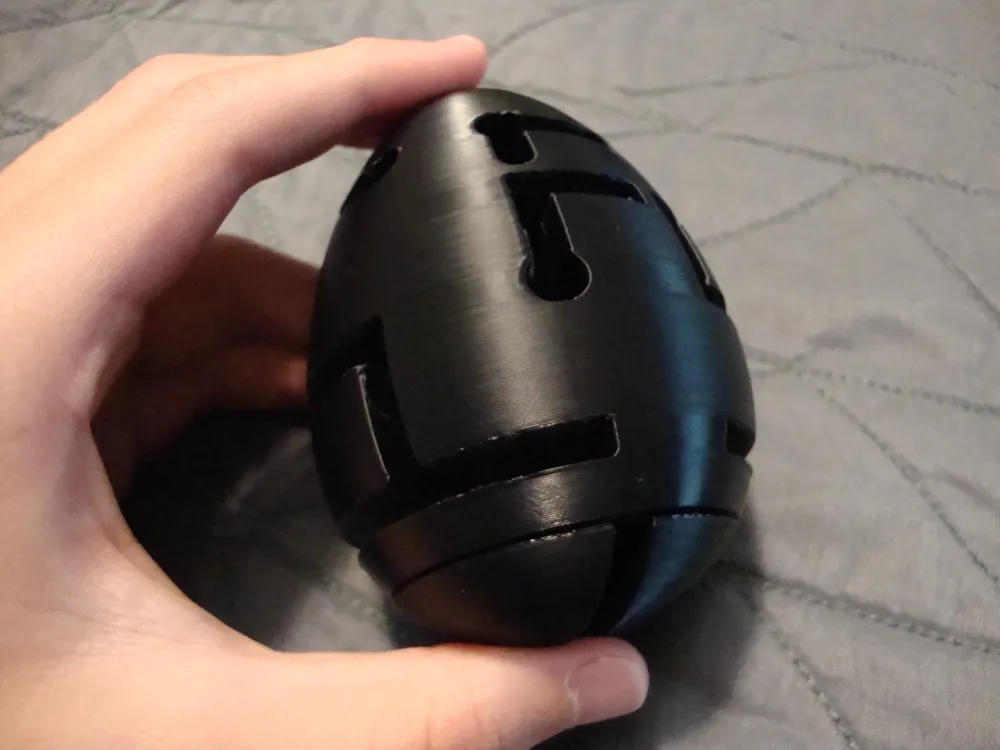
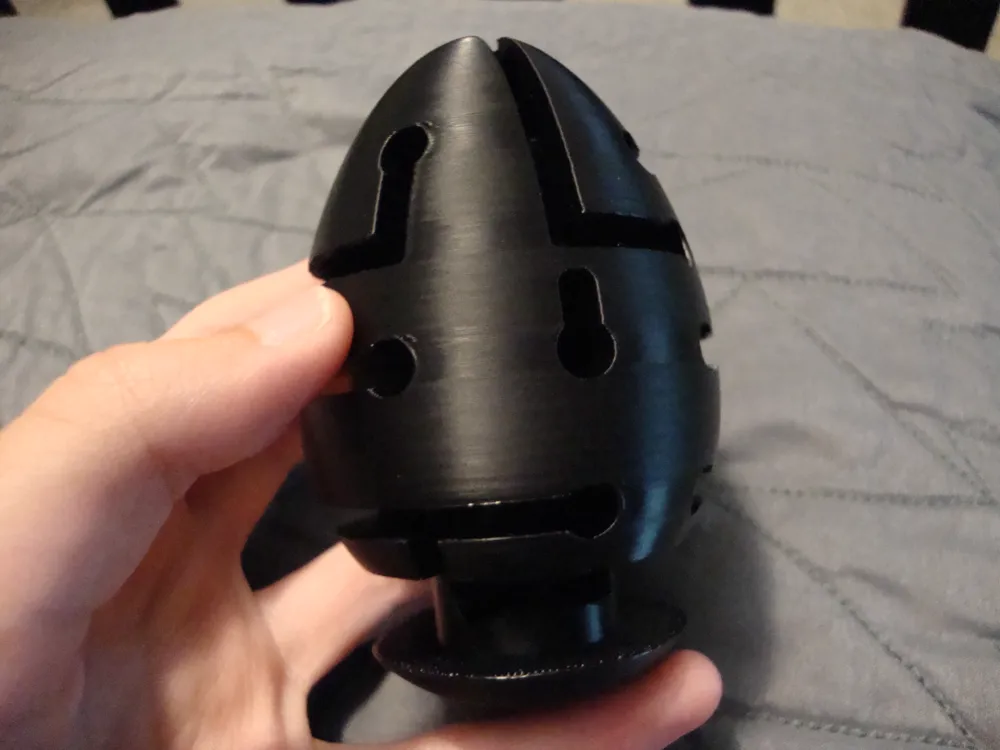
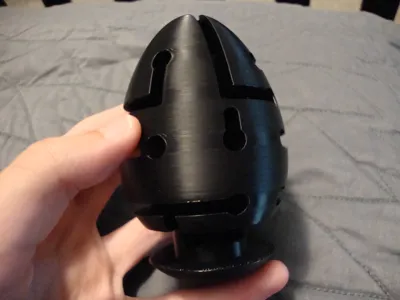
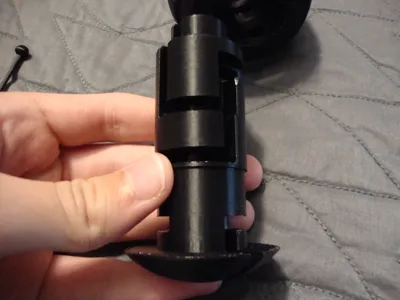
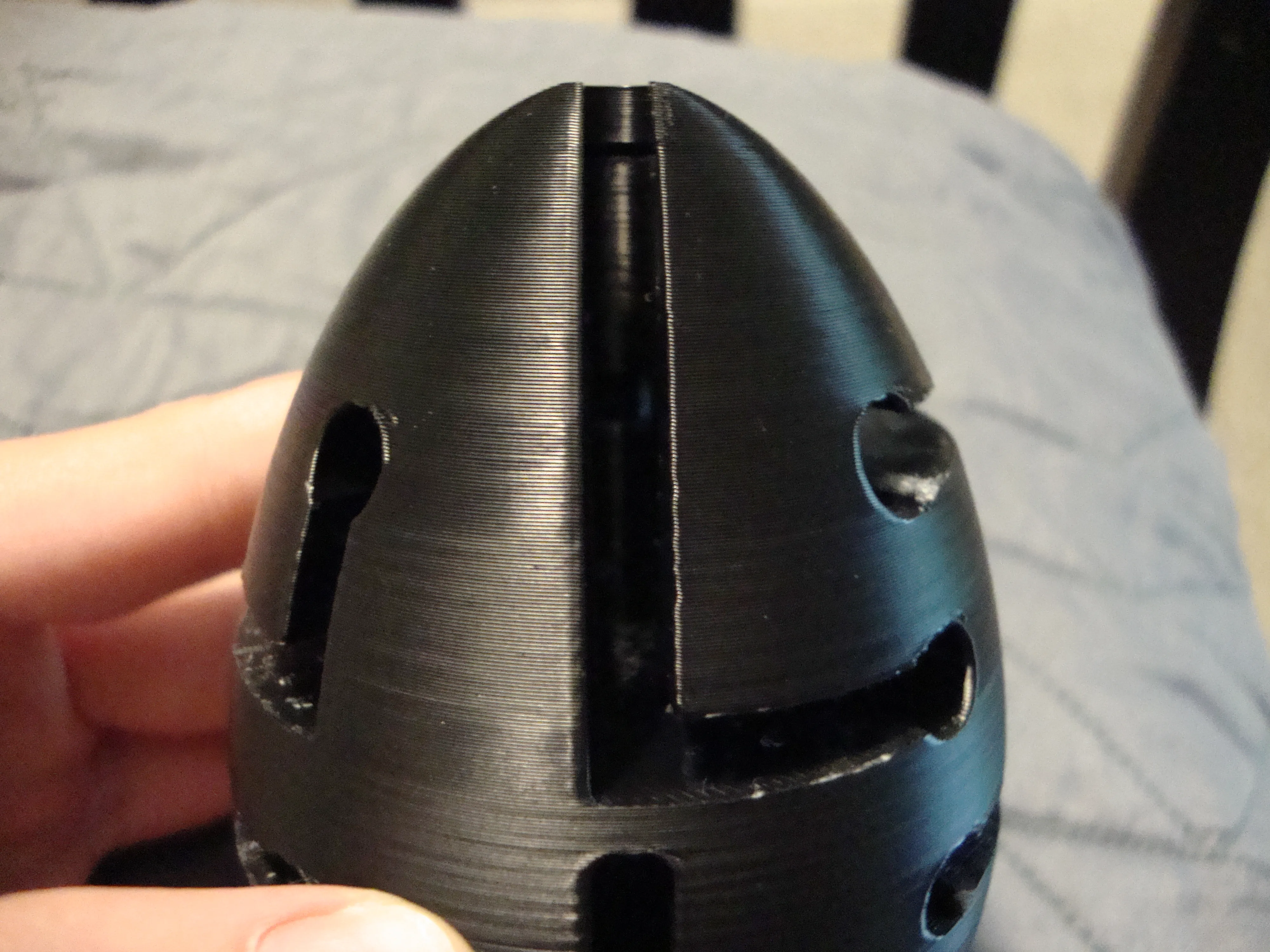
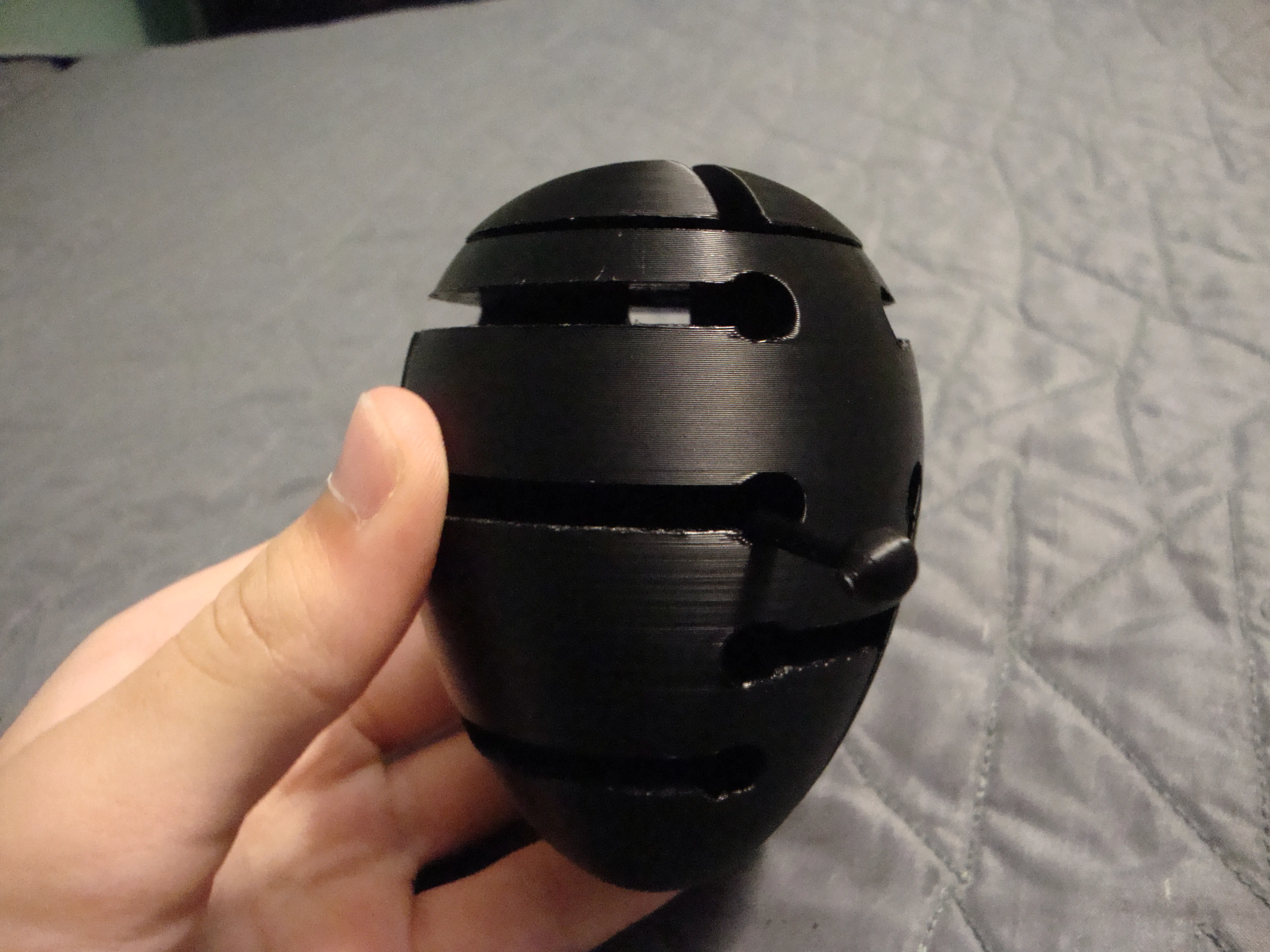
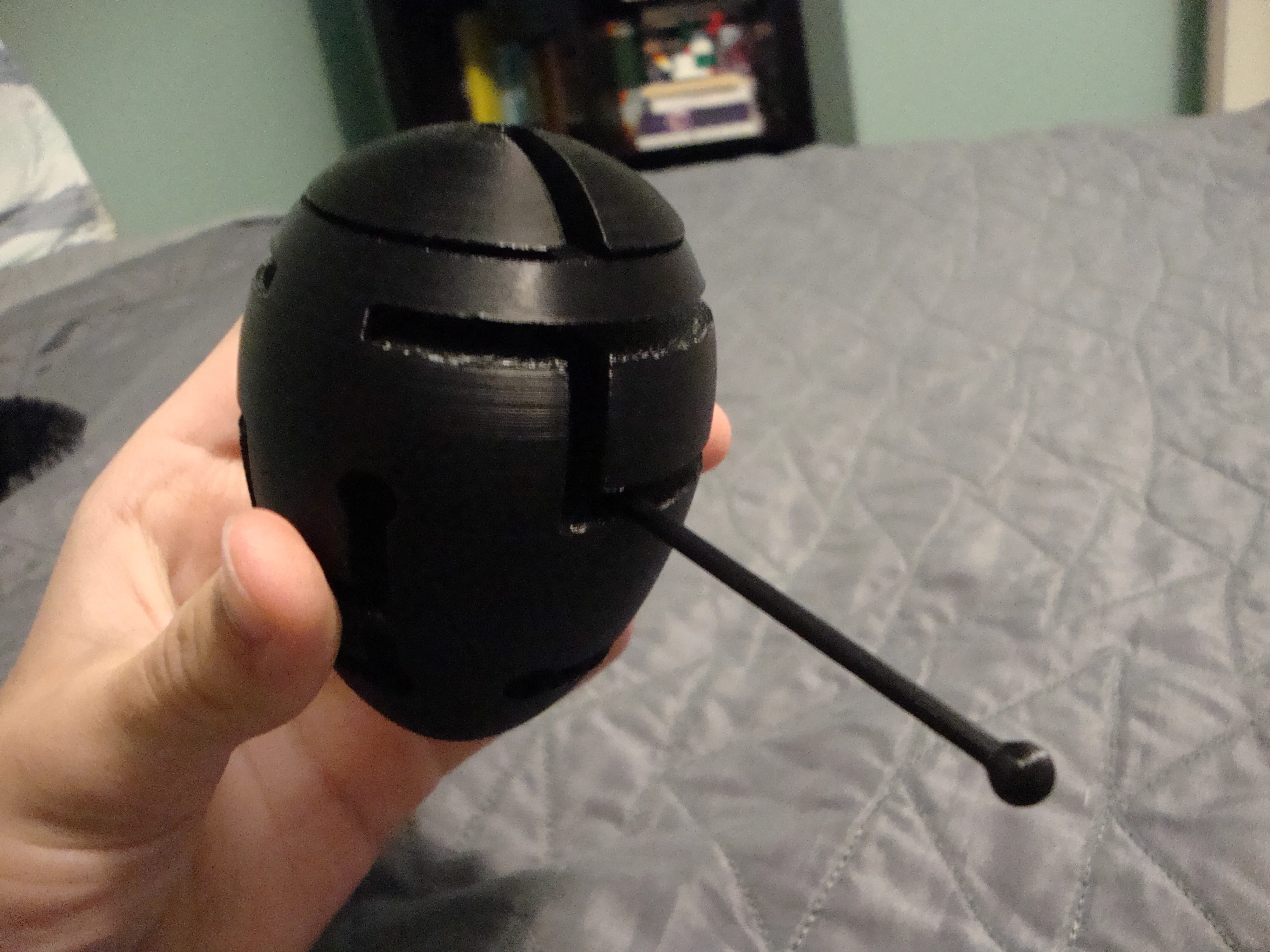
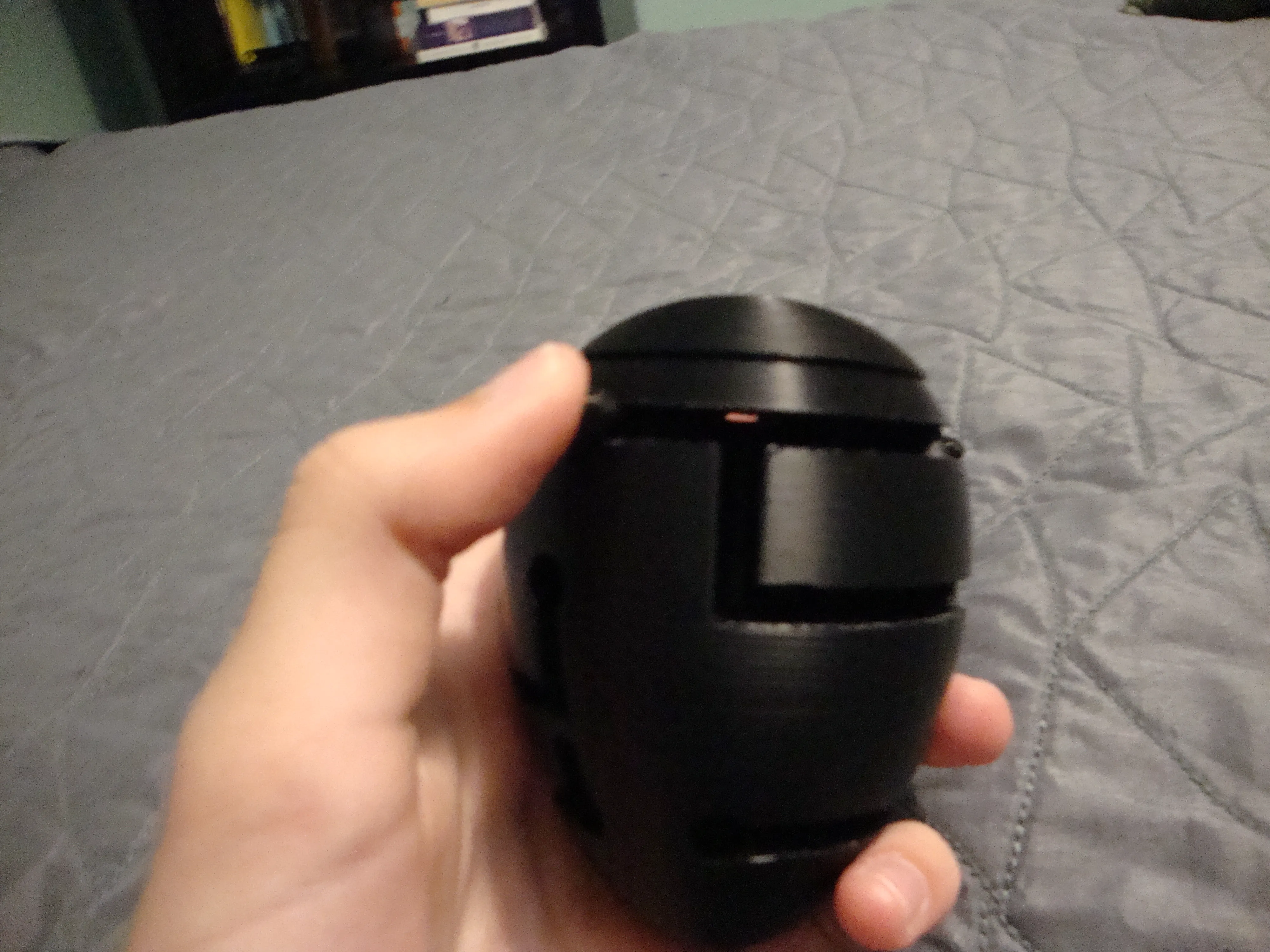
This egg isn't for everyone's breakfast! Using the wand, navigate through the inner and outer mazes, from the top to the bottom.
Care to take a crack at the egg?
Assembly
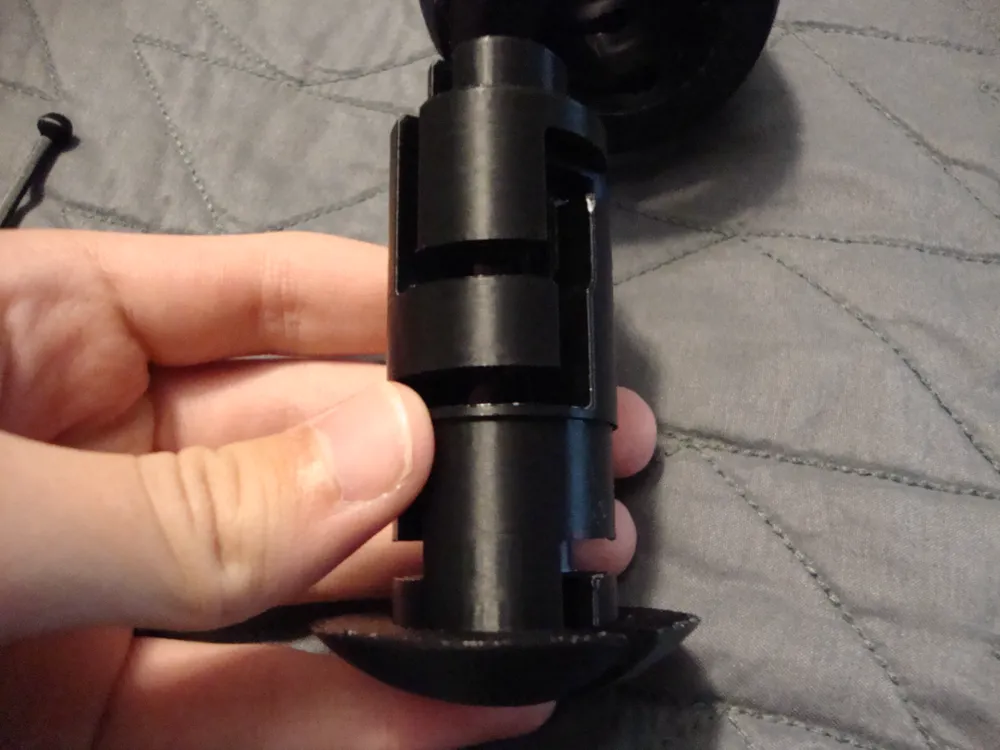
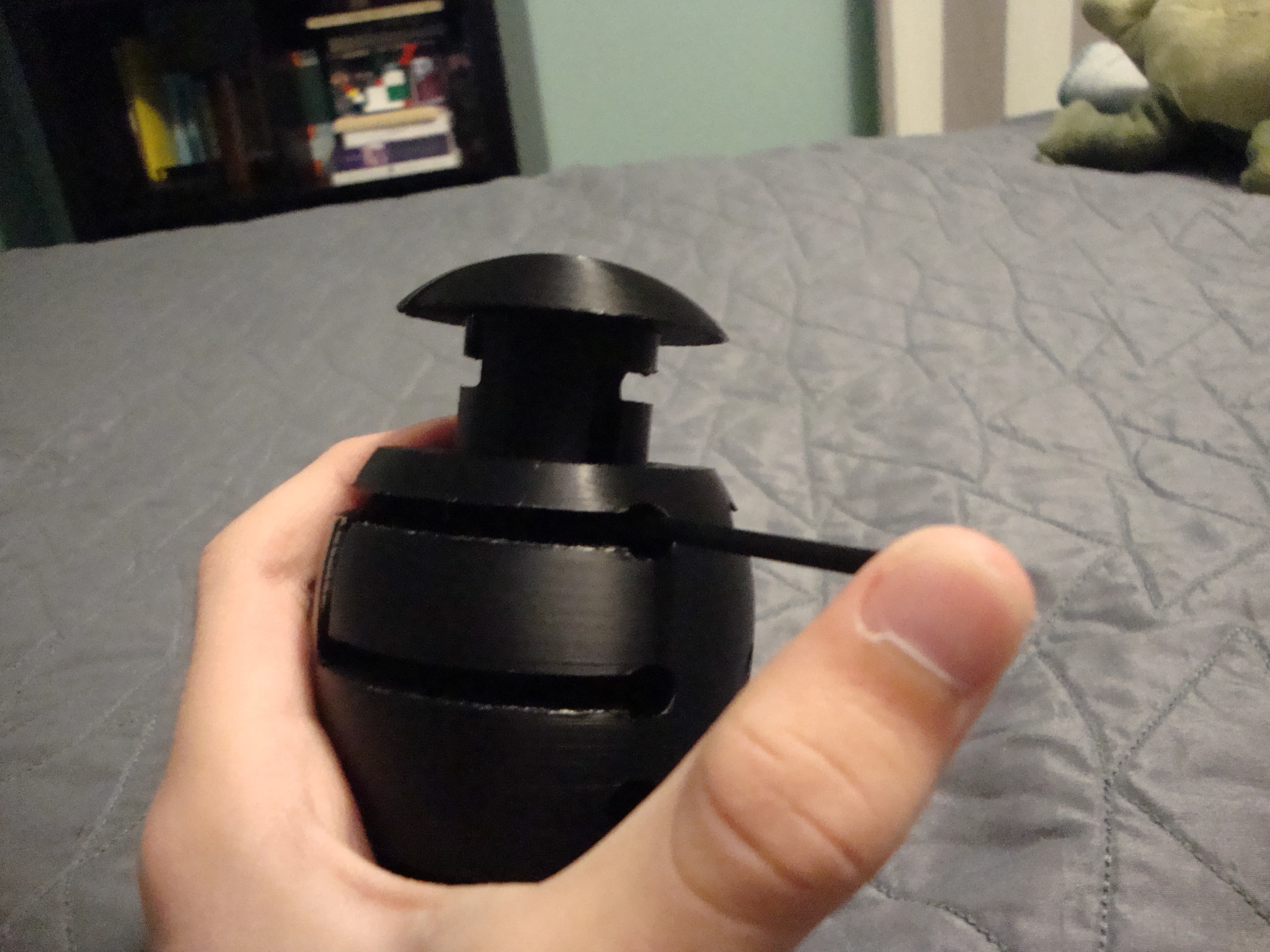
The assembly process is simple. There are no parts required other than printed parts.
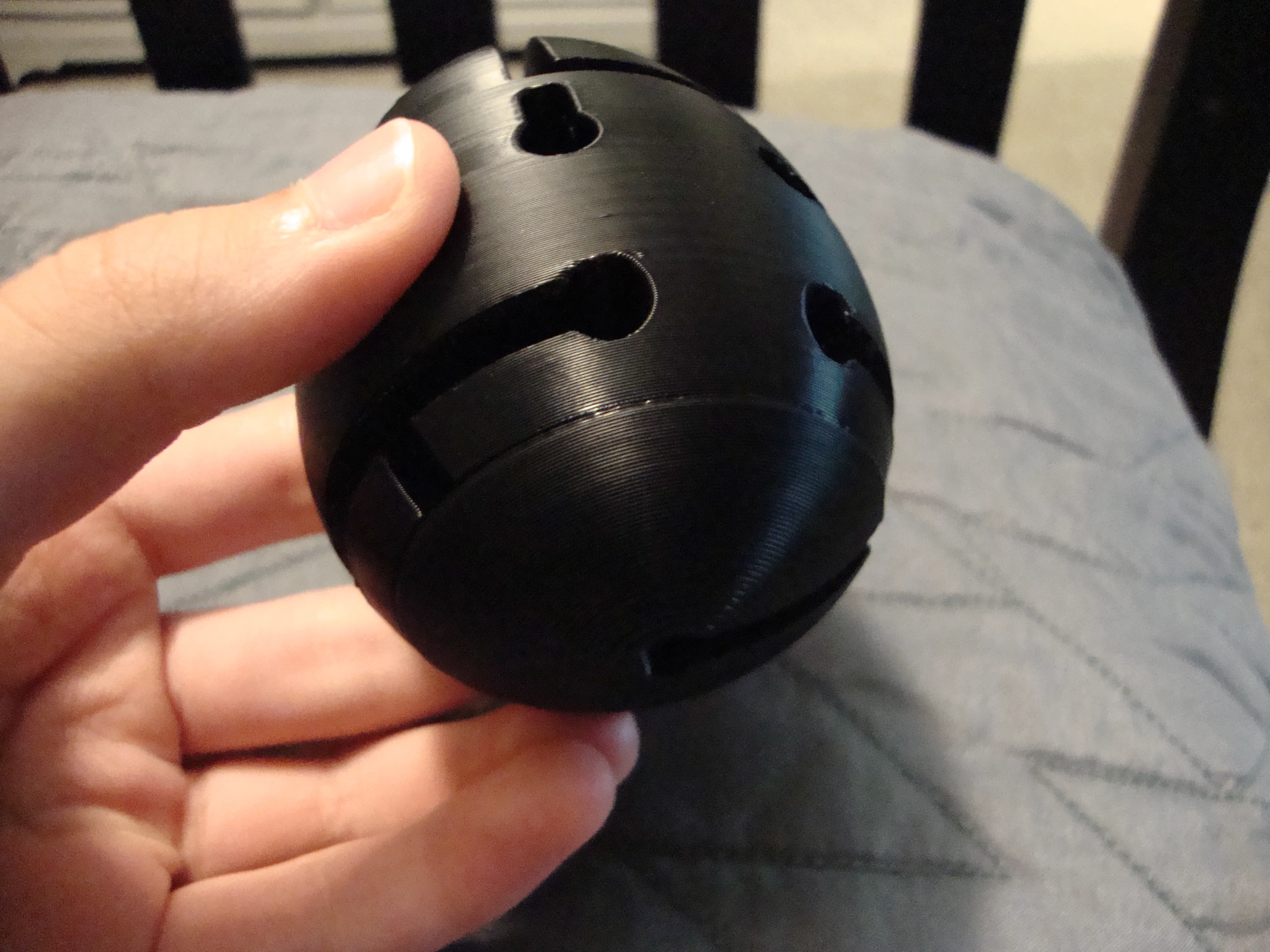
- First, press the bottom half into the top part until it clicks. Make sure it can rotate freely.
- That's all! Enjoy
Tips + Solution
Make sure the wand is as round as possible! Use sandpaper if needed around the tips to round it off.
S P O I L E R S
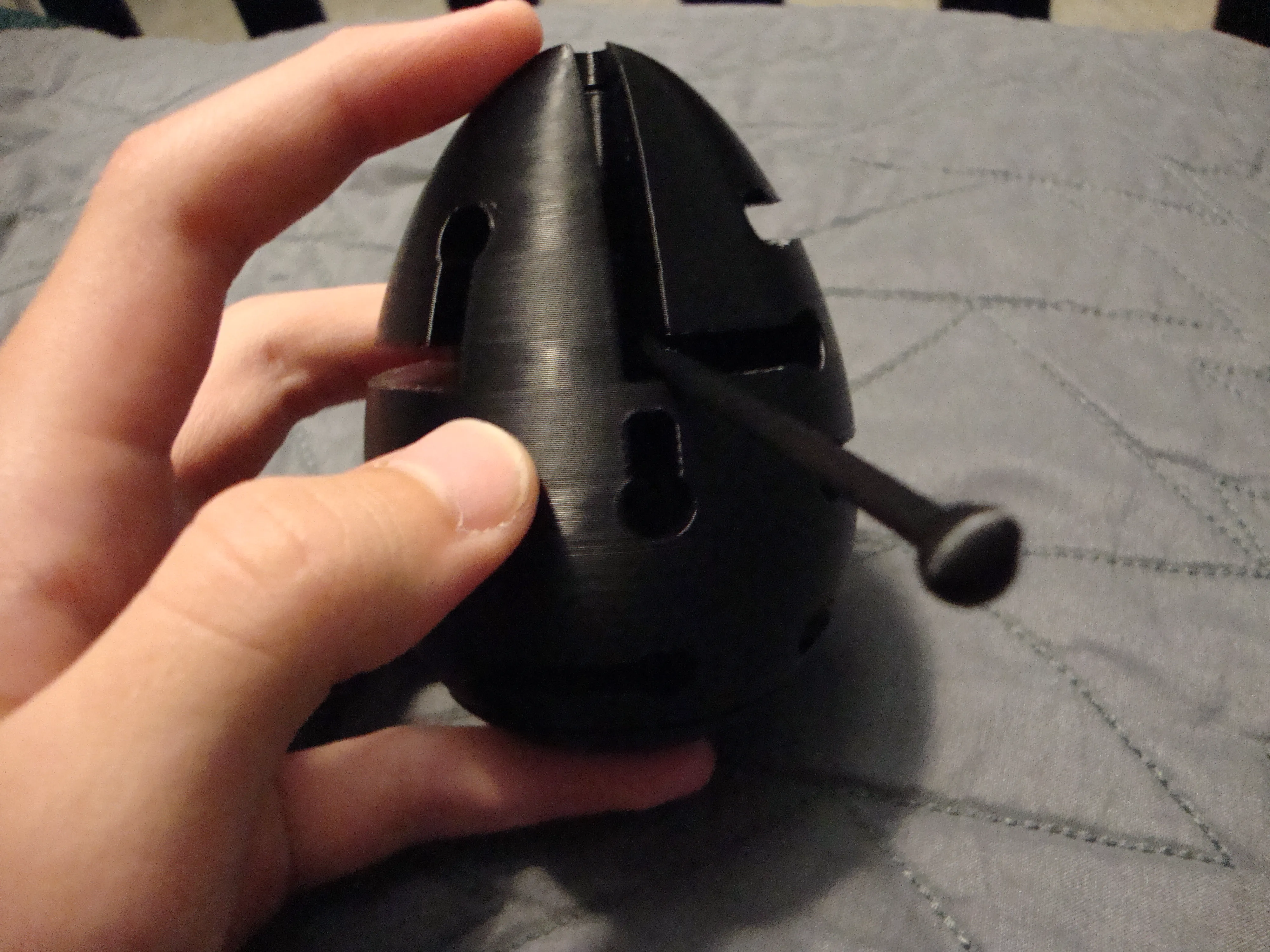
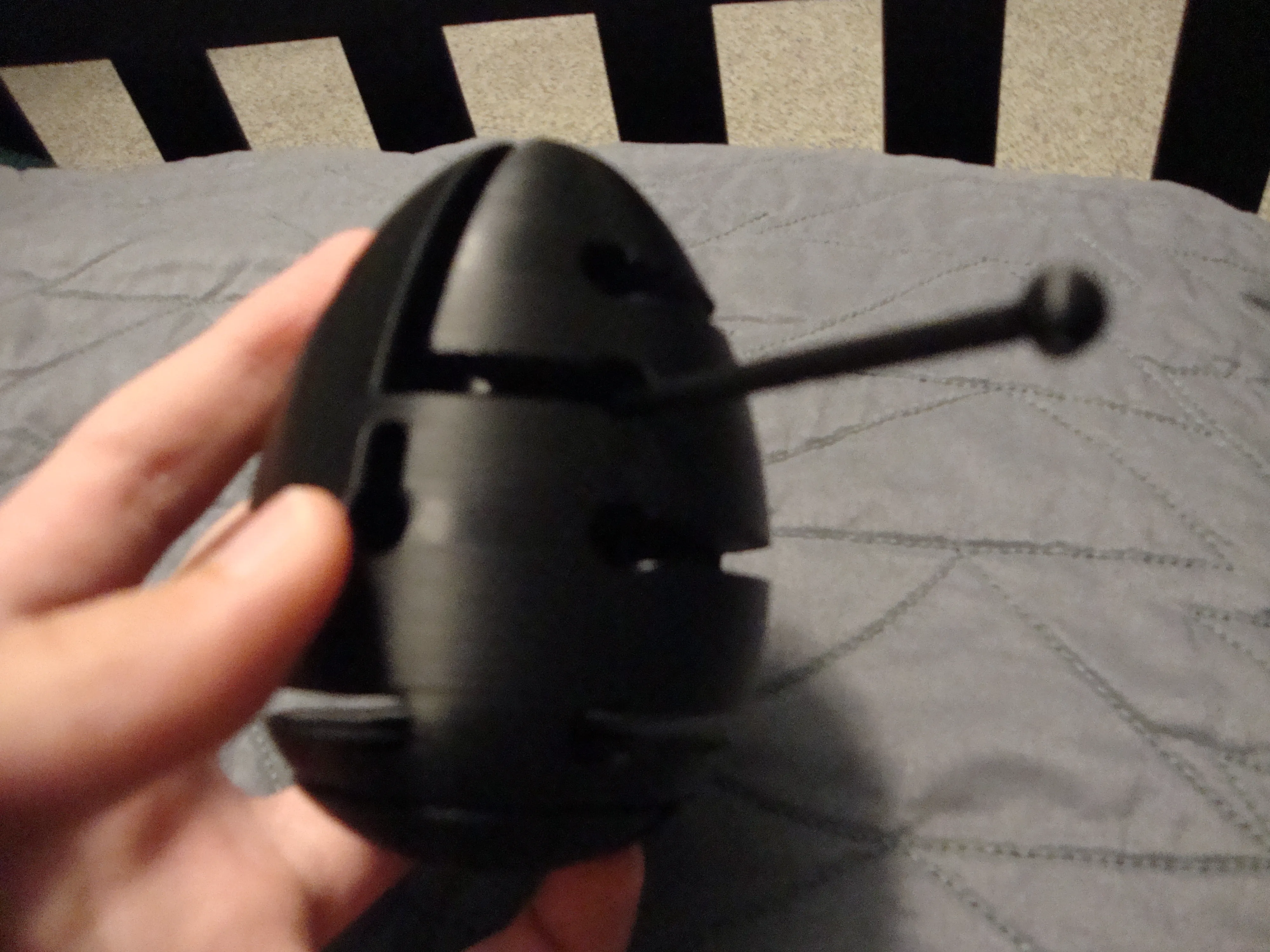
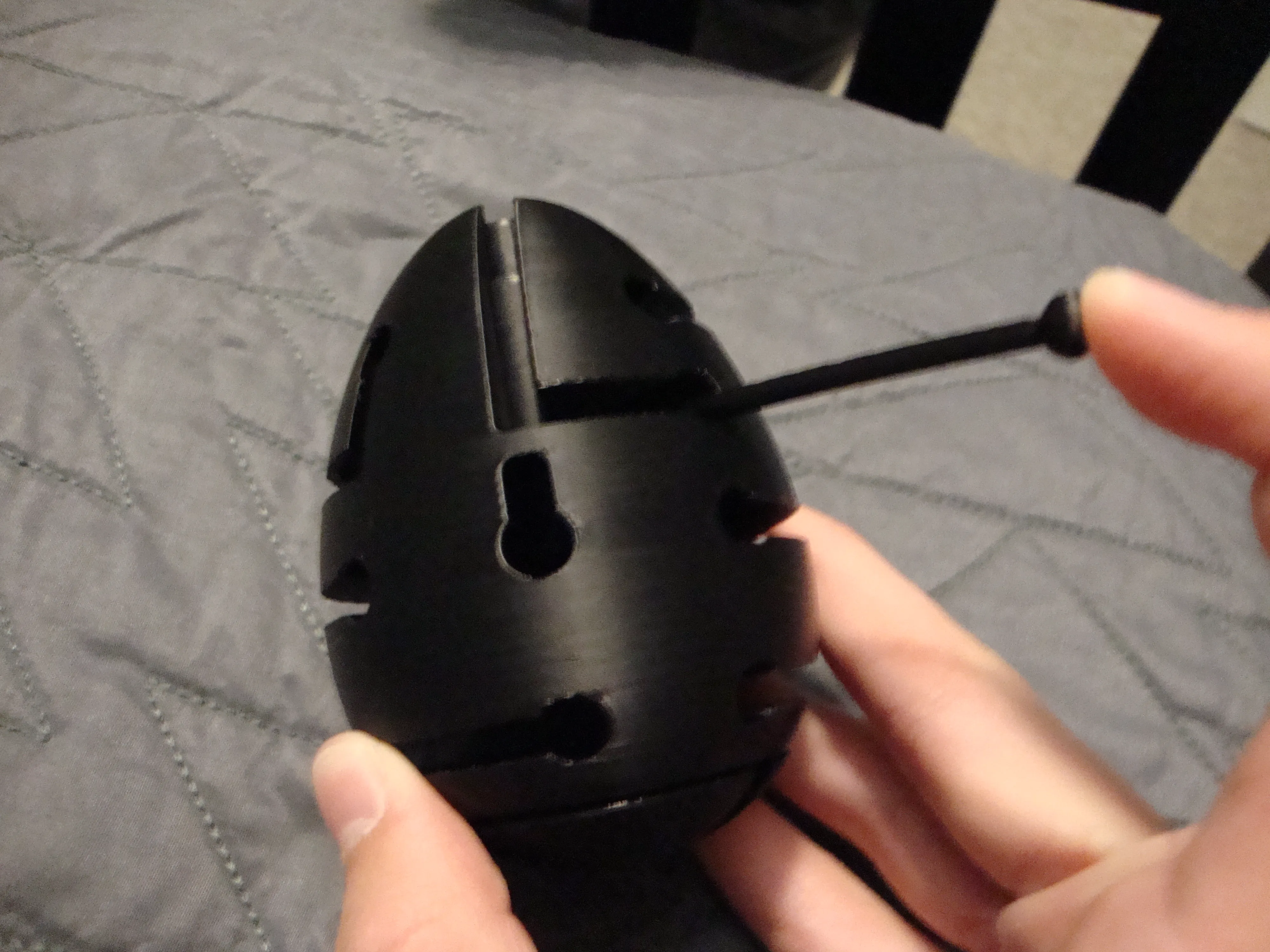
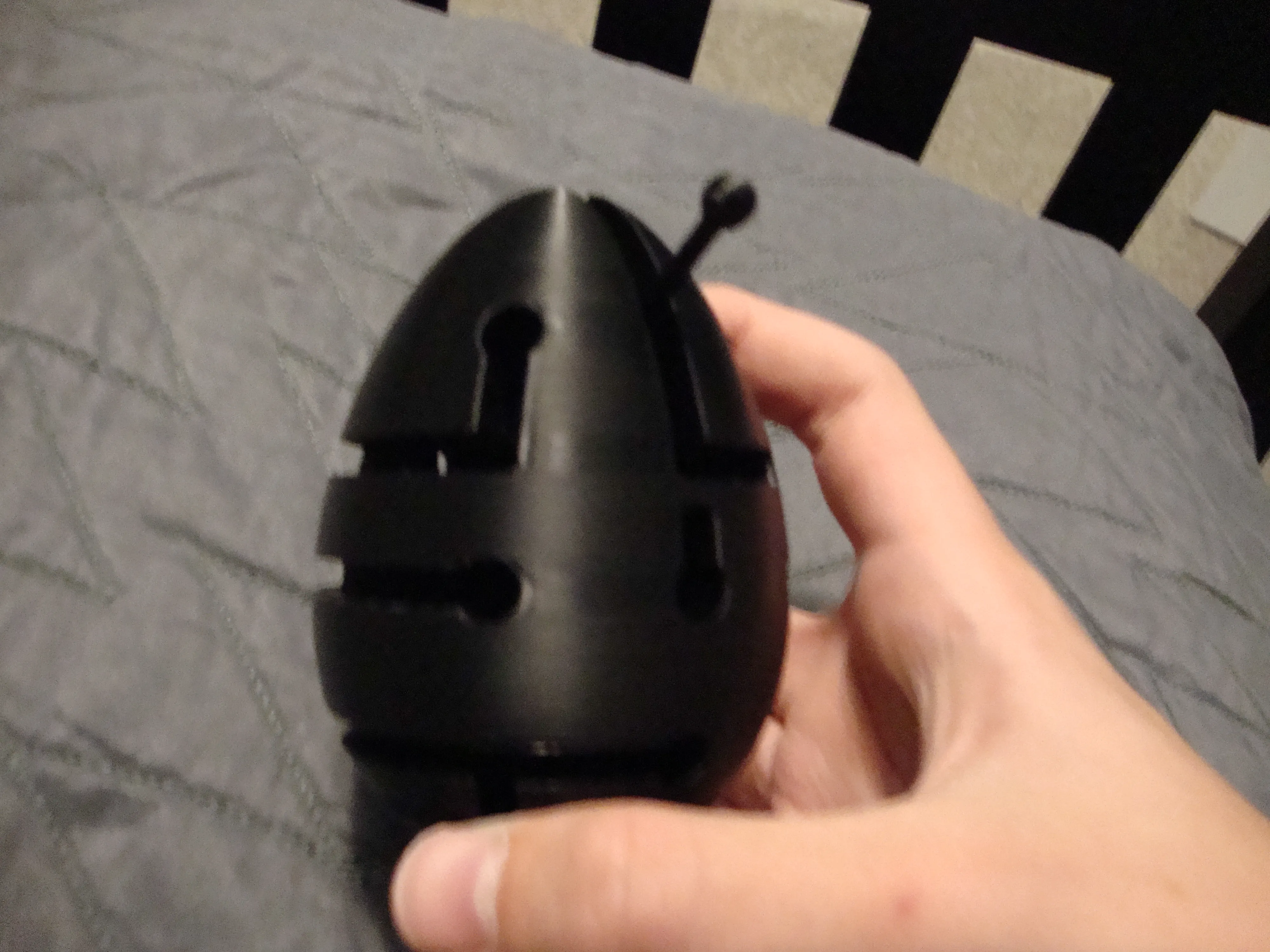
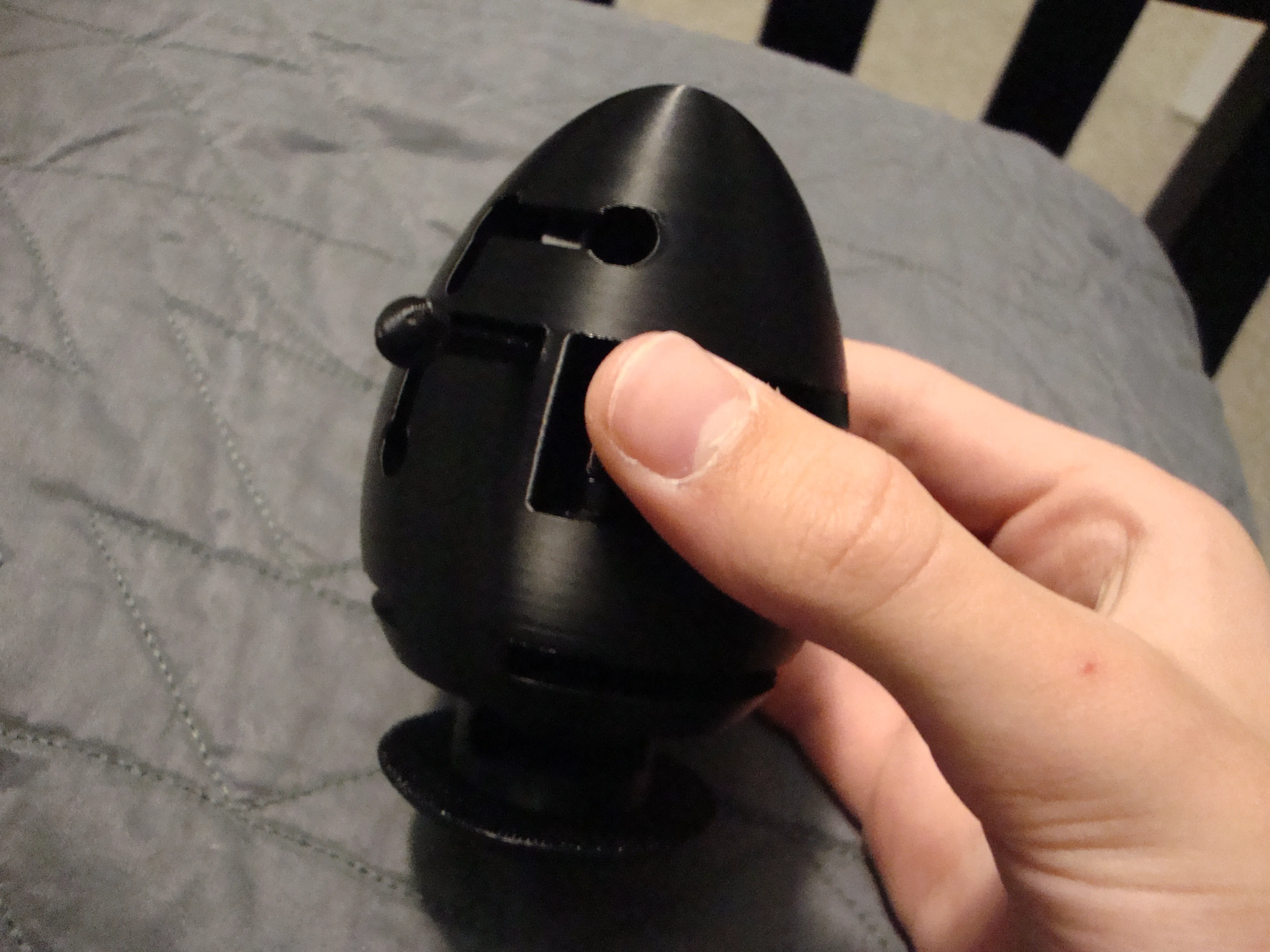
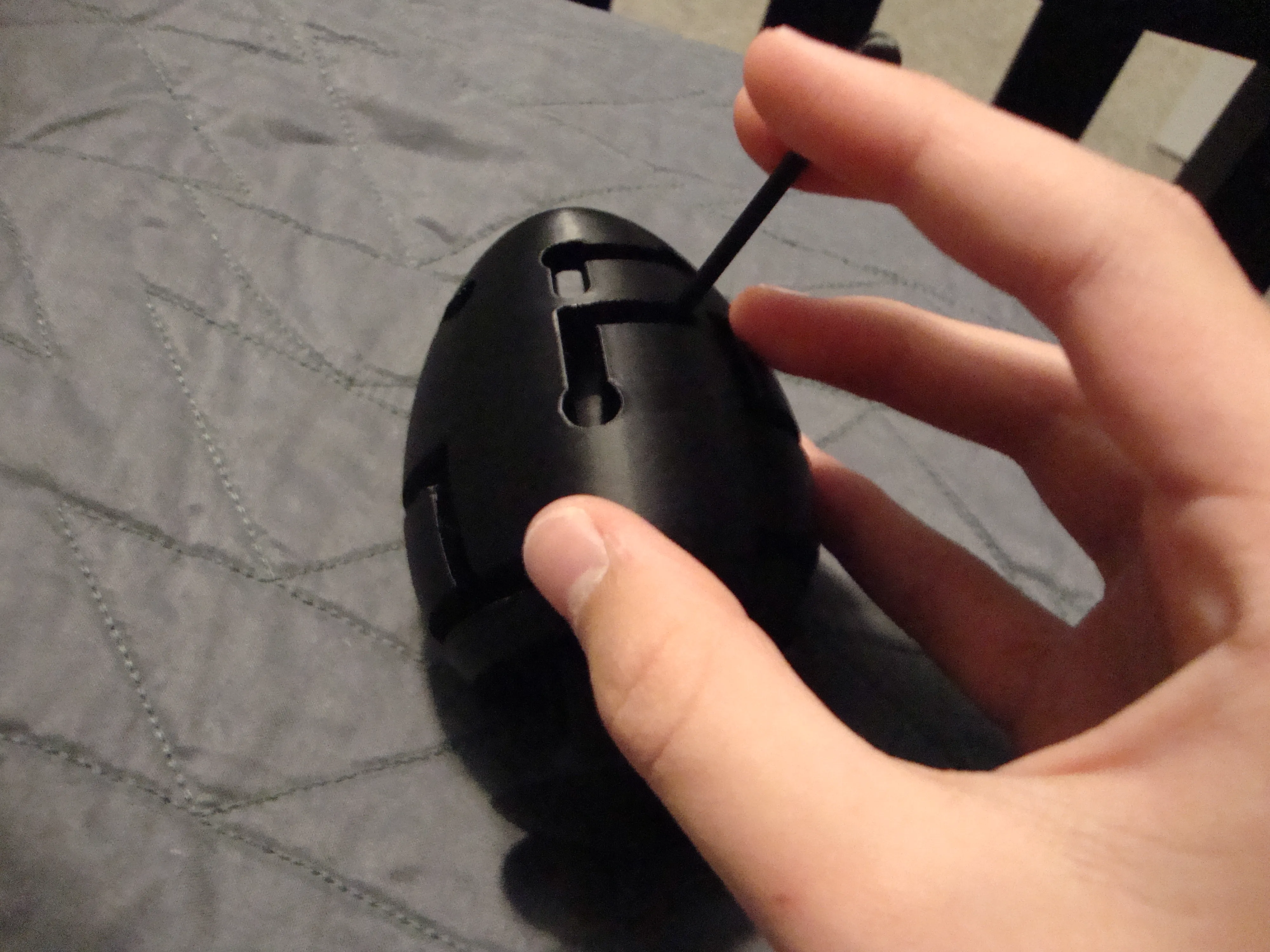
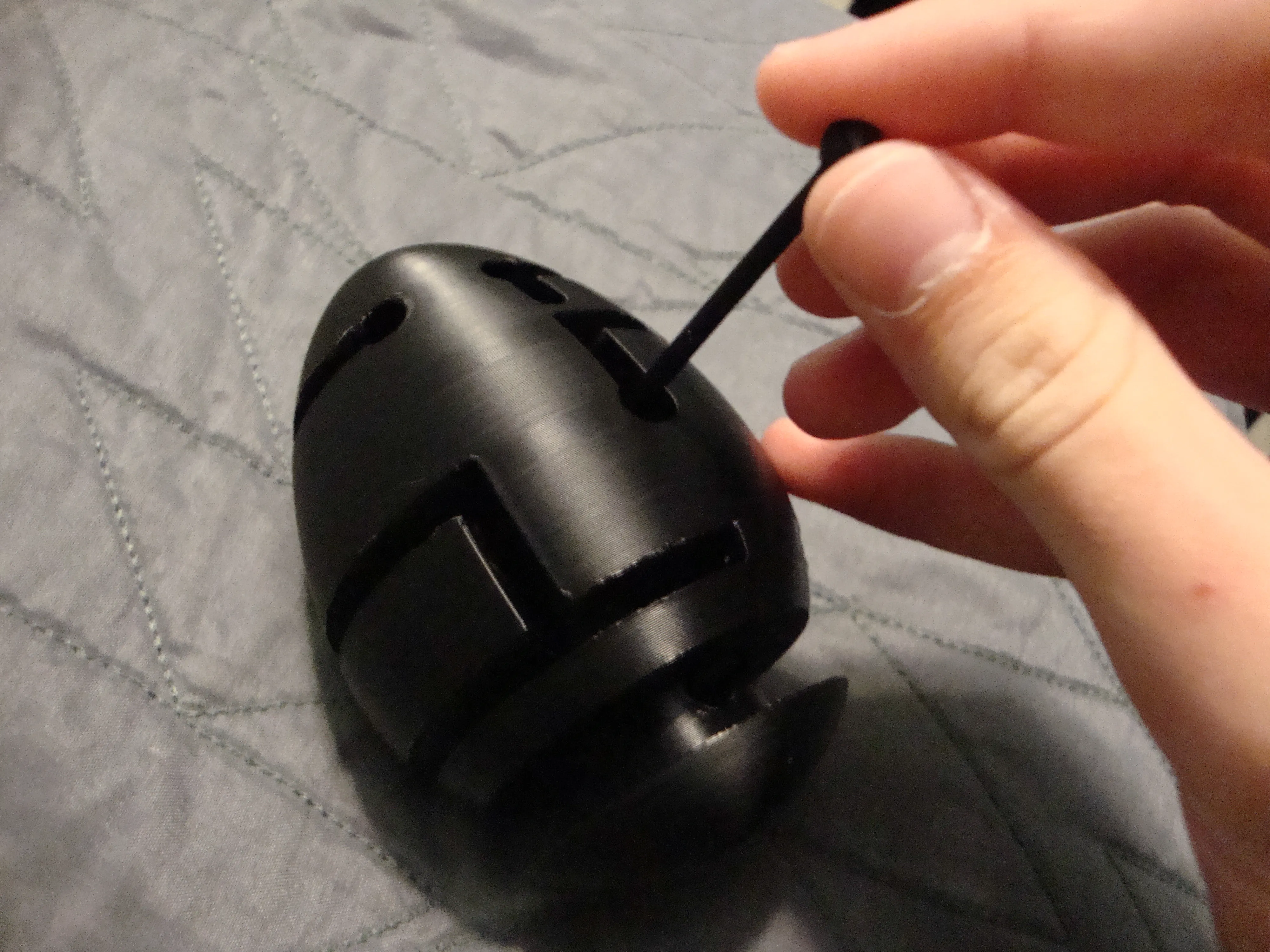
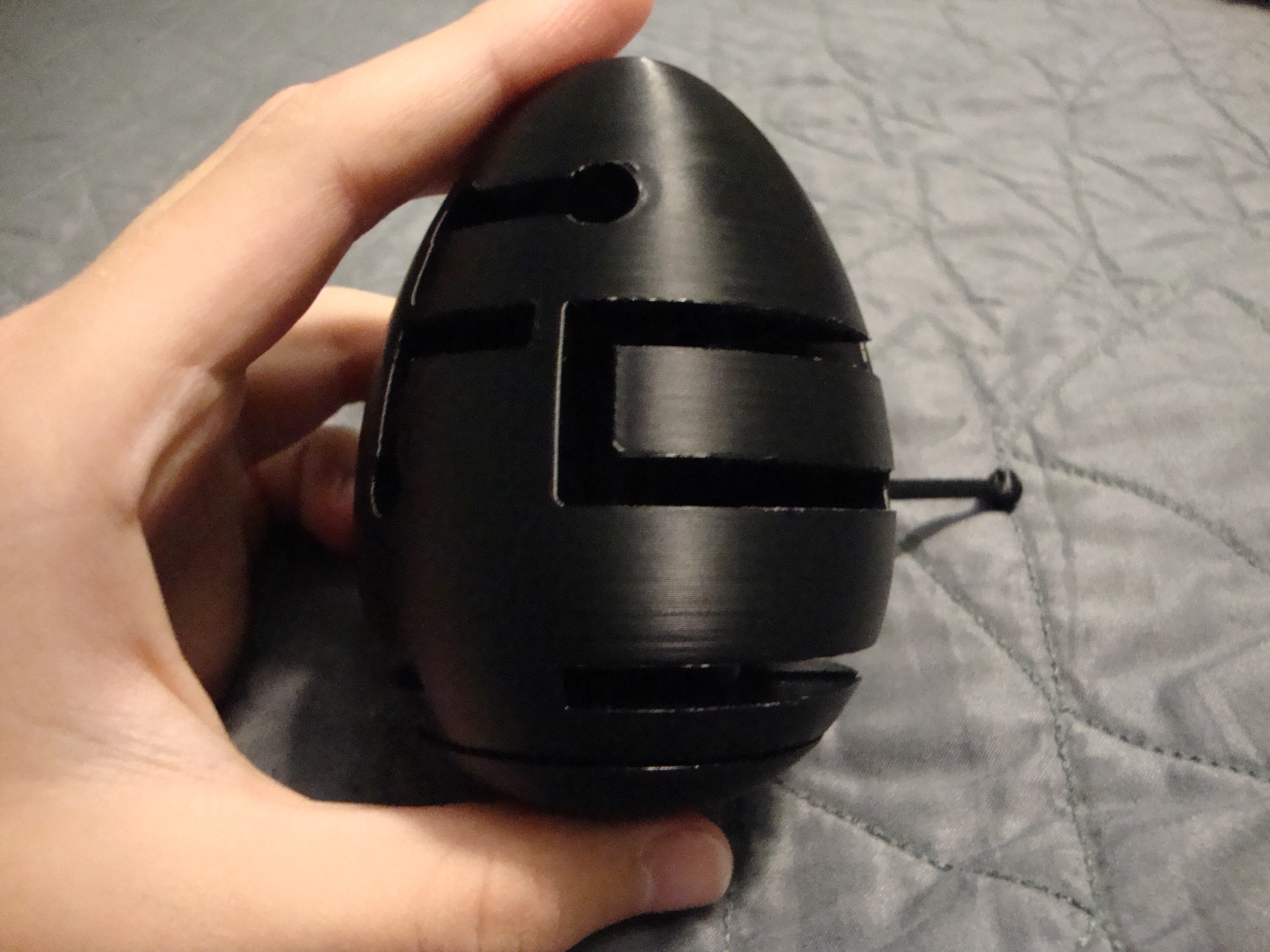
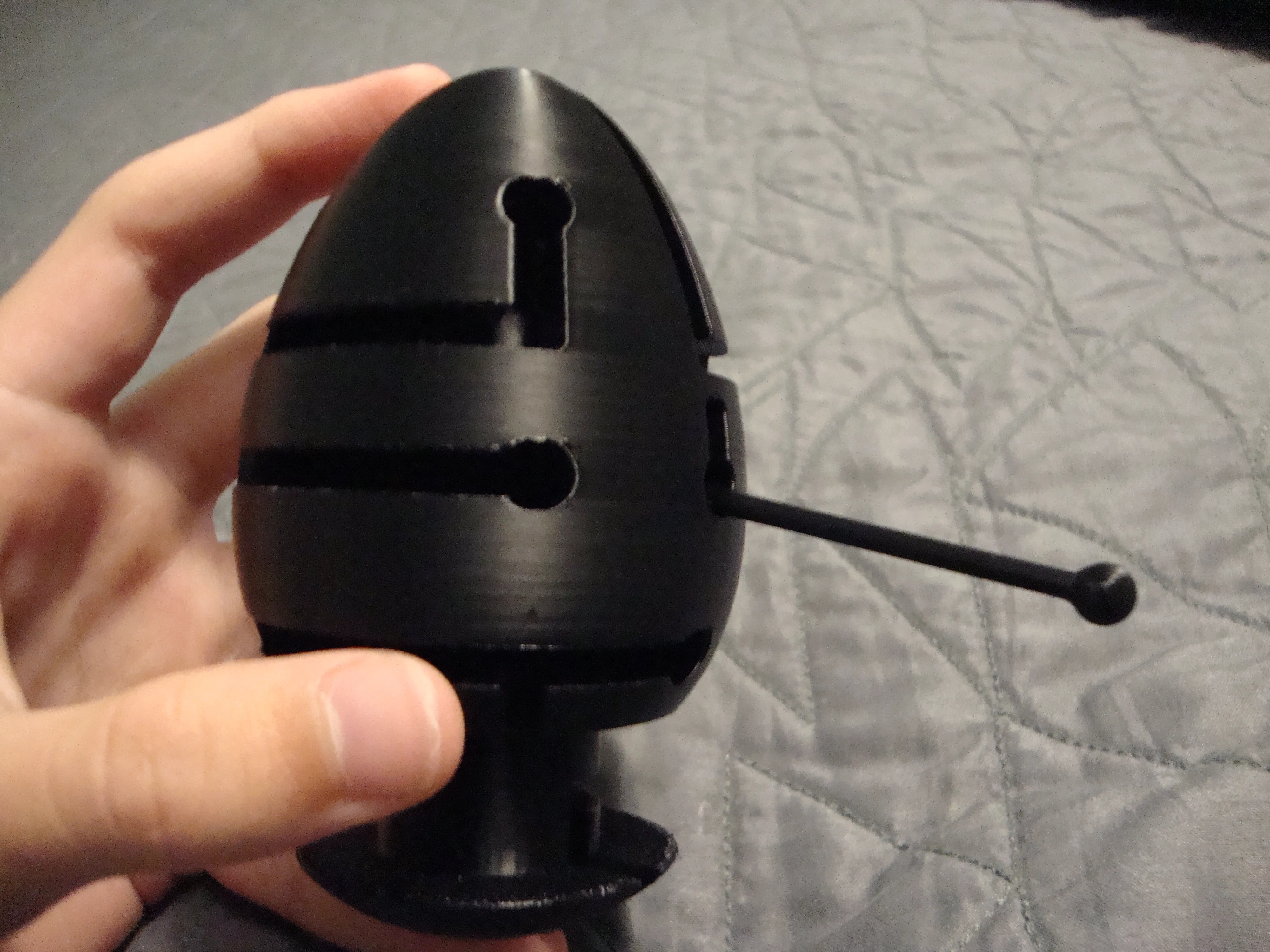
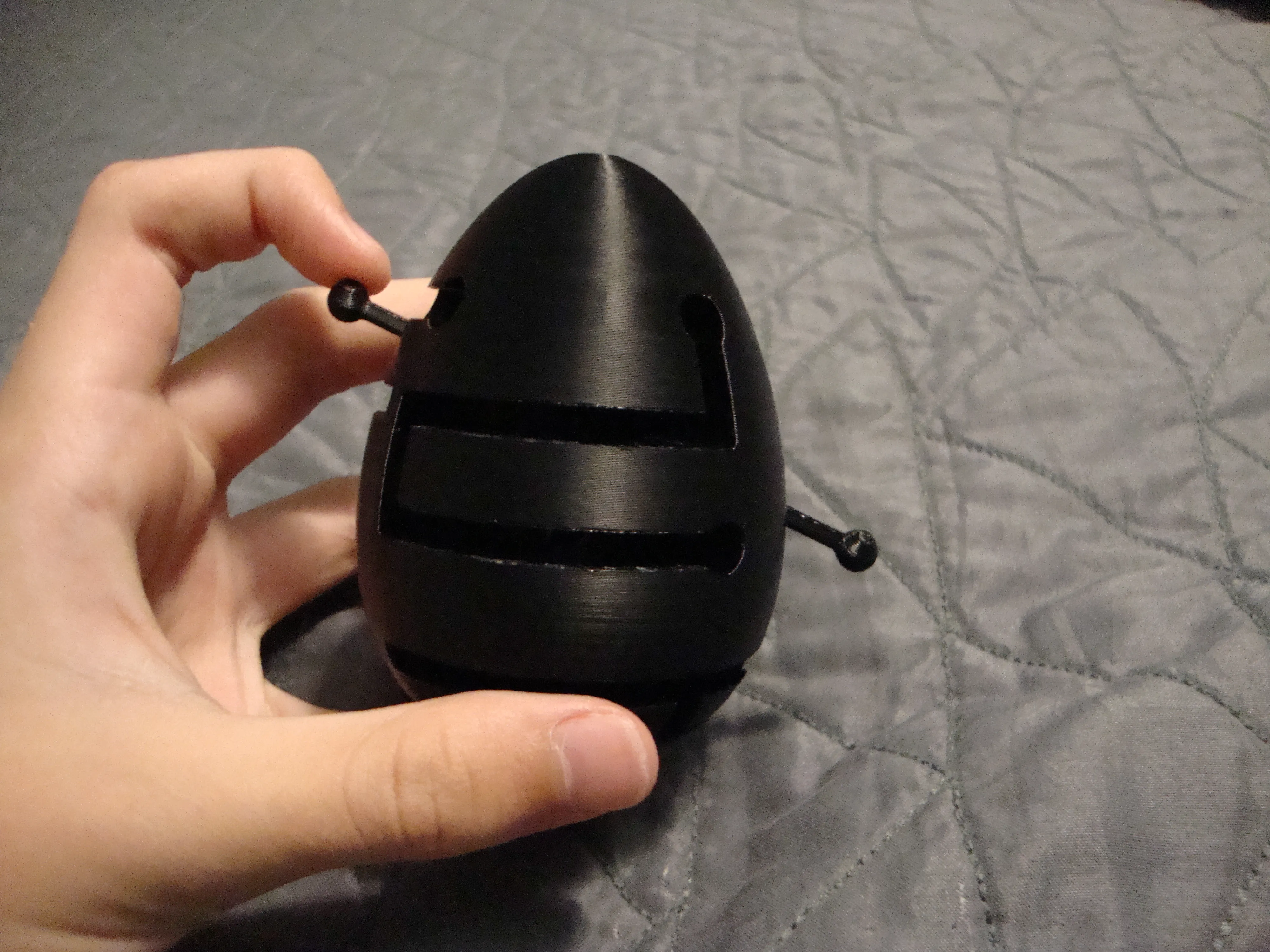
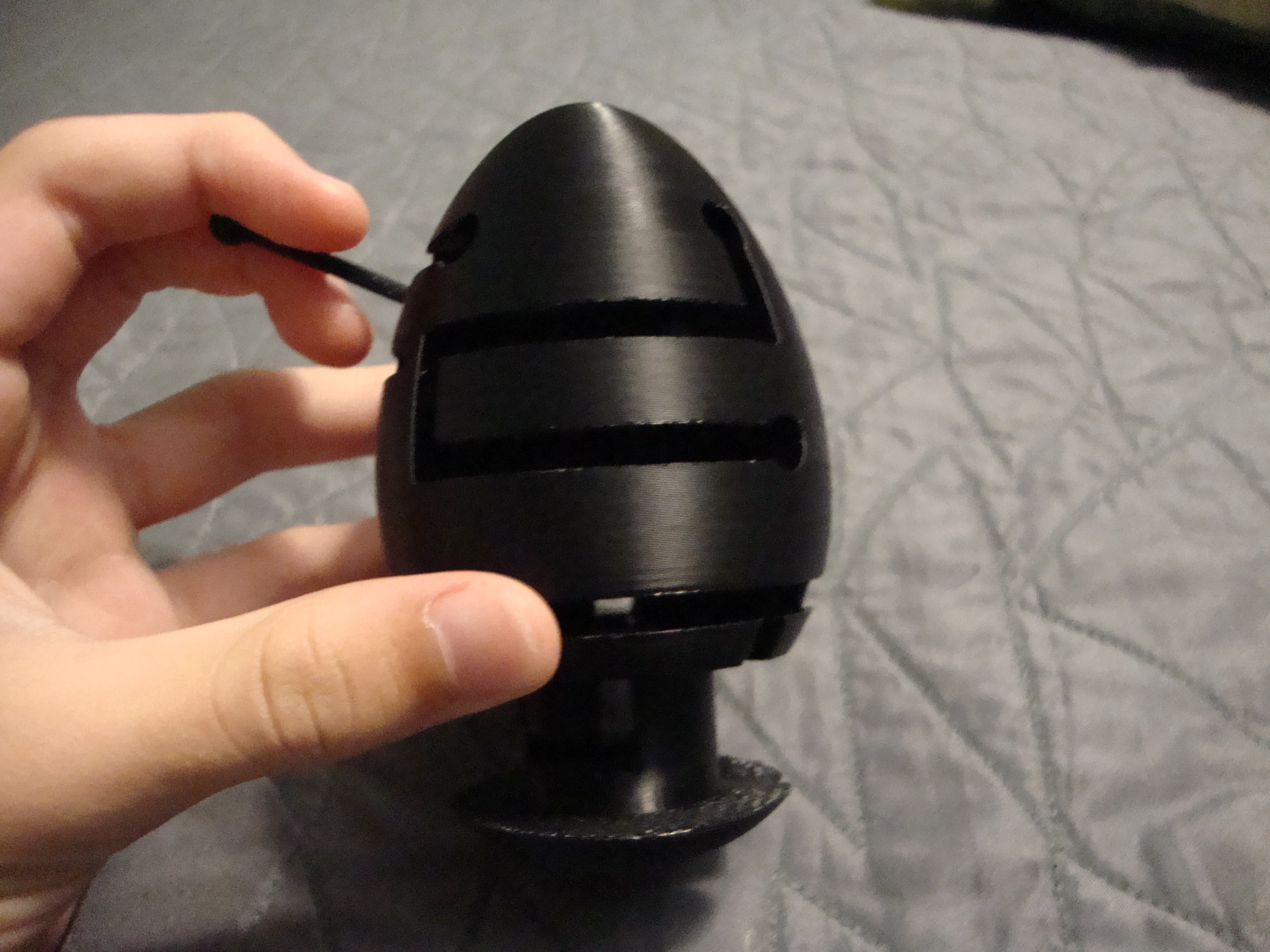
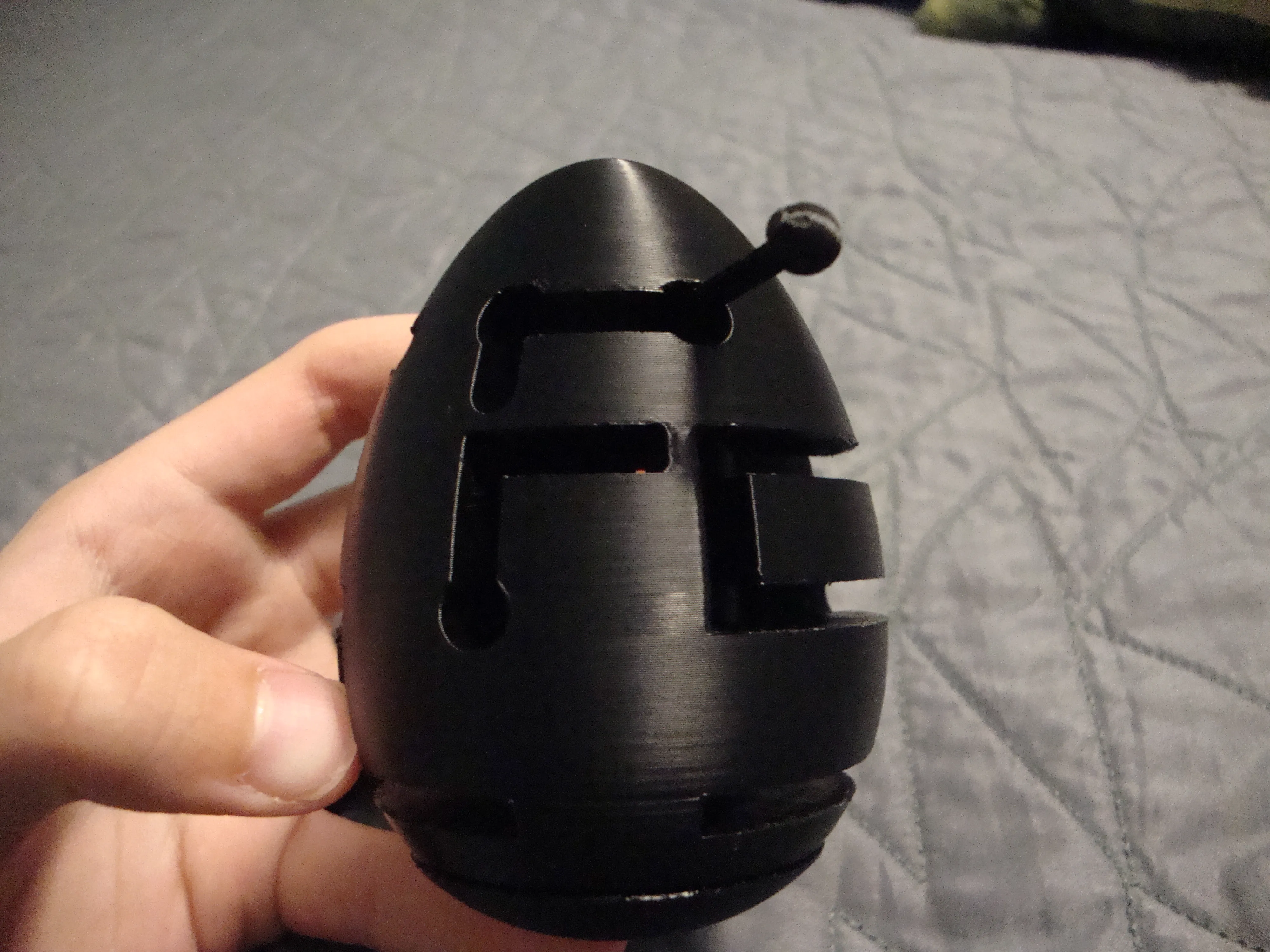
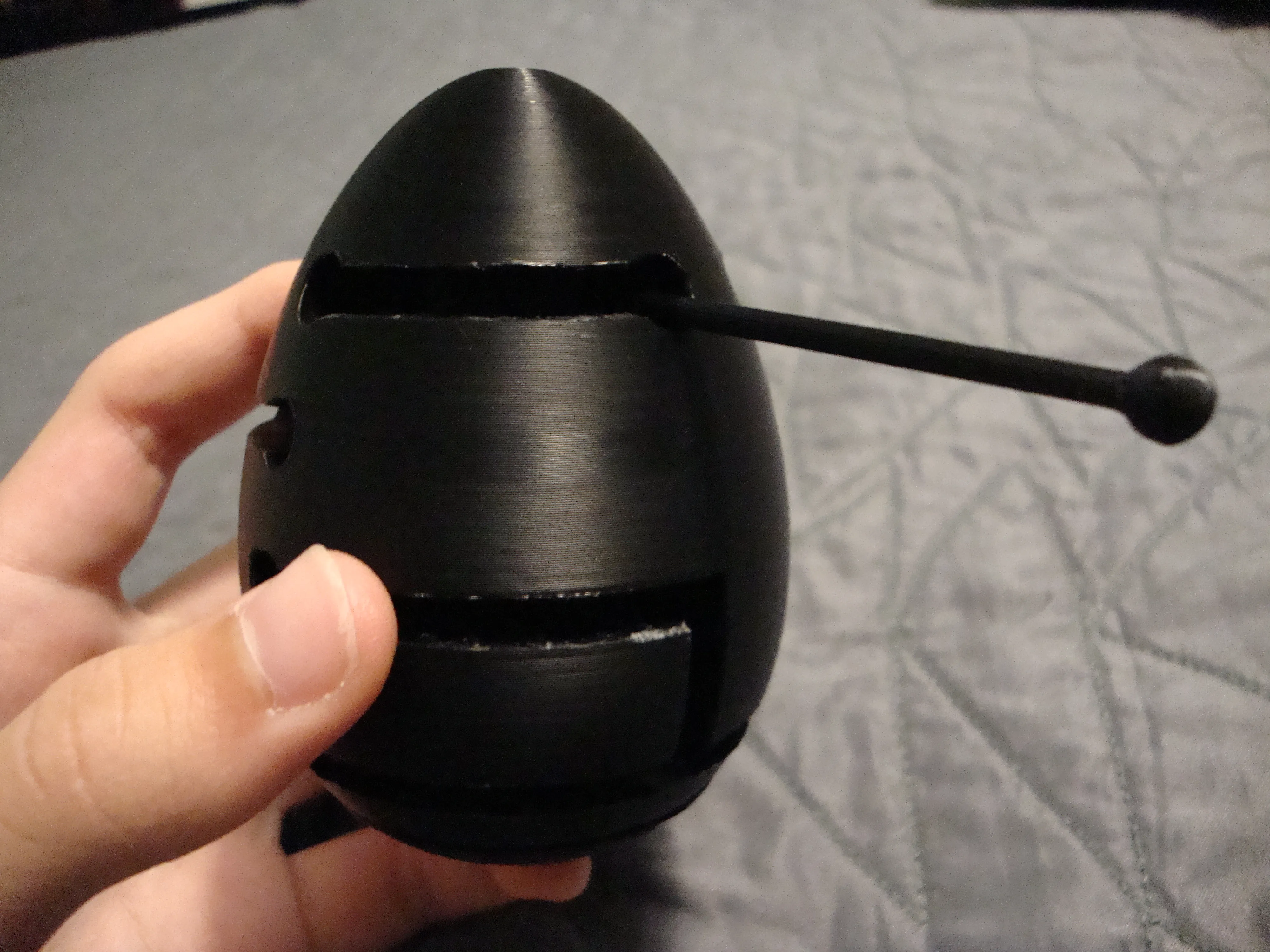
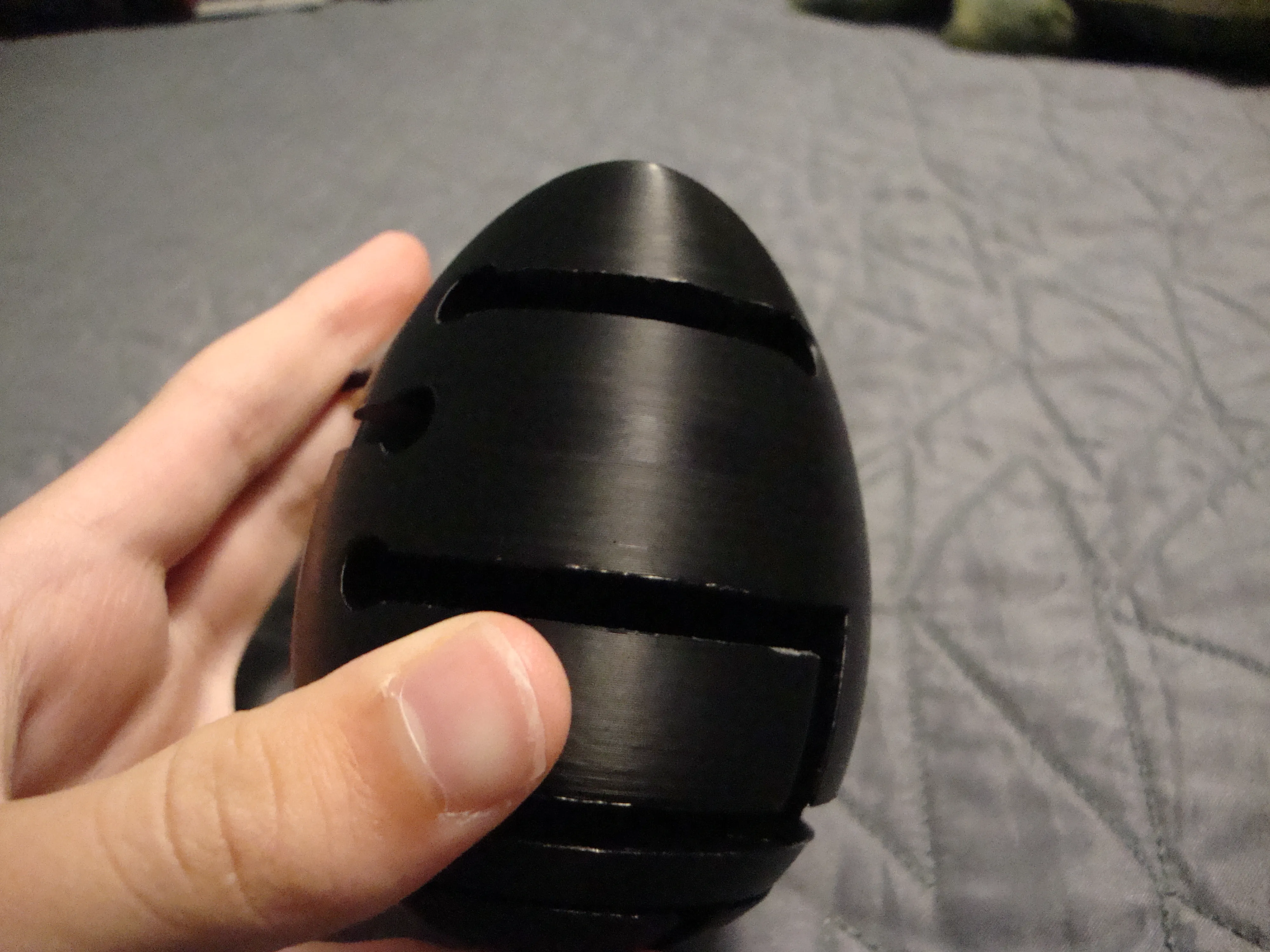
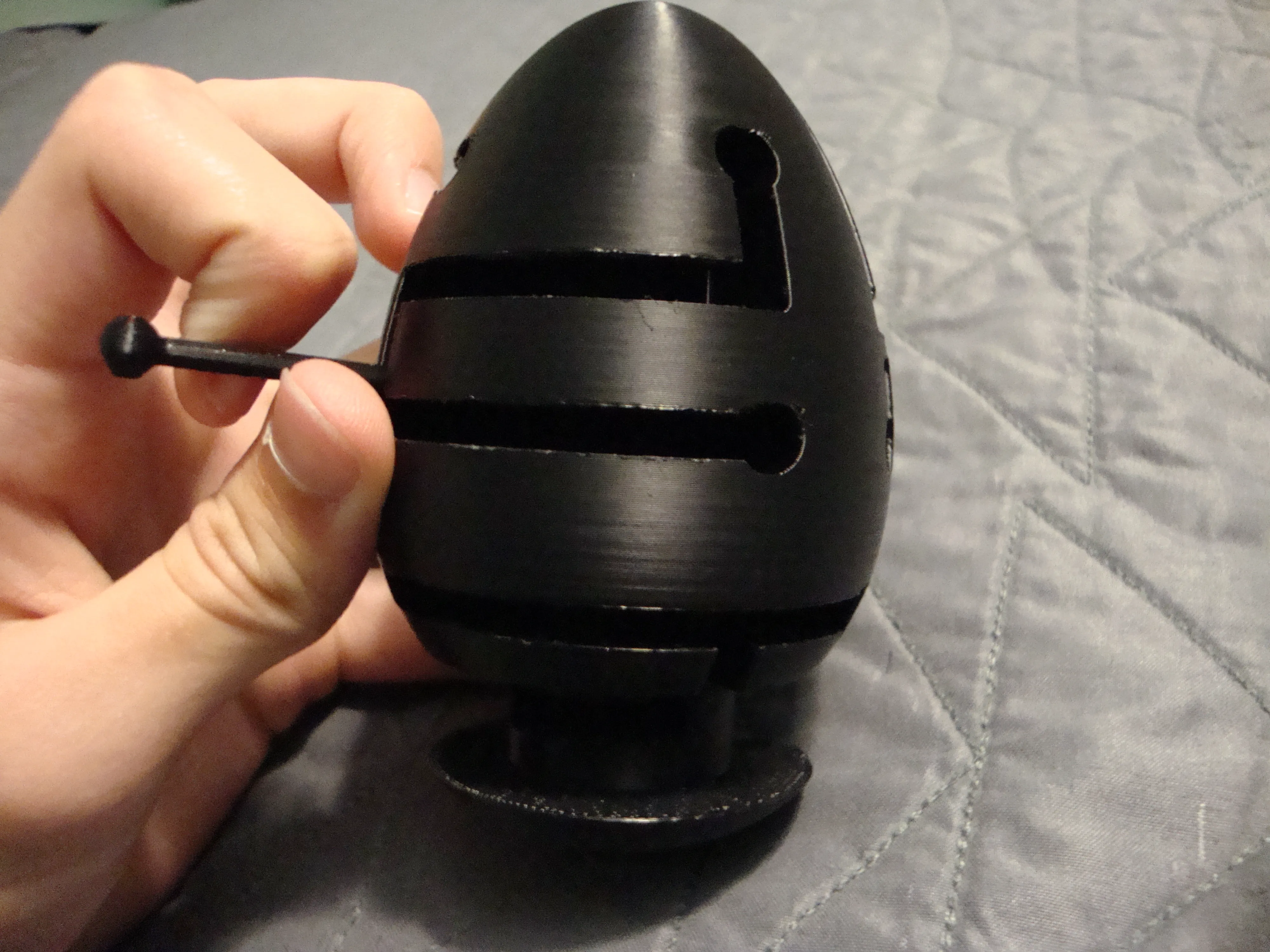
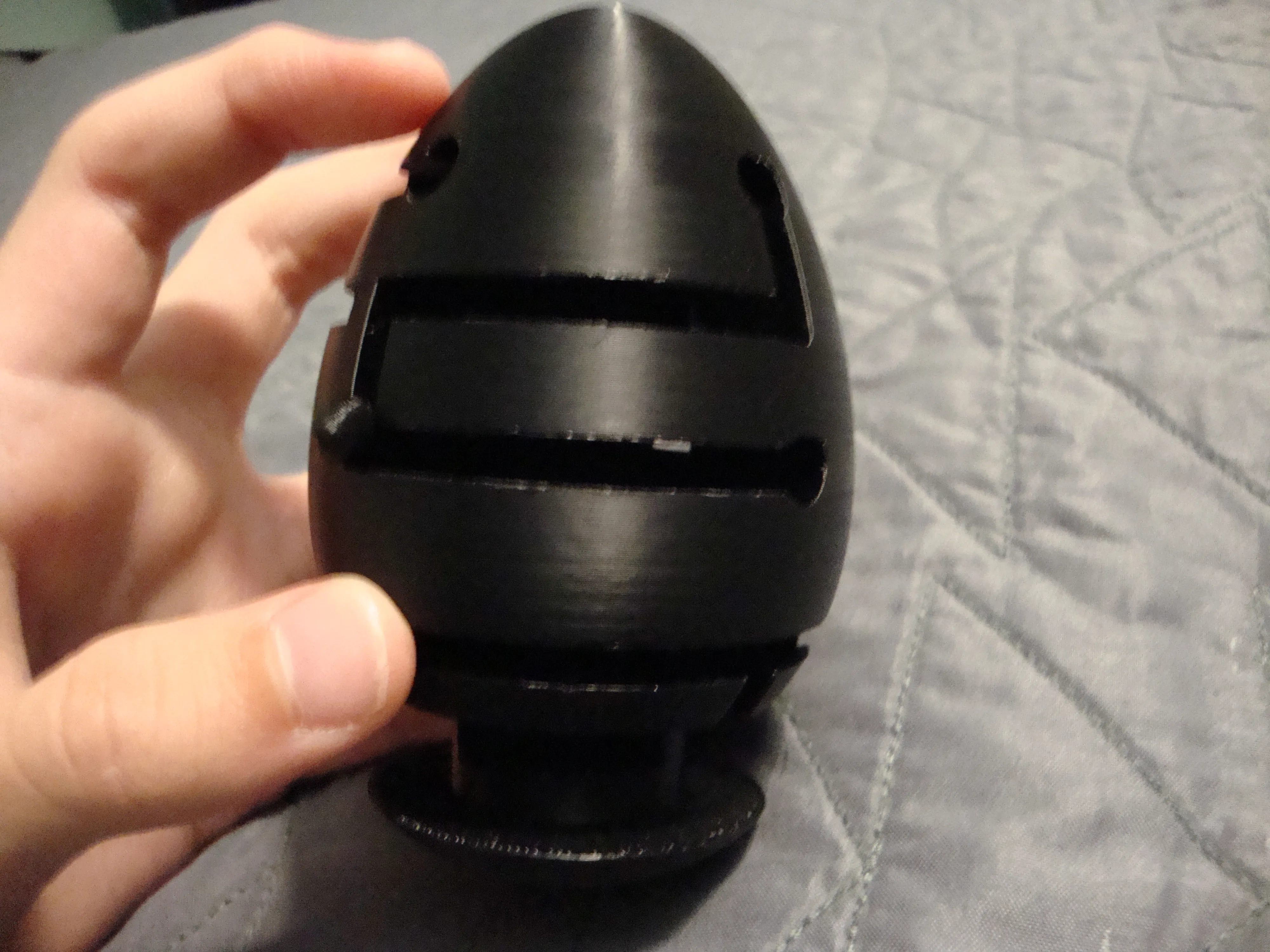
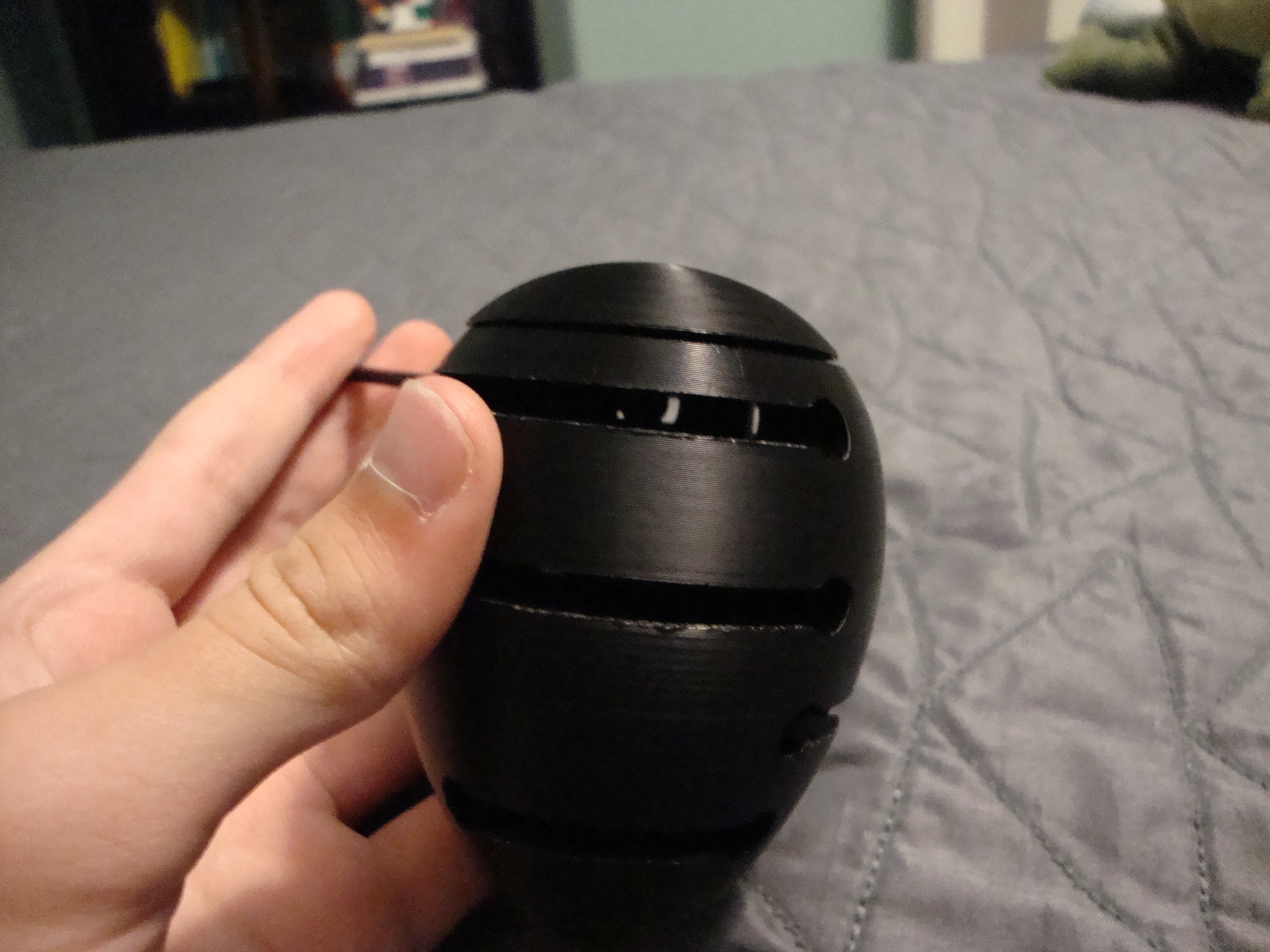
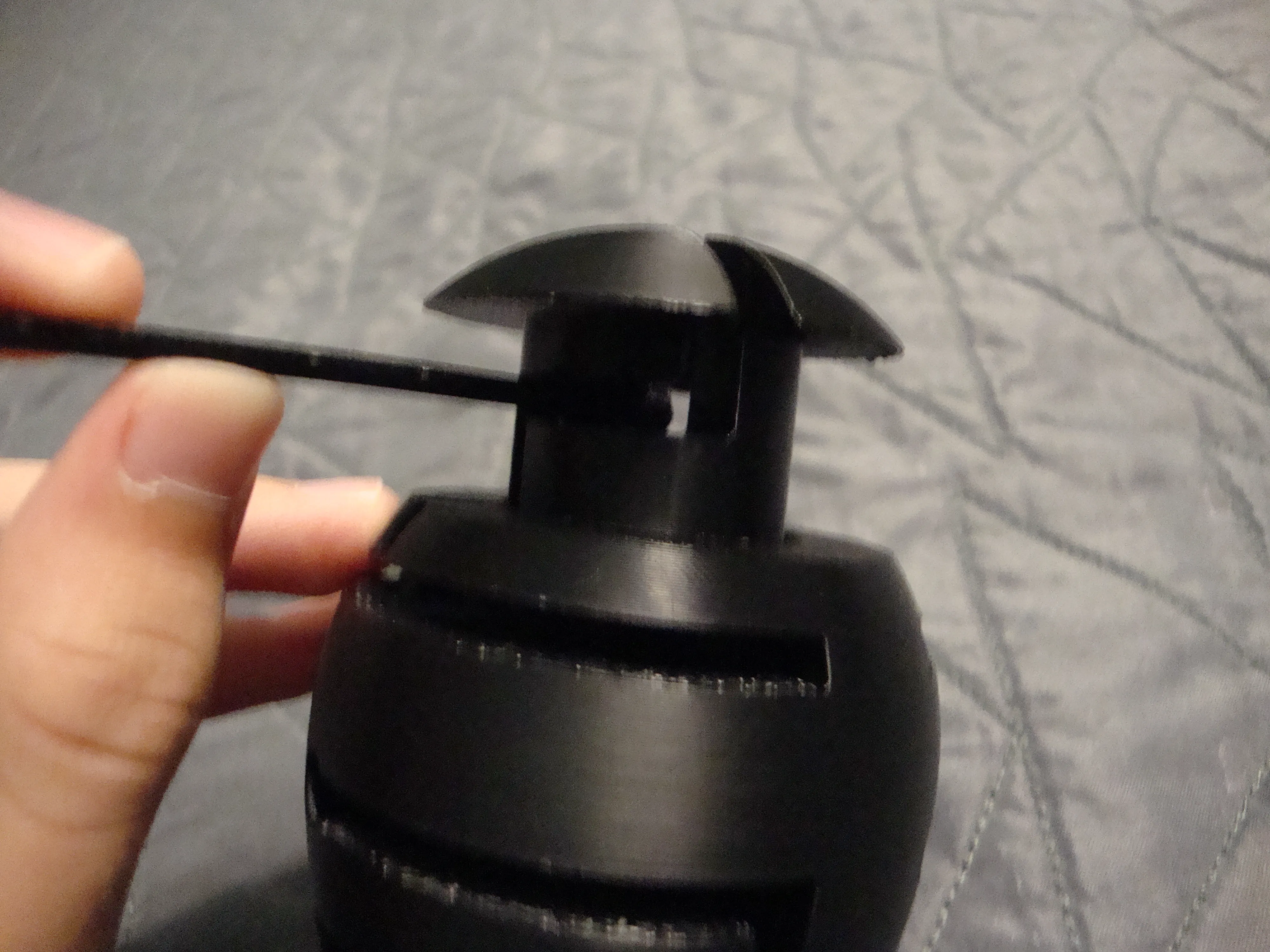
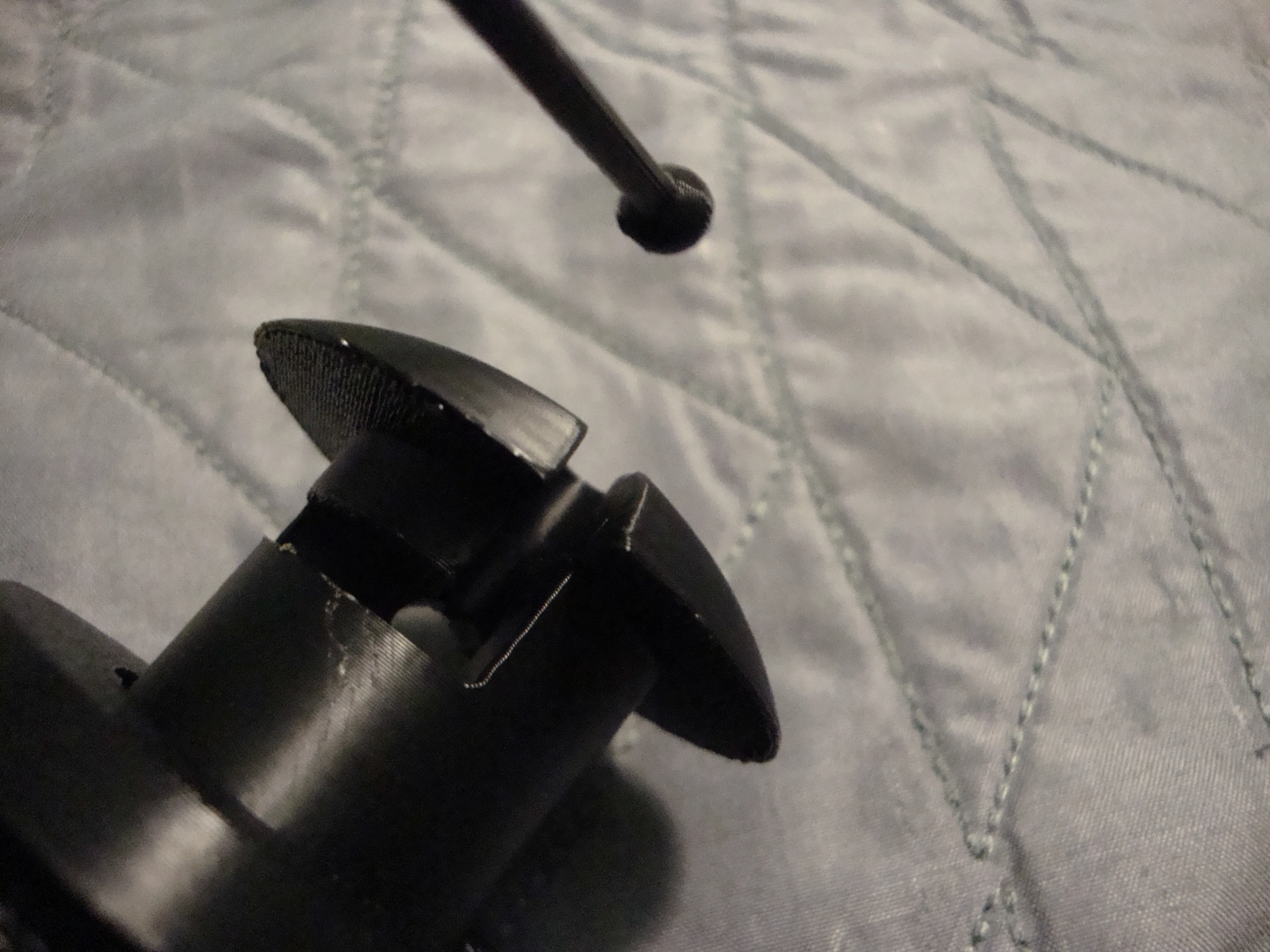
10/6/2024
Made the clip inside slightly larger to avoid it not printing properly
10/3/2024
Fixed incorrect model files.
9/27/2024
Added Model
Boost Me (for free)
Boosting is 100% optional, but helps out a bunch in being able to make these models for you. It's free for you, but helps me cover the costs on filament materials and other consumables :D
License

This user content is licensed under a
Creative Commons Attribution-Noncommercial-Share Alike


Comment & Rating (16)