
Hex Bit Box
Print Profile(1)

Description
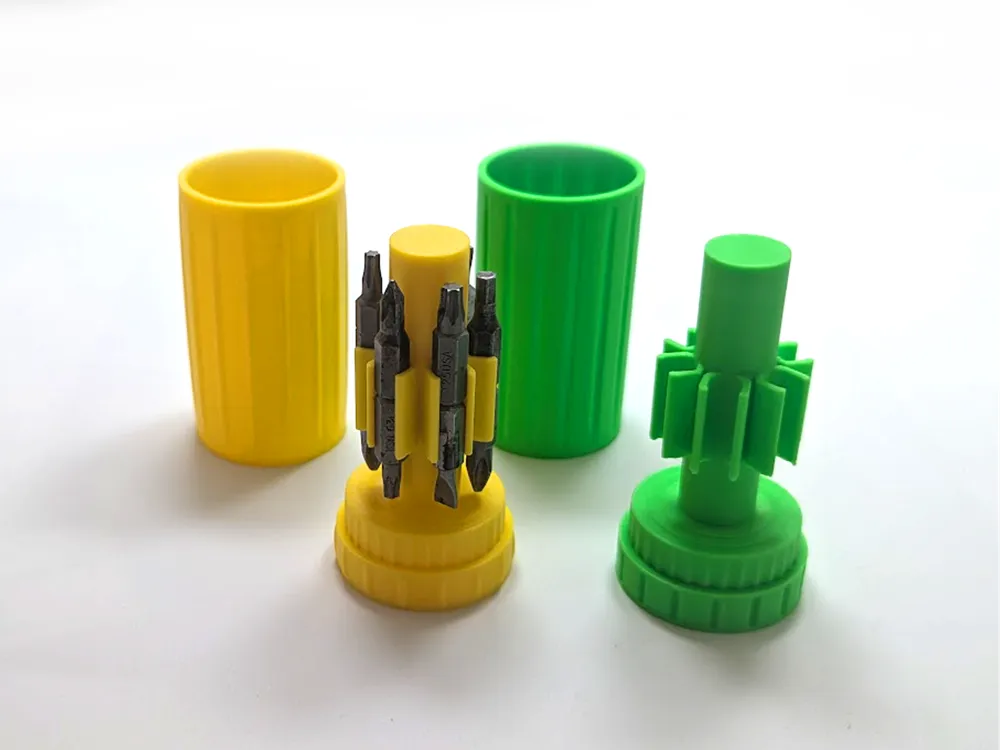
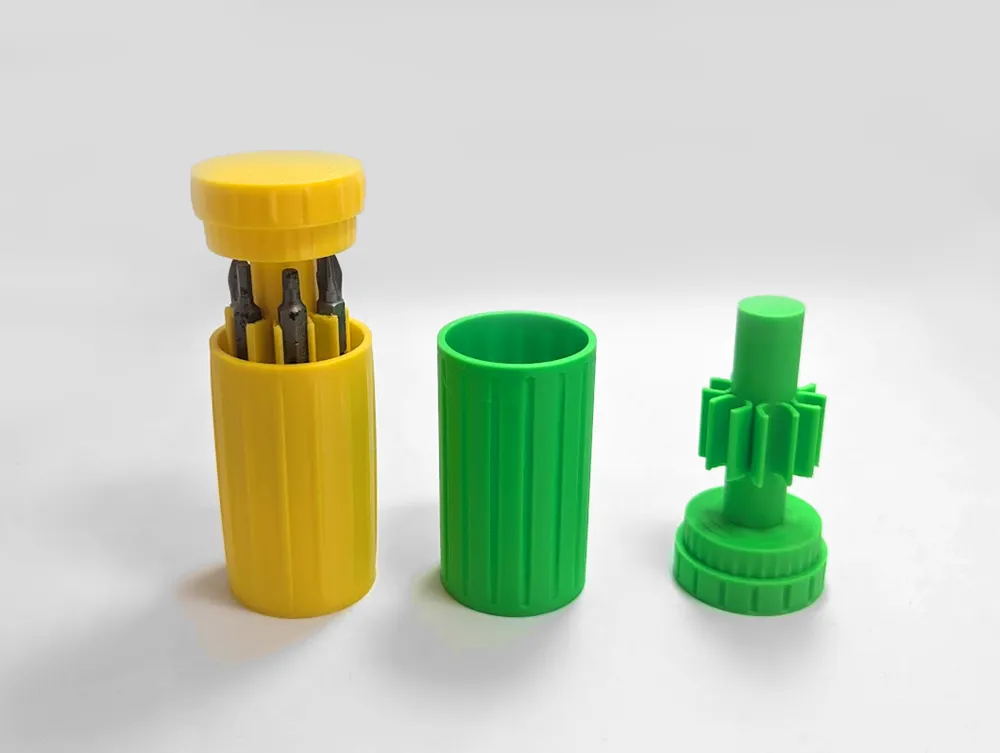
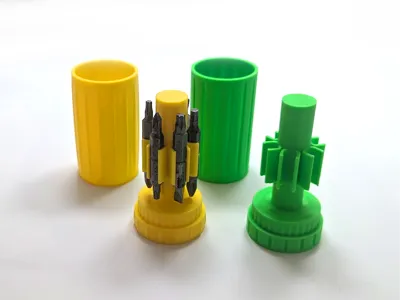
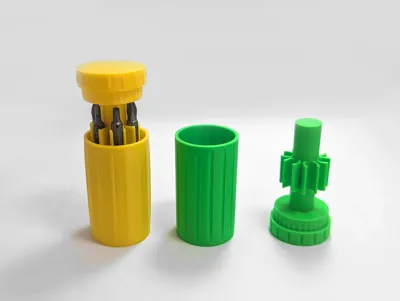
Hex Bit Box.
Very easy print with minimal supports that you can pull off by hand (mMMMm…. Satisfying).
The box stores up to 12 bits securely. Bits can be easily snapped in for storage and snapped out for use.
For extra convenience, the holder will stand upright on the cap when it's removed from the storage box.
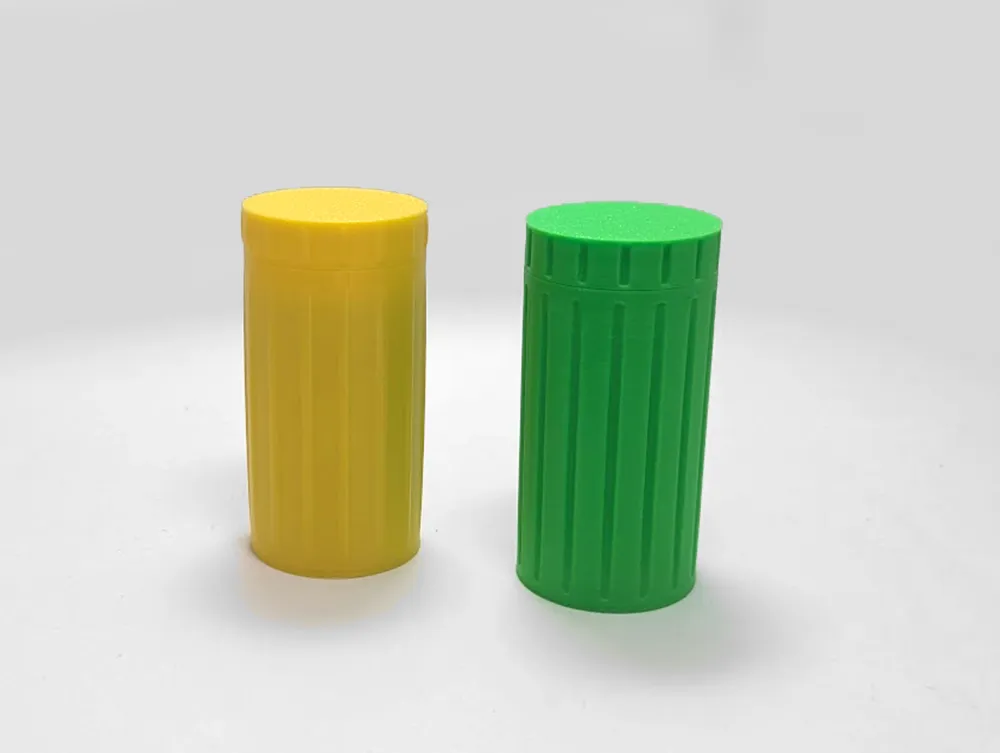
The lid press-fits down onto the box so you don't have to fumble with aligning threads or grooves.
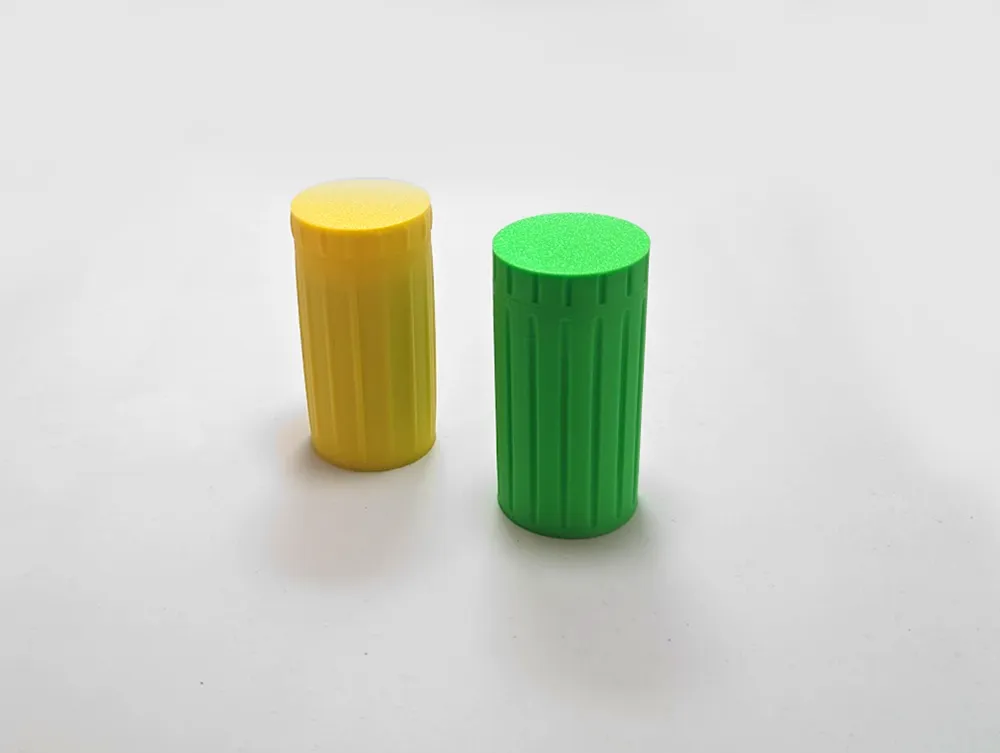
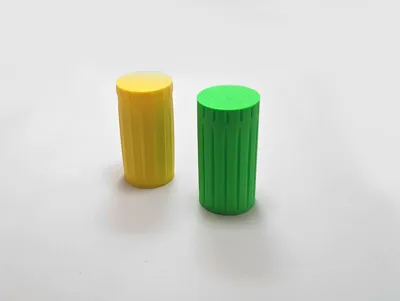
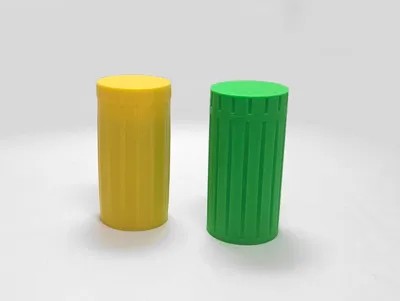
Available in two designs on different printing plates. One has groves (pictured in green), the other bumps (pictured in yellow).
Note: After printing, depending on filament and printer you used, the lid might feel a bit tight. Gently push the lid in the container and twist it off to remove it. After a couple of times the fit will be looser.
Click here for the keychain version with twist-lock lid.
Please remember to rate your prints!
Profile ratings are not only important for other users but also serve as valuable feedback for designers!
Click here to see my other models
Boost Me (for free)
If you like this model, please boost! It's free to you, but it's a meaningful way to support me and my designs.
General 3d Printing Tips
- Make sure your printing plate is clean! Oils from your skin can cause adhesion issues for your prints. Regularly wash your print plate with a detergent like Dawn, and avoid touching the surface when removing prints from the bed.
- If it's an option on your printer, always level the bed before each print. If you have to perform this manually, do so after every few prints. It takes a bit of time and patience, but it's a fair trade for reliable results.
- Ensure bed and nozzle temperatures are within the expected range for the material you're printing. Temperatures that are too high or too low can negatively affect the print, causing warping, malformed layers, or adhesion issues.
- Reduce your printing speed. Slower speeds are especially important for overhangs, as they give the material more time to cool as it's deposited.
Membership
Click here to obtain a commercial license to sell physical prints of my 3D models.
License

You shall not share, sub-license, sell, rent, host, transfer, or distribute in any way the digital or 3D printed versions of this object, nor any other derivative work of this object in its digital or physical format (including - but not limited to - remixes of this object, and hosting on other digital platforms). The objects may not be used without permission in any way whatsoever in which you charge money, or collect fees.


Comment & Rating (37)