
Support Display Modifiers tutorial.


Print Profile(1)
Description
A small history behind : )
I decided to print famous pillow phone stand.
And didn't really pay attention to a infill percentage, I have my default set to 15%, that suits most of the cases.
And Pillow was printed with 15% which in reality took me 16 HOURS of printing :)
And almost 600g of filament ( yep, it's have but stable at the same time).
And then showed a bambu advertiser on Facebook, where they also where printing pillow stand but with about 2…..3% infill.
It was almost empty in the inside.
But I personally think that there might be some imperfection on the print, and 3% infill is way too low.
and here a genius idea with modifiers came to my mind, MODIFIERS
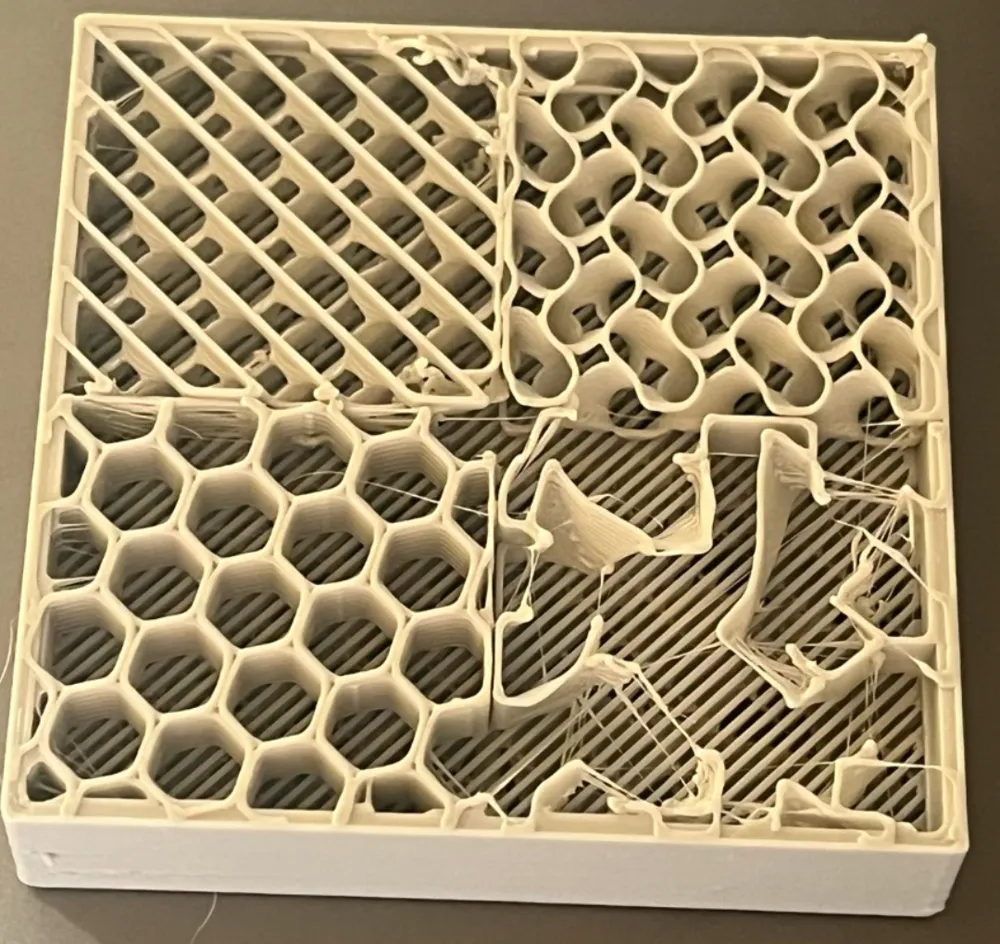
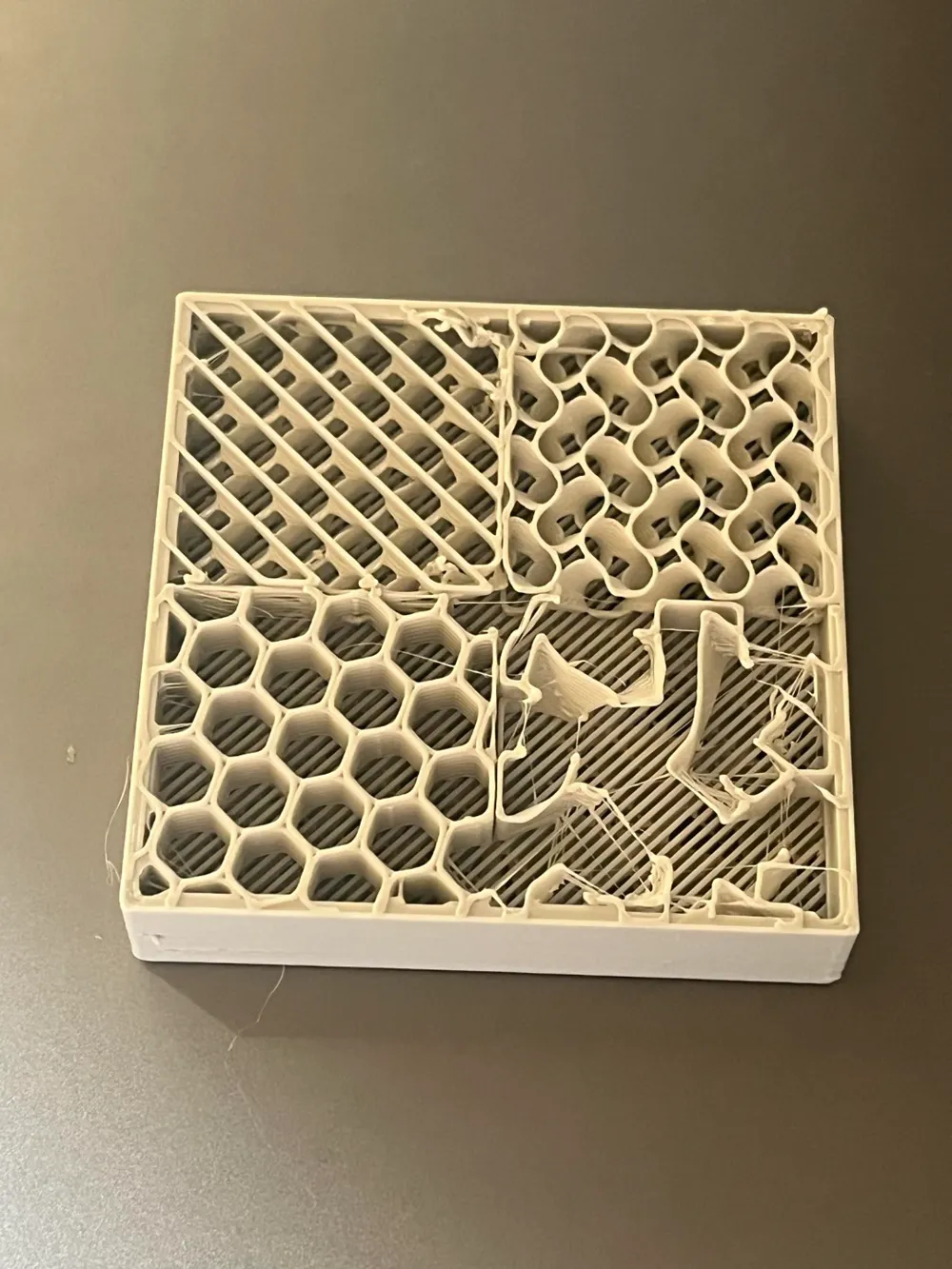
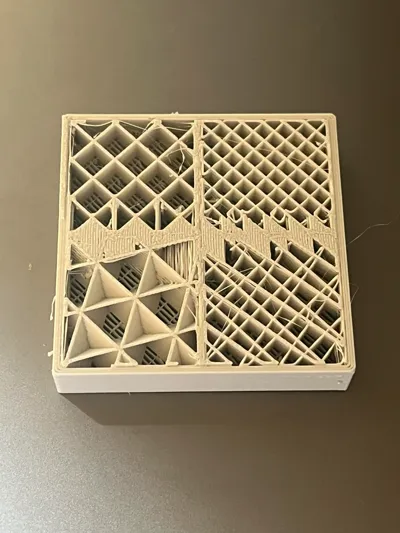
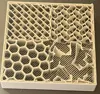
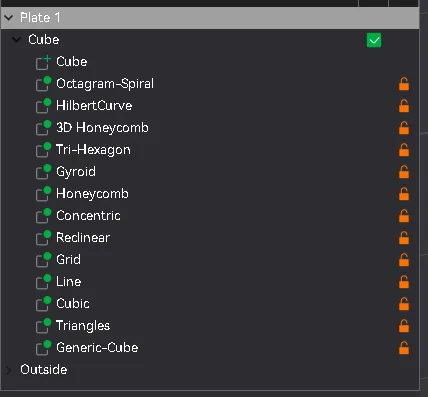
so I tested a simple cube, put bunch of modifiers, with different infill types, and infill density.
Works super cool.
Cube is a model, rest is modifiers
And now my pillow is printing with mixes support density.
one area is 2% and one area is 8%
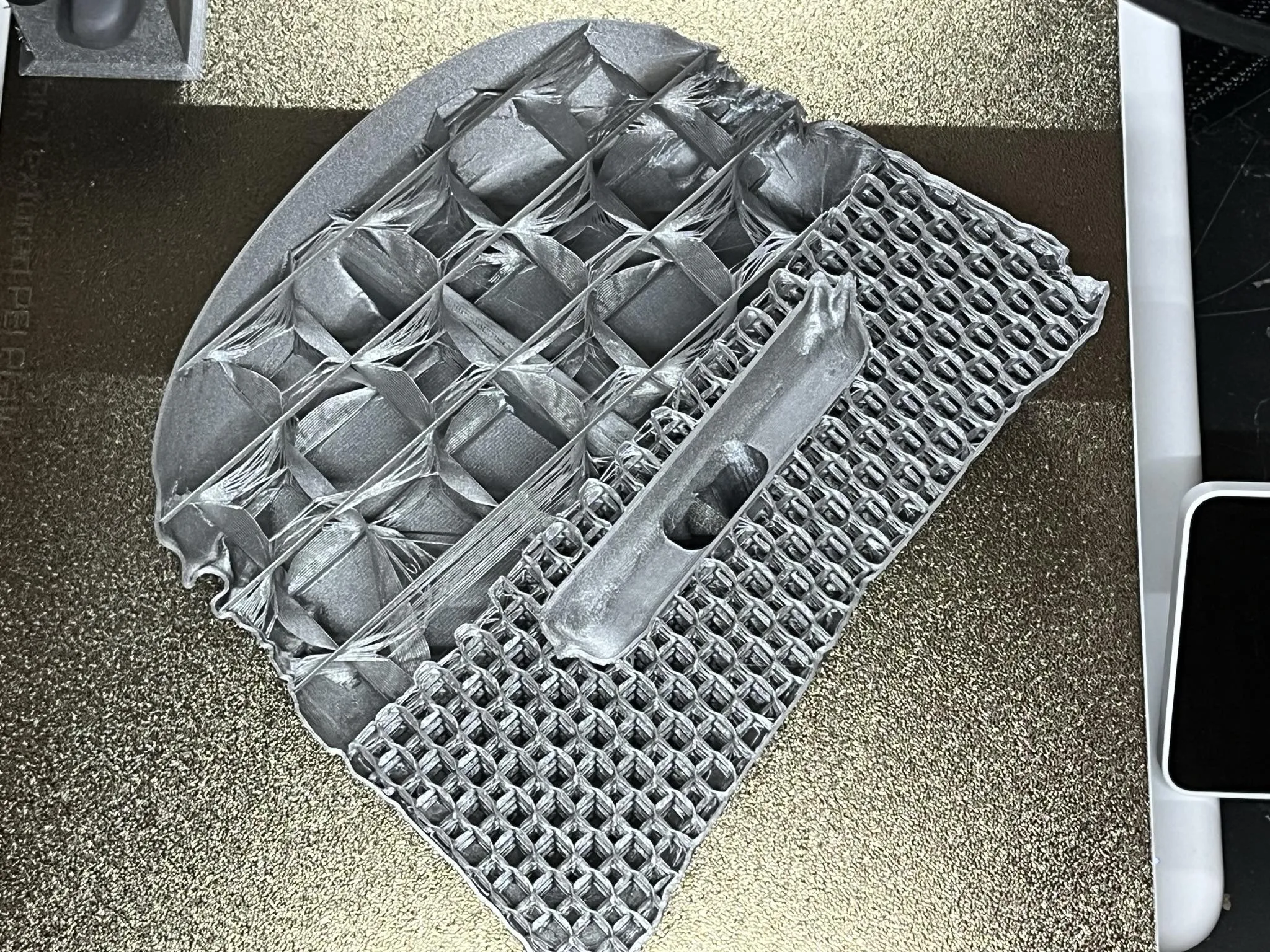
perfect match :)
License



Comment & Rating (2)