
Pixel keychain generator

Print Profile(1)

Description
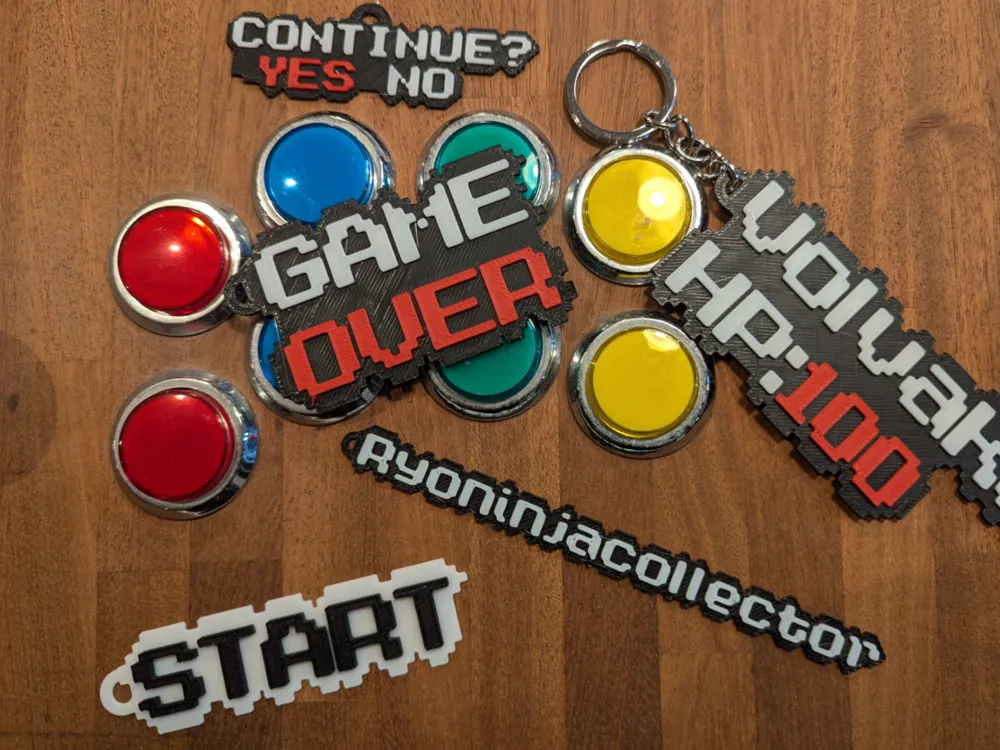
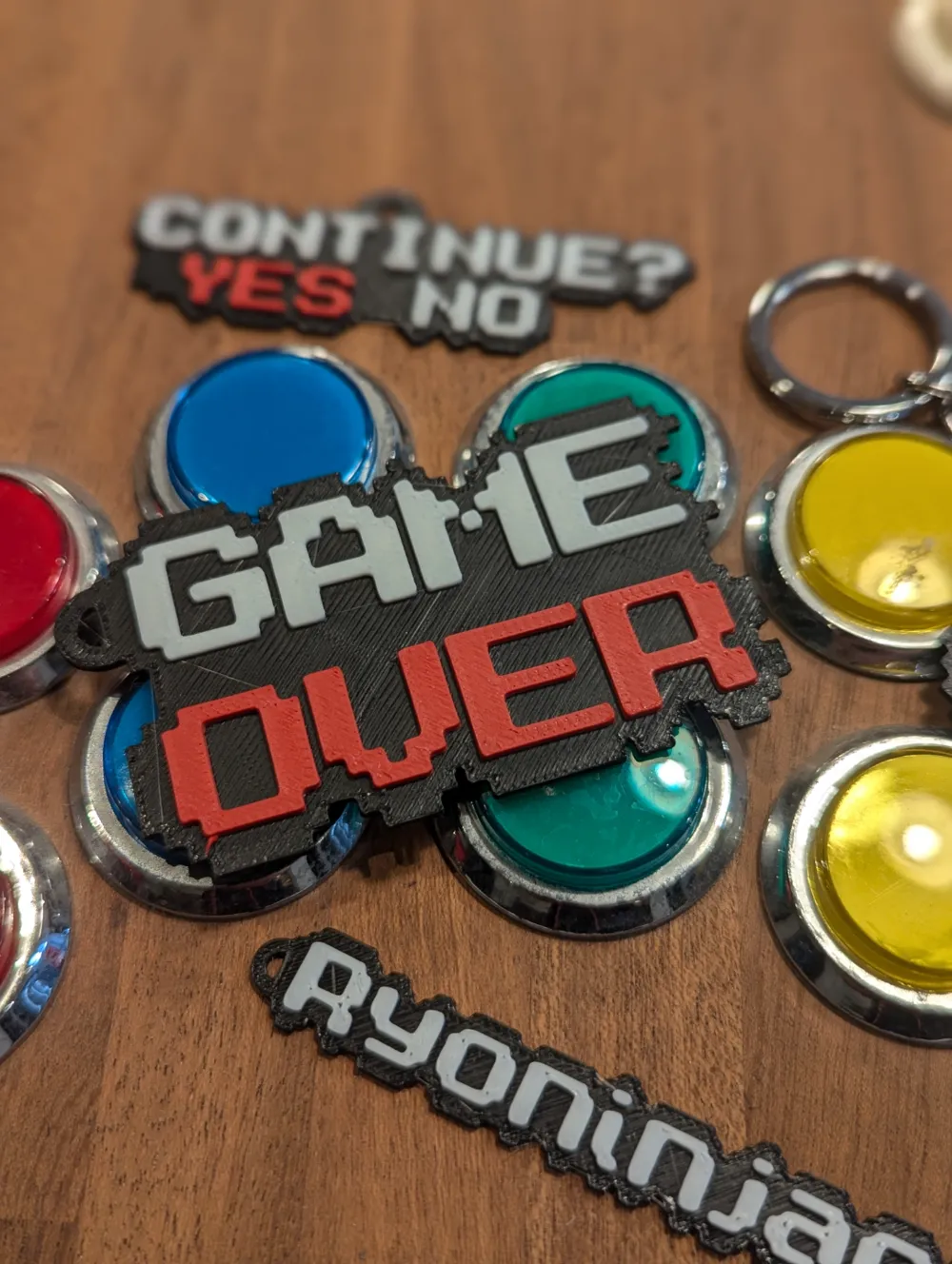
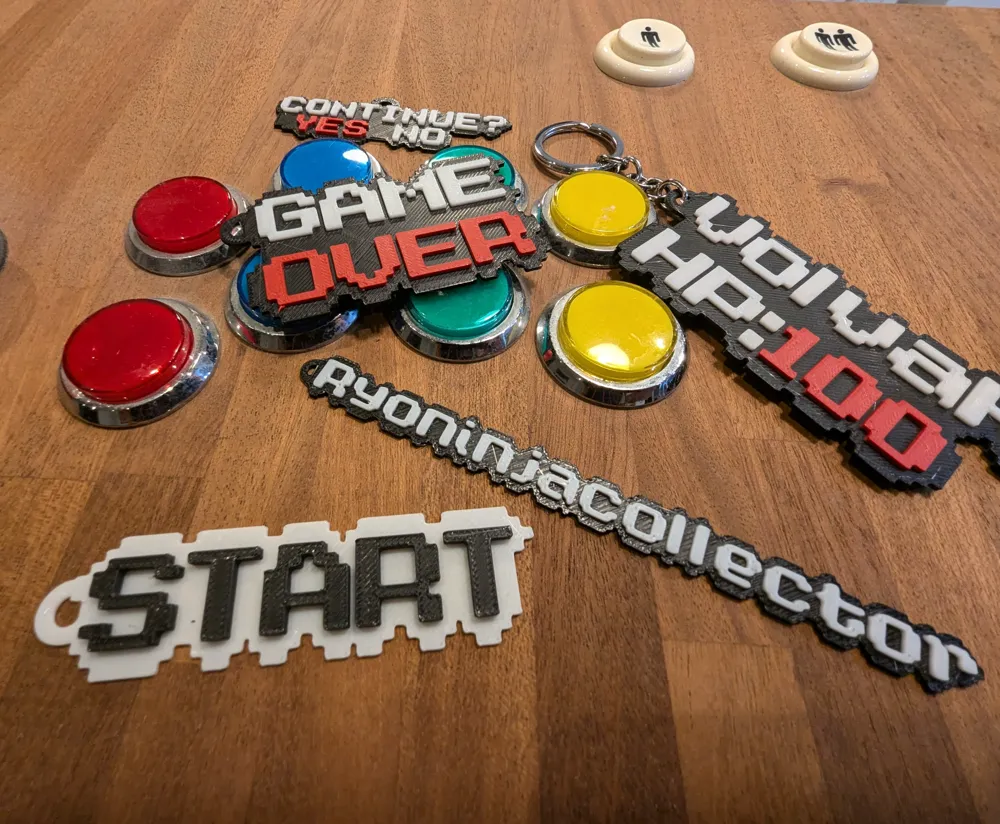
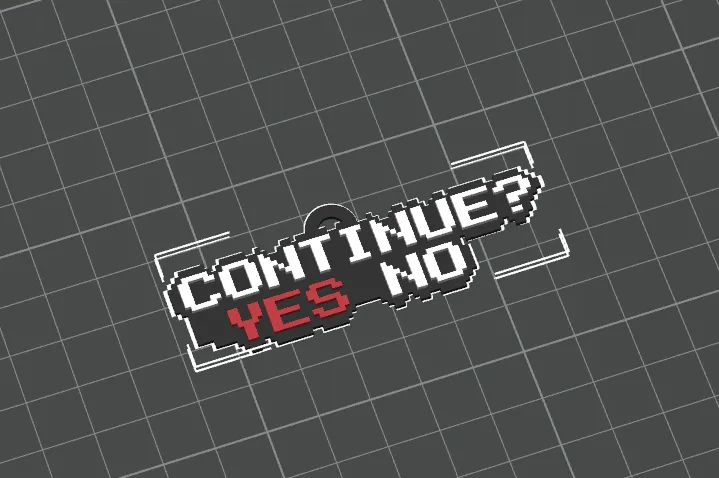
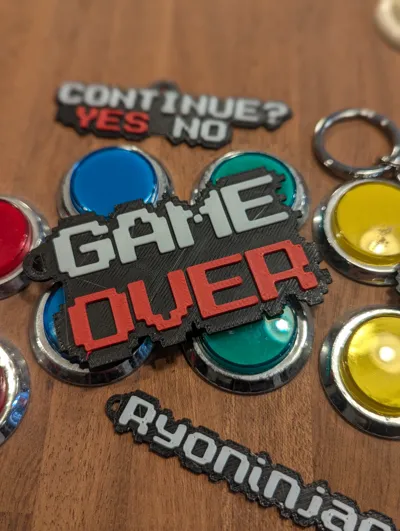
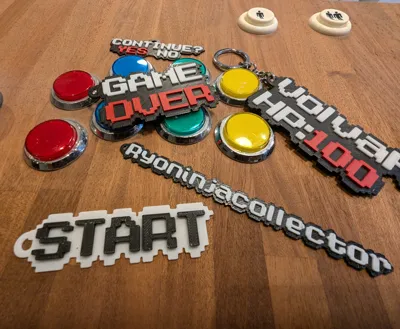
This 3D model allows you to create a customized keychain with extruded pixelated text. The tool is designed to be flexible and customizable, allowing you to configure various parameters to adjust the size, shape, and layout of the text and the keychain. The model generates text characters using a pixel matrix and adds a border around each character for better definition. Additionally, it includes an integrated hook for easy use as a keychain.
Boost Me (for free)
Boosts really help me continue designing, so if you like my work, it's a great way to say thank you at no cost to you.
Customizable Parameters
input_text
- Description: Text to be included in the keychain.
- Format: Use "*" as a separator for multiple lines.
- Example: "GAME*OVER"
text_height
- Description: Height of the text characters in millimeters.
- Default value: 2
border_pixel_height
- Description: Height of the border around each pixel of the text.
- Default value: 1
pixel_size
- Description: Size of each pixel in millimeters.
- Default value: 2
border_pixel_count
- Description: Number of background pixels surrounding the text.
- Default value: 2
hook_outer_diameter
- Description: Outer diameter of the keychain hook.
- Default value: 10
hook_inner_diameter
- Description: Inner diameter of the keychain hook.
- Default value: 5
hook_position_x
- Description: X offset of the hook relative to the center of the text.
- Default value: 0
hook_position_y
- Description: Y offset of the hook relative to the center of the text.
- Default value: 0
Instructions for Use
- Customize: Press the customize button in the makerworld page to open the customizer
- Configure Parameters: Adjust the parameter values according to your needs.
- Specify the Text: Enter the text you want to include in the keychain using the input_text parameter. (Use "*" to separate lines).
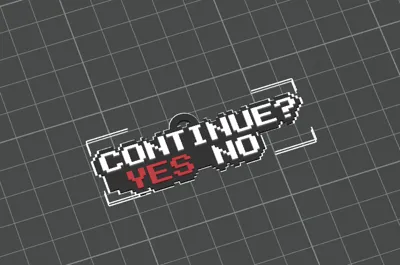
- Render the Model: Press the generate button to render the 3D model of the keychain with the custom text.
- Export and Print: Export the generated model (IMPORTANT: Download the 3MF file to keep the colours in Bambu Studio).
- Import and colour: Import the model into Bambu Studio and colour the model as desired if needed
Changelog:
- v1.First release
- v2. Now colours can be added directly in makerworld. (25/09/2024)
License

You shall not share, sub-license, sell, rent, host, transfer, or distribute in any way the digital or 3D printed versions of this object, nor any other derivative work of this object in its digital or physical format (including - but not limited to - remixes of this object, and hosting on other digital platforms). The objects may not be used without permission in any way whatsoever in which you charge money, or collect fees.


Comment & Rating (15)