
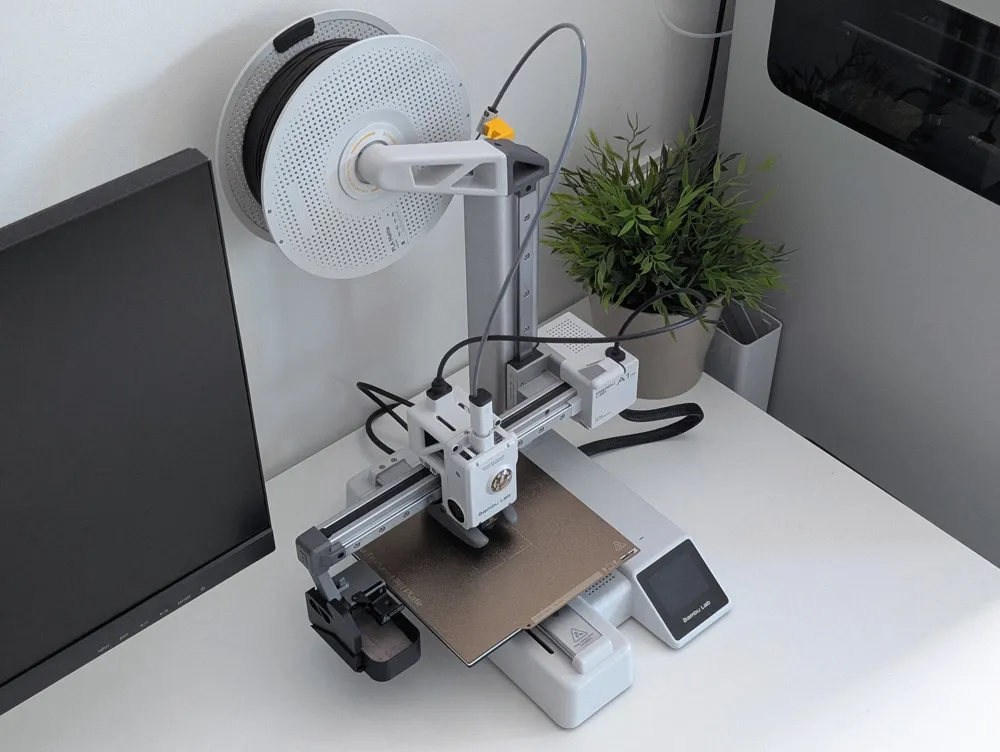
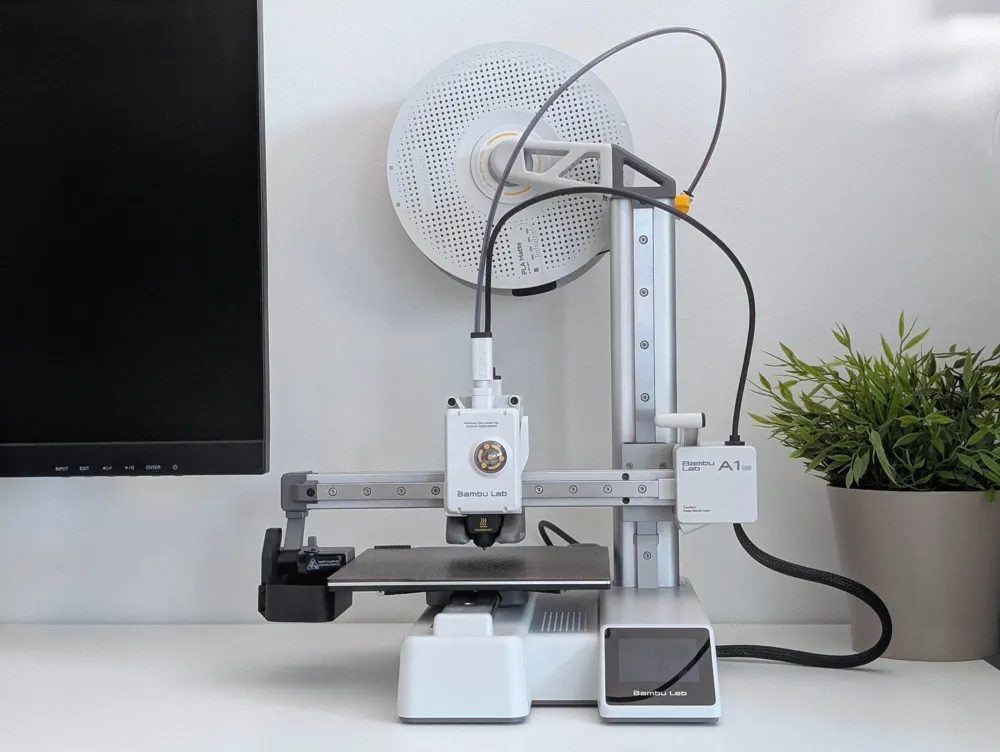
A1 Mini top spool mount adapter
Print Profile(9)


Bill of Materials




Description
Boost Me (for free)
A boost supports me and shows the special added value of a model. Thanks to all supporters.
A1 Mini top spool mount adapter
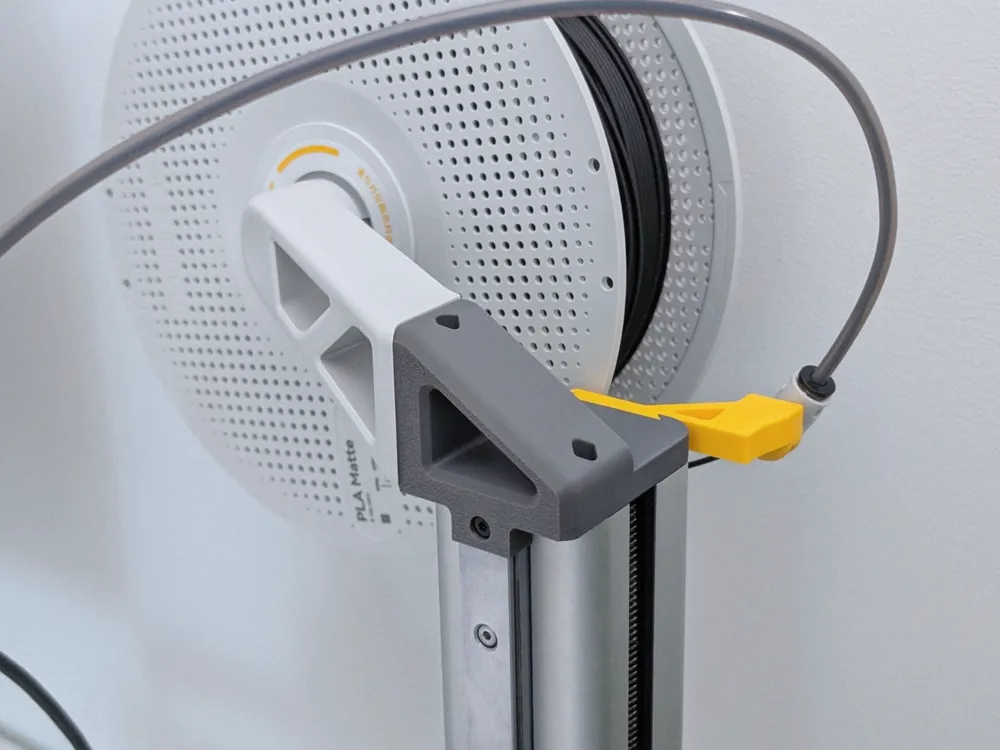
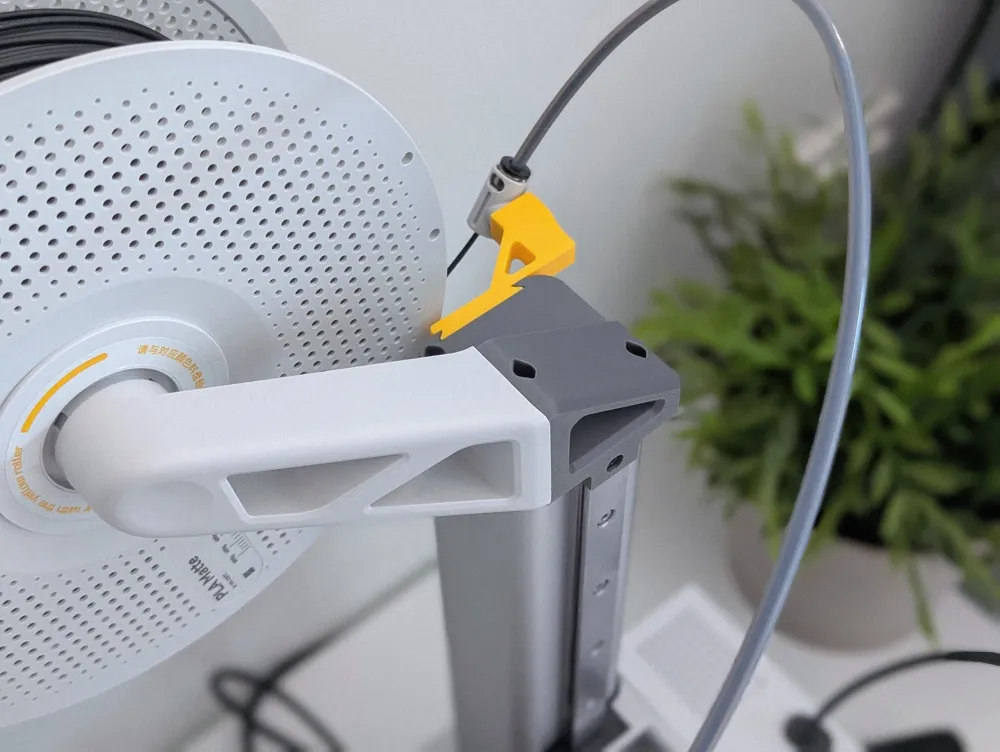
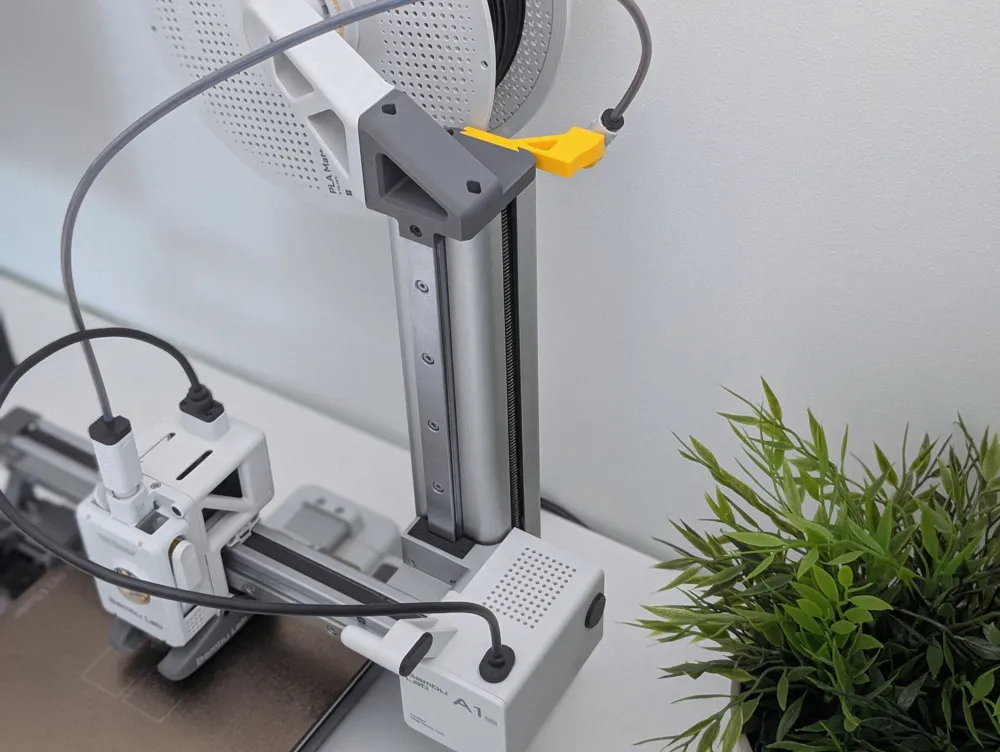
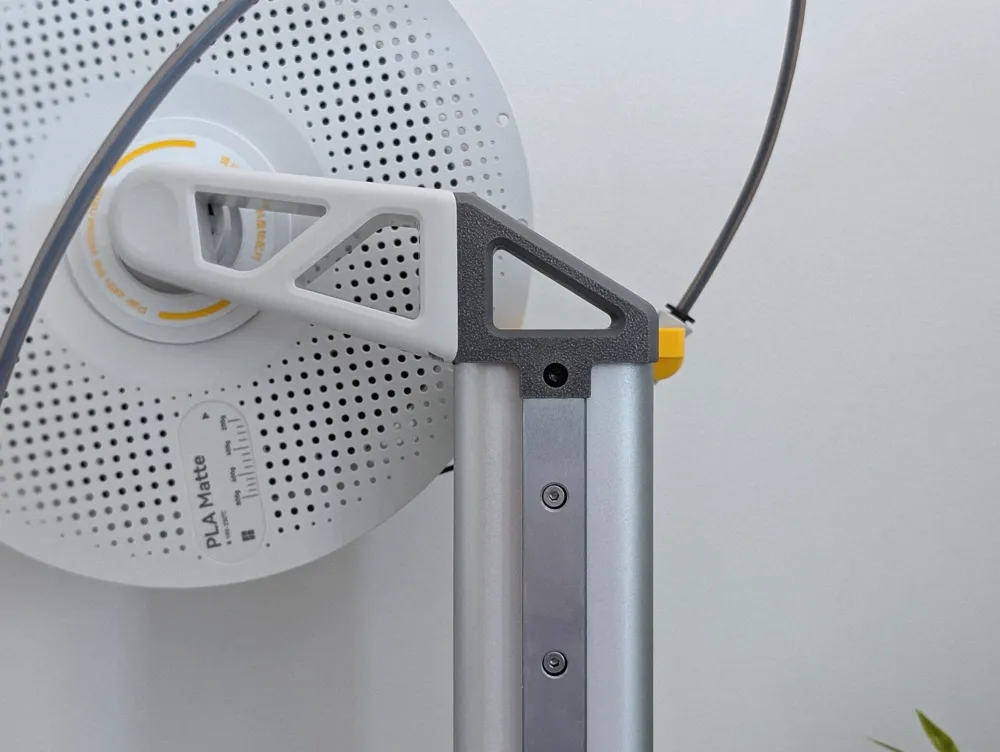
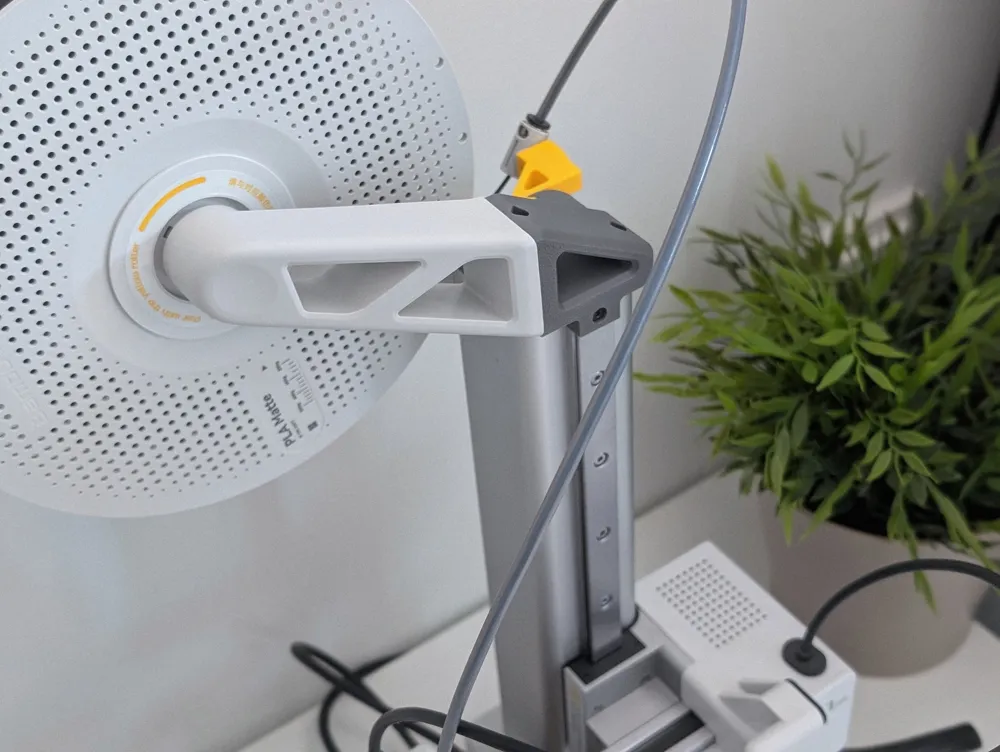
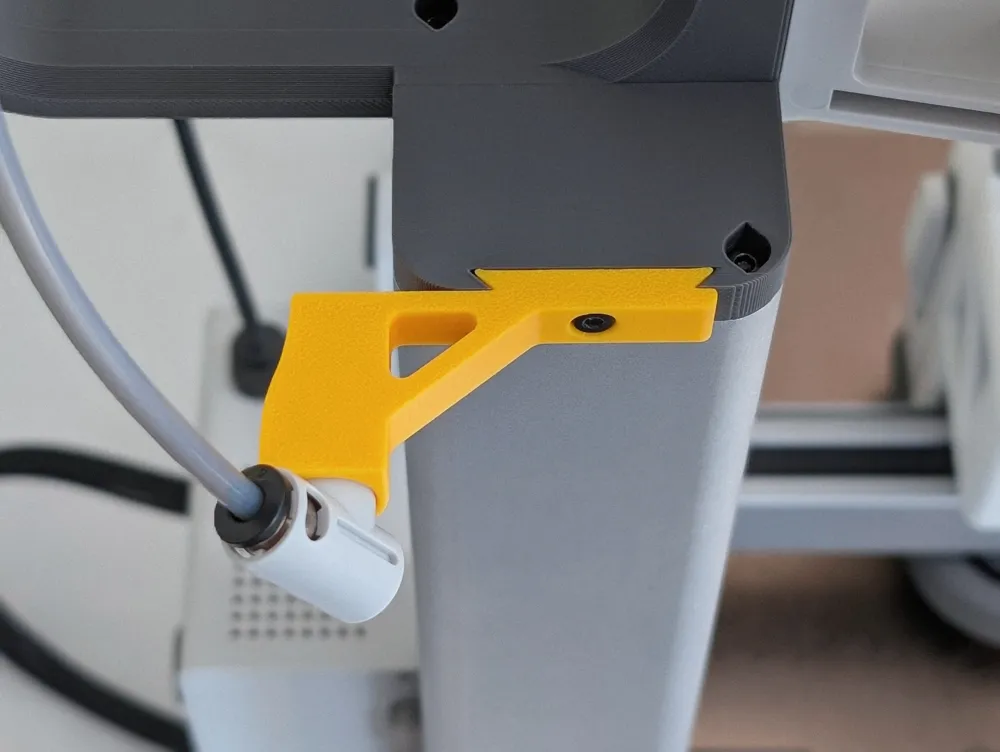
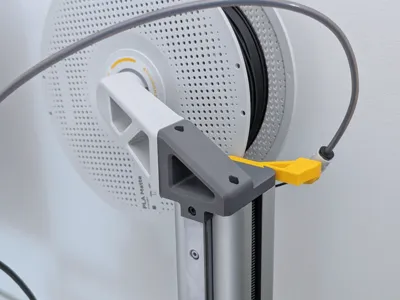
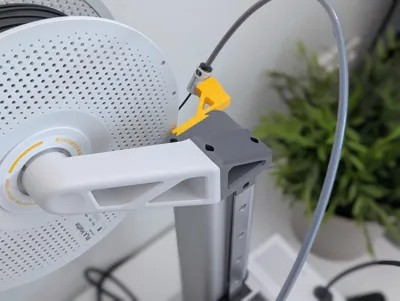
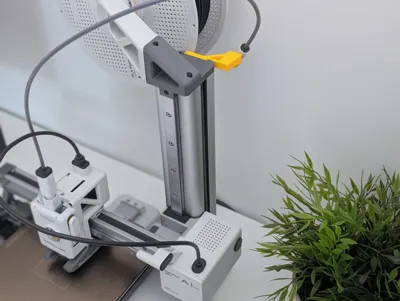
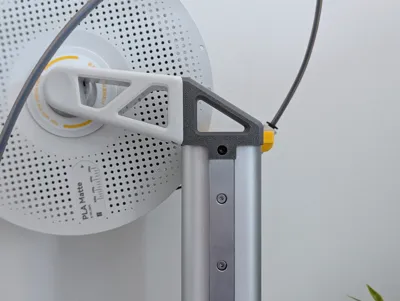
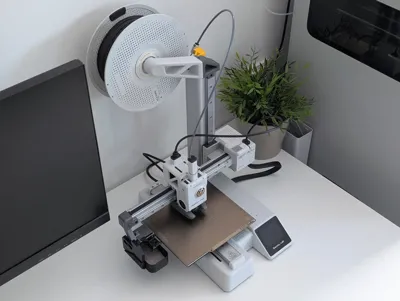
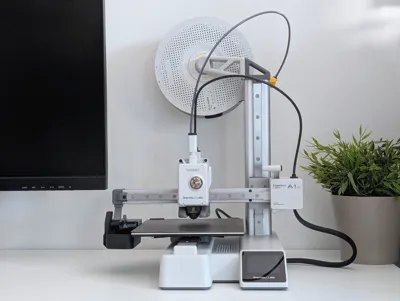
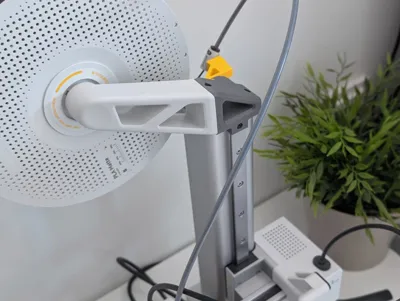
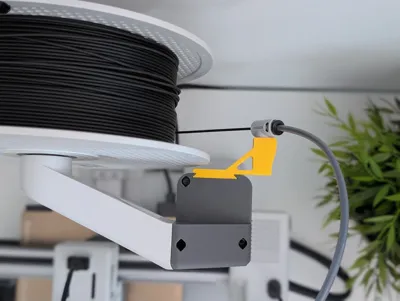
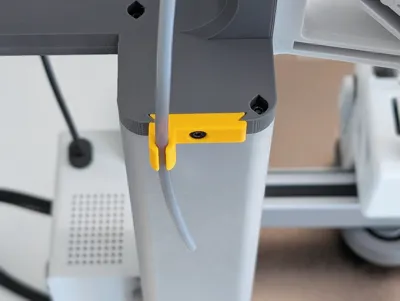

With the A1 Mini top spool mount adapter, you can move the original spool position to the top of the Z-axis. This not only makes the A1 Mini look cooler, but also fulfills one of its most important functions: it saves space behind the printer, allowing you to place the A1 Mini closer to the wall.
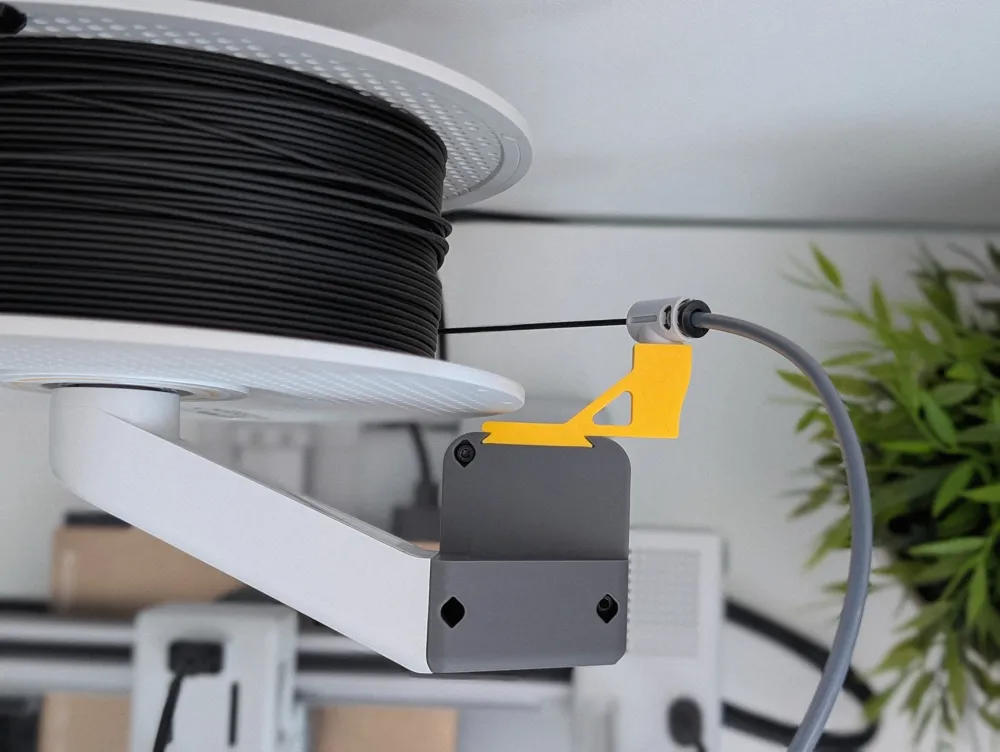
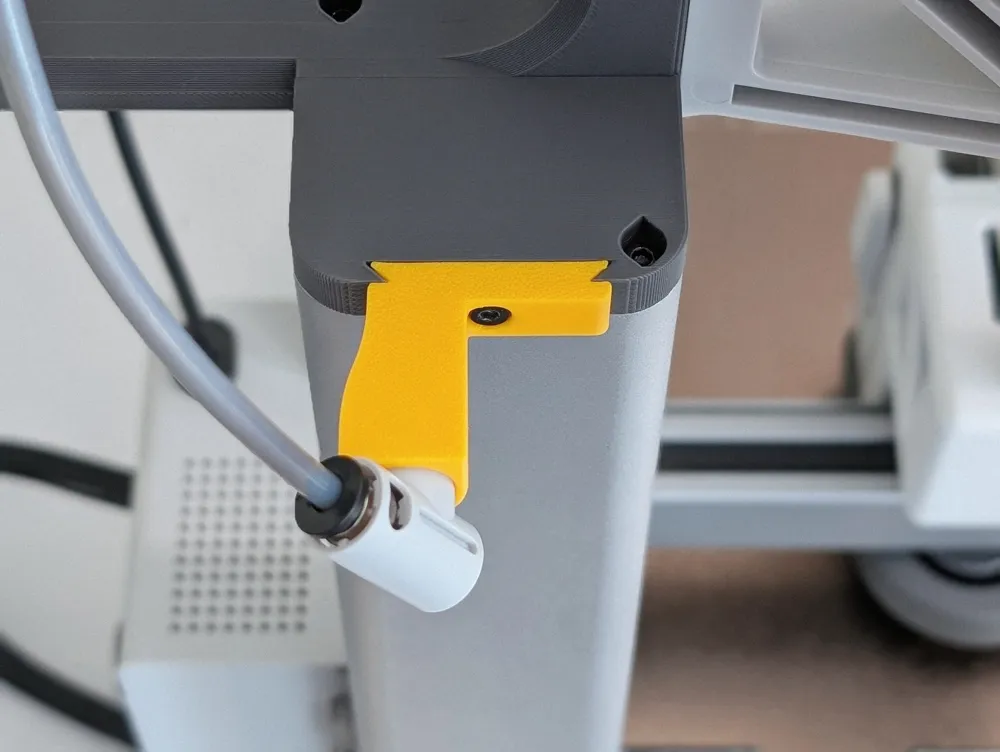
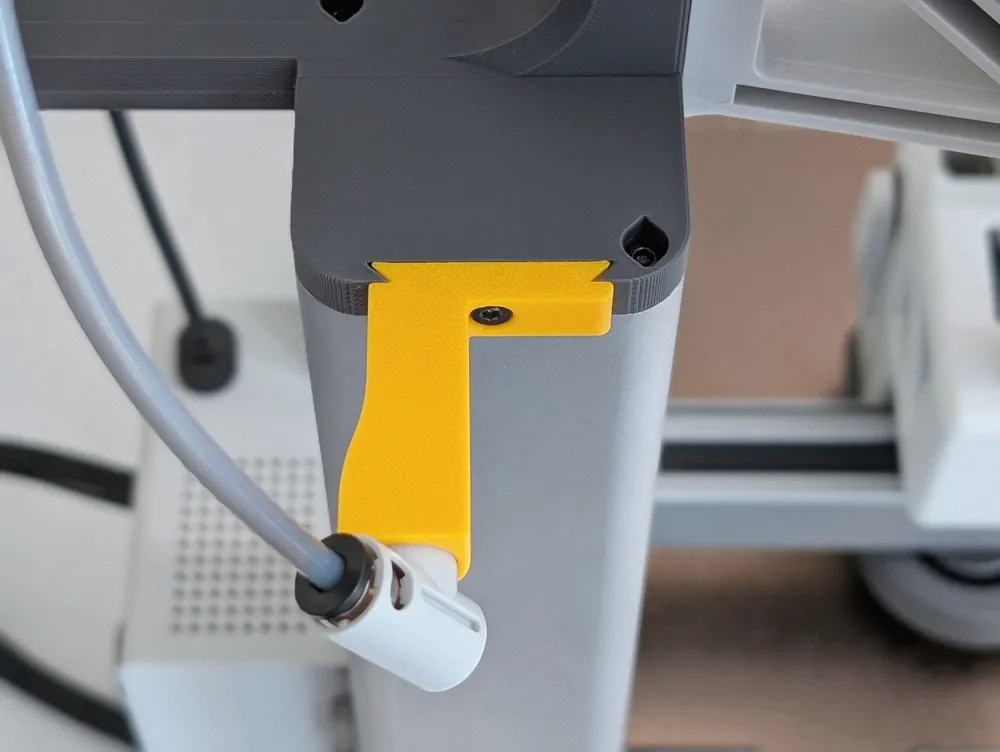
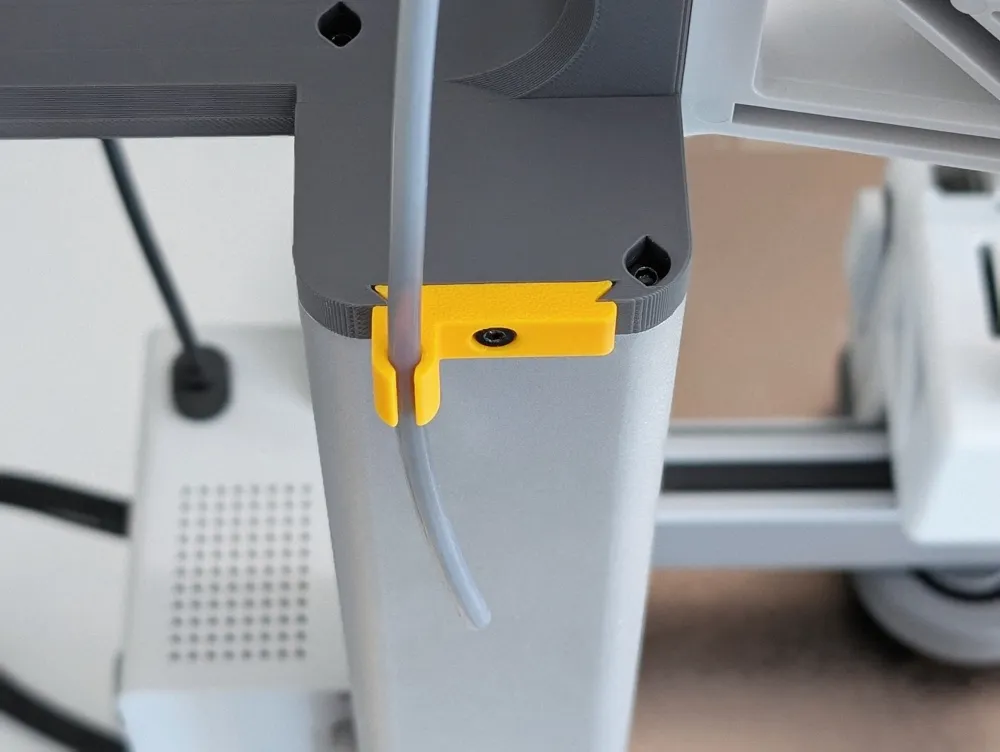
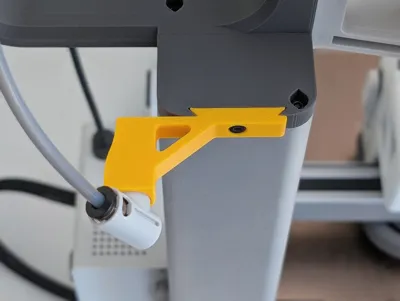
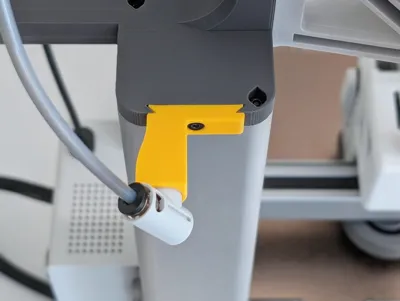
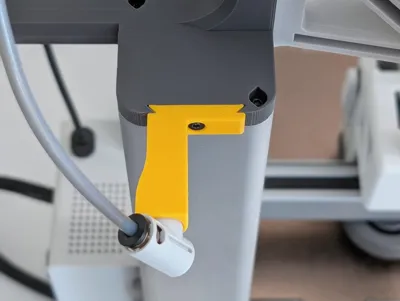
The A1 Mini top spool mount adapter includes modules for holding the PTFE tubing. This allows you to choose the position on the top spool mount to suit your needs, or simply download the RAW module and create your own custom module.
What you need
Everything you need is already included with your A1 Mini - you don't actually have to buy any extra materials unless you don't already have them.
1x M3 screw - for the module (use one of the securing screws that you
removed when setting up the A1 Mini)
- 2x M3-8 screws - for / from the spool holder base plate
- The existing PTFE tube connector
I hope you like my model, and I look forward to your pictures and feedback. Below, I've included mounting instructions and links to some models that I use with the A1 Mini.
Assembly
A simple and quick assembly guide for you, with pictures and text - I hope it helps!
#1 Remove the PTFE Tube Connector

To remove the PTFE tube connector, unscrew the cover behind the X-axis motor. This will allow you to press the clips together and remove it.
#2 Top Spool Mount Adapter
First, remove the gray cap on Z. Unscrew and remove the white plate. Next, screw the adapter onto the top using the same screws.

#3 Spool Holder Base Plate
Install the spool holder base plate using two M3-8 screws, reusing them from the original position. Then, slide the spool holder into place from top to bottom.
#4 PTFE Module

Install the PTFE module by simply inserting it into the back panel and securing it with one M3 screw (use one of the securing screws that you removed when setting up the A1 Mini). Now you can also install the PTFE tube connector.
Works well togetherA few models that I use in combination myself. | |
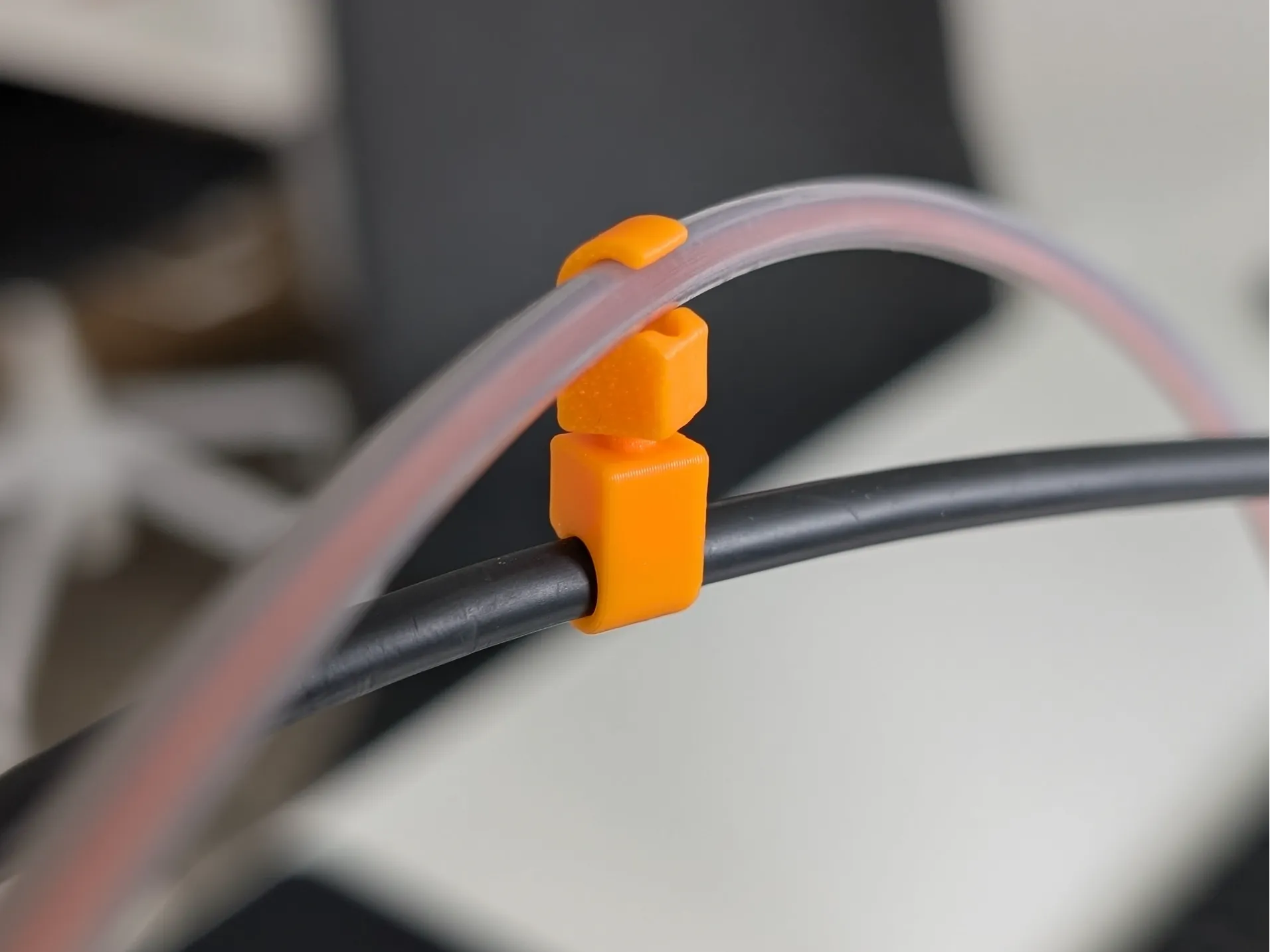 | Flexible cable clip with 360 degree rotation
Flex cable clip holder with 360 degree rotation - perfect for 3D printers and e.g. Bicycle bowden cables or for movable cable management.
|
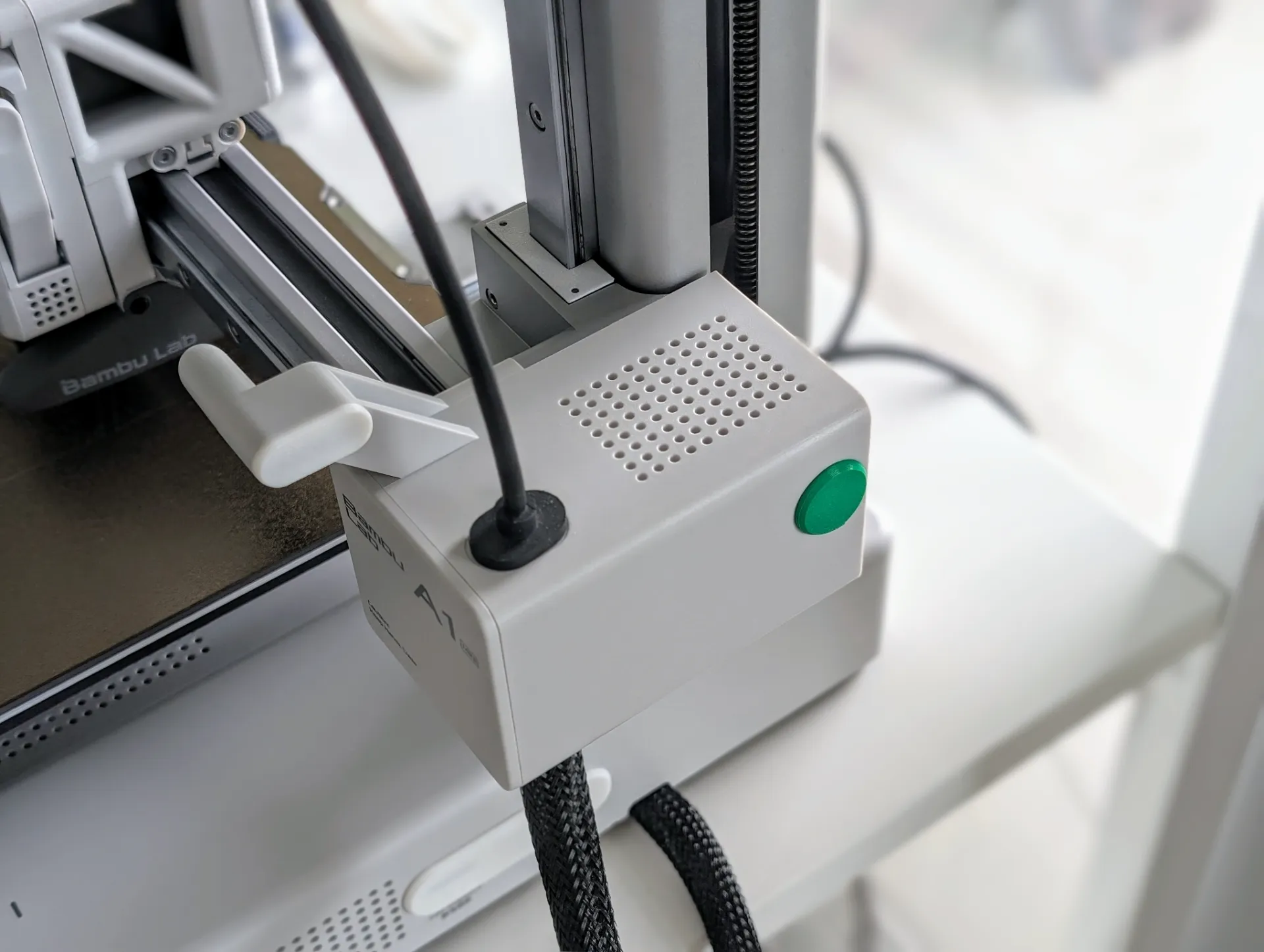 | A1 Mini cover for PTFE Tube Connector holder
If you use the PTFE Tube Connector of the A1 Mini in a different location and want to cover the connection.
|
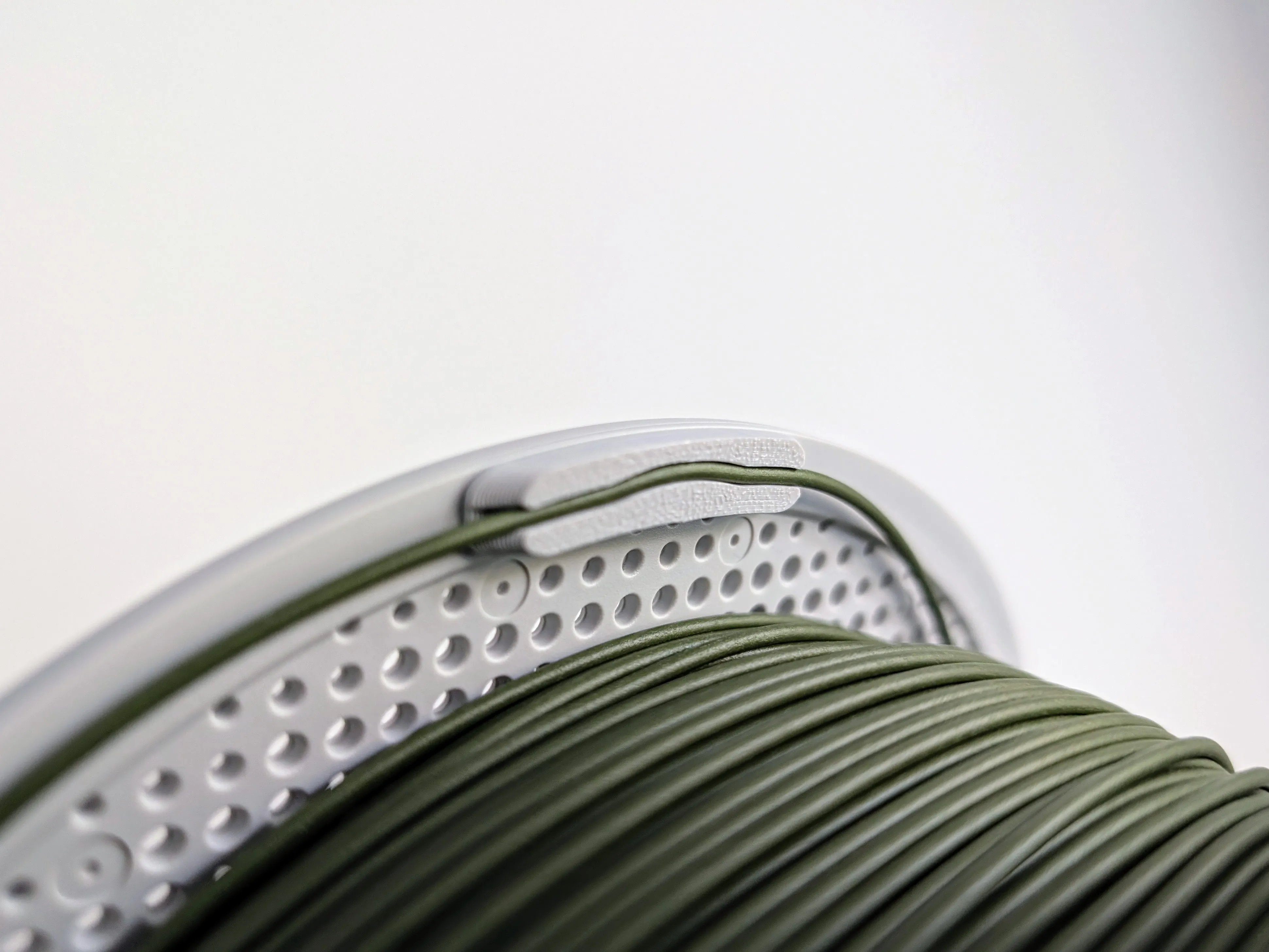 | Filament clip for Bambu Lab spools
A simple clip for Bambu Lab spools to securely attach the filament more easily and quickly.
|
A1 Mini handle with original spool holderA version of the spool holder with handle | |
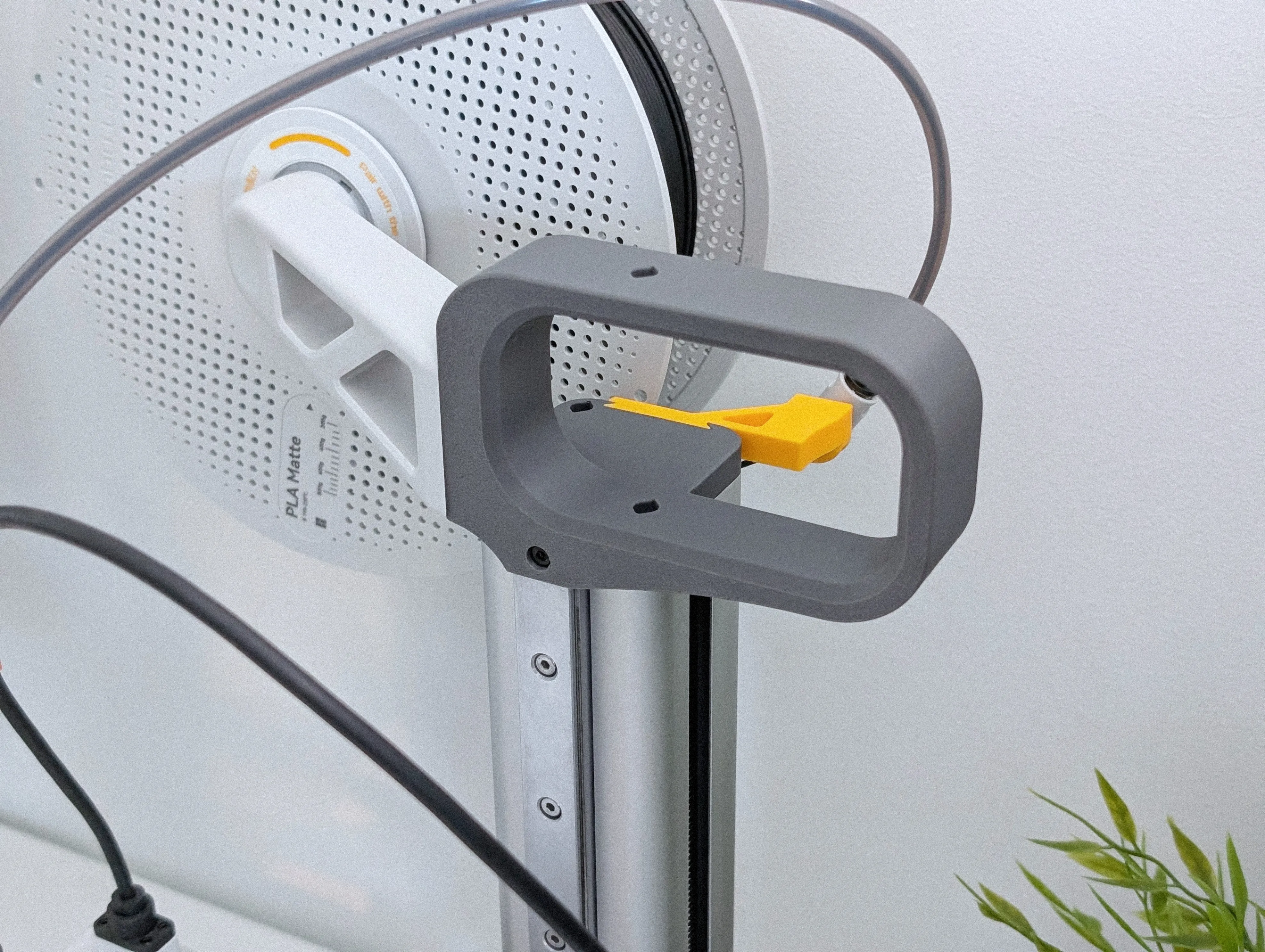 | A1 Mini handle with original spool holder
You can mount the original spool holder on this handle and choose between a fixed and modular variant for the PTFE guide. Best of all, you save space on your table.
|
Changelog |
11.11.2025 I've slightly adjusted the holes and the print profile of the top spool mount adapter to achieve even better print quality.
I've also modified the PTFE module – Longer – to make it even more stable.
In addition, I've updated the model images and added instructions with text and short videos. |
28.05.2025 A bug was fixed in the "Module with A1 mini PTFE holder V3 - Center": The step that locks the tooth of the PTFE holder was missing, which could potentially cause the PTFE holder to not stay in place and fall out.
Thanks to @filin for the tip and support 💪 |
14.03.2025 I slightly adjusted the holes for attaching the spool holder to make it easier to screw in the screws without compromising stability. I also adjusted the print profile to achieve better print quality. |
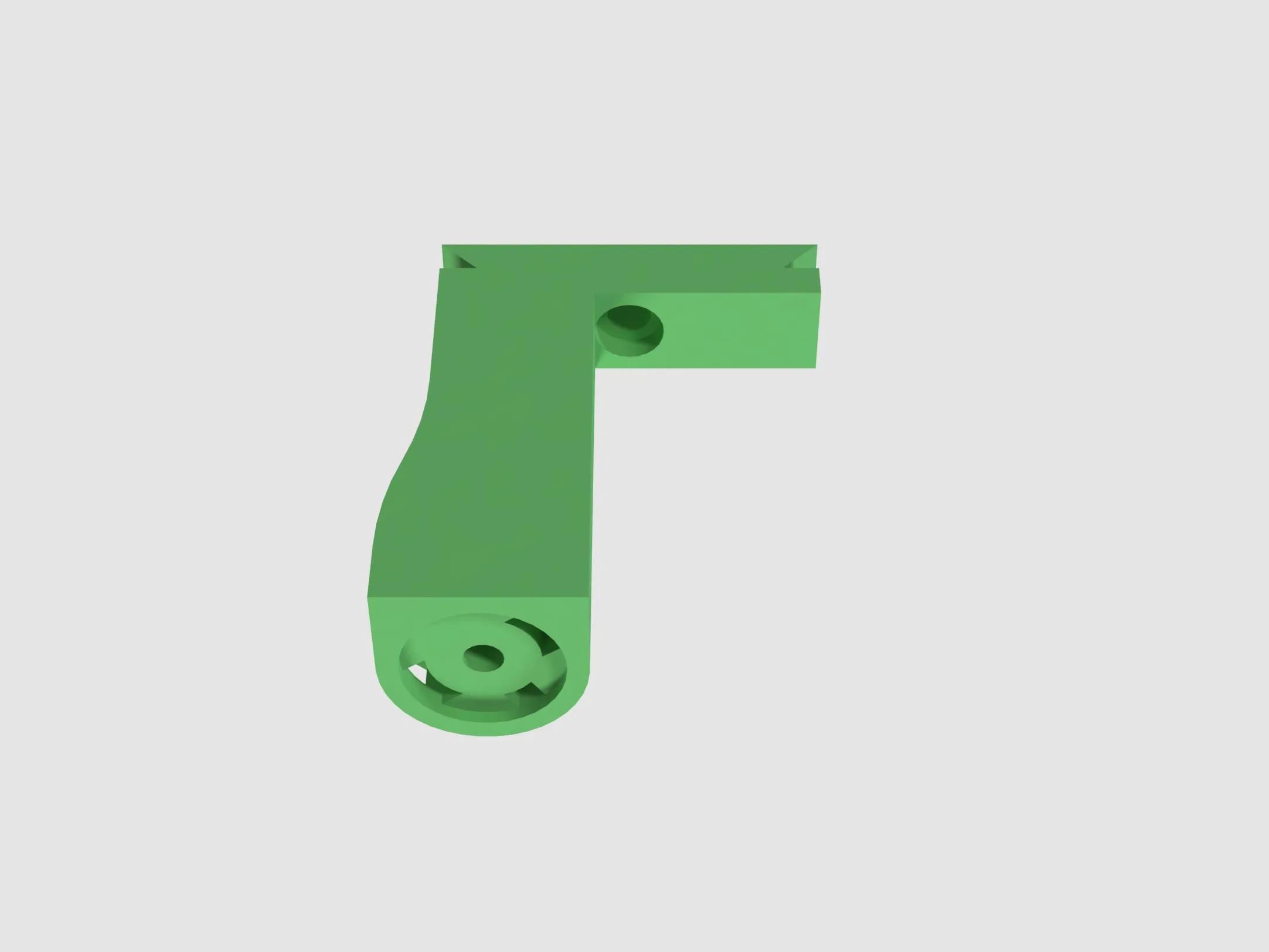 05.02.2025 I added the module "Module with A1 mini PTFE holder - V3" in a version that the PTFE tube is positioned more in the middle of the spool.
Module name is: Module with A1 mini PTFE holder V3 - Center |
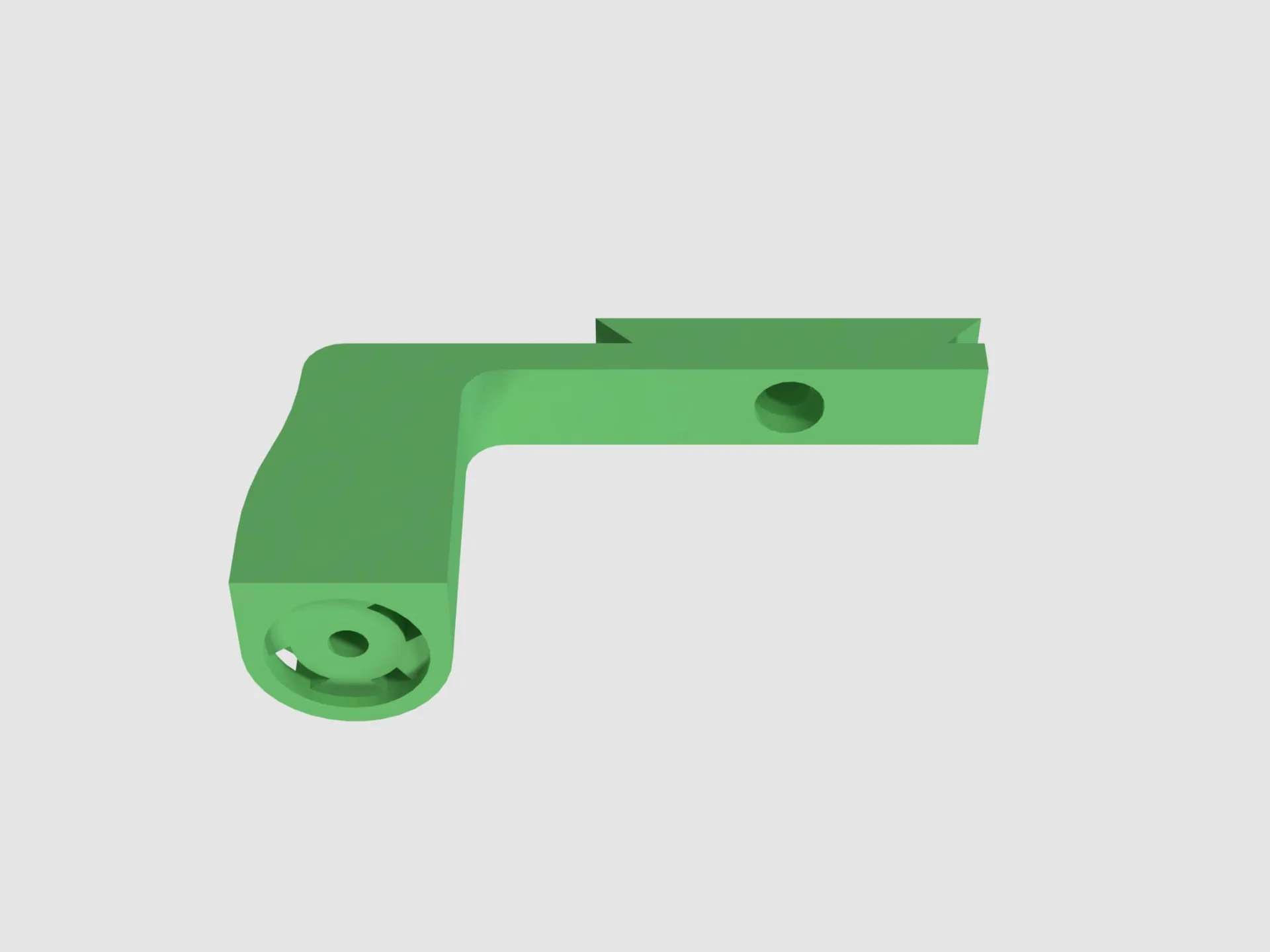 30.09.2024 I have added the "Module with A1 mini PTFE holder - V3" in a longer version so that filament spools with larger diameters do not rub against the module
Module name is: Module with A1 mini PTFE holder V3 - Longer |
25.06.2024 Release |
More models from me

Boost Me (for free)
A boost supports me and shows the special added value of a model. Thanks to all supporters.
Membership
The membership is intended for users who want to use my model commercially or as a small support for creators.
License

You shall not share, sub-license, sell, rent, host, transfer, or distribute in any way the digital or 3D printed versions of this object, nor any other derivative work of this object in its digital or physical format (including - but not limited to - remixes of this object, and hosting on other digital platforms). The objects may not be used without permission in any way whatsoever in which you charge money, or collect fees.


Comment & Rating (2856)