
Parametric box with cover and customizable cells
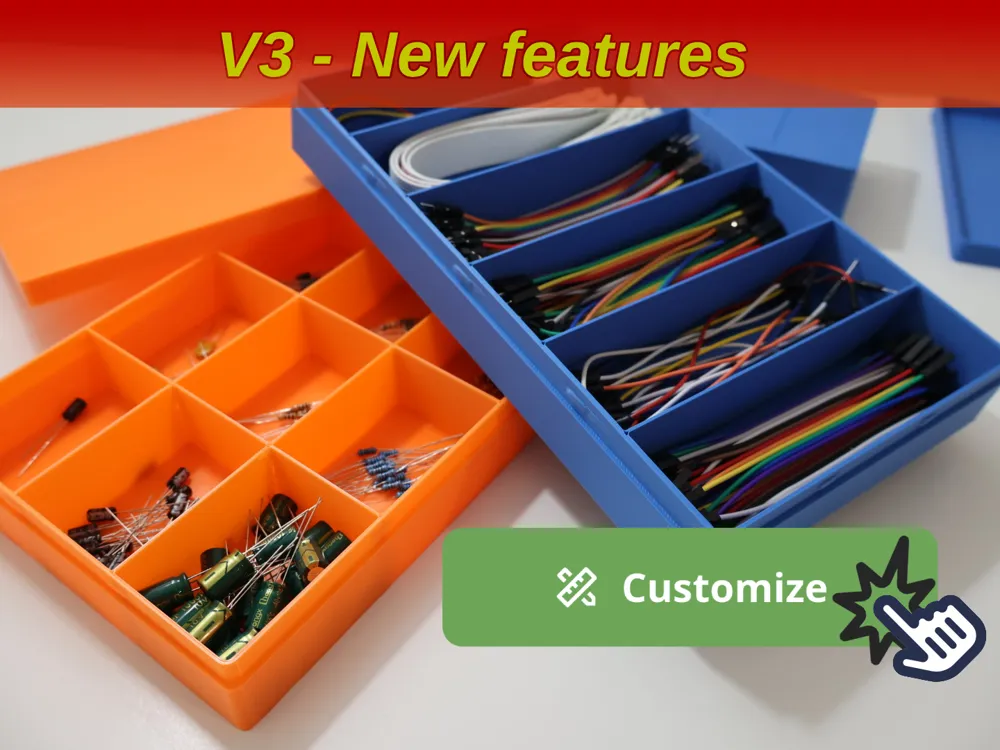


Print Profile(3)


Description
Boost Me (for free)
If you found this model helpful, fun to print, or just enjoyed using it, please consider giving it a 🚀 Boost! Your support really helps me keep creating and sharing more designs. Every boost makes a difference! Thank you very much! 🙌
Customizable Parametric Box with Dividers
This 3D-printable storage box features fully customizable compartments, allowing you to adjust cell sizes to perfectly fit tools, accessories, or office supplies.
The box is modular, with a snap-on lid and configurable dimensions, making it ideal for organizing items in any space.
Whether for home or office use, this versatile organizer is designed for flexibility and personalization.
Choose to add engraved text or logos for a unique touch!
Updates:2025/07/27
2024/09/25
2024/09/05
2024/08/07
2024/08/05 (V3)
2024/06/17 (V2)
|
Features:
In the parametric model maker, there are four sections that allow fully customize the box, lid and compartments
- Render:
- box with lid - If active renders the box with lid and connectors. If turned-off only renders the main box that can be used as uncovered storage
- lid watermarks - Toggles separator watermarks rendering for the lid (it does not apply if no lid is generated)
- lid engraving enabled - Toggles lid engraving.
- lid engraving file - The file to create the engraving for the lid. If no image is uploaded it will engrave the default image (MakerWorld logo).
- lid engraving scale - Slider to adjust the size for the uploaded image
- lid engraving x/y offset - Slider to adjust the uploaded image position
- Box Variables: Allows to define box variables
- Rows and Columns: Allows to define how many rows and columns to render and also the span (see below for further info)
- Rows and Columns Presets: Allows to choose from already made rendering and span presets. Overrides any customization made in the “Rows and columns” section
- Lid Variables: Allows to define height, walls and tolerance for the lid
Box Variables:
Within this section you can also decide if the dimensions, are for the internal or external size of the box.
This option lets you customize the box either for a specifix external fit size or for a specific size for internal storage.
Rows and Columns + Span
You can decide how many dividers to generate horizontally and vertically.
If you need no separators, the values can be set to 0 and no compartments will be generated.
NEW Feature!
Now span can be defined in customizer.
To enable it, toggle “spans advanced” checkbox.
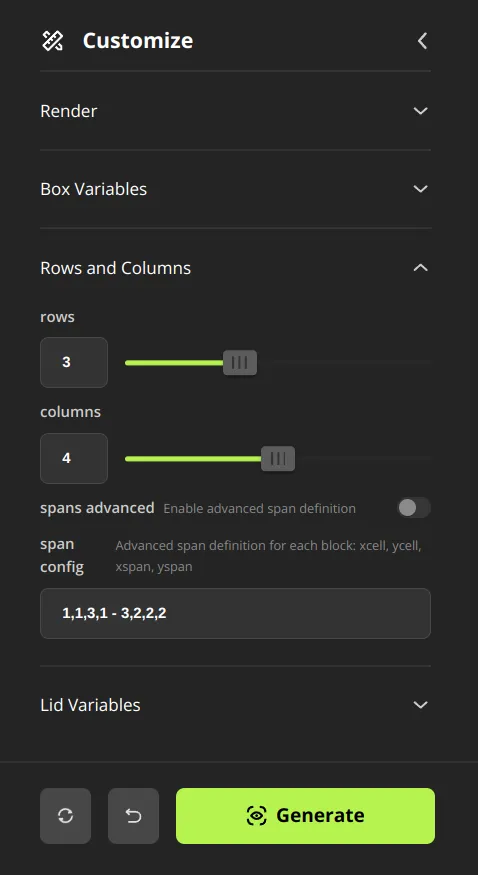
To define how span must be applied you must modify “span config” parameter
Each block of span config specifies the following data
- On which x-axis cell must begin the span
- On which y-axis cell must begin the span
- How many cells of horizontal span to apply
- How many cells of vertical span to apply
Note that within each block numbers must be separated by commas, if you define more then one block you must separate them with a simple hyphen ( - )
Example:
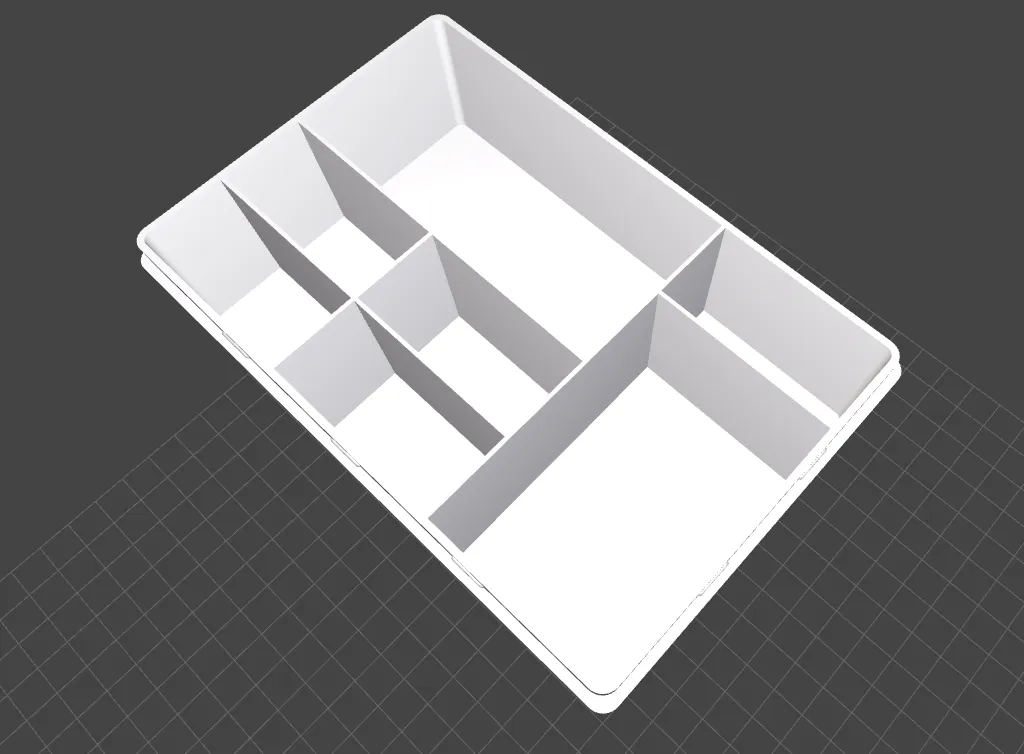
Using the example in the above image in a box of 3x4 cells the span will be generated following the data rules:
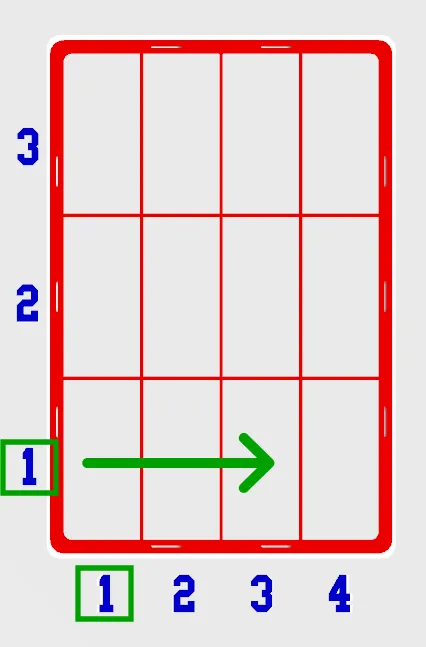
1,1,3,1
This means that the span module will select the cell at x=1 and y=1 then it will remove the wall for three cells horizontally and one cell vertically (in this case no vertical span will be generated).
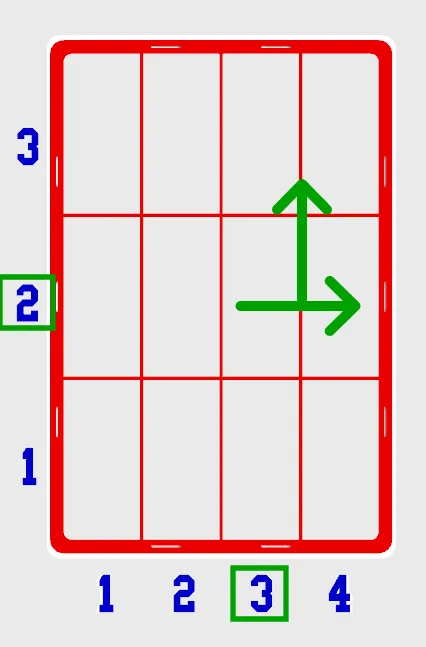
The next one is a bit trickier:
3,2,2,2
The module will select the cell at x=3 and y=2 then it will remove the wall for two cells horizontally and two cell vertically. As show in the following picture.
At the end, when generating the model, you'll have the following box:
Lid Variables:
The lid fit tolerance can be adjusted by modifying the slider within this section.
If printing with a flow rate different from 1, it is a good idea to adjust the lid tolerance.
Explore more of my parametric designs here:
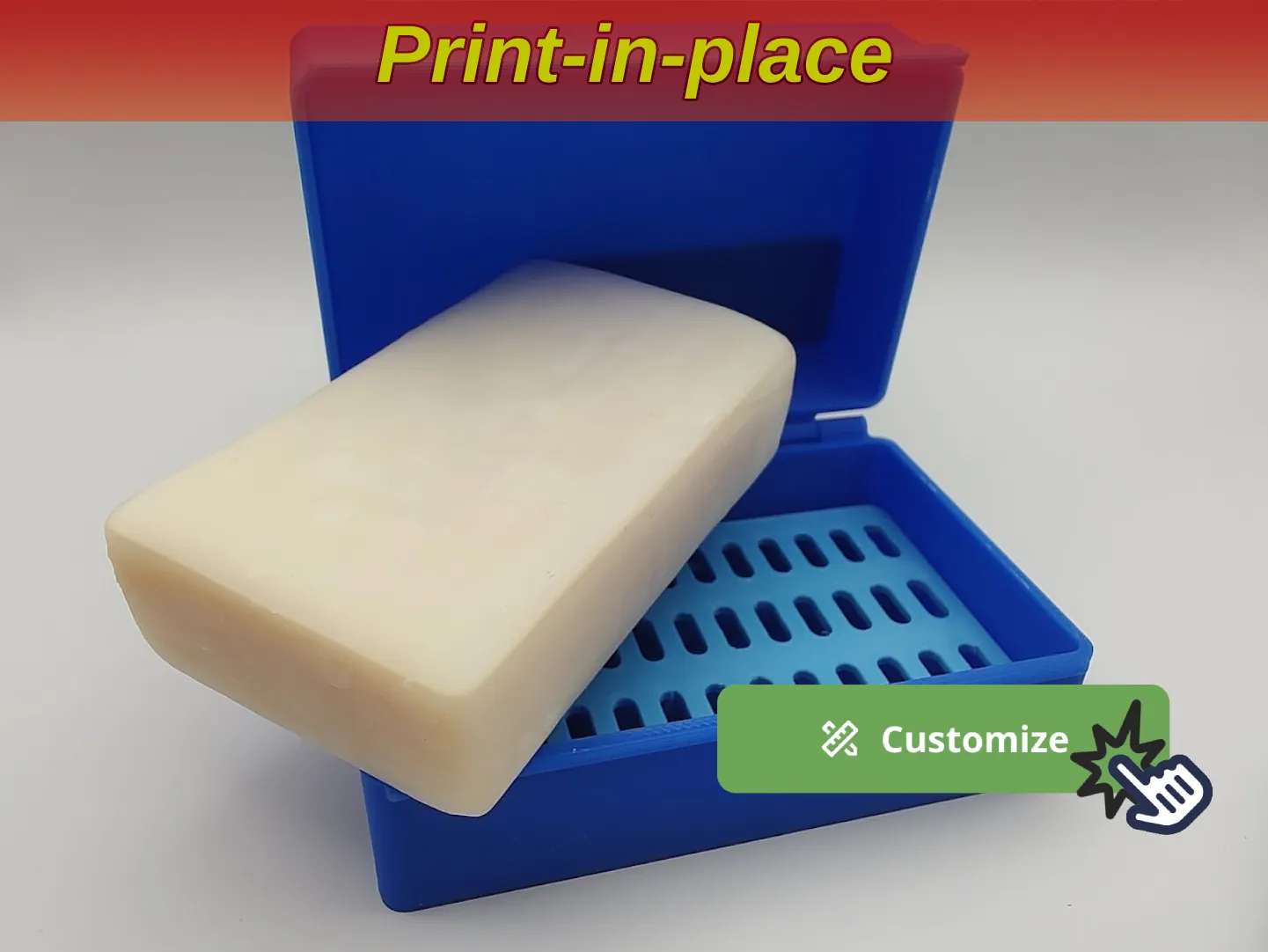
Customizable soapbox with hinged cover and drainer
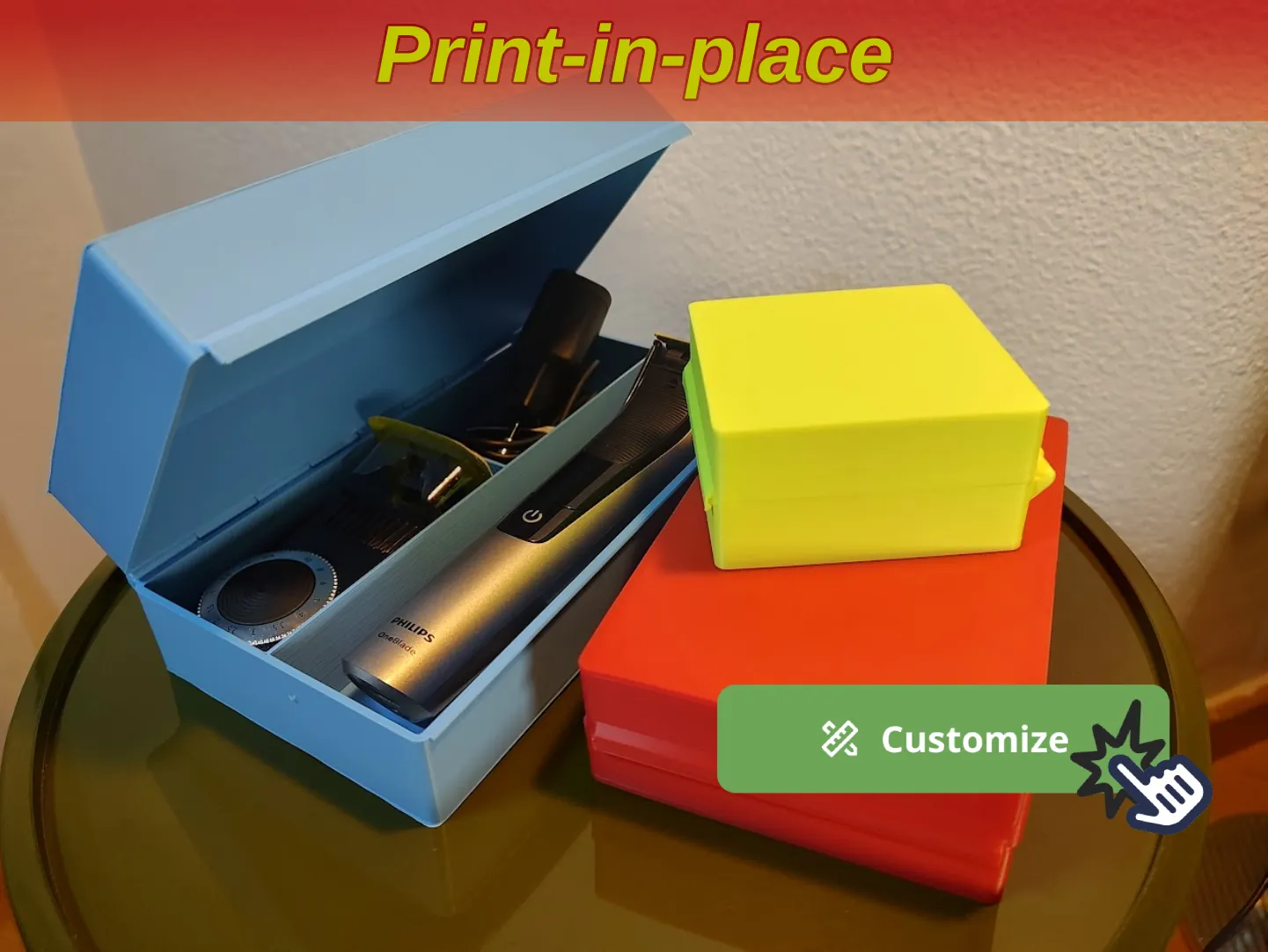
Box with hinged cover and customizable cells
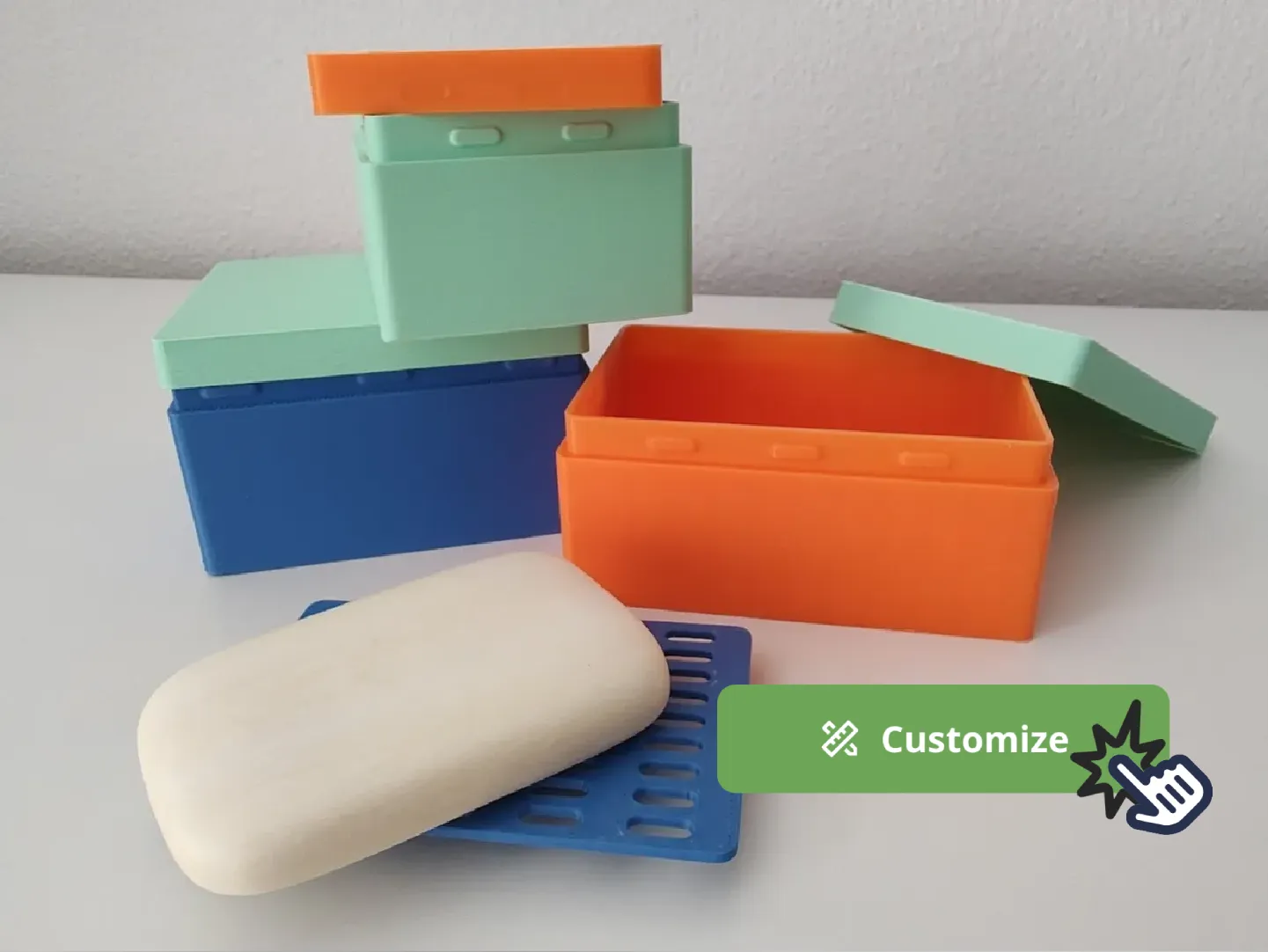
Parametric soapbox with cover and drainer
Follow me on Instagram @buildbyte3d, bluesky.app @buildbyte3d.bsky.social or mastodon.social @BuildByte3d for more behind-the-scenes looks, progress updates, and new projects! 🚀✨
Support My Work on Patreon! consider subscribe to my Patreon. (Seller License tier)
Every little bit helps keep the creativity brewing! ☕🙏 |
License



Comment & Rating (65)