
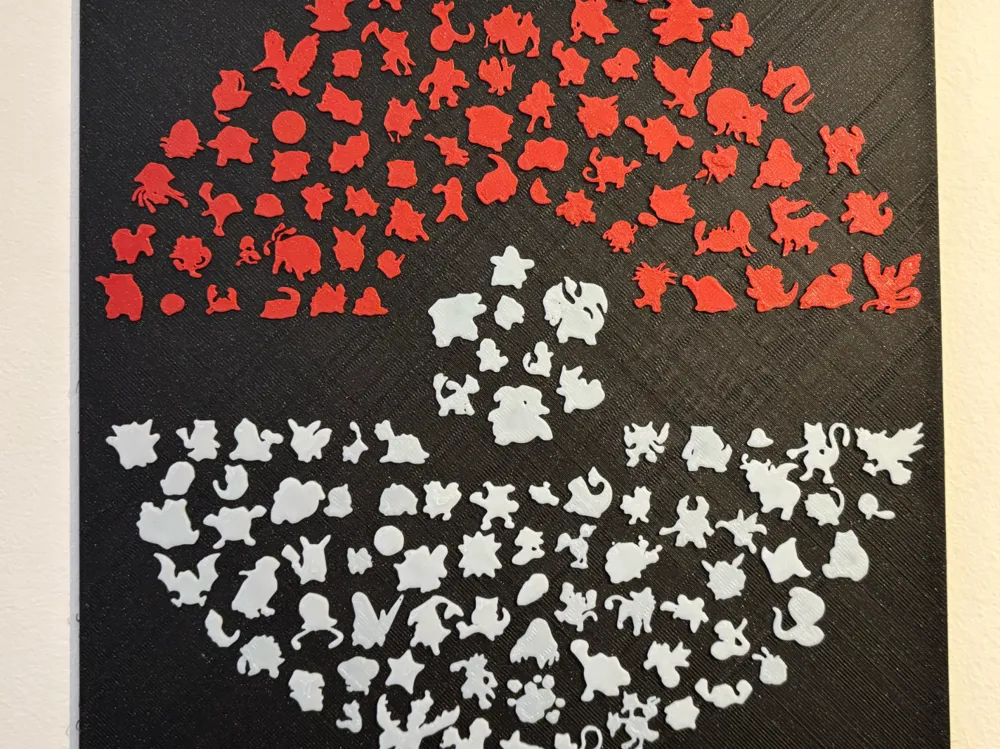
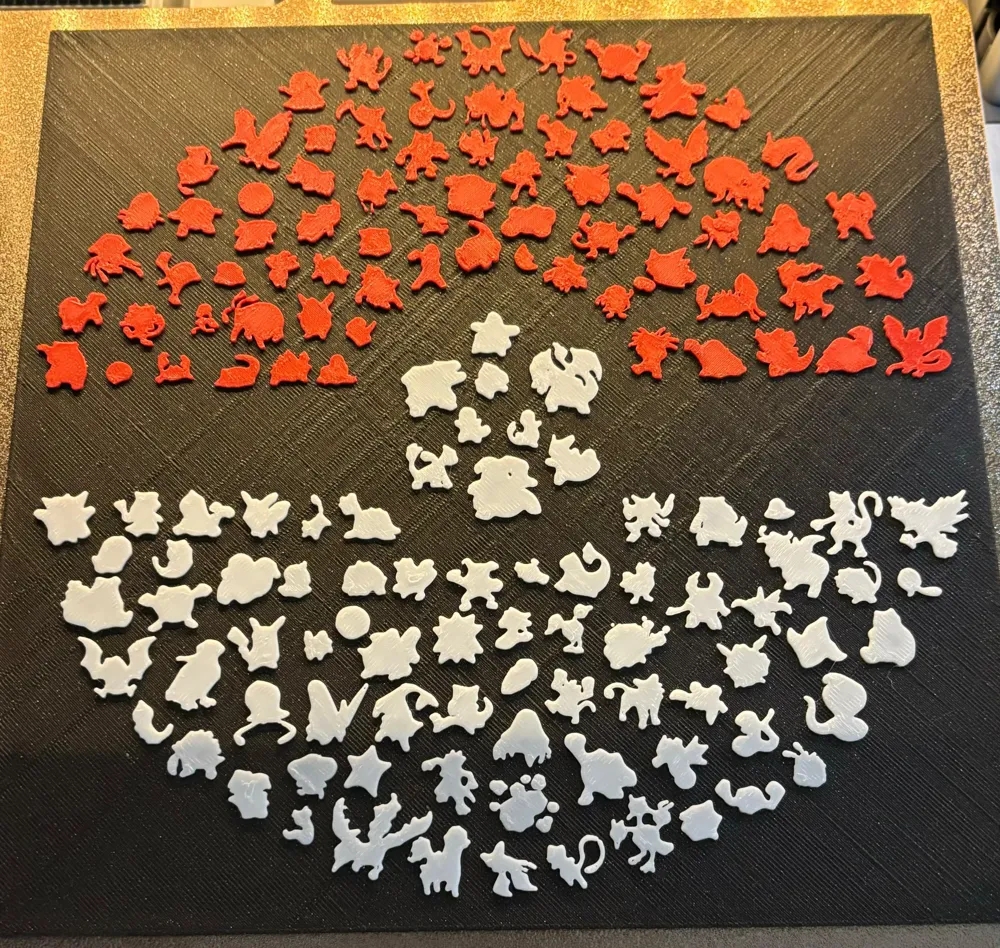
Gen 1 Pokeball Who's that Pokémon Frame
Print Profile(6)


Description
Hey everyone,

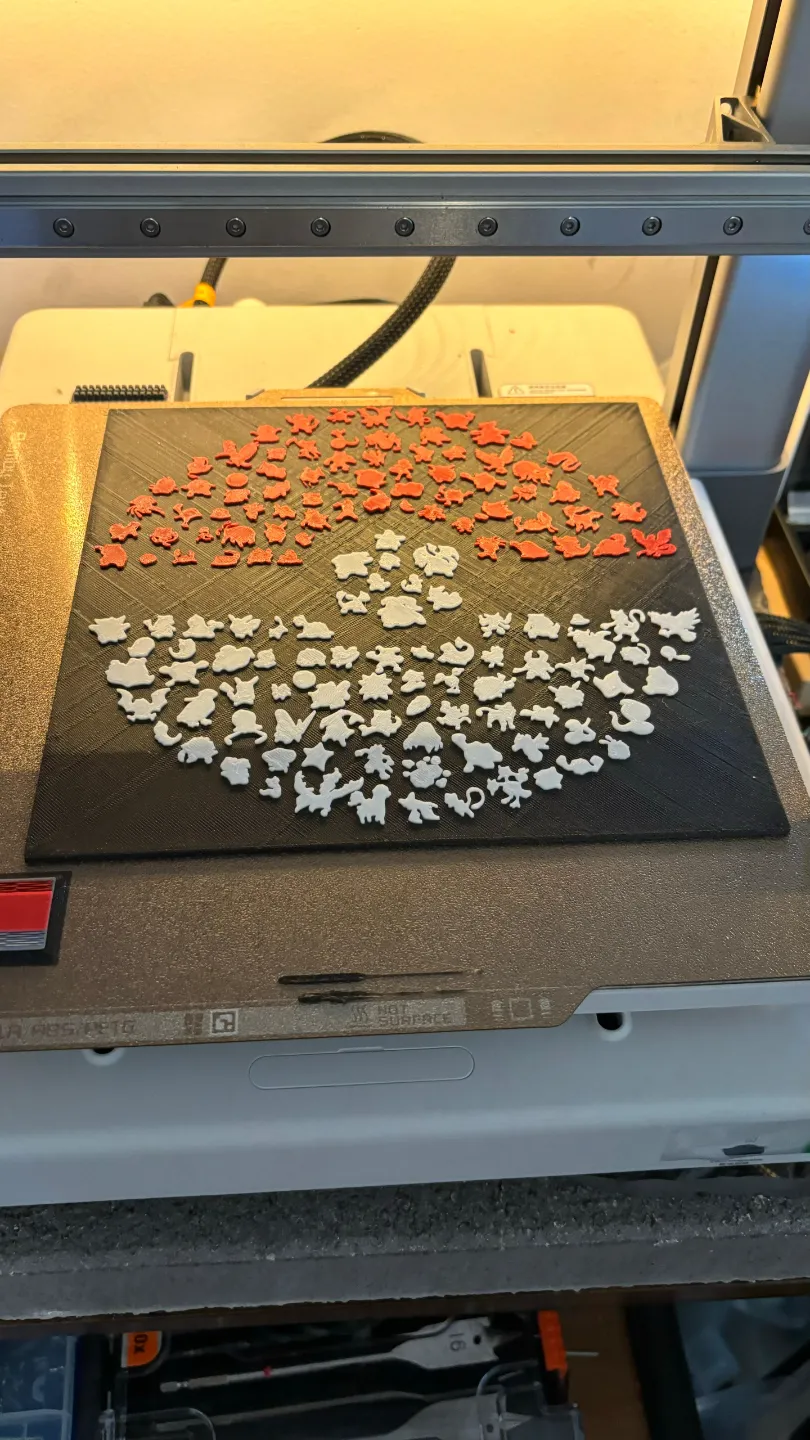
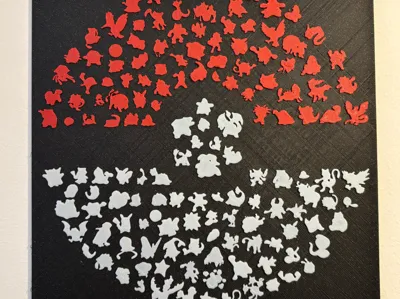
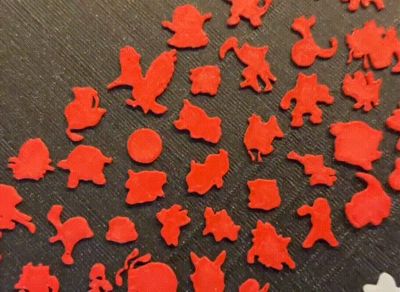
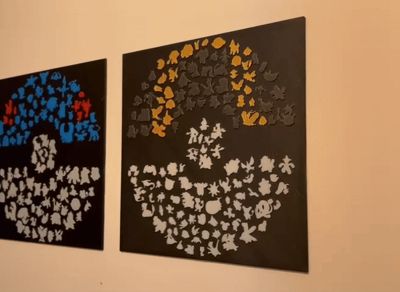
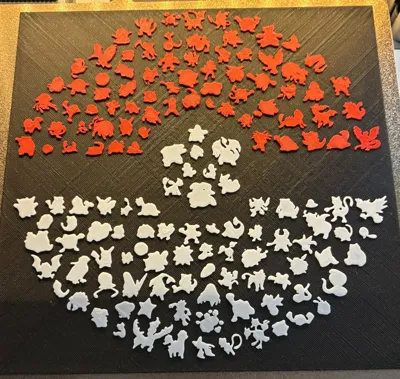
So, I stumbled upon a similar print online, but honestly, I wasn't totally happy with the quality. That's why I decided to start from scratch and do it all over again myself. I took the FireRed/LeafGreen Gameboy sprites for the Gen 1 Pokémon and gave them my own twist. I'm planning to do the same thing with other Poké Balls.
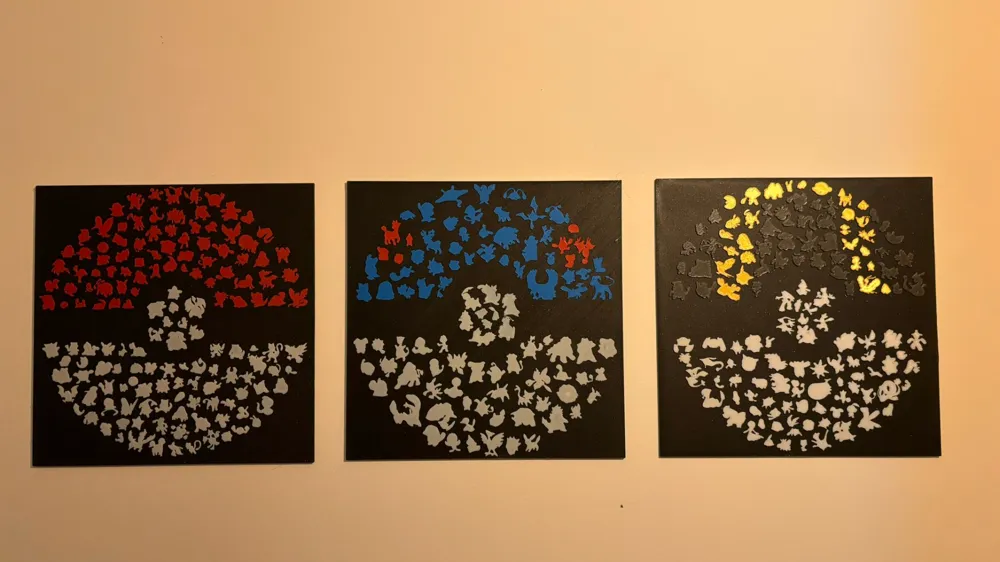
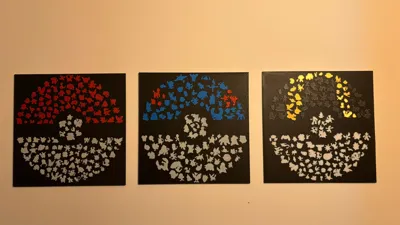
It took almost a whole year, but it is done! I finished all the gens!
Boost Me (for free)
Did you like the concept! I wouldn't mind a boost! :)
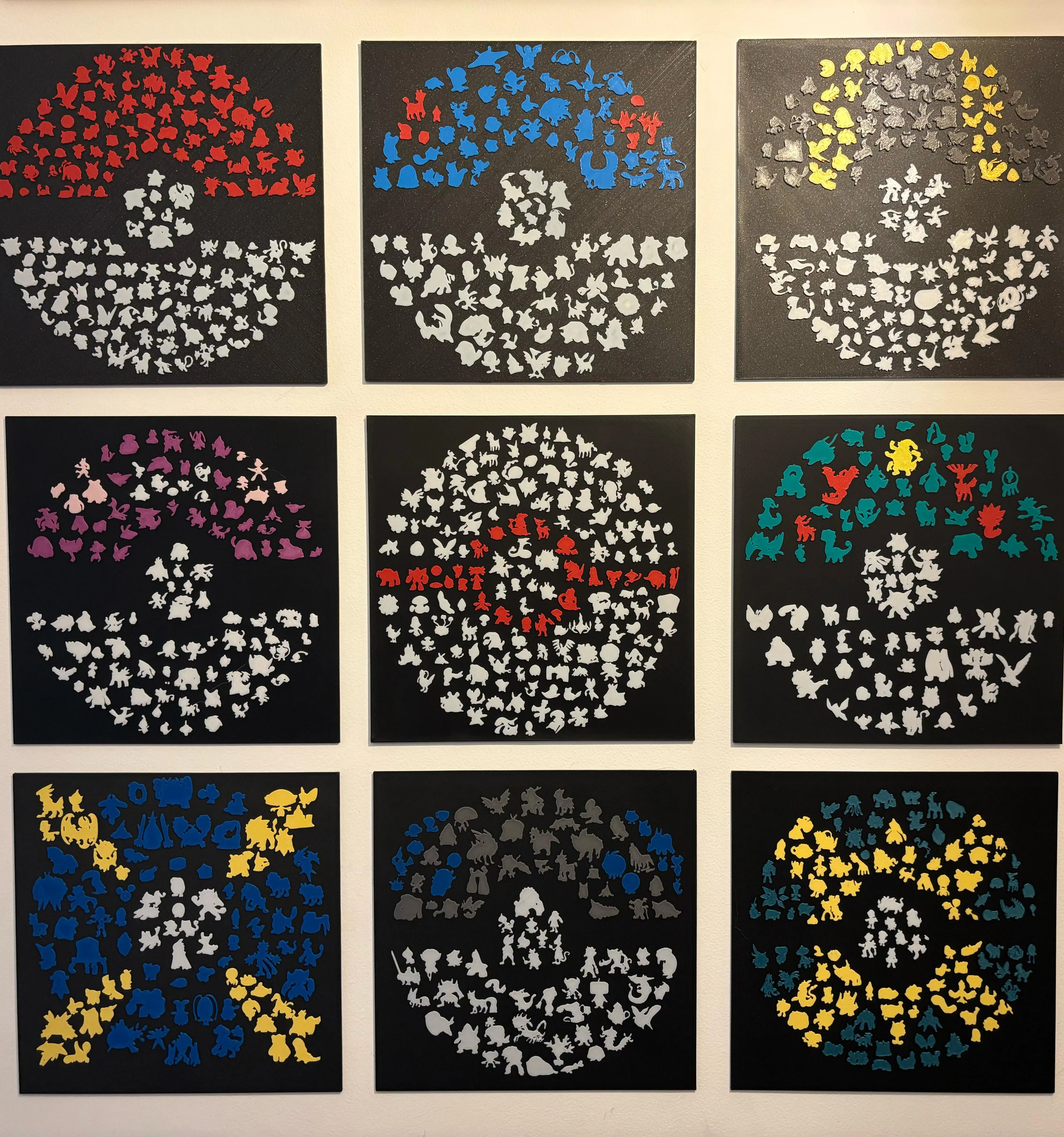

Check all the other gens here:
Gen1 Pokéball : Pokeball Who's that Pokémon Gen 1 Frame by ramorimdias - MakerWorld
Gen2 Greatball: Pokeball Greatball Who's that Pokémon Gen 2 Frame by ramorimdias - MakerWorld
Gen3 Ultra ball: Pokeball Ultra ball Who's that Pokémon Gen 3 Frame by ramorimdias - MakerWorld
Gen4 Master ball: Pokeball Master ball Who's that Pokémon Gen4 Frame by ramorimdias - MakerWorld
Gen5 Premier ball: Premier ball Who's that Pokémon Gen5 Frame by ramorimdias - MakerWorld
Gen6 Friend ball: Pokeball Friendball Who's that Pokémon Gen 6 Frame by ramorimdias - MakerWorld
Gen7 Beast ball: Pokeball Beast ball Who's that Pokémon Gen 7 Frame by ramorimdias - MakerWorld
Gen8 Beast ball: Gen 8 Heavy Ball Who's that Pokémon Frame by ramorimdias - MakerWorld
Gen9 Quick ball: Gen 9 Quick Ball Who's that Pokémon Frame by ramorimdias - MakerWorld
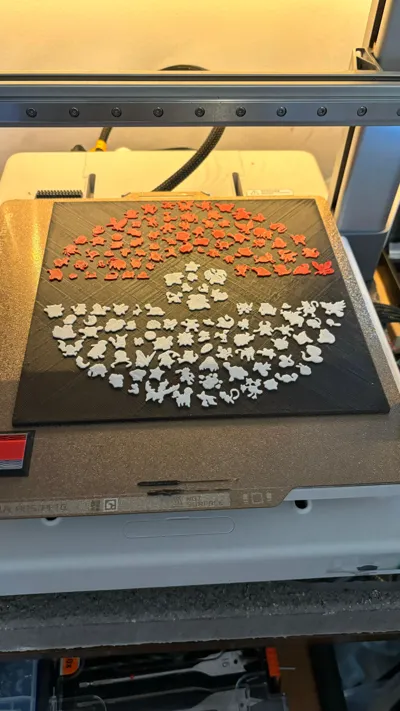
There is also a version with manual color change at layer height. That way, those of you without an AMS can still print it (or if you're into saving filament, as it'll only need two color changes).
Edit:15-05-24
To get a smoother top black surface without ironing, you need to activate “interface shells” that is hidden by default. You need to enable develop mode on preferences:
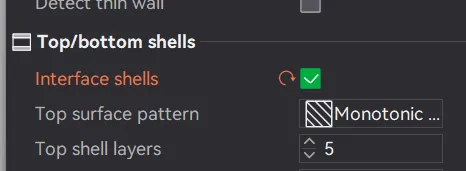
Unfortunately, this will work only in multicolor AMS print.
After enabling this setting, you'll have a complete solid layer just before the Pokémon silhouettes!
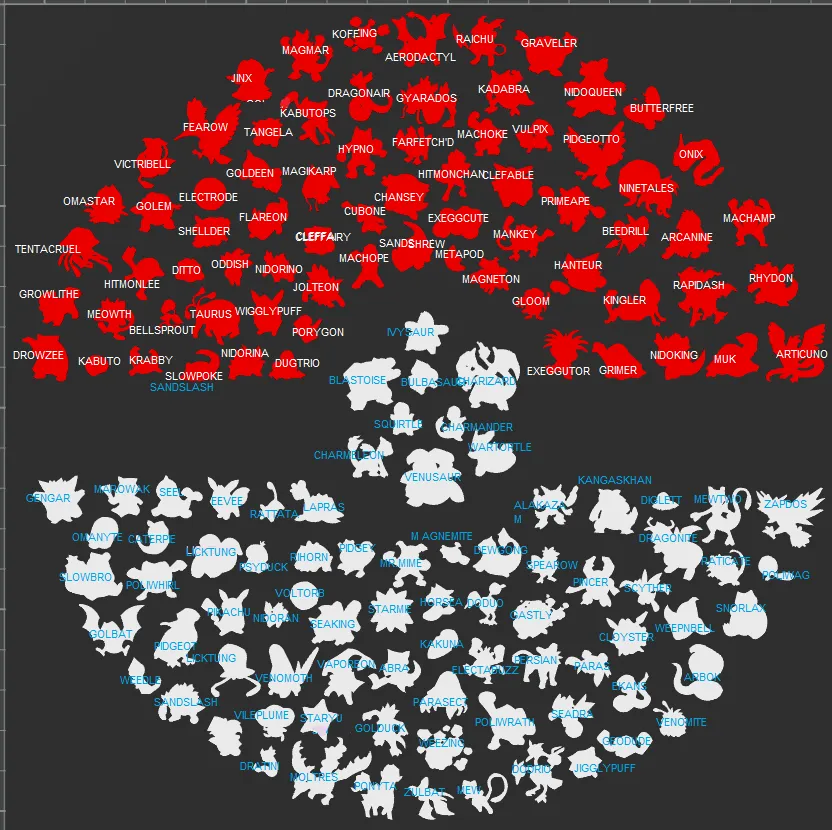
Spoiler:
License

You shall not share, sub-license, sell, rent, host, transfer, or distribute in any way the digital or 3D printed versions of this object, nor any other derivative work of this object in its digital or physical format (including - but not limited to - remixes of this object, and hosting on other digital platforms). The objects may not be used without permission in any way whatsoever in which you charge money, or collect fees.


Comment & Rating (318)