

Print Profile(2)


Description
CONTINUITY CAM MOUNT - V3 (FOR MACBOOKS AND IMAC 2021)
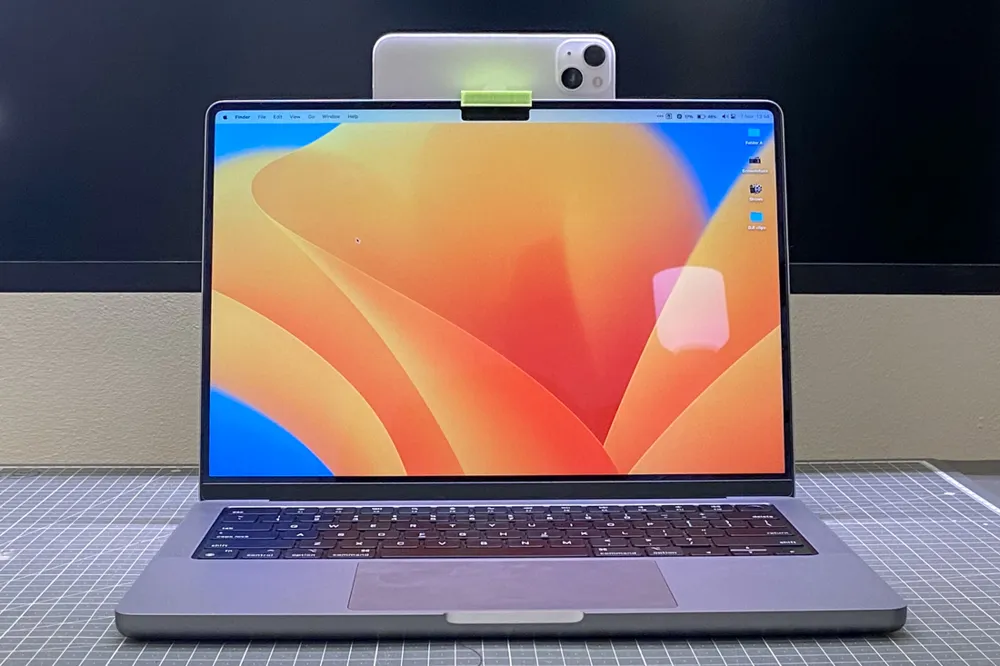
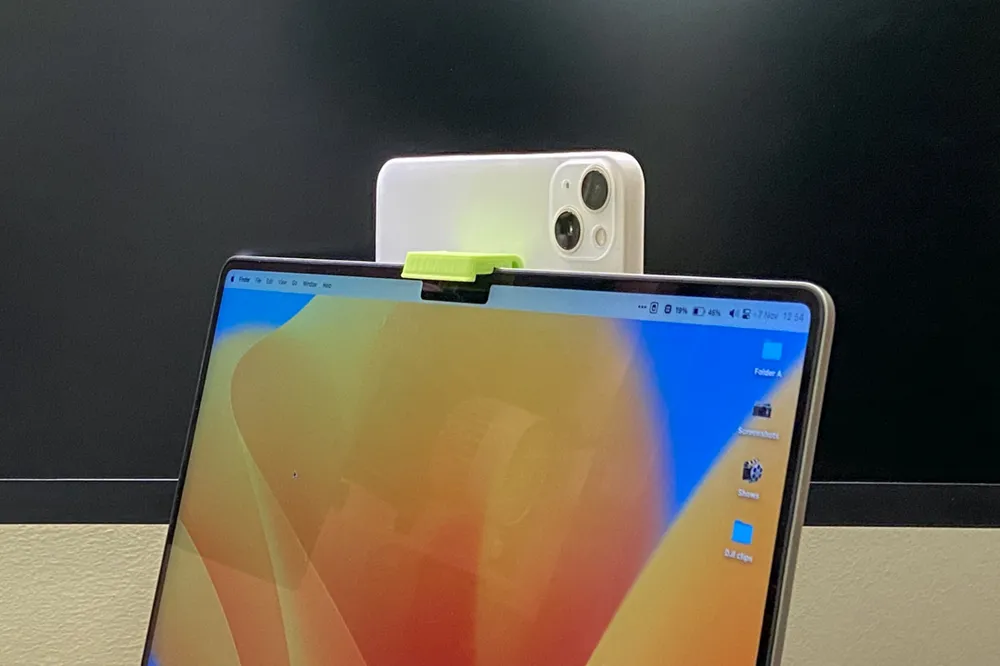
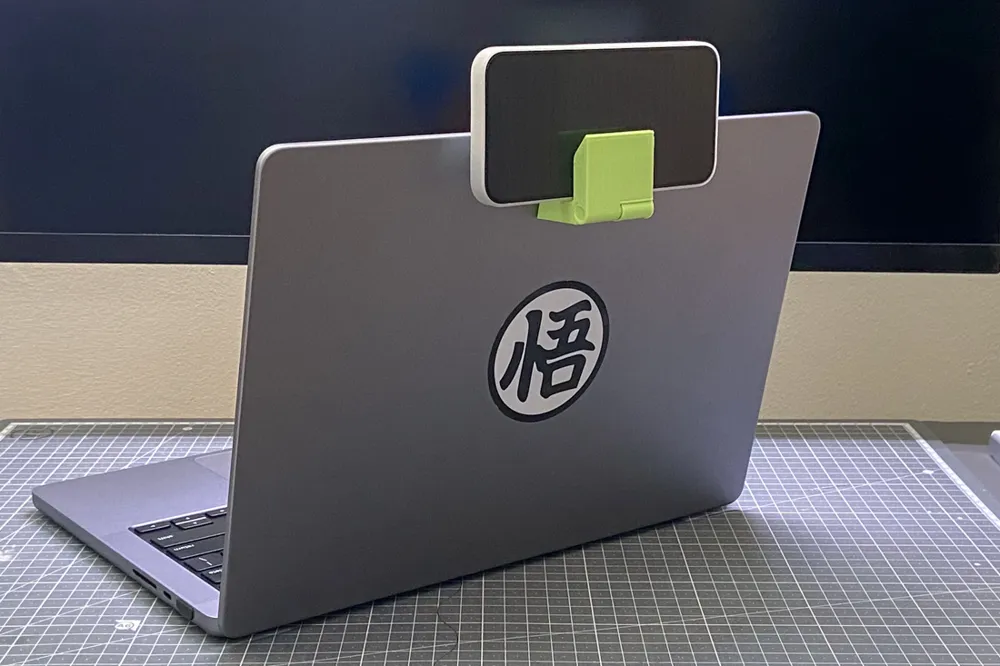
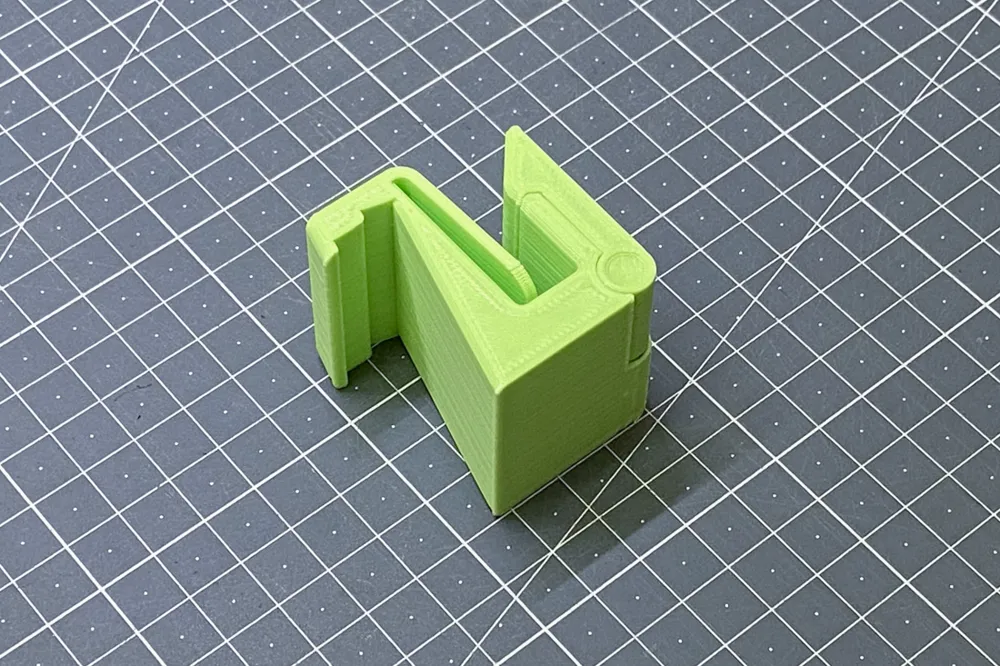
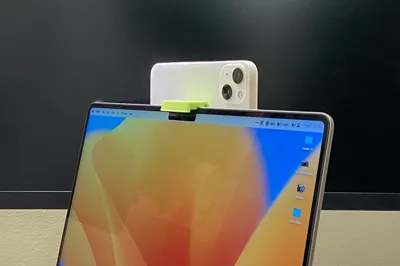
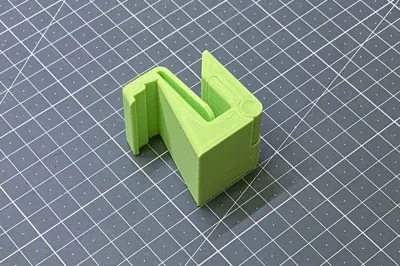
Version 3 is an attempt to solve the major problem of the previous designs - absolutely useless when not video calling. With that in mind, I tried to come out with a transformable design while keeping the features of V2 (https://www.thingiverse.com/thing:5588164).
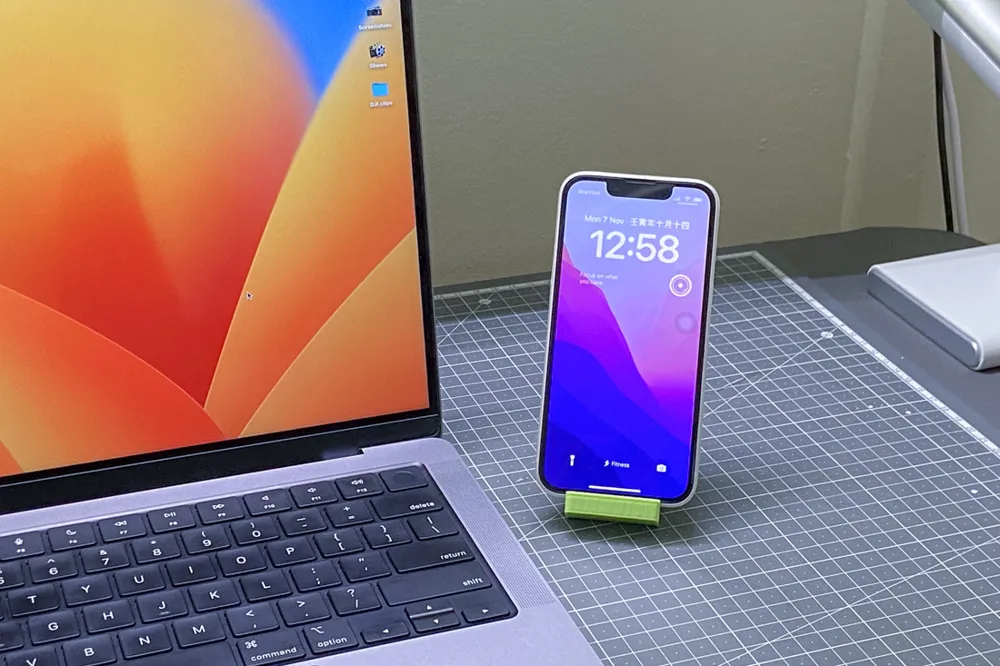
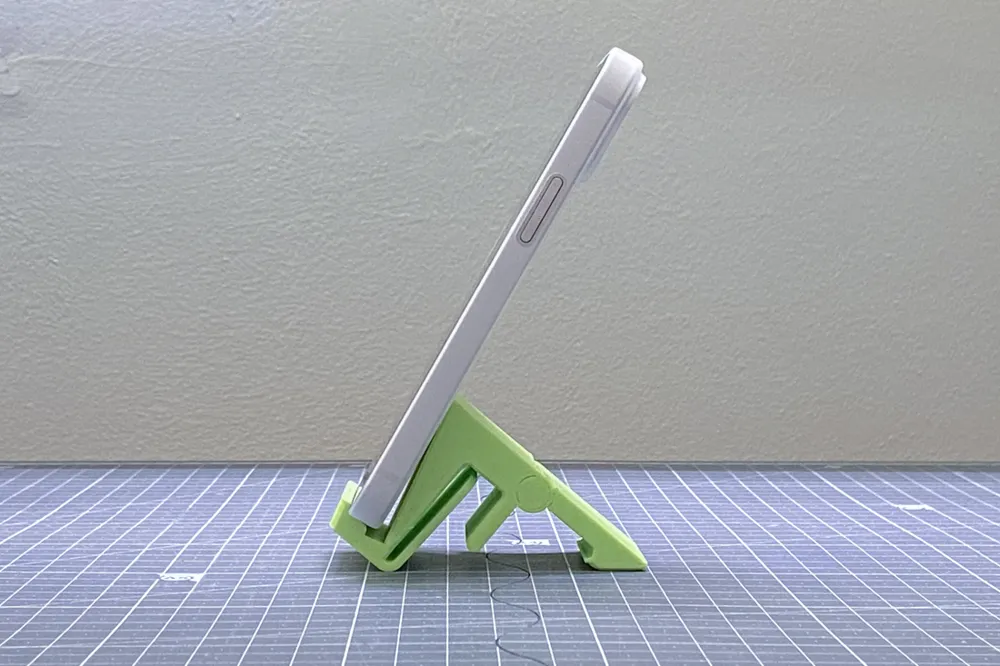
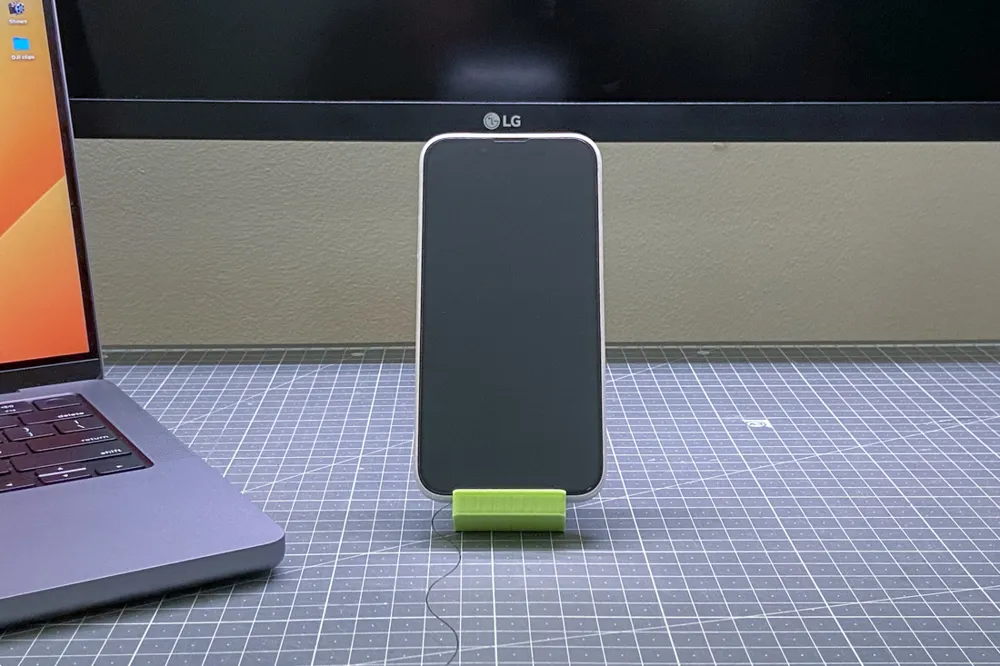
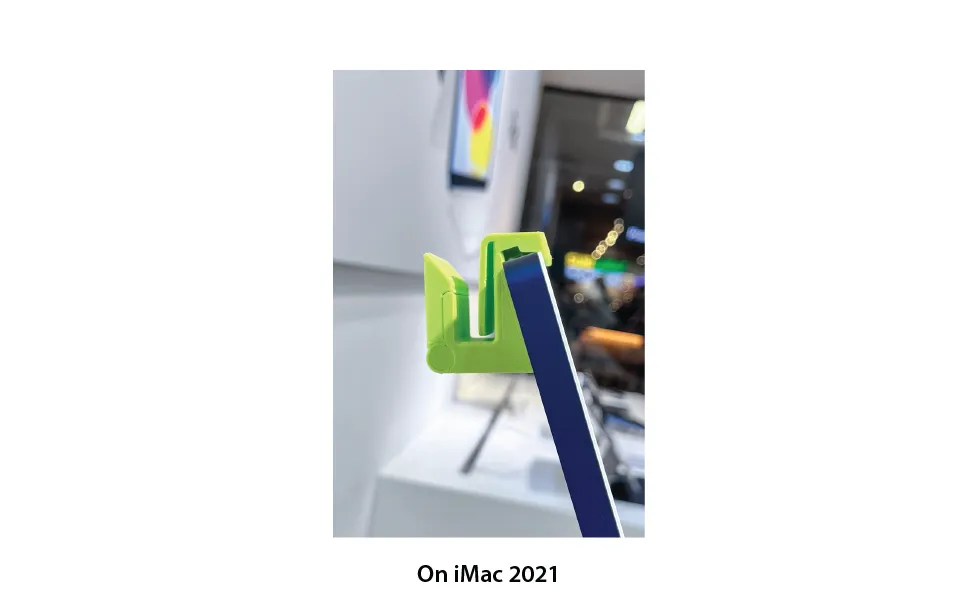
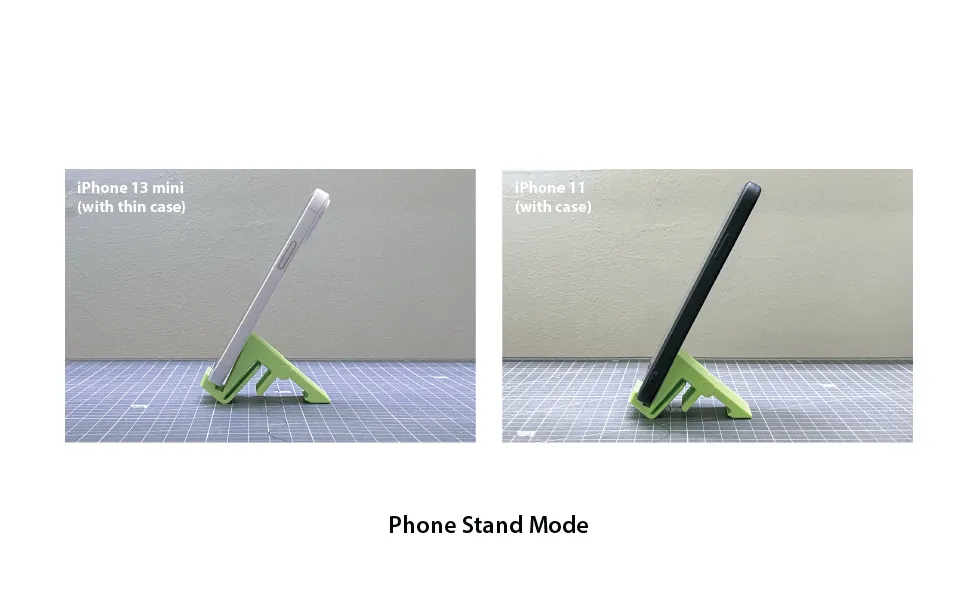
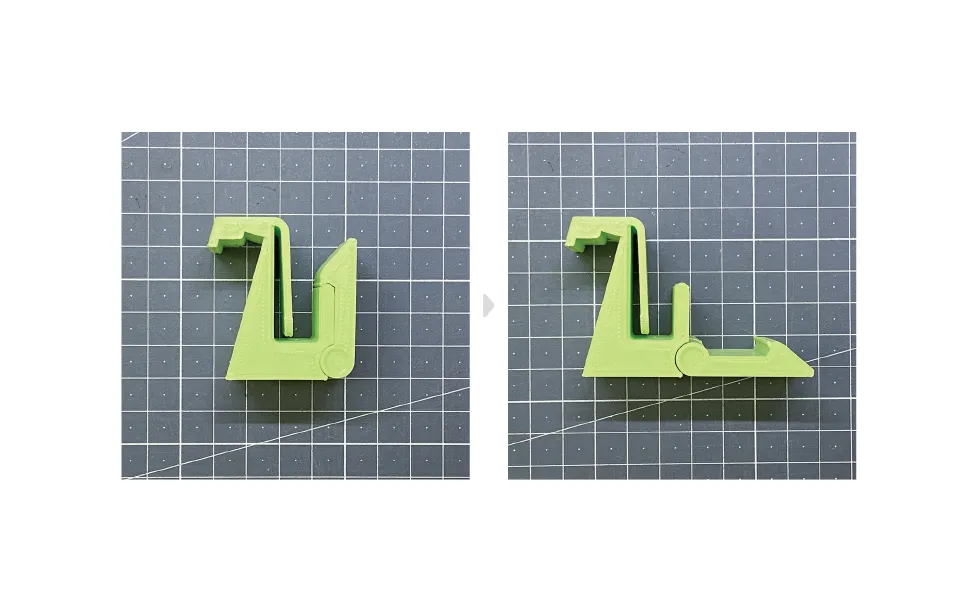
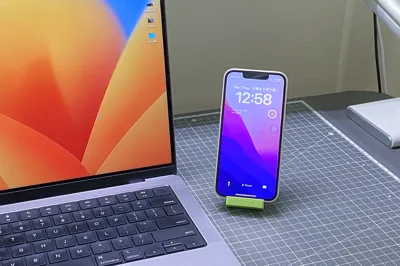
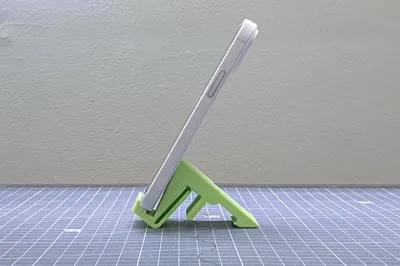
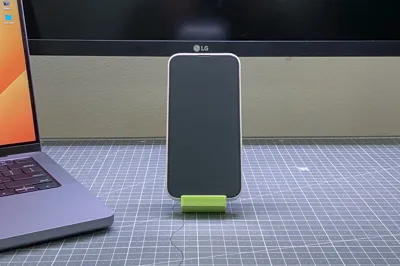
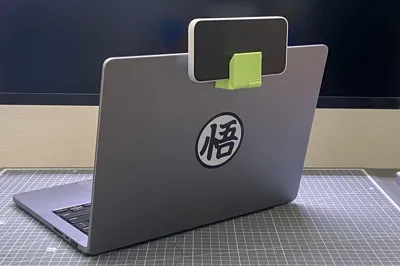
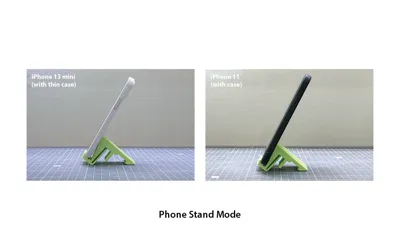
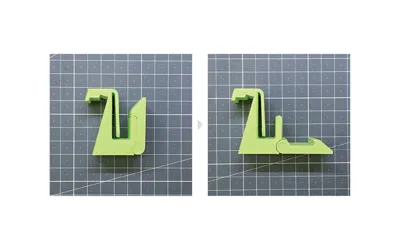
And here it is! V3 offers two modes: Camera Mode and Phone Stand Mode. It works perfectly like V2 as a video call mount and turns into a phone stand after a meeting.
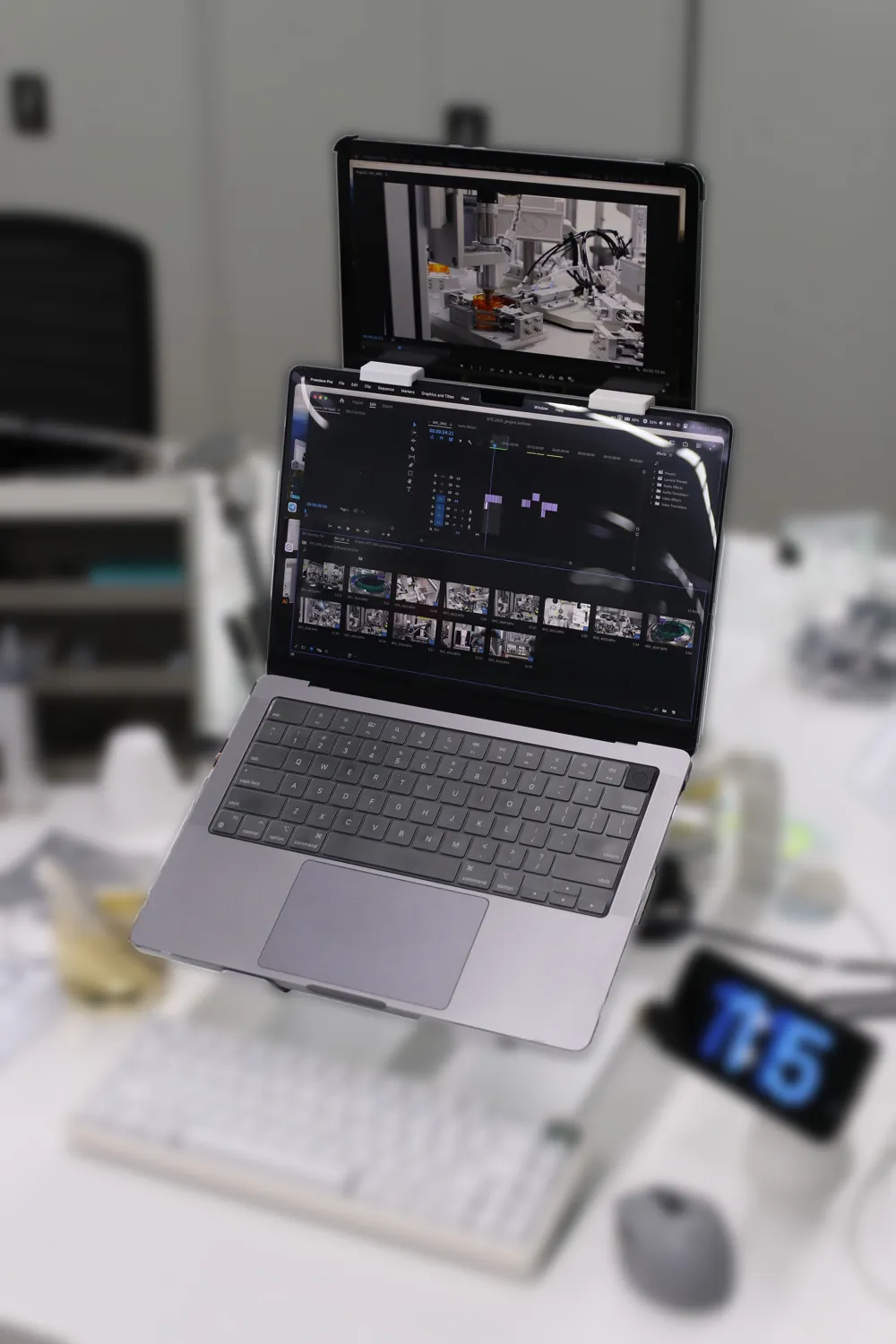
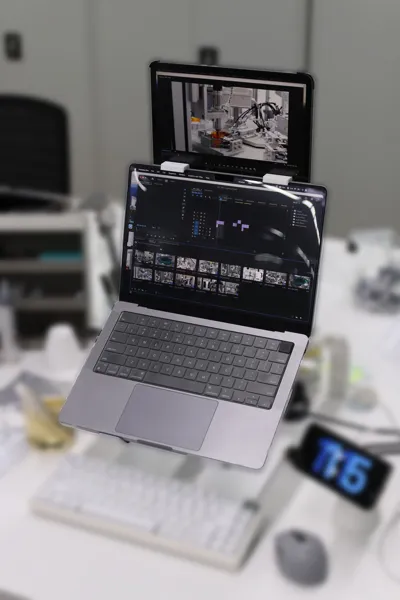
UPDATE: Refer to image 2( 29/01/2024)
You can use two of them to hold an iPad above the Macbook monitor to run Sidecar: another Continuity feature to turn your iPad into a secondary screen. I find that this vertical screen arrangement is so much more ergonomic and productive for me. Take note of the angle of the screen, especially for Macbooks with a tilted body, that may topple due to uneven weight distribution. The iPad demonstrated in image 2 is an iPad Pro 11-inch. Any model that is 11-inch or smaller should work just fine. The 12.9-inch model is not recommended due to its size and weight. Have fun experimenting! Cheers~
Improvements:
-Camera Mode and Phone Stand Mode
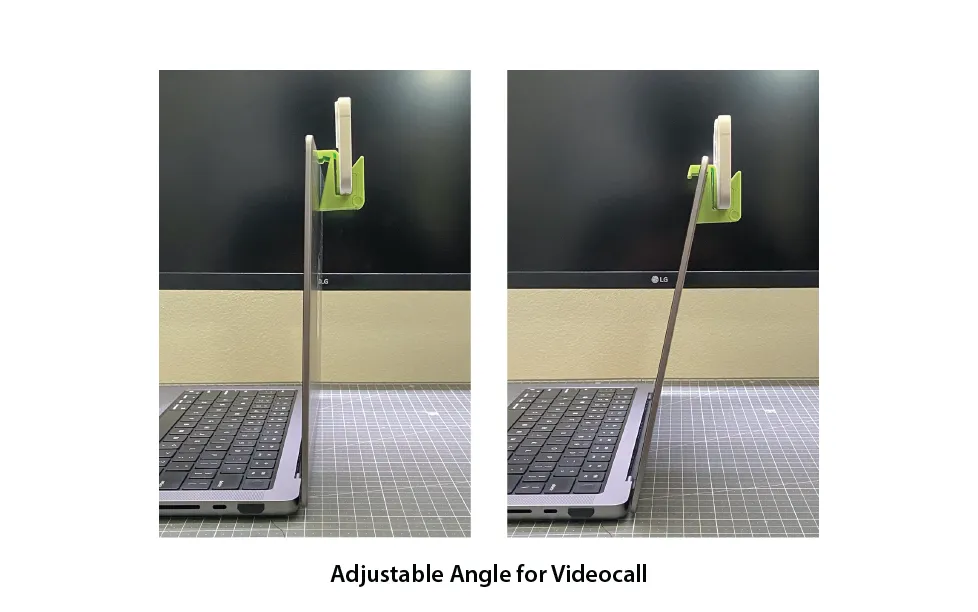
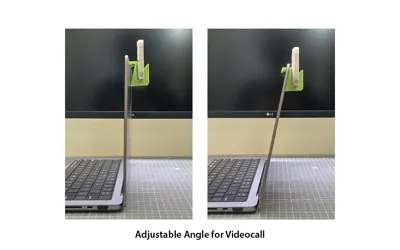
-Adjust between parallel and tilted angle
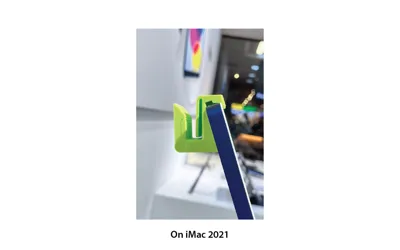
-Compatible with both Macbooks and iMac 2021
-Print-in-place design
-Easy to print without support
Recommended settings:
-Layer height: 0.2-0.28mm
-Line width: 0.4mm
-Slow down initial layers
-Initial layer horizontal expansion: -0.1~0.2mm (Prevent initial layers from fusing due to improper bed leveling)
-Outer wall flow: 98%
*Please take note this is a Print-in-place design (hinge), you might need to reduce ur outer wall flow rate if the two parts fuse together. Also, print in default orientation only.
Thank you! Happy to hear your feedback.
License

You shall not share, sub-license, sell, rent, host, transfer, or distribute in any way the digital or 3D printed versions of this object, nor any other derivative work of this object in its digital or physical format (including - but not limited to - remixes of this object, and hosting on other digital platforms). The objects may not be used without permission in any way whatsoever in which you charge money, or collect fees.


Comment & Rating (99)