
Mechanical Clock


Print Profile(2)


Description
Edit : Cartisky3D made a review of this model (without weights) on youtube
Hi,
Concept:
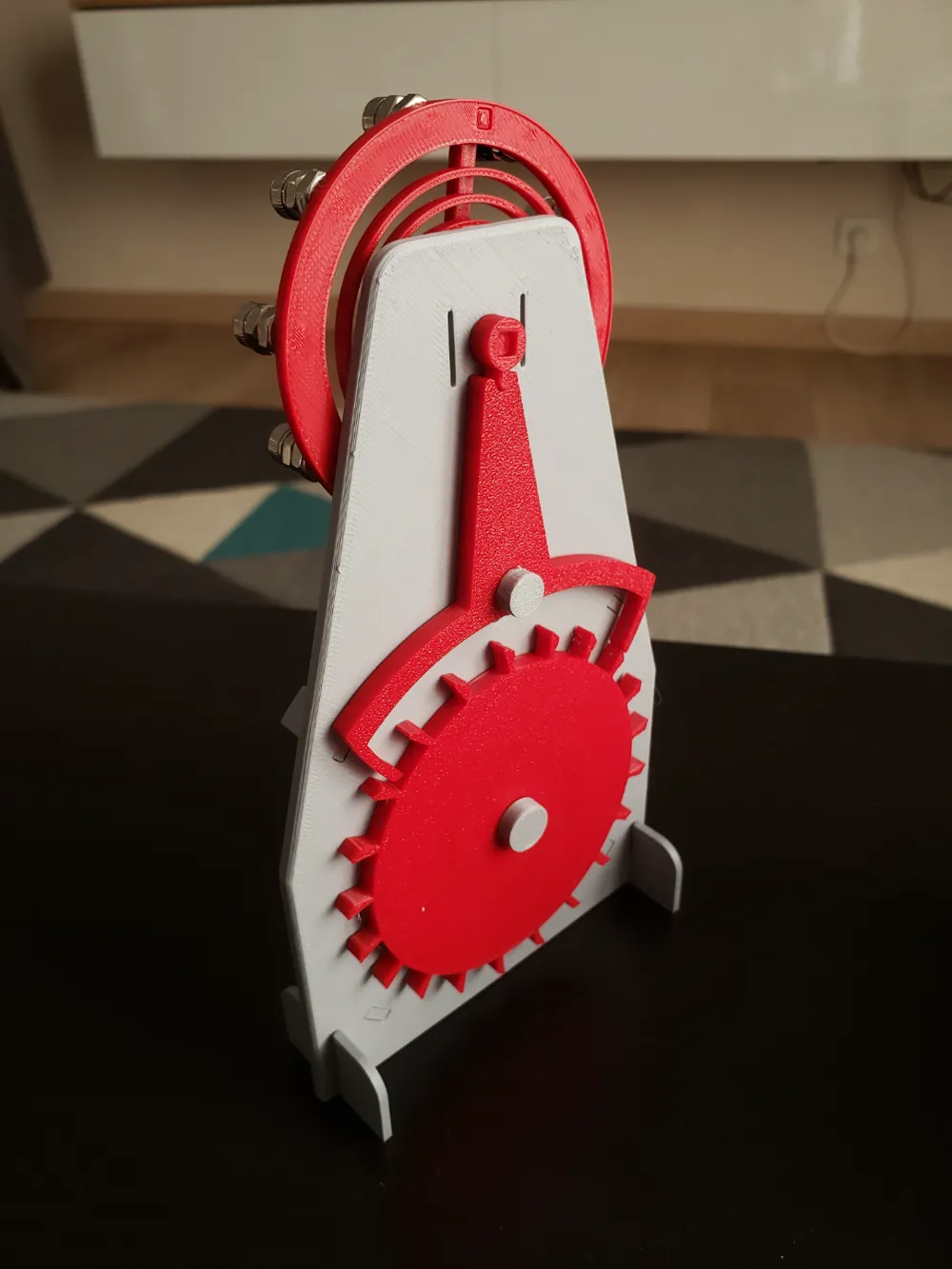
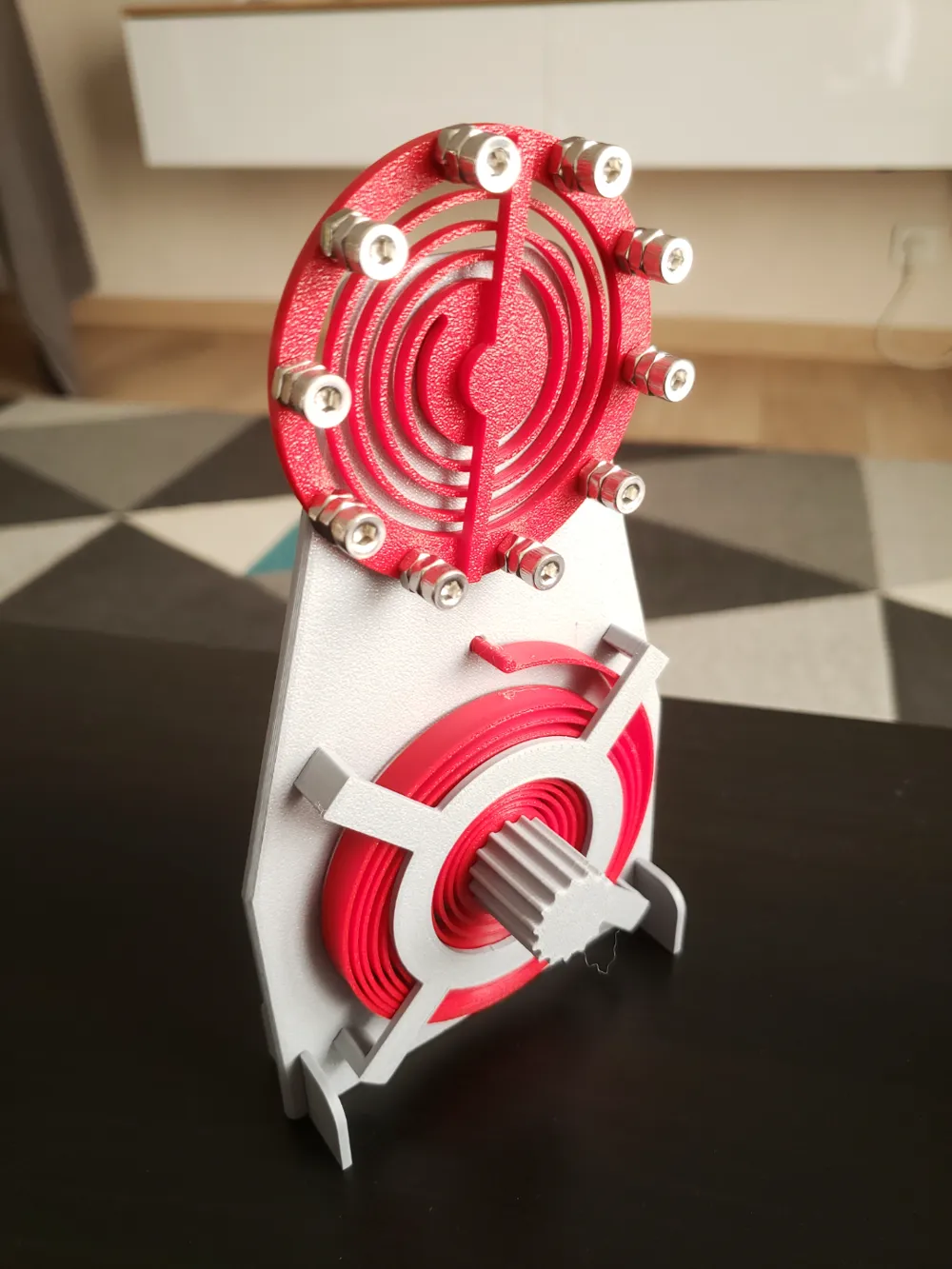
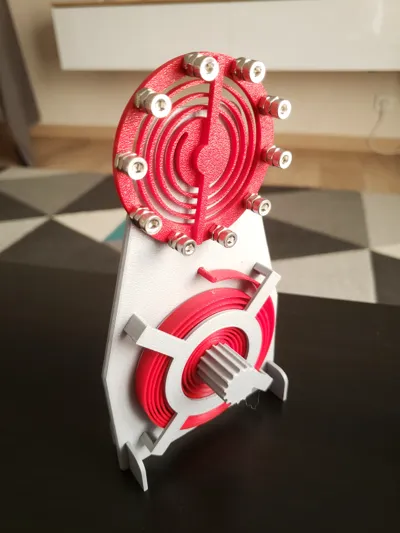
I designed a mechanical clock to better understand clock mechanism.

I could get this clock to run 42 s with a single rewind of the PLA spring.
It might run longer with other kind of filament.
Please let me know if you beat my record ;)
No hardware is needed but you will get a longer runtime if you weight with “InertiaWheel” with some M4 bolts.
I know my design can be improved and I greatly encourage remixes.
You can find my source file on Onshape here.
Printing:
It is an easy print. I recommend using Arachnee to get the right spring thickness. I also recommend using 100% infill for the InertiaSpring to add some weight to it.
Assembly:
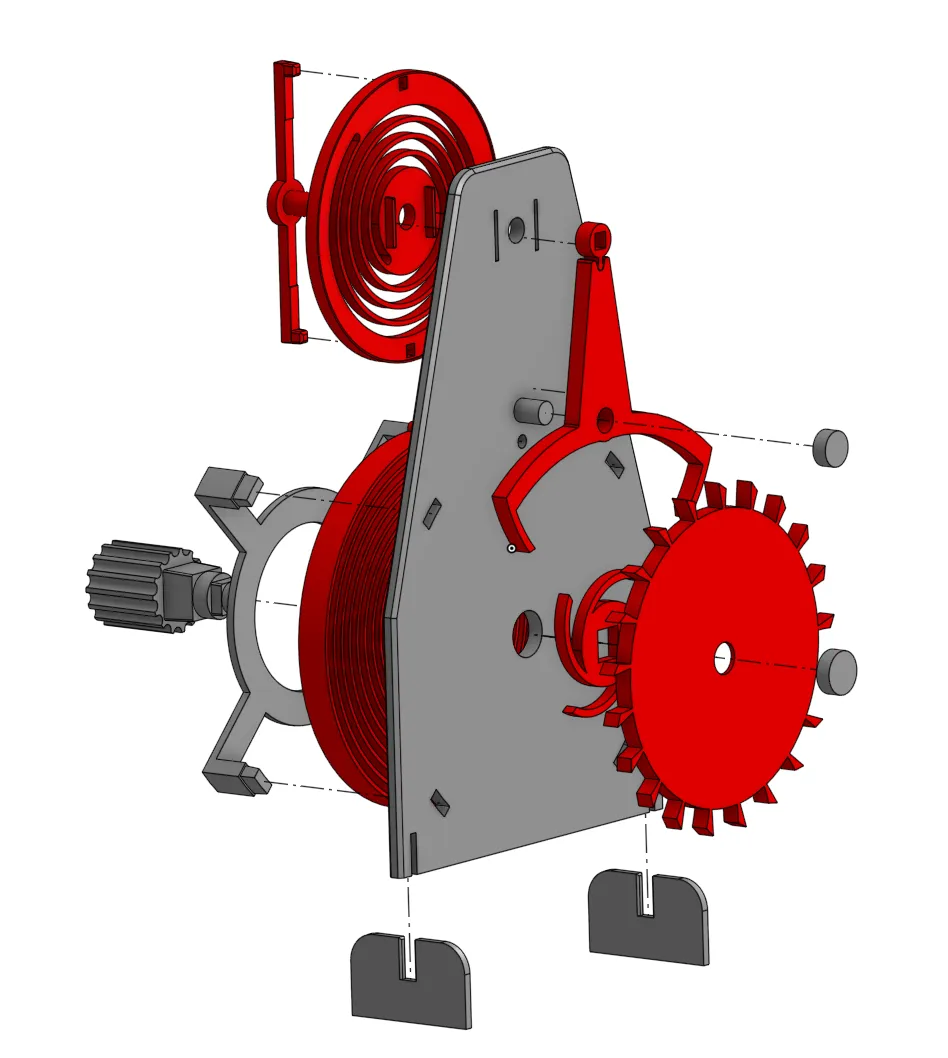
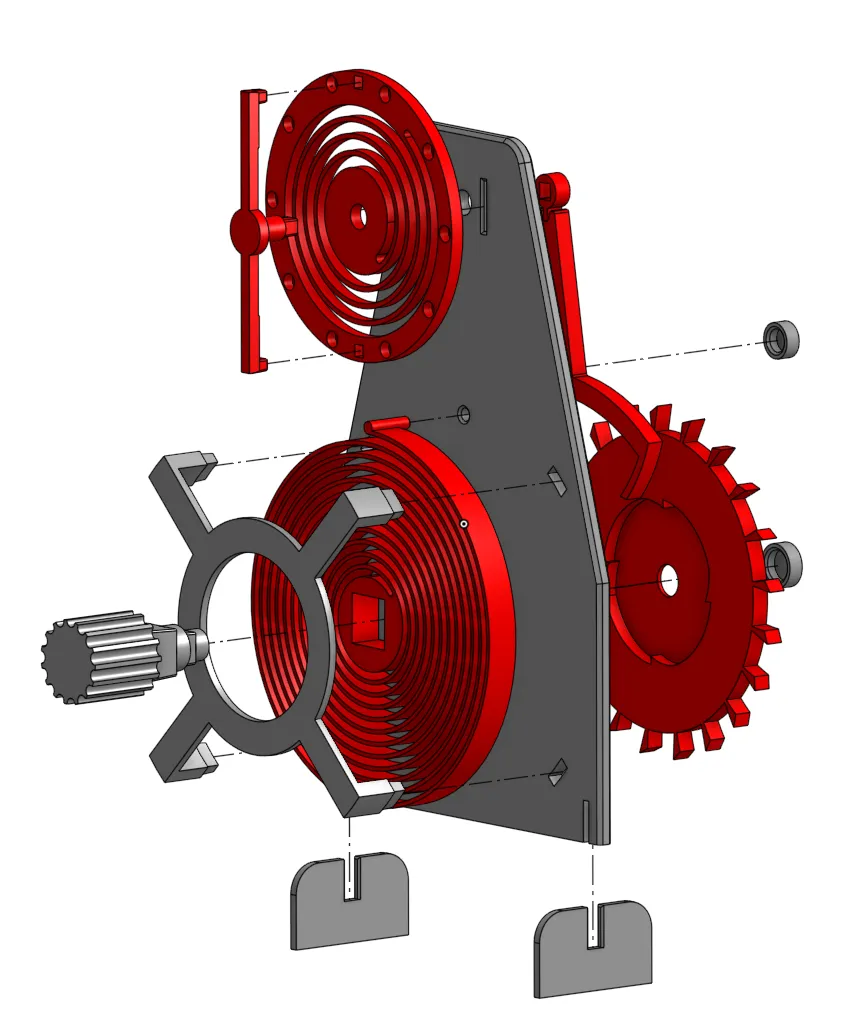
There is a quite a lot of parts (which makes the assembly satisfying) but assembly is straightforward based on the 2 exploded views below.
License



Comment & Rating (49)