
Print Profile(3)
Description
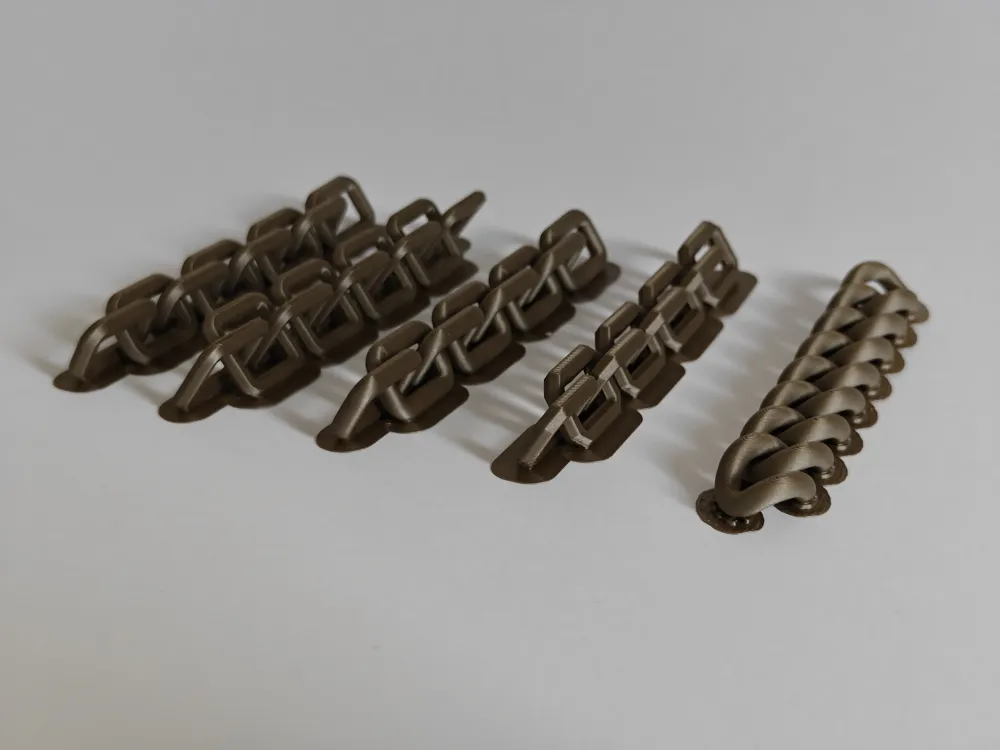
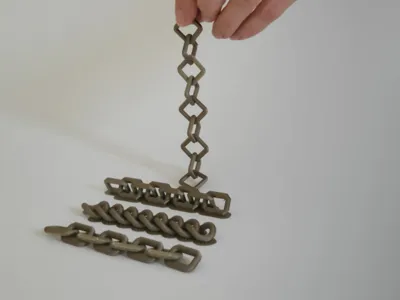
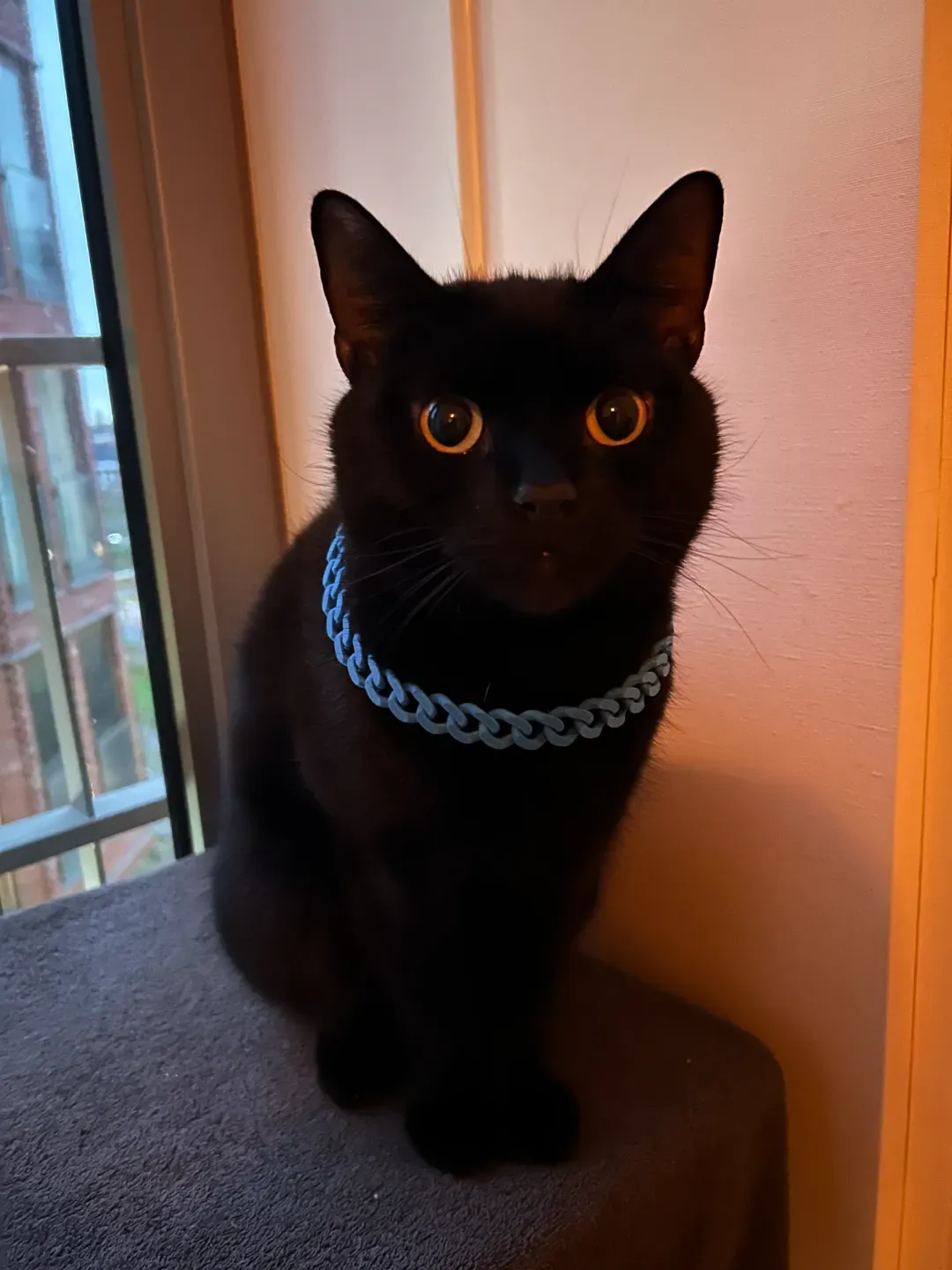
Create a custom print-in-place chain in the length and style you want.
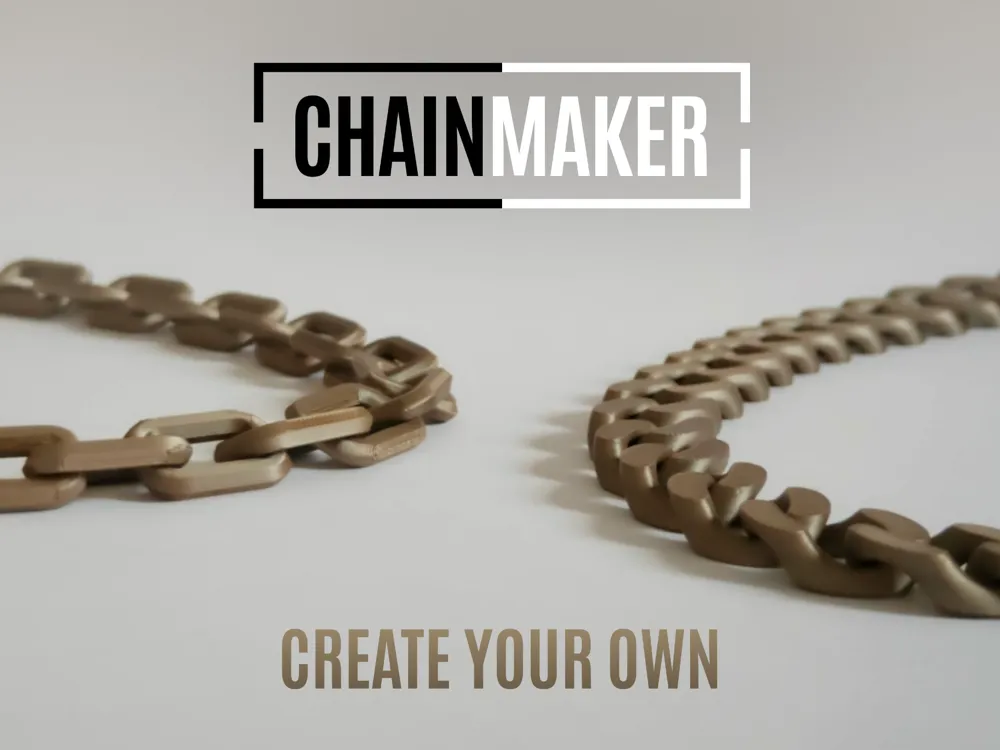
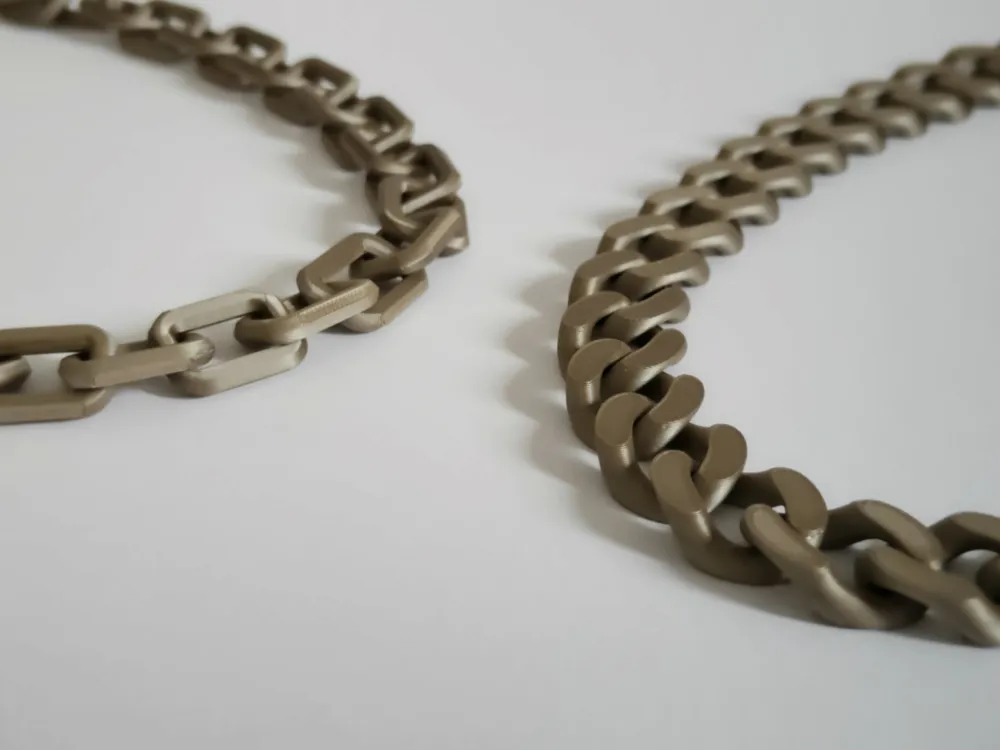
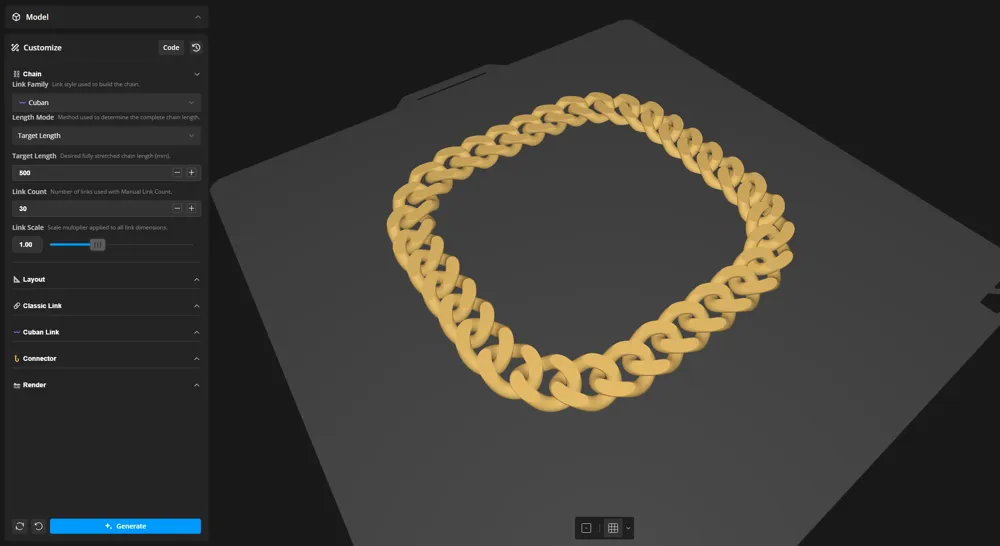
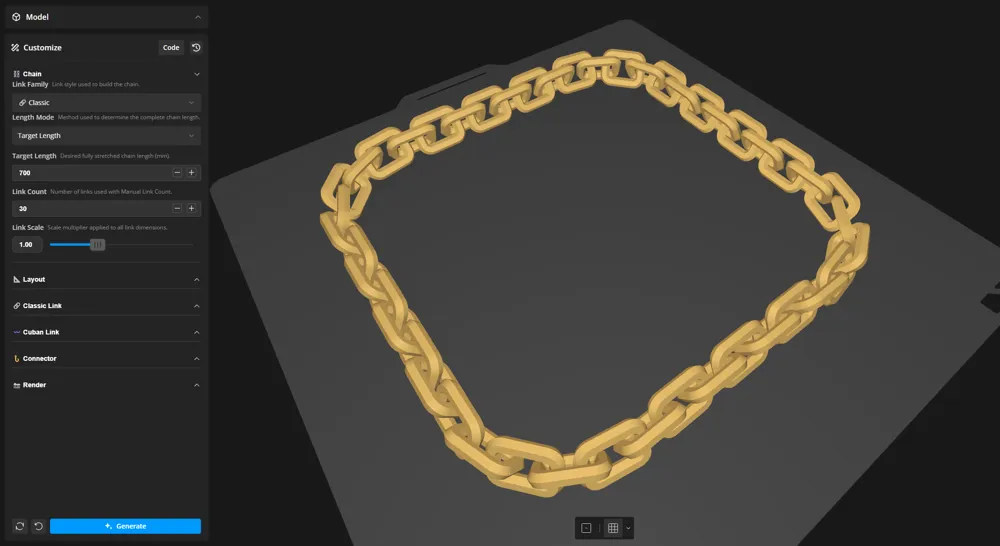
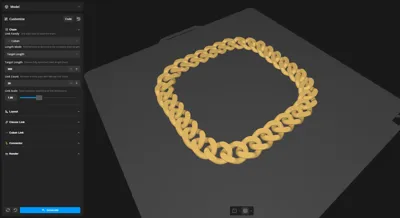
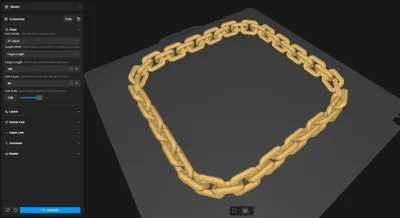
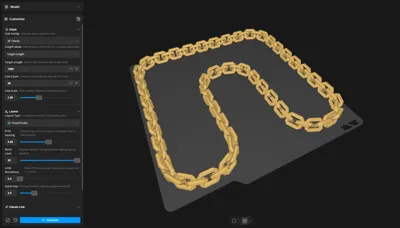
ChainMaker is a fully parametric OpenSCAD generator for classic interlocking chains and sculpted Cuban chains. Choose a target length or link count, customize the link geometry, and arrange the chain to suit your build plate.
Smart sizing, layout, spacing, and validation systems handle the technical work behind the scenes, so you can focus on designing the chain instead of constructing it.
Click Customize to open the generator.

🚀 Quick Start
1. Choose the Chain
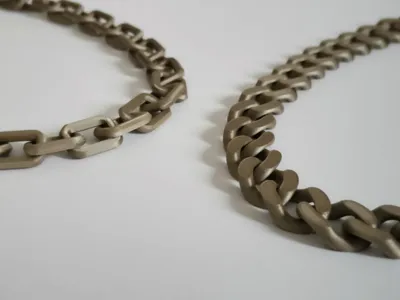
Select Classic for alternating interlocking links or Cuban for smooth, flattened links. Set a target stretched length, enter a manual link count, and resize the complete design with Link Scale.
2. Choose the Layout
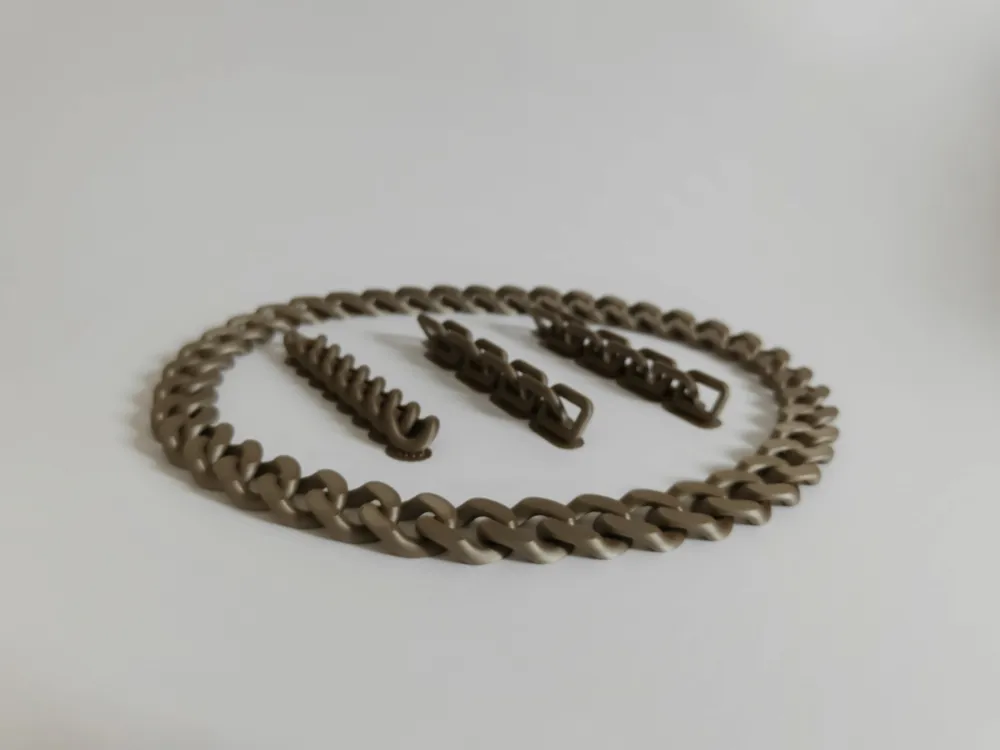
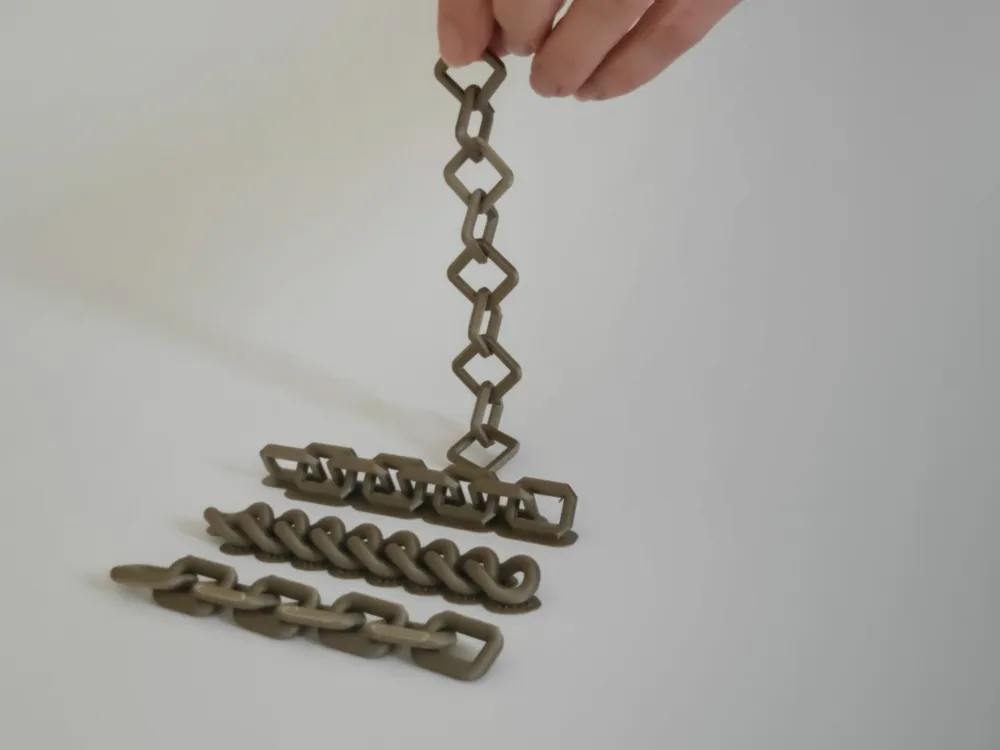
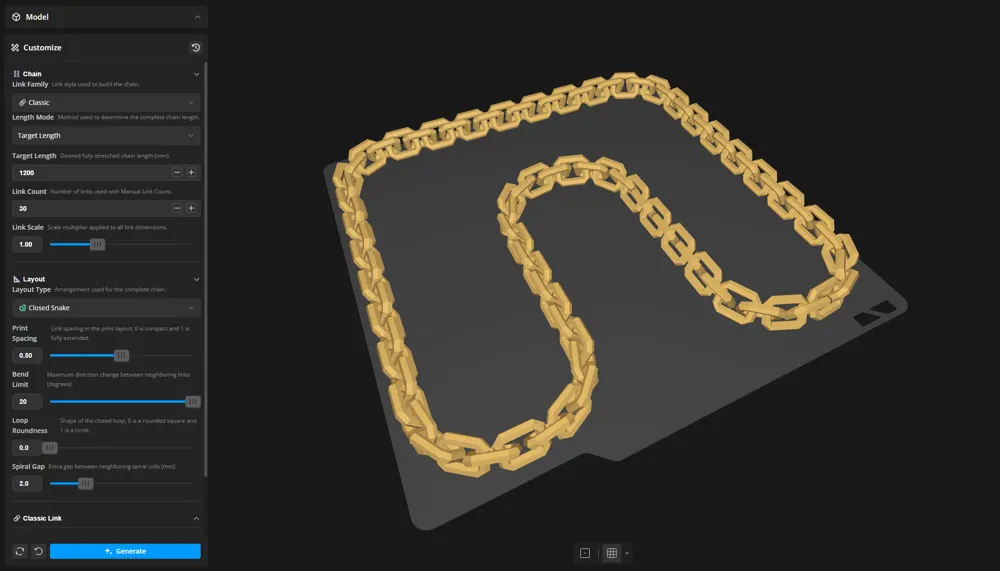
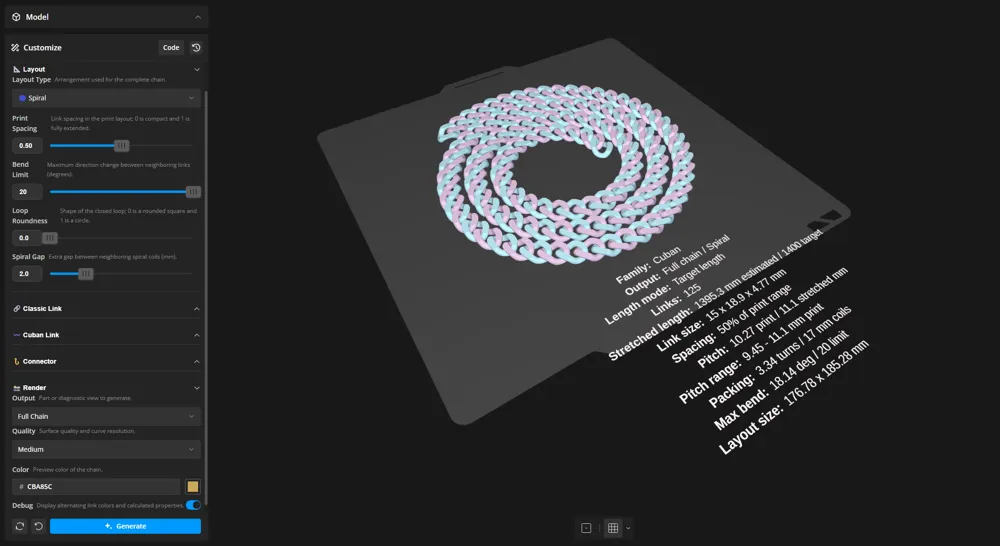
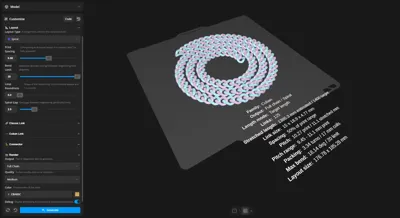
Arrange the chain as a Closed Loop, Closed Snake, Straight line, or compact Spiral. Use Print Spacing to control the distance between neighboring links, and adjust the bend or layout-specific settings when needed.
3. Customize the Links
Classic links support rounded or chamfered paths, multiple profiles, profile twist, thickness, and interlocking angle. Cuban links provide control over radii, thickness, Bezier shaping, and face flattening.
Enable Connector Link to open one end link for attachments or reconnecting the chain. Enable Debug to view calculated chain and layout information.
4. Preview and Export
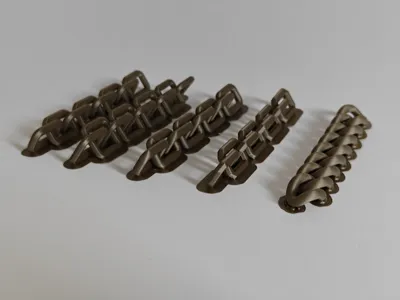
Inspect the complete layout in your slicer and check that all links remain separate. Once satisfied, export your chain at the desired resolution and print.
⭐ Features
Two Link Families
Create two distinct chain families with one shared sizing and layout system.
Smart Length Solving
Enter a target length or choose the exact number of links yourself.
Flexible Print Layouts
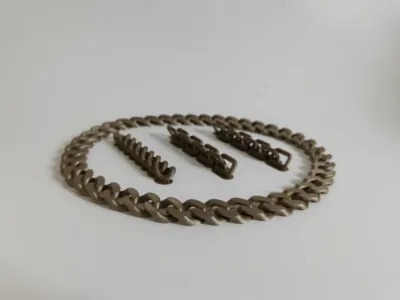
Use rounded loops, compact closed snakes, straight chains, or spirals.
Measured Diagnostics
View solved length, link count, pitch, bend, and layout size.
Print-Focused Workflow
Tune spacing, test clearances, and export clean printable geometry.
🖨️ Printing Advice
Print-in-place chains depend heavily on first-layer accuracy and clearance.
- Use a brim for small chains with limited build-plate contact.
- Enable variable layer height for smoother steep curves.
- Inspect the chain carefully in the slicer.
- Print the Clearance Test before committing to unfamiliar geometry or materials.
ChainMaker uses mathematical spacing, envelope, closure, and bend calculations, but extreme custom shapes should still be checked visually before printing.
Closed chains have no clasp. For wearable designs, make sure it passes over the hand or head, or use an open chain with your own clasp. Integrated functional clasps may be added in a future update if there is enough interest.
ℹ️ Notes
For additional guidance and troubleshooting, see the Frequently Asked Questions attached to this post.
Feedback and examples of what you create are always welcome.
📜 Maker Scripts
Boost Me (for free)
Your support fuels continuous updates, new features, and future scripts. Thank you!
Documentation (1)
License

You may create derivative works based on this object, provided that all such derivative works are published exclusively on the MakerWorld platform and include proper attribution to the original creator. You may not share, upload, host, distribute, or publish this object—or any derivative work of this object—on any other digital platform, marketplace, or distribution channel. Commercial use of this object and any derivative works is strictly prohibited. This includes, but is not limited to, selling, renting, sublicensing, or using the object in any context in which you receive monetary compensation or other financial benefits.


Comment & Rating (3)