
Raffle Drum
Print Profile(1)
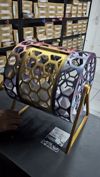
Description


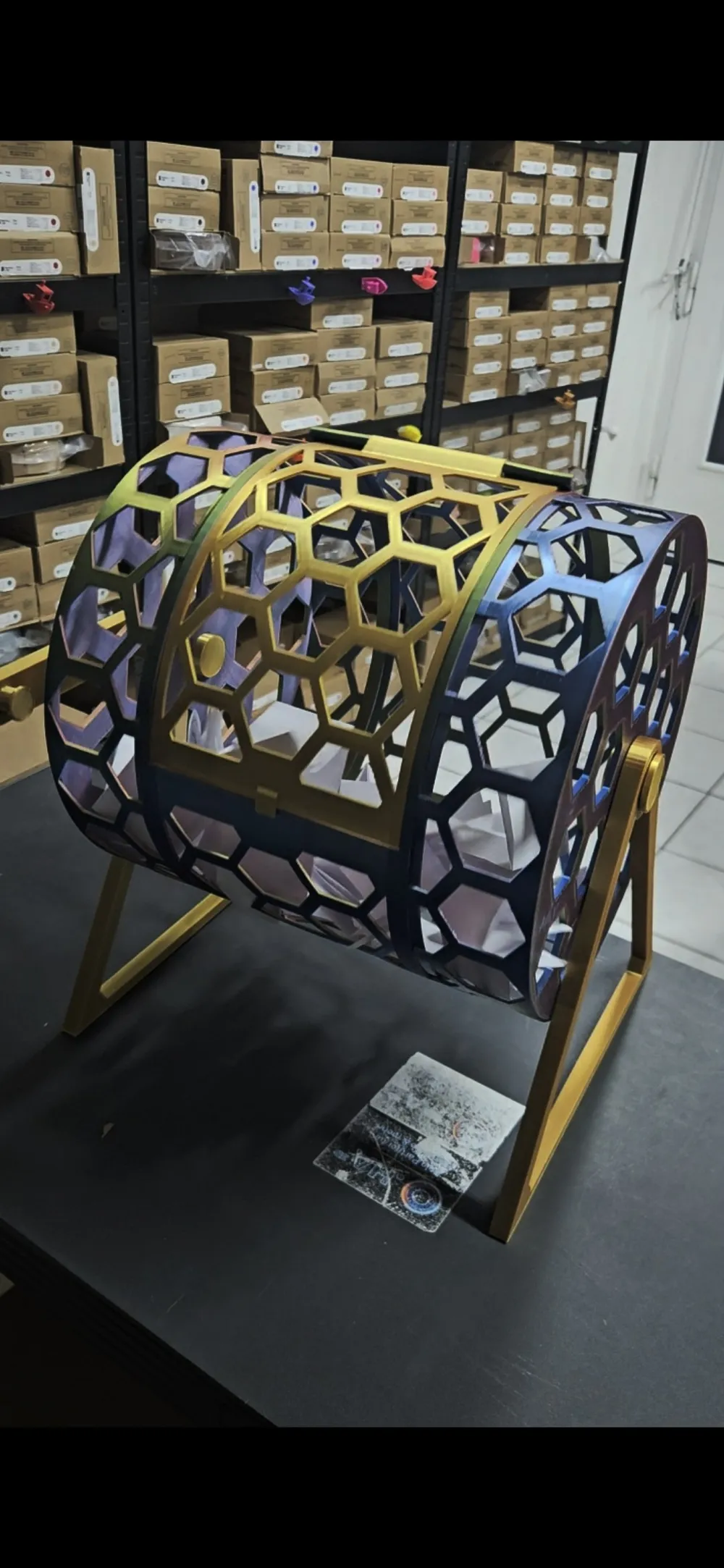
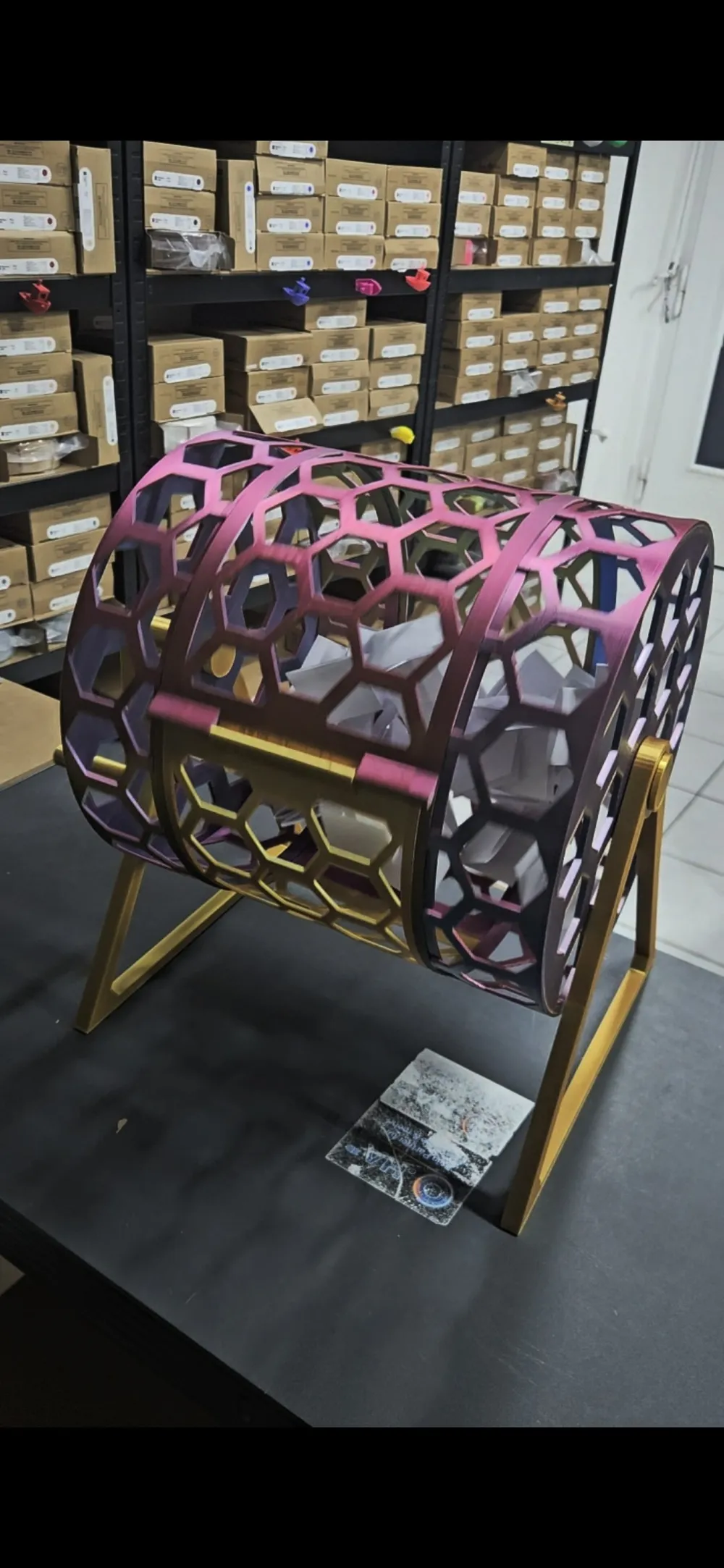
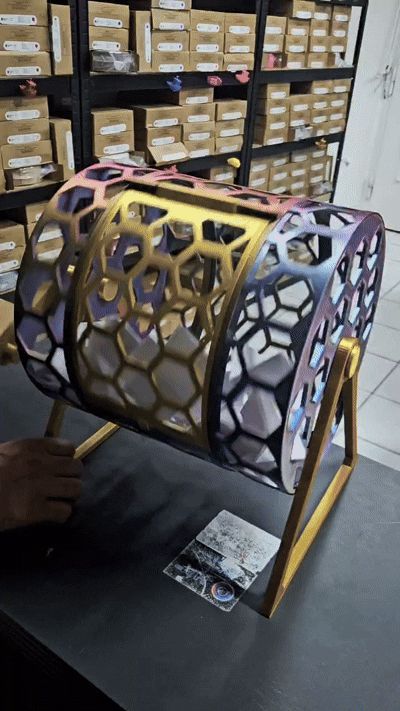
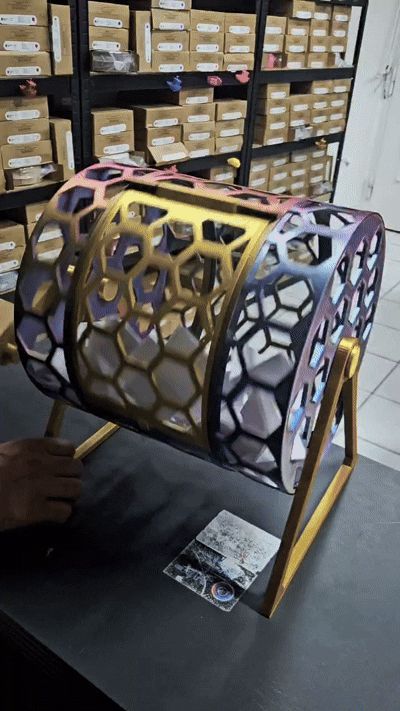
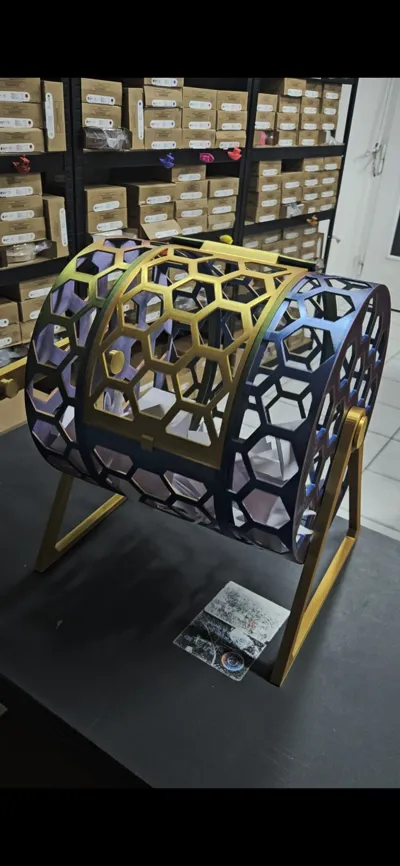
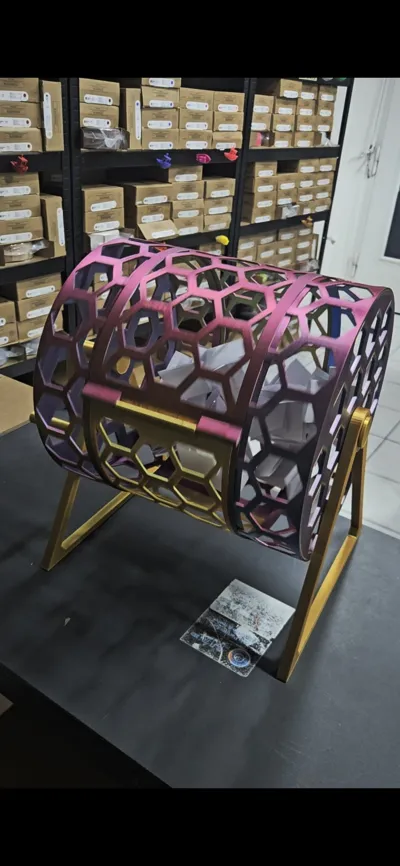
🎉 Raffle Drum – 250 mm
This 250 mm diameter raffle drum is perfect for giveaways, raffles, club parties, trade fairs, or other events. Thanks to its modern honeycomb design, it is not only a real eye-catcher but also lightweight and stable at the same time.
The drum consists of several individual parts and is easy to assemble after printing. Once assembled, it ensures smooth rotation and offers ample space for numerous tickets.
✨ Features
🎟️ 250 mm diameter
🔄 Smooth rotation function
🐝 Modern honeycomb design
🧩 Multi-part model
🎉 Ideal for raffles, giveaways, and events
4cm
🖨️ Print Instructions
- The model consists of several individual parts.
- Support is required.
- Glue is required for final assembly.
- I recommend test-fitting all parts once before gluing.
Note: The model was slightly fine-tuned after the first print but could not be retested in this version. If you encounter any problems during printing or assembly, please let me know. I will promptly work on an updated version.
Boost Me (for free)
THANKS!
If you like this model, I would be very happy about a Boost. This supports me in continuing to develop and publish free models for the community.
Thank you for your support! ❤️
🖨️ Tips for Reliable and High-Quality Prints
- If possible, use the .3mf file instead of the .stl file so that all optimized print settings are applied.
- Perform calibration regularly, both in the slicer and directly on the printer.
- Keep your printer clean and well-maintained. Cleaning, lubrication, and regular maintenance ensure consistently good print results.
- Clean the print plate thoroughly with warm water and dish soap or isopropanol (IPA) to ensure optimal adhesion.
- If necessary, use a glue stick or adhesive spray to further improve adhesion.
- Avoid excessively high print speeds to achieve the best possible surface quality.
- Carefully remove support structures, e.g., with pliers.
💬 Problems or Suggestions for Improvement?
Should you have problems printing or discover an error in a file, please let me know. I am committed to improving and updating the model as quickly as possible.
🌐 O.HA 3D
oha3d.com
O.HA 3D – Your Partner for Filaments & More!
License

You shall not share, sub-license, sell, rent, host, transfer, or distribute in any way the digital or 3D printed versions of this object, nor any other derivative work of this object in its digital or physical format (including - but not limited to - remixes of this object, and hosting on other digital platforms). The objects may not be used without permission in any way whatsoever in which you charge money, or collect fees.


Comment & Rating (0)