
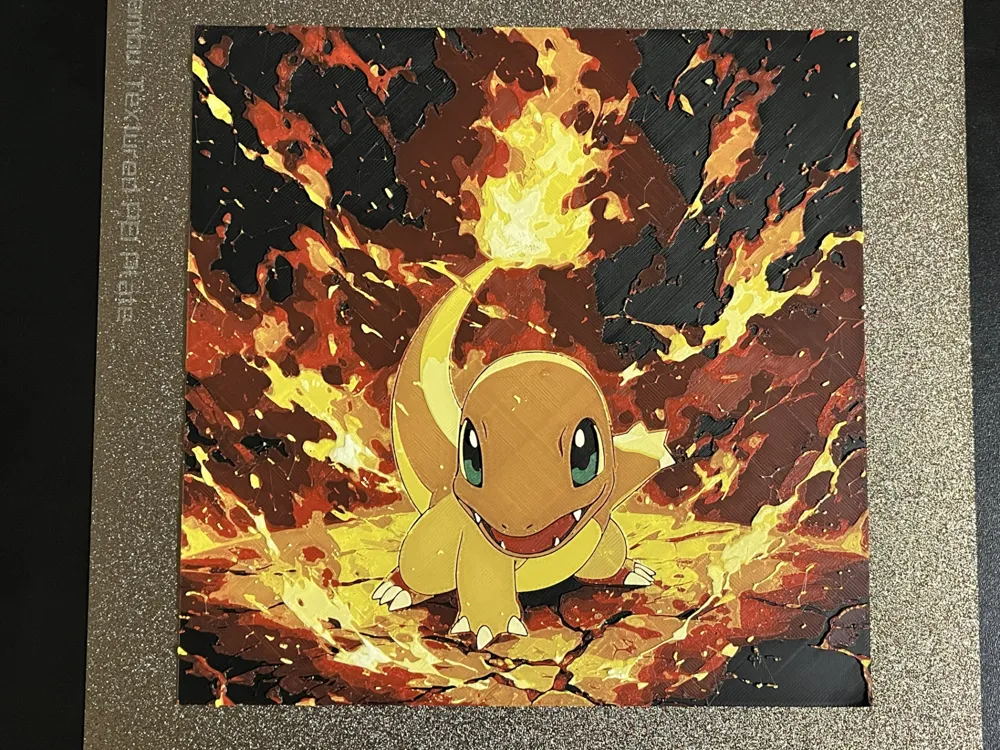
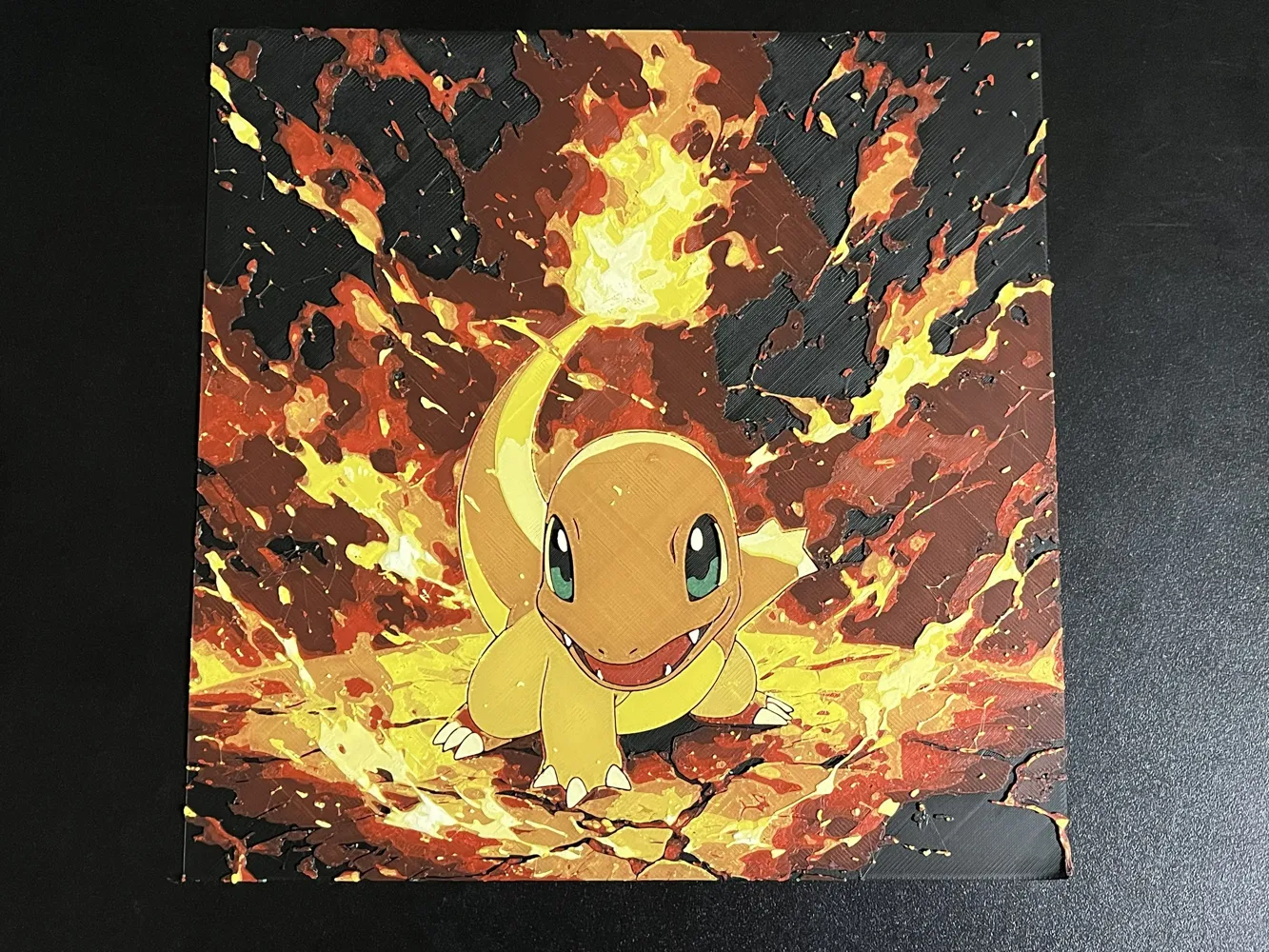
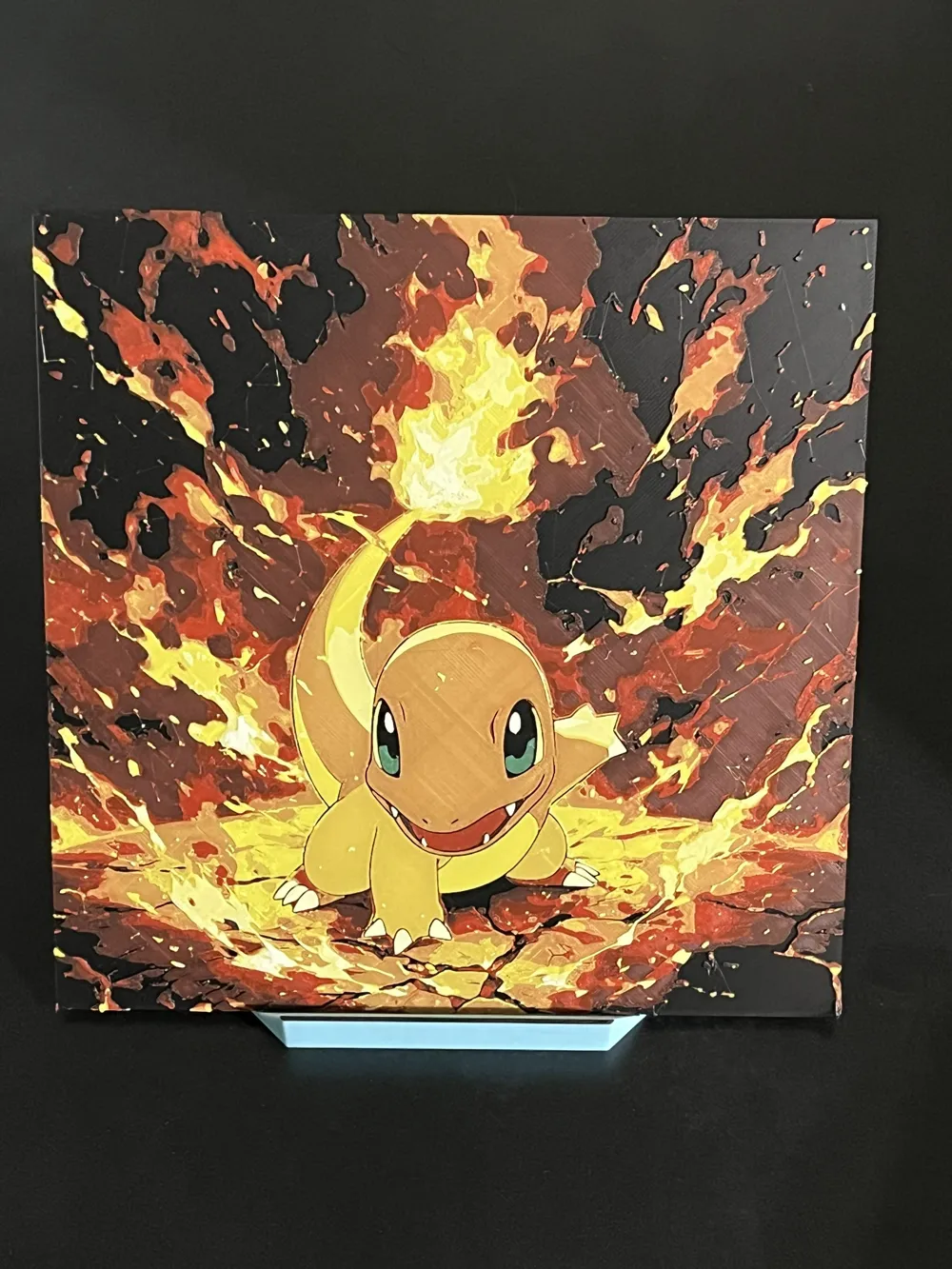
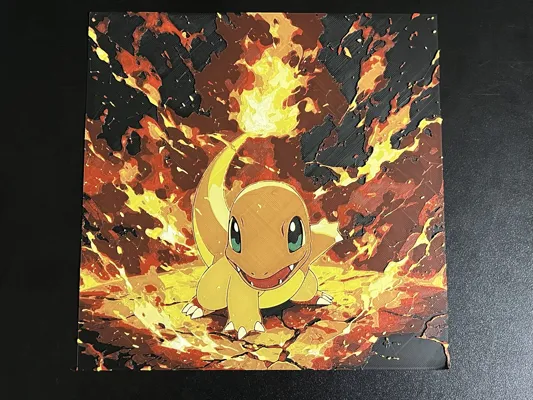
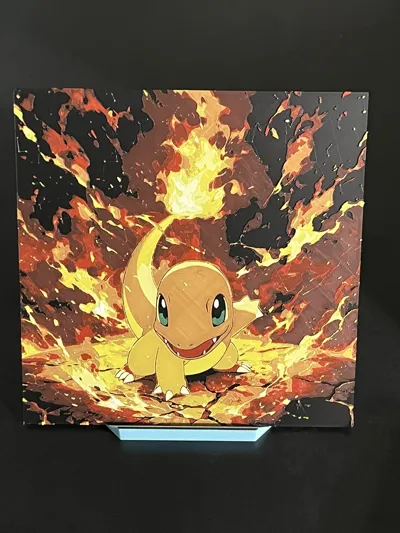
Charmander Pokemon Hueforge
Print Profile(1)



Description
If you like my models and want to support me, you can drop a one-time tip on PayPal, or you can purchase filaments through my links. Every bit of support keeps me motivated to make more awesome stuff. Thanks a lot!
https://www.paypal.com/ncp/payment/7WU9PZ7AA2TTA
Demon Slayer series: Demon Slayer Hueforge | Collection - MakerWorld: Download Free 3D Models
One Piece series: OnePiece_Hueforge | Collection - MakerWorld: Download Free 3D Models
Dan Da Dan series: https://makerworld.com/en/collections/7165703-dandadan_hueforge
Marvel series: Marvel_Hueforge | Collection - MakerWorld: Download Free 3D Models
Animal series: Animal_Hueforge | Collection - MakerWorld: Download Free 3D Models
Project: Charmander 200x200.hfp
Print at 100% infill with a layer height of 0.08mm with a base layer of 0.16mm
The Model is 199.94x200mm in size
You may print at higher layer heights below the Base Thickness of 0.48mm
The Max allowed Thickness is 2.24mm and the Actual Thickness is 2.16mm
Filaments Used:
#000000 PLA BambuLab Basic Black Transmission Distance: 0.1
#00ae42 PLA BambuLab Basic BambuLab Green Transmission Distance: 2.6
#c00d1e PLA BambuLab Basic Red Transmission Distance: 3.7
#fce300 PLA BambuLab Basic Yellow Transmission Distance: 5.2
#ffffff PLA BambuLab Basic Jade White Transmission Distance: 5.8
This print uses 5 unique filaments
Swap Instructions:
Start with Black
At layer #8 (0.72mm) swap to BambuLab Green
At layer #10 (0.88mm) swap to Black
At layer #12 (1.04mm) swap to Red
At layer #16 (1.36mm) swap to Yellow
At layer #19 (1.6mm) swap to Jade White for the rest.
For single AMS users, start with 4 colors as follows,
Slot1: Black
Slot2: Green
Slot3: Red
Slot4: Yellow
Pause was set at Layer 11 to allow color swap:
Slot2: Green -> White
******************************************************************************************
Boost Me (for free)
Not just 3D prints—each piece is a layered illusion of color, depth, and passion. Thanks for your visits, any feedback will be appreciated!
******************************************************************************************
License

You shall not share, sub-license, sell, rent, host, transfer, or distribute in any way the digital or 3D printed versions of this object, nor any other derivative work of this object in its digital or physical format (including - but not limited to - remixes of this object, and hosting on other digital platforms). The objects may not be used without permission in any way whatsoever in which you charge money, or collect fees.


Comment & Rating (1)