
PC Fan Corsi-Rosenthal Box Air Purifier
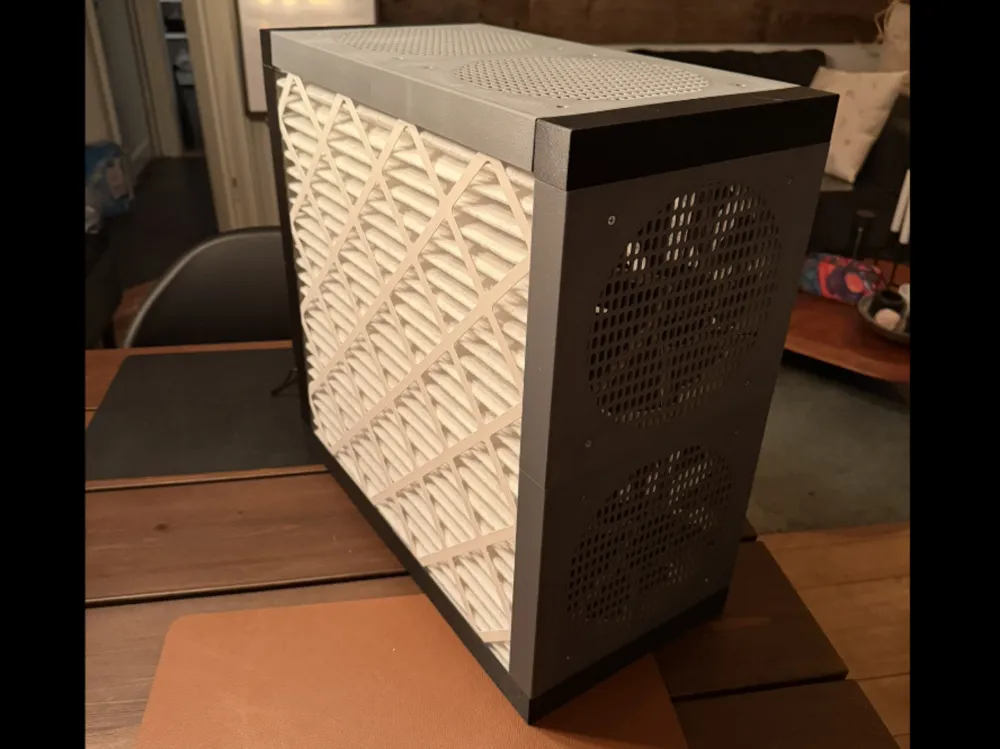
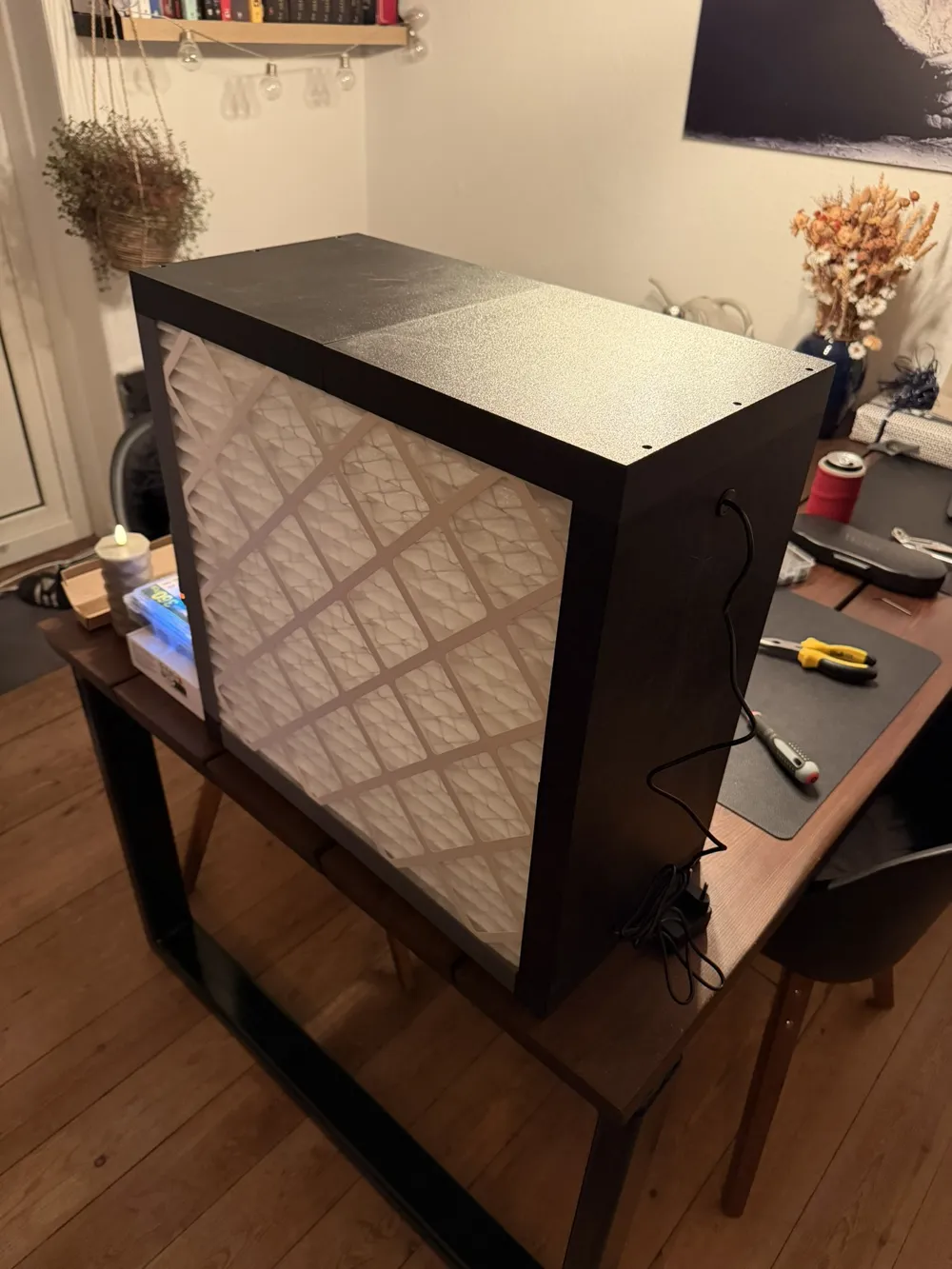
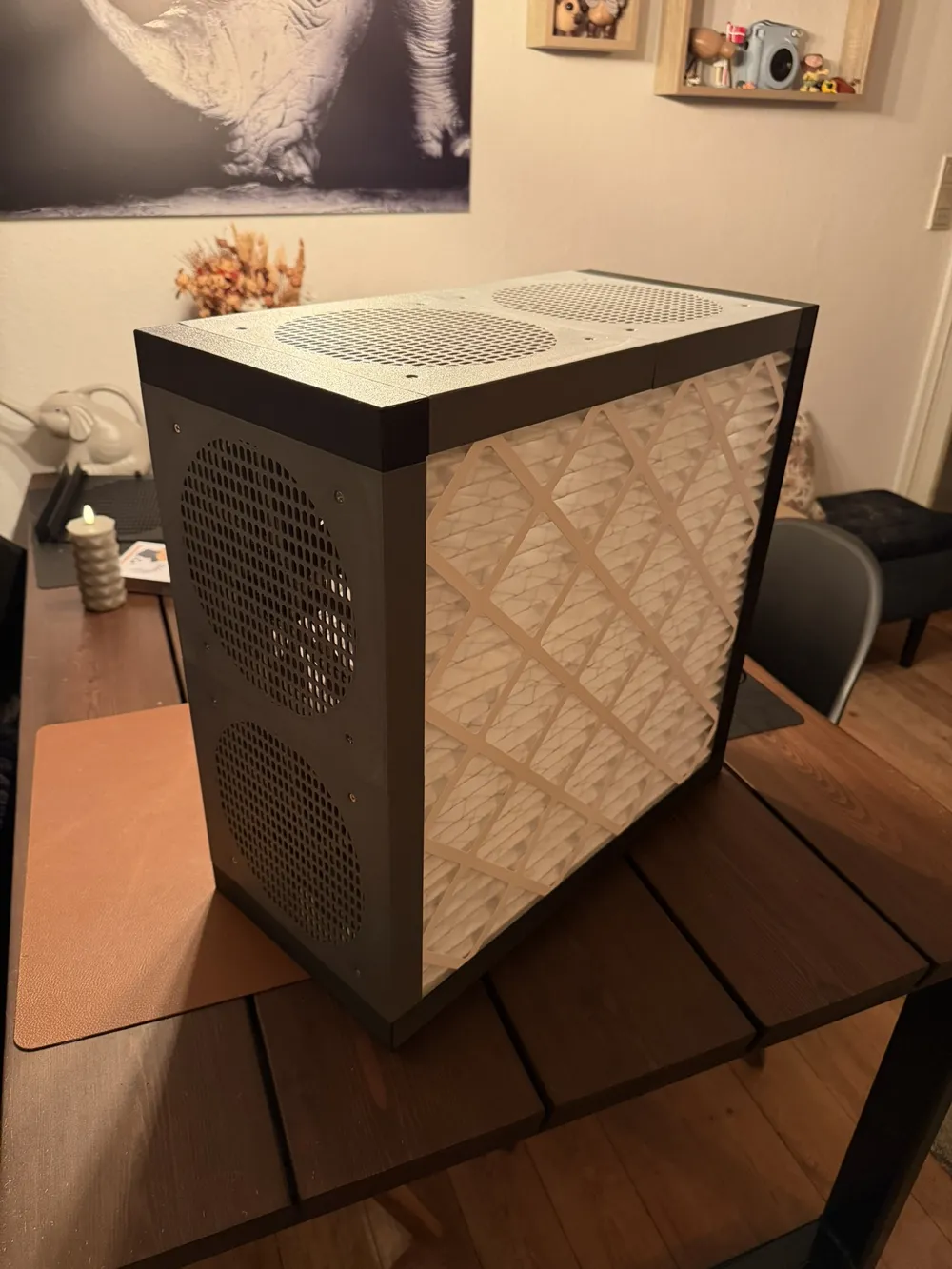
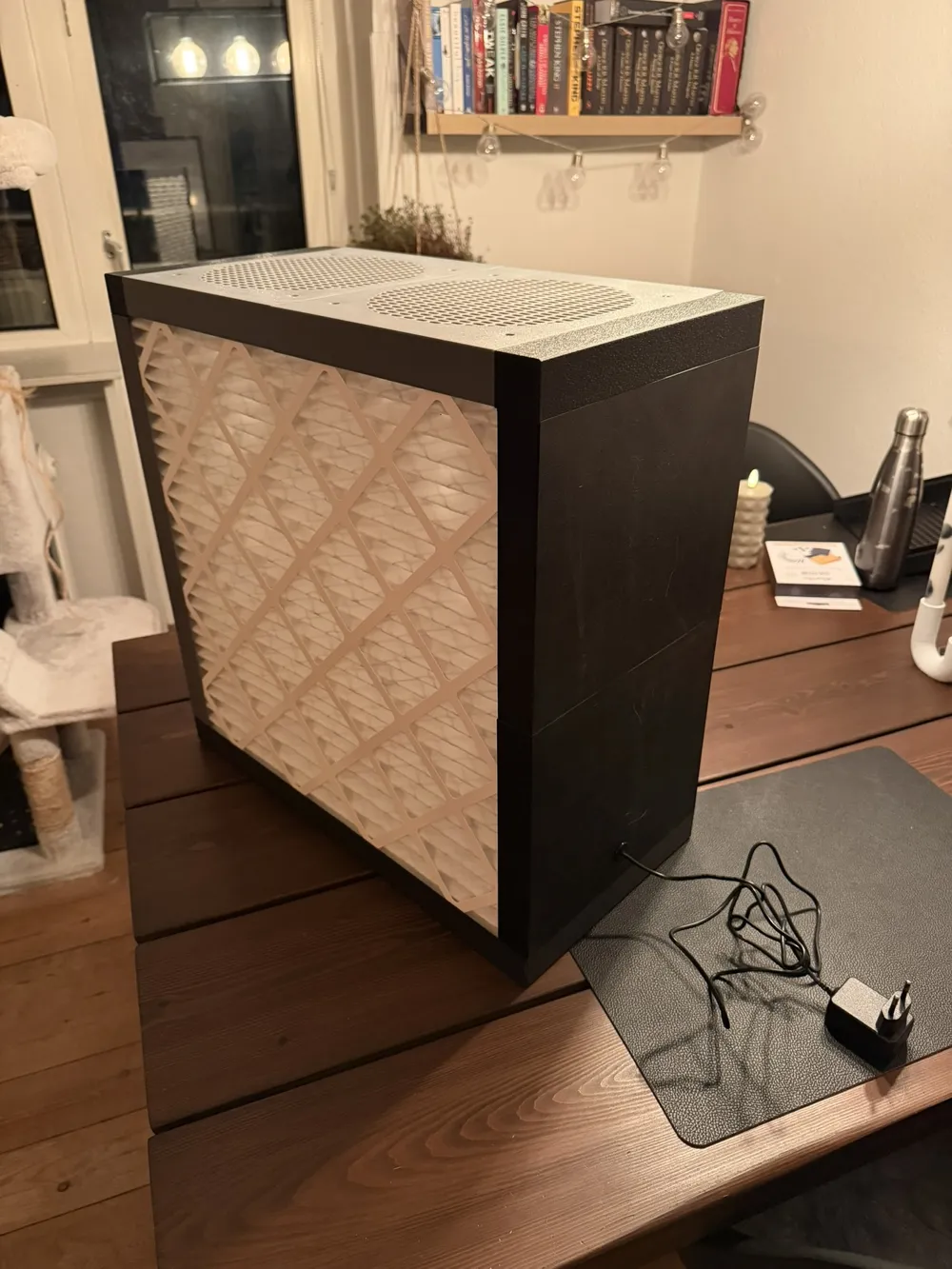
Print Profile(1)
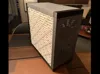
Bill of Materials







- Noctua NF-A20 5V x 4:
- 5V 4x USB hub x 1:
- 20x20x1" MERV filter x 2:
- Rubber grommet assortment x 1:
Description
Boost Me (for free)
You can boost me (For free) if you like this model.
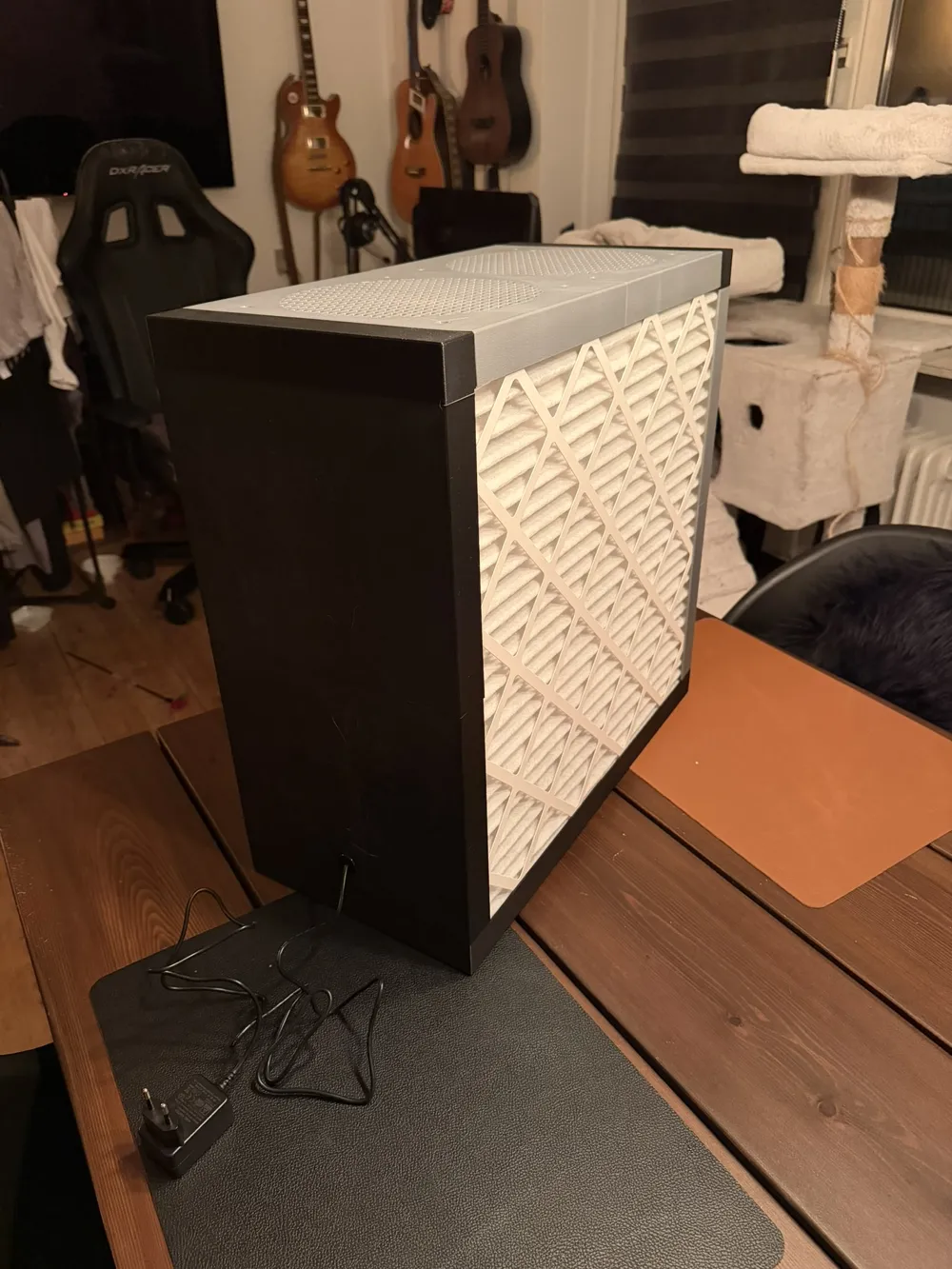
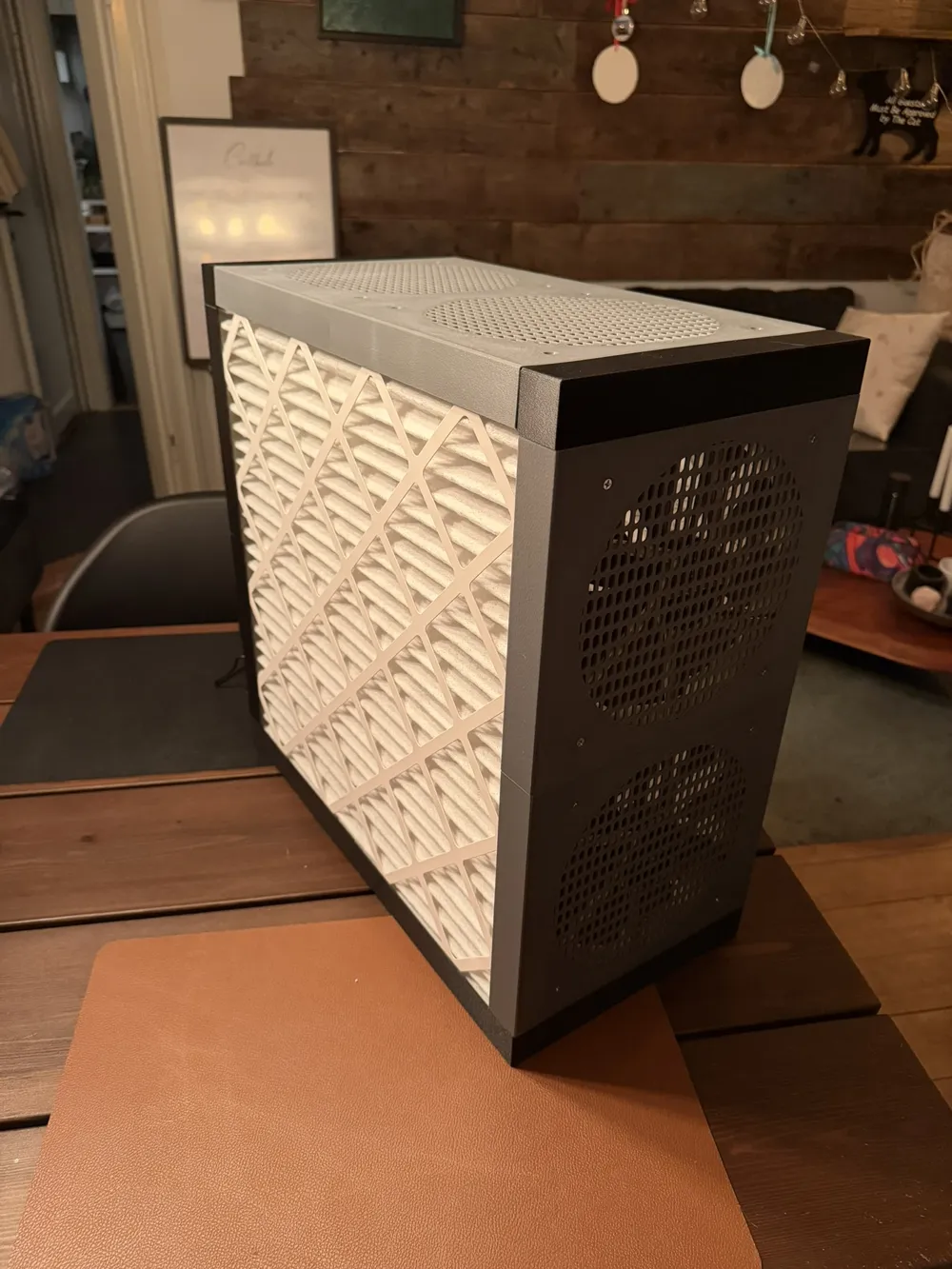
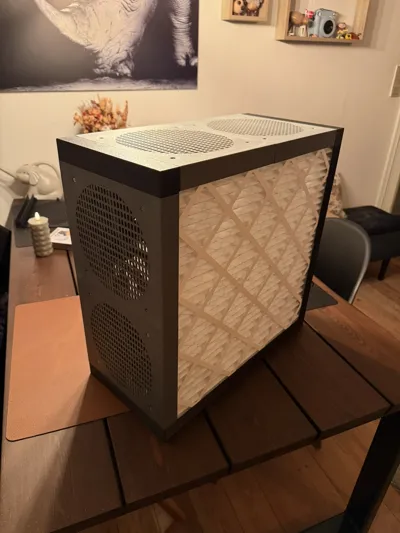
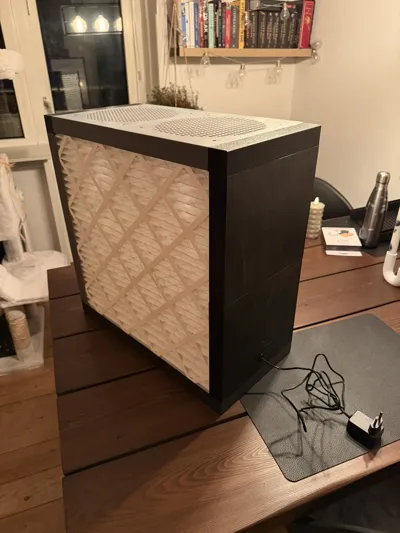
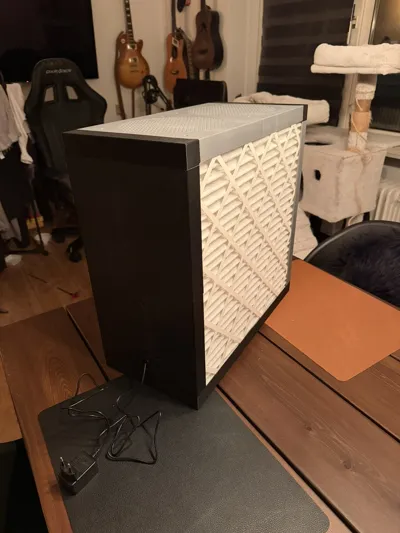
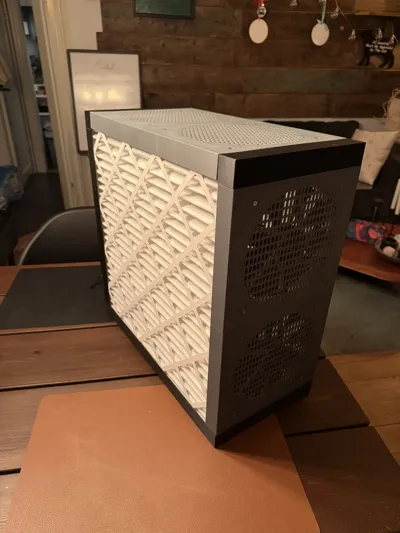
This project is a 3D printed PC-fan powered air purifier inspired by the Corsi-Rosenthal design. Instead of using a large box fan, this version uses multiple cooling fans to create a quieter and more compact air filtration system.
The printed frame holds standard 20x20" HVAC MERV13 filters while using 200mm PC fans to pull air through the filter. This makes it ideal for desks, bedrooms, workshops, or classrooms where a traditional box fan purifier would be too large or noisy.
Features:
• Uses standard 200mm PC fans
• Fully 3D printed modular frame
• Compatible with common 20x20x1" HVAC filters (MERV-13 recommended)
• Much quieter than box fan purifiers
Benefits:
• Improves indoor air quality
• Helps reduce dust, pollen, and smoke particles
• Compact and energy efficient
• Great DIY maker project
Printing:
• Designed for FDM printers
• No supports required
• Modular parts for easy printing
Assembly:
Before assembly can begin you need the hardware listed below!
- Four 200mm fans. I have used Noctua NF-A20 5V for mine because i wanted it to be as quiet as possible.
- USB hub. Because i have used 5V USB fans, i needed a 5V USB hub, i have used this one from amazon.
- 2x 20x20x1" MERV filters.
- A soldering iron for installing threaded inserts.
- 34x M3x5x5mm Threaded inserts.
- 24x M3x10 screws.
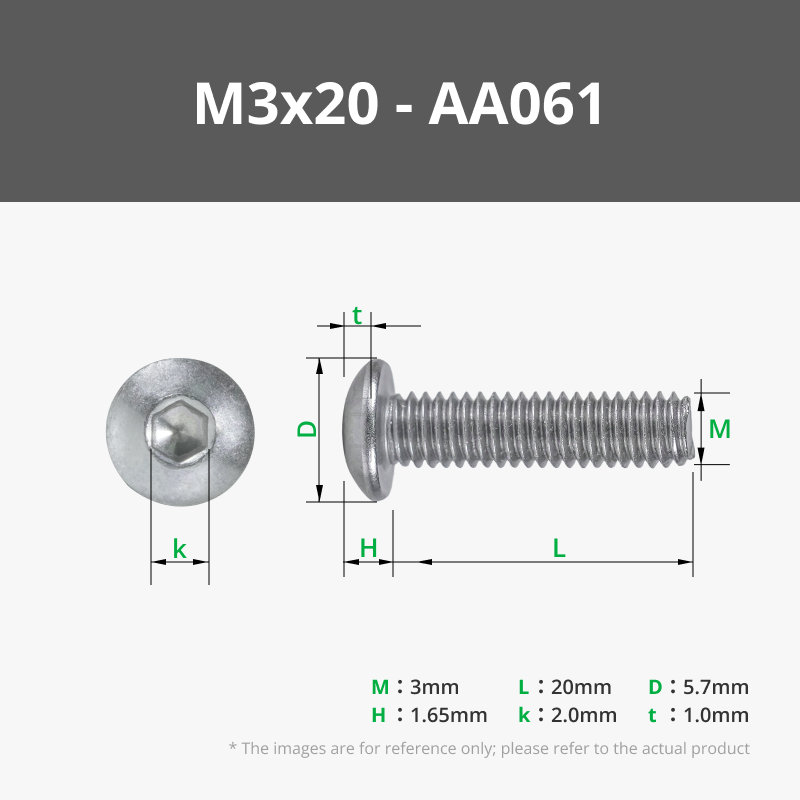
- 6x M3x20 screws.
- 4x M3x6 screws for the USB hub.
- 24x M3 washers.
- 1x Rubber grommet for wire pass trough.
- Print all plates in the 3mf. file. There is a plate for each section needed.
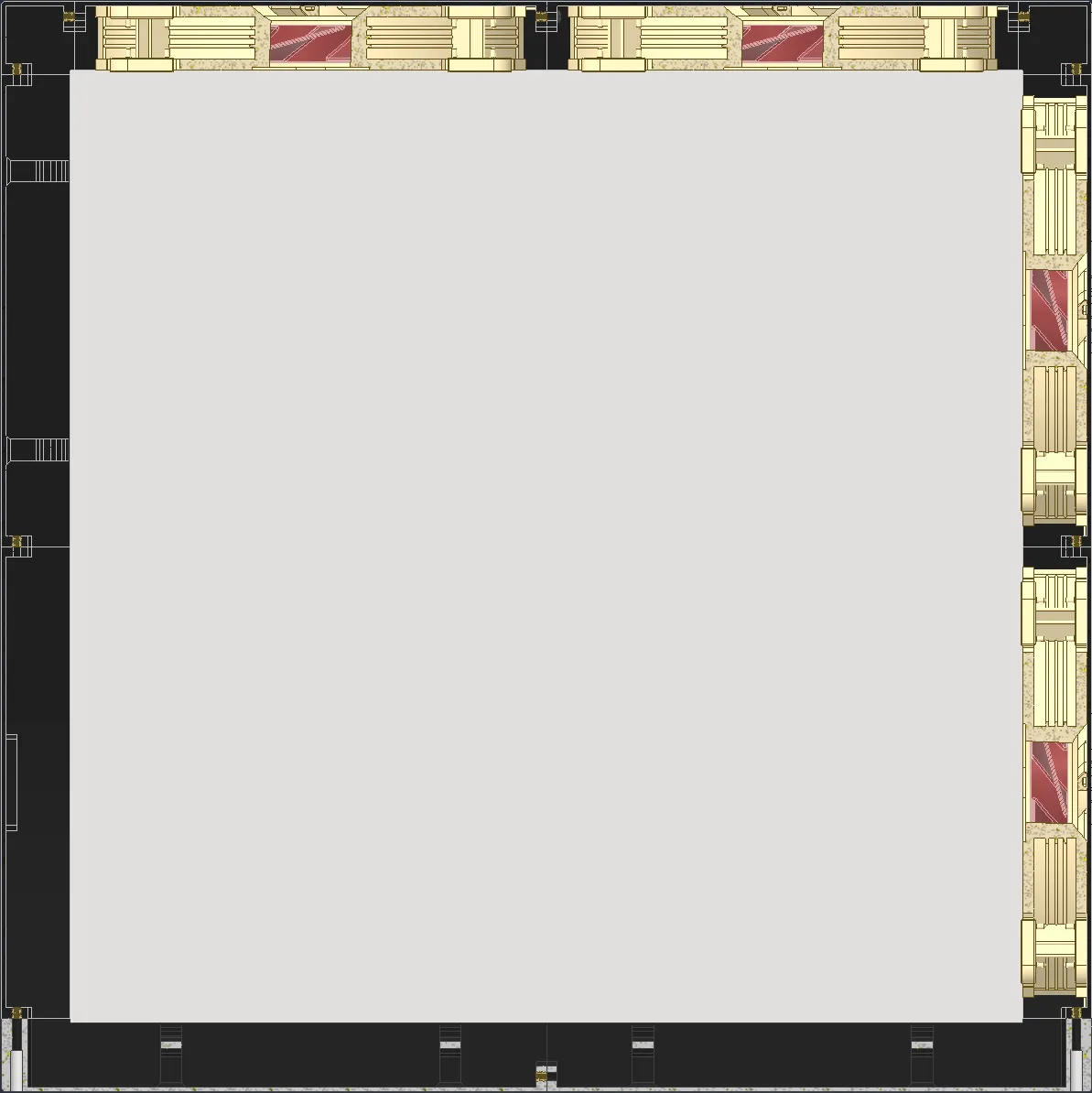
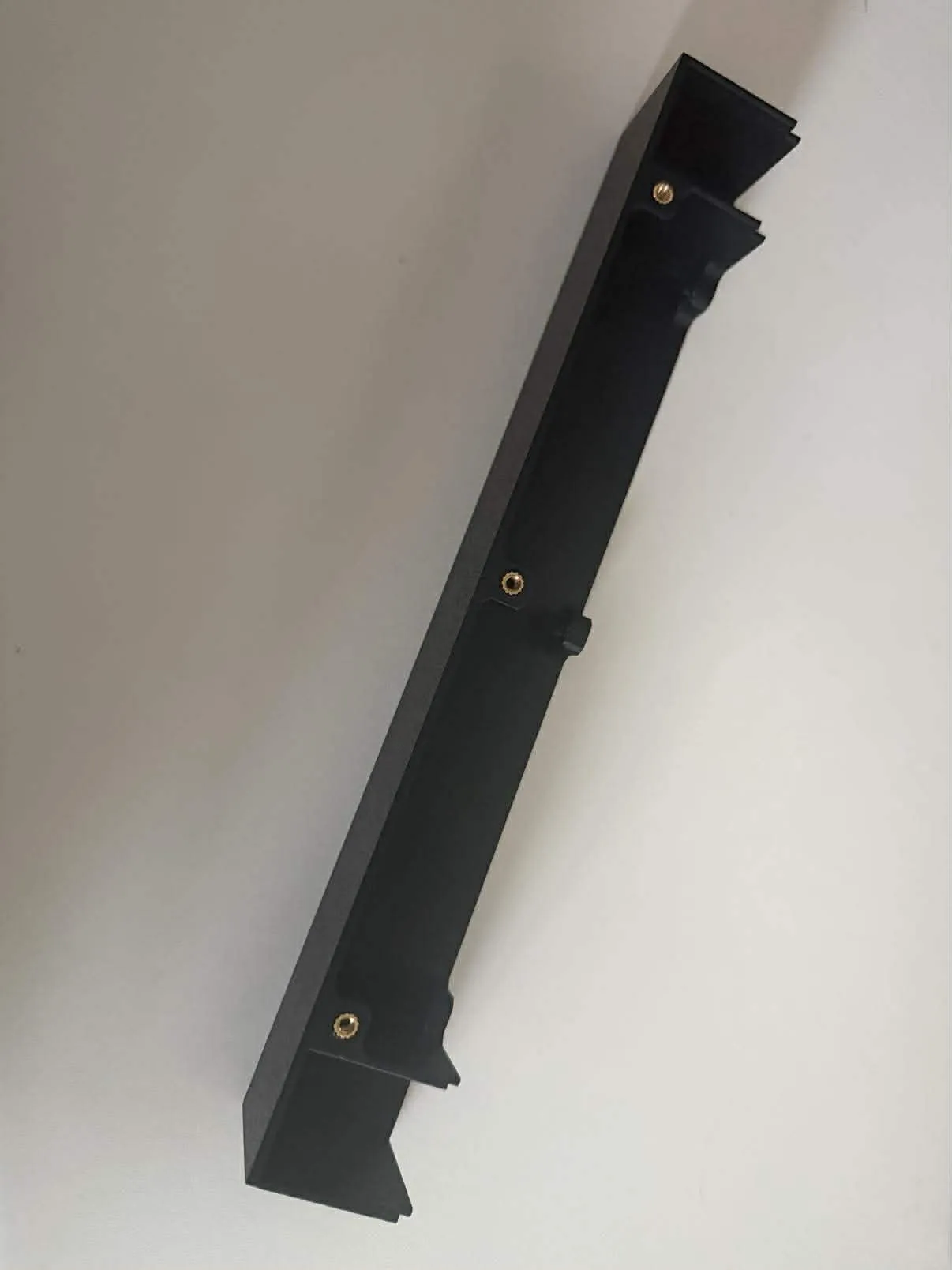
Using your soldering iron, mount the threaded inserts into the parts, like shown on the photo below (Shown in golden color) It is important they are exactly like this, otherwise you might not be able to assemble it.
Using the M3x10 screws assemble the corners, 4 fan plates, and 2 back plates together into a U.
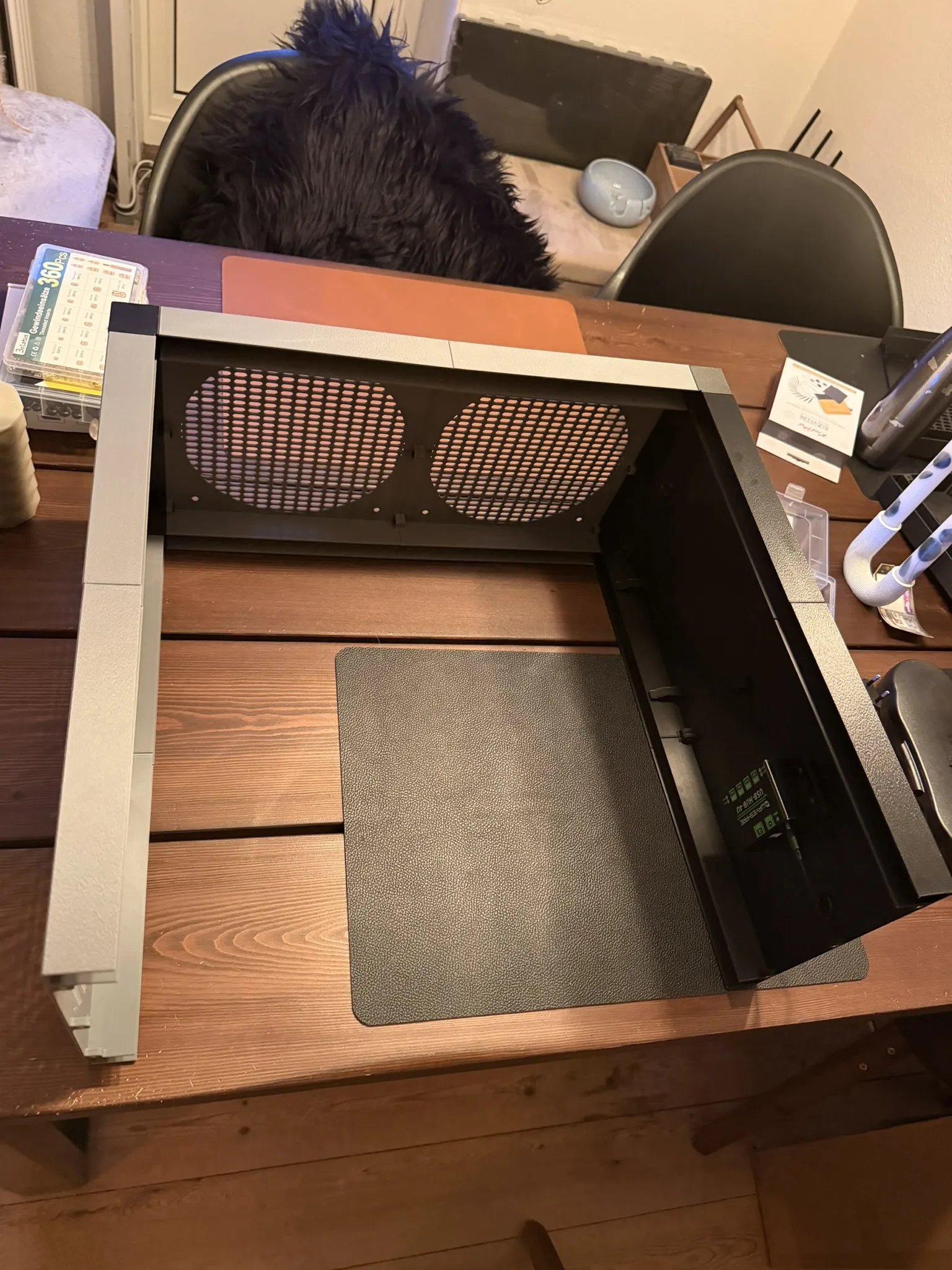
- Assemble the 2 bottom plates together.
Mount the fans onto the plates.
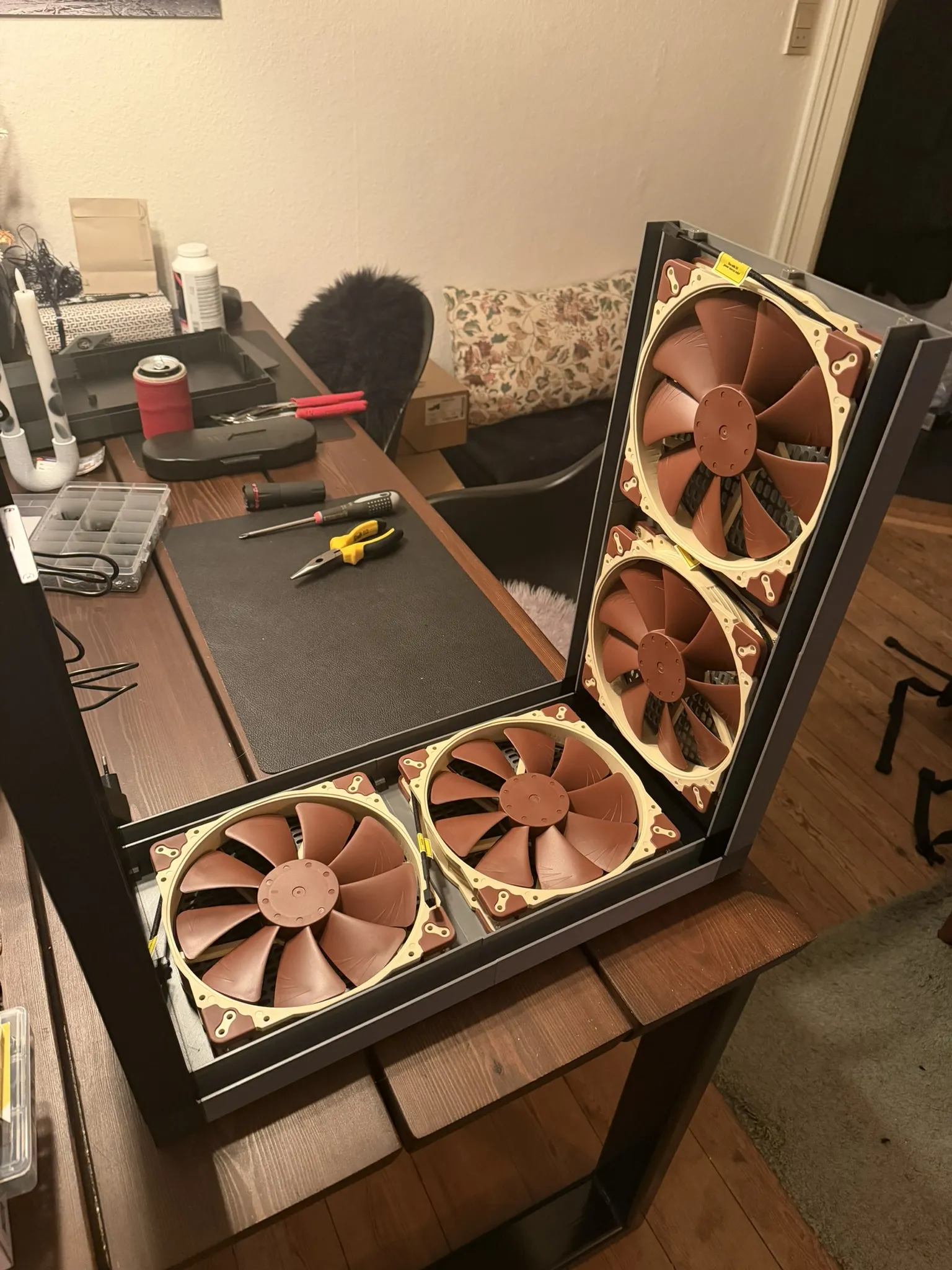
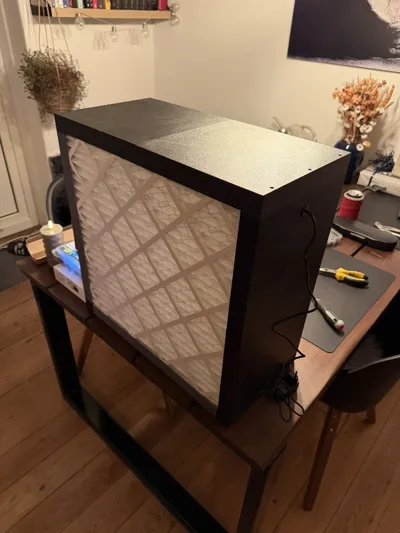
Mount the USB hub on the back plate, and slide the power cable trough the rubber grommet.
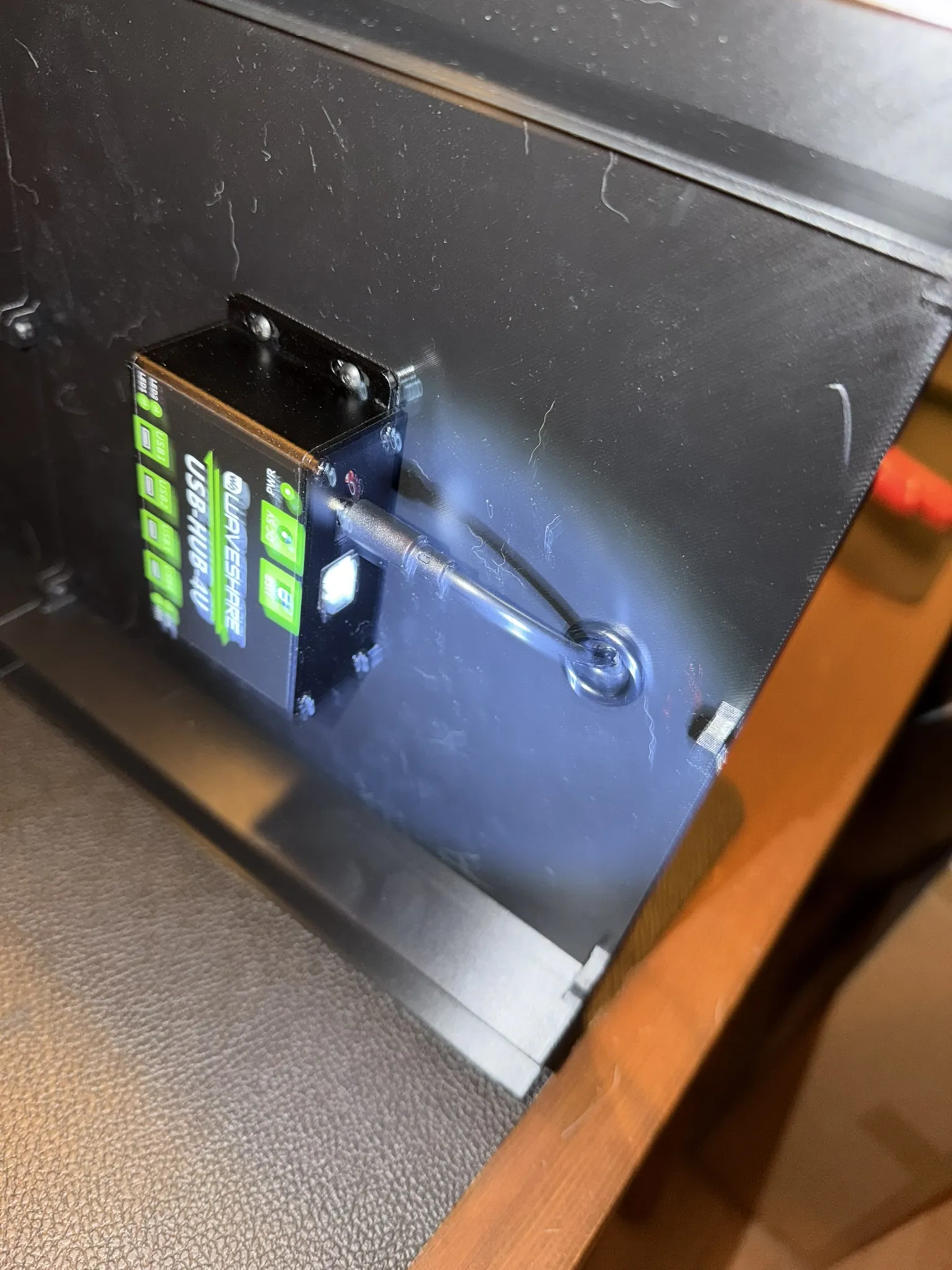
Slide the filters into the slots on either side.
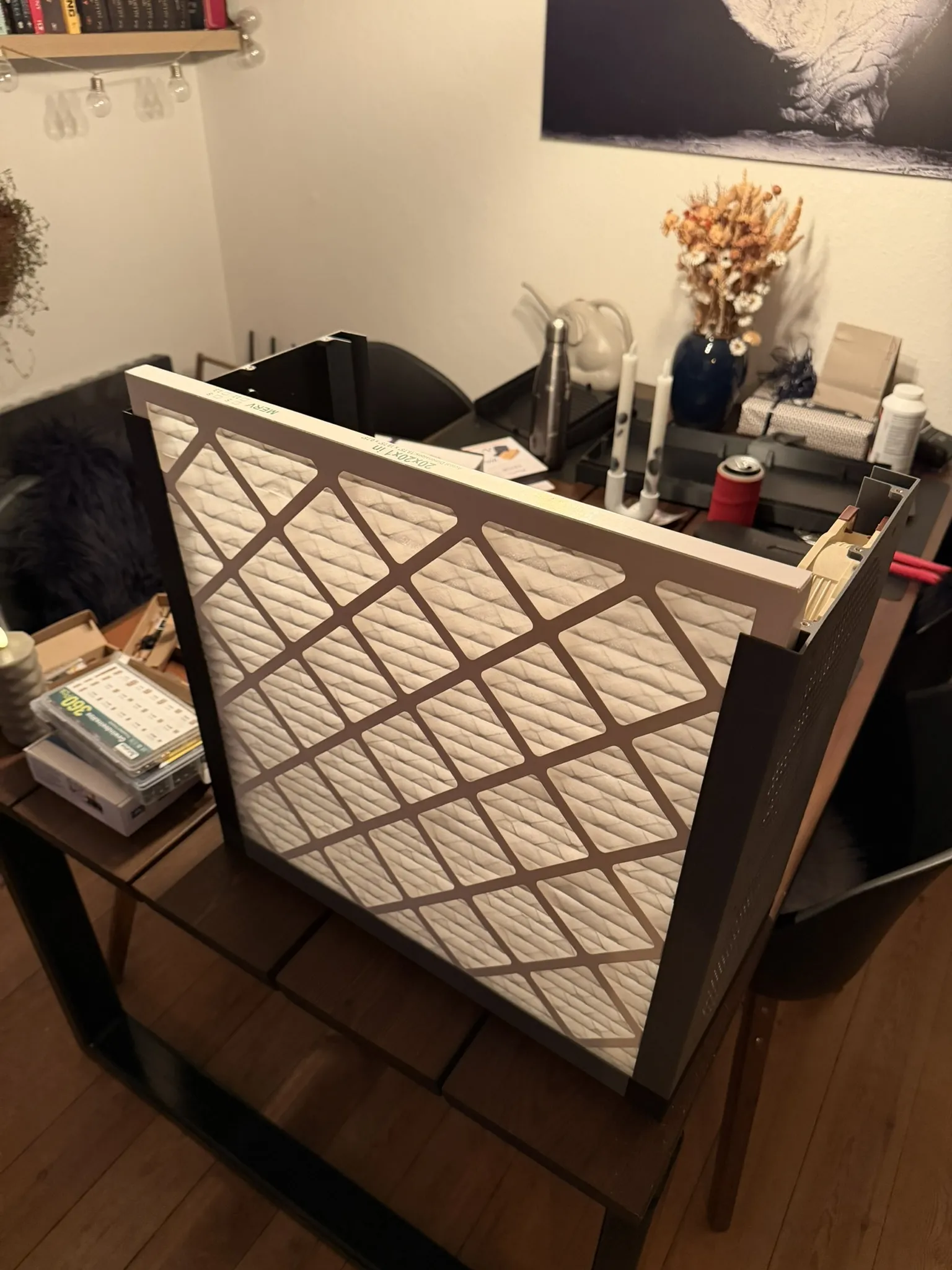
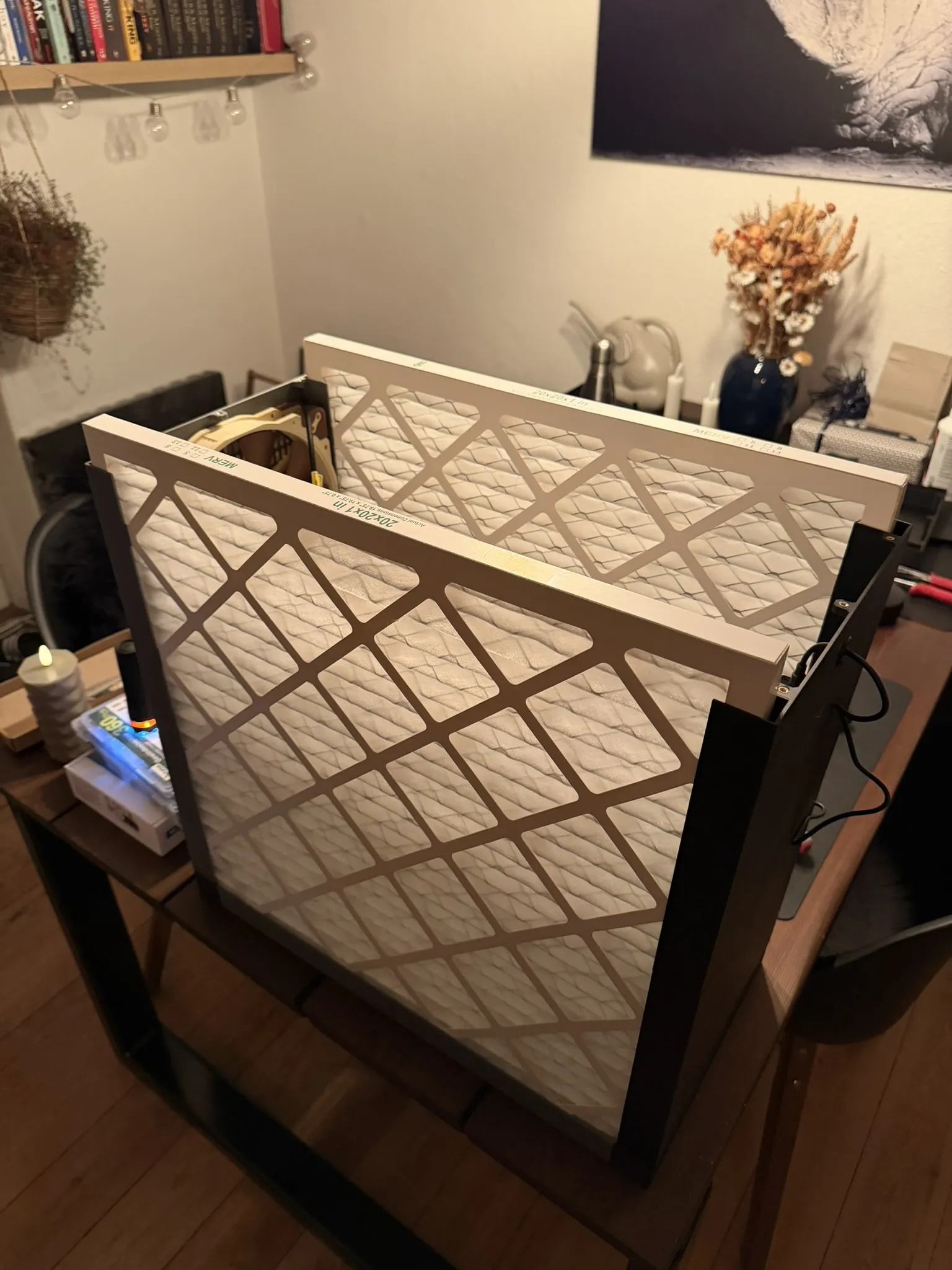
Connect all fans to the USB hub.
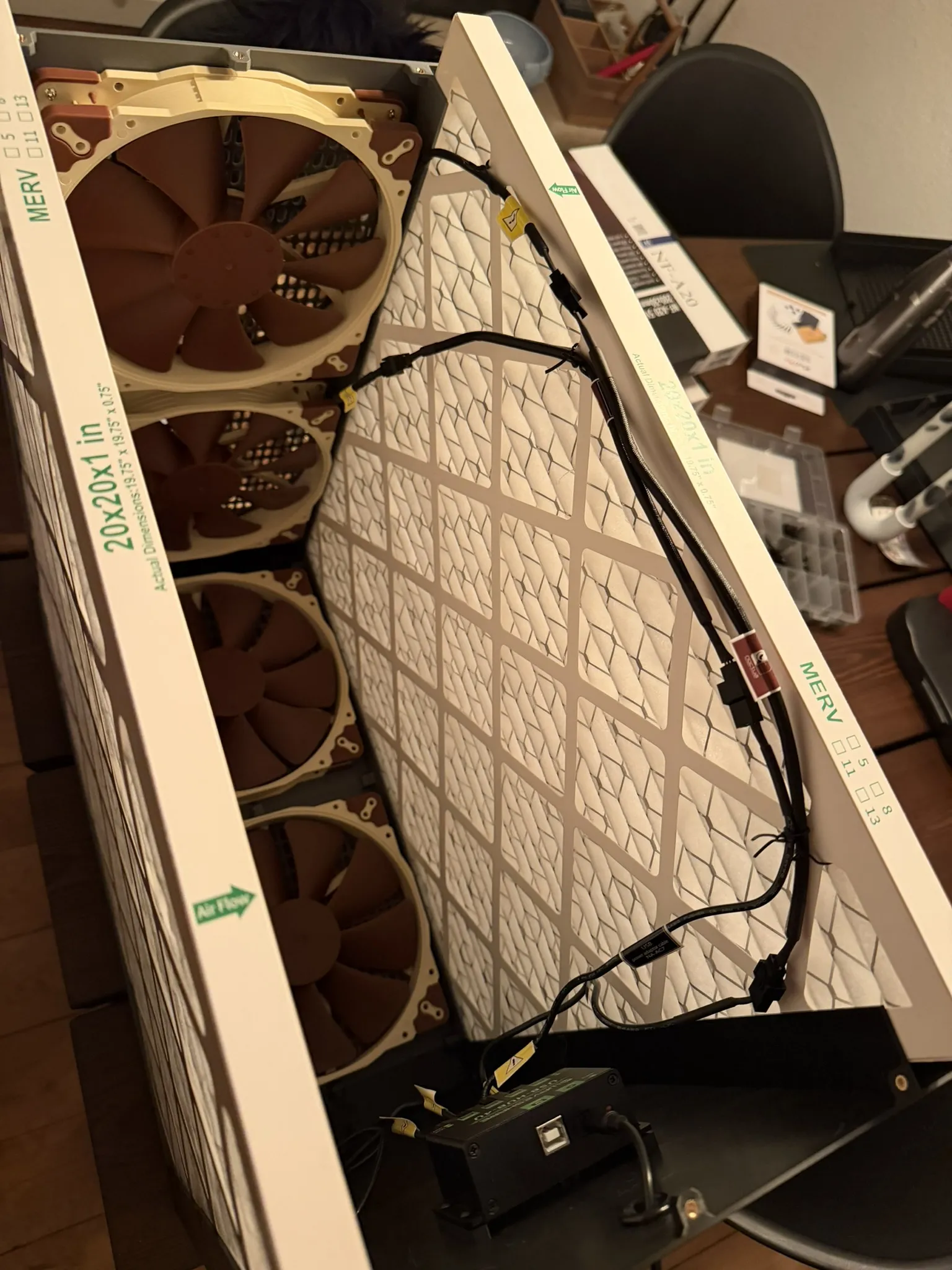
Mount the bottom plate on top of the exposed filters, and fasten it using the 6x M3x20 screws.
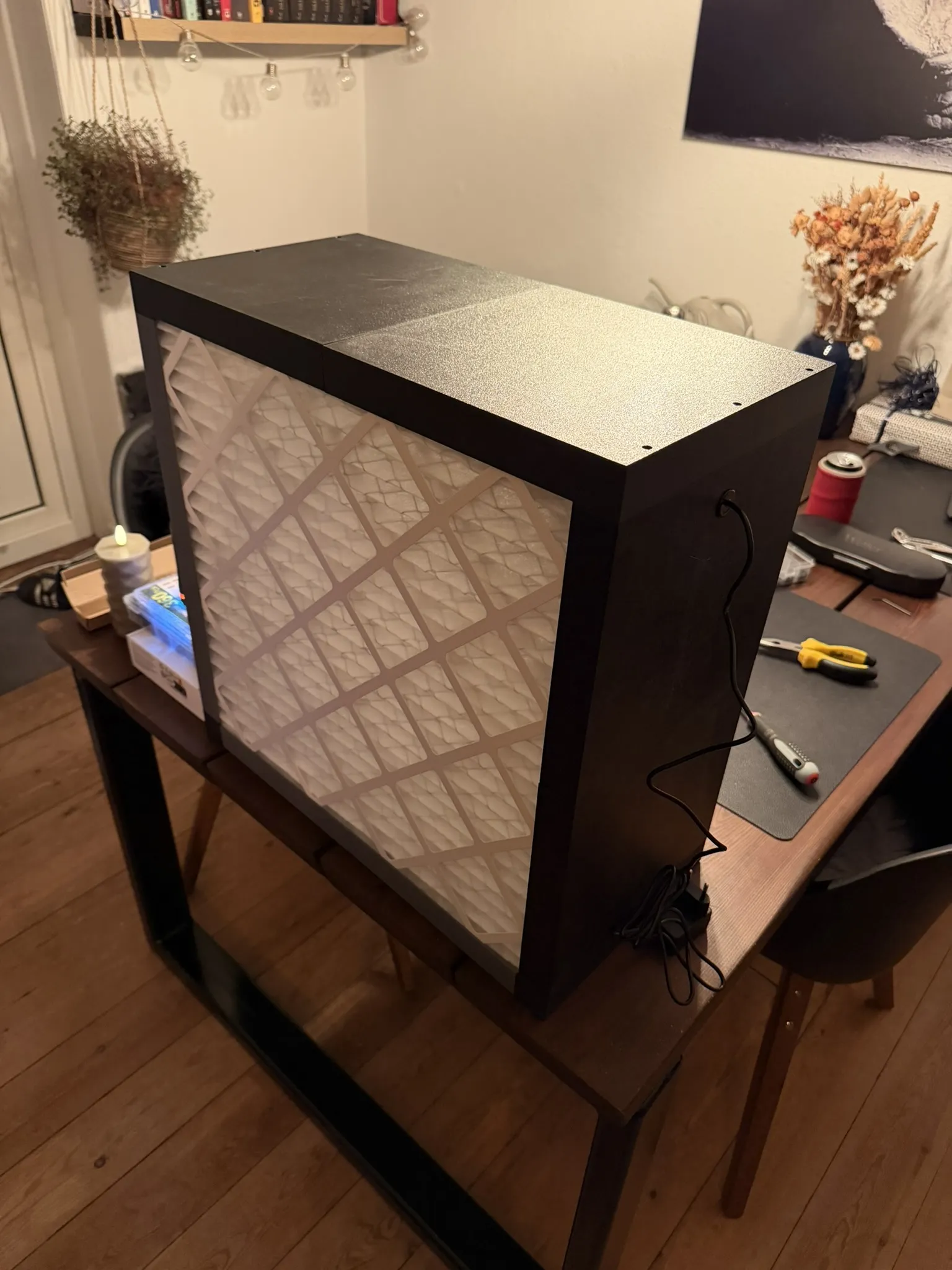
Flip it over, and there you go!
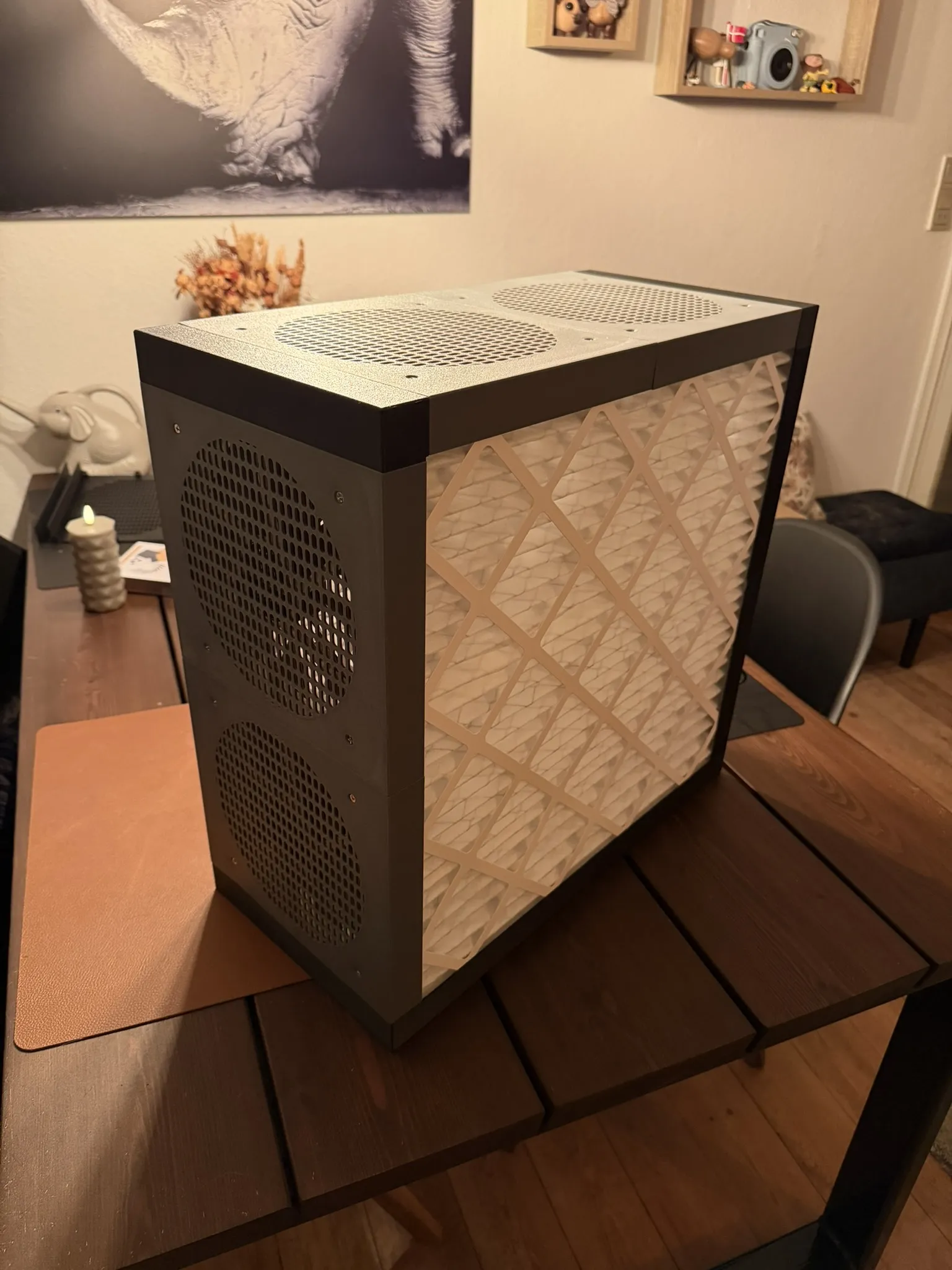
A simple and quiet way to build your own DIY air purifier.
Here is a GIF using a piece of plastic, to show that it sucks air trough the filters.
License

You shall not share, sub-license, sell, rent, host, transfer, or distribute in any way the digital or 3D printed versions of this object, nor any other derivative work of this object in its digital or physical format (including - but not limited to - remixes of this object, and hosting on other digital platforms). The objects may not be used without permission in any way whatsoever in which you charge money, or collect fees.


Comment & Rating (5)