
Customizable Mouse Pad [Generator]
Print Profile(1)
Bill of Materials



Description

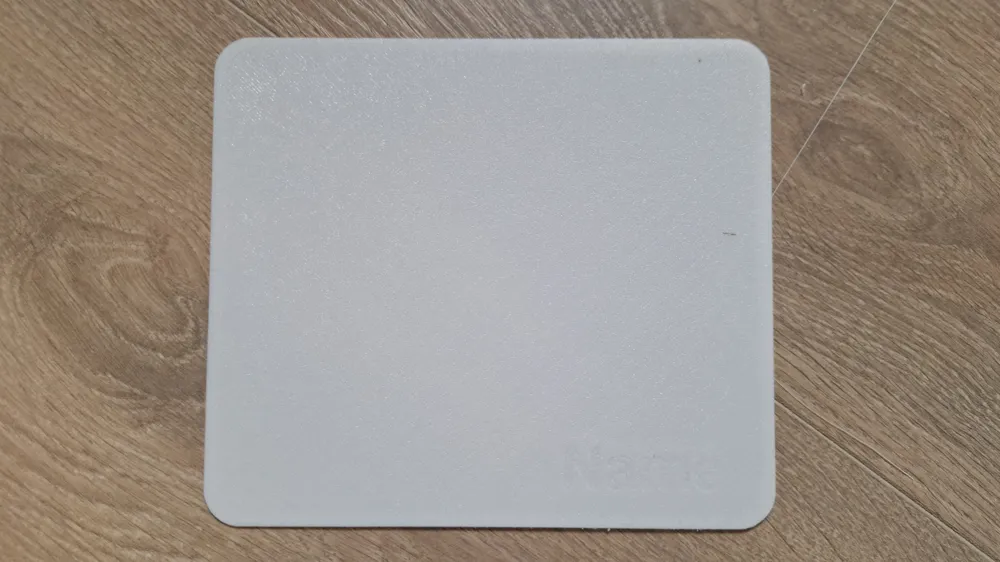
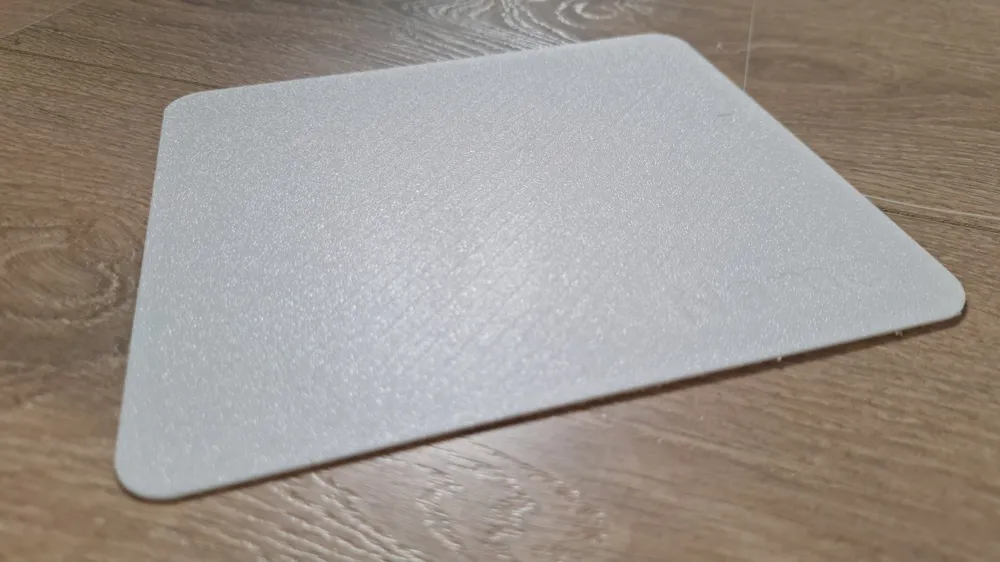
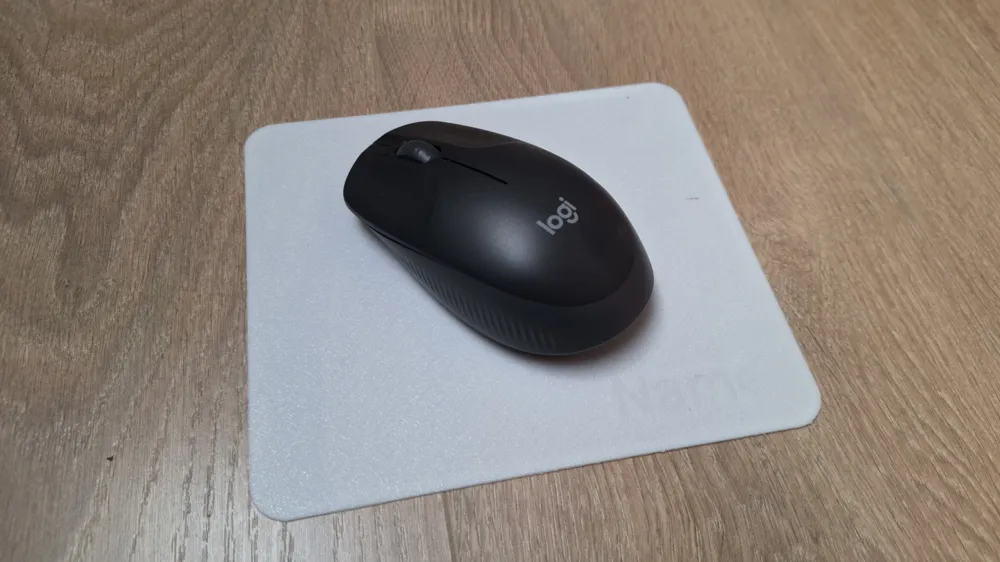
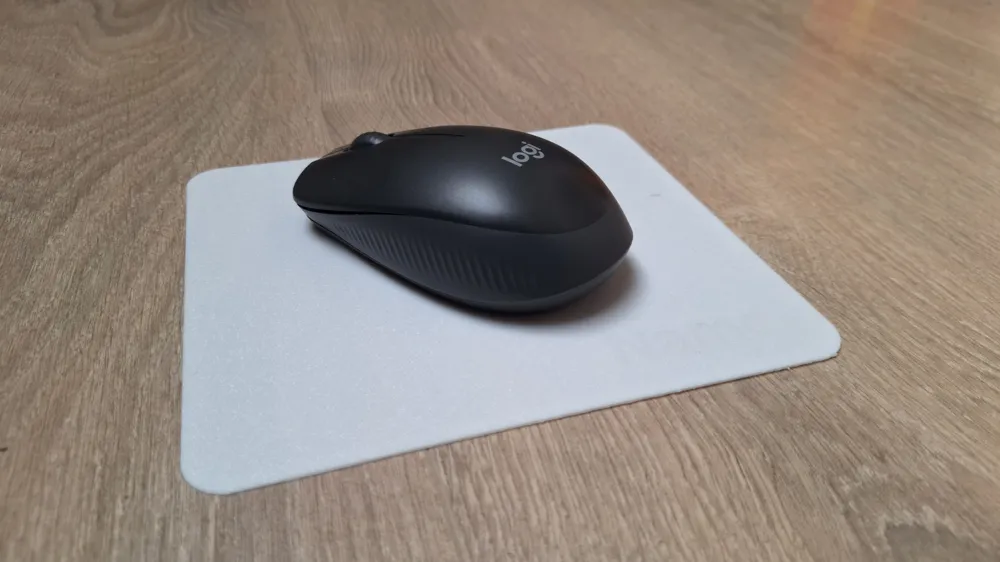
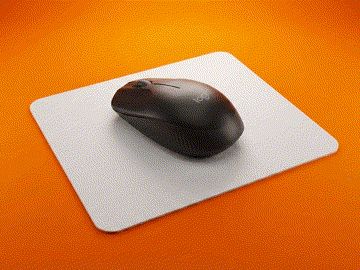
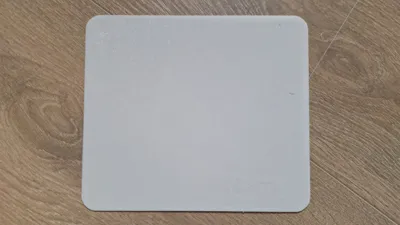
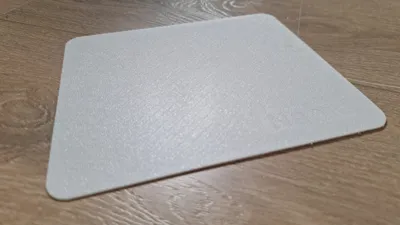
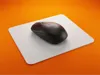
Stop buying overpriced fabric mouse pads that get dirty and lose their glide. This parametric OpenSCAD generator allows you to create a professional-grade "Hard Pad" specifically designed to leverage the texture of your 3D printer's build plate. By printing face-down on a Textured PEI plate, you get a surface that is incredibly smooth, consistent, and easy to clean.
Boost Me (for free)
Every boost helps me to buy more filament to test and develop new free tools for the community! :)
🧠 Behind the Design (For Makers & Moderators)
While the geometric output appears as a flat plane, this is a fully parametric OpenSCAD desktop peripheral engineered for multi-material FDM layer stratification. The algorithm bypasses basic primitives by utilizing complex 2D hull() transformations across multiple translated cylindrical nodes to generate a continuous, customizable bounding box. Crucially, it integrates fail-safe mathematical constraints (safe_r = min(Corner_Radius, Width/2, Depth/2)) to actively prevent non-manifold geometry during user scaling. Furthermore, it executes precise boolean subtractions (difference()) using dynamic spatial offsets (e.g., Width - Margin_Right) to procedurally deboss custom typography across the Z-axis. It is a highly calculated composite utility designed for tribological properties (PLA) and elastomeric grip (TPU), not a simple 2D extrusion.
🛠️ What can you customize?
- Exact Dimensions: Fit your desk perfectly. Go up to 256x256mm (X1/P1/A1) or 180x180mm (A1 Mini).
- Thickness: Keep it paper-thin (0.6mm) for a seamless feel or make it a rigid 2.0mm plate.
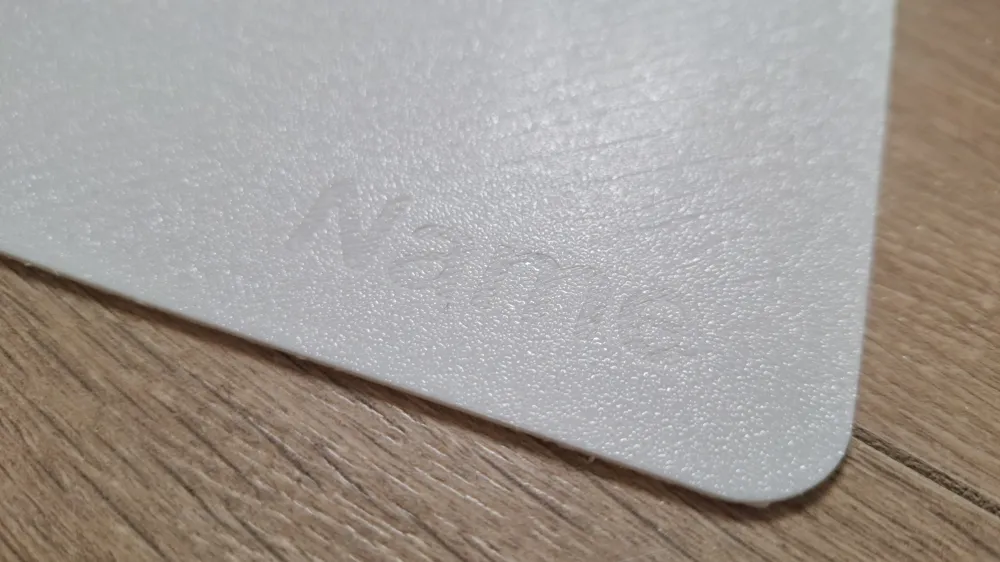
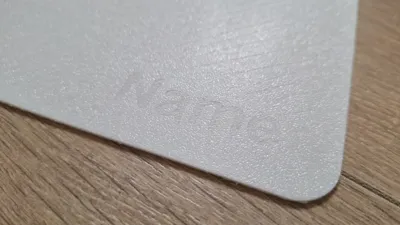
- Personalized Engraving: Add your gamertag or name in a thick, bold font in the bottom-right corner.
- Corner Radius: Choose between sharp modern edges or soft rounded corners.
🖨️ Print Settings (IMPORTANT)
For the best experience, follow these specific instructions:
- Print Face Down: The "top" of your mouse pad is actually the side touching the build plate.
- Plate: Use a Textured PEI Plate. This texture is what makes the mouse glide so well.
- Material:
- PLA: Best for speed and a hard, consistent glide.
- TPU: Use this if you want a flexible, "desk-mat" feel, though it has more friction.
- Pro Tip (Hybrid Pad): Print the first 3 layers (0.6mm) in PLA for the glide, and the rest in TPU for a "built-in" anti-slip bottom.
- First Layer: Ensure your bed is perfectly clean (dish soap and water). Any fingerprint will be visible on the gliding surface.
- Ironing: Not needed for the bottom (gliding) surface, but you can enable it for the back side if you want it to look premium.
❤️ Show your setup
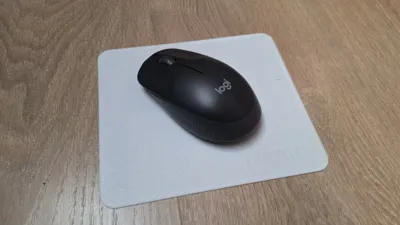
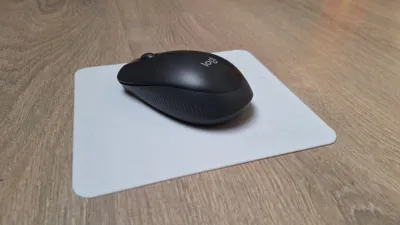
Did you go for a massive pad or a small travel version? Post a photo of your mouse on the pad! I love seeing the different colors and textures you guys use.
Boost Me (for free)
Happy printing!
Membership
If you want the legal rights to sell physical prints of this model and all my other designs, please join my Commercial Membership!
License

You shall not share, sub-license, sell, rent, host, transfer, or distribute in any way the digital or 3D printed versions of this object, nor any other derivative work of this object in its digital or physical format (including - but not limited to - remixes of this object, and hosting on other digital platforms). The objects may not be used without permission in any way whatsoever in which you charge money, or collect fees.


Comment & Rating (4)