
Infinite Pop-Up EVO Fidget Toy
Print Profile(4)



Bill of Materials


Description


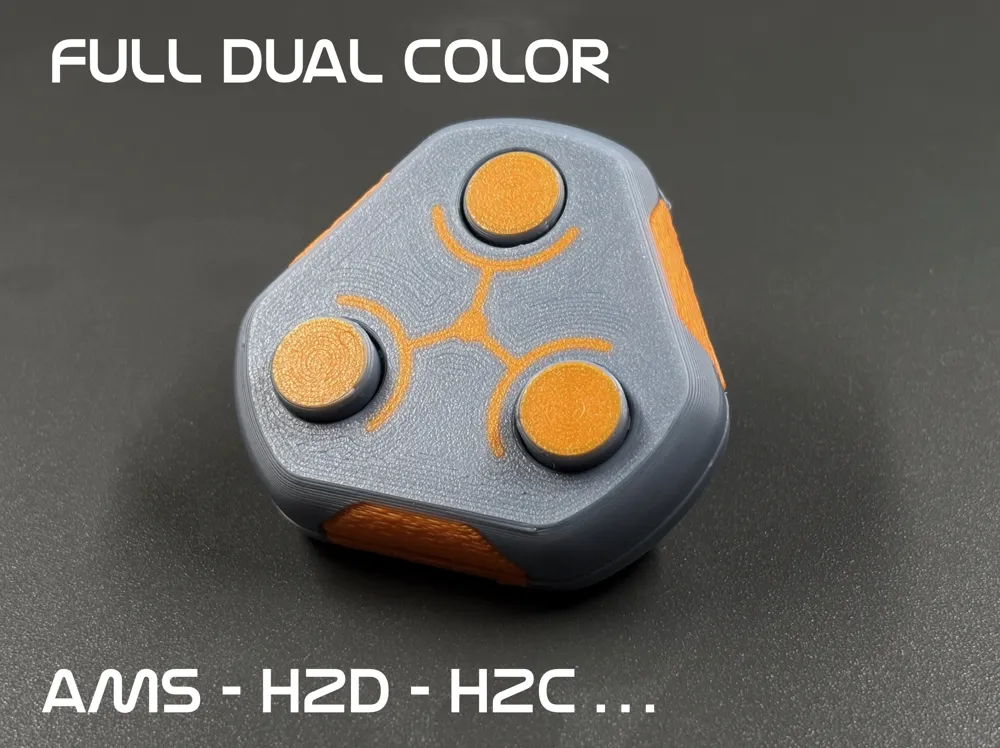
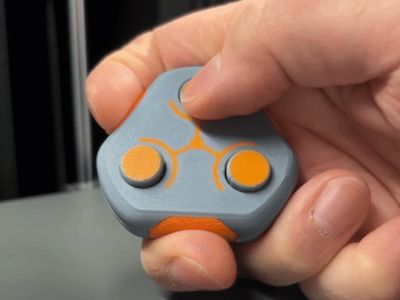
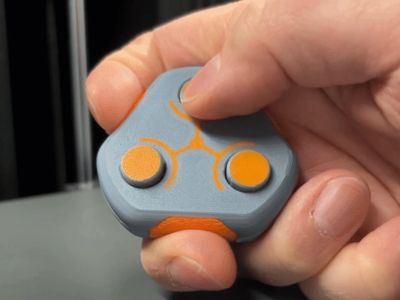
Enjoy endless clicking fun with this “EVO” version of the popular fidget toy! After reading hundreds of comments I've implemented the following improvements:
- Easier assembly! - ..but please still read the instructions 😉
- Looser tolerance on the buttons - Less break-in required
- Less resistance on the snap - easier on the fingers and quieter
- Redesigned lever mechanism - longer life for even more fidgeting
- Extra tabs to hold housing halves together - less likely to pop open
- Fuzzy skin areas for better grip
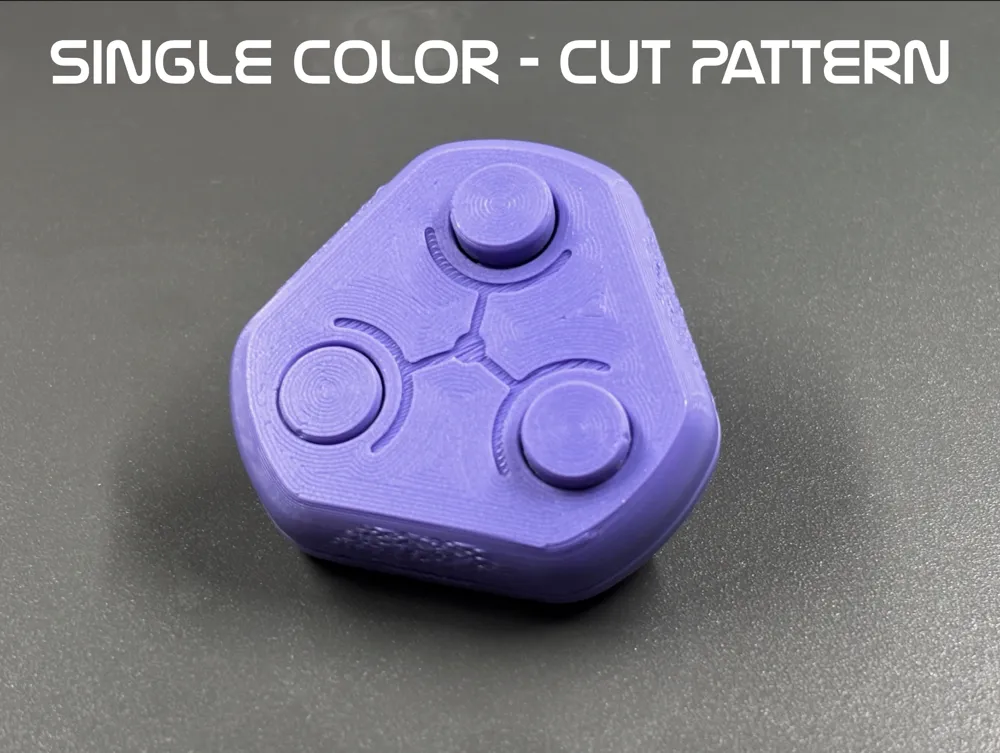
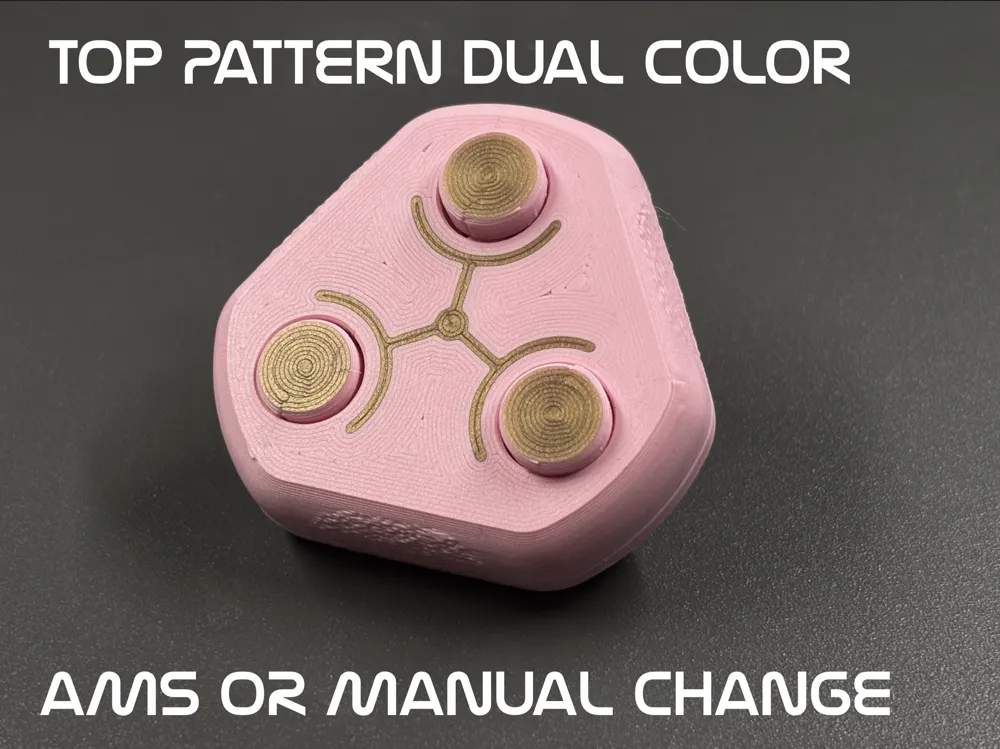
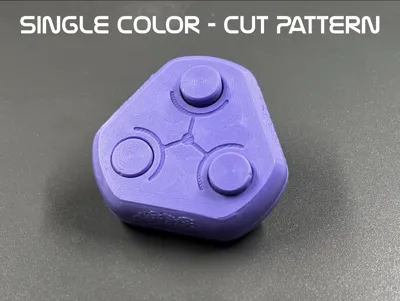
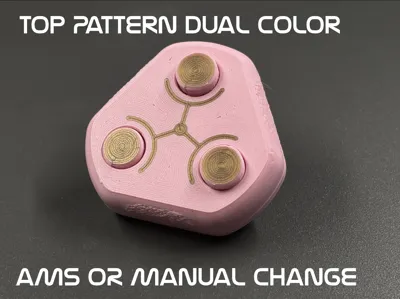
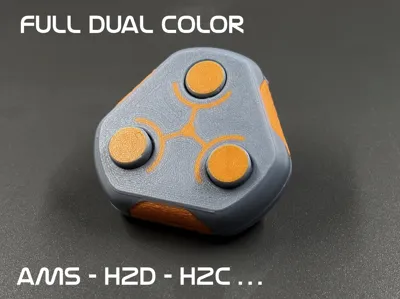
- Color schemes! - Two color profiles included for AMS or for manual filament change.
Follow the assembly instructions below and don't forget the grease!
Boost Me (for free)
If you enjoy my prints, please consider leaving a free Boost as a thank you. Each one is greatly appreciated! Thank you!
Assembly:
Print the parts - note that PLA Basic, PLA Matte and PETG HF are recommended. Use other filaments with discretion.
- Make sure the buttons move up and down freely.
- Place the triangular lever between the buttons flat side down. Move the buttons up and down for better access.
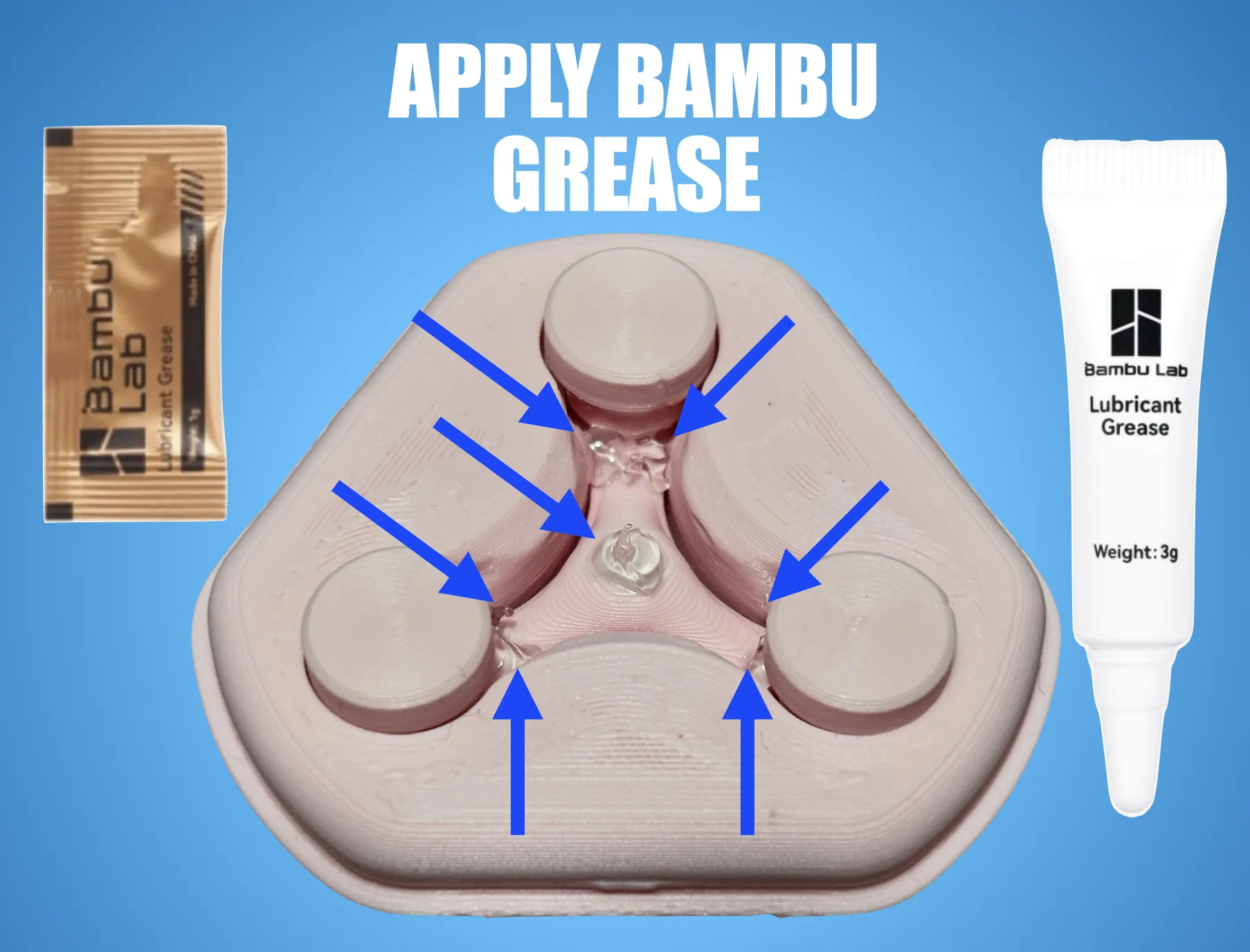
- Place a dap of Lubricant Grease center of the lever and a tiny amount on the six corners of the lever. Use the grease provided with your Bambu printer (NOT Lubricant Oil. It will also work but will find it's way out and into your fingers).
- Snap the other half of the housing in place.
- Break-in and distribute the grease by pushing the buttons and by rotating the buttons by a few revolutions every once in a while.
Enjoy! If you have any issues, please leave a comment and I'll help you out!
Check out my other models:
License

You shall not share, sub-license, sell, rent, host, transfer, or distribute in any way the digital or 3D printed versions of this object, nor any other derivative work of this object in its digital or physical format (including - but not limited to - remixes of this object, and hosting on other digital platforms). The objects may not be used without permission in any way whatsoever in which you charge money, or collect fees.


Comment & Rating (210)