
Bookbinding Corner Miter Ruler (AllInOne 2-3.5mm)
Print Profile(1)
Description

📏 Description
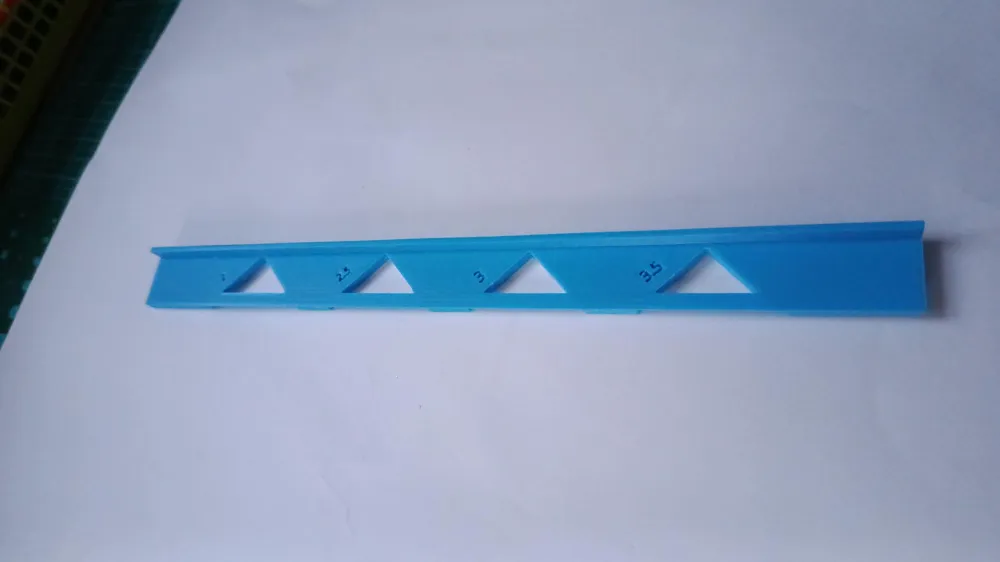
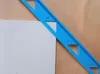
This ruler is the ultimate precision tool for bookbinding and box making (cartonnage). Unlike individual loose corner jigs that get lost easily, this "All-in-One" ruler consolidates all the necessary spacing guides into a single, easy-to-handle instrument.
It allows you to trim the excess paper or fabric at the perfect 45° angle, leaving the exact amount of material needed to wrap around the cardboard corner for a professional finish.
⚙️ Included Sizes (Board Thickness)
The tool features integrated guides for the following cardboard thicknesses:
- 2.0 mm
- 2.5 mm
- 3.0 mm
- 3.5 mm
✅ Key Advantages
- All-in-One: No need to search for the right small printed piece; everything is in your hand.
- Speed: Move from one corner to another instantly without switching tools.
- Stability: The long handle shape offers superior grip and prevents the tool from slipping while cutting.
🛠 Usage Instructions
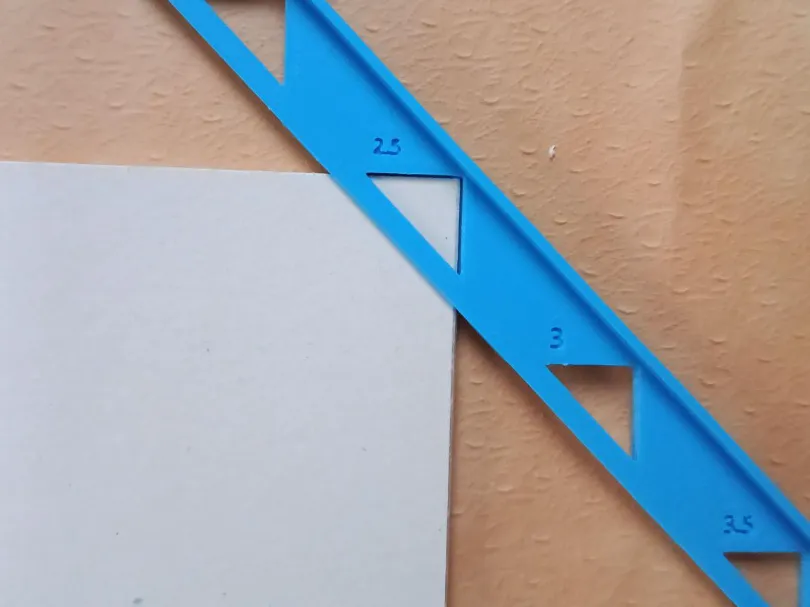
- Identify the notch corresponding to your board thickness (e.g., 3mm).
- Hook the corner of your glued board into the triangle of the chosen notch.
- Press the ruler firmly against the board.
- Run your cutter along the outer edge of the ruler to trim the paper at 45°.
- Repeat for all corners before gluing the turn-ins.
🖨️ Print Settings
- Orientation: Print flat.
- Walls: 3 or 4 walls for straight edges.
- Adhesion: A Brim is highly recommended as long, thin parts tend to warp at the ends.
If you like this, please leave a ⭐⭐⭐⭐⭐ rating and upload a photo of your print! Your support helps me keep creating.
🐶 Mokipy's Tip:
Ensure your build plate is clean with hot water & soap for a perfect first layer adhesion!
🚀 Support the Creators
Boost Me (for free)
If you like this model, please consider giving it a Boost 🚀 and a Like ❤️ ! Free for you! It means a lot to me!
- Issues? Please leave a comment, I read them all.
- Want more? Check out my profile for other models
License



Comment & Rating (6)