Search models, users, collections, and posts

Router Mount
IP Report
Print Profile(2)

0.2mm layer, 4 walls, 35% infill
Designer
1.8 h
1 plate
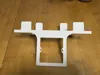
0.2mm layer, 4 walls, 35% infill
Designer
1.4 h
1 plate
Open in Bambu Studio
Boost
4
14
0
0
10
4
Released
Description
Content has been automatically translated.
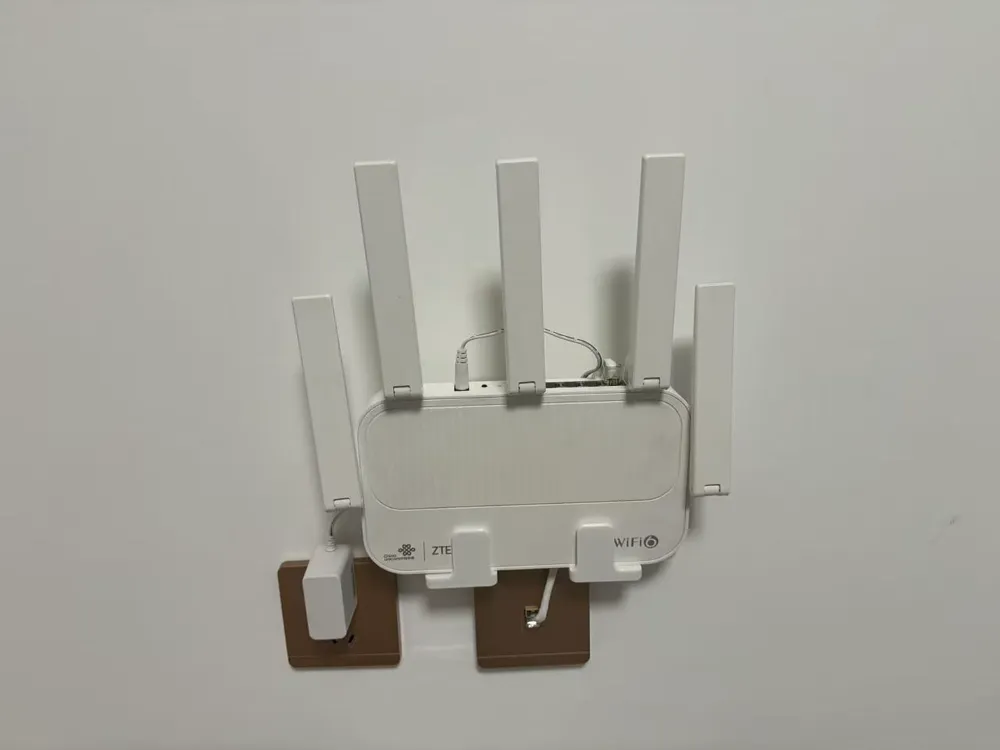
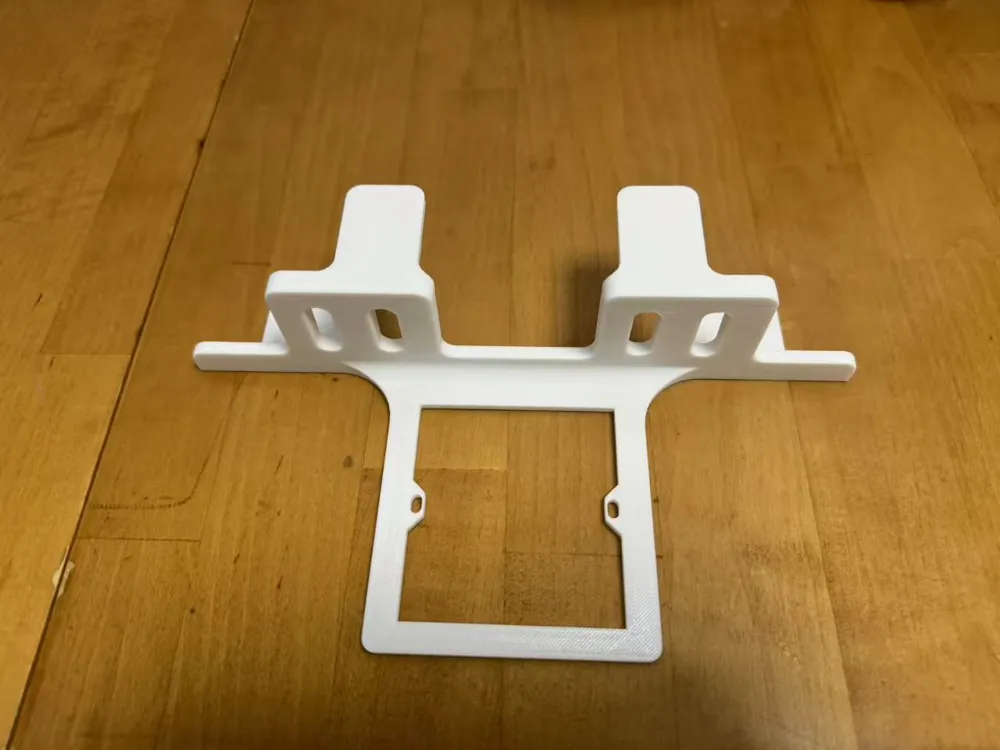
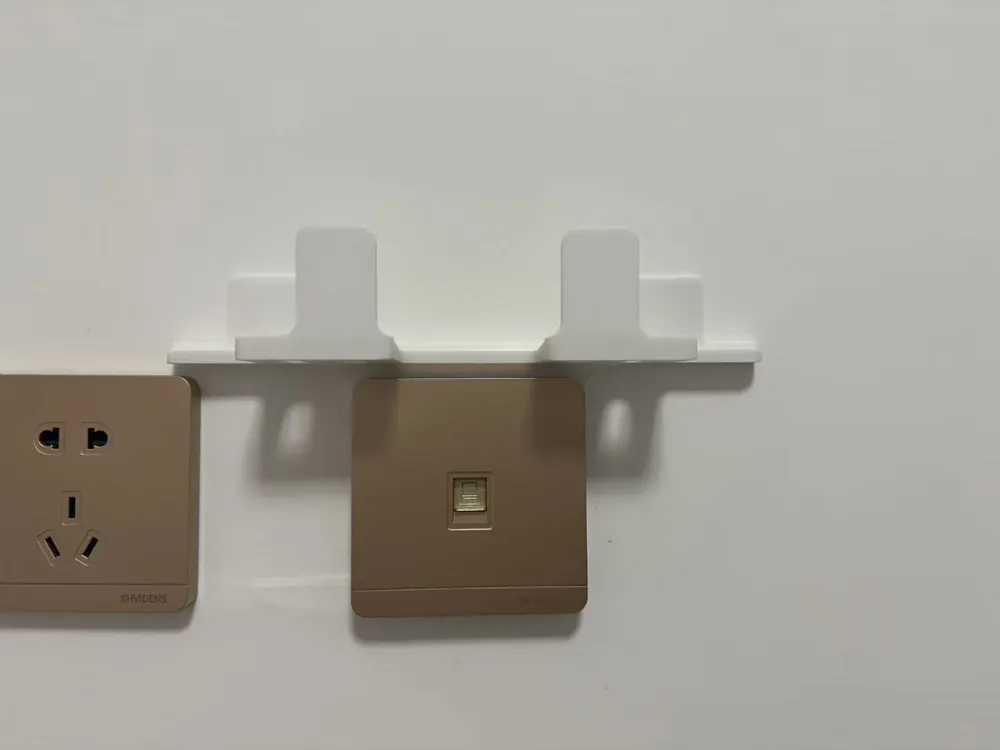
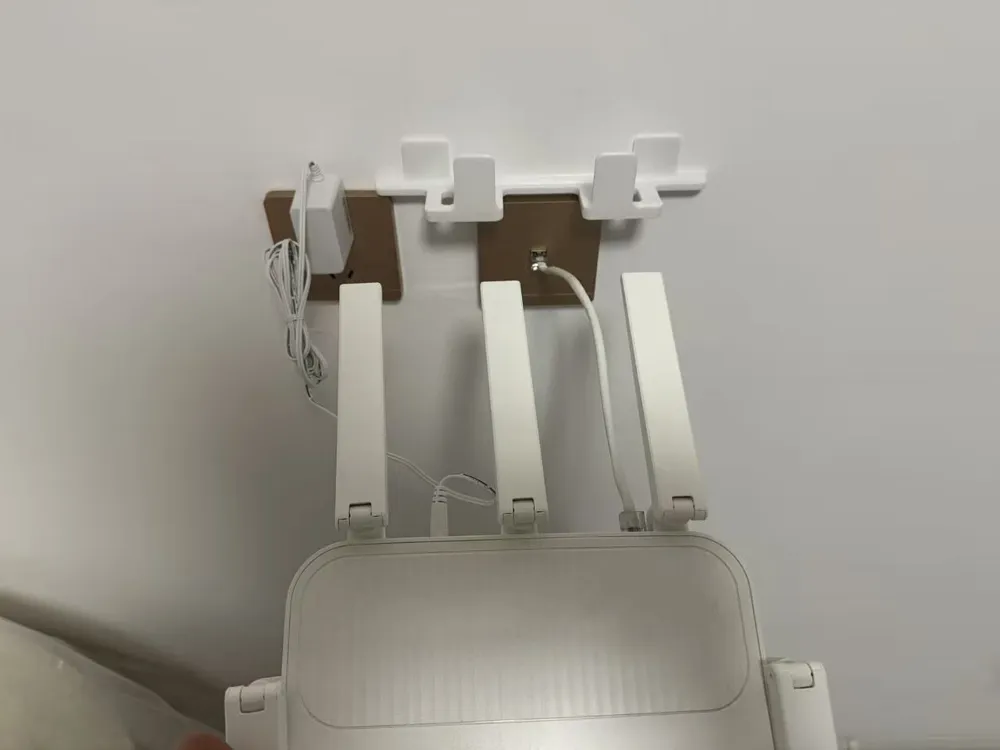
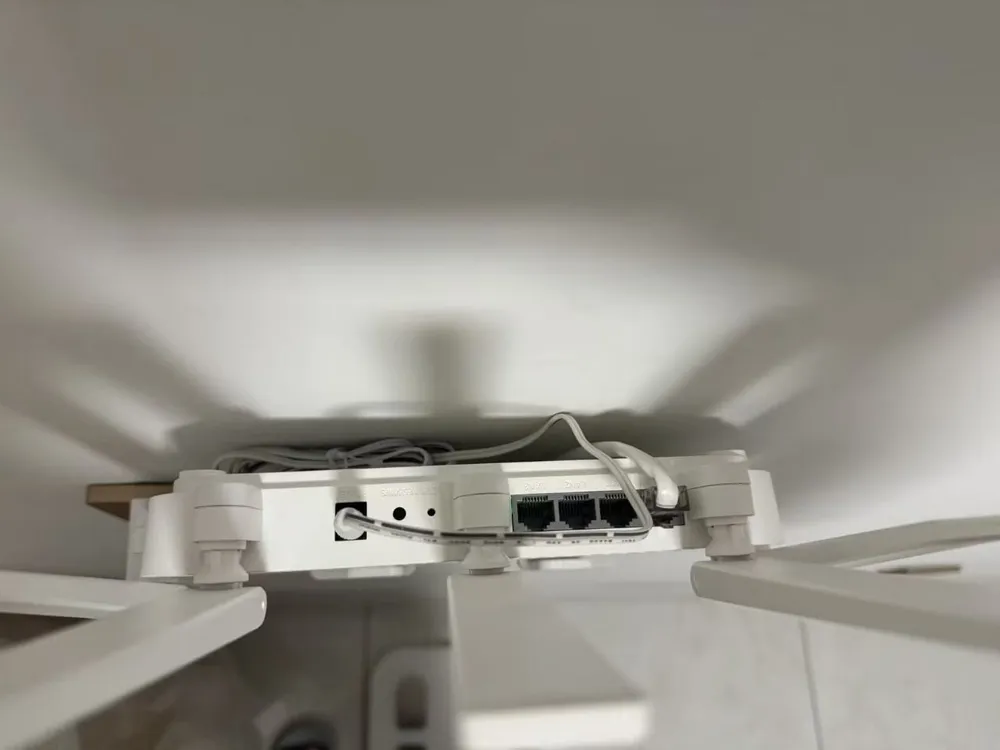
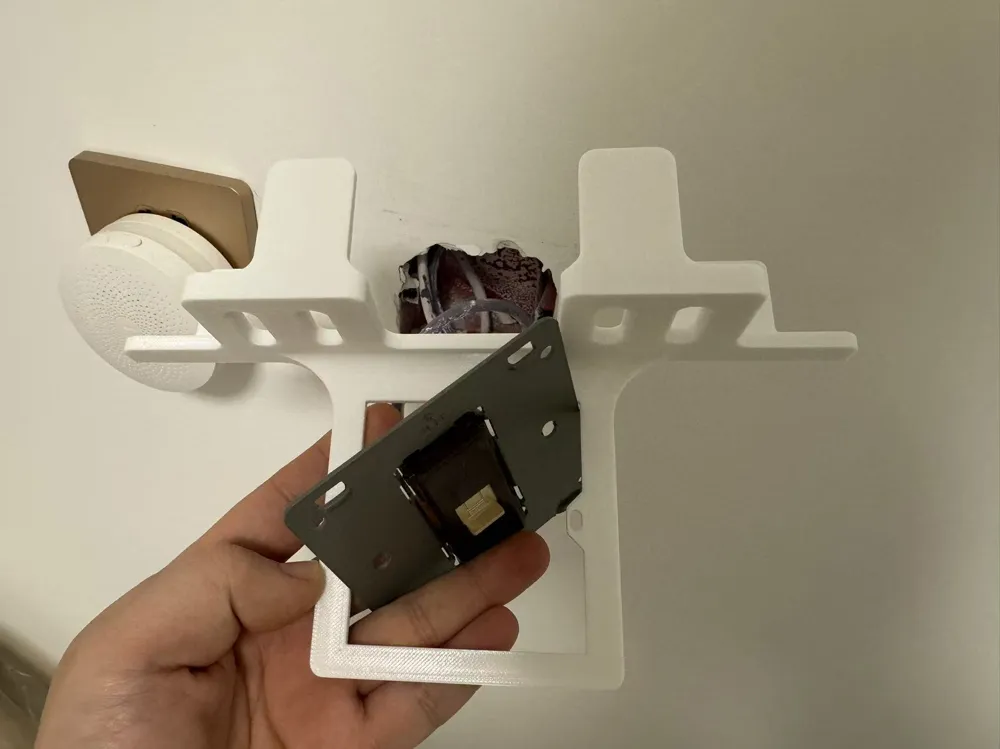
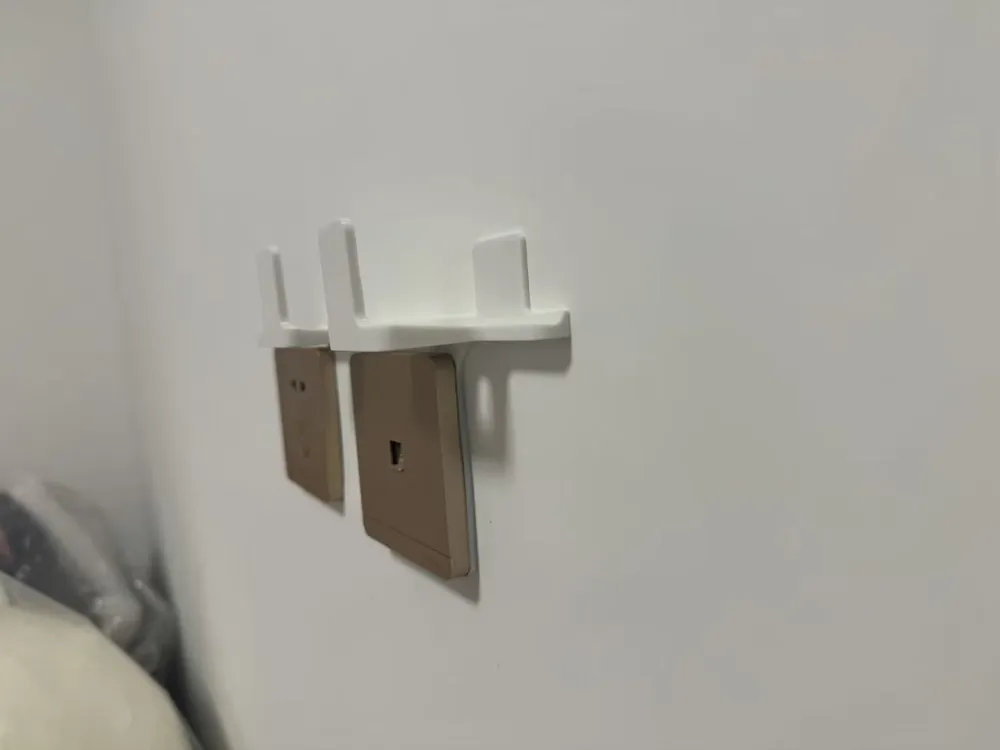
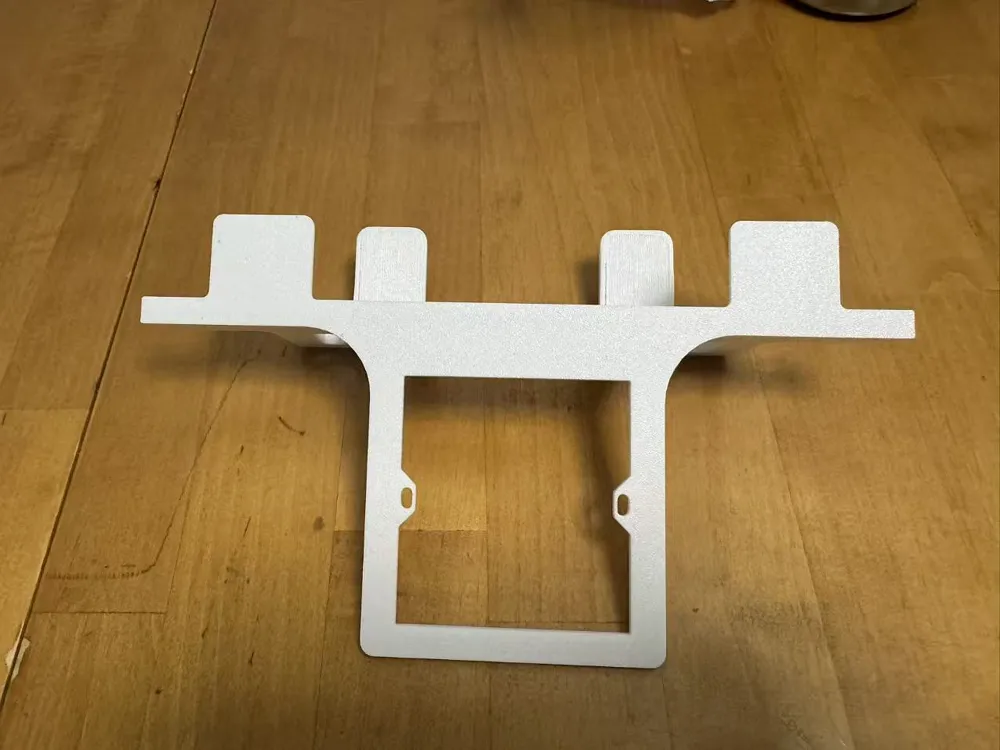
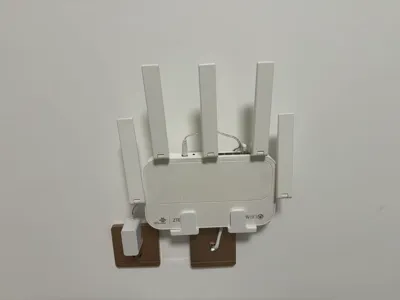
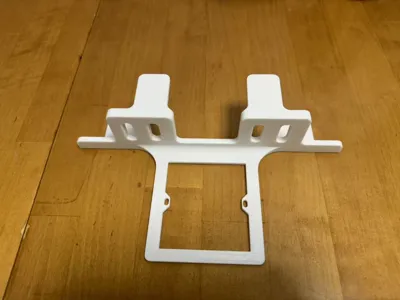
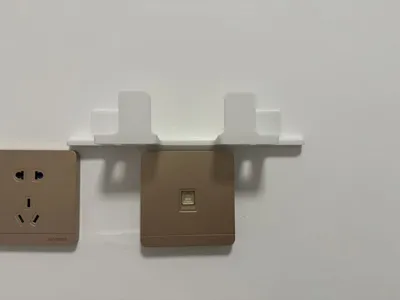
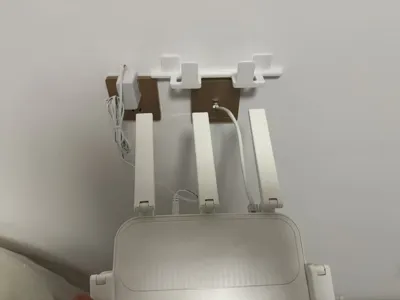
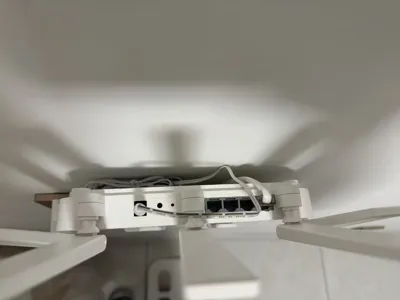
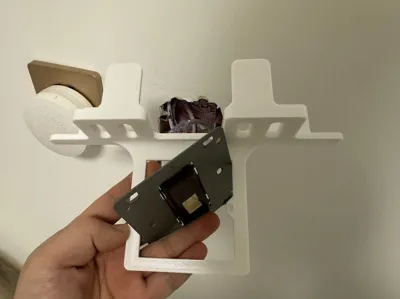
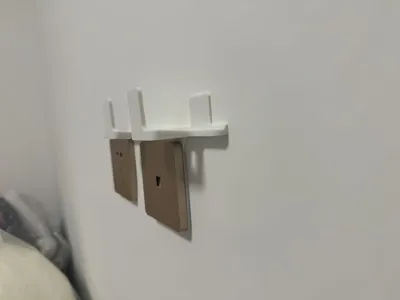
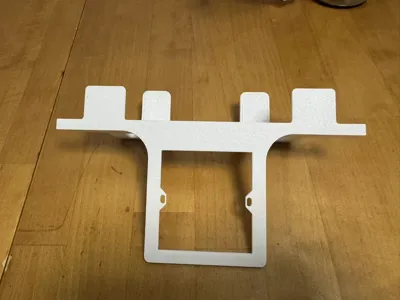
Originally, I wanted to find a wall-mounted router bracket, but I didn't find one I liked in MW, and I didn't want to use adhesive on the wall, so I designed my own wall-mounted router bracket. It can be used for routers with a thickness of up to 39mm. Both the power cable and network cable can be hidden behind it, making it quite aesthetic. It's recommended to use a shorter network cable for better aesthetics and improved router stability. Of course, this bracket requires removing the original 86 box and clamping the bracket between the wall and the 86 box. You can understand by looking at my diagrams above; the operation is very simple. If anyone encounters any issues during use, please feel free to comment, and I will gradually modify and improve it
License

This user content is licensed under a Standard Digital File License.
You shall not share, sub-license, sell, rent, host, transfer, or distribute in any way the digital or 3D printed versions of this object, nor any other derivative work of this object in its digital or physical format (including - but not limited to - remixes of this object, and hosting on other digital platforms). The objects may not be used without permission in any way whatsoever in which you charge money, or collect fees.


Comment & Rating (0)