
Parts Storage Suite | Gridfinity
Print Profile(1)
![[Parts Storage Suite] v2](https://makerworld.bblmw.com/makerworld/model/USf589c6ae7931ee/570260141/instance/2025-12-27_f076845aa969a8.jpg?x-oss-process=image%2Fresize%2Cw_100%2Fformat%2Cwebp)
Description
Boost Me (for free)
The creator will be greatly motivated by your ratings and boosts. ⭐⭐⭐⭐⭐
General Printing Tips:
|
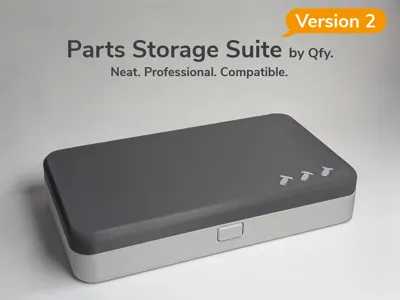
Parts Storage Suite
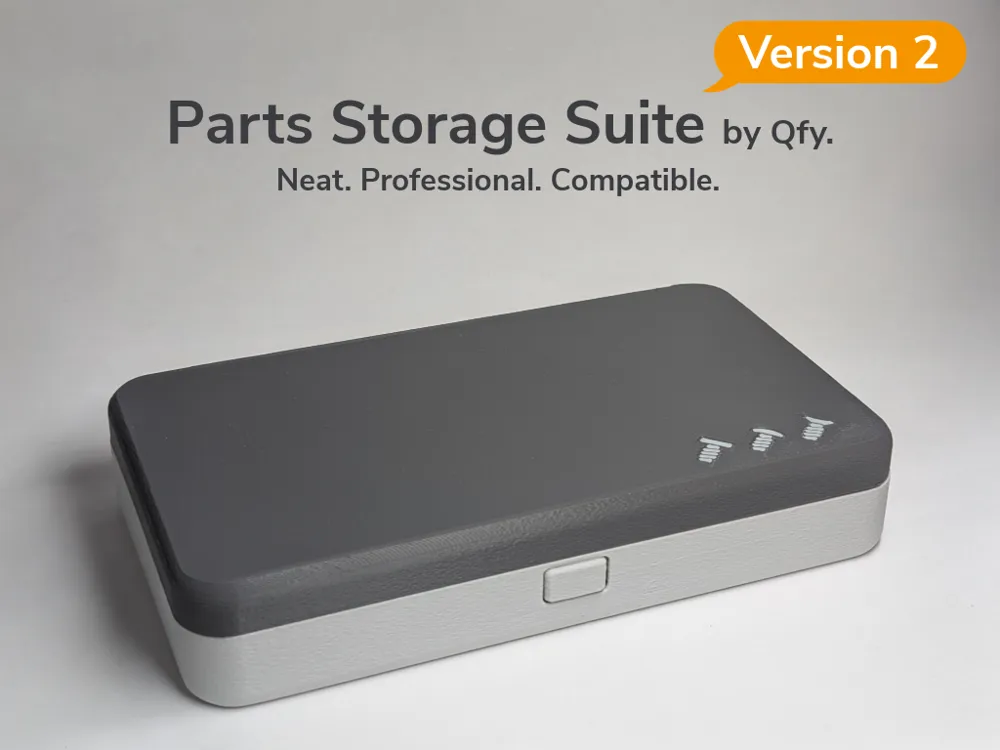
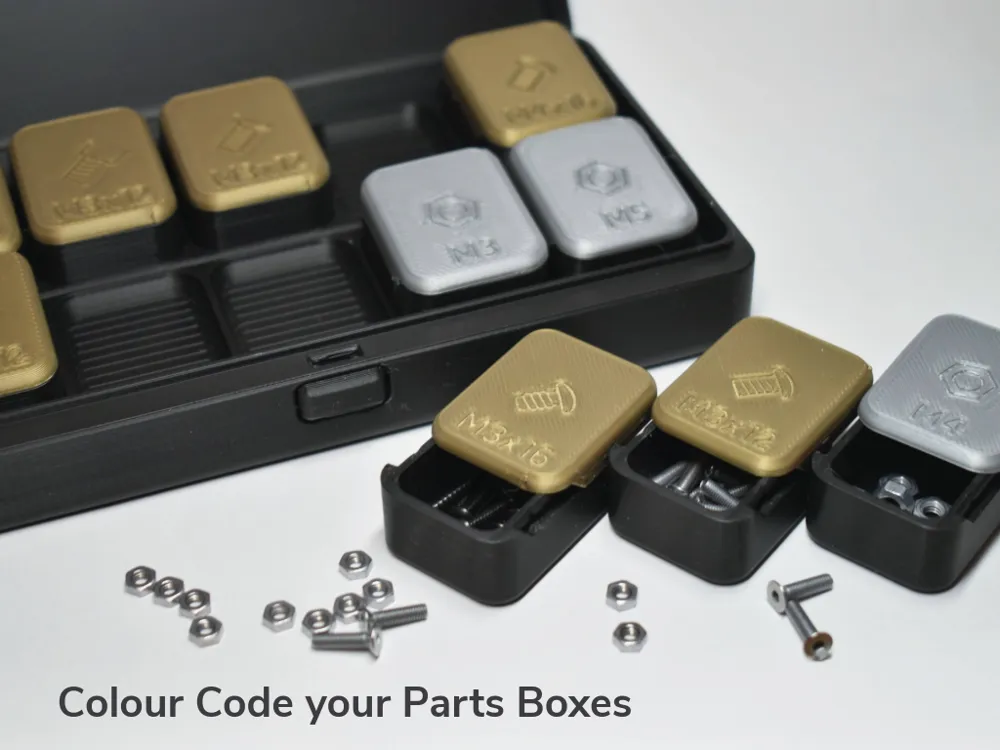
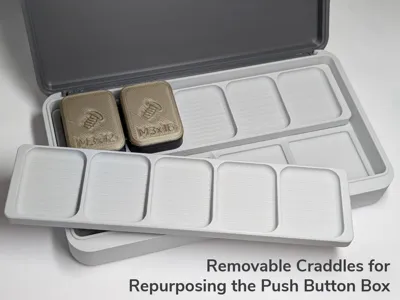
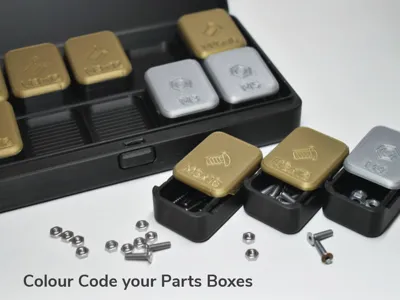
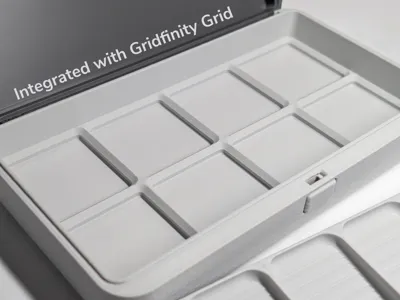
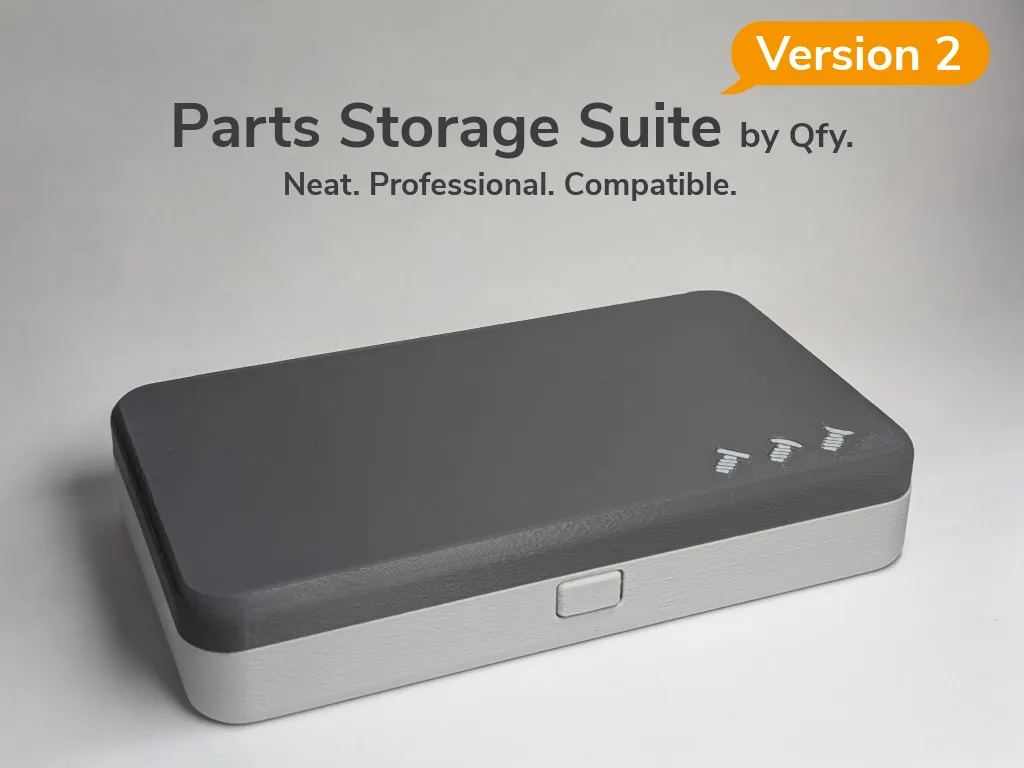
This modular storage system keeps screws, nuts, and other small parts neatly organized. With interchangeable boxes and carrying cases, it integrates seamlessly with Gridfinity setups, allowing you to transport cradle bins between toolboxes, drawers, and workstations with ease.
Key Features
- Modular design – Customize layouts with mix-and-match boxes and cases.
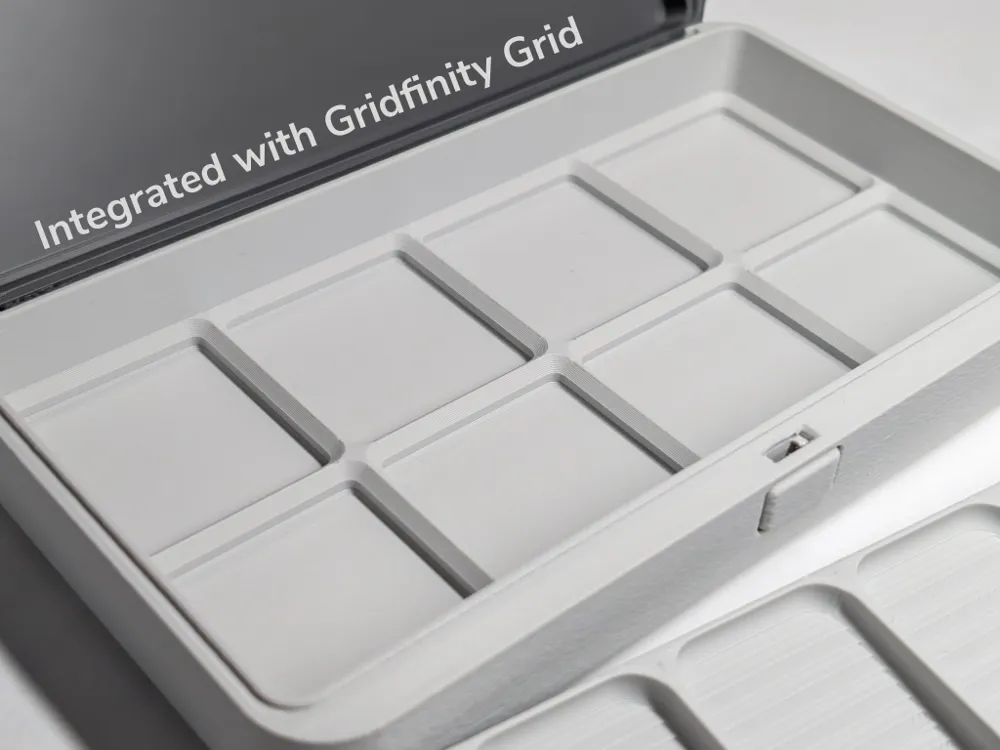
- Gridfinity-compatible – Works with existing drawers, toolboxes, and accessories.
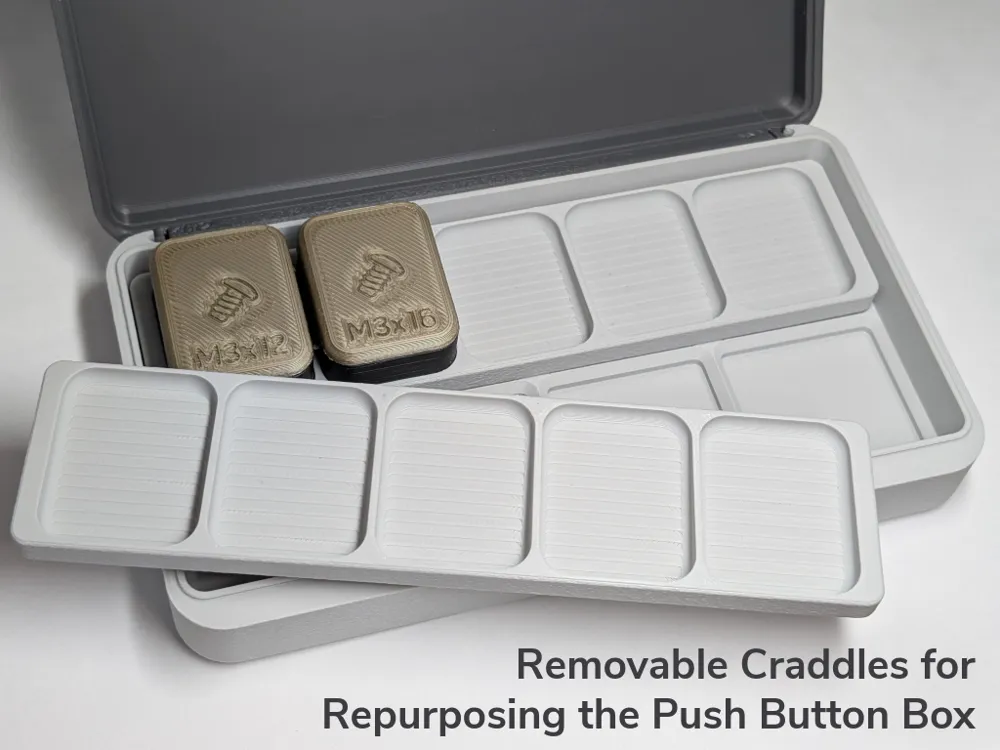
- Portable cradle bins – Move parts easily between storage and workspace.
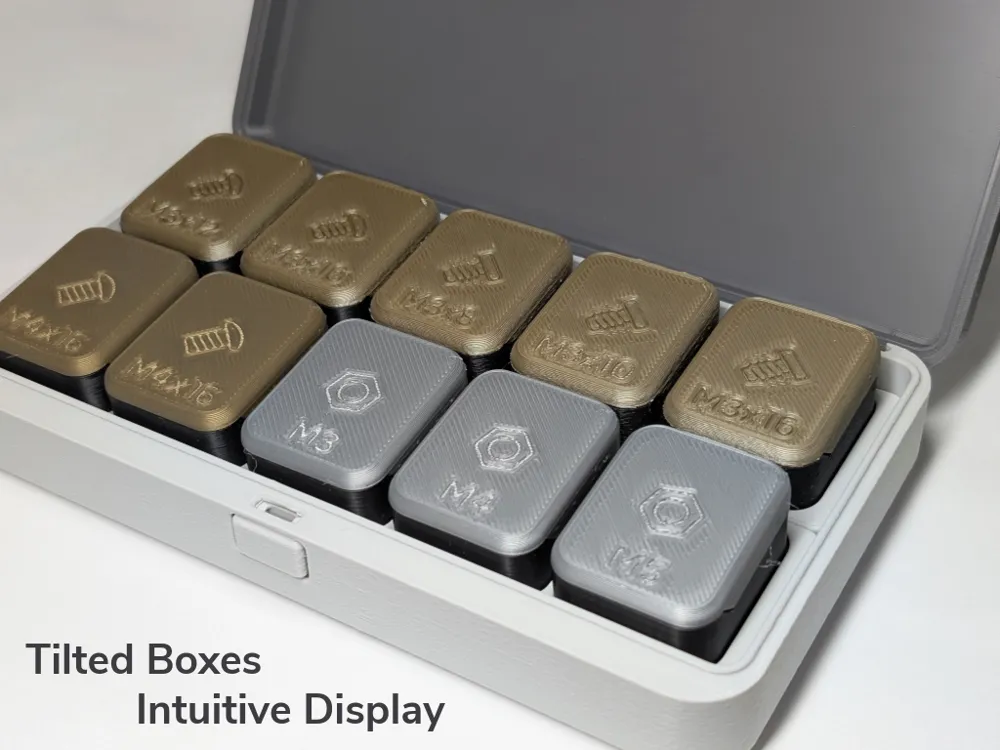
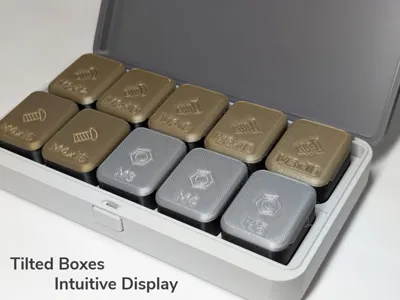
- Minimalistic symbols – Clear icons on covers for quick identification.
- Tilted storage – Symbols remain visible even when stored.
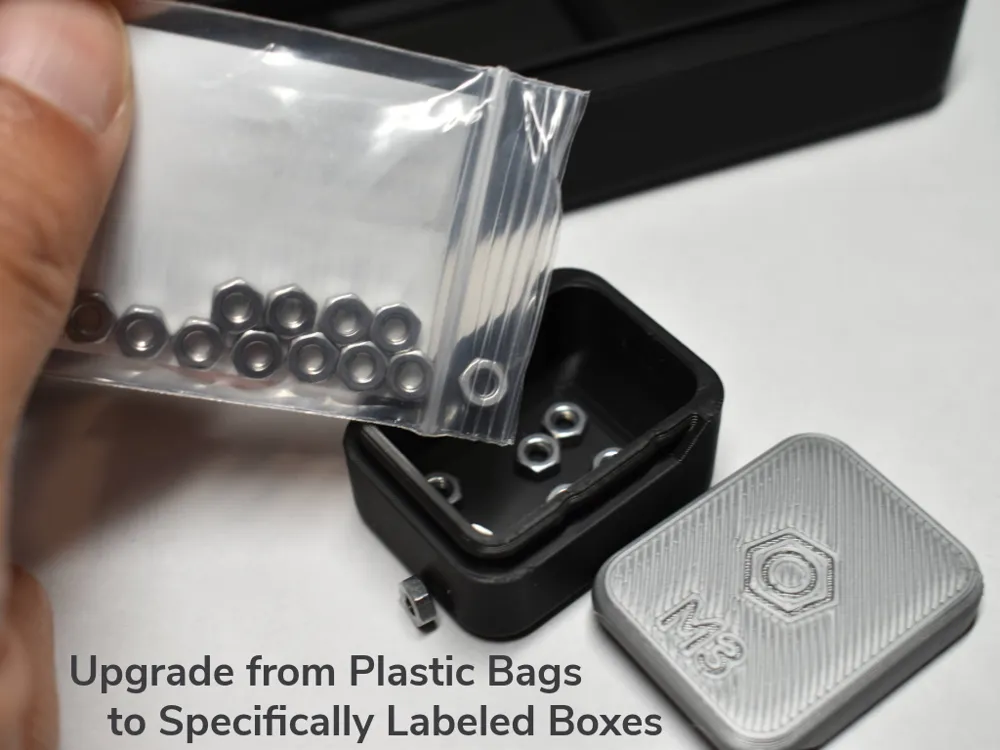
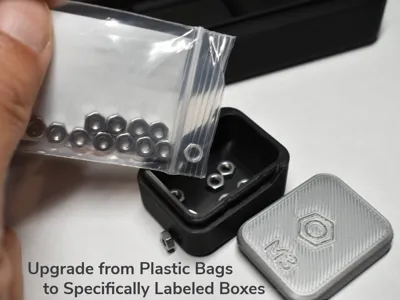
- Dedicated part boxes – Replaces plastic bags with proper organization.
- Color coding – Sort parts by type, size, or project at a glance.
- Compact build – Saves space while keeping everything accessible.
- Multi-material-compatible – Prints well with PLA and PETG.
Specific Printing Tips
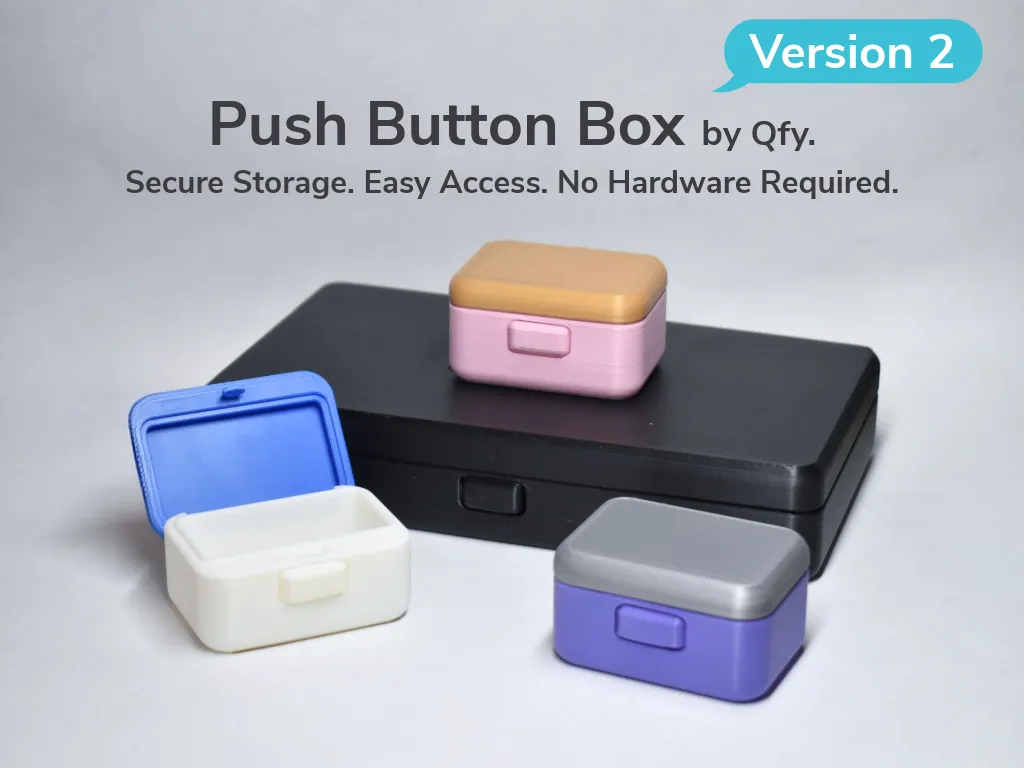
- Push button can be pushed with some force for the first time to activate the internal springs. If it cannot be pushed, please warm it up with a hair dryer, but avoid overheating the box as it will deform the spring and hinge mechanism.
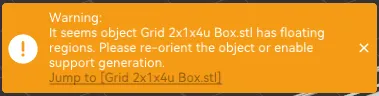
You can ignore this warning message in the slicer. The print-in-place push button mechanism will print fine.
Credits
Special thanks to Zack Freedman for designing and sharing the Gridfinity system,
Updates:
v2:
- Medium Parts Boxes and Cradles added.
- Gridfinity 1x1 Parts Boxes added.
- Parts Box rails upgraded, i.e. easier to open, locks better in place.
- Box hinge durability slightly improved.
- Box inner clearance slightly increased.
- Aesthetic improvement
- Subtle fuzzy skin finish
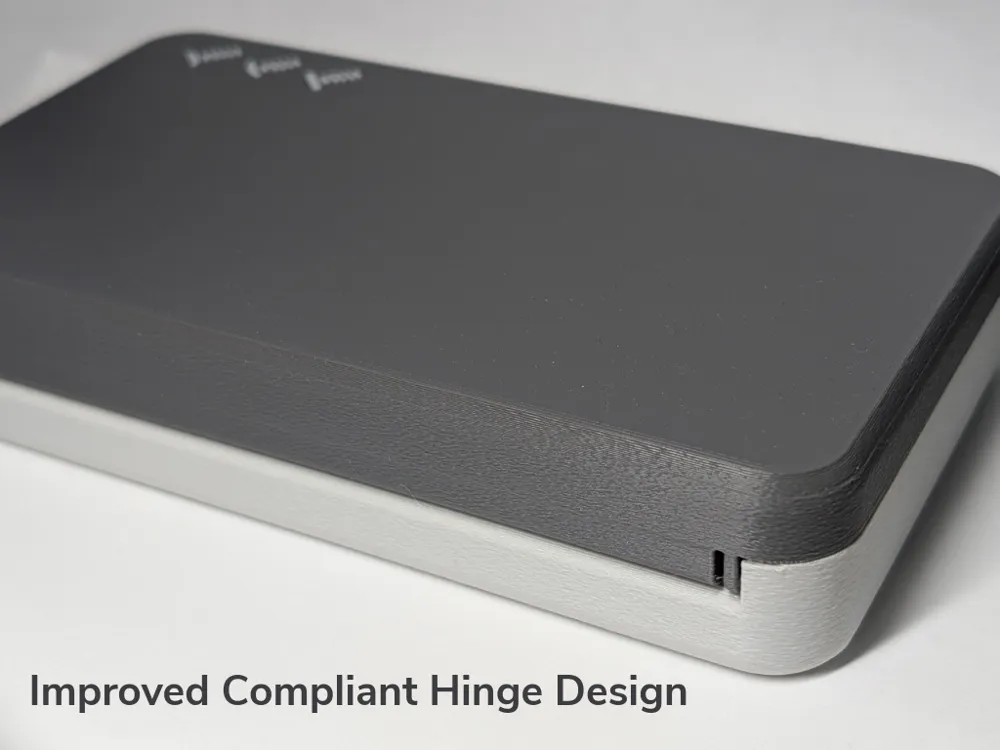
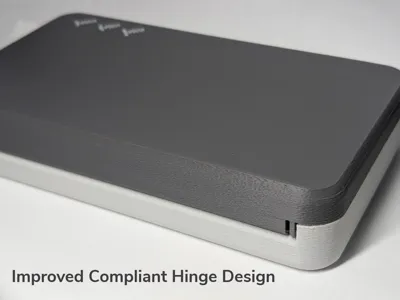
- Compliant hinge design
Designed by Qfy.
Membership
License

You shall not share, sub-license, sell, rent, host, transfer, or distribute in any way the digital or 3D printed versions of this object, nor any other derivative work of this object in its digital or physical format (including - but not limited to - remixes of this object, and hosting on other digital platforms). The objects may not be used without permission in any way whatsoever in which you charge money, or collect fees.


Comment & Rating (9)