
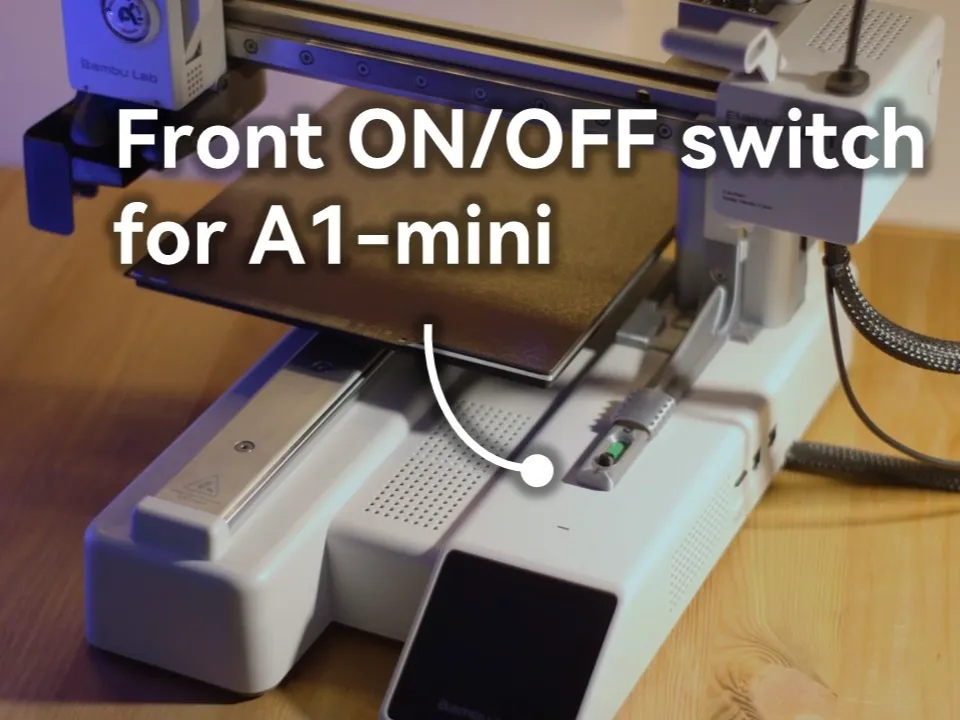
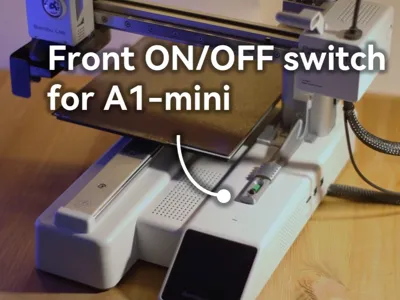
Front ON OFF switch for A1 mini
Print Profile(2)


Description
The power button of the Bambulab A1 mini is located at the back of the machine, depending on the position of the build plate or print head it is not always easy to reach this button
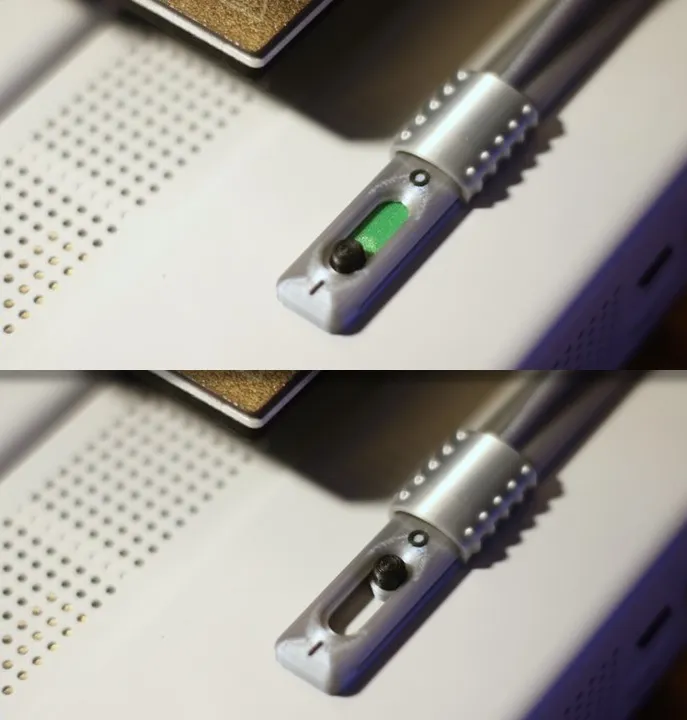
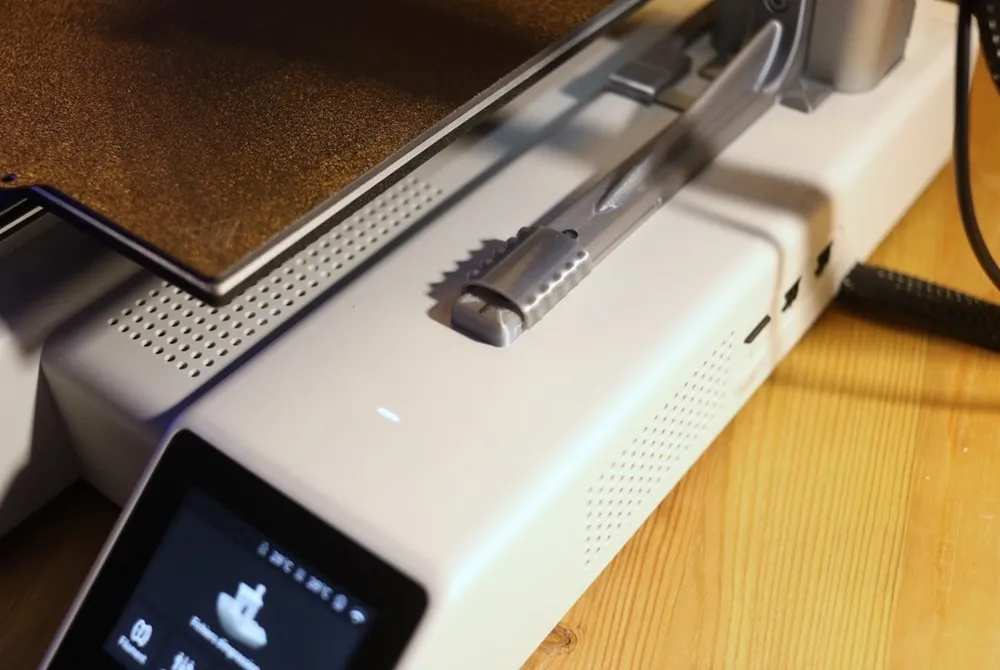
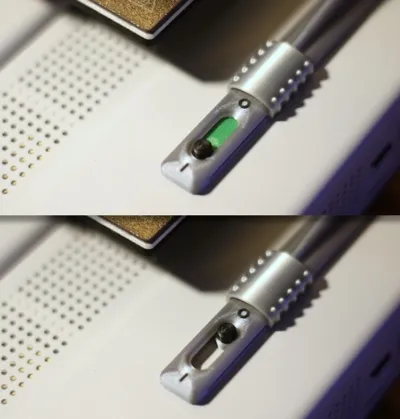
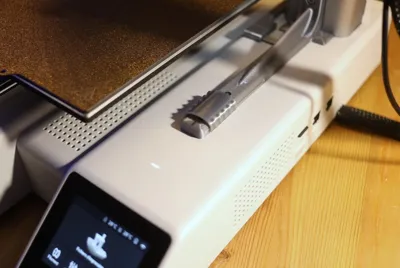
This assembly allows relocating the on-off function to the top, near the screen
Here are the system features:
- No additional hardware required
- 100% mechanical (no electricity)
- Possibility to continue using the back button
- Does not interfere with other printer functions (e.g. external spool holder still usable)
- Safety cover to prevent turning off the printer during a print
- PLA printing possible
- Printable on A1mini (of course)
To implement the system:
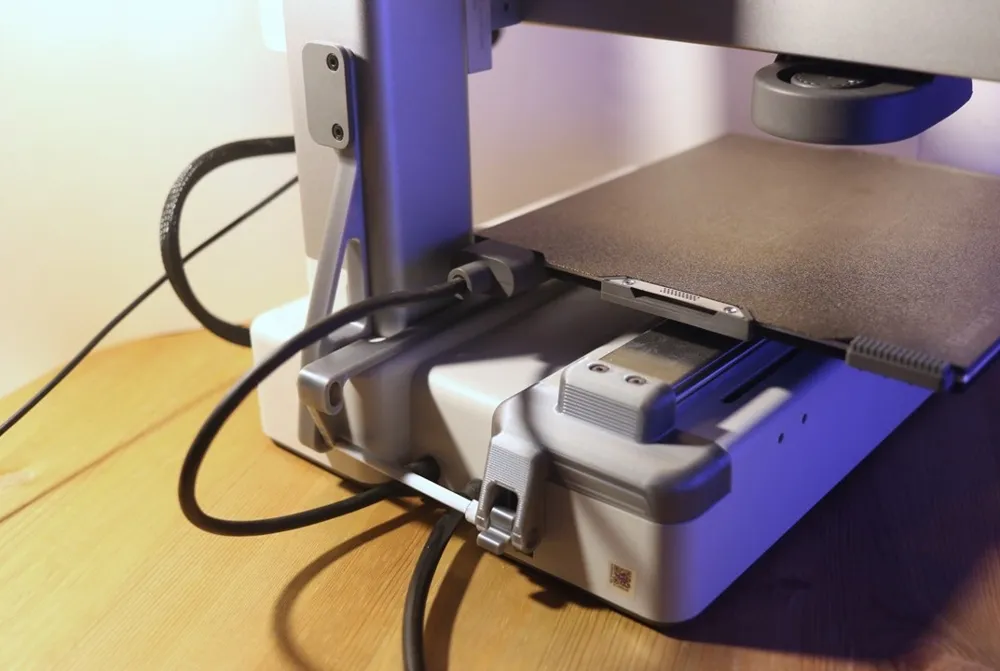
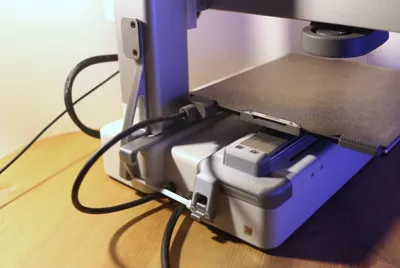
1 - Remove the plastic part at the back of the Y-axis and replace it with part [1] (using the same screws)
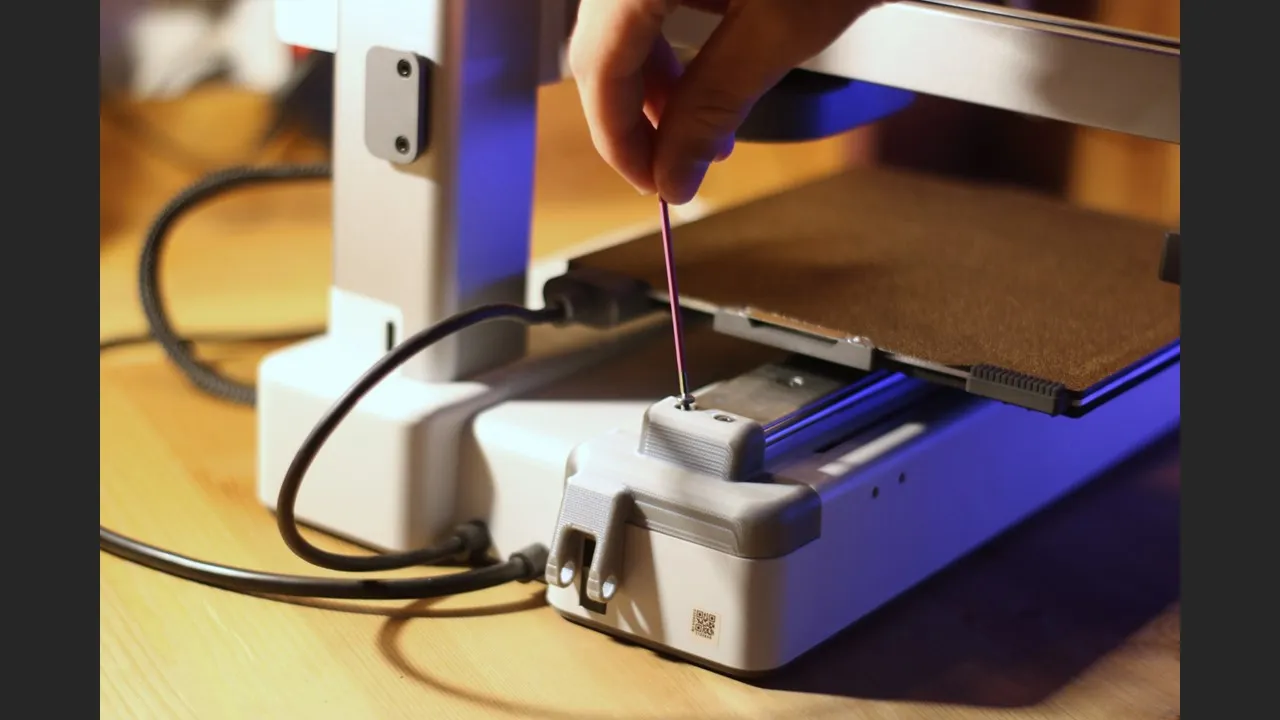
2 - Place the two smooth bearings [6] into the holes from the inside
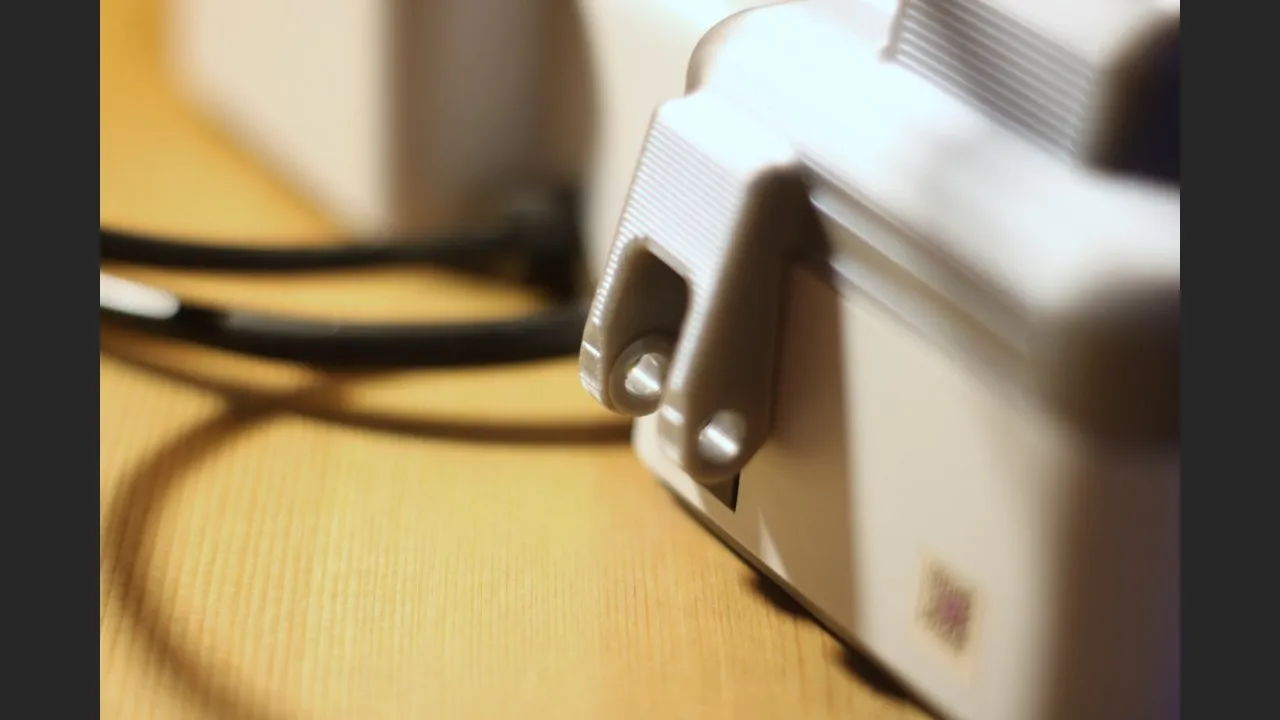
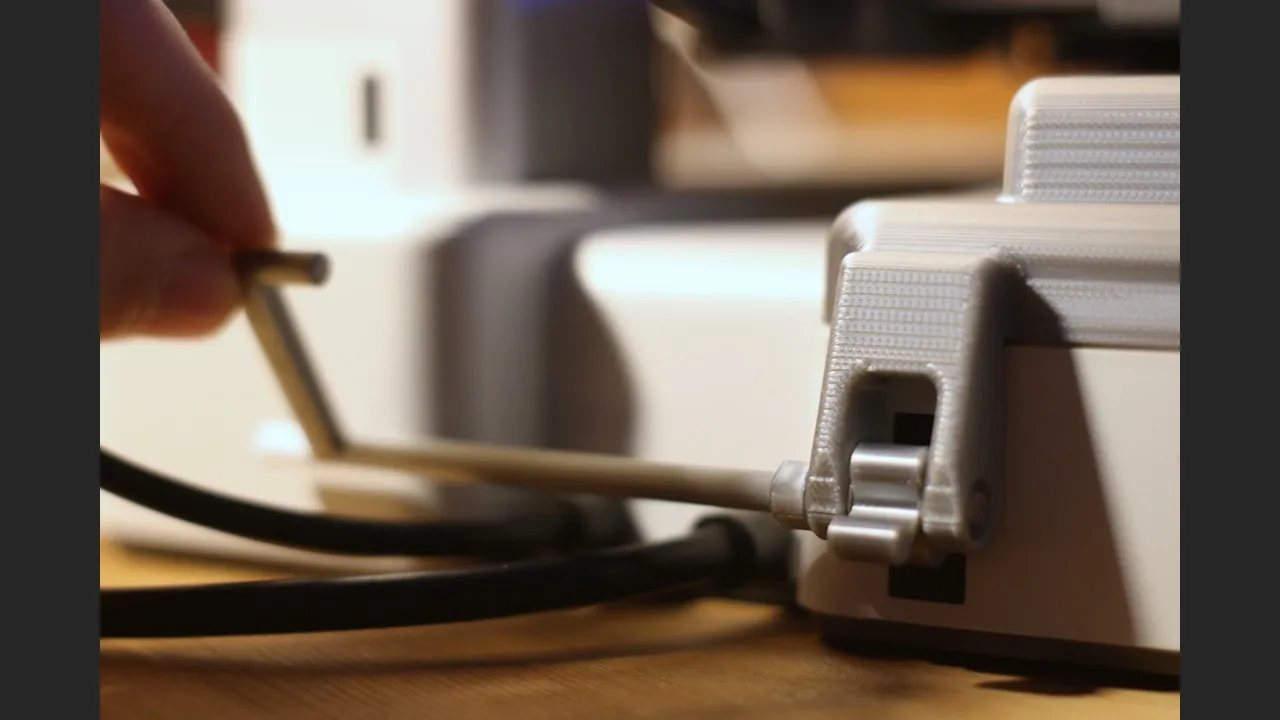
3 - Slide the shaft [7] as shown by inserting part [3] between the bearings, be careful there is a direction: test the action of the shaft on the switch, if you cannot turn on the printer, you must flip part [3]
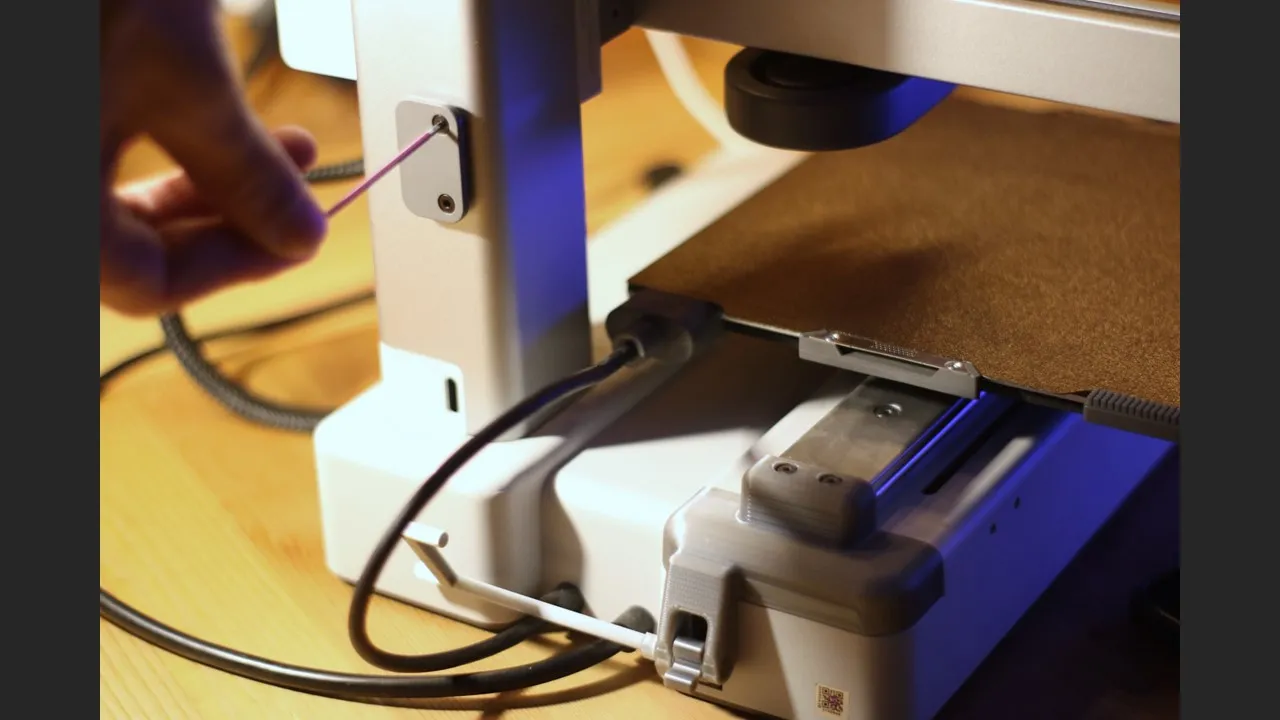
4 - Remove the spool holder plate then insert it onto part [2], replace everything on the printer with the same screws
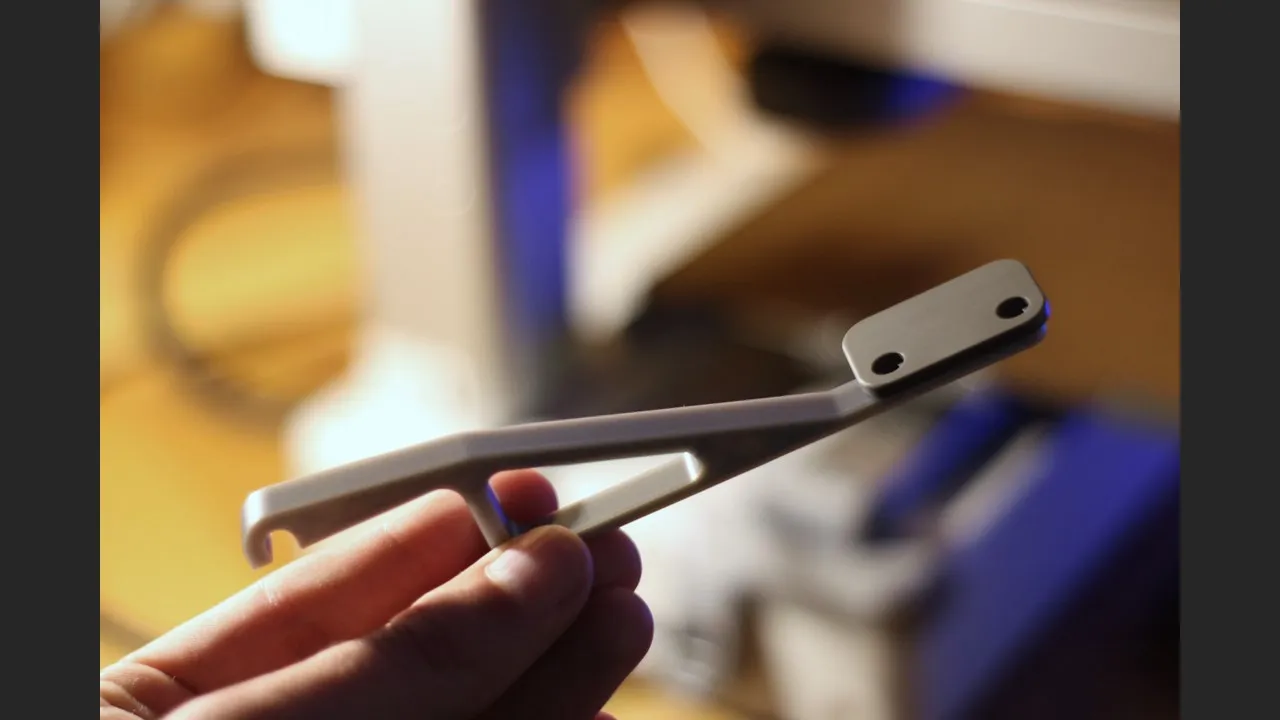
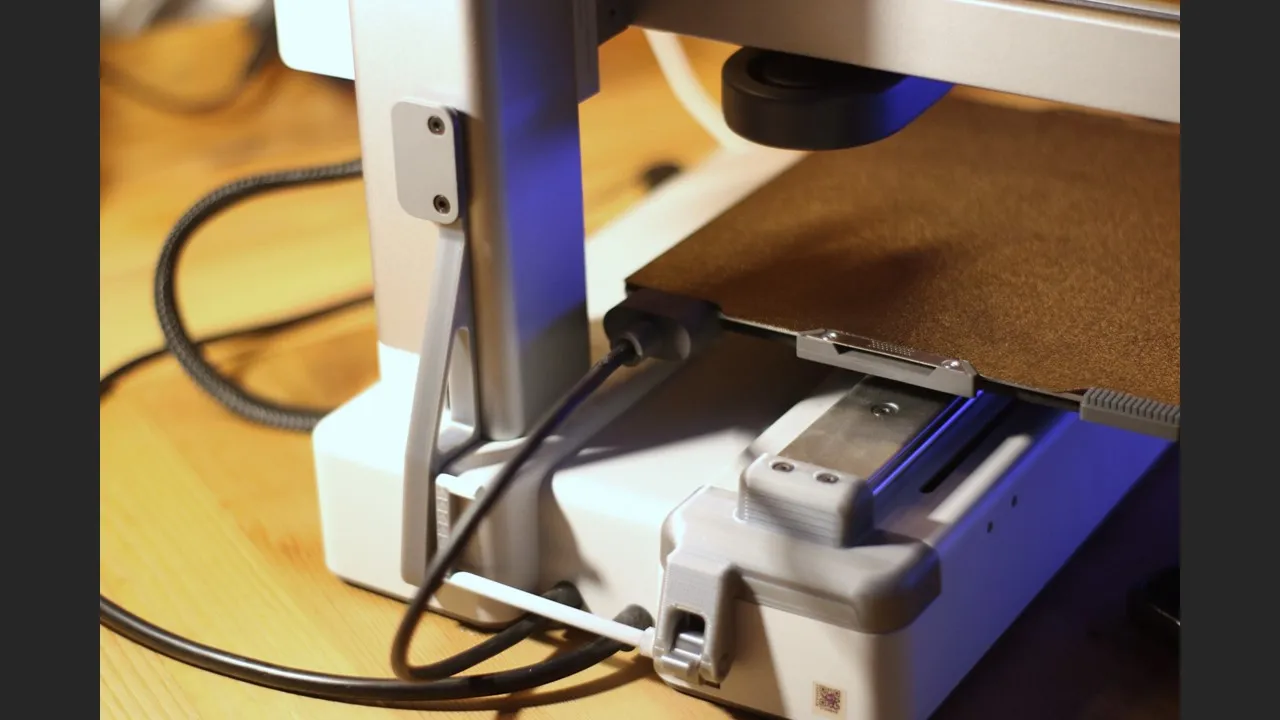
5 - Remove the plastic part located under the Z-axis rail
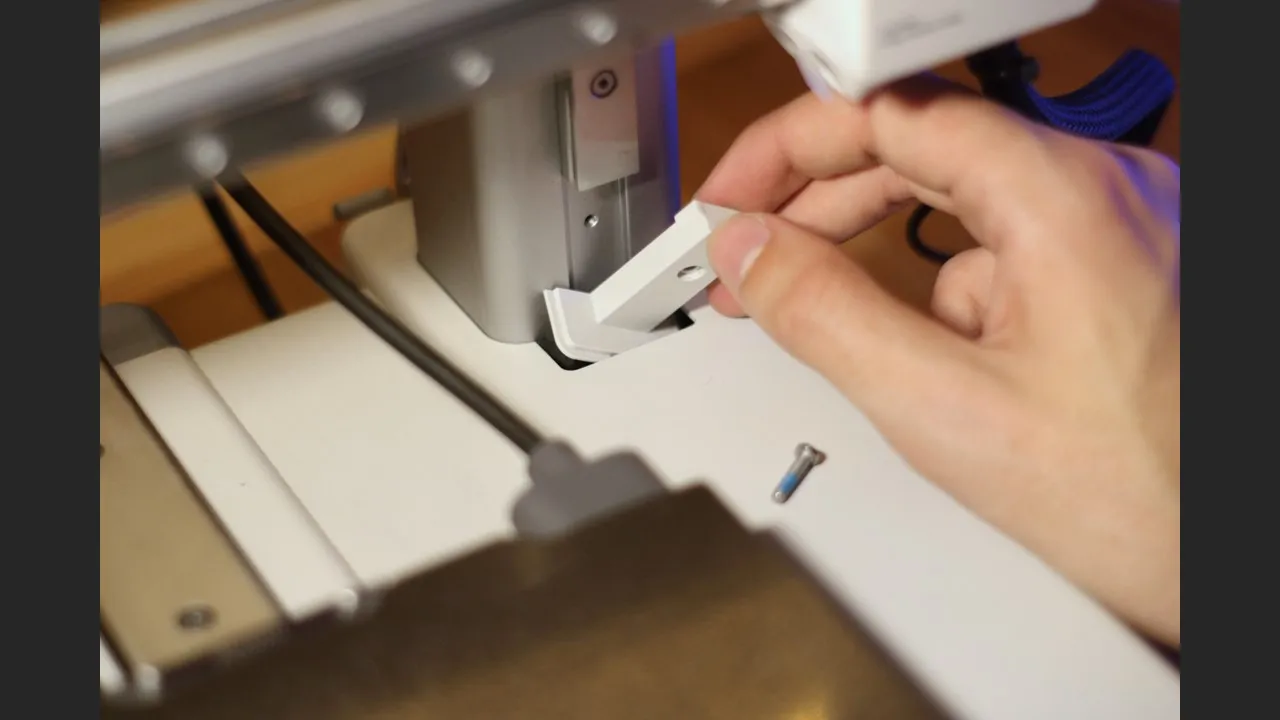
6 - Assemble parts [4] and [9] then arrange this assembly as shown in the photo
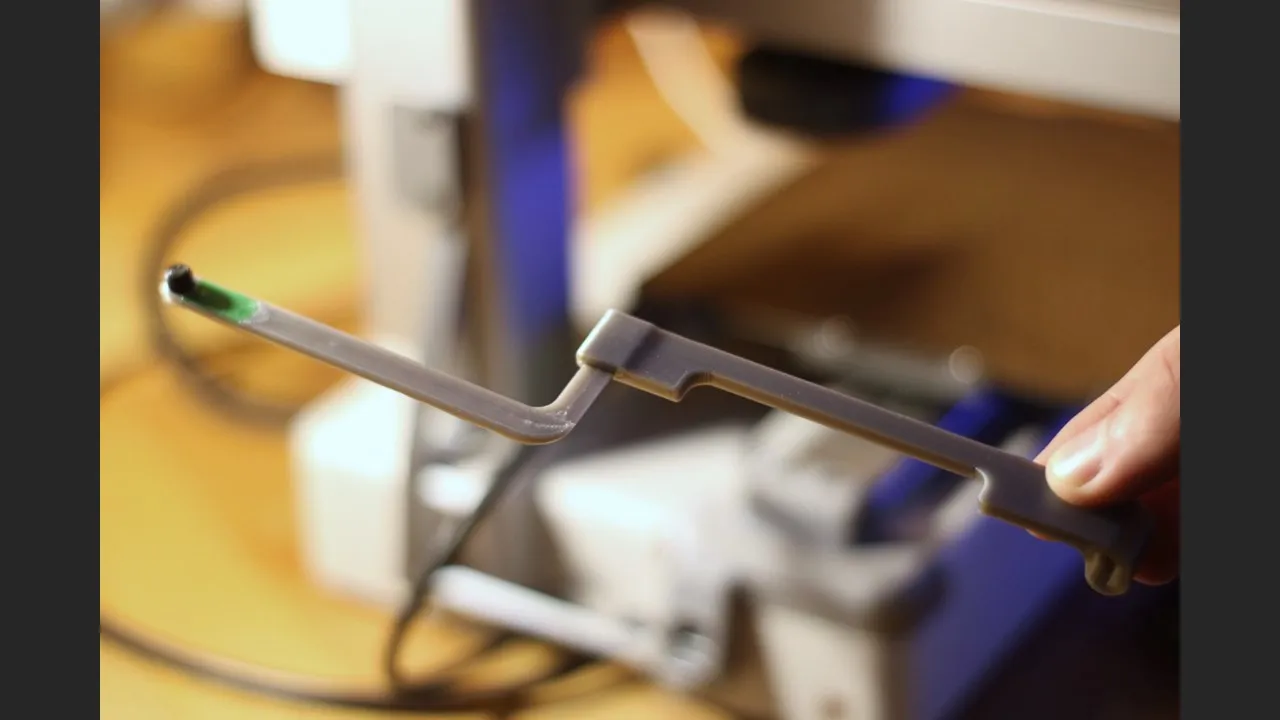
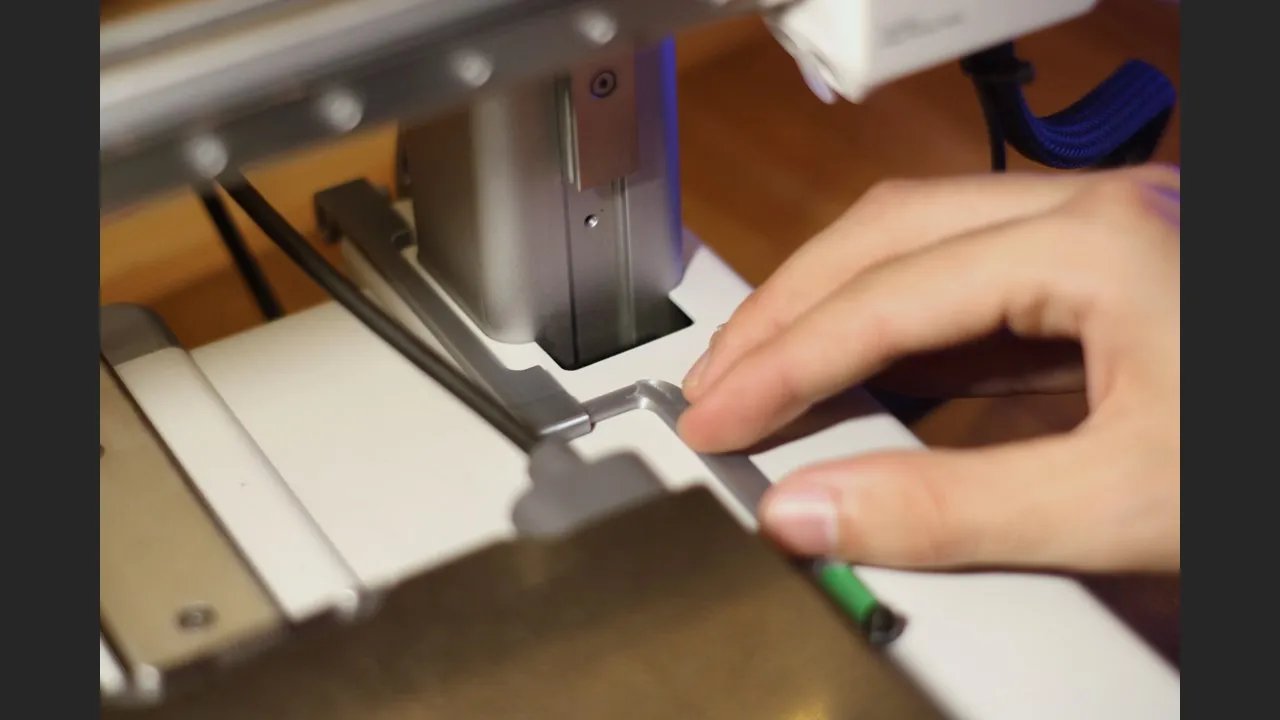
7 - Place part [8] at the base of the Z-rail then screw it with the screw recovered in step 5
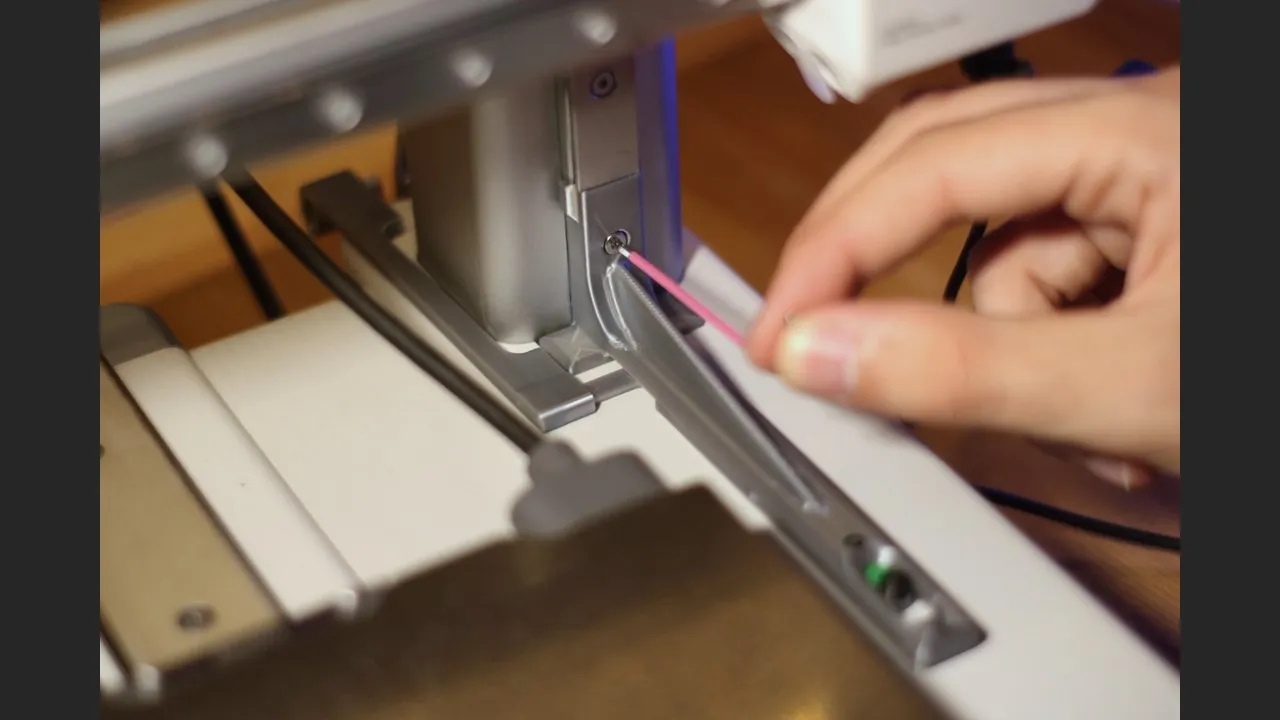
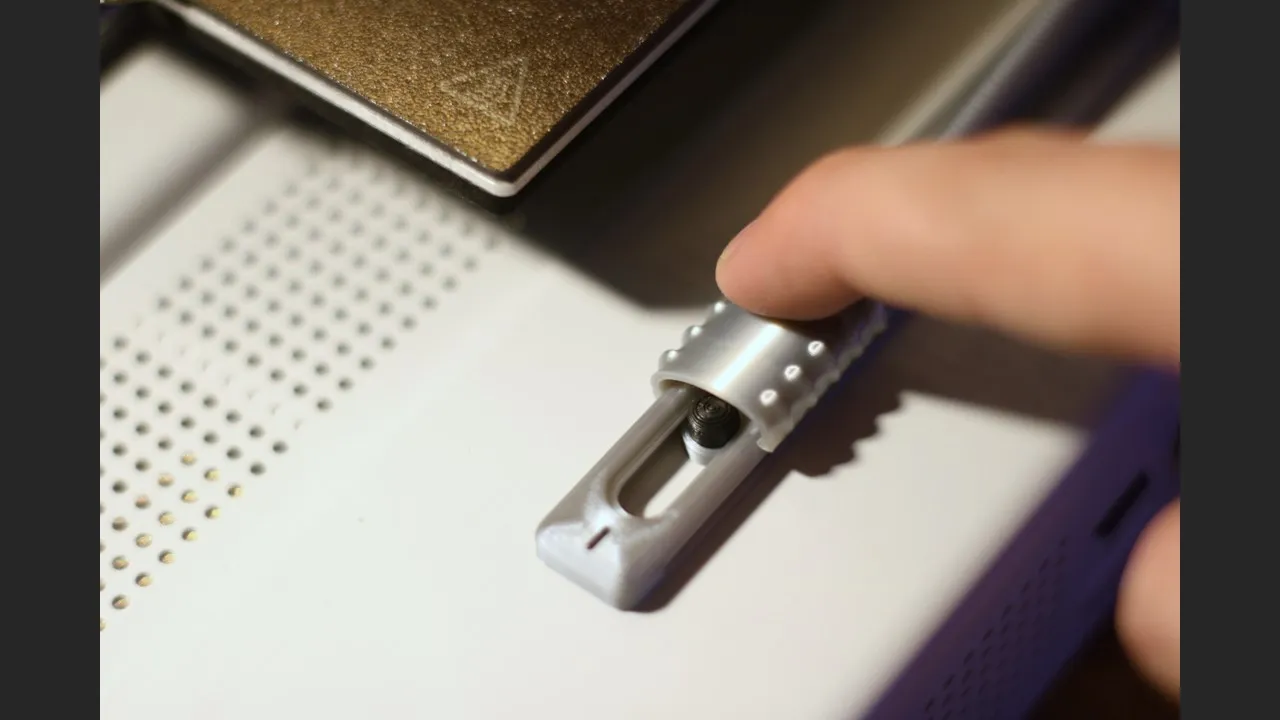
8 - To avoid mishandling this switch, you can add the safety cover [5] which can slide to reveal the switch
License



Comment & Rating (111)