
Gradient Customizer
Print Profile(1)

Description
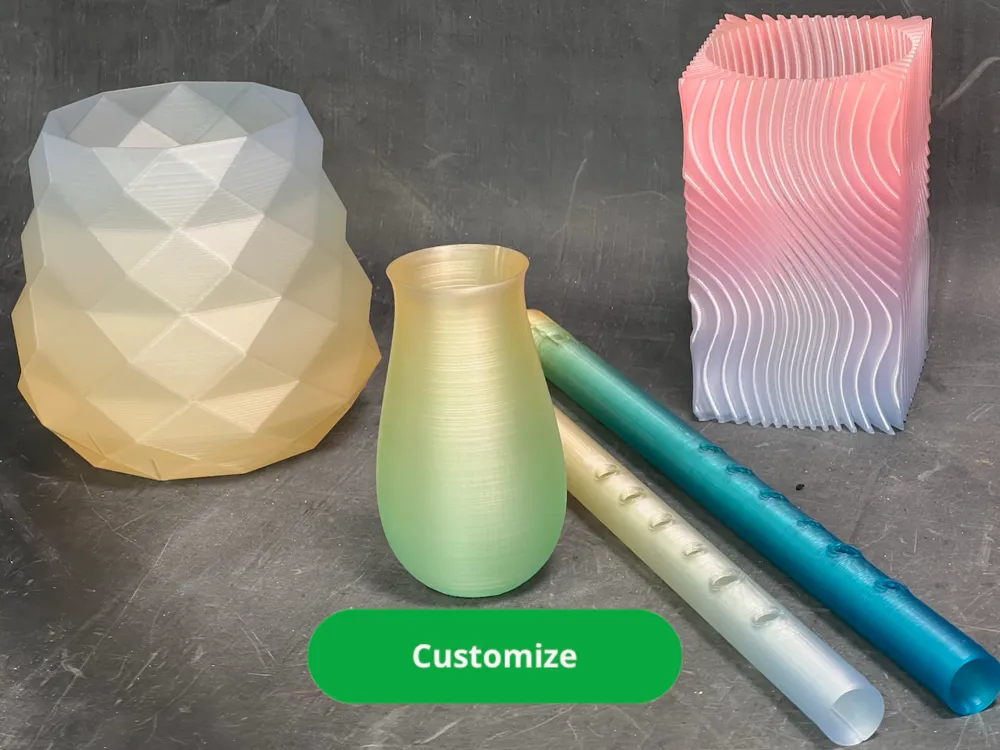
Infuse Your Model with a Glowing Gradient!
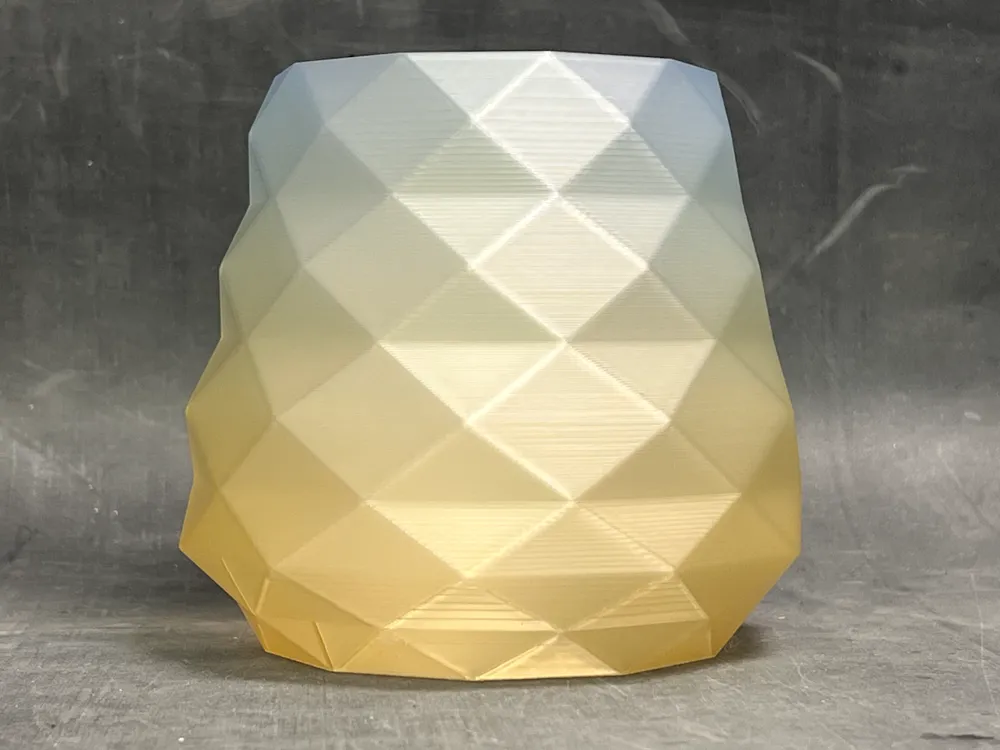
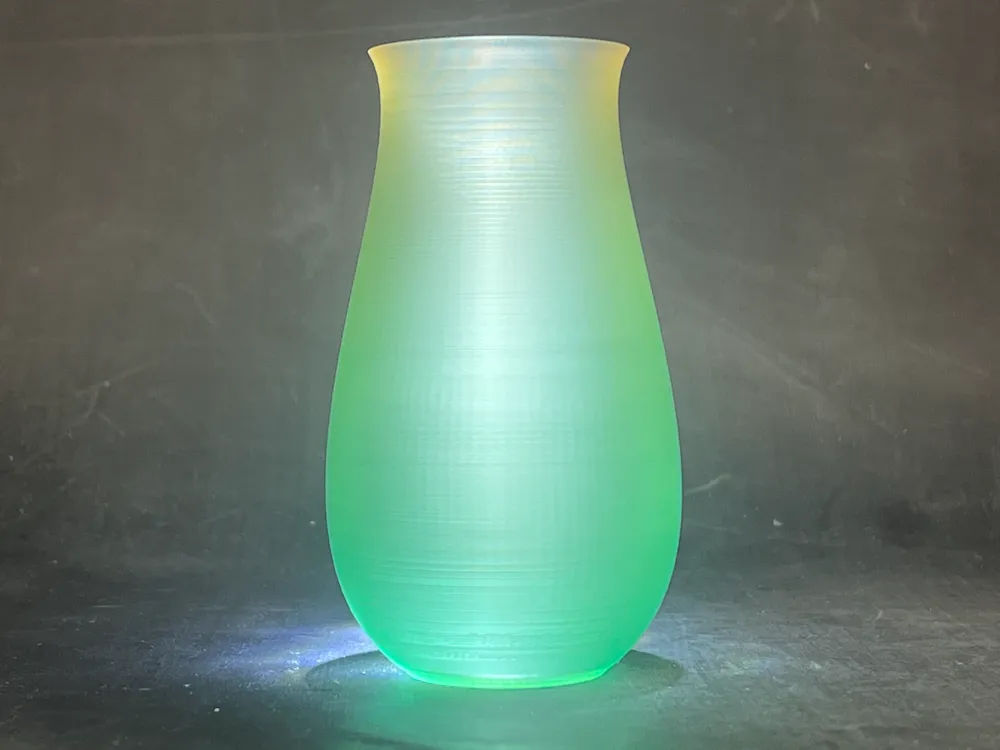
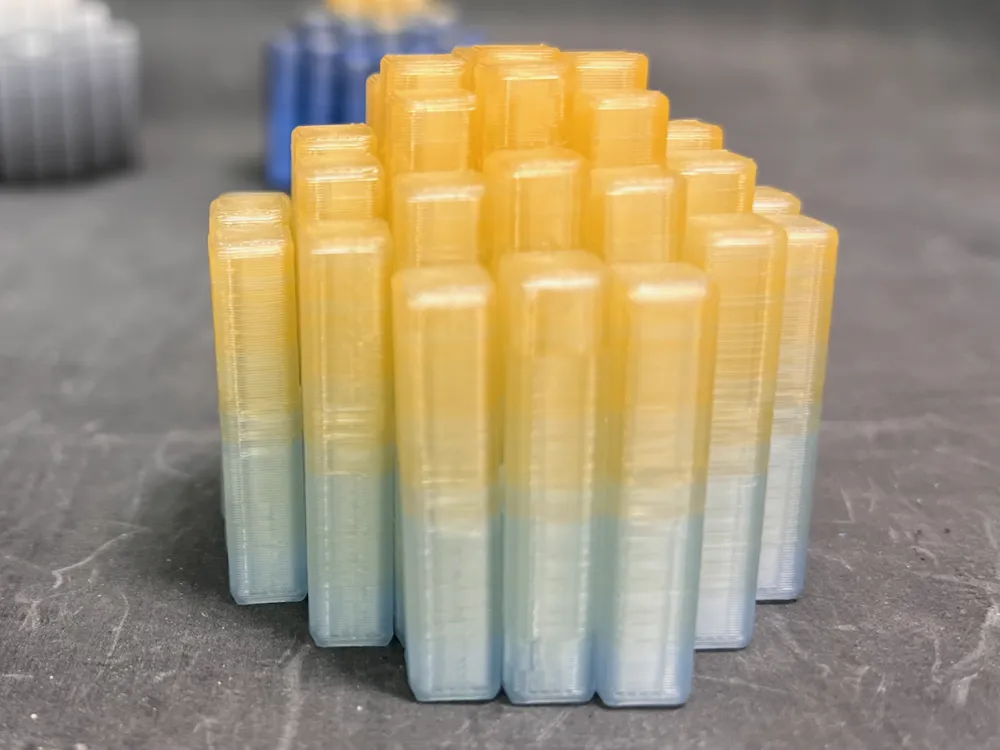
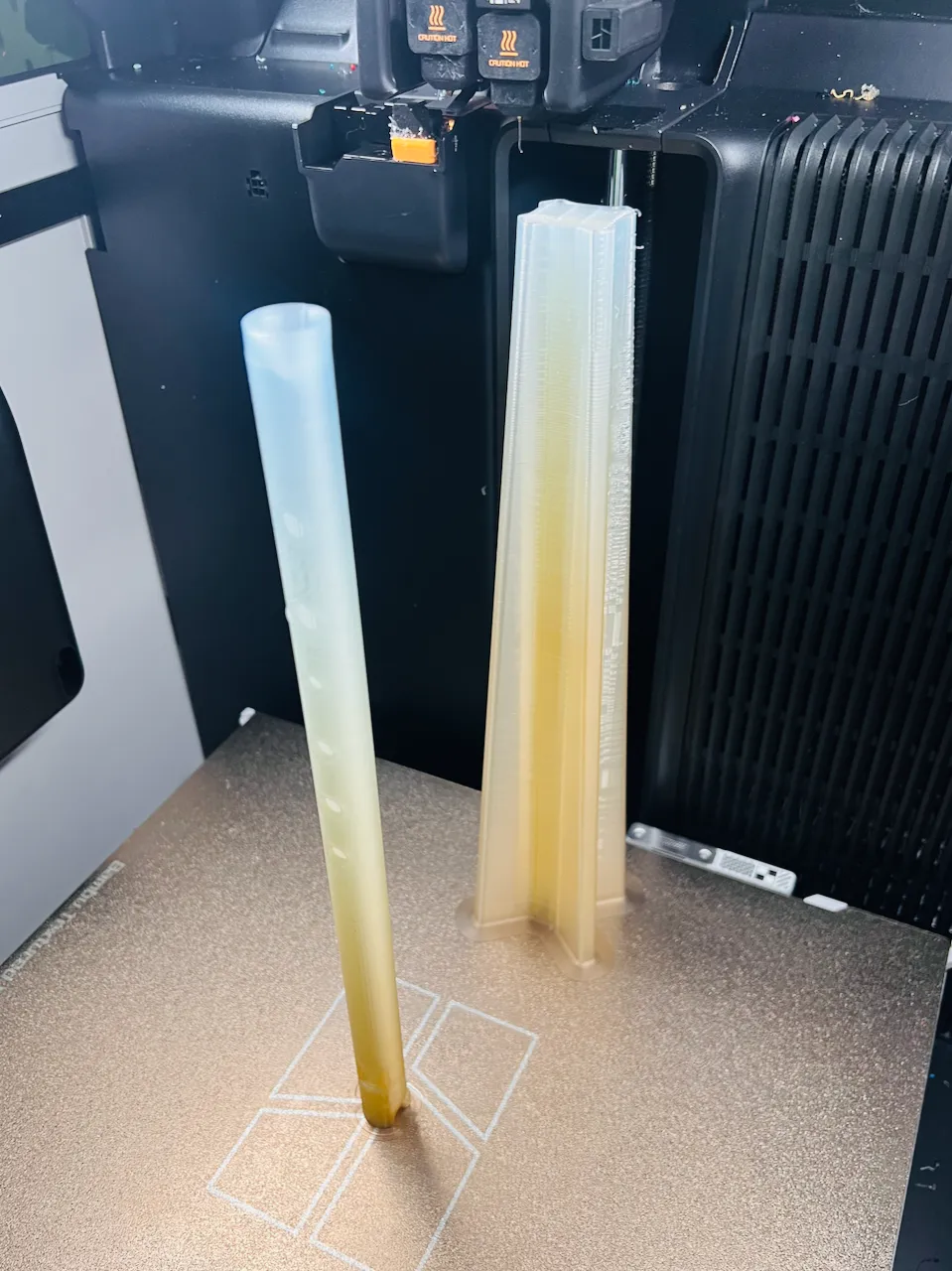
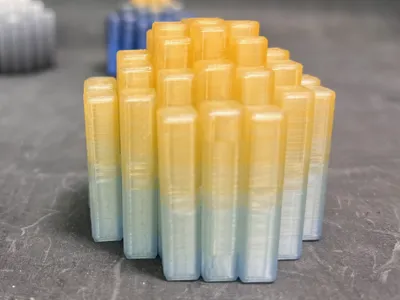
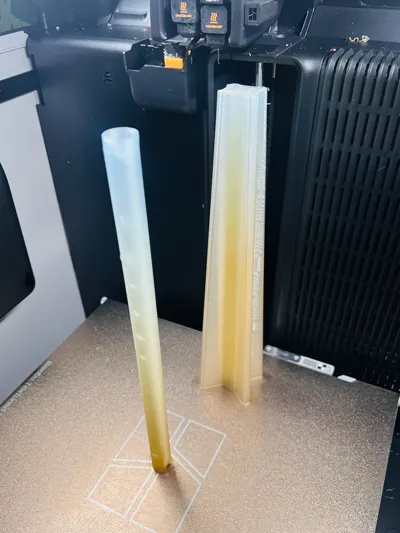
Create stunning vertical gradients using just two filament colors. This powerful customizer takes an STL file and transforms it. It intelligently slices your model into two interlocking parts that, when printed together, produce a beautiful and seamless color fade from top to bottom.
Let Your Creativity Shine with Translucent Filament
This gradient technique reaches its full potential with translucent materials. The light-scattering properties of filaments like Bambu Lab's Translucent PLA are the key: they blend the fine, alternating layers of color, turning distinct lines into a soft, glowing transition.
It's the perfect way to create illuminated decor, layered sculptures, and objects that seem to glow from within, turning a simple two-color print into a mesmerizing piece of art.
How to Create Your Gradient Model
Recommended Method (Easiest - 3MF Export):
- Make sure output_choice is set to "Both Colors".
- Click the "Export" button and choose the 3MF file option.
- This single 3MF file contains both color parts. In Bambu Studio, you can now easily assign a different filament to each part in the "Objects" list.
Alternative Method (For Complex Models - Separate STLs):
If the model is very complex, rendering both colors at once might take too long for the makerworld website and time out. This method is a workaround.
- Set output_choice to "Bottom Color" and export the STL file.
- Set output_choice to "Top Color" and export the second STL file.
In Bambu Studio, import both STL files at the same time.
A pop-up will ask, "Load these files as a single object with multiple parts?" Click Yes.
- You can now assign your different filaments to each part of the object.
Printer & Slicing Notes
- CRITICAL: Match Layer Heights! For the gradient to render correctly, the layer height in your slicer must exactly match the slicer_layer_height value you used in this tool. If they differ, the color-blending effect will be misaligned.
- Ideal for Dual Extruders: This method creates frequent, layer-by-layer color changes. Printers with dual extruders, like the H2D, can handle these swaps with maximum efficiency and little filament waste.
- Excellent for AMS Printers: The gradient effect also works beautifully on any Bambu printer equipped with an AMS. Just be aware that the frequent swaps will result in more printing time and filament being used for purging.
Tips for Best Results
- The Translucent Advantage: Use translucent filaments to achieve a magical, blended glow that makes your prints stand out.
- Artistic Color Combos: Combine complementary colors to create amazing effects: yellow to red for a sunset, dark blue to light blue for an ocean look, or any combination you can imagine!
See It in Action: Example Models
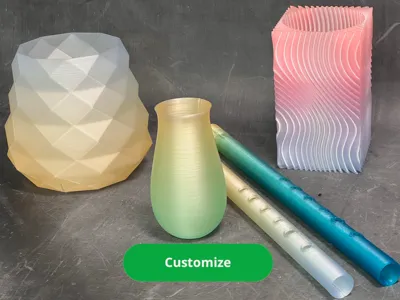
Check out these models that have been transformed using this gradient tool to see what's possible!
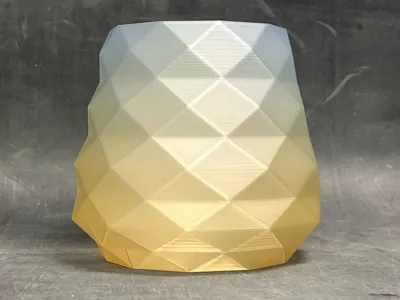
- Low Poly Gradient Vase
- Pencil Cup Ribbed Cube Spiral Vase
- Gradient Flexigrid
- Gradient Floating Flowers
- Tin Whistle
Boost Me (for free)
Fuel the Filament Fund!
License

You shall not share, sub-license, sell, rent, host, transfer, or distribute in any way the digital or 3D printed versions of this object, nor any other derivative work of this object in its digital or physical format (including - but not limited to - remixes of this object, and hosting on other digital platforms). The objects may not be used without permission in any way whatsoever in which you charge money, or collect fees.


Comment & Rating (4)