
Bambu Lab Logo for the Rack4all Panels
Print Profile(1)


Bill of Materials

Description
Boost Me (for free)
I usually don’t ask for this, but I’ve noticed that many creators actively encourage it on other platforms—and it makes sense, as it helps increase visibility. So, if you can follow me, it would make difference. It’s a great way to support my work and show appreciation. For more insight subscribe my blog at: https://designrepcom.com/ This design is freely available for the community, but if you enjoy my work and would like to show your support, you can boost this project. Thanks!
Boost Me (for free)
I usually don’t ask for this, but I’ve noticed that many creators actively encourage it on other platforms—and it makes sense, as it helps increase visibility. So, if you can follow me, it would make difference. It’s a great way to support my work and show appreciation. For more insight subscribe my blog at: https://designrepcom.com/ This design is freely available for the community, but if you enjoy my work and would like to show your support, you can boost this project. Th
Functional Sections
What is it?
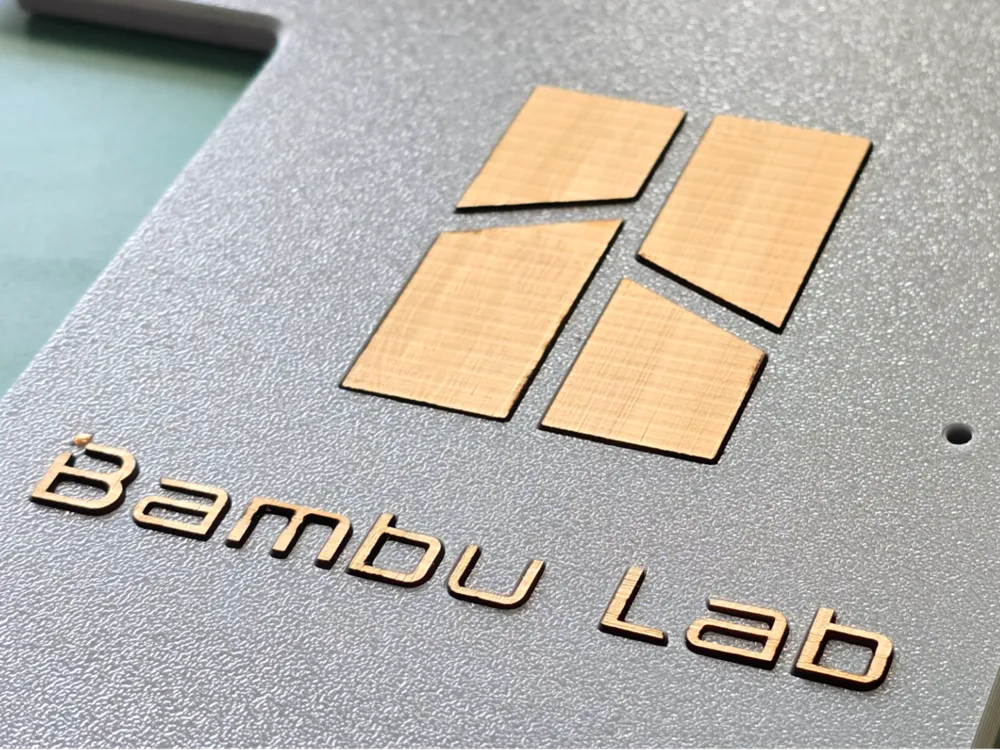
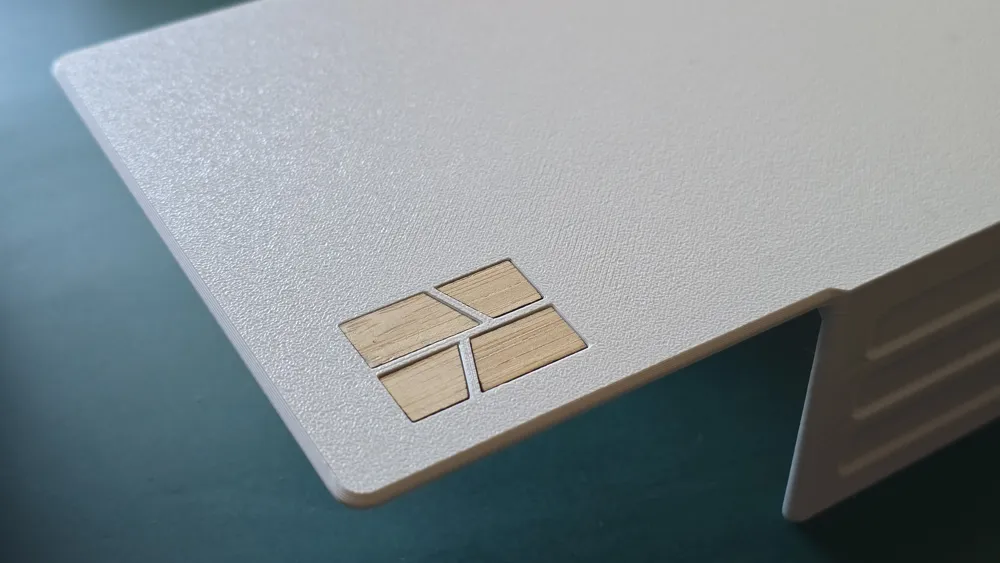
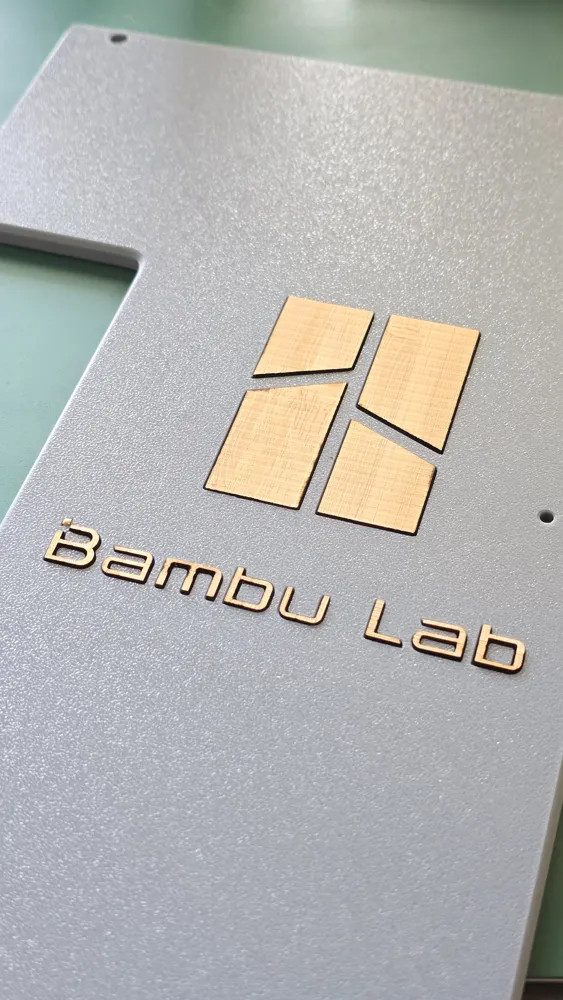
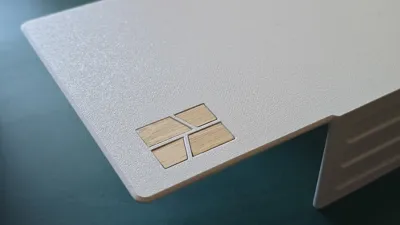
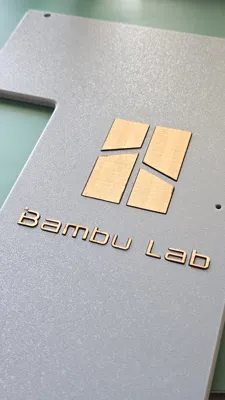
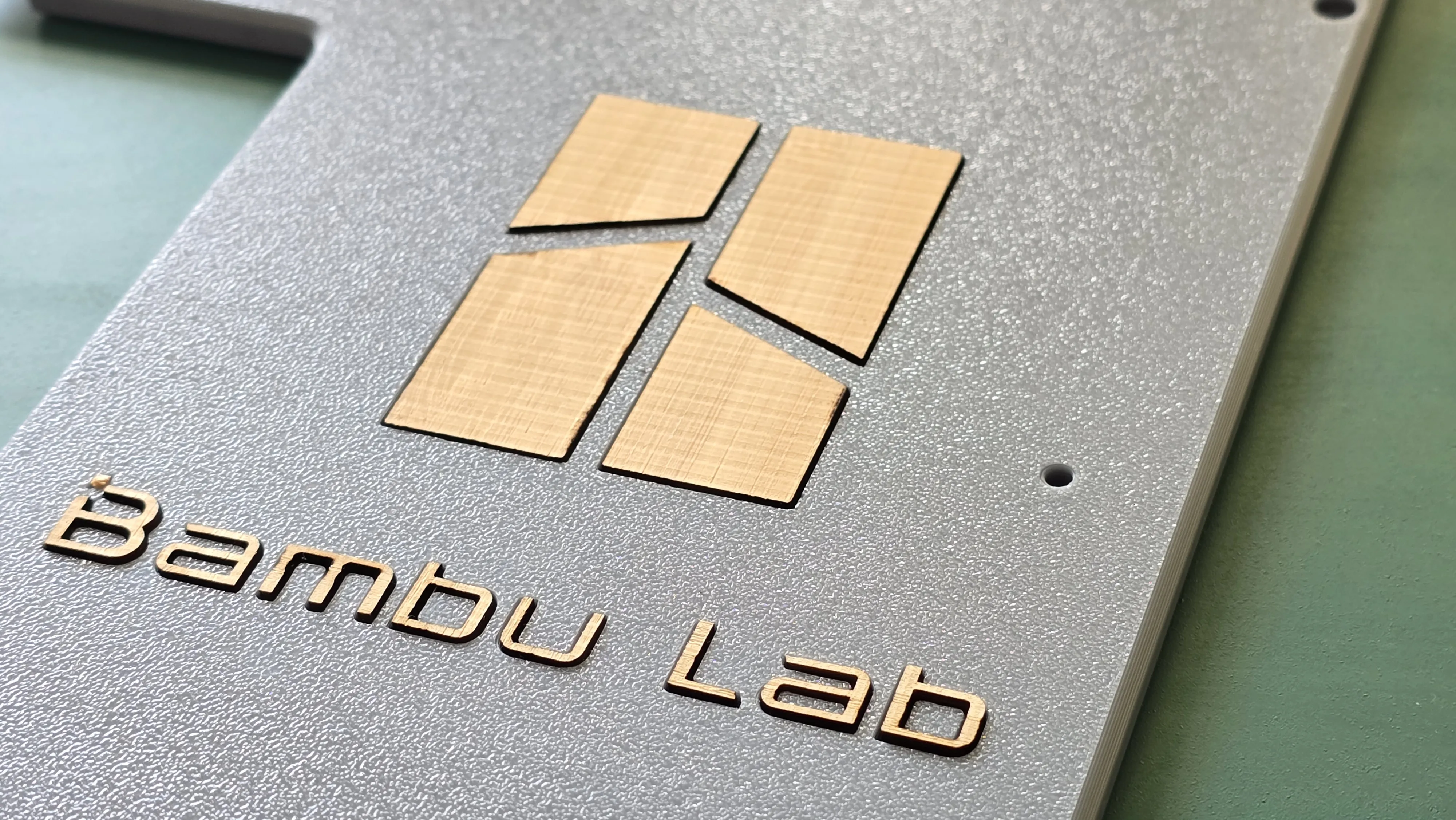
This is a laser-cut logo designed to be attached to the side panels of the Rack4All system. Made from 3mm acrylic, it adds a touch of visual flair to the exterior of your storage units. It's purely an aesthetic upgrade, intended to make the overall model more visually appealing.
Compatibility & Installation
- Designed for Rack4All - Spool and Storage side panels.
- Attaches to the outer-most side panels (the ones on the top-ends of your rack).
- Simple installation (Super-Glue).
Materials
- 3mm Bamboo Board
Laser Cutting Settings (Example)
- All on the file project file (lac)
Non-Functional Sections
Design Philosophy: Adding a Personal Touch
While the Rack4All system is primarily about functionality and organizativo, I also believe that aesthetics matter. A organized workspace should also be a visually pleasing one. That's why I wanted to create a simple, elegant way to add a personal touch to the system. The laser-cut logo is a small detail, but it can make a big difference in the overall look and feel of your setup.
The Power of Laser Cutting: Expanding Creative Possibilities
Having a laser cutter opens up a whole new world of possibilities for makers. While this logo is a simple example, it demonstrates how laser cutting can complement 3D printing, allowing you to create multi-material projects with intricate details and professional finishes. Access to this technology significantly expands what you can achieve with a single machine.
Addressing Concerns About Cleanliness - My experience..
Before getting a printer with a laser module, I was a bit worried about the mess and potential contamination, social media... However, after using it for a while, I can honestly say that it hasn't been an issue at all.
Here's my experience:
- The printer's extraction system is very effective. Any smoke or fumes are quickly absorbed, fraction of a second.
- I've noticed a very slight accumulation of dust on the printer door (which is naturally a dust magnet), but I'm not even sure if that's due to the laser cutting.
- I've cut a variety of materials (paper, acrylic, bamboo, cork) and the inside of my printer remains spotless.
Of course, I'm sure that in industrial settings with high production volumes, the laser cutting process can generate more residue, as Bambu Lab has noted on his wiki. But for someone who uses the laser module occasionally, it's not a significant concern. This is just my personal experience, but I hope it helps to alleviate any concerns you might have.
Future Directions
I'm excited to explore more ways to combine 3D printing and laser cutting in future Rack4All modules and accessories. The possibilities are endless!
Modules available for the 4All Ecosystem
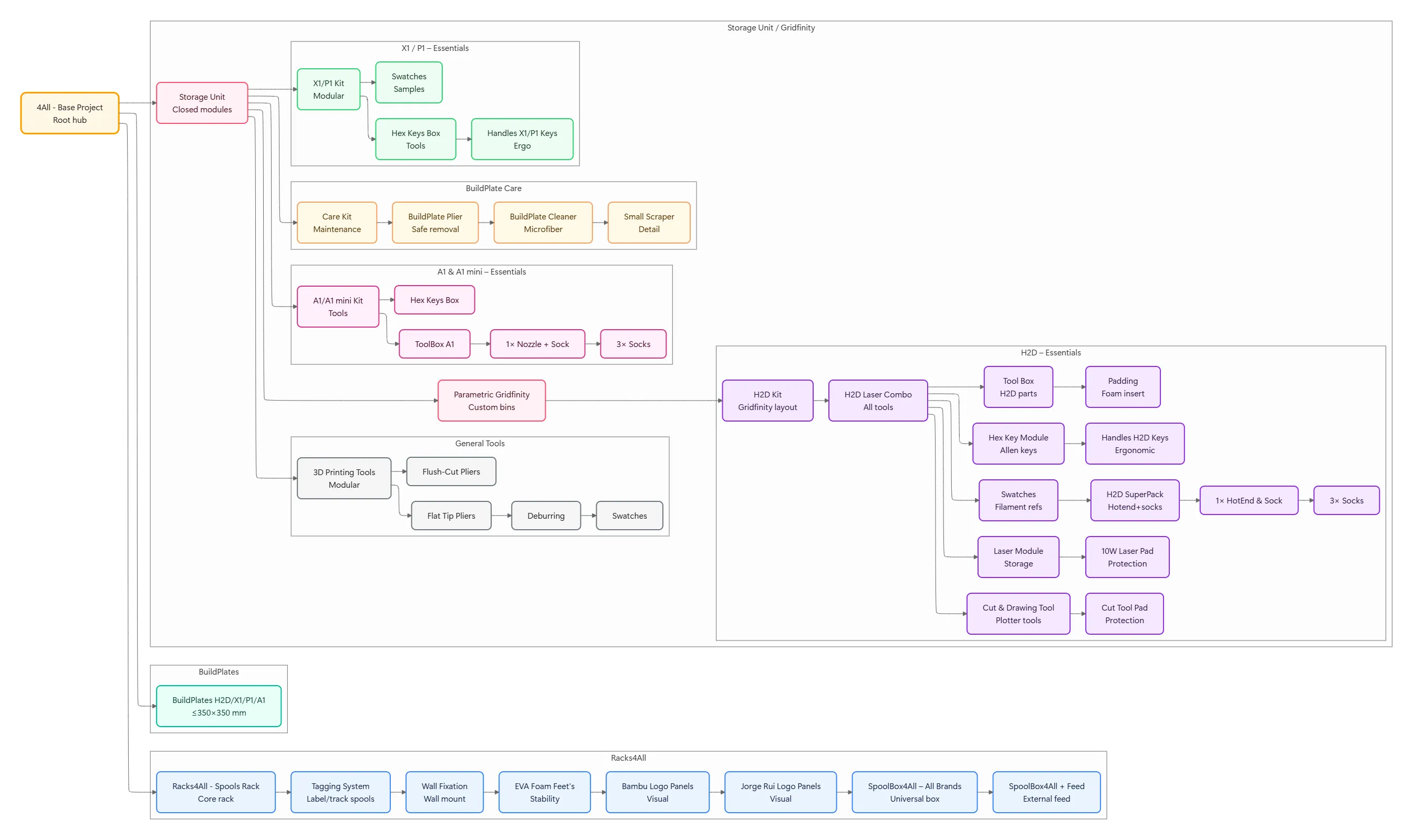
Please refer to the 4All collection at: https://makerworld.com/en/collections/6004654-4all
Curious About My Tools? Check This Out!
For those of you who often ask about the tools I use to bring ideas to life, this article, The Journey From Idea To Object (Part I), offers some insights into the initial stages. It highlights the use of various tools, including software like Autodesk Fusion for CAD design, Blender for render and Bambu Studio for 3D printing preparation, and other... So, if you're curious about the software and hardware too, that I've incorporate in my workflow, take a look at the link for more details!" – Visit https://designrepcom.com/ for much more.
License

You shall not share, sub-license, sell, rent, host, transfer, or distribute in any way the digital or 3D printed versions of this object, nor any other derivative work of this object in its digital or physical format (including - but not limited to - remixes of this object, and hosting on other digital platforms). The objects may not be used without permission in any way whatsoever in which you charge money, or collect fees.


Comment & Rating (2)