
Balolo Setup Cockpit: UGREEN Revodok Pro holder
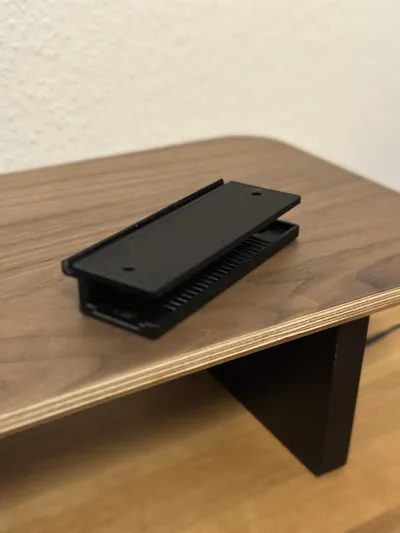
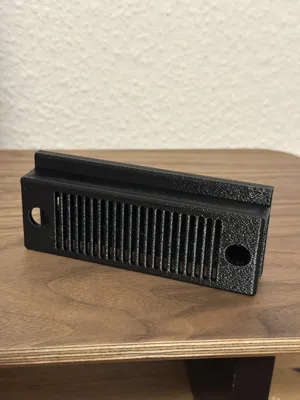
Print Profile(1)

Description
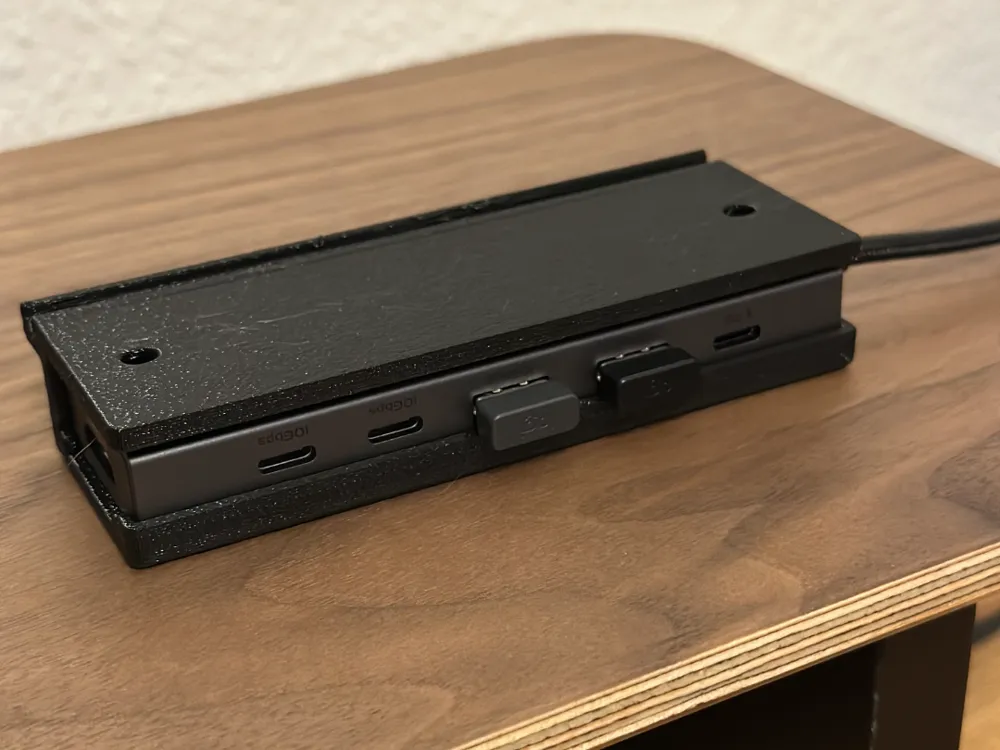
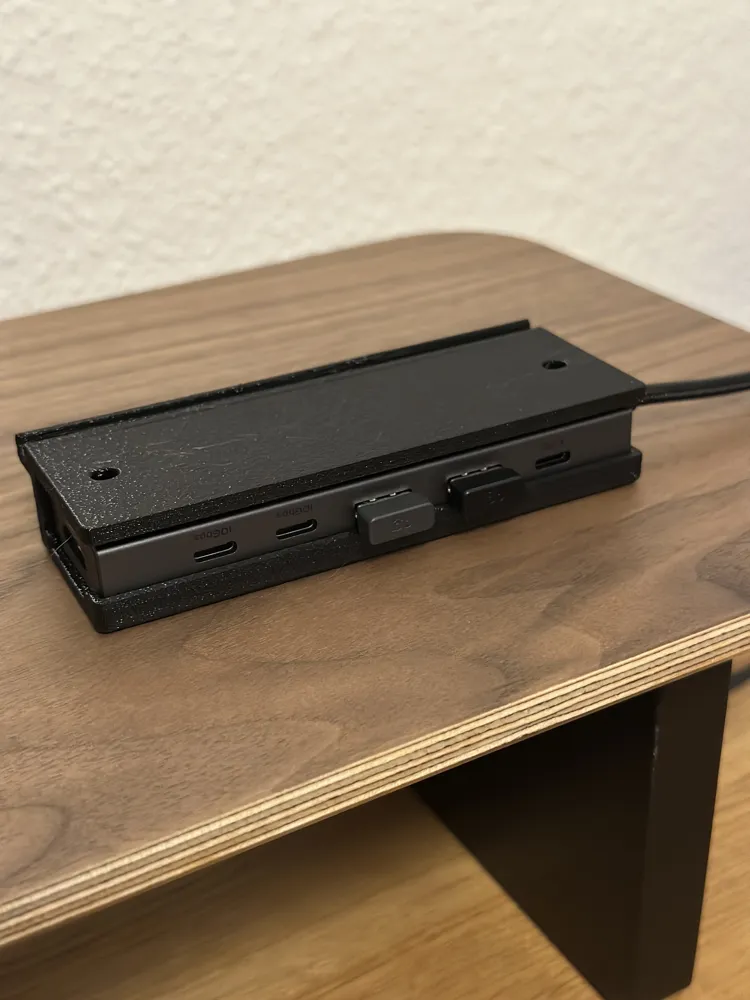
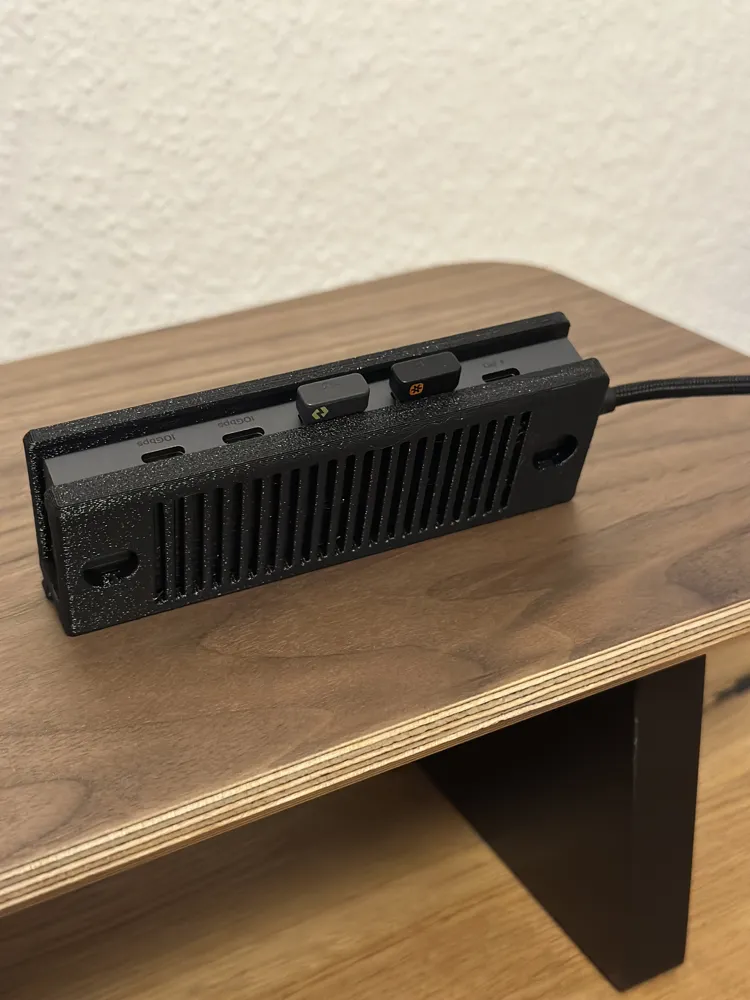
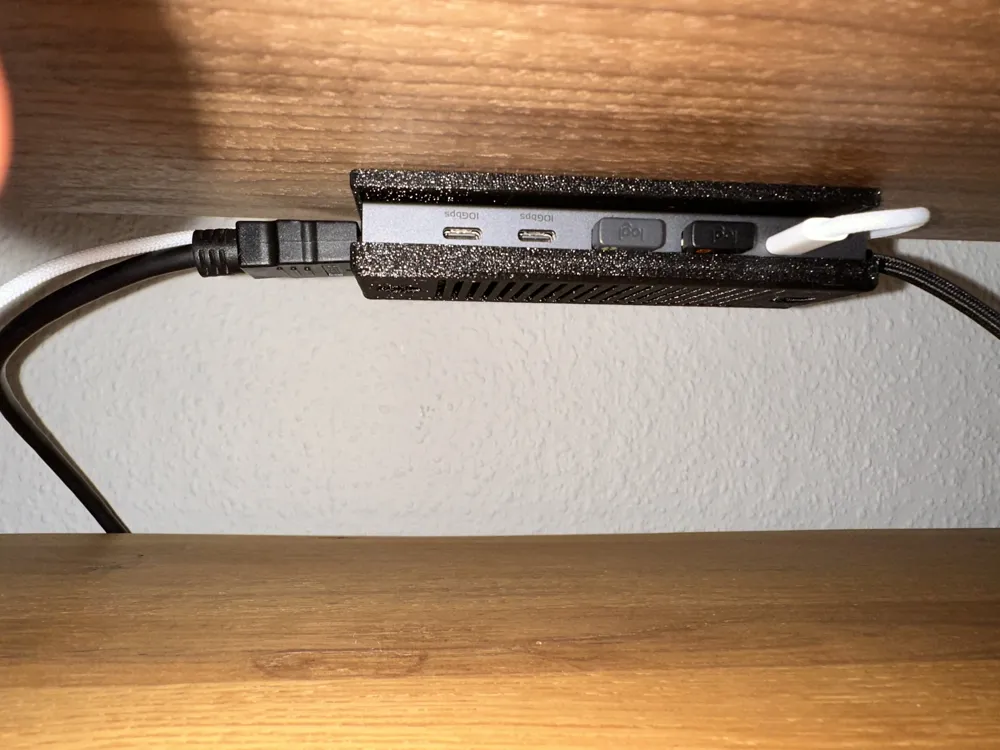
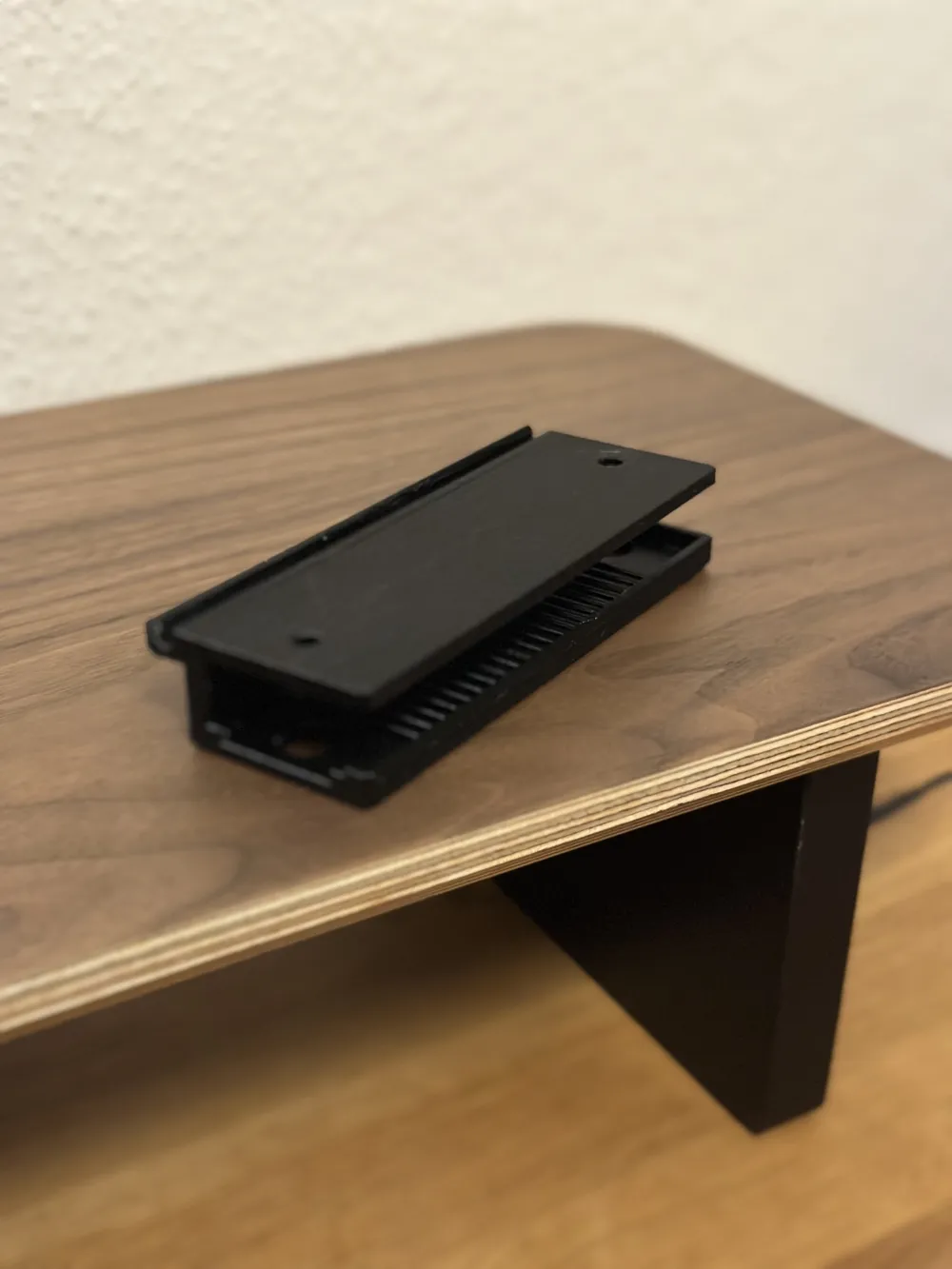
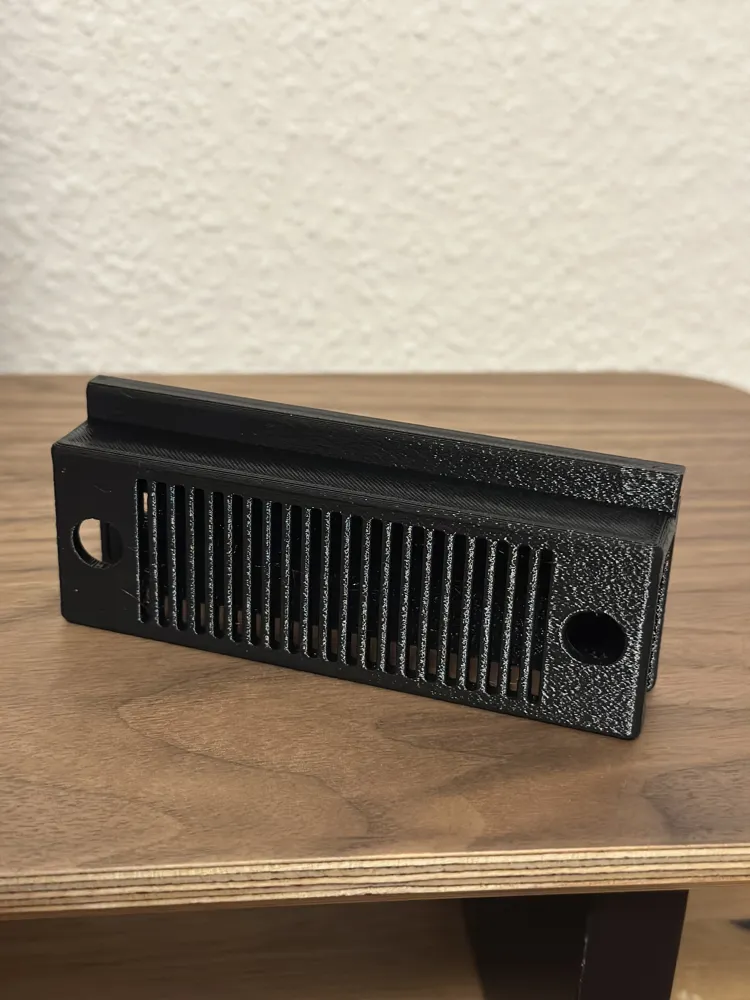
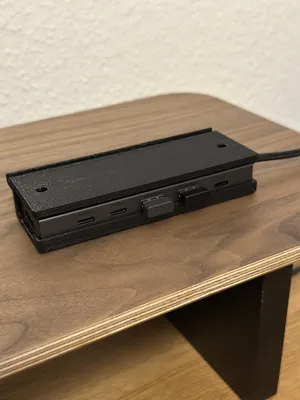
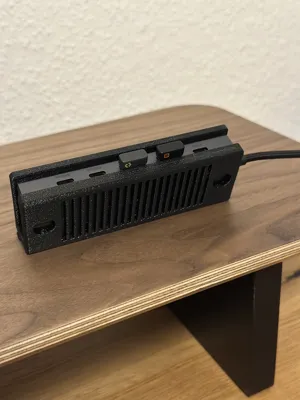
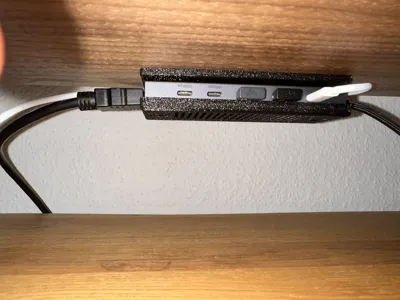
Since I’d like to use a USB-C hub with my Balolo Setup Cockpit and there are no official parts available from Balolo for this purpose (and the ones that do exist are generally very expensive), I designed a small mount for my USB-C hub myself.That makes my setup look pretty clean.
USB-C Hub:
For the hub, I used a very affordable model from Ugreen. It features an HDMI port, 2 USB-A ports, 2 USB-C ports, and a PD port (USB-C; power only; up to 100 W). Here's the link on Amazon: https://www.amazon.de/dp/B0D1XLNWP2psc=1&smid=AXZ3JQ1GVFPIF&ref_=chk_typ_imgToDp
Printing:
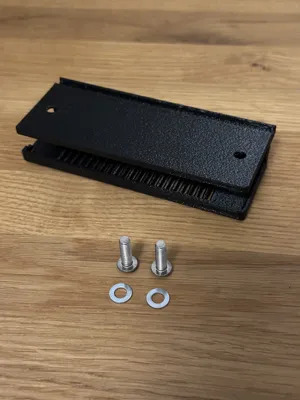
I printed the mount using PETG (PLA would probably work as well, but I didn’t have any left). I got the best results when printing the model on its short side—the one that’s open at the front.
Mounting:
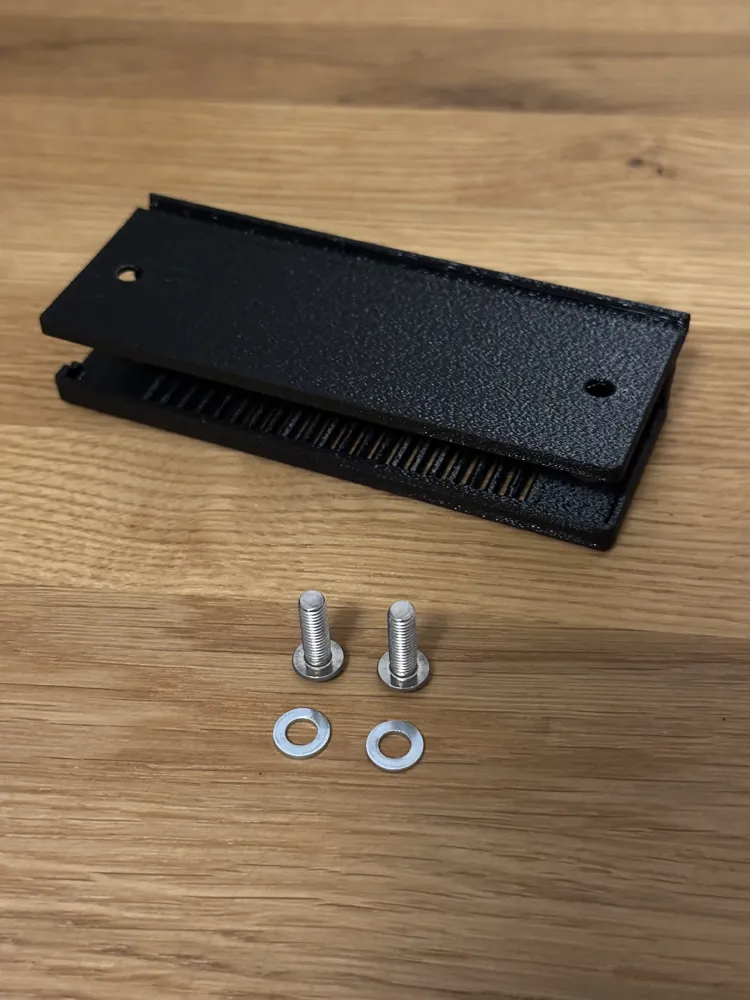
Use 2 M5 x 16mm Button Head screws to attach it to the shelf. Please note that you have to mount the holder first before you insert the USB-C Hub. You can also insert a PD cable into the groove at the back end of the holder before mounting it.
License



Comment & Rating (6)