
Bambu Lab - Tools and Accessories Box (Revised)


Print Profile(2)


Bill of Materials






Description
Boost Me (for free)
I usually don’t ask for this, but I’ve noticed that many creators actively encourage it on other platforms—and it makes sense, as it helps increase visibility. So, if you can follow me, it would make difference. It’s a great way to support my work and show appreciation. For more insight subscribe my blog at: https://designrepcom.com/ This design is freely available for the community, but if you enjoy my work and would like to show your support, you can boost this project. Thanks!
Please consider following me if you download and print my work. It’s a simple way to support my activity and stay connected with me in the future. Your interest helps me understand the value of my work to the community. Thank you!
For a small help use this affiliate link to buy filament, it will cost you the same. Thanks !
- Filament for this project, please check the BOM list
- Complete hotend for the X series
- Hotend with nozzle X series
- Other Accessories
A note about this model
There is a new and updated version of this, with a modular approach, based on my MMSS, and is available here.
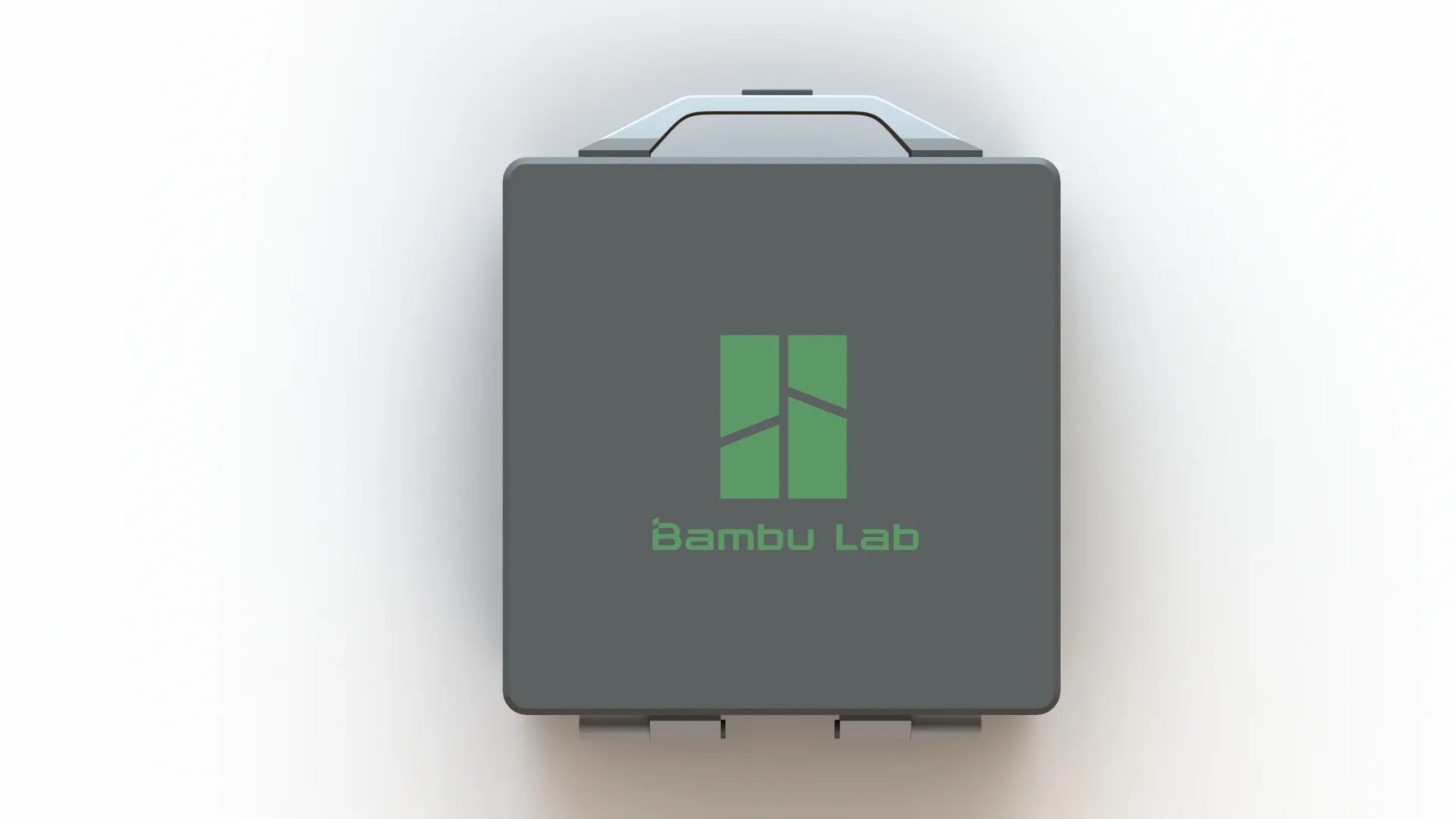 | 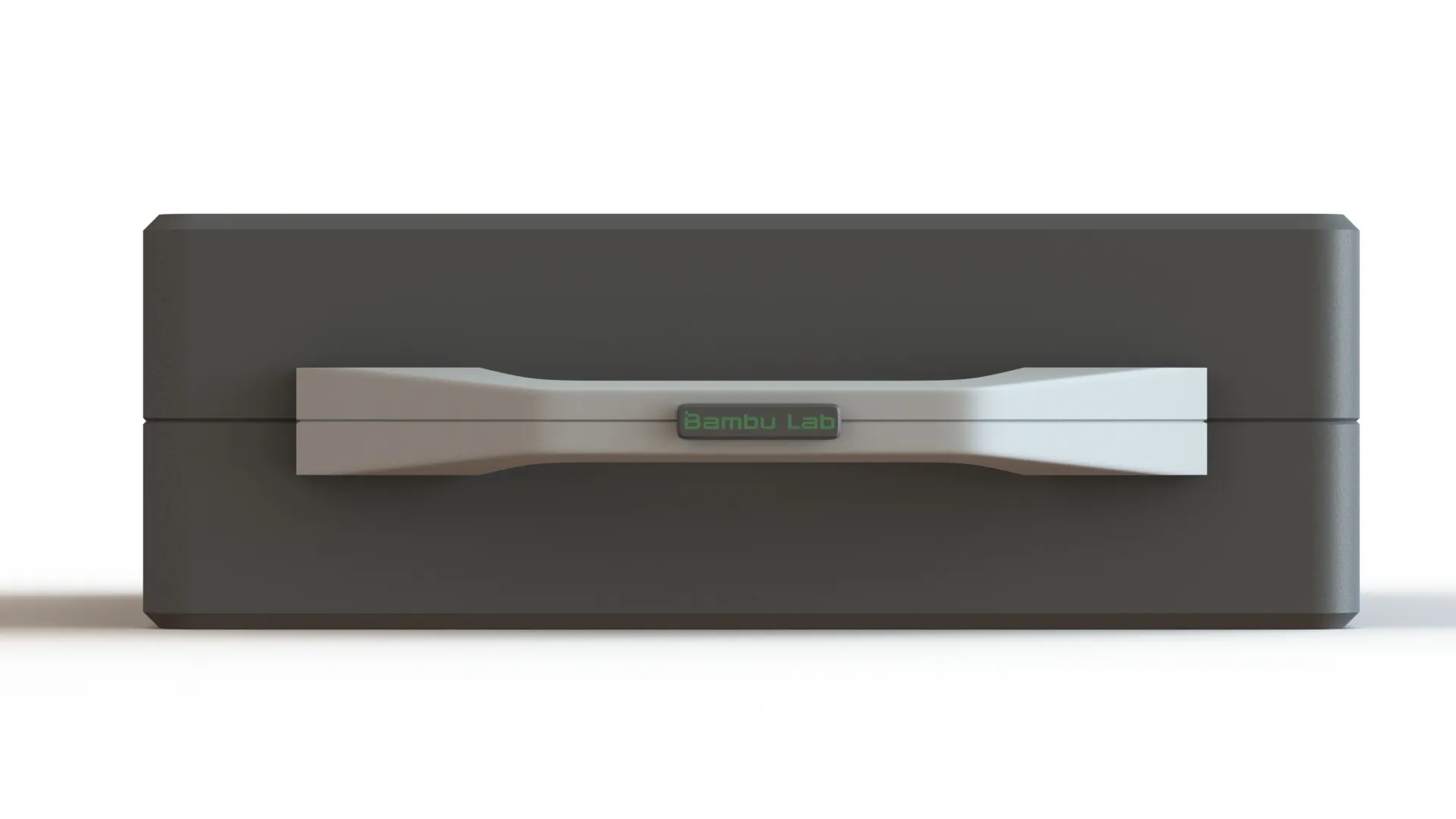 | 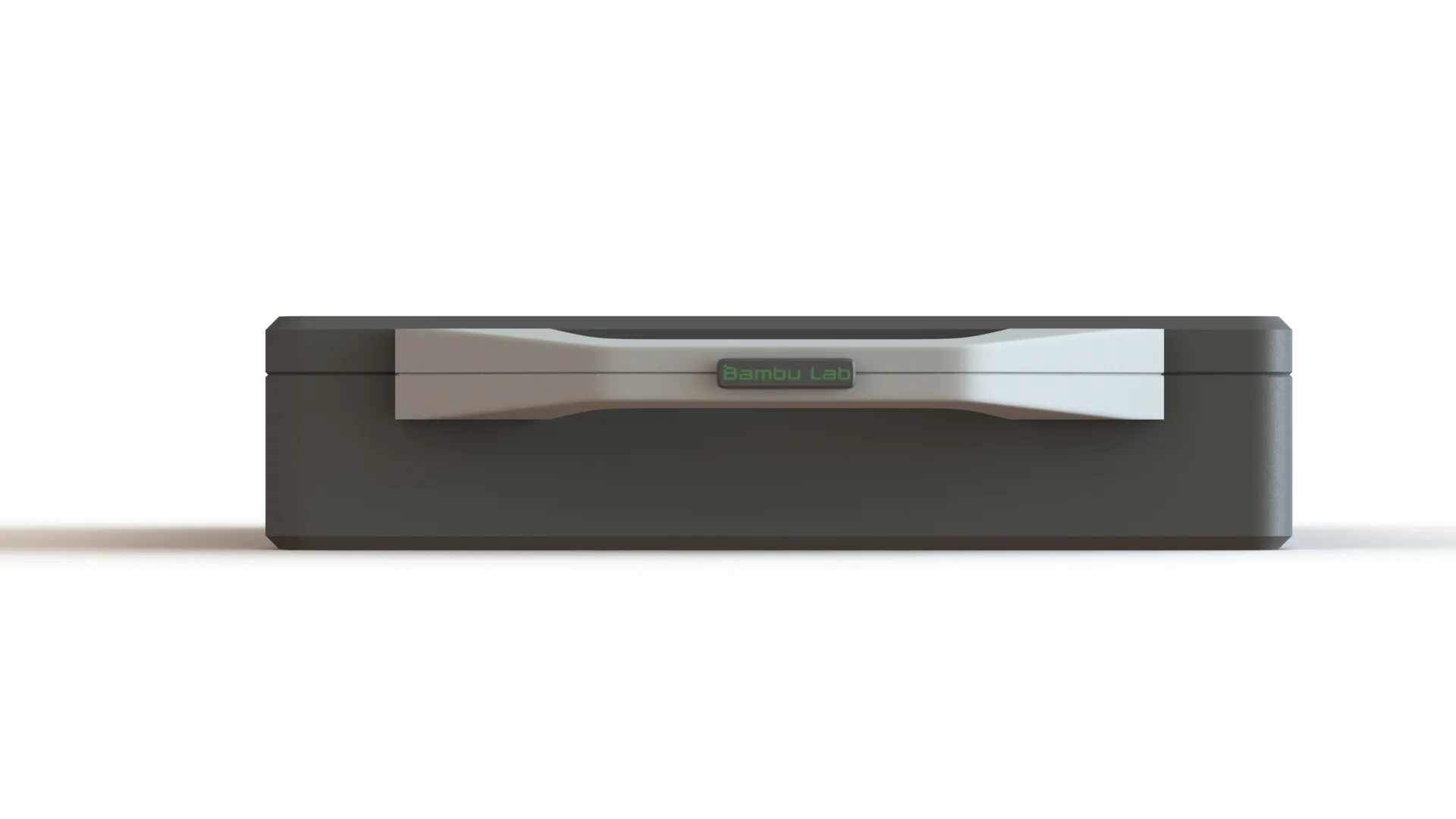 |
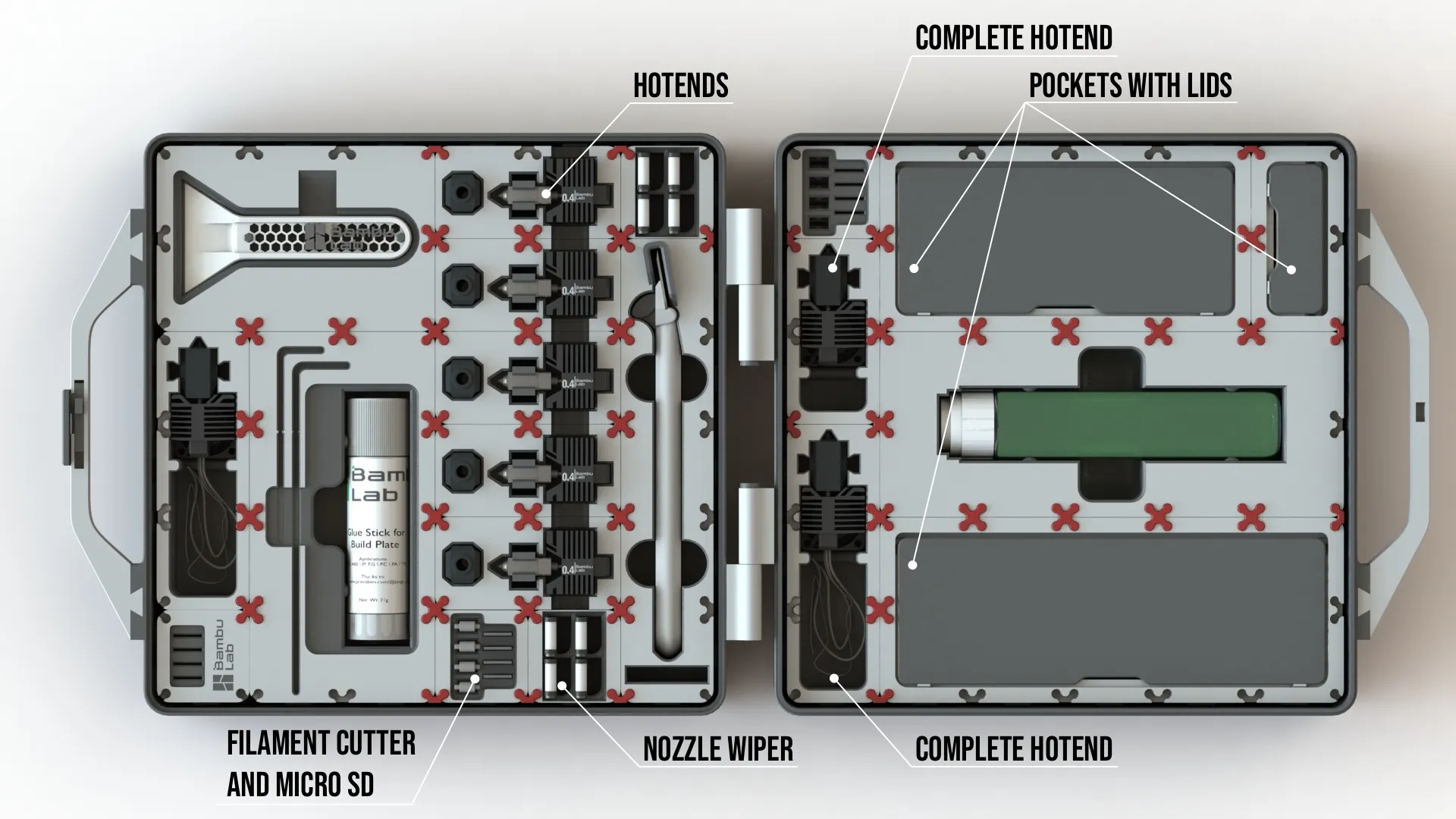 | 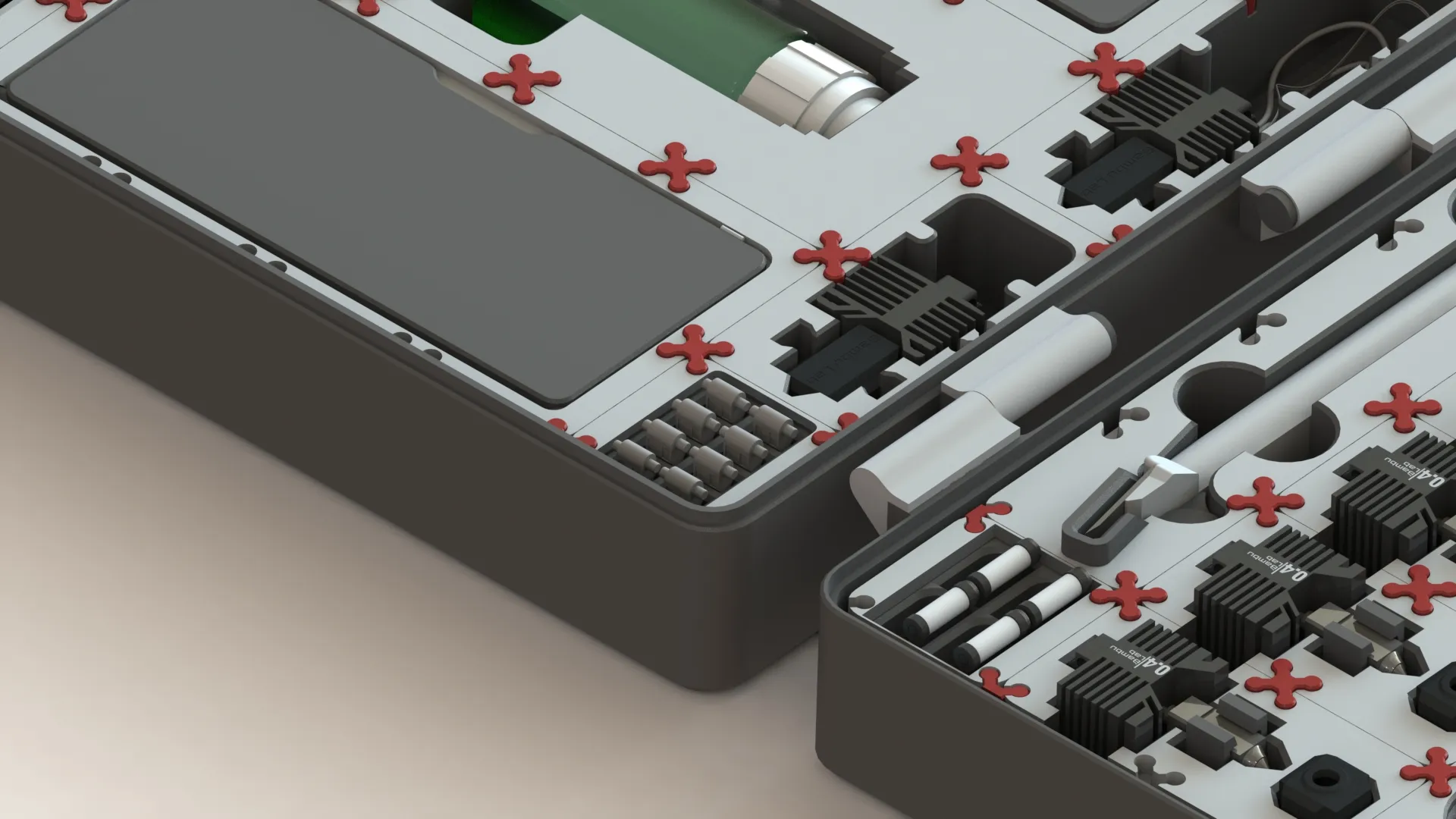 | 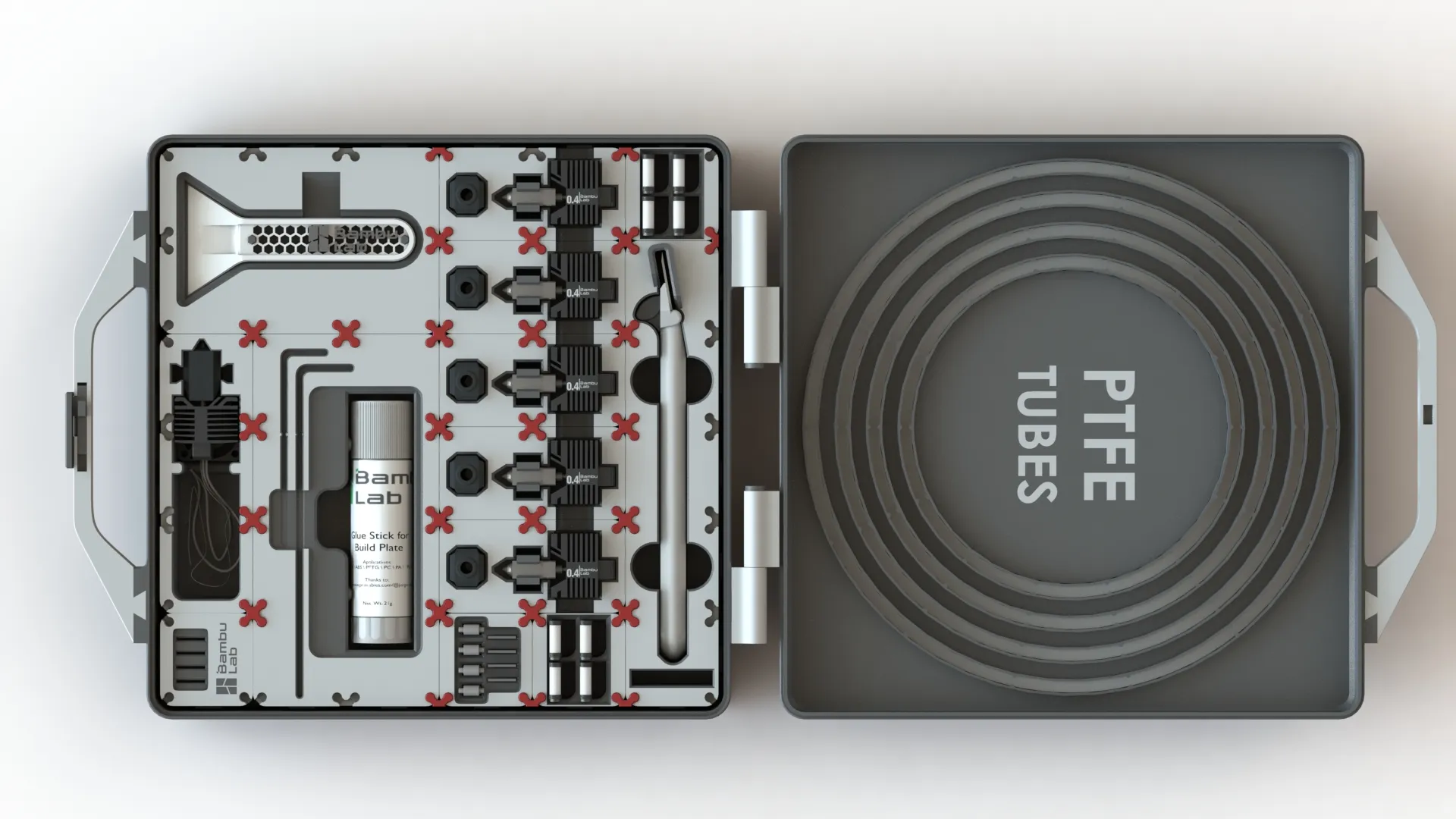 |
Nevertheless, this one was my first take on this, and I think it’s nice for you to have something to store your tools and accessories ;)
This is a debugged version of the initial release. It presents all the updates and some improvements that have been implemented in the meantime. This version will be updated over time.
The entire production sequence was updated in order to translate the comments that were made over time by members. However, you are free to define your own printing strategy. The colored areas are already found as separate objects, therefore it is not necessary to use the painting tool, an exception for the areas where the accessories come reside; in this situation, I chose not to create different bodies, as it is my opinion it would take too long to print, increasing the potential for errors. In this last situation, and if you want, you can simply use the “area painting tool”.
Instructions
Clips
Some examples regarding fits and snapfits. (youtube link)
Extra material:
- For the hinges, you will need 2x M4x30 CHC ISO 4762, or a FHC of the same size. If you don't have that you can print.
- You may want the scrape… you can find it here, it is a model that I've Remixed
- spacer_ silicon_sock.STEP - needed if you have a narrow silicon sock on the hotend (most people will need this)
Curious About My Tools? Check This Out!
For those of you who often ask about the tools I use to bring ideas to life, this article, The Journey From Idea To Object (Part I), offers some insights into the initial stages. It highlights the use of various tools, including software like Autodesk Fusion for CAD design, Blender for render and Bambu Studio for 3D printing preparation, and other... So, if you're curious about the software and hardware too, that I've incorporate in my workflow, take a look at the link for more details!" – Visit https://designrepcom.com/ for much more.
Change Log:
- (31-08-2023) Revised Latch - More functional
- Optimizations and various dimensional compensations.
- New 3mf file, which I hope will make the printing process simpler and with a higher success rate.
- (29-04-2024) Revised Latch - More functional
- Optimizations and various dimensional compensations.
- New 3mf file, which I hope will make the printing process simpler and with a higher success rate.
Curious About My Tools? Check This Out!
For those of you who often ask about the tools I use to bring ideas to life, this article, The Journey From Idea To Object (Part I), offers some insights into the initial stages. It highlights the use of various tools, including software like Autodesk Fusion for CAD design, Blender for render and Bambu Studio for 3D printing preparation, and other... So, if you're curious about the software and hardware too, that I've incorporate in my workflow, take a look at the link for more details!" – Visit https://designrepcom.com/ for much more.
License

You shall not share, sub-license, sell, rent, host, transfer, or distribute in any way the digital or 3D printed versions of this object, nor any other derivative work of this object in its digital or physical format (including - but not limited to - remixes of this object, and hosting on other digital platforms). The objects may not be used without permission in any way whatsoever in which you charge money, or collect fees.


Comment & Rating (769)