
MOCA Mobile Phone Cage
Print Profile(5)


Bill of Materials

Description
IMPORTANT
- You can order the MOCA/MOCA+ Hardware Kit from the MakerSupply Store
- Please download the Assembly Guide for MOCA V1.0 to ensure you have the proper assembly instructions.
- I double-check and test the print profiles I create. If you are using profiles created by others, please verify that they are updated and compatible with the current version of MOCA.
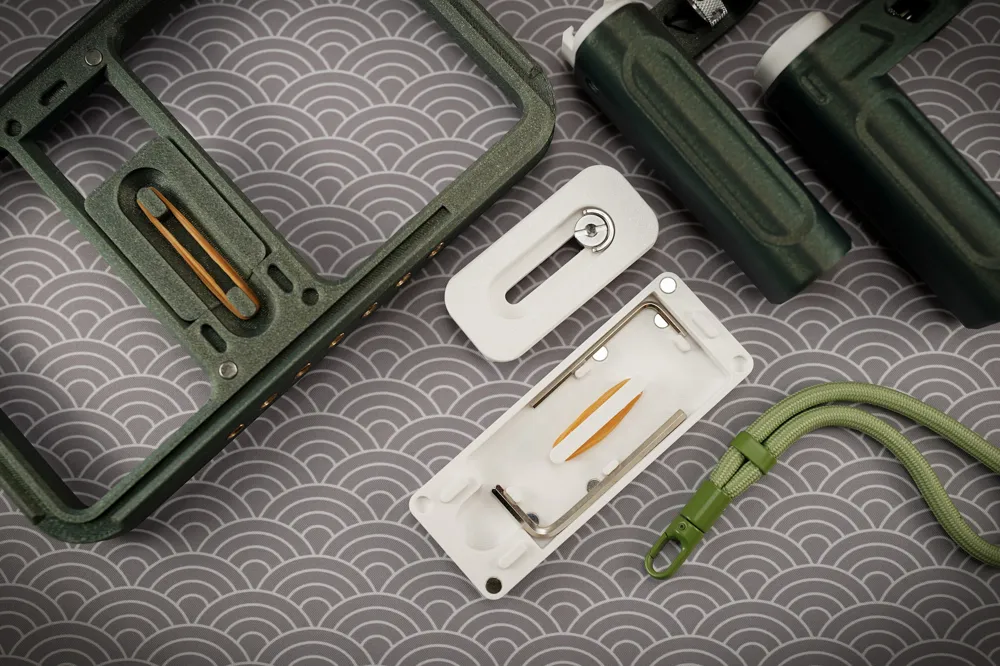
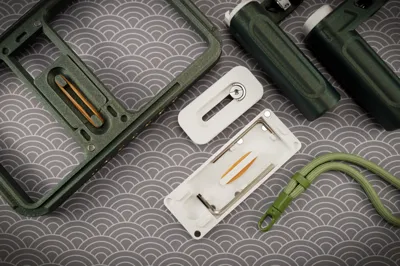
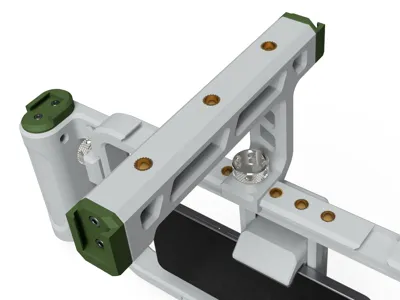
- You have to install 12 magnets onto MOCA. You can download the magnet punch using 6x2 mm magnets here.
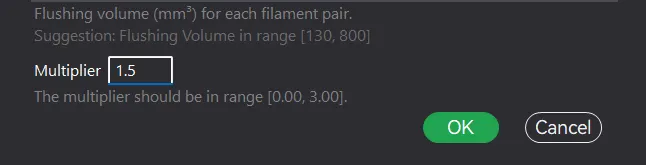
- When printing PET-G with PLA support interface with the X1, P1 and A series printer, Please increase the flushing volume multiplier to 1.5 - 2 times.
UPDATE 18 Apr 2025
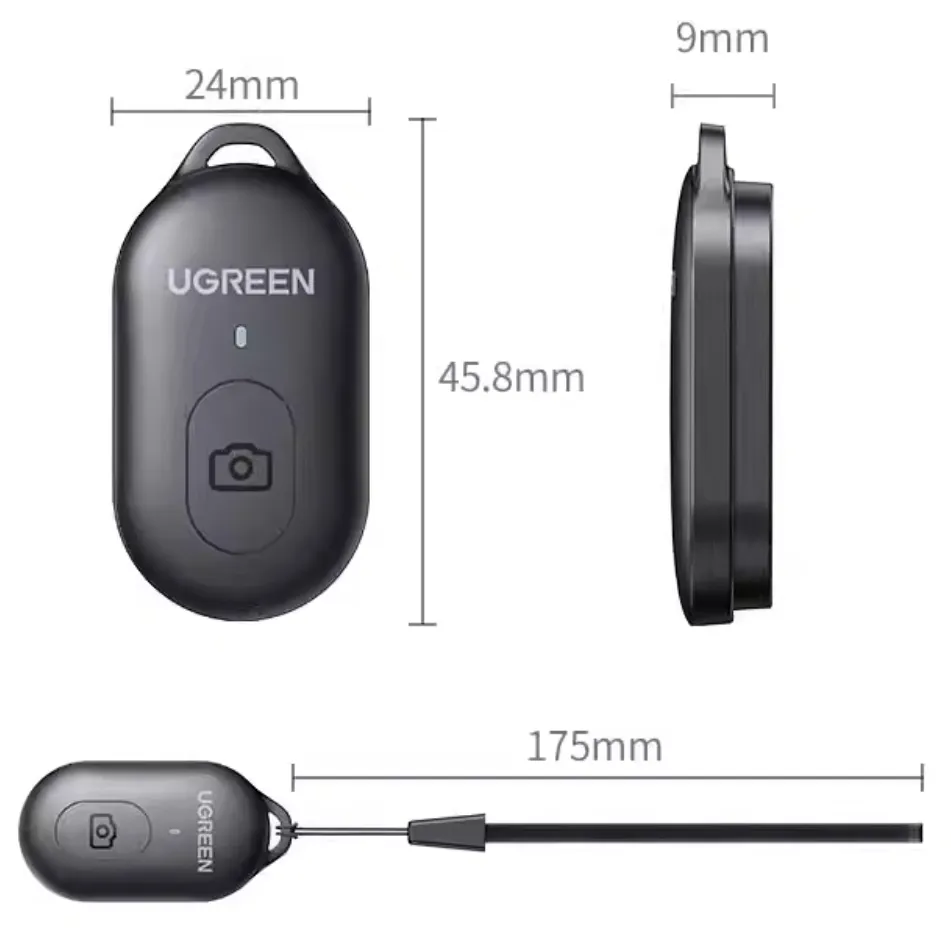
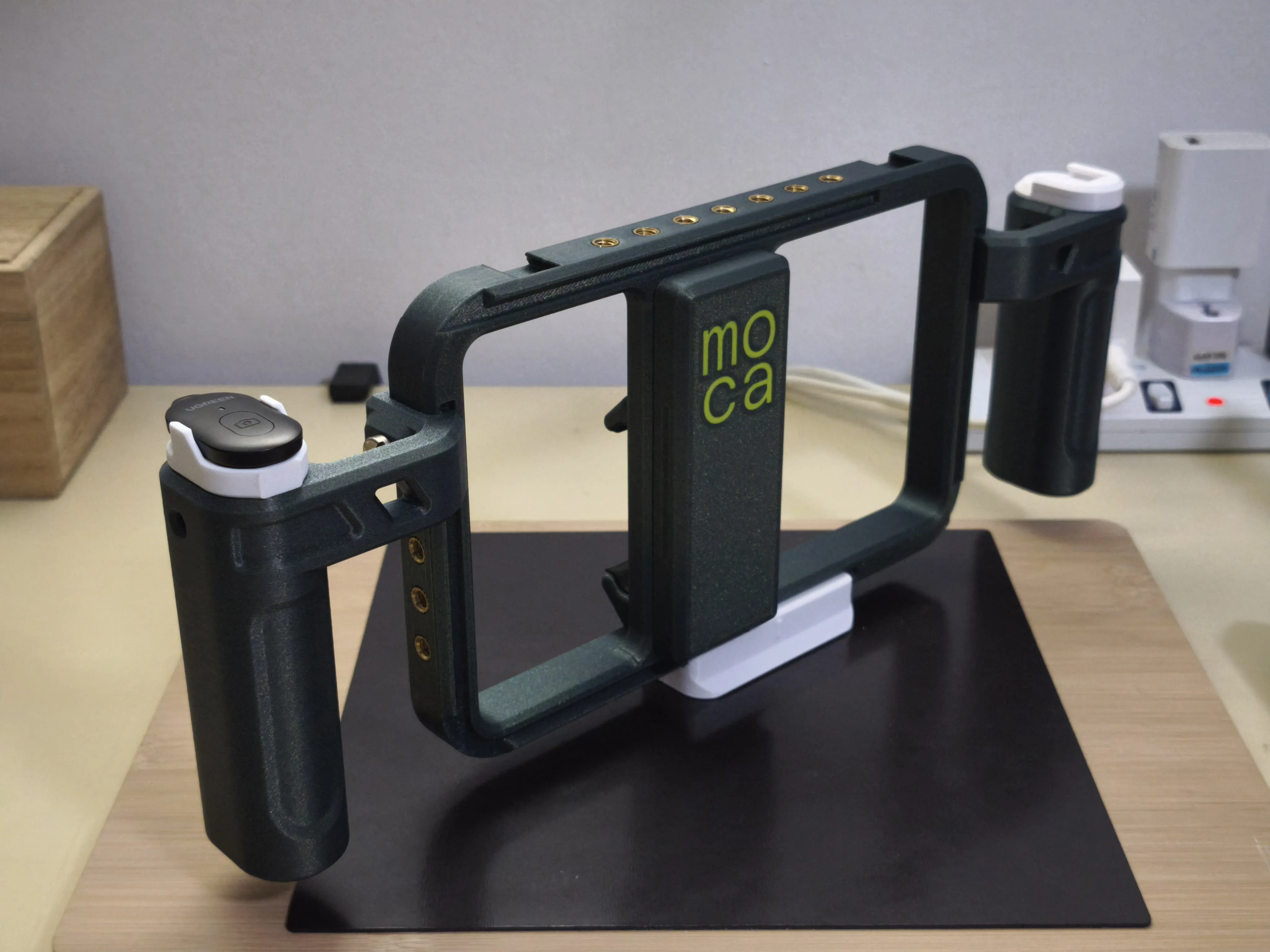
I have added an optional bracket for a Ugreen Bluetooth remote (model: LP354) for the MOCA handle, enhancing the ease of use for starting/stopping videos and capturing photos.
 |  |
INTRODUCTION
Before 3D printing, I was deeply immersed in the world of photography. Back then, if I needed something (anything) for my camera, the only option for me was to head to a photography store. Every accessory, every part, had to be purchased from those specialized shops. And if I wanted something unique that wasn’t off-the-shelf… tough luck. Customization? A dream, unless you own your own milling or CNC machine. Things have changed so much. Now with a 3D printer and some CAD skills, I can design and print the parts I need.
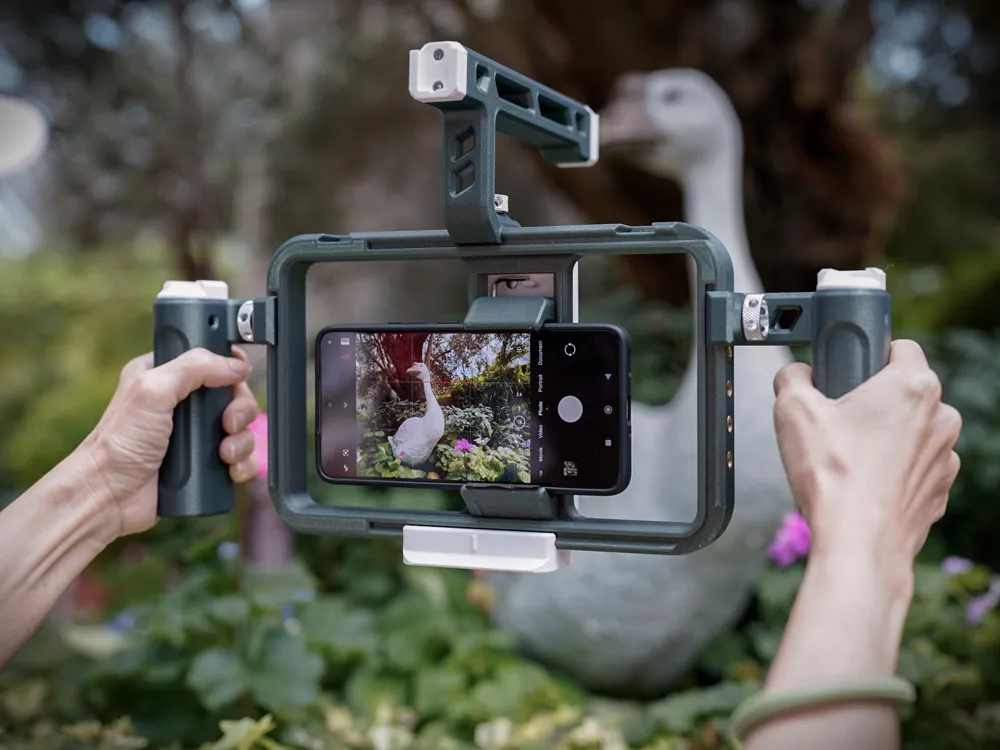
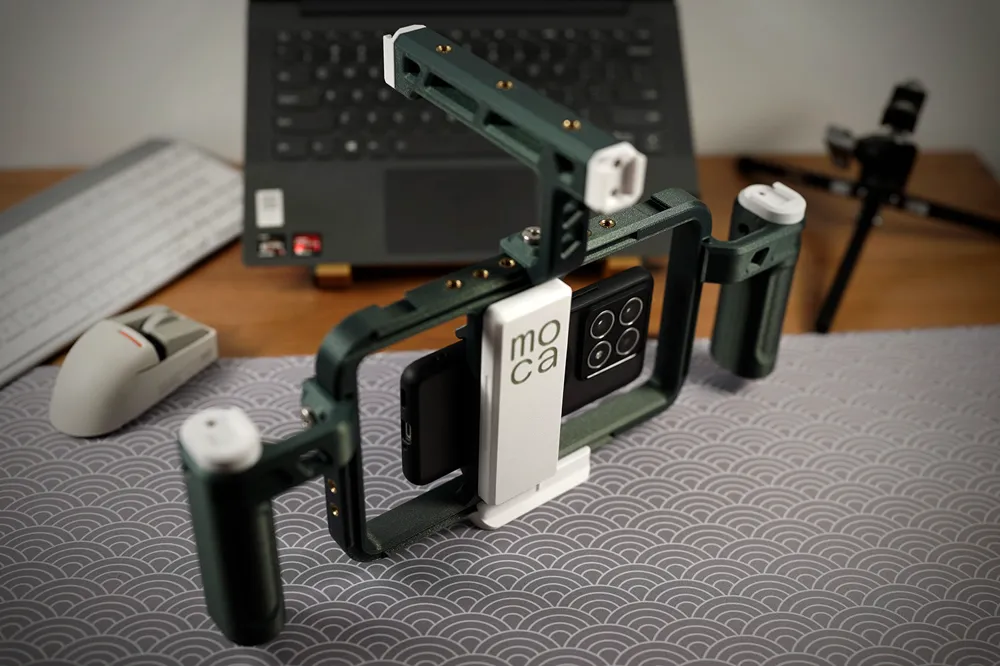
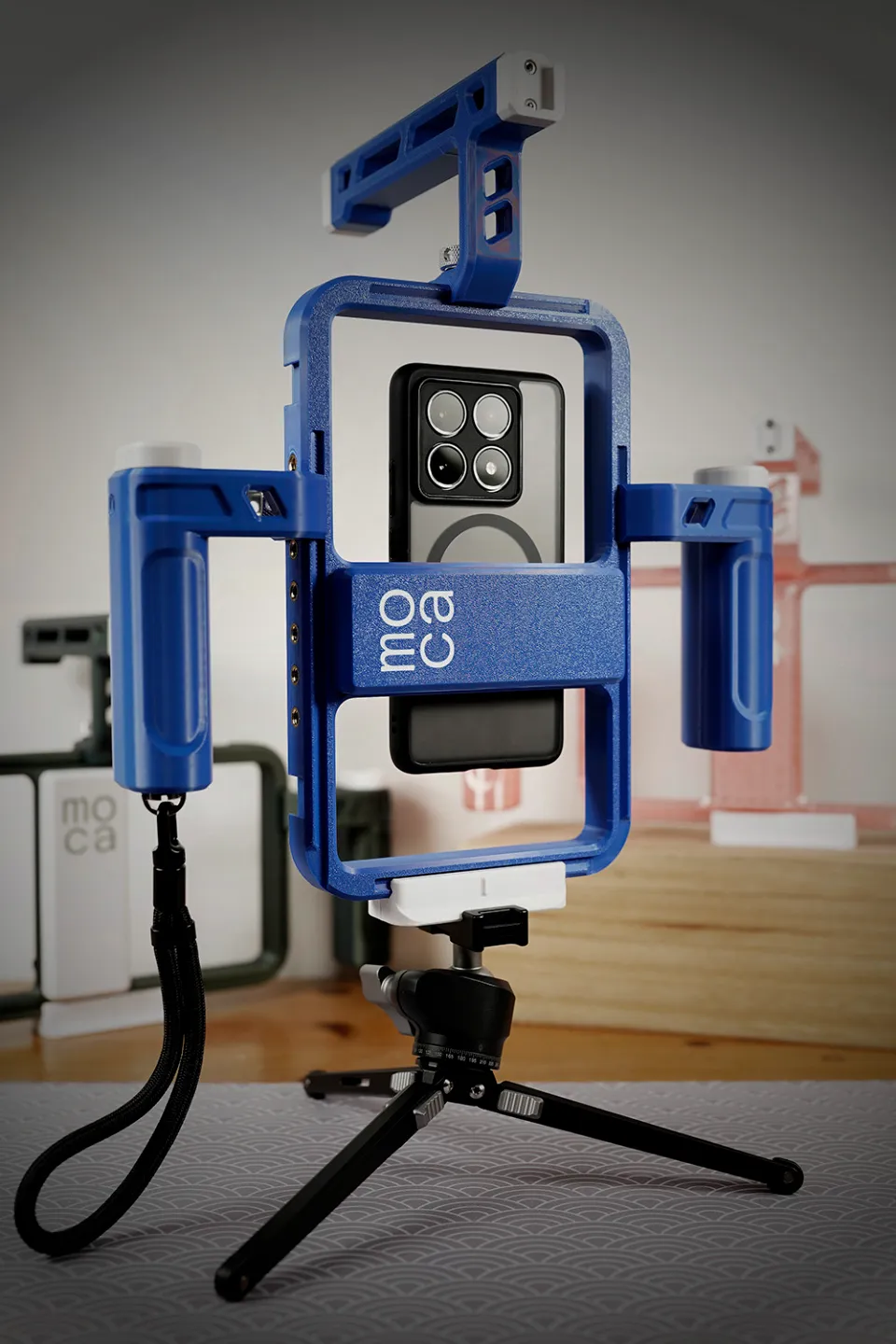
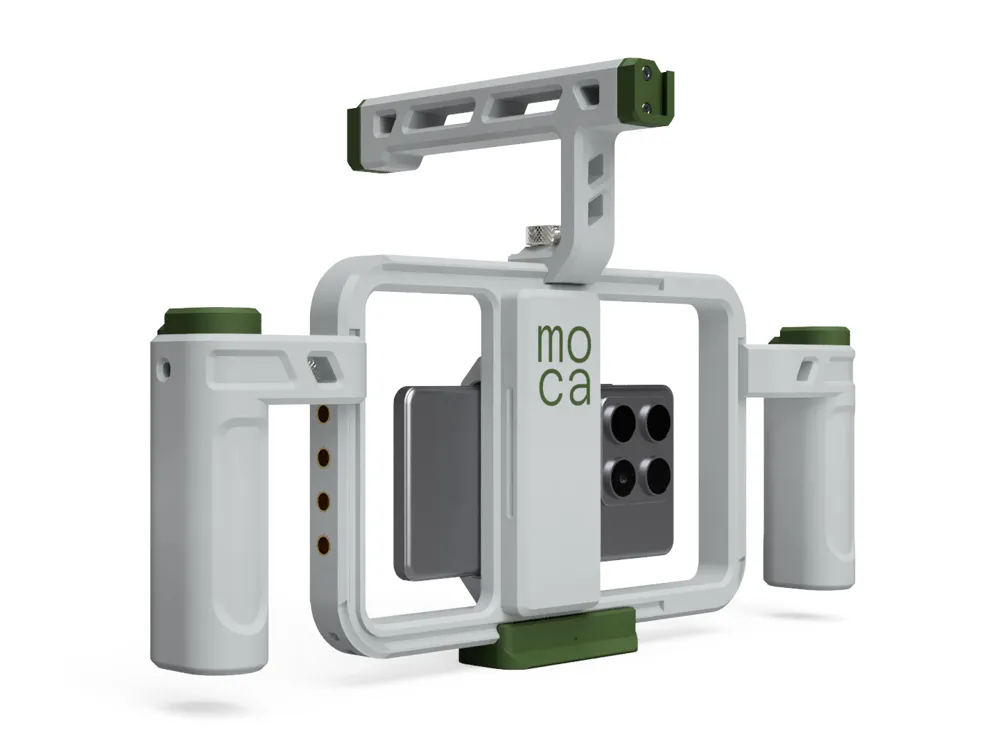
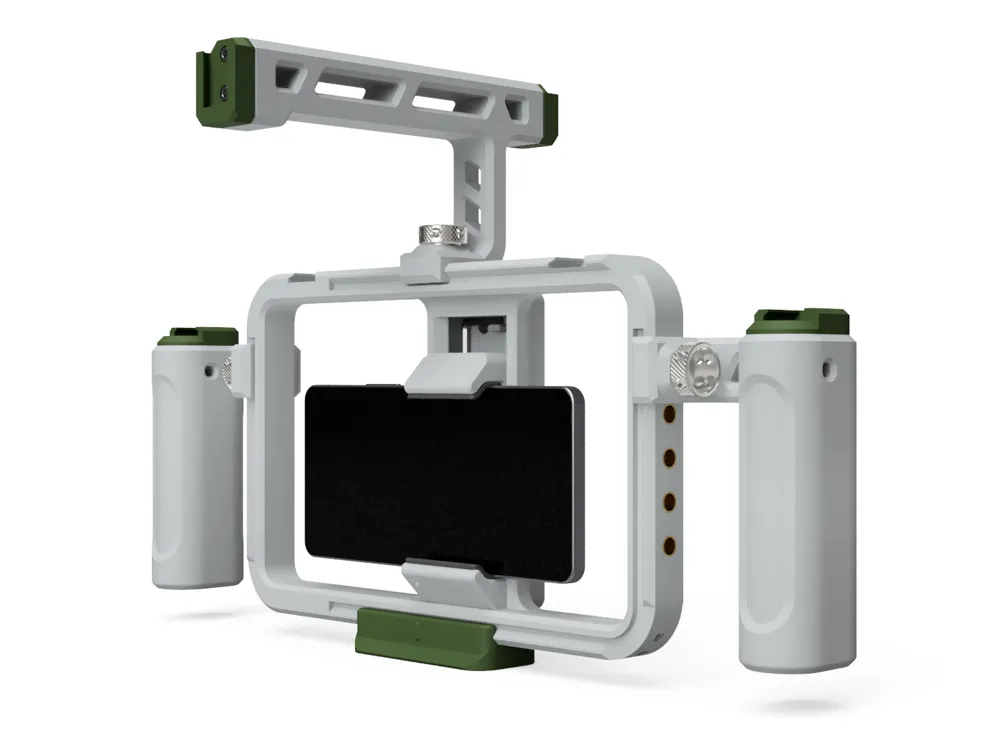
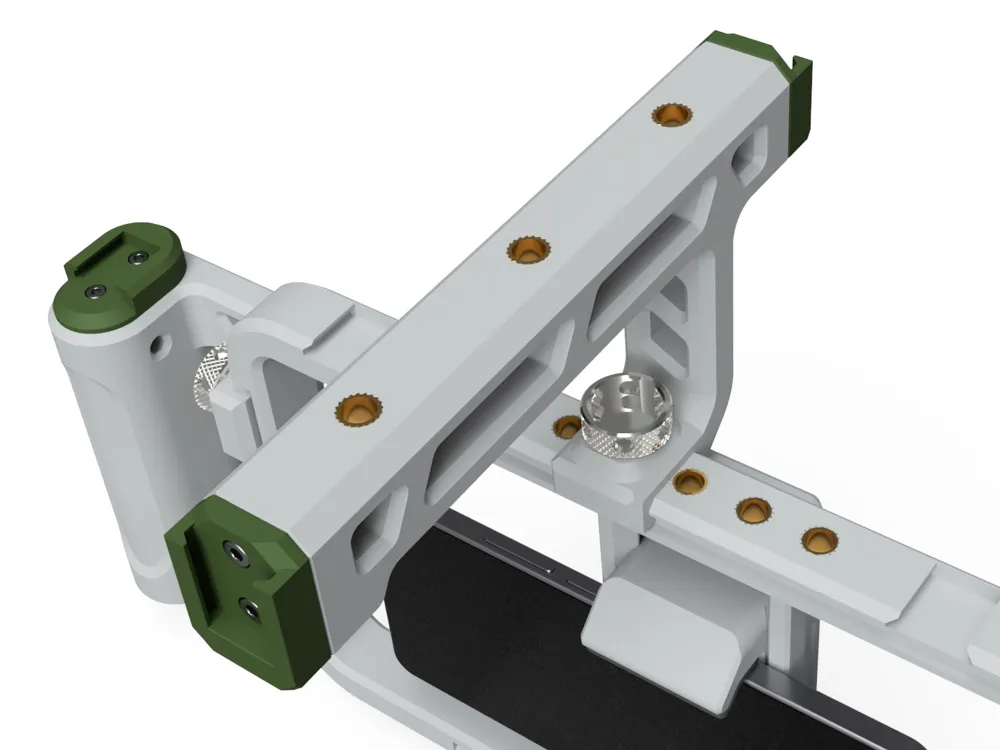
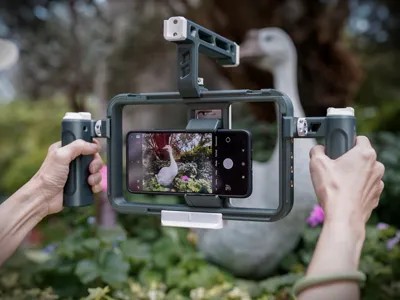
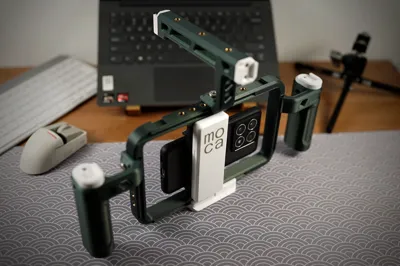
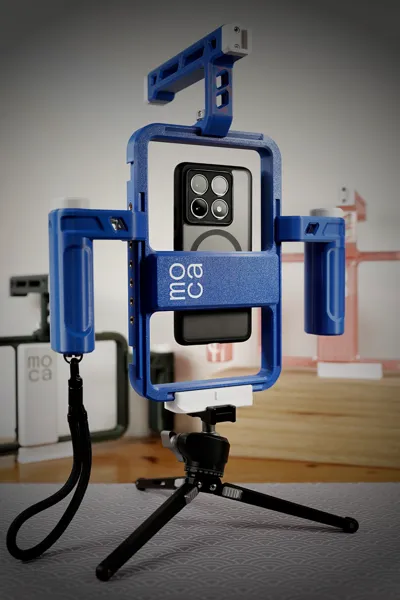
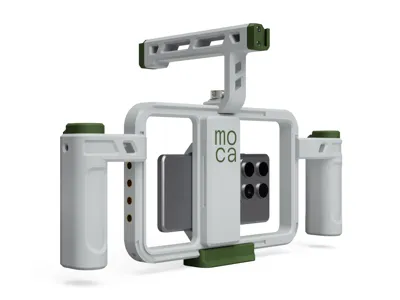
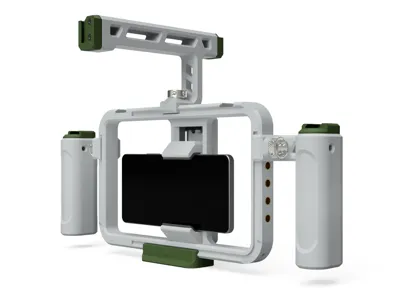
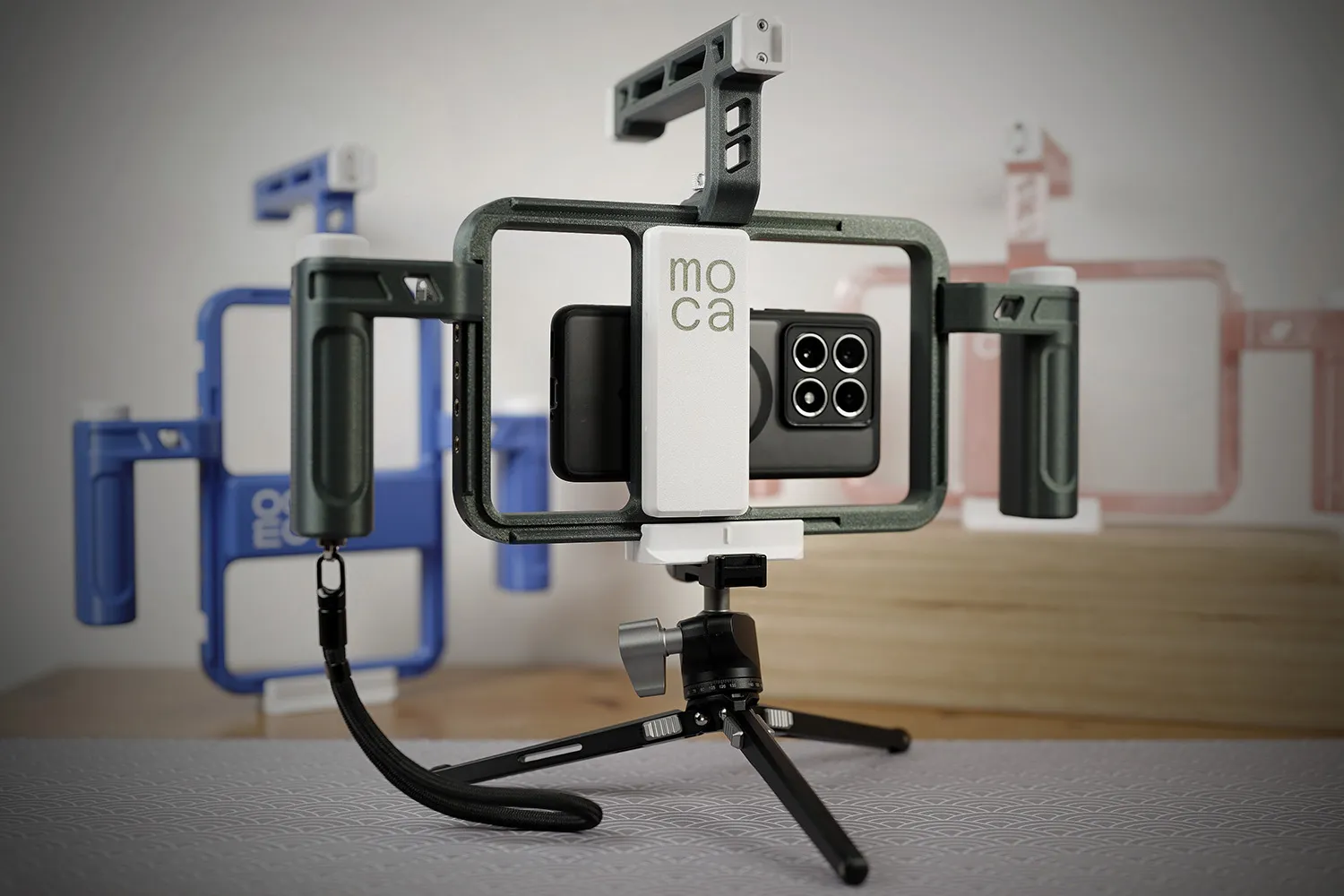
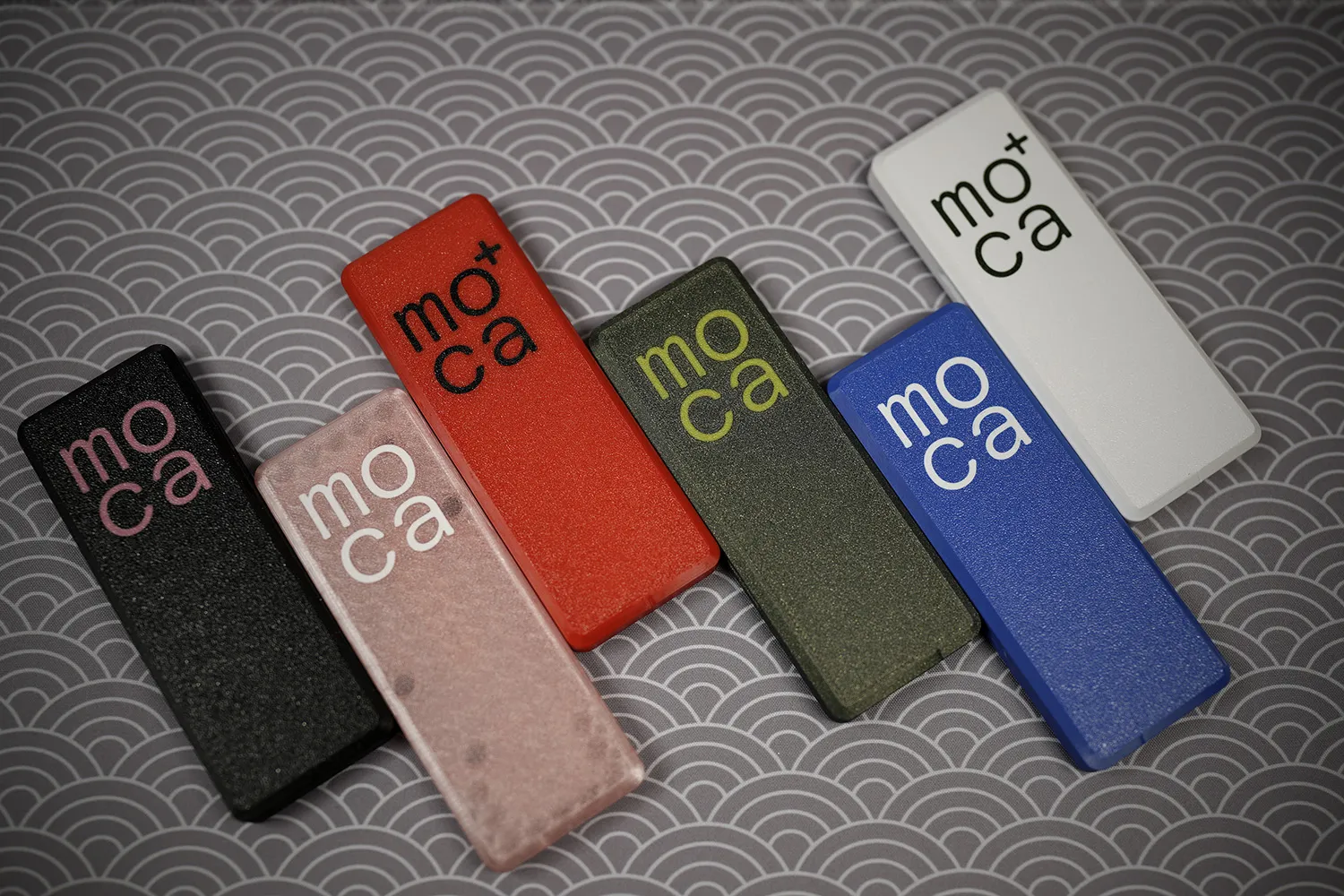
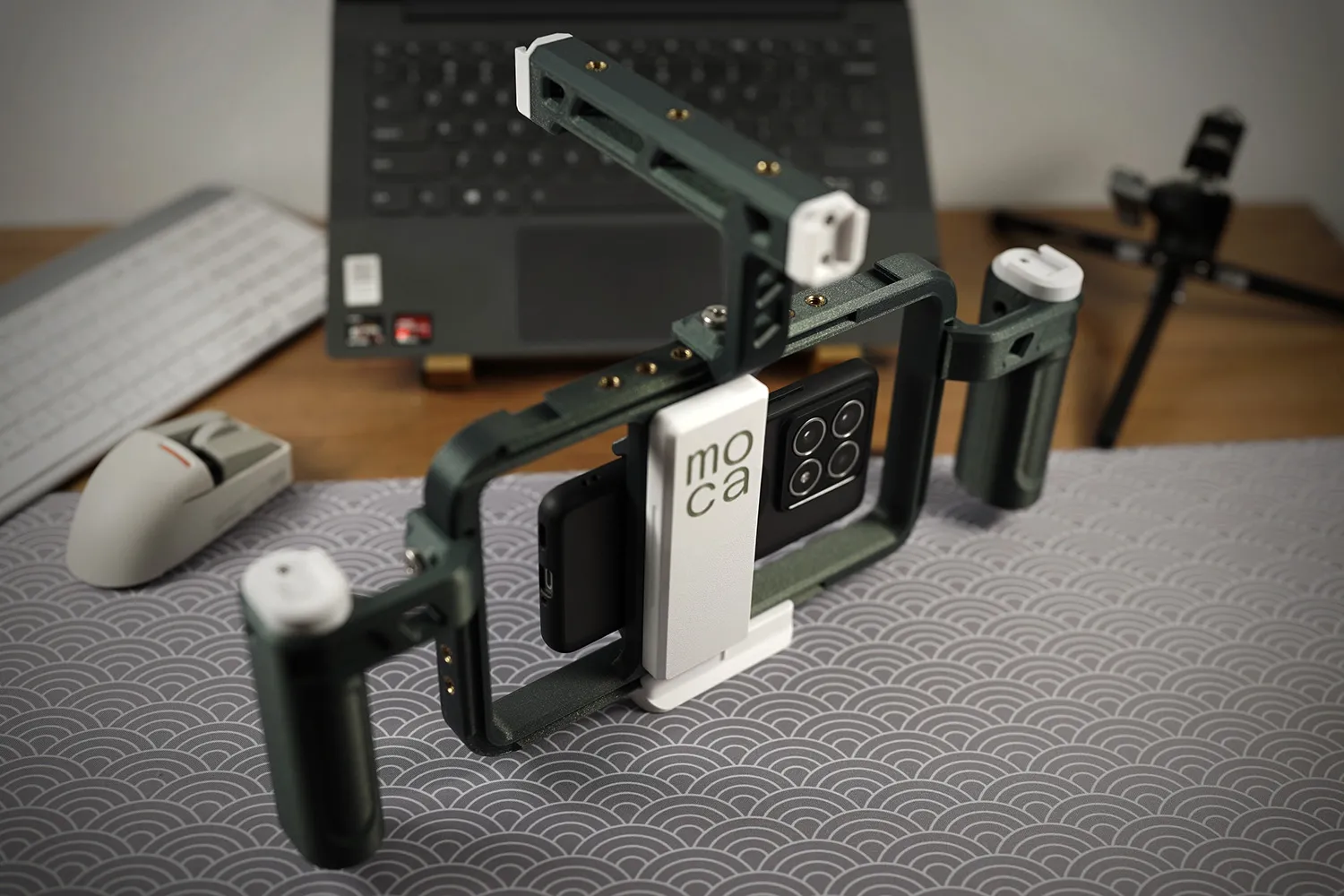
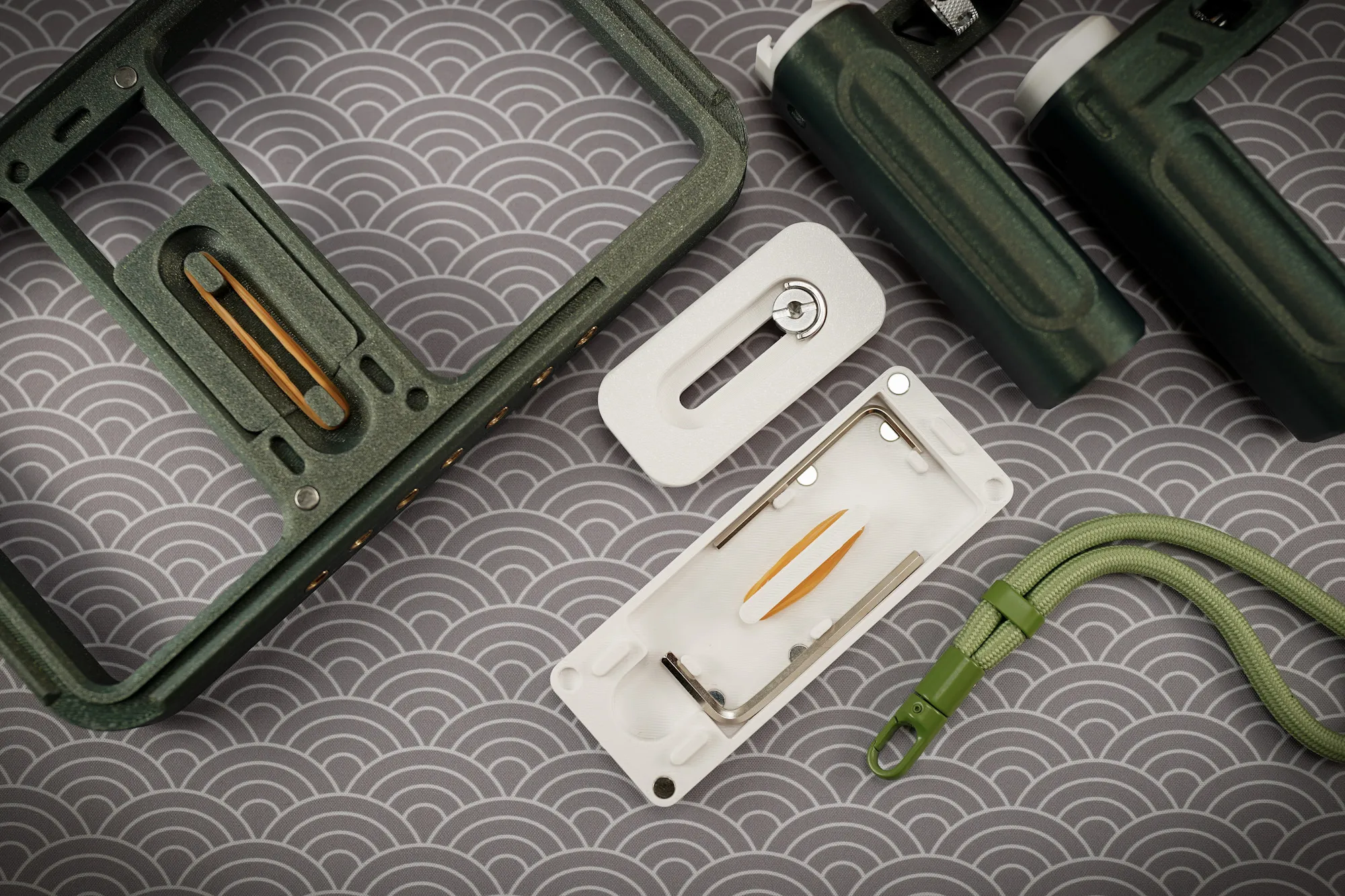
MOCA is a combo of my 2 passions. it is a 3D-printed mobile phone cage that’s easy to print, assemble, and customize. Perfect for makers of all levels. You can choose to print in your favourite colour and add accessories to the NATO rail, creating a phone cage that’s uniquely yours.
  |   |
BILL OF MATERIAL FOR MOCA
Sourcing parts individually can be time-consuming and tedious. To simplify this, I’ve partnered with MakerWorld’s MakerSupply to offer a MOCA/MOCA+ Hardware Kit at their store (TBA). If you prefer to source the hardware separately, a detailed list of parts is provided in the Assembly Guide.
FILAMENT USE FOR MOCA
MOCA was tested and printed using BambuLab PETG HF and PLA Basic filaments. If you're considering purchasing Bambu Lab filaments for this project, I would encourage you to use ModBotArmy's afflink. Doing so won’t cost you anything extra, but it directly supports his channel, allowing him to continue creating valuable, informative content that benefits the 3D printing community.
CREDITS
The MOCA project would not have been possible without the support of both companies and individuals who have helped me throughout this journey. I want to take a moment to express my sincere thanks to those who played a role in bringing this project to life.
- Bambu Lab – For their generous sponsorship of filaments and H2D, enabling the development and testing of MOCA.
- Maker Supply - For seeing the value of MOCA project and working with me to provide a Maker's kit on their store.
- Friends & Community – Special thanks to 247printing, Modbot, Nisha, Kane, and others for their valuable feedback, which continues to help refine the design.
- Spammington – Designer of the Ultimate Smartphone Mount, whose work inspired the mobile clamp portion of MOCA.
CONCLUSION
To date, all my designs are free to download for personal use—no Patreon, memberships, clubs, subscriptions, or bullshit. If you enjoy my designs and want to support my coffee addiction or help fund materials for prototyping, here’s how you can contribute:
- Share your makes in the comments or on 3D printing social media.
- Give a MakerWorld boost.
Your support is greatly appreciated!
CAVEAT
As with all my designs, prototyping and testing were conducted to ensure printability and meet my standards. However, results may vary, and I cannot guarantee it will work for you. Please read all instructions carefully before printing and proceed at your own discretion.
Documentation (1)
License

You shall not share, sub-license, sell, rent, host, transfer, or distribute in any way the digital or 3D printed versions of this object, nor any other derivative work of this object in its digital or physical format (including - but not limited to - remixes of this object, and hosting on other digital platforms). The objects may not be used without permission in any way whatsoever in which you charge money, or collect fees.


Comment & Rating (247)