
Rhombic Sierpiński Pyramid - Lvl 5 | Vase Mode
Print Profile(1)

Description
See some of my favorite designs by clicking the photos.👇

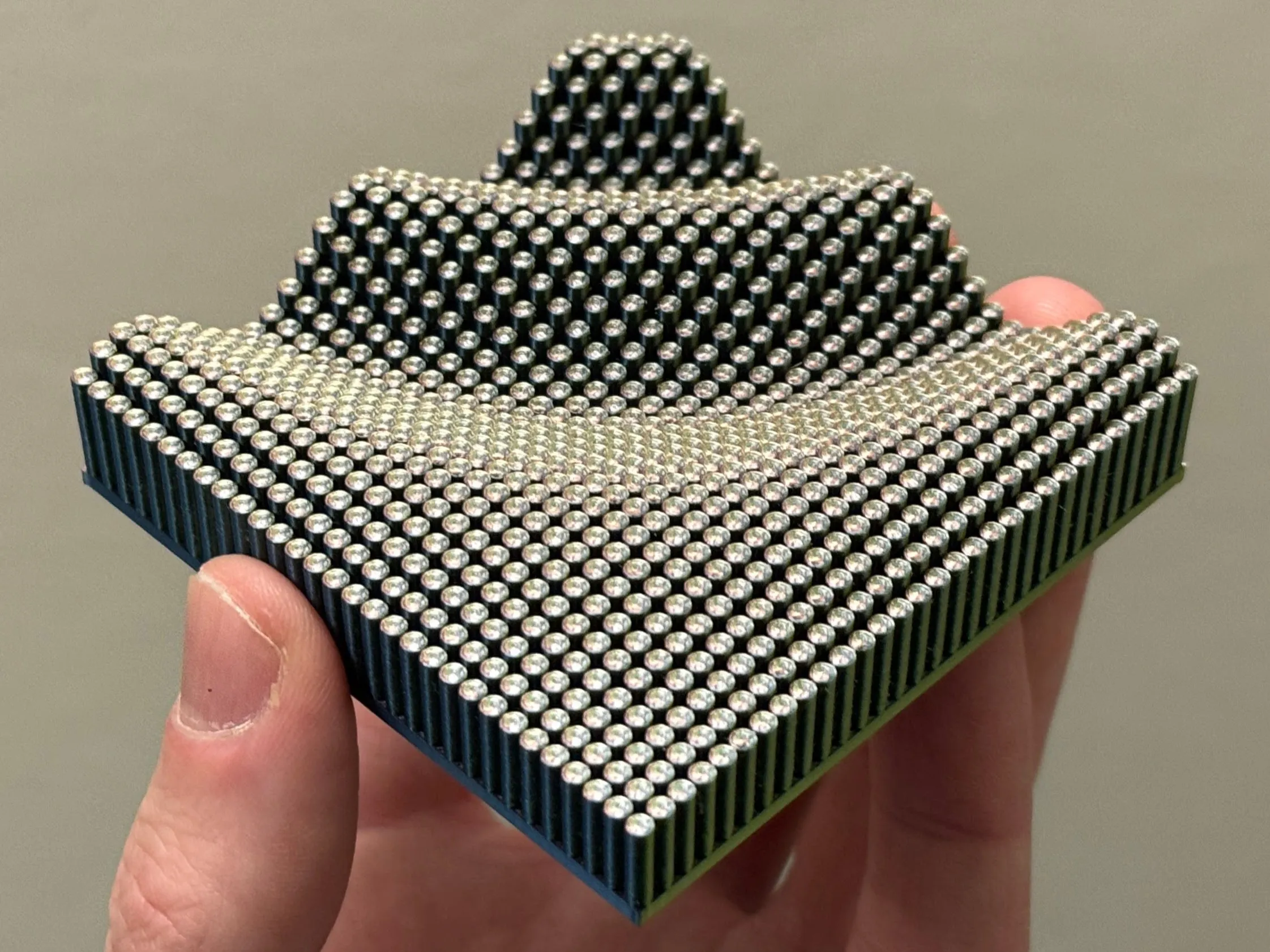
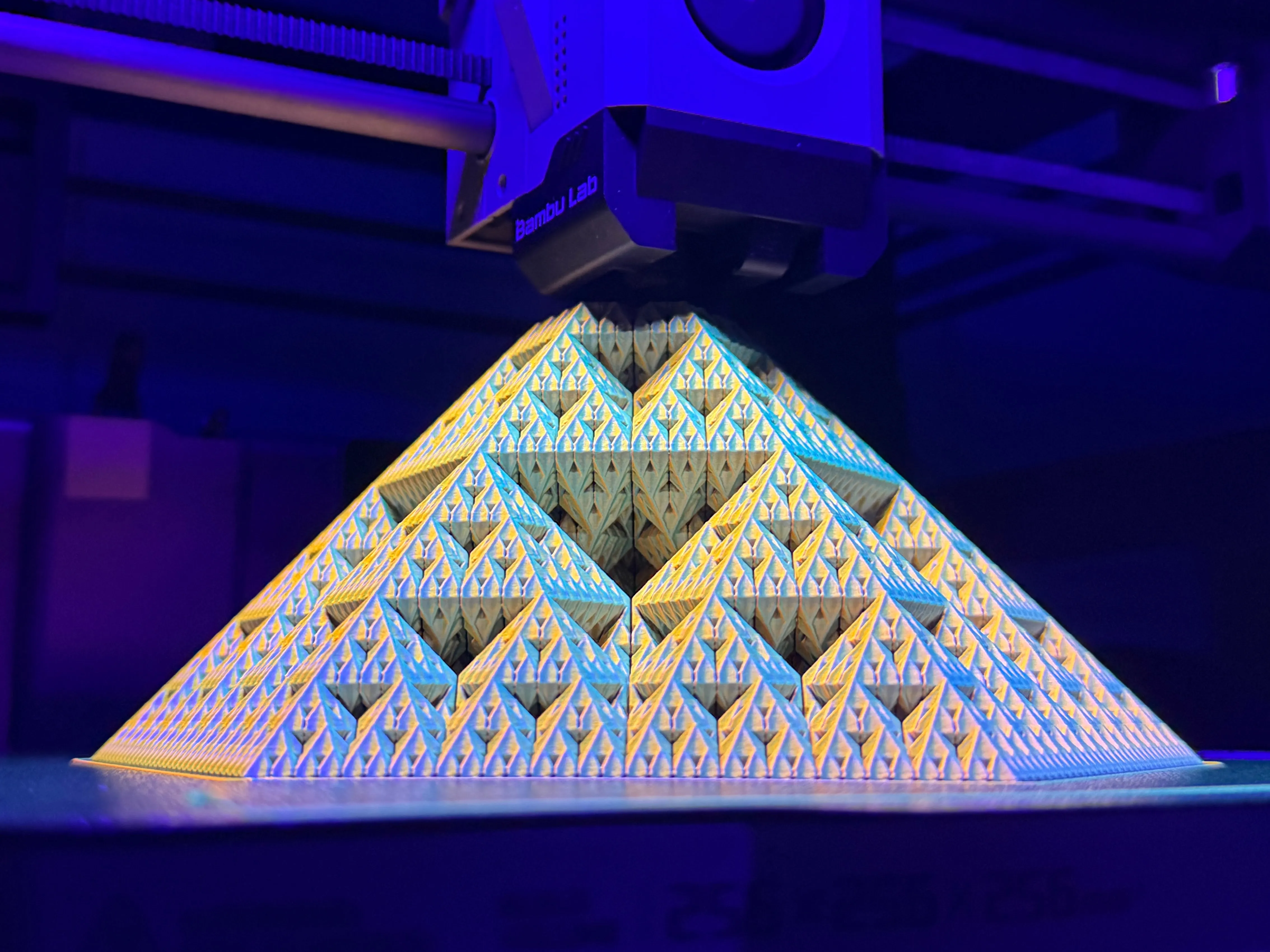

A quick like 👍 goes a long way. Thank you for supporting my work! 🌀
Annnyway…
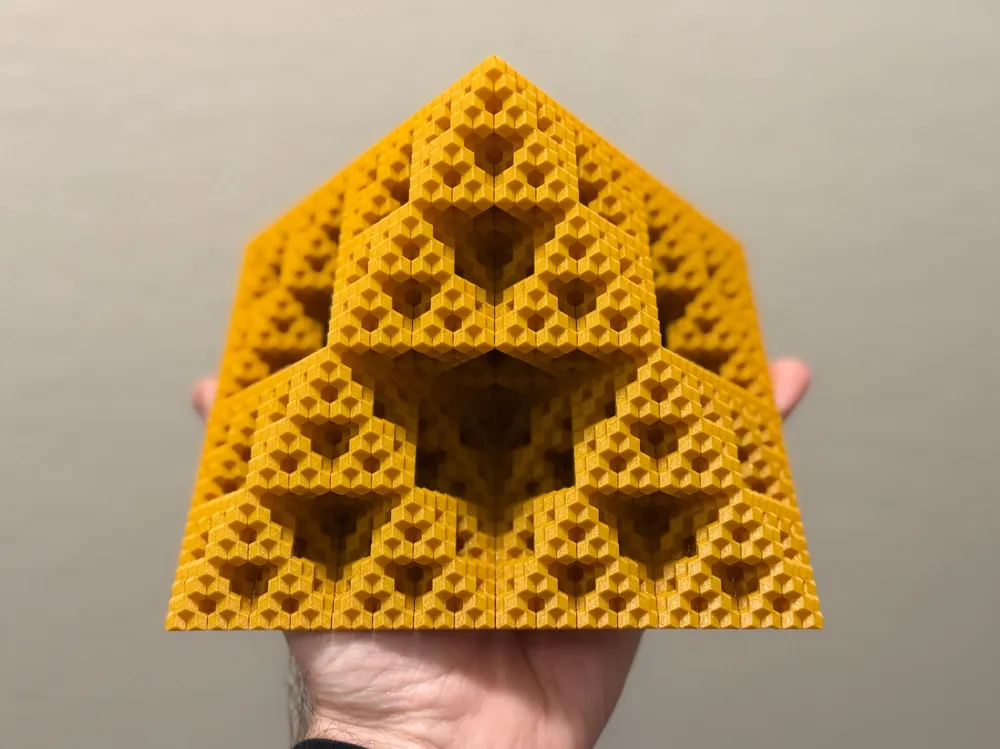
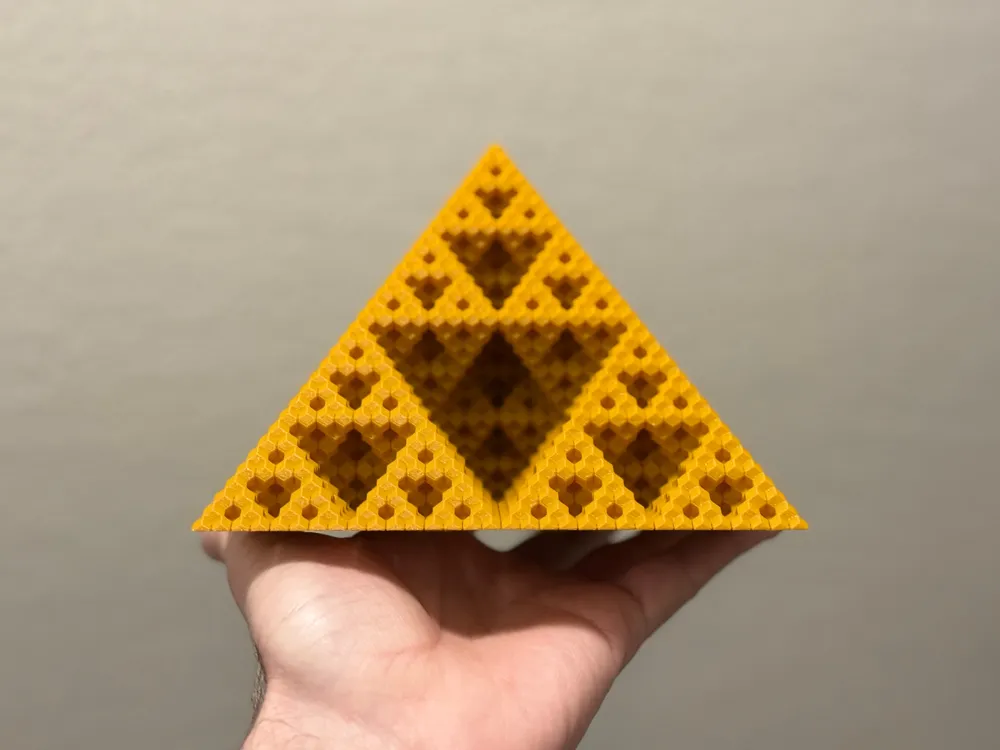
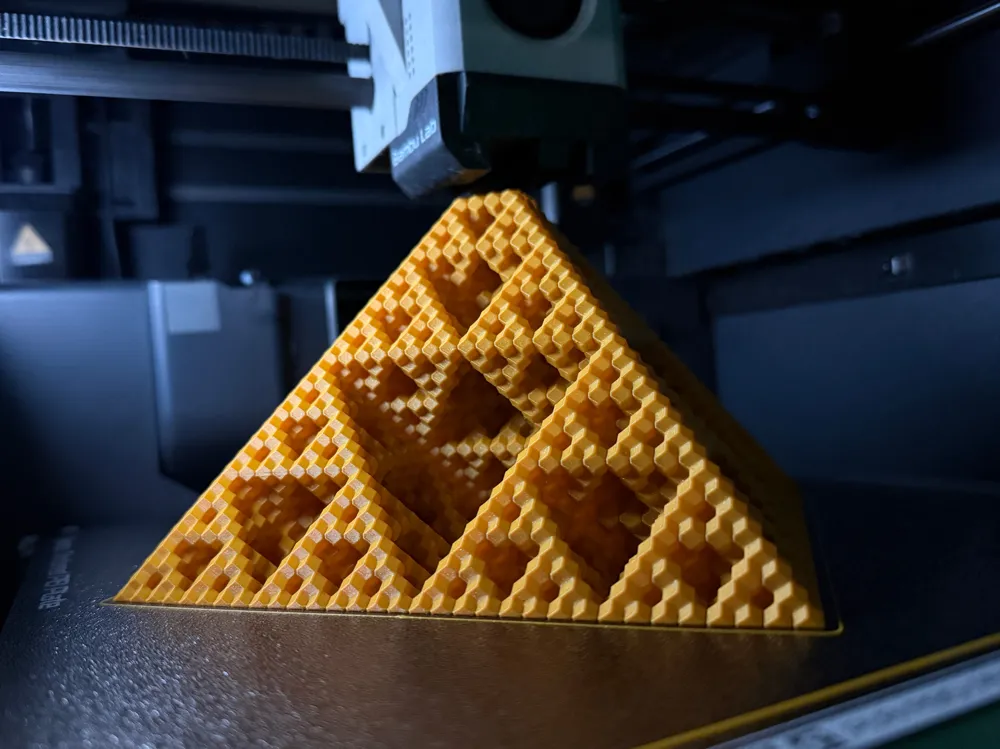
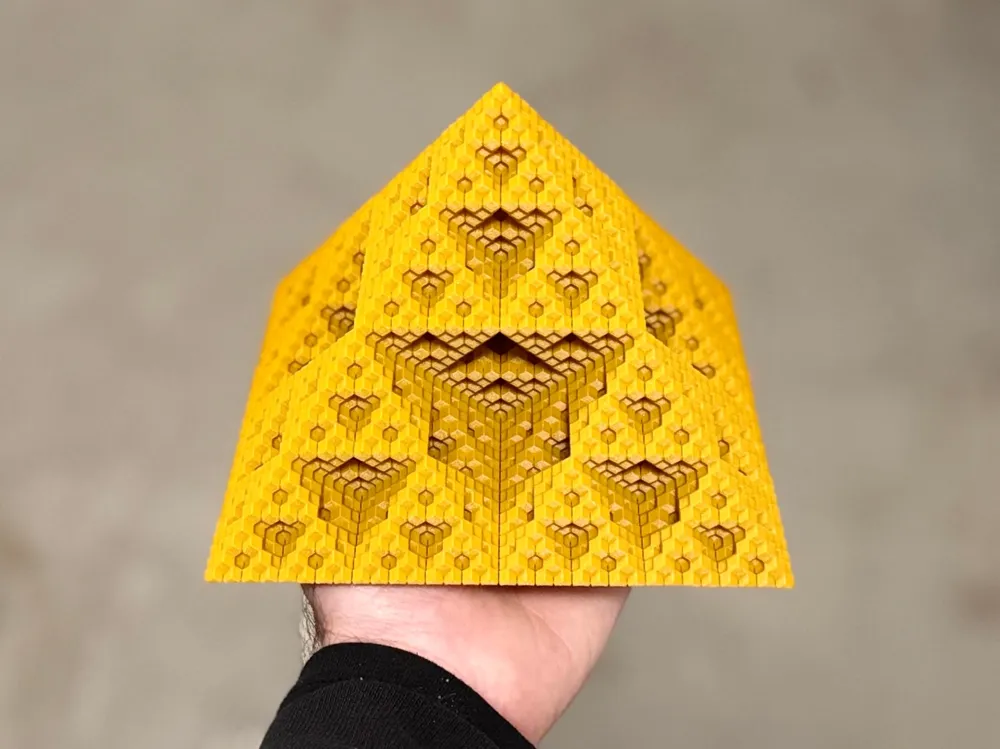
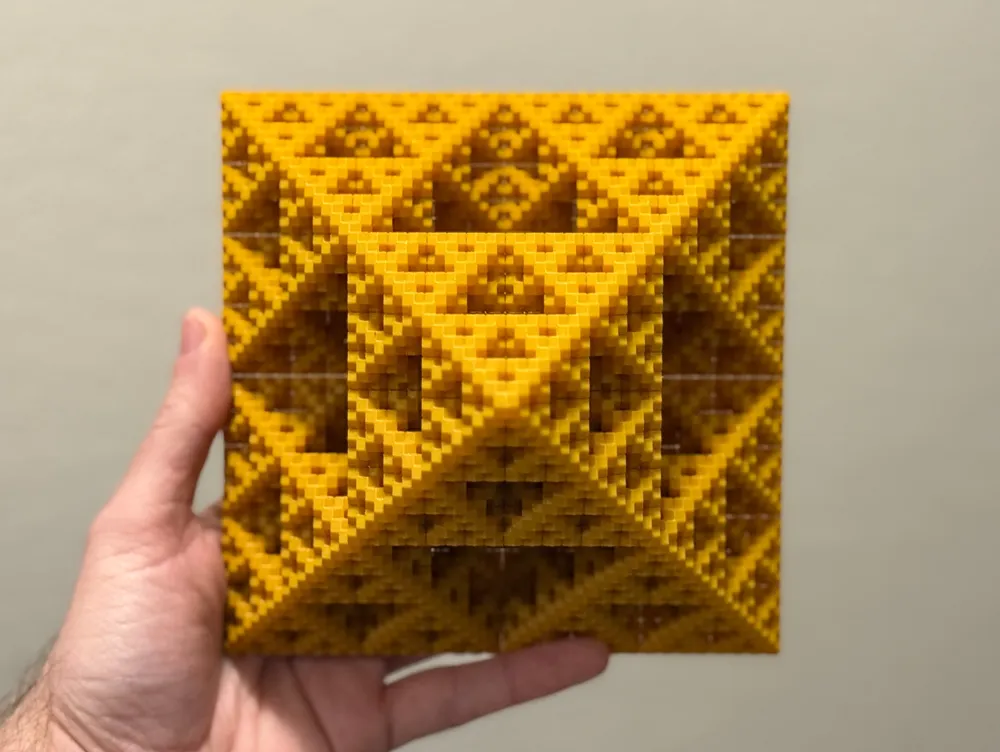
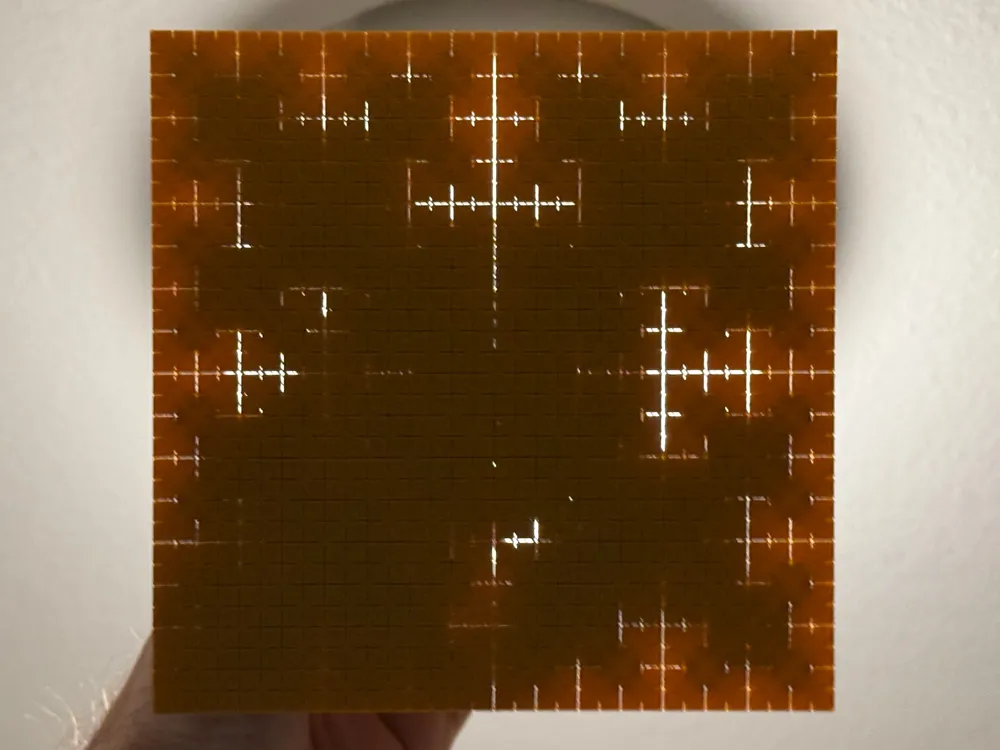
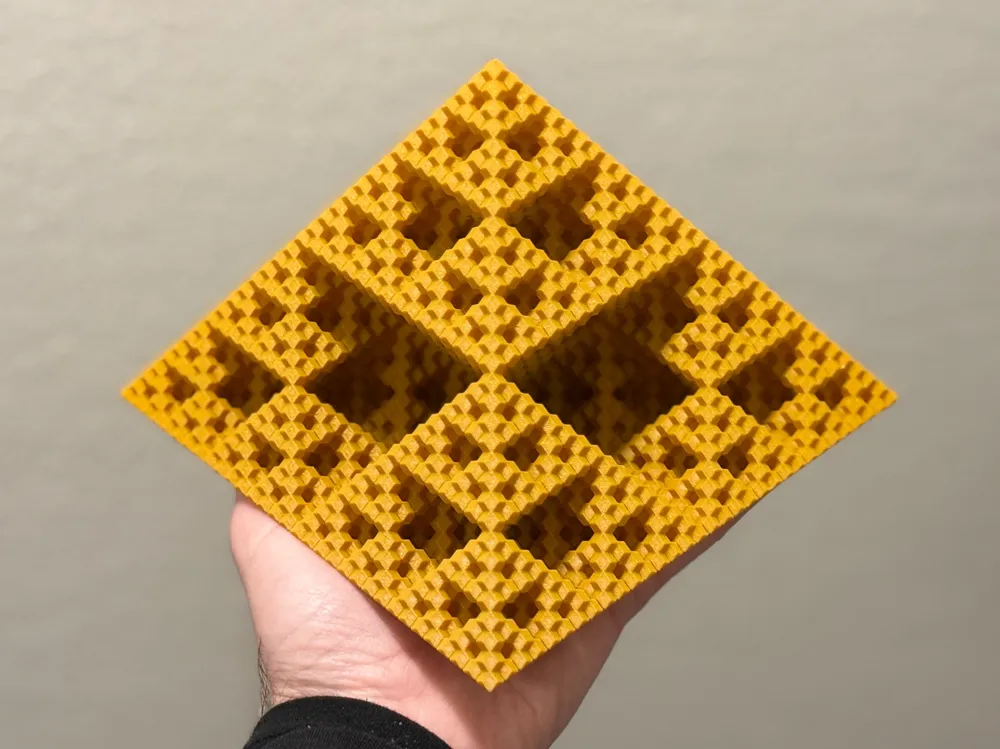
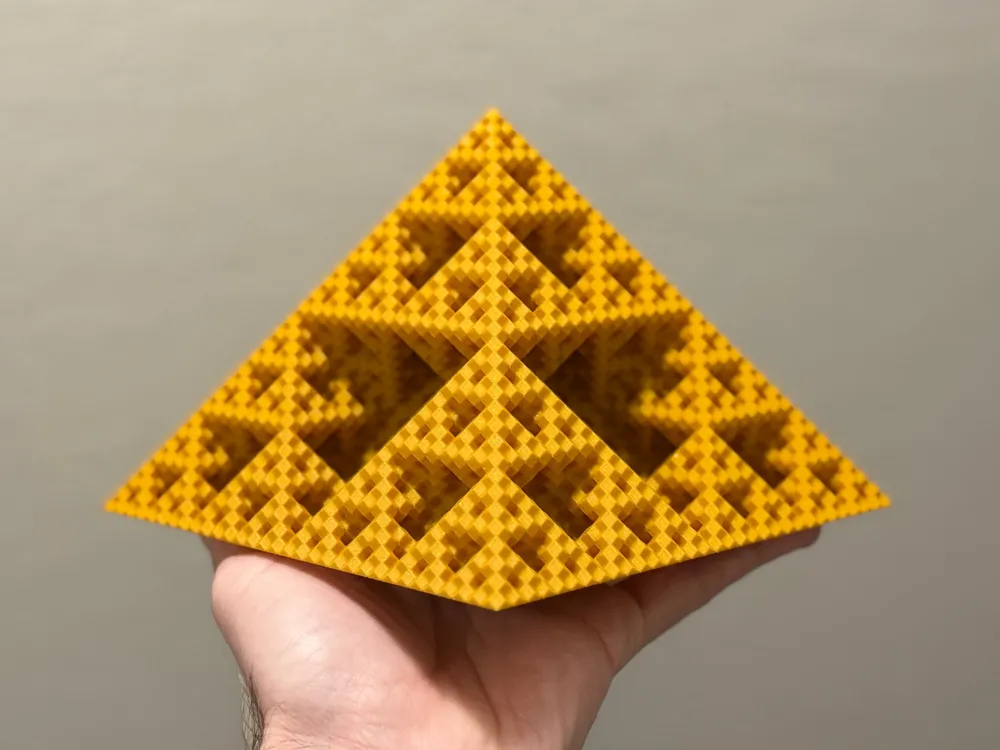
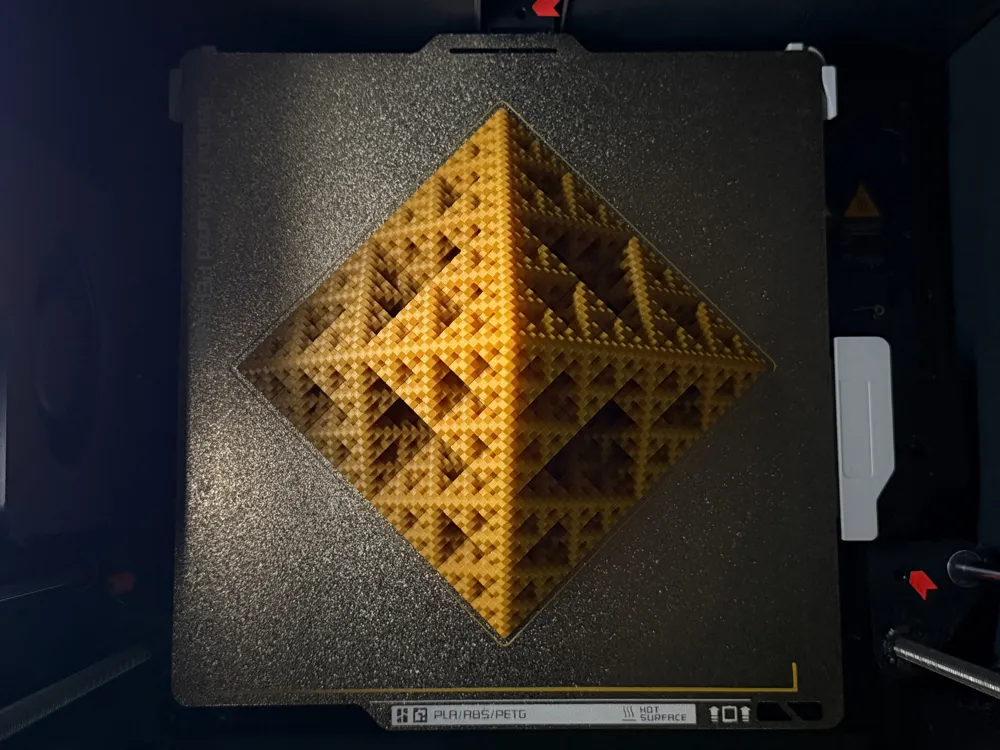
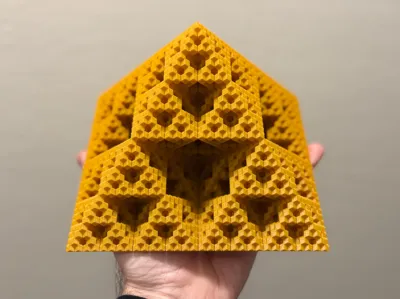
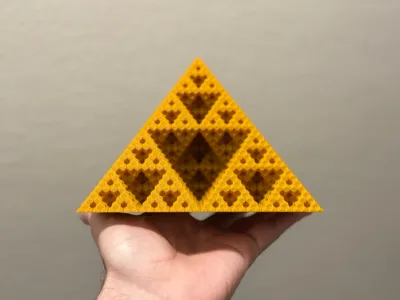
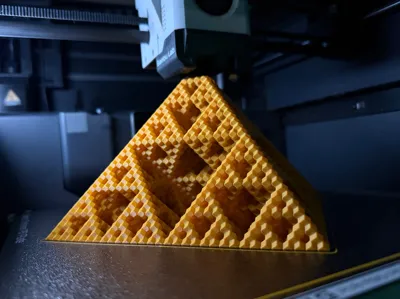
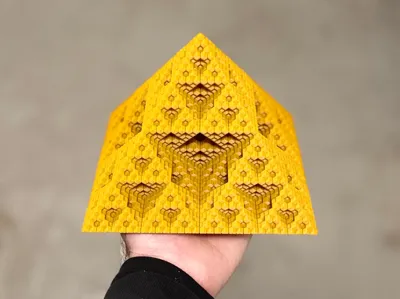
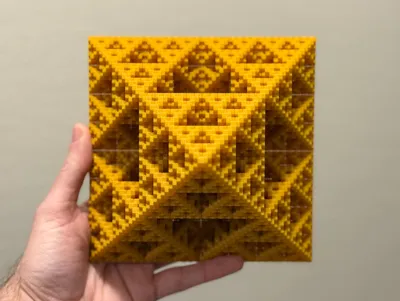
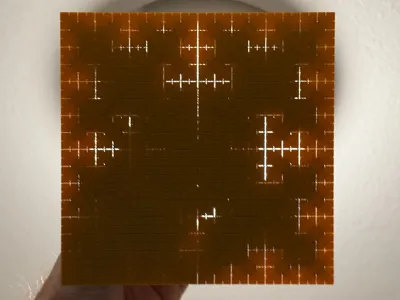
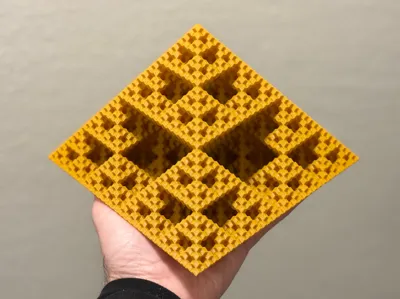
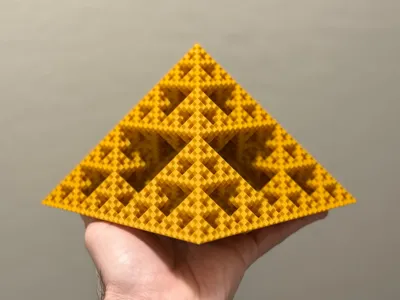
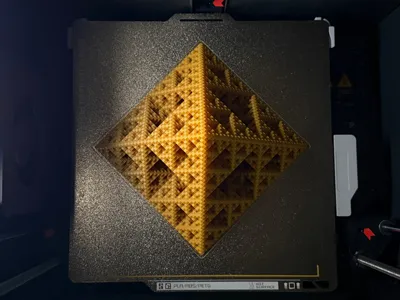
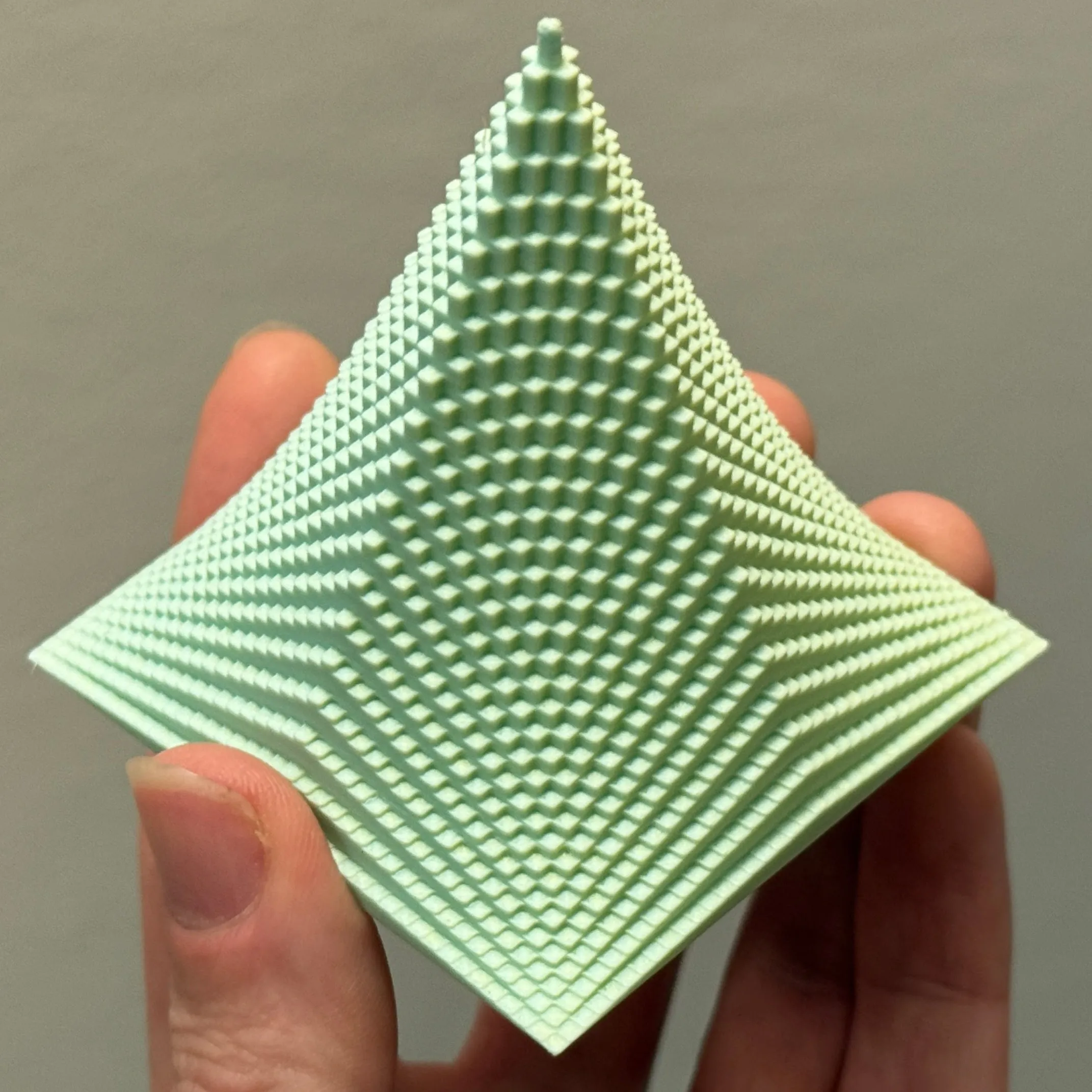
This model features a Level 5 Sierpiński Pyramid fractal structure made from Rhombic Dodecahedra instead of Octahedra, designed with strategically placed gaps for seamless vase mode printing.
I've included a 3MF file that will produce a pyramid with a base size of 150x150mm, which you can see in the photos above.
I hope you enjoy printing this model as much as I enjoyed designing and testing it! 😁
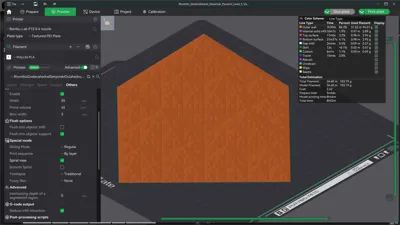
Here are the print settings for FDM printers -
Layer Height: 0.16mm
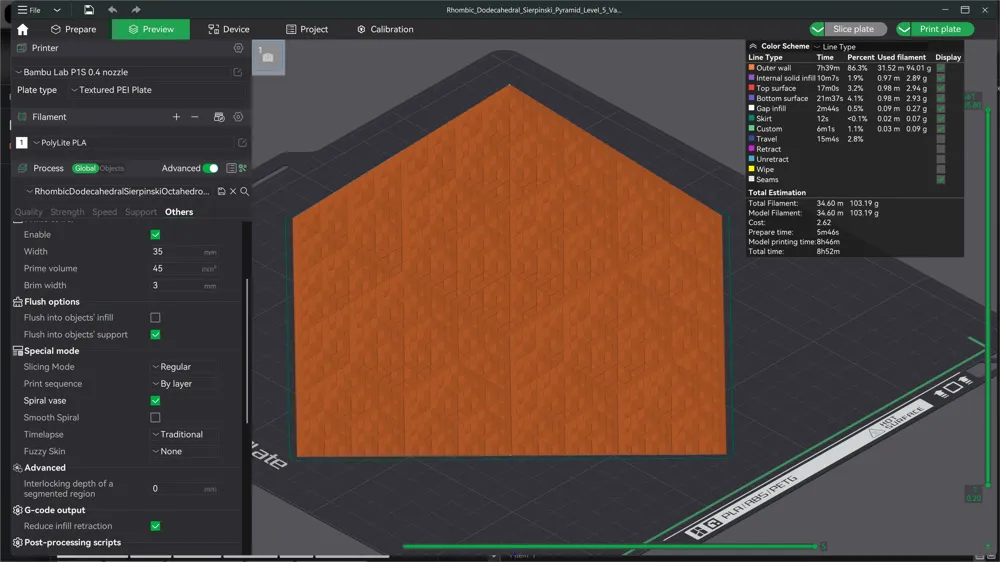
Vase Mode: Enable vase mode (Leave “smooth spiral” unchecked)
Infill: 0% (This is activated by default in Vase mode)
Supports: None
Slice Gap Closing Radius: 0.00 (You must set this value to zero. The model may not slice properly if you don't do this.)
Skirt: Enable a skirt for the first layer.
Optional Tip: To save some time, you can set the bottom shell layers to 0. This will skip the first few bottom layers, reducing print time and revealing an intricate pattern on the underside (not pictured).
Note: The included 3MF file keeps the bottom layers as default, but you can adjust this in your slicer if desired.
More info about the Settings:
This model was created and optimized for FDM printers with vase mode enabled. For best results, use spiral vase mode with the smooth spiral option unchecked in your slicer settings. If you don’t see the smooth spiral checkbox in your slicer, no worries—just be sure to use Spiralize Outer Contour (or a similarly named option in your slicer, such as spiral/vase mode).
Ensure your slice gap closing radius is set to 0, as this is critical for proper vase mode printing. Without this setting, the slicer may close gaps that are necessary for the model to slice and print correctly.
Enable the “Skirt” option in your slicer to maintain consistent nozzle pressure from the start. Without it, one of the first layer’s corners may appear deformed due to unprimed nozzle pressure. The skirt also acts as a final safeguard, helping to catch any stray bits of filament that might try to hitch a ride on the nozzle before reaching the first layer of your print. 😆
If you find yourself having trouble, don’t hesitate to reach out. I’m happy to help!
Have fun! 🥳
License Information:
This model is licensed under Creative Commons Attribution-NonCommercial-NoDerivatives (CC BY-NC-ND). You may share, copy, and redistribute this file for non-commercial purposes with proper attribution. However, you may not modify or create derivative works from this model. Selling this model, either digitally or as physical prints, is strictly prohibited.
*Selling physical prints of my designs is only permitted if you are an active member of my Authorized Seller tier on Patreon, Printables, or MakerWorld.* To learn more, visit https://www.patreon.com/c/endlessdesignlab
Thank you for downloading and supporting Endless Design Lab!
Stay tuned for more mind-bending designs coming soon.
🌌
Don't forget to follow Endless Design Lab on your favorite platforms! https://linktr.ee/EndlessDesignLab
If you print one of my models and share it on social media, please consider tagging me. It boosts my reach, and I truly love seeing your prints!👋😊
🤝 Want to collaborate?
📧 Email me at endlessdesignlaboratory@gmail.com
Membership
If you enjoy my designs, you can support Endless Design Lab through my MakerWorld memberships. 🌀
Boost Me (for free)
Enjoyed it? A boost helps a ton. Thank you for the support! ♾️
Documentation (1)
License



Comment & Rating (8)