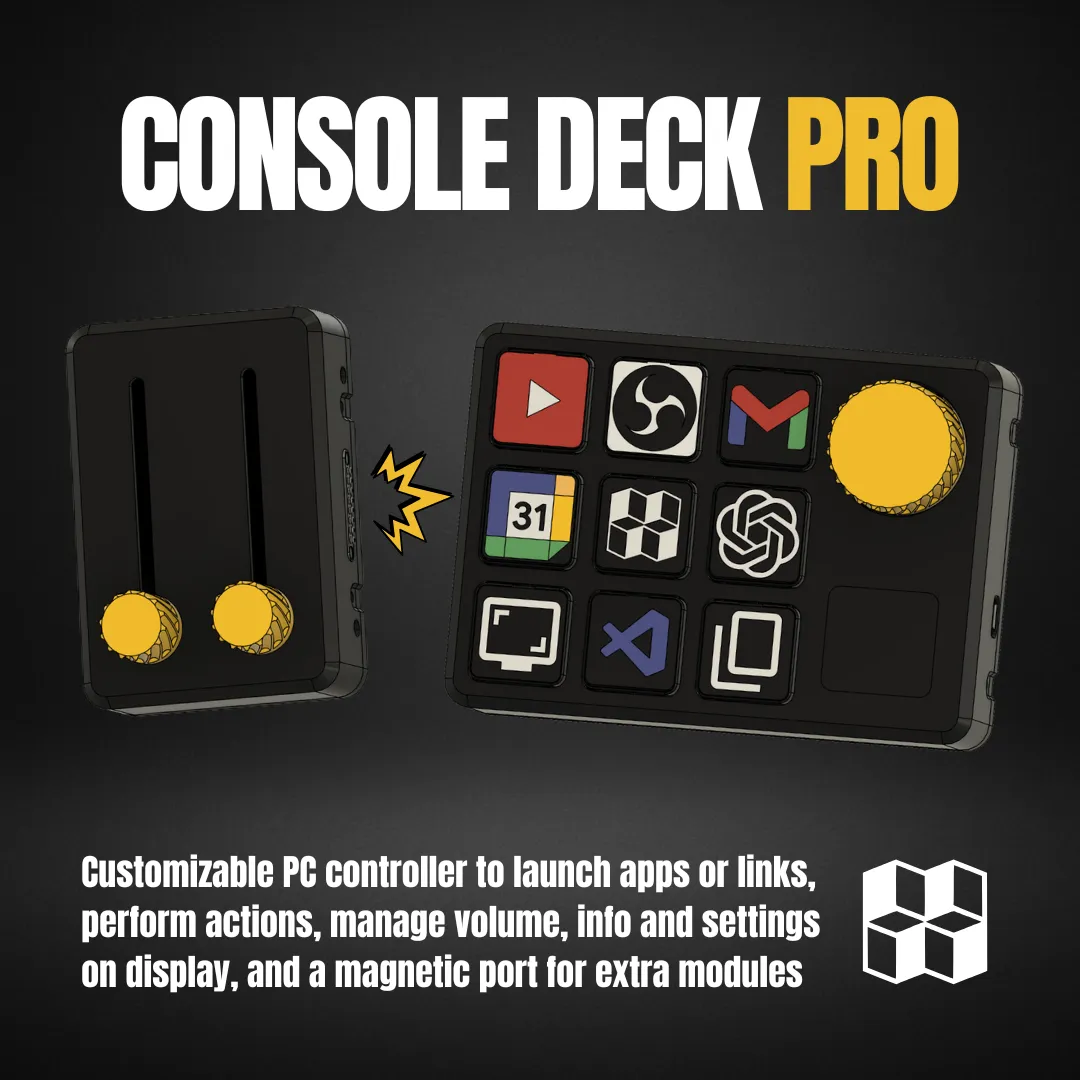


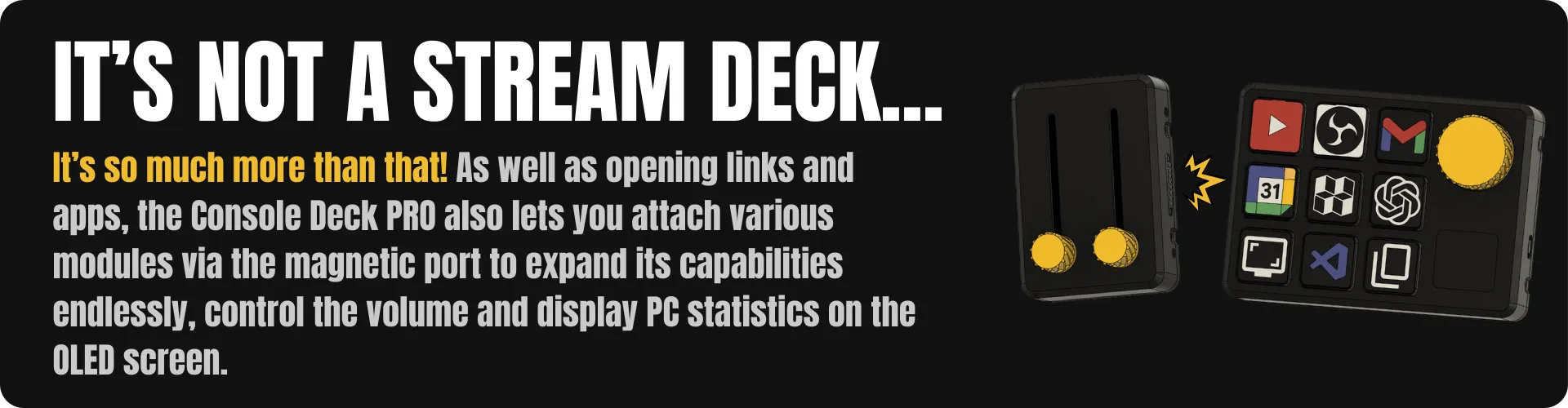
My work is always in front of the computer, so I have always looked for ways to optimise my time and speed up all the tasks I do every day. Existing solutions are very expensive and only customisable to a certain extent.
With this in mind, I created Console Deck PRO, the super-powered version of my Console Deck V2, which you can download for free at this link.
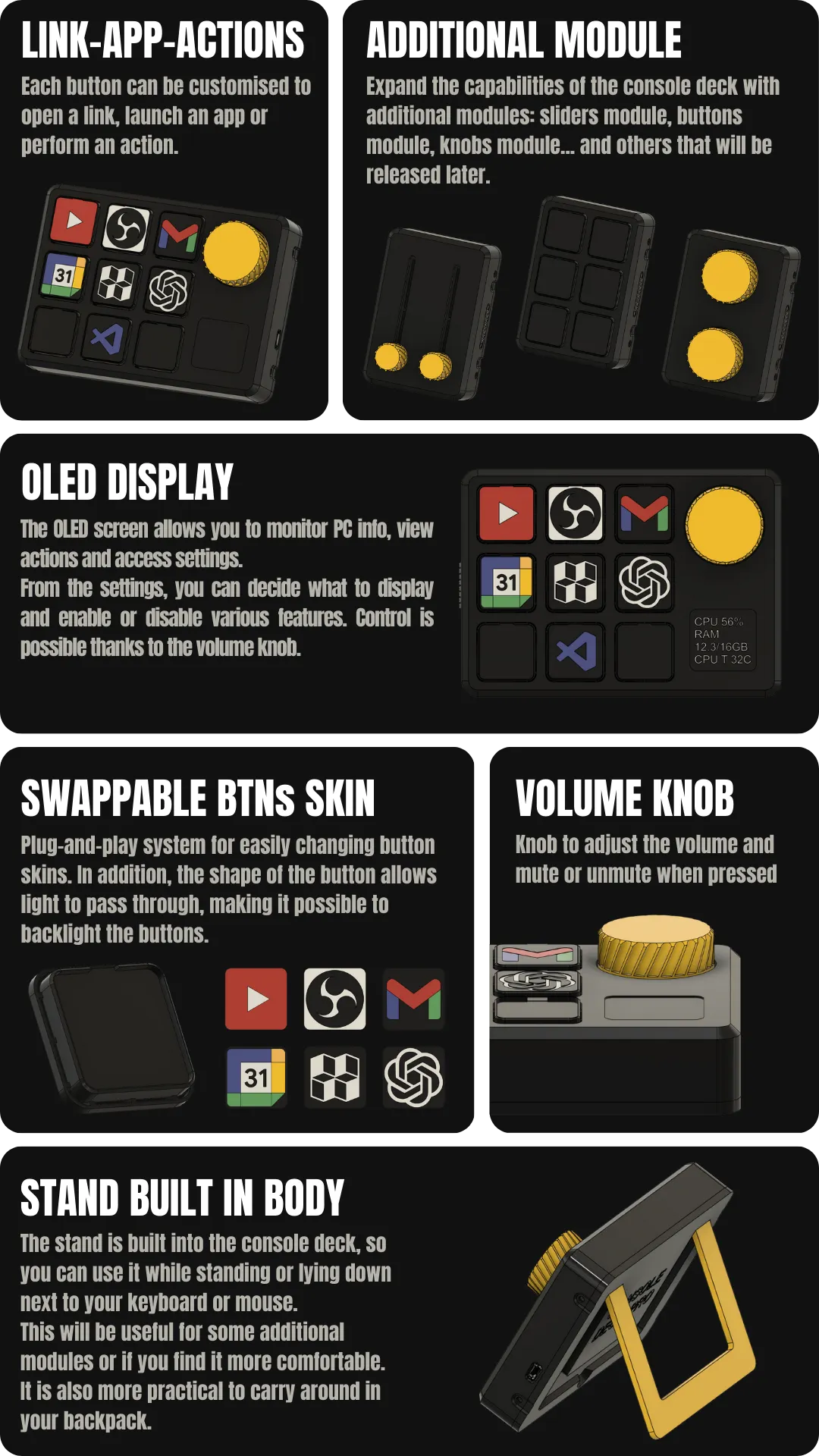
With the Console Deck PRO, you can open links in your browser, launch your favourite applications, or perform pre-set actions from the official app. You can also control the volume level and mute or unmute the sound. The OLED screen allows you to navigate settings and display PC information. This version introduces endless possibilities thanks to the magnetic expansion port, which allows you to add additional modules.
MAIN FUTURES
HARDWARE
I chose the components of the console deck pro to be as simple as possible to assemble. Furthermore, the design is modular, as you can choose not to include all the components right away, but start with the basics (buttons only) and then add the display, volume wheel, etc.
I have created a grid that allows you to position the components easily and also facilitates soldering between them. But if you don't want to solder the components with cables, I have already created a PCB that you can order for a few euors, which makes assembly really simple and reduces the time required considerably. It took me just under an hour to assemble a console deck pro with PCB.
The project requires very basic soldering skills, and I will also be making several step-by-step video tutorials during the build of all the components.
The Console Deck PRO is based on Arduino Nano, which I have used extensively in various projects and which, in my opinion, has the right size in relation to the number of pins it offers. It is also very inexpensive and can be found practically everywhere. The rest of the components are easy to find and inexpensive.
SOFTWARE
With the new console deck app, I improved the graphics, trying to make it as intuitive as possible and updatable over time. That's why the decision to use Flutter and make the app executable on Windows (it was previously written in Python using the PyGame library, which was very limiting). The switch to Flutter has allowed for more complex design choices. As you can see below, actions are now selected directly on the console deck graphics, so there is no longer any doubt. From the Modules menu, you can select what you want the additional modules to do, using the same customized graphic system for each module.


Furthermore, I have introduced language switching, supporting several languages, and theme switching from light to dark or vice versa. I've included a few spoilers about the additional modules and features that will be part of the extra goals.
V2 vs PRO
I moved beyond the screenless V2 to create a more professional, flexible tool.
Here is exactly what I have added with the Pro upgrade:
- The Power of a Screen: No more memorizing layouts. I've added a display that gives you instant visual feedback, real-time PC diagnostics (CPU/GPU/RAM), and an on-device menu to tweak settings without opening the software.
- Magnetic Modularity: While the V2 was a static device, I designed the Pro to be "future-proof." The new magnetic connector lets you snap on extra modules—like sliders, knobs, or extra buttons—whenever your workflow changes.
- Shortcuts: I upgraded the logic. You can now map actual key combinations (e.g. CTRL+SHIFT+V) and macros, not just simple app launches.
- Pro Software: I completely overhauled the App. It’s no longer just a mapping tool; it’s a command center that manages your modular hardware, custom themes, and specialized expansions like media controllers or piano modules (stretch goals).
The V2 was a great start, but I've built the Pro to be a modular command center that grows with your setup
PROJECT COST
I have designed the Console Deck PRO with a focus on a MODULAR and affordable experience. To give you maximum flexibility, the project is fully customizable: I have added both a screen cover and a magnetic port cover to the files, so you can build your console exactly how you want it, even if you decide to omit certain features initially.
Below is an estimate of the total cost of the project, including the cost you will pay to obtain the files (crowdfunding), electronic components and materials.
(FULL VERSION: OLED SCREEN AND MAGNETIC CONNECTORS)
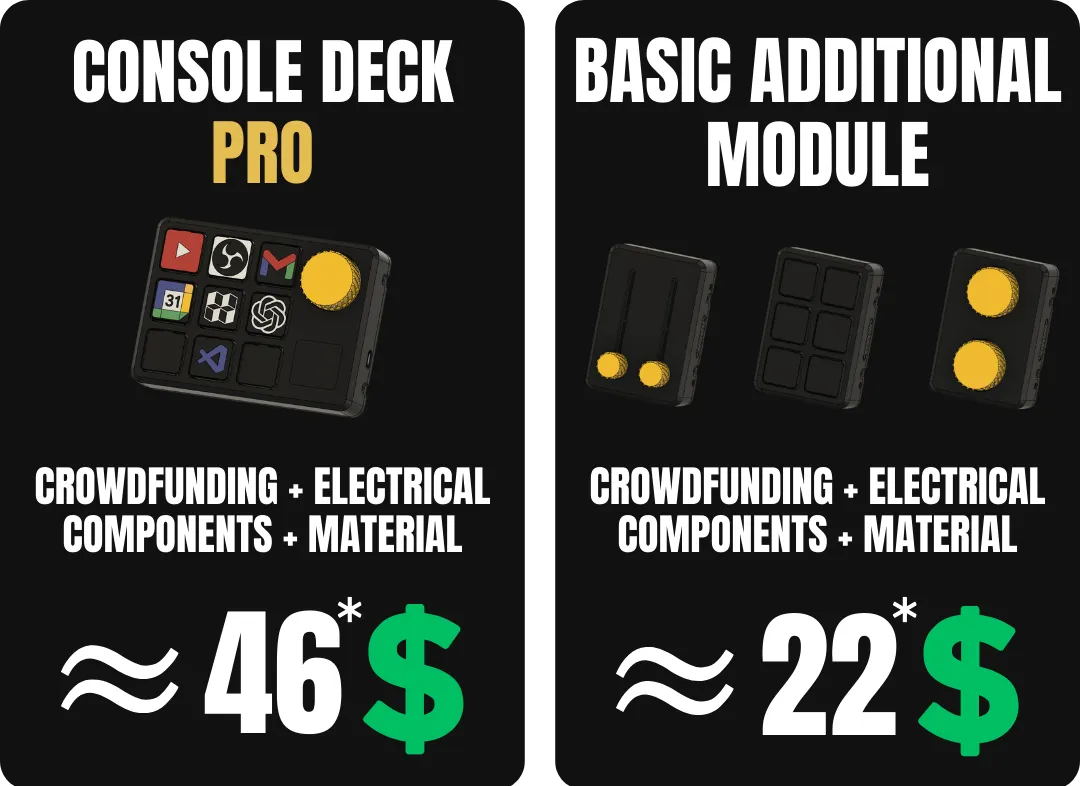
*The estimated prices are based on the purchase of the reward “Premium”, and some components purchased for the console deck pro will also be used for the basic additional modules.
*The estimated prices is indicative and may vary based on availability and shipping costs.
MAIN COMPONENTS
Below is a list of the main components used in this project; the full list, including purchase links for each component, quantities and notes, will be provided within each reward as an Excel file (BOM)
- Arduino Nano
- OLED Display I2C 1.55"
- Rotary Encoder KY-040
- Magnetic Pogo Pin Connector
- Magnet 4x2mm
- Tactile Switch 6x6x4.3mm
WHAT HAS BEEN DONE AND WHAT IS STILL NEEDED
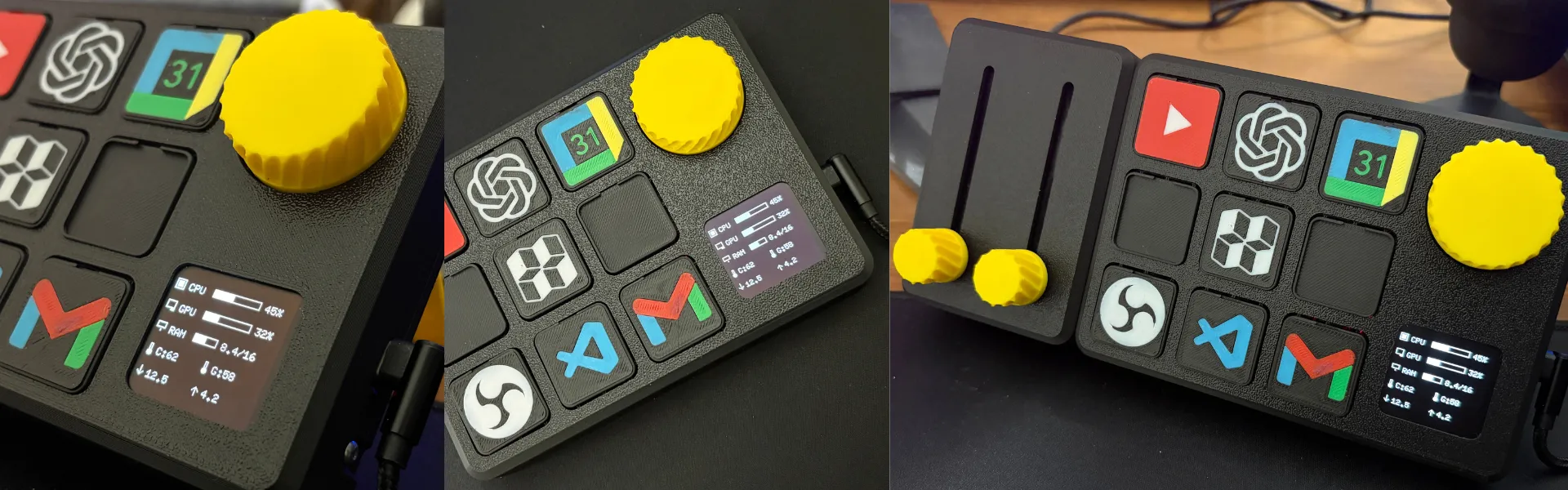


Starting from the V2 version, I have already carried out several tests necessary for the creation of the PRO version, both on the hardware and software sides. The main body is ready, and I am developing all the additional modules and beginning to think about the next ones. On the software side, I am working on creating a firmware capable of managing everything without errors.
WHY I NEED YOUR HELP ?
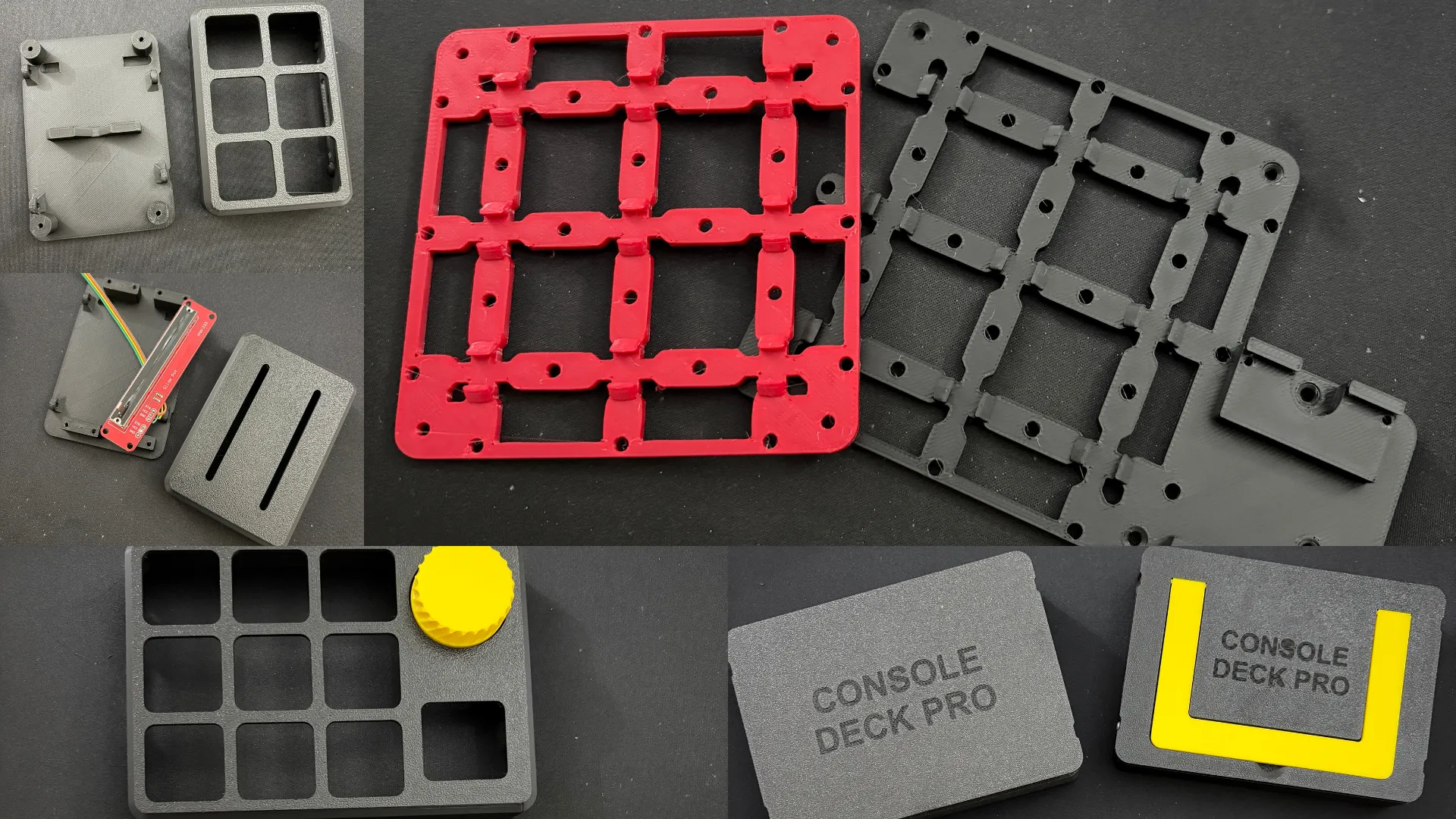
As you can imagine, this project requires many printing attempts, especially to find all the correct tolerances and spaces between the buttons and the main body. It also requires many tests with different electronic components until the right components are selected, both for the main body and for the additional modules.
As was the case with SIM Race PRO, your support is essential and allows me to continue with the project and make future improvements. All your suggestions are also very important, and during the campaign I will listen to your comments so that we can develop the project together🚀

Here, there are some photos of the tests I carried out before arriving at the final design.
ABOUT ME
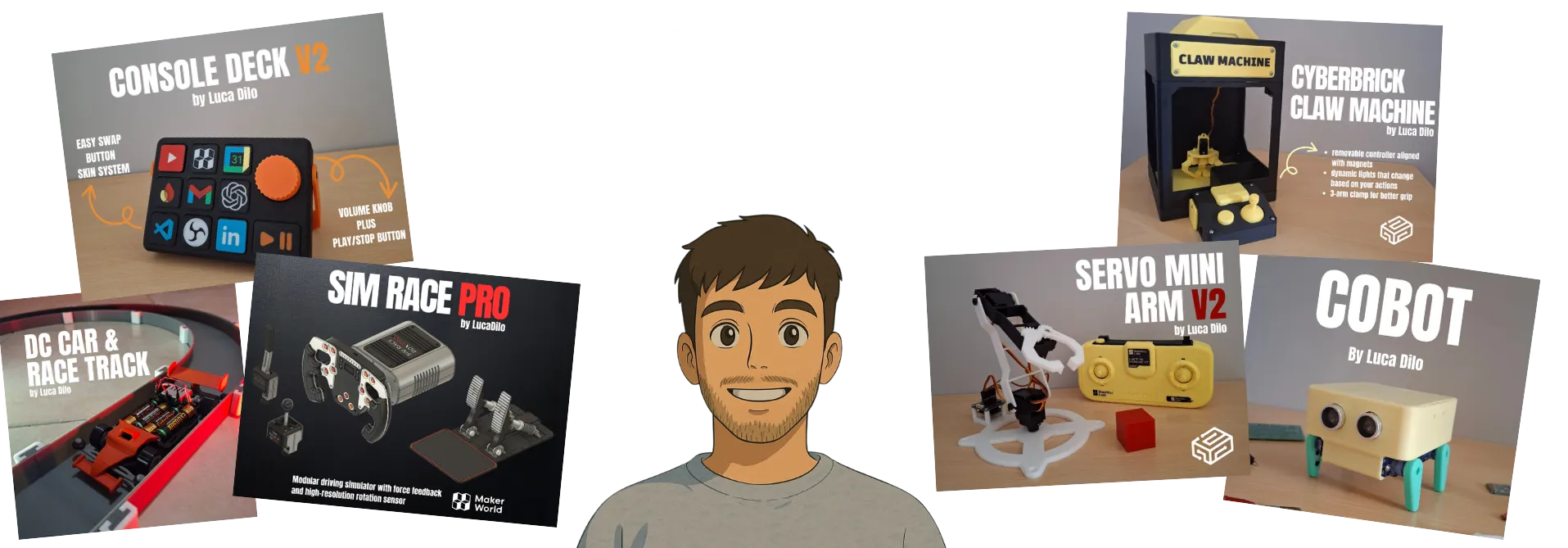
If you don't know me, let me introduce myself. My name is LucaDilo. I have a degree in computer engineering and currently work as a full-stack developer at an Italian company. I've always had a passion for robotics and electronic projects in general. When I was 15, I was given my first Arduino kit, and since then I haven't stopped tinkering and experimenting with new small projects. A few years later, I was given my first 3D printer which was a revelation for me. Finally, I could bring the ideas I had in mind to life in a more concrete way. That's how it all started, and now I create projects and publish them here on my Makerworld profile.
Console Deck PRO
Basic Modules
Stretch Goal Rewards







Console Deck PRO
Console Deck PRO
Basic Modules
Stretch Goal Rewards



Console Deck PRO
Basic Modules
Stretch Goal Rewards
Console Deck PRO STEP Files





Console Deck PRO
Basic Modules
Stretch Goal Rewards
Console Deck PRO STEP Files
Console Deck PRO
Basic Modules
Stretch Goal Rewards
Commercial License


Console Deck PRO
Basic Modules
Stretch Goal Rewards
Commercial License
Console Deck PRO
Basic Modules
Stretch Goal Rewards
Commercial License
Console Deck PRO STEP Files






Console Deck PRO
Basic Modules
Stretch Goal Rewards
Commercial License
Console Deck PRO STEP Files