Search models, users, collections, and posts
Recommendation
Creator’s Club
Creators & Fans
Show Your Make
Off Topic
Post Details

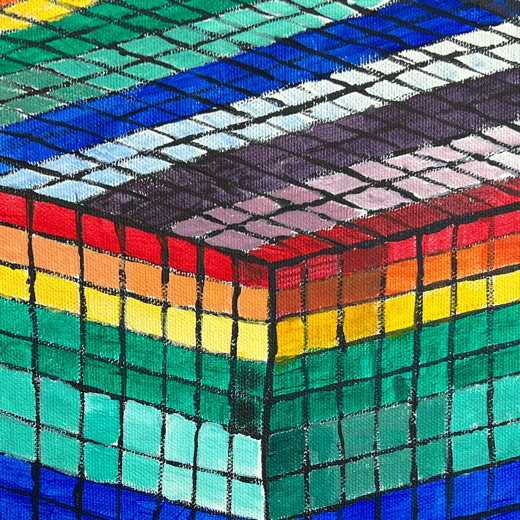
Looks like a gradient—but it’s just two colors!
I just published a little experiment of mine—an idea for creating gradient effects using only two filament colors. By slicing the model into thin horizontal layers that gradually shift from one color to the other, you can create a smooth transition without needing actual gradient filament.
I first tried this with one of my Flexigrid models, and here’s an example applied to a vase.
These are the vase colors I've tried.
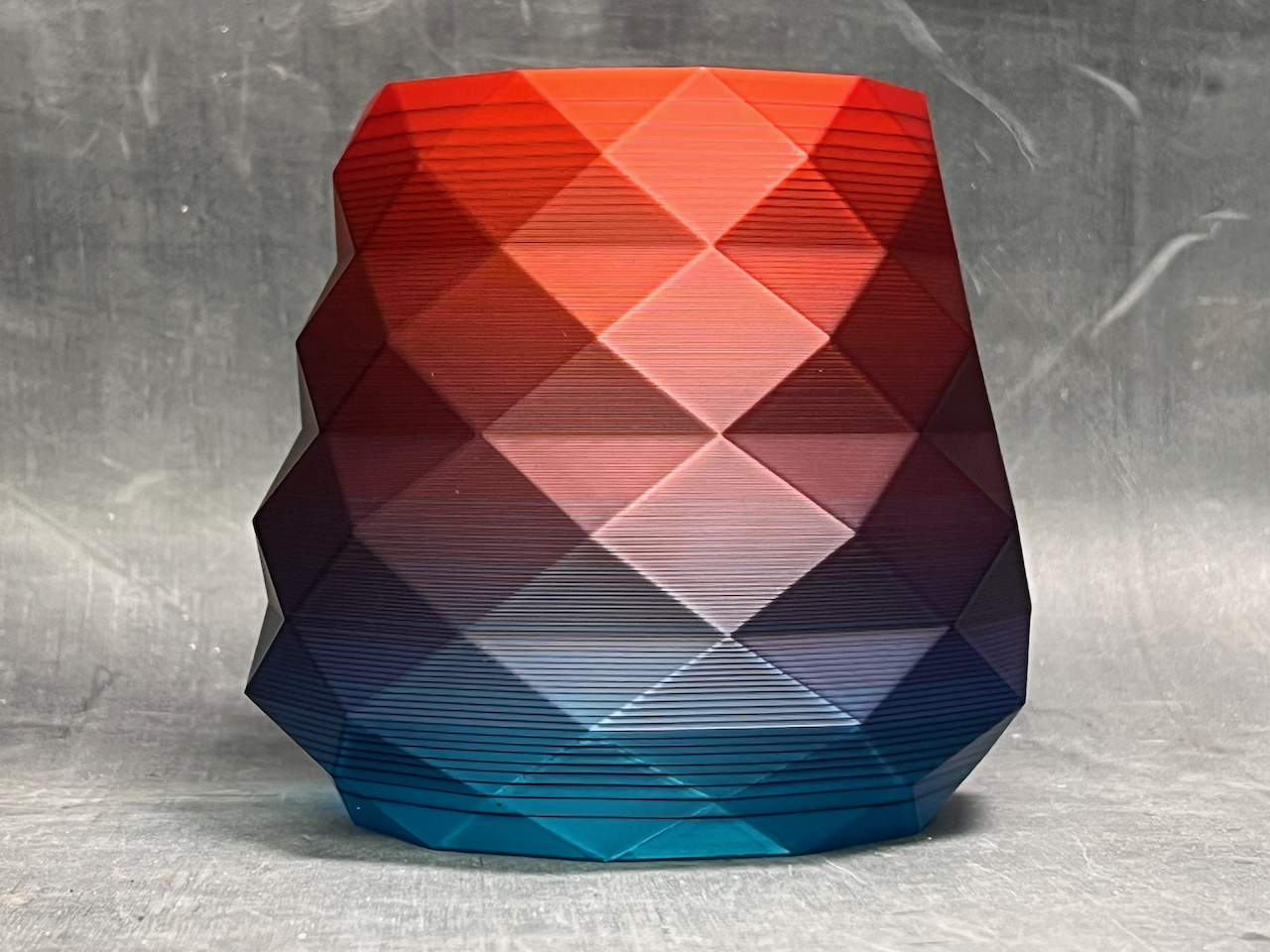
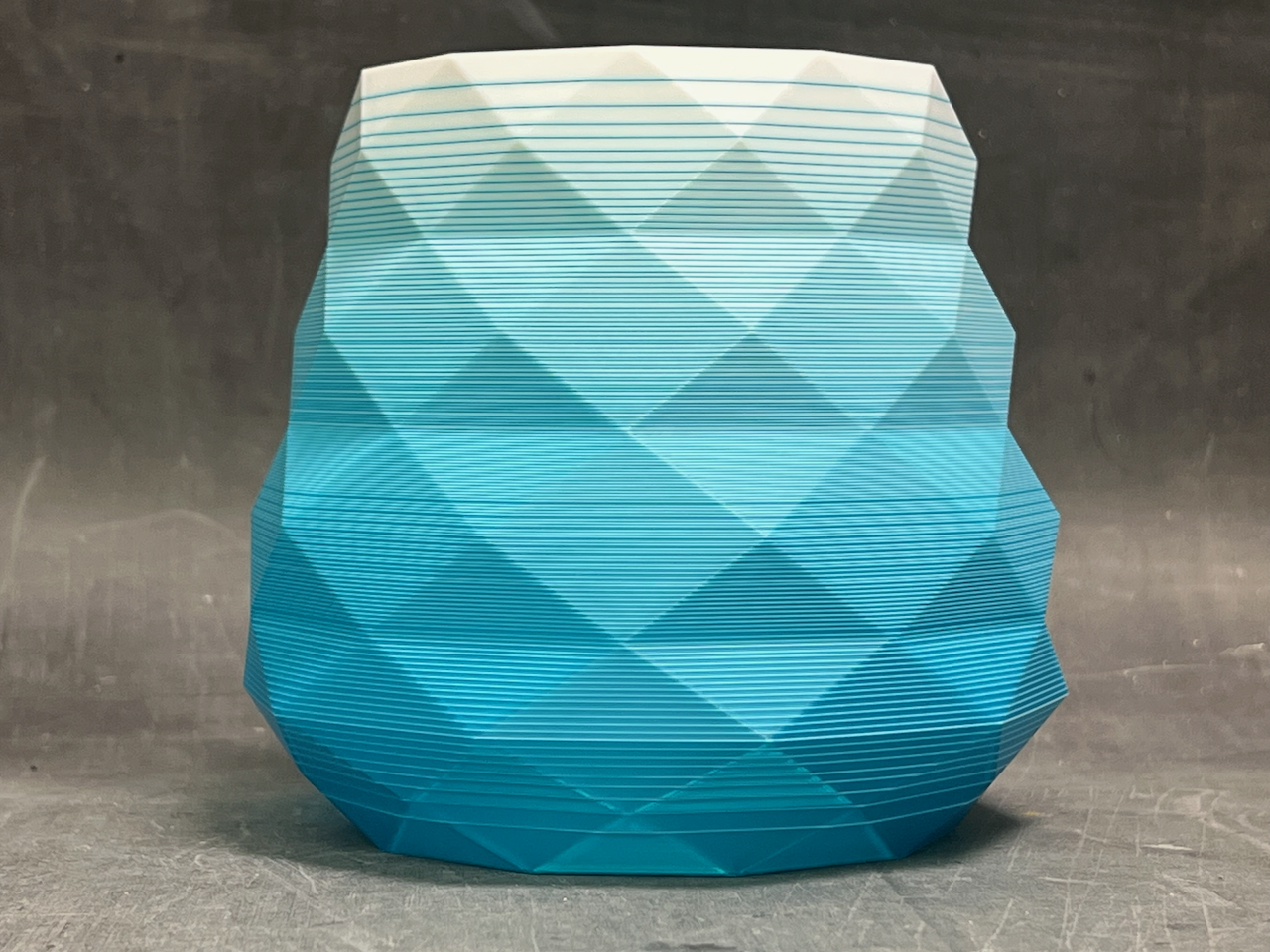
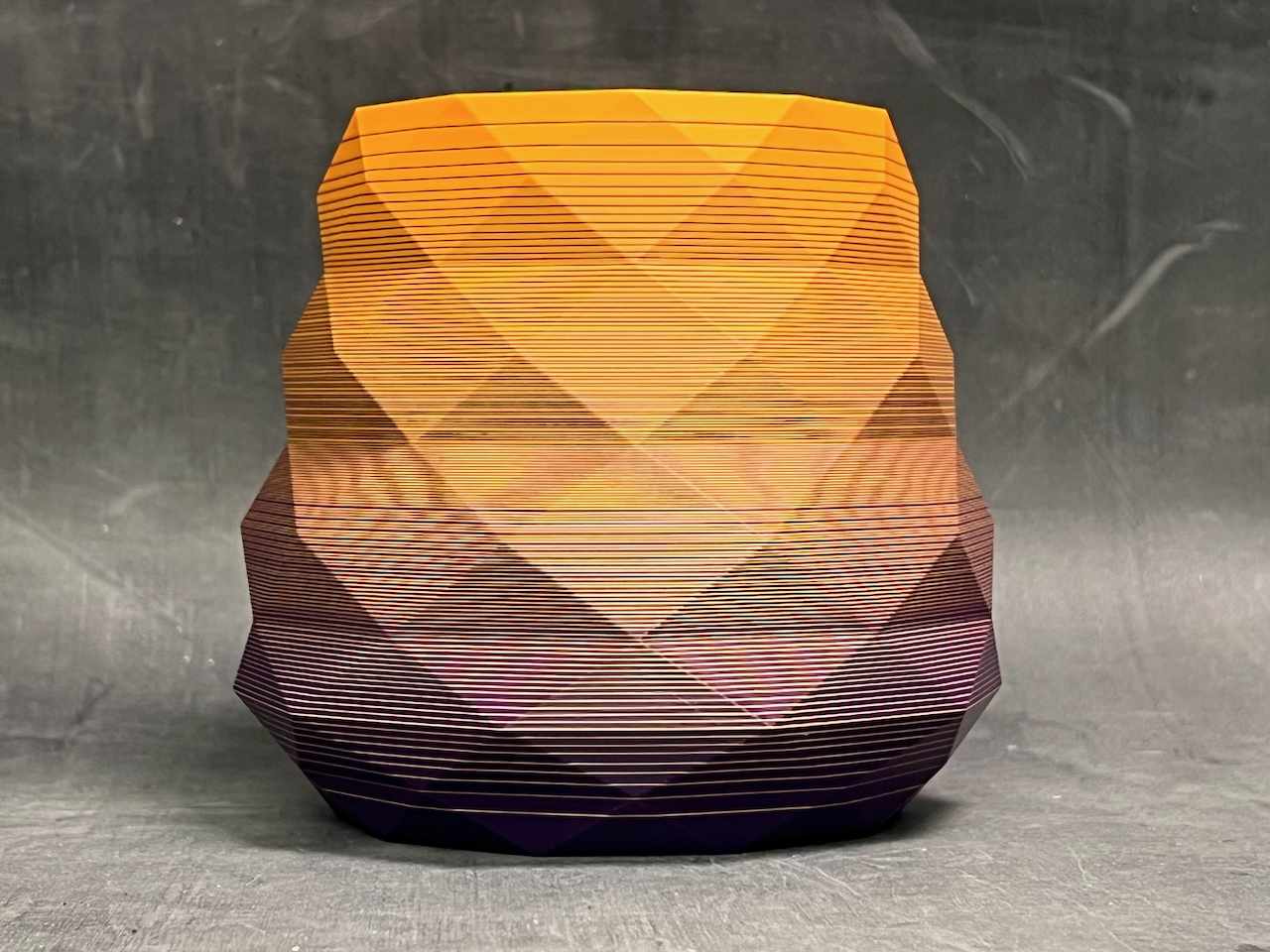
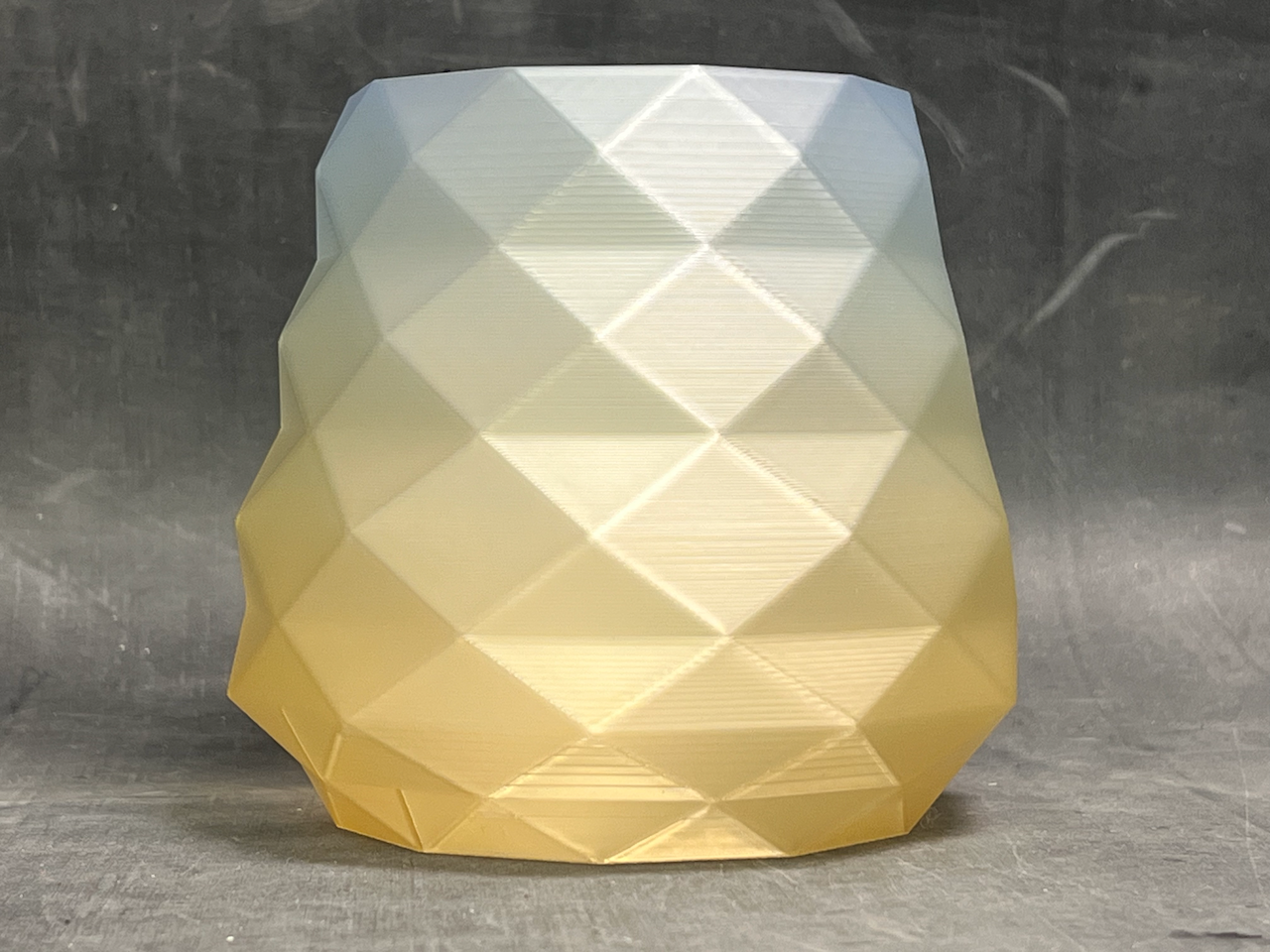
Translucent filaments work best since they let light through, allowing your eyes to naturally blend the colors. Let me know what you think. Is this something you'd like to be able to do to your own models?
Share
7
9
0
Comment (9)

@lw9782 : You take "out of the box" thinking to an entirely different level. This is a perfect application for the H2D with its efficiency in changing between 2 colors. Well done.
The poster has replied
1
Reply
@jetpad : Thanks!
0
Reply

@FidgetMan097 : all I do is use a gradient filament :D
The poster has replied
1
Reply
@jetpad : That's too easy!
0
Reply
@jetpad : Here's the customizer I created to make these examples. https://makerworld.com/en/models/1671853-gradient-customizer
0
Reply

@omegawat : What do the purge amounts look like for these? Or are they just done sans purge tower?
The poster has replied
0
Reply
@omegawat : : I run a P1S, so I guess a lot of purge is in my future 😹
1
Reply
@jetpad : On the H2D there is no raw purge but it does use a purge tower. Its possible to not use the purge tower with multicolor prints on the H2D but the quality isn’t as good. Printing with any other printer with an AMS, a lot of purge is generated.
0
Reply

@Sporadic3D : That’s actually really awesome and I would totally do it!
0
Reply
No more data
Trend
PrintClinic
Weekly Roundup
1
the Great Benchy Nations
3.4 k
2
HideAndSeekChallenge
3 k
3
Questions
1.4 k
4
Reporting Team
920
5
Theprintertribes
594
6
Newmodel
567
7
Contests
348
8
Face Reveal
290