
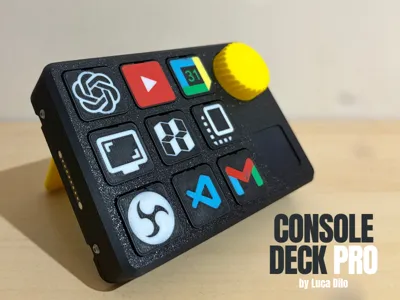
Console Deck PRO
Print Profile(2)
Bill of Materials


Description
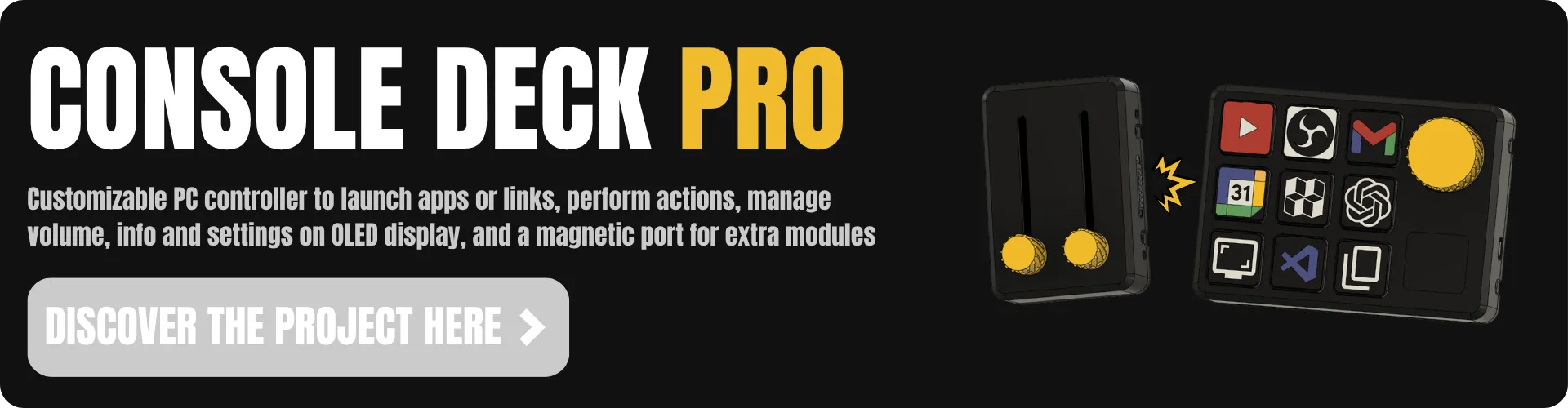
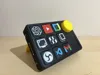
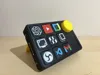
Console Deck PRO - Basic
*** Update 28/05/2026 (see below) ***
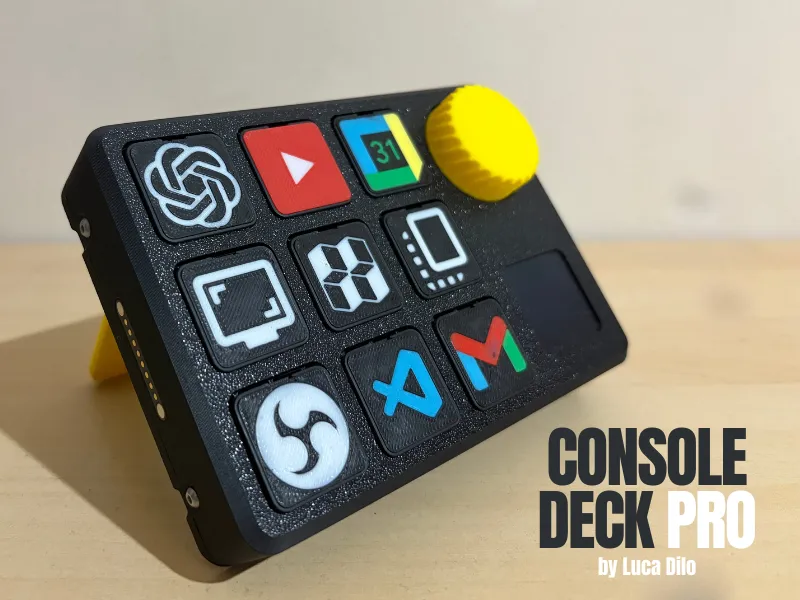
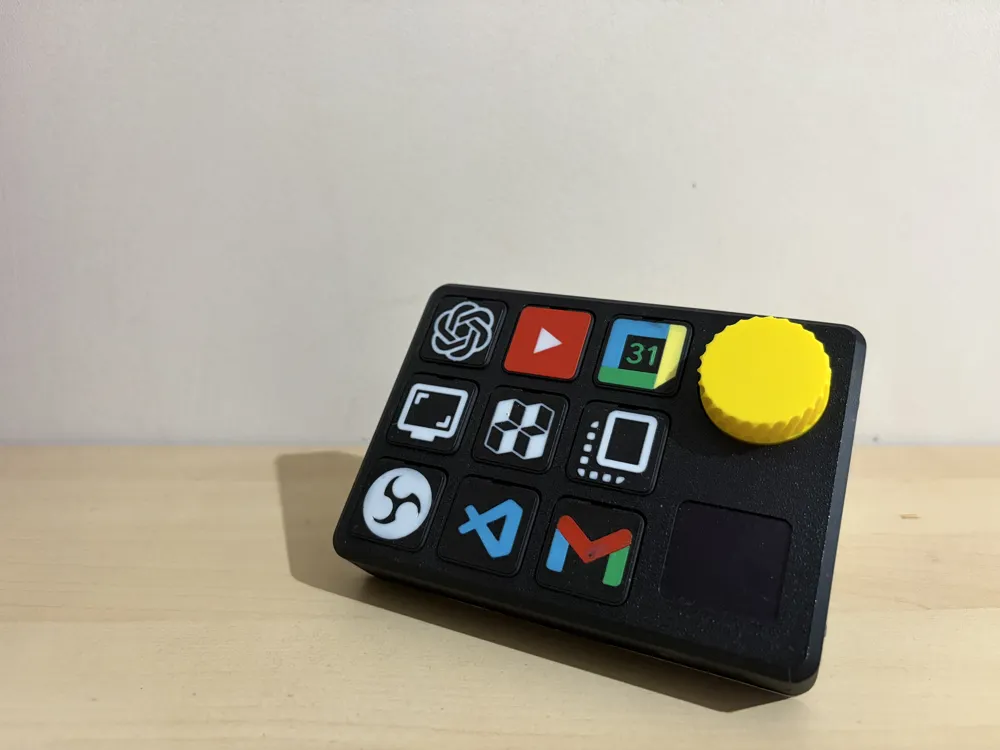
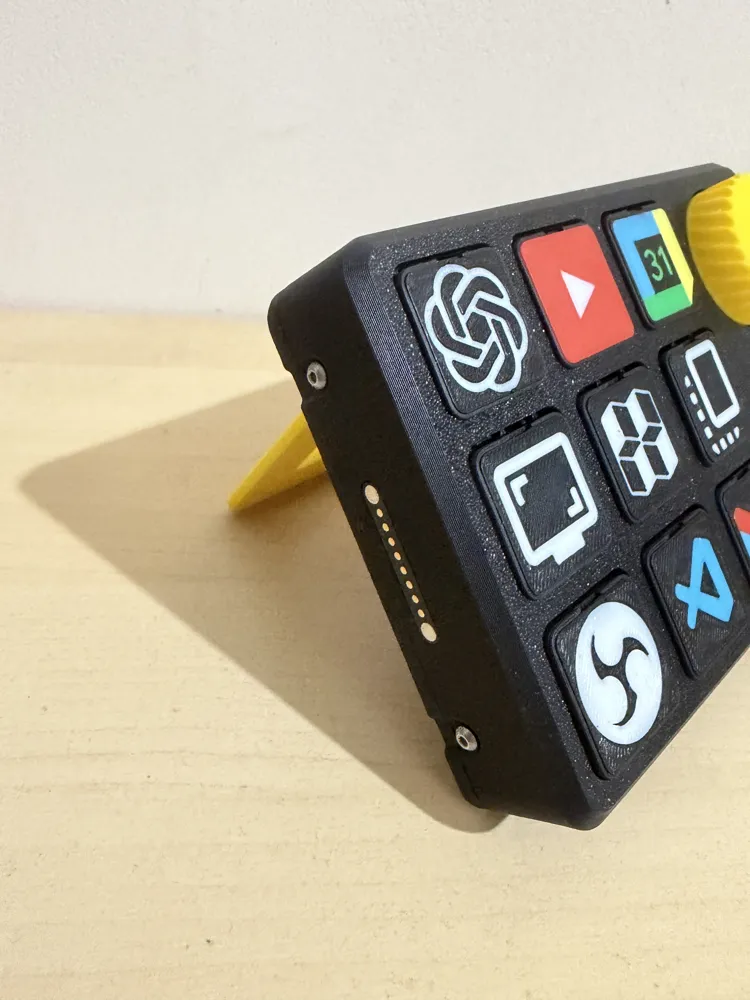
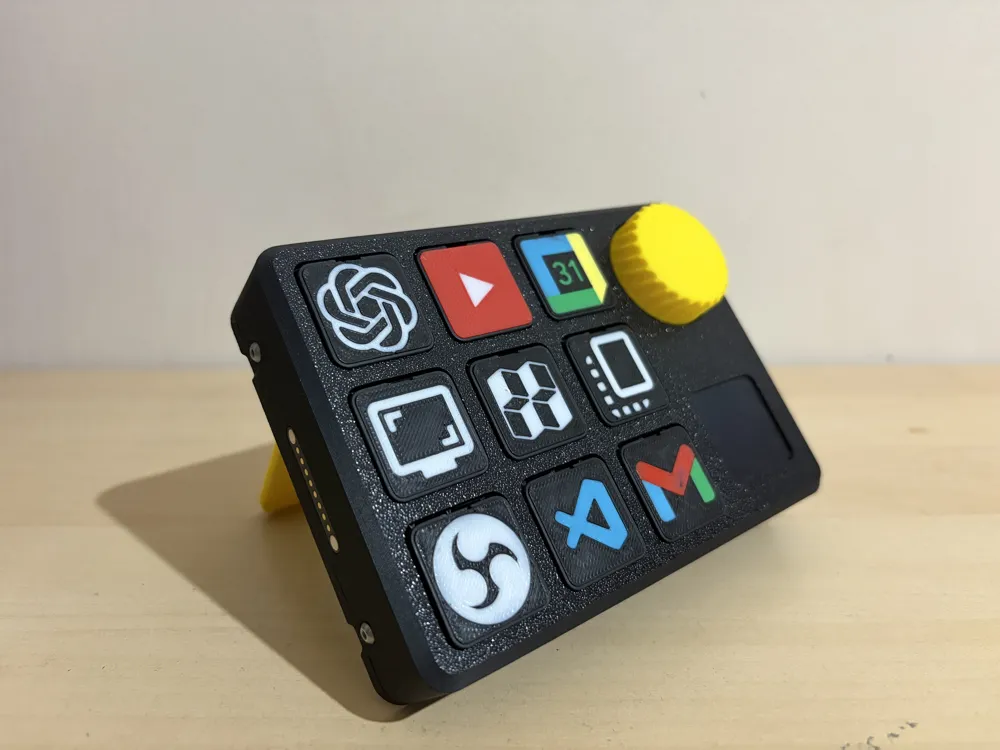
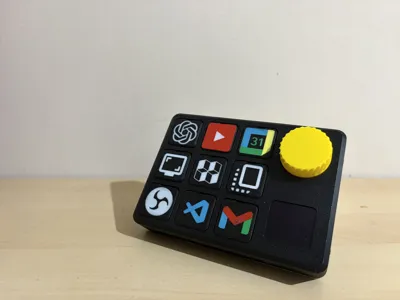
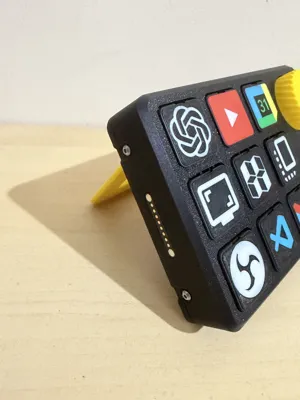
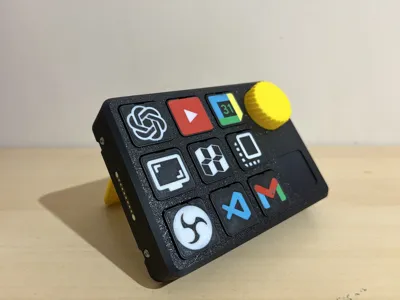
I’m really excited to show you my Console Deck Pro project. A big thank you to everyone who helped bring the CDP to life by backing the crowdfunding campaign.
Assembly Tutorial
BOM for purchasing components + Electrical diagrams
In the Updates Section of the crowdfunding page, you will find a ‘BACKERS ONLY’ update containing a link to the shared folder where you can find the BOM and the circuit diagrams. The BOM lists all the components you need to build your Console Deck PRO; for each component, we have included several links to different retailers so that you can choose the one that suits you best.
Software Releases
You can download the code required to run the Console Deck Pro from this link → Release V2.0.0
SOON: add YT video tutorial
On-Device Menu
A built-in menu accessible directly from the device allows you to configure core settings without needing a PC. Hold the encoder button for about a second to open it, rotate to navigate between options, and click to select. All settings are saved to the Arduino's internal EEPROM memory, so they persist across reboots even without a connected computer.
- EXIT MENU: returns to the home screen without saving anything
- HOME: selects the home screen mode between PC STATS (shows CPU/GPU/RAM usage with progress bars), SPLASH IMAGE (shows clock, date and logo), and TESTING (debug screen showing encoder value and module state)
- MODULES: selects the external module connected to the device, choosing between NONE, BUTTONS (4+2 external buttons), SLIDERS (2 analog sliders), and KNOBS (2 analog knobs)
- BACKLIGHT [Unofficial]: enables or disables the backlight LED. When disabled, the LED only lights up while a matrix button is being pressed. This feature works but is not officially supported yet
- SCREEN SAVER: sets the inactivity timeout before the display turns off, with options 10 SEC, 30 SEC, 1 MIN, 5 MIN, 10 MIN, and NEVER
- CALIBRATION: starts the button remapping procedure, asking the user to press each of the 9 buttons one by one in the desired logical order, then saves the custom map to EEPROM
Custom Tile
If you want to create your own tile you can follow this video tutorial from the Console Deck V2 (free download). You can find the step file of empty button skin in the shared dir.
Conclusion
I hope you like this project. Let me know what you think in the comments and any suggestions and/or improvements are welcome 🚀✌️
Updates
*** Update 09/05/2026 ***
- fixed wrong bed name “[NO-PCB] Swappable Buttons” to "Swappable Buttons” (if you want to make your console deck pro with pcb you need to print the swappable buttons as for the standard version without pcb)
- added yt assembly video tutorial
- added in stretch model print profile section the "back_body_PCB" you'll need this instead of the standard “back_body” to mount the pcb
*** Update 10/05/2026 ***
- added custom tile video tutorial and empty button skin step file in the shared dir
- added link to pcb manifacturer in stretch model page
- added link to software latest release, you can follow the readme instruction before the yt software video tutorial release
*** Update 24/05/2026 ***
- added on-device menu section to explain the console deck pro menu features
*** Update 28/05/2026 ***
- added pcb assembly video tutorial on stretch model page
License

You shall not share, sub-license, sell, rent, host, transfer, or distribute in any way the digital or 3D printed versions of this object, nor any other derivative work of this object in its digital or physical format (including - but not limited to - remixes of this object, and hosting on other digital platforms). The objects may not be used without permission in any way whatsoever in which you charge money, or collect fees.


Comment & Rating (43)