
The Sphere - ESP32
Print Profile(1)
Description
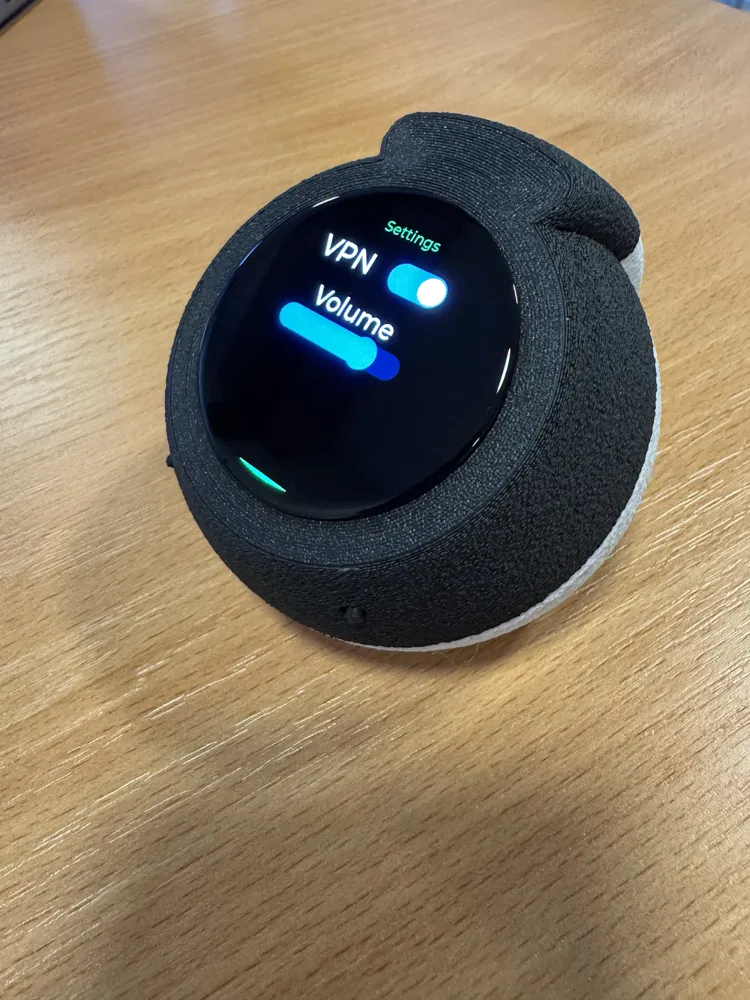
The Sphere
Modular Case for Waveshare ESP32-S3-AMOLED-1.75”
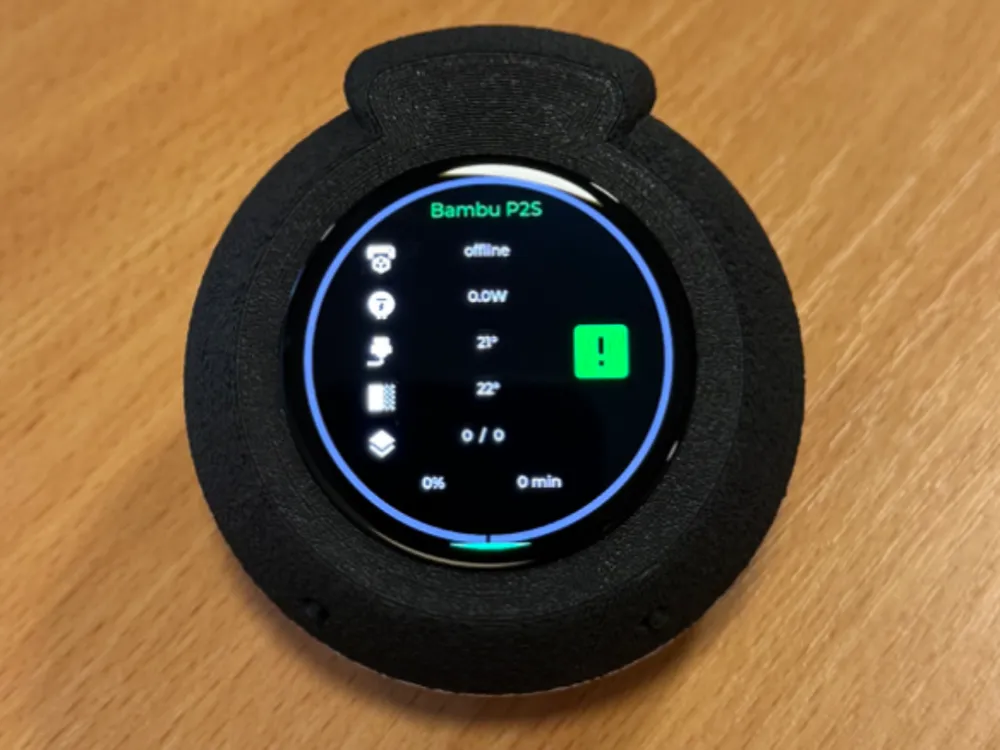
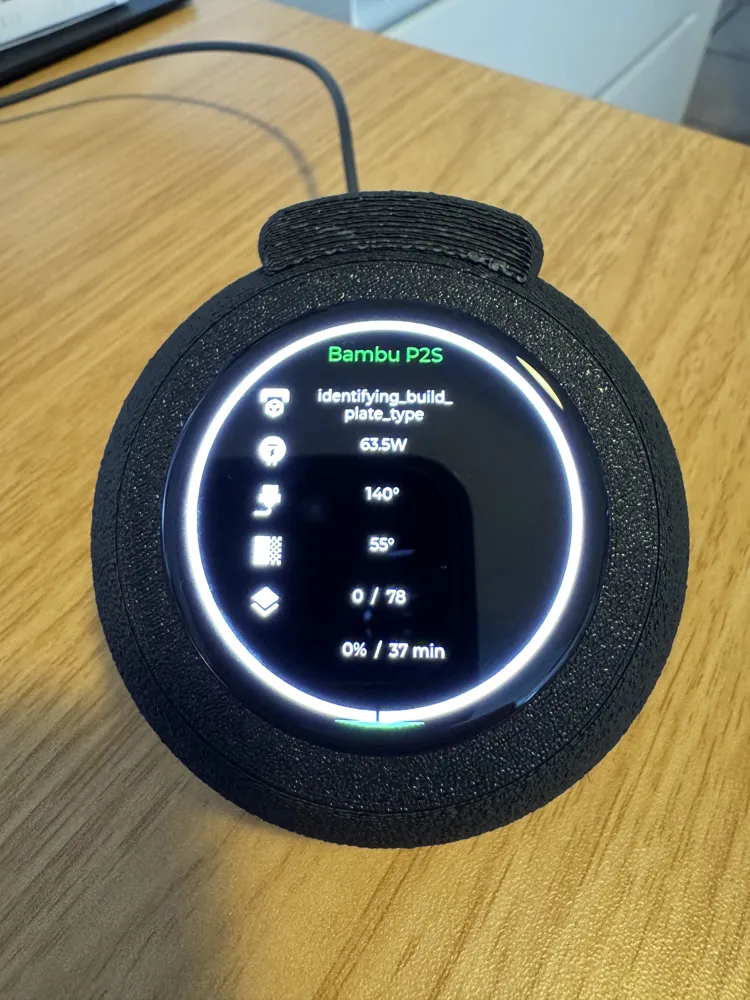
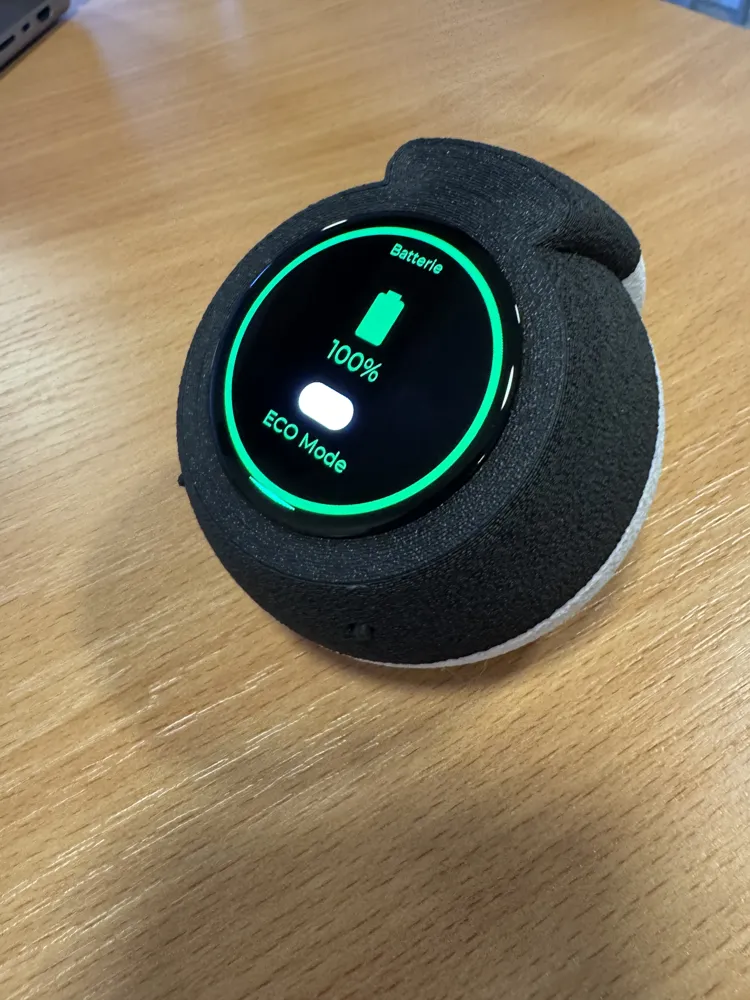
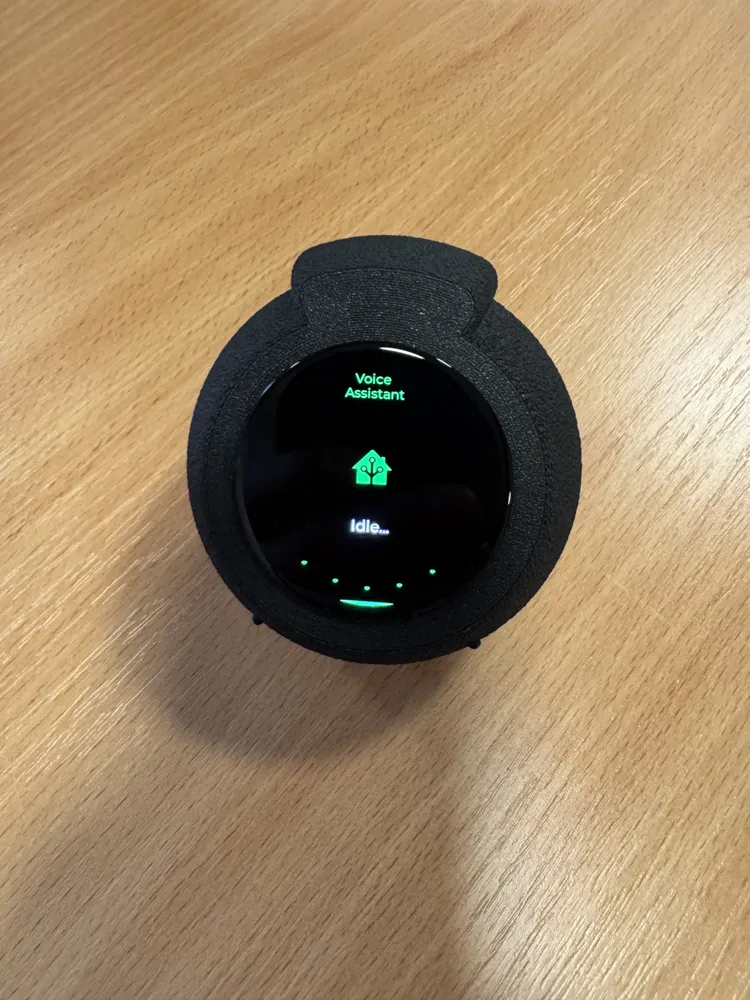
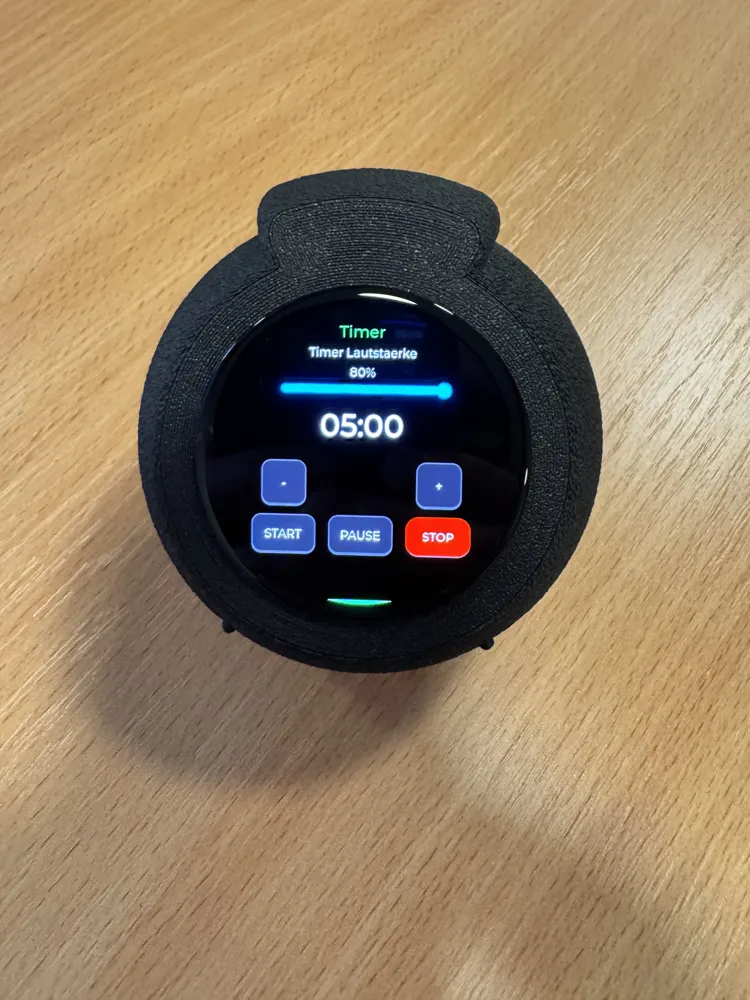
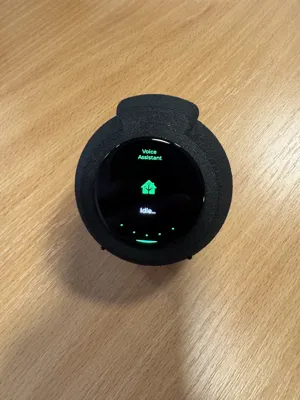
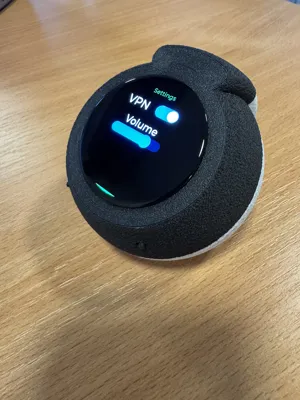
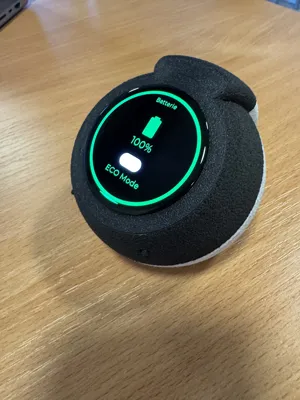
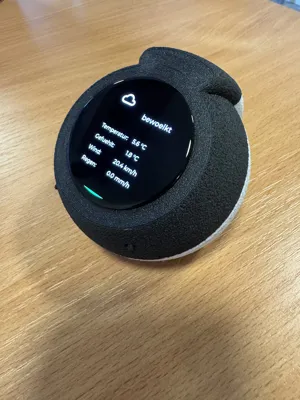
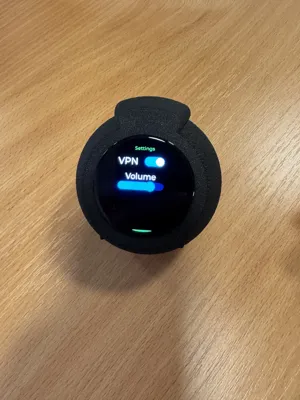
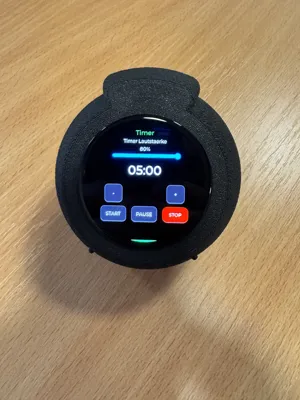
The Sphere is a compact, modern 3D-printed case for the Waveshare ESP32-S3-AMOLED-1.75” Display
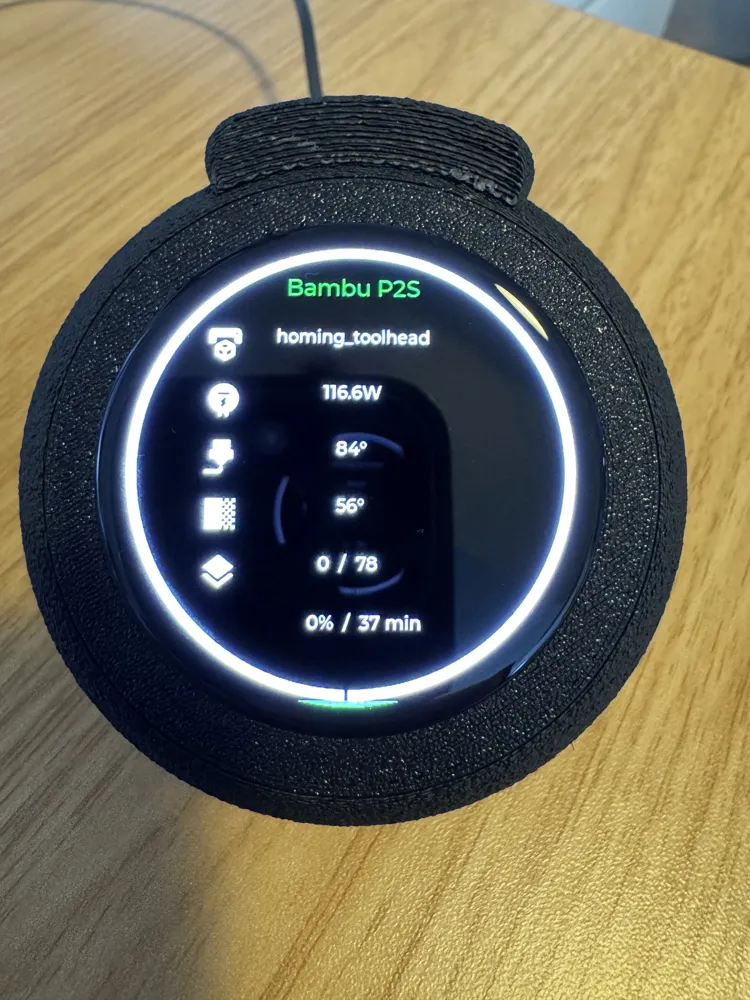
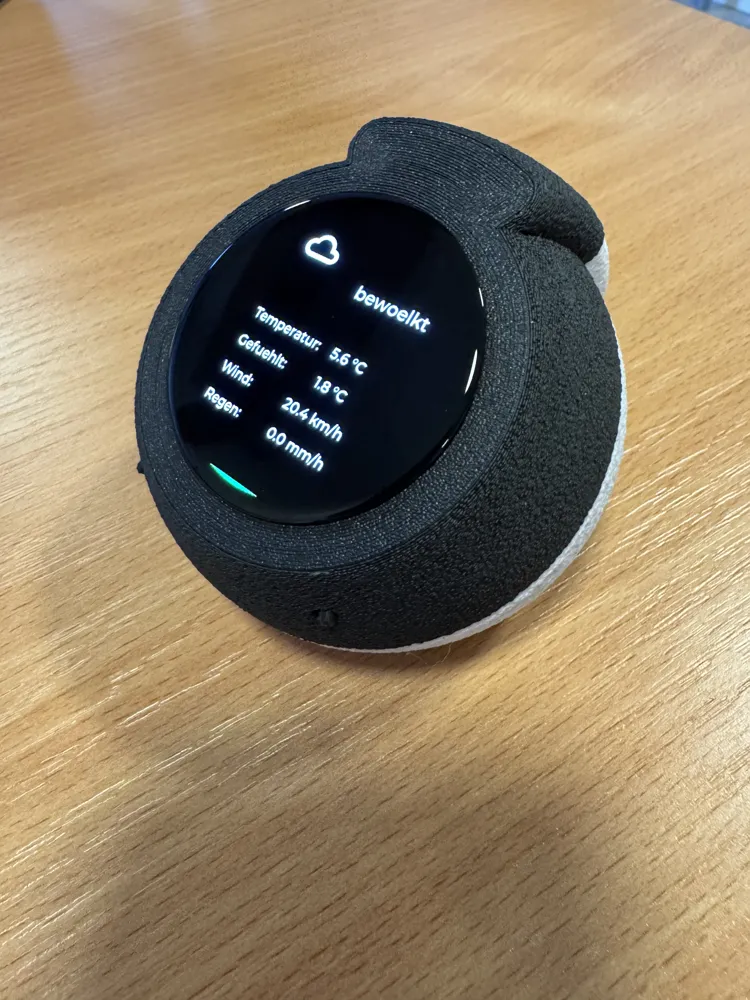
It was designed as a versatile gadget – ideal e.g. for smart home visualization, status displays, sensor dashboards, or individual IoT projects
The design combines a minimalist spherical shape with practical modularity and easy maintenance
🧩 Concept & Structure
The case currently consists of three parts:
- Top part
- Power/Boot Buttons
- Bottom part
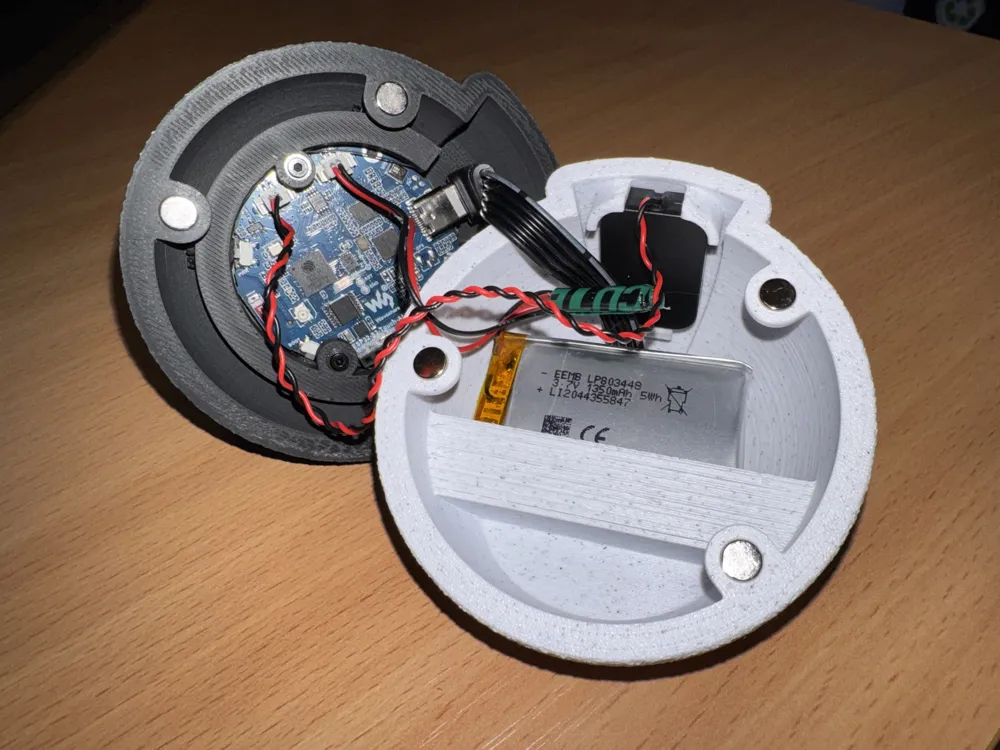
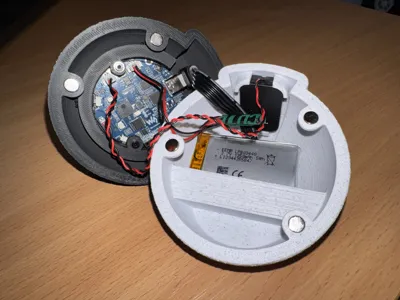
Both parts are held together by three embedded magnets (6x3 mm) each
This allows the case to be opened at any time without tools – ideal for updates, maintenance, or future expansions
Assembly Overview
- 📺 Display mounting in the top part
- 🔊 Speaker mounting in the bottom part
- 🔉 Integrated sound openings for optimal sound transmission
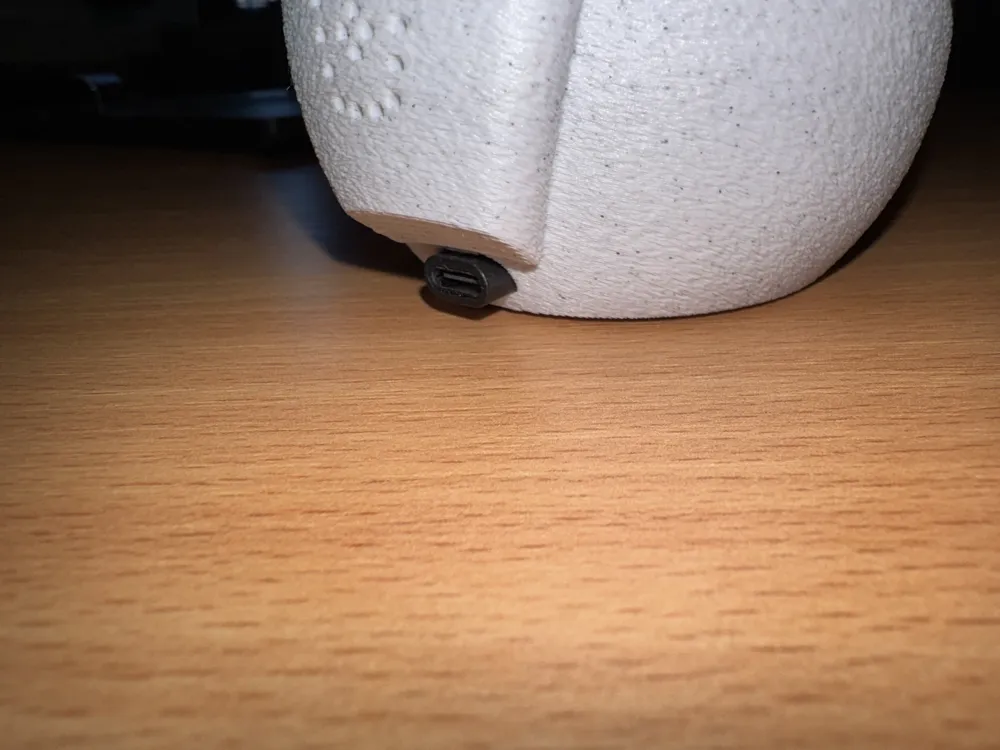
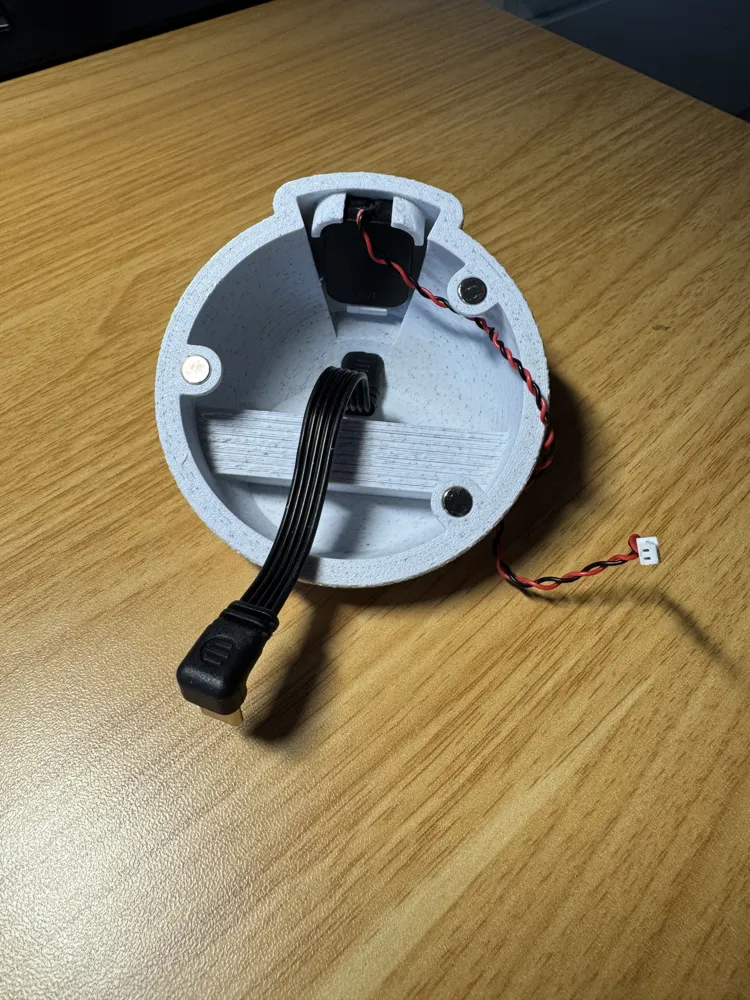
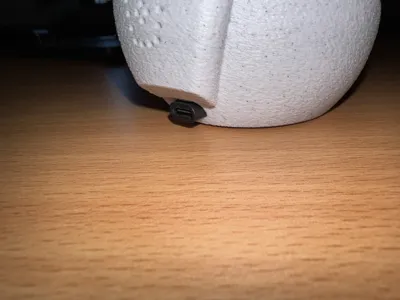
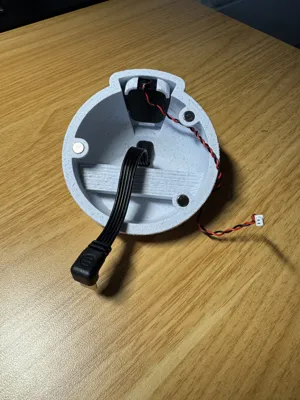
- 🔌 USB cable pass-through on the back
- ⚫️ 4 Recessed indentations in the base for anti-slip feet
🔮 Planned Extensions
The project is being further developed. Planned (already revised) are:
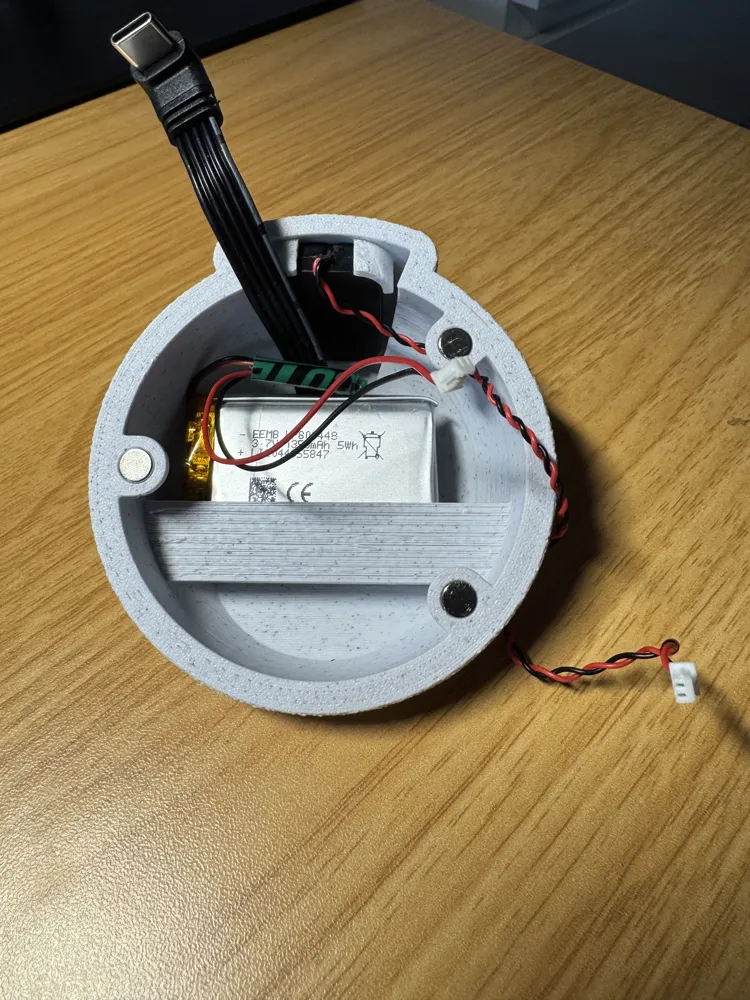
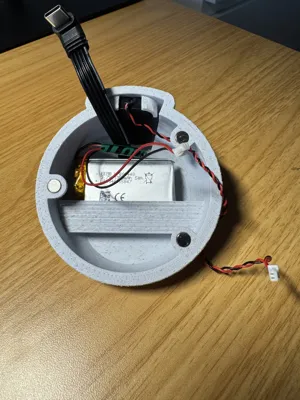
- 🔋 Integrated battery compartment in the bottom part - Done ✅
- 🔊 Improvement of the speaker mount - Done ✅
- 🔌 Matching USB cover, so that the cable pass-through can be completely closed when running on battery power - Done ✅
- 🌟 Further optional variants (e.g. bottom part as a stand or wall mount)
⚙️ Technical Data
- Compatible with: Waveshare ESP32-S3-AMOLED-1.75”
- Magnet size: 6 x 3 mm
- Number of magnets: 6 pieces (3 per case half)
- Speaker mount: [Insert details]
- USB pass-through: [Insert details]
- External dimensions: [Insert details]
🖨️ Print Information
Recommended settings:
- Print material: PLA / PETG / ABS (depending on use)
- Layer height: [e.g. 0.16 mm]
- Infill: [e.g. 50%, less is also possible, but adds weight]
- Supports: Yes (Tree)
- Appearance: Fuzzy Skin: 0.2 point distance, strength 0.3 (outer sides via paint function)
Print orientation: Print order by object recommended
- Top part: Orientation on display side
- Bottom part: Orientation on magnet holder
Optional:
- Multi-color printing possible for accents
- Matte filament or Marble/Wood recommended for an elegant look
🧰 Required Accessories
- Waveshare ESP32-S3-AMOLED-1.75” (speaker included) ( Amazon DE: https://amzn.eu/d/03z793TJ )
- 6x Neodymium magnets 6x3 mm (Amazon DE: https://amzn.eu/d/0hdw2BTB )
- 3x Screws for display M2x8mm and
- 3x Washers M2 (optional)
- USB-C cable with angled connector (I used this to later secure the outlet in the case and supply power via an external USB cable: https://amzn.eu/d/05ZYovIZ )
- Optional: Battery MX1.25 3.7V (check Waveshare Wiki)
🔧 Assembly Instructions
- Carefully press in magnets with correct polarity. Some pressure is required, but it works well with pliers
- Screw the display into the top part
- Attach the speaker in the bottom part
- Route the USB cable through the pass-through
- Assemble the top and bottom parts magnetically. Connect. Start programming 🤓
💡 Use Cases
- Smart-Home Dashboard (Home Assistant, MQTT, etc.)
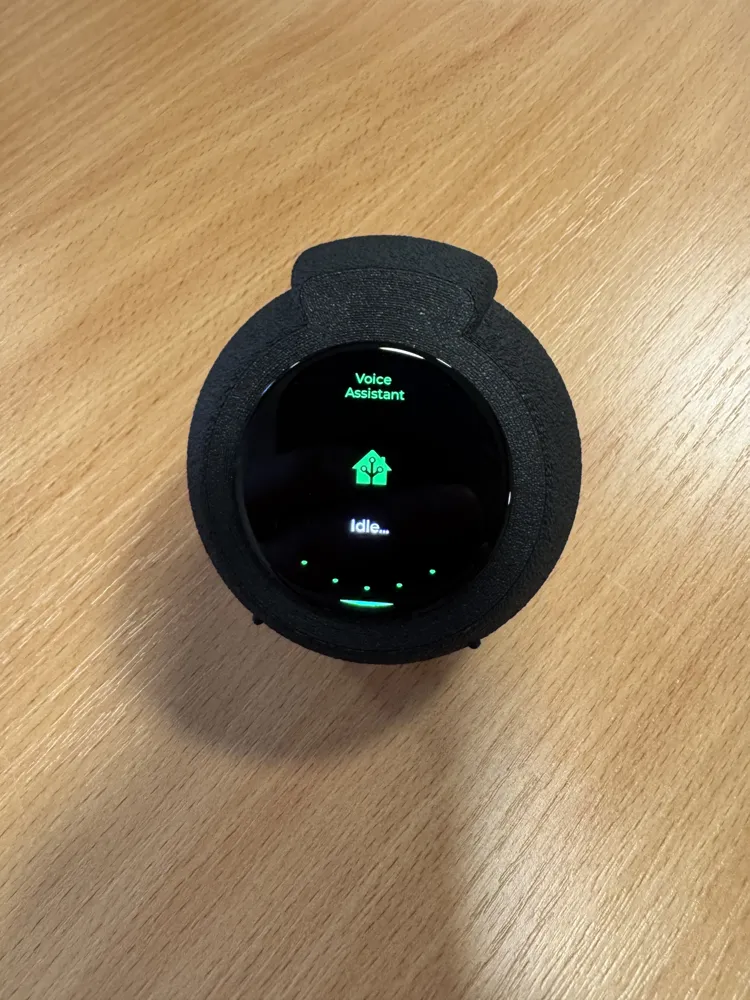
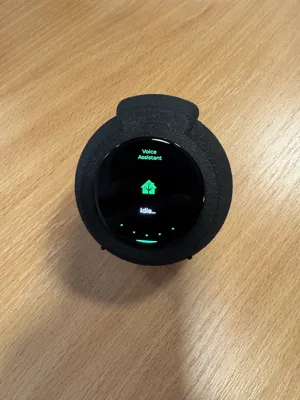
- HA Voice Assistant
- Room Status Display
- Weather Station
- Music Visualizer
- IoT Status Monitor
- Individual ESP32 Projects
- Kitchen Helper/Timer
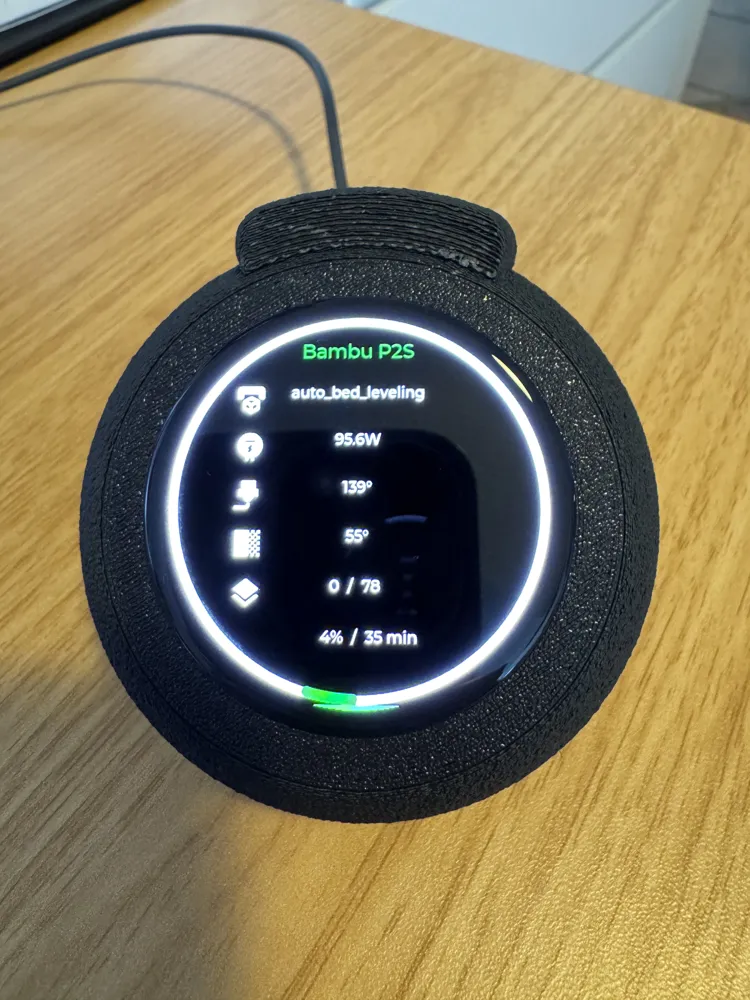
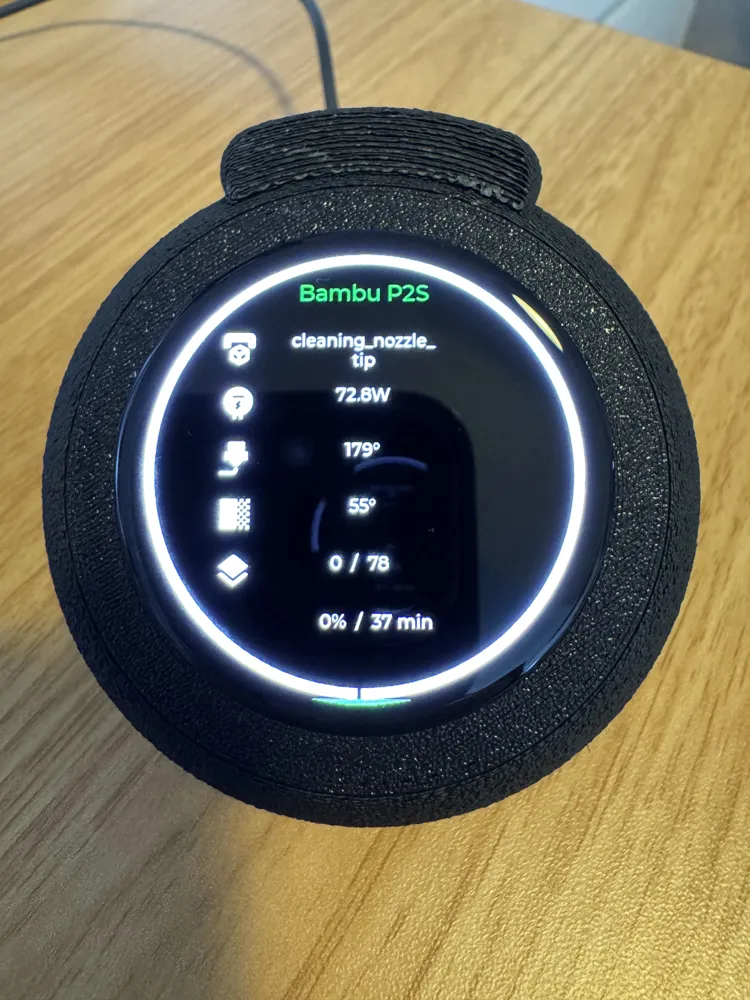
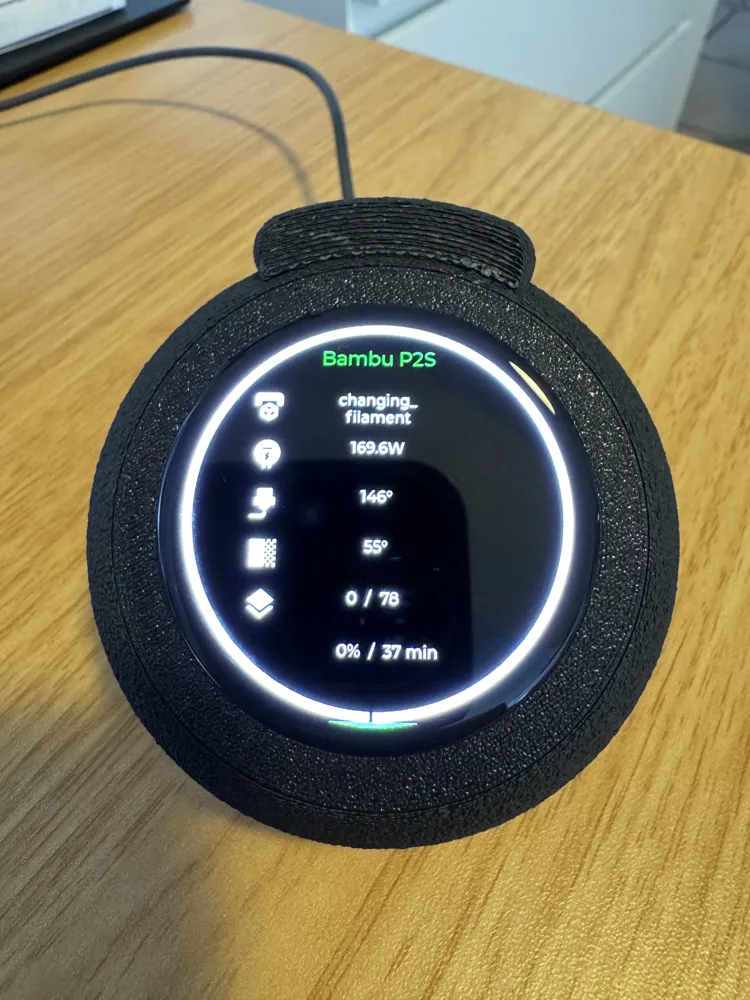
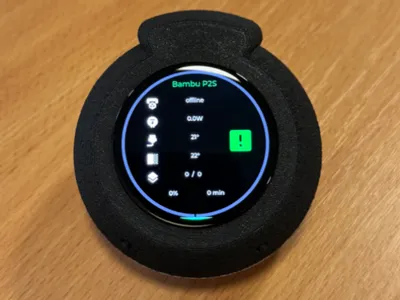
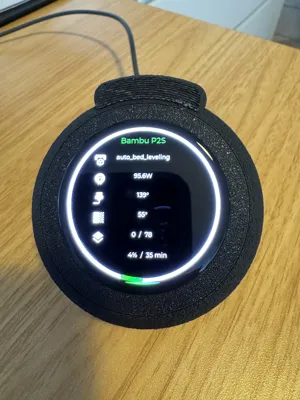
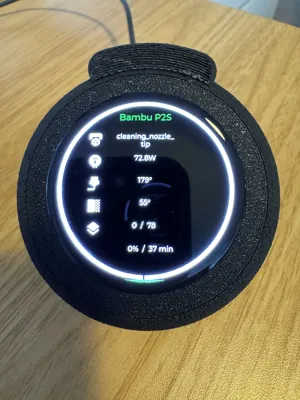
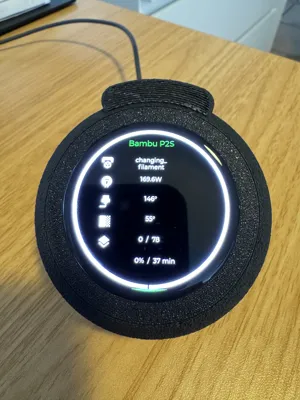
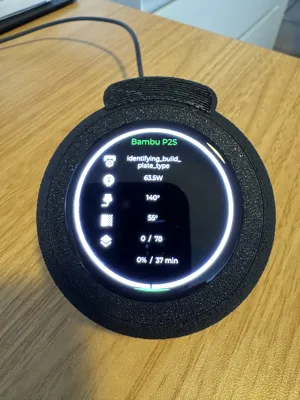
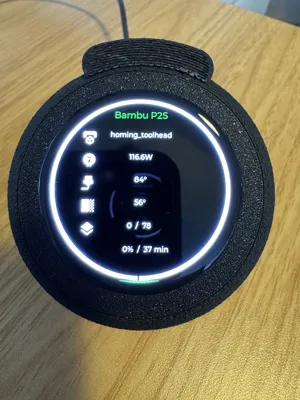
- PrintBuddy (Status Displays & Operation)
📌 Notes
This is version 2.0 of the design. It still has prototype/proof-of-concept status but already functions satisfactorily
Feedback, suggestions for improvement, and remix ideas are expressly welcome
I did the programming via ESPHome. I am still an absolute beginner here and can offer little assistance myself. However, there are many good videos online for this. Should someone feel motivated to support me regarding the project description concerning programming, I would be very happy
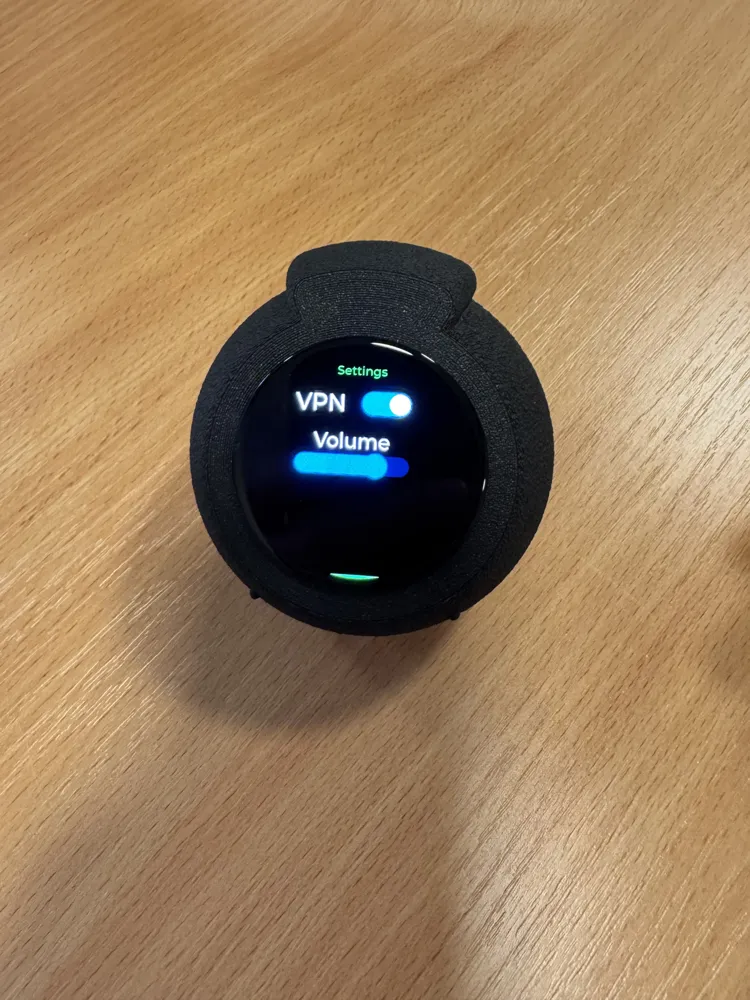
Various projects can be implemented with the display. For the possibilities shown in the image (used by me), the following are essential:
- HomeAssistant with the following extensions:
- HACS Extension
- ESPHome
- HA-Bambulab Extension
License

You shall not share, sub-license, sell, rent, host, transfer, or distribute in any way the digital or 3D printed versions of this object, nor any other derivative work of this object in its digital or physical format (including - but not limited to - remixes of this object, and hosting on other digital platforms). The objects may not be used without permission in any way whatsoever in which you charge money, or collect fees.


Comment & Rating (9)