
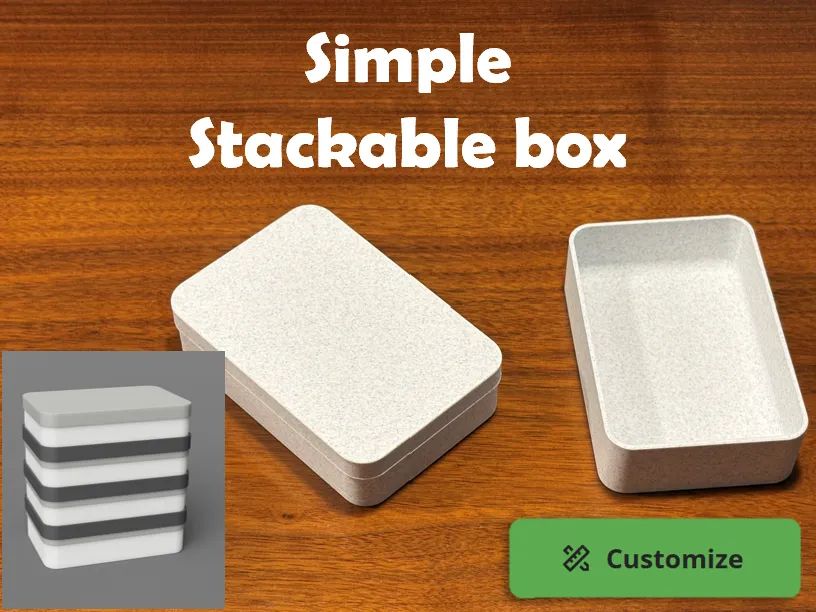
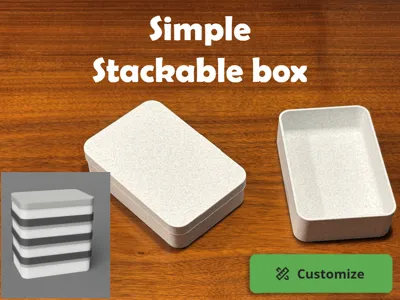
Simple Stackable Box
Print Profile(1)

Description
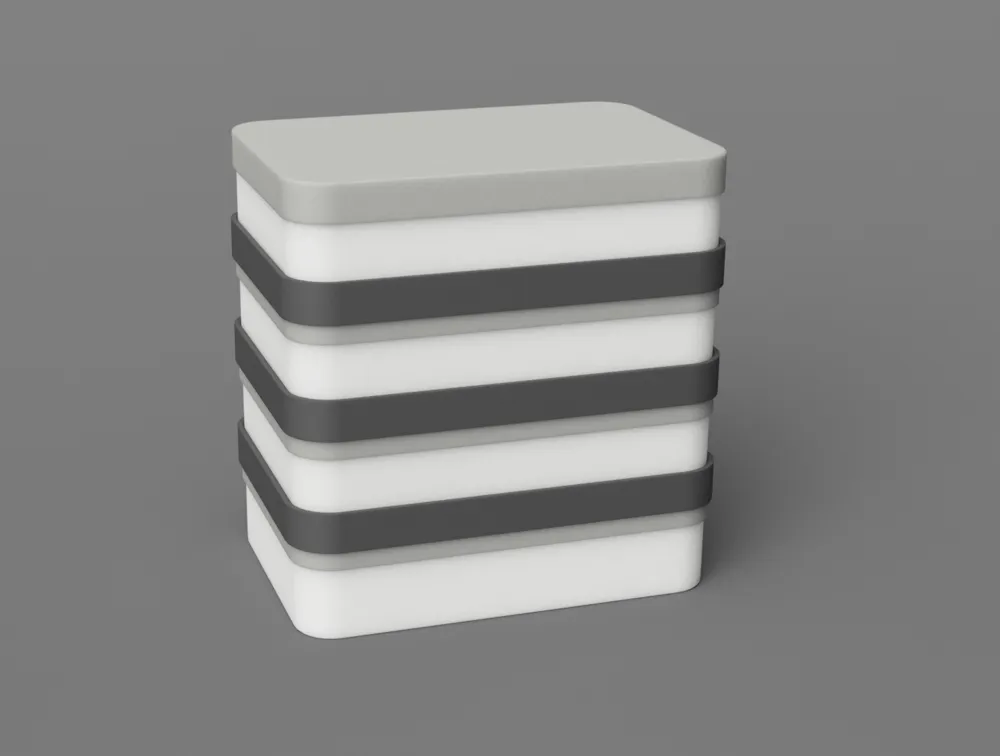
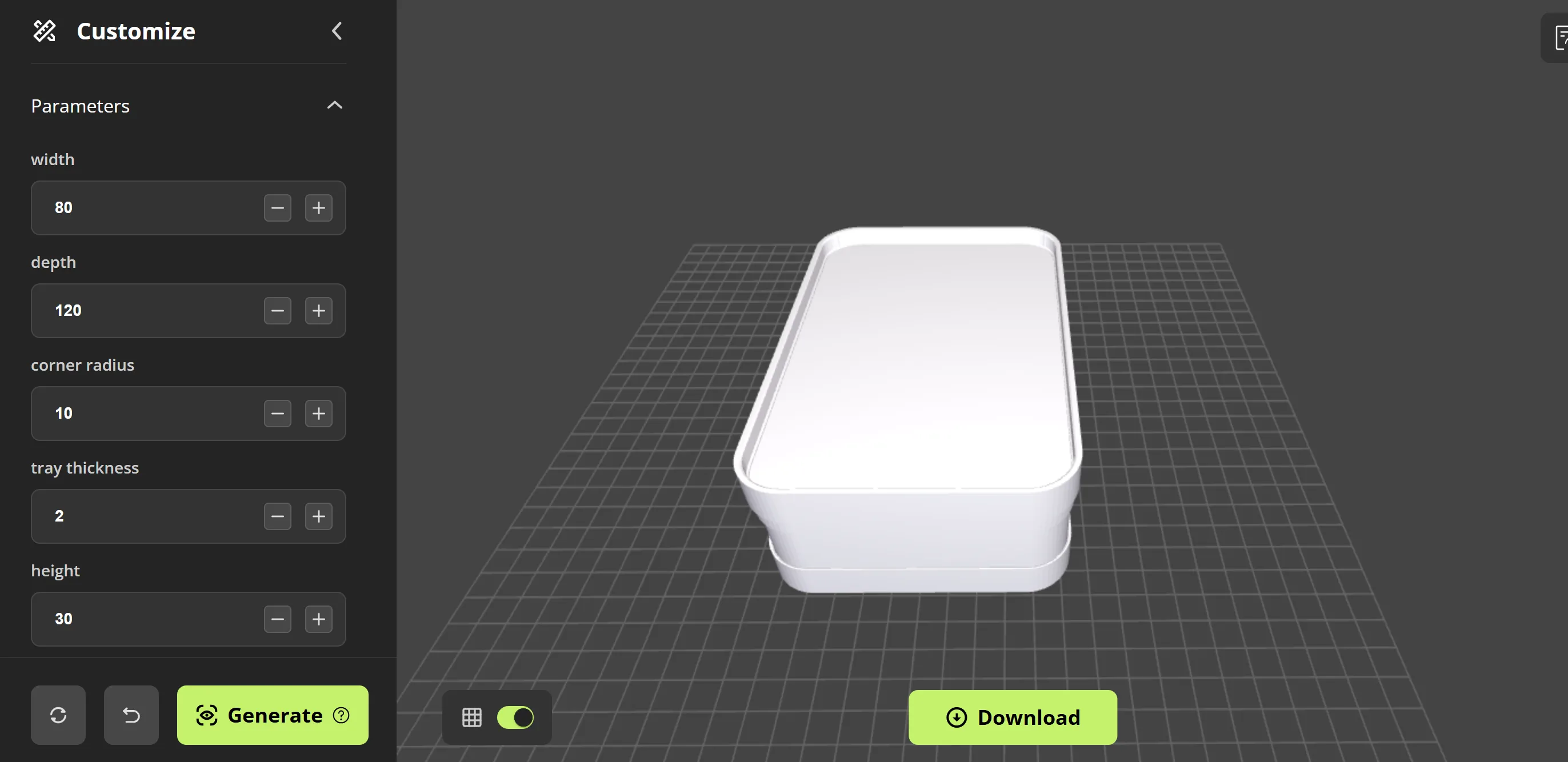
Fusion 360 based customizable simple stackable box.
You can customize following parameters :
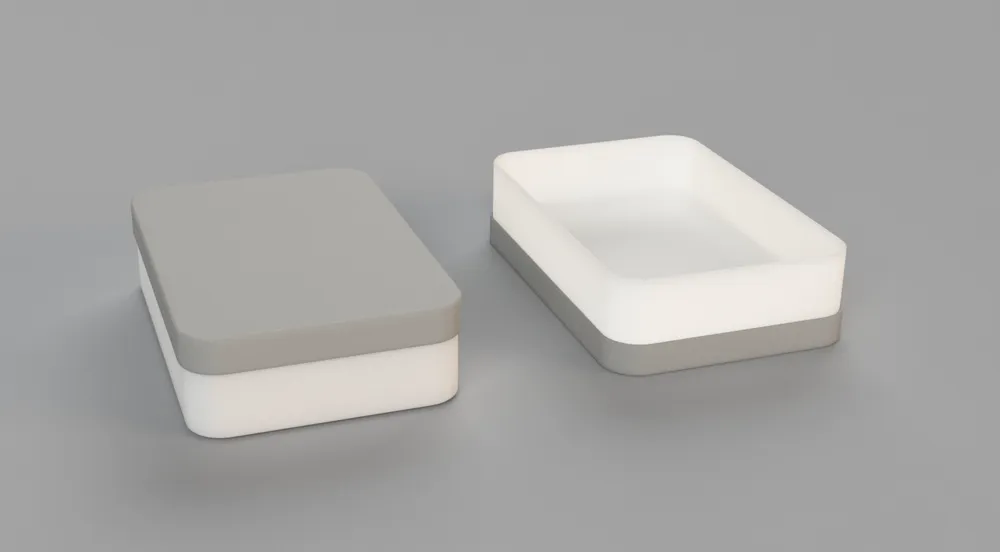
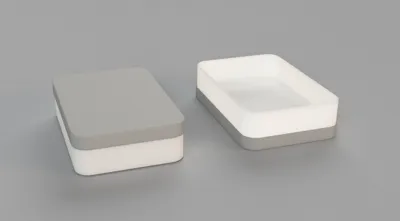
#1. 'tray + lid' profile
- (tray inner) width
- (tray inner) depth
- (tray inner) height
- (tray inner) corner radius
- tray wall thickness
- lid wall thickness
- tray bottom fillet
- lid bump (recommended : 0.1mm)
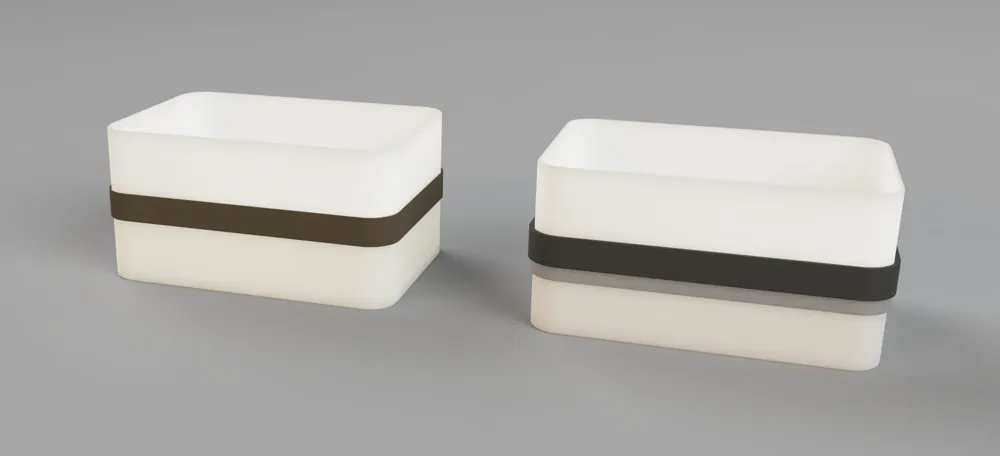
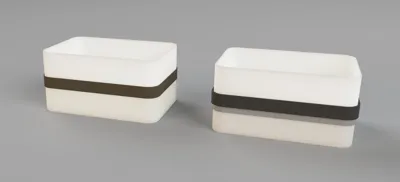
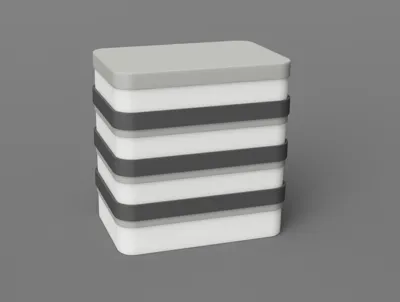
#2. ‘connector’ profile
- connector wall thickness
- outer width_1
- outer depth_1
- outer corner radius_1
- outer width_2
- outer depth_2
- outer corner radius_2
- connector bump (recommended : 0.15mm)
Note:
1) connector wall thickness should be at least 1mm
2) outer *_1 parameters are for side_1, while outer *_2 parameters are for side_2.
ex. if side_1 is for the “tray” with parameters below, outer *_1 should be : outer width_1 = 60 + 2*2 mm, outer depth_1 = 80 + 2*2 mm, outer corner radius_1 = 10 + 2 mm
ex. if side_2 is for the “lid” with parameters below, outer *_2 should be : outer width_2 = 60 + 2*2 + 2*1 mm, outer depth_2 = 80 + 2*2 +2*1 mm, outer corner radius_2 = 10 + 2 +1 mm
- (tray inner) width = 60mm
- (tray inner) depth = 80mm
- (tray inner) corner radius = 10mm
- tray wall thickness = 2mm
- lid wall thickness = 1mm
Follow instructions below :
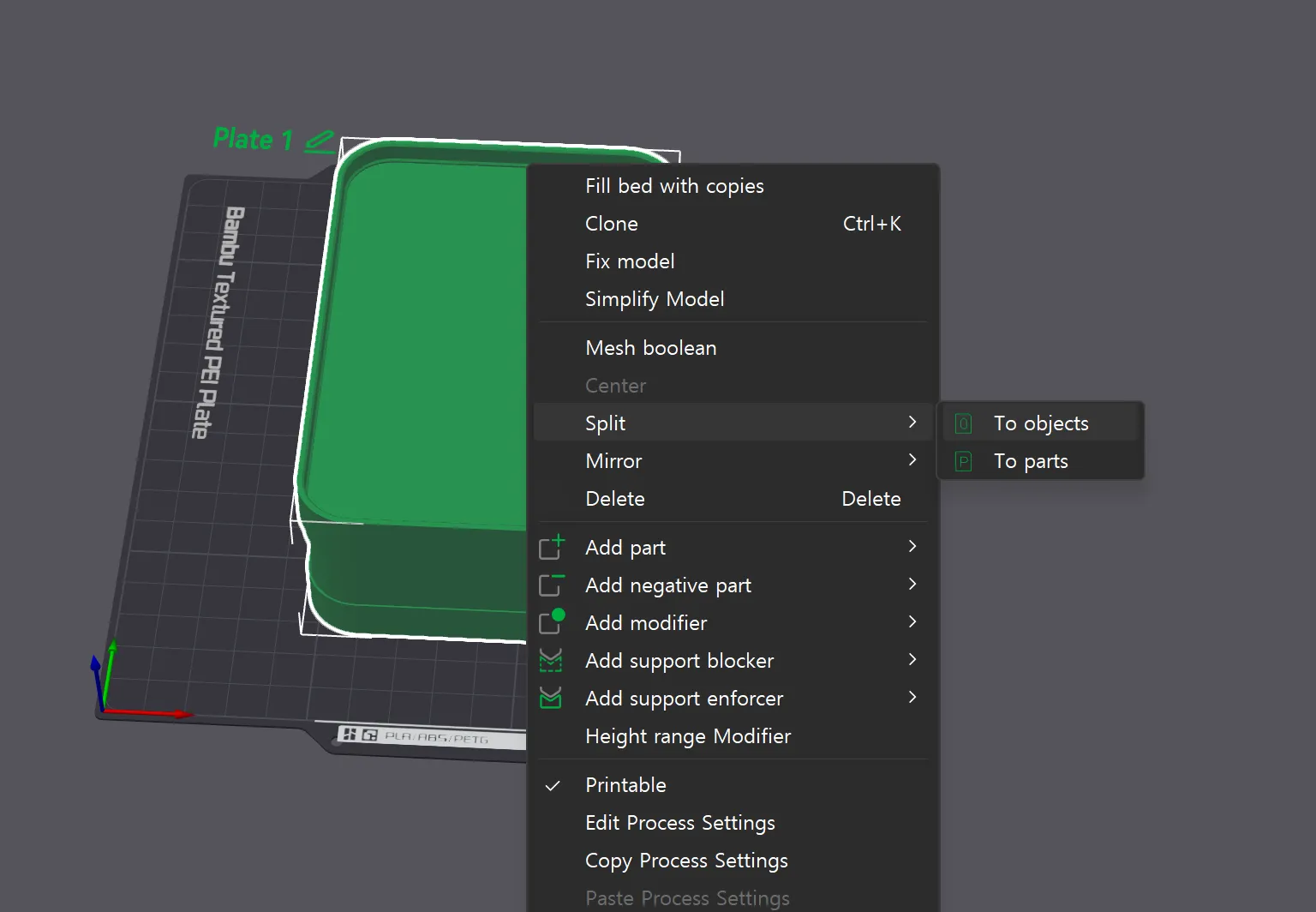
customize → adjust parameters → download 3mf → right click model and “split to objects” → auto orient & arrange → adjust settings → print
Notifications :
- Make sure to adjust connector parameters correctly according to the lid/tray you try to connect.
- Make sure to “split to objects” and “auto orient”. This print should not require any supports. (Except for the connector. It may or may not require support depending on parameters. Enable support when printing connector)
- Each parts are designed to fit snug and tight together. You can adjust the fit of lid or connector by adjusting parameters “lid bump” and “connector bump”. The bigger they are, the more tighter they fit into.
- If you experience any issue, please contact me.
License

You shall not share, sub-license, sell, rent, host, transfer, or distribute in any way the digital or 3D printed versions of this object, nor any other derivative work of this object in its digital or physical format (including - but not limited to - remixes of this object, and hosting on other digital platforms). The objects may not be used without permission in any way whatsoever in which you charge money, or collect fees.


Comment & Rating (3)