
Customizable Storage Box
Print Profile(2)


Description
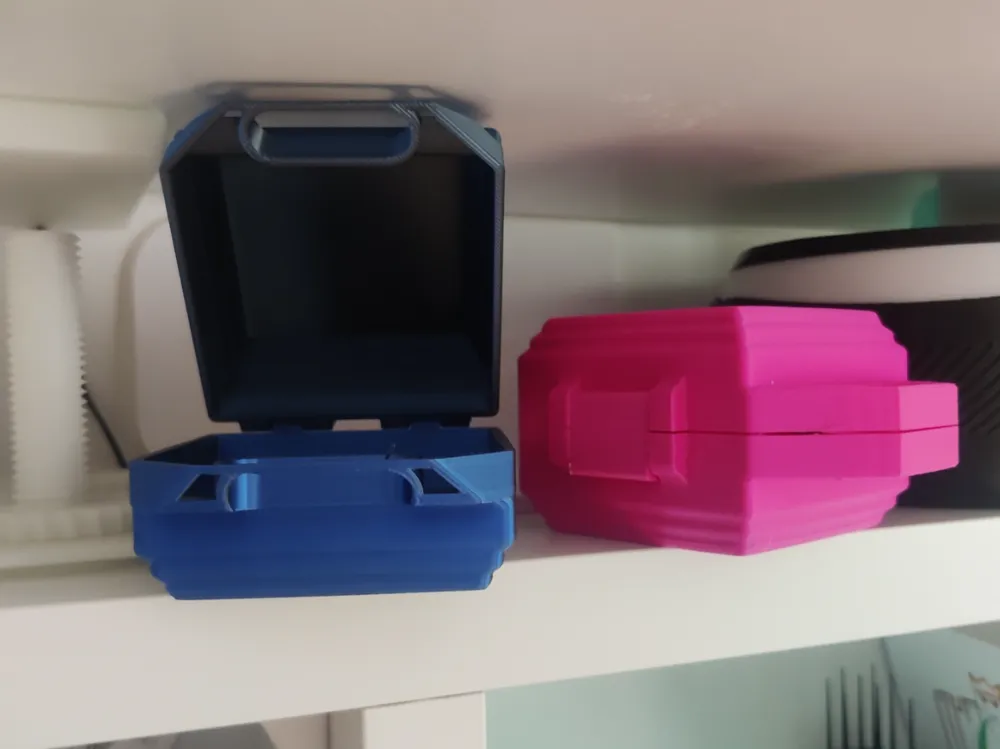
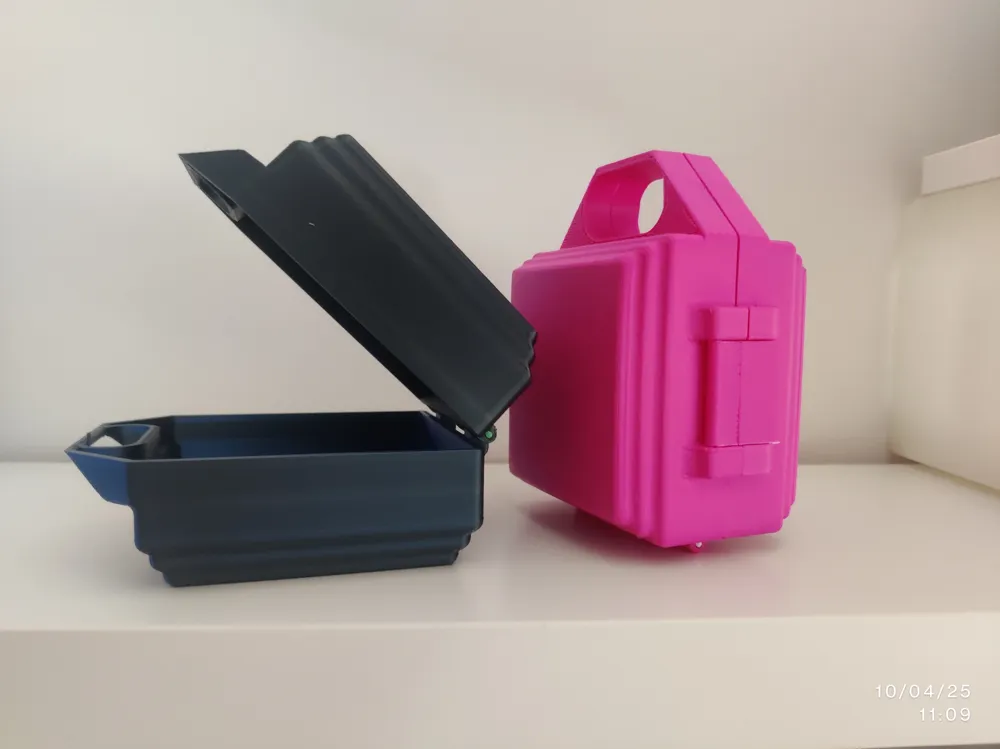
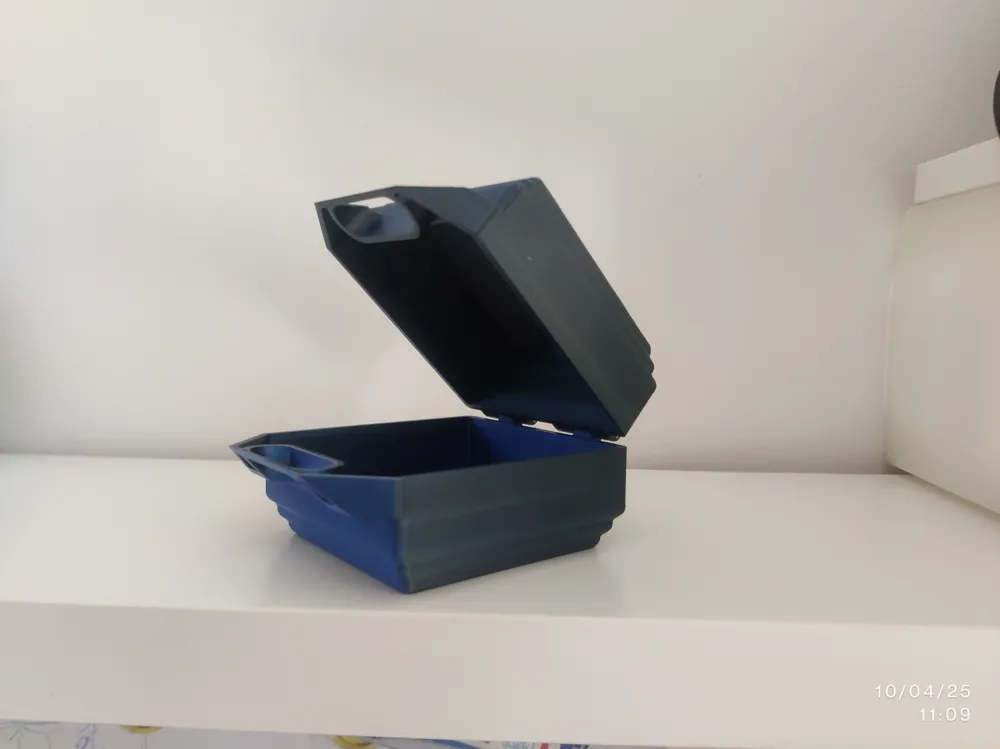
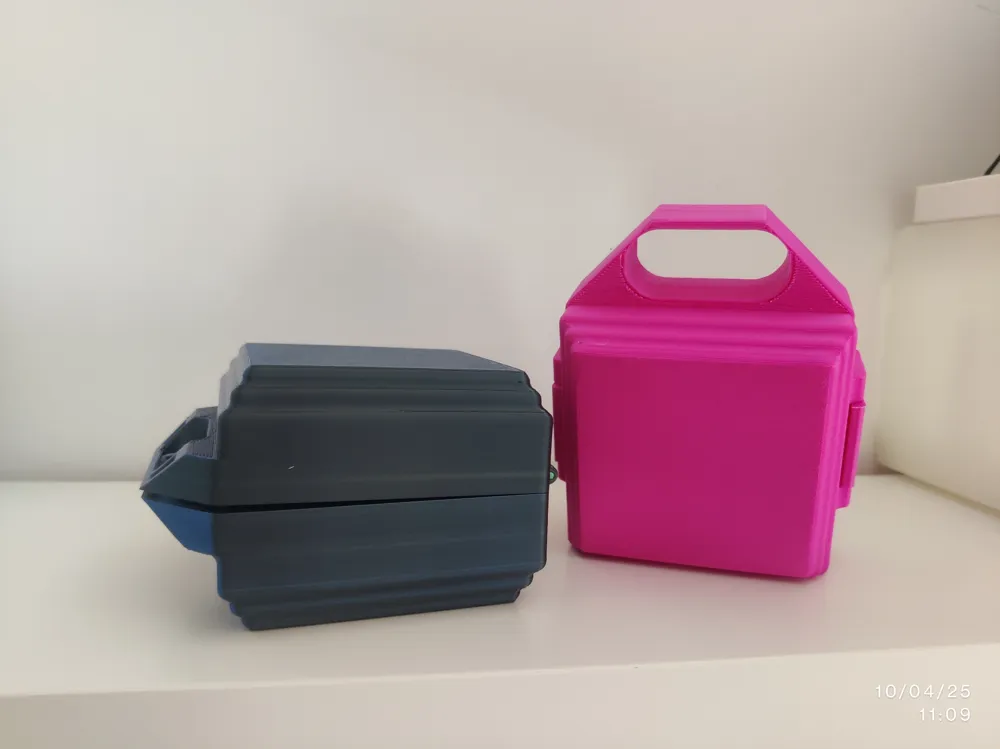
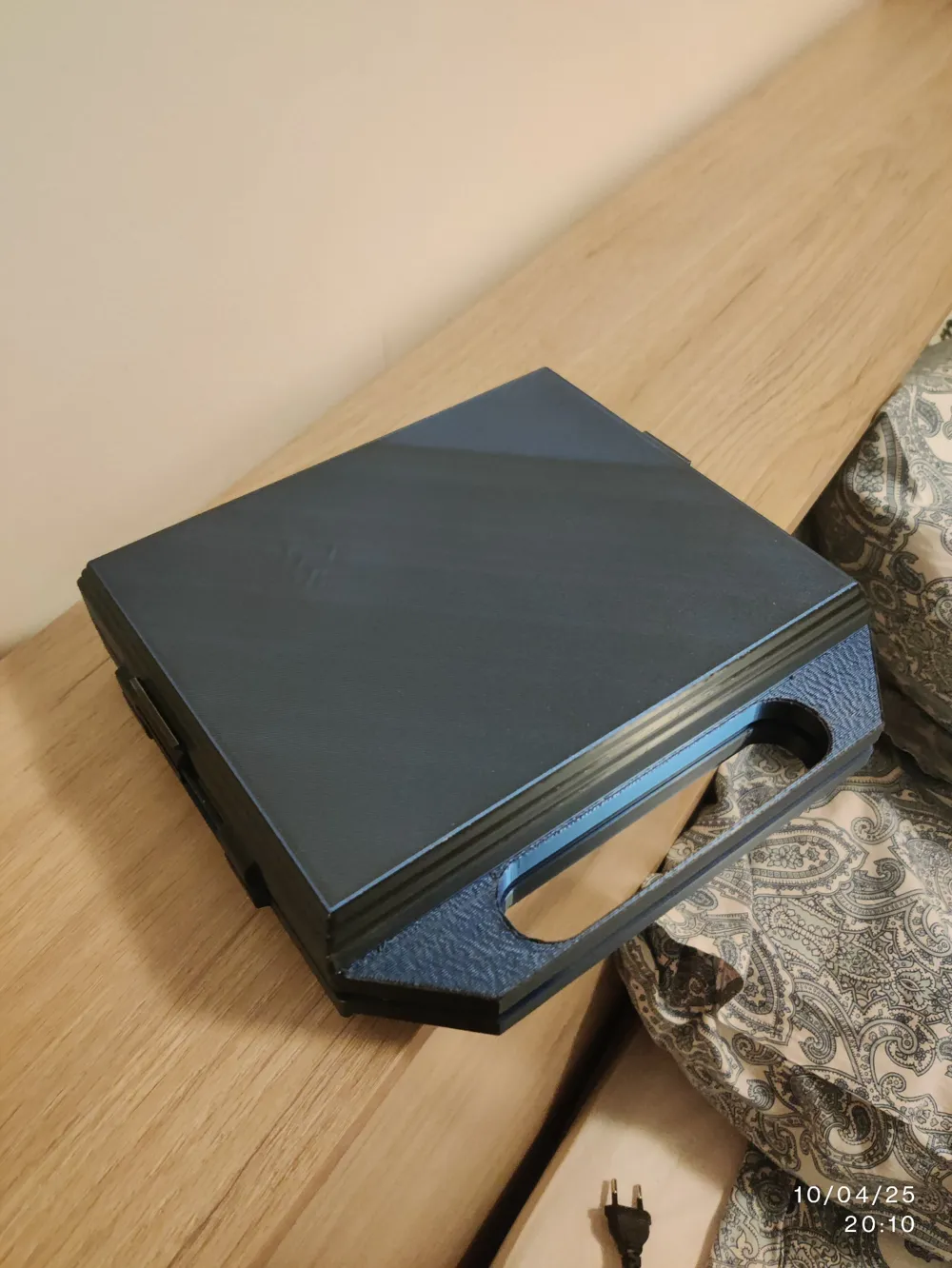
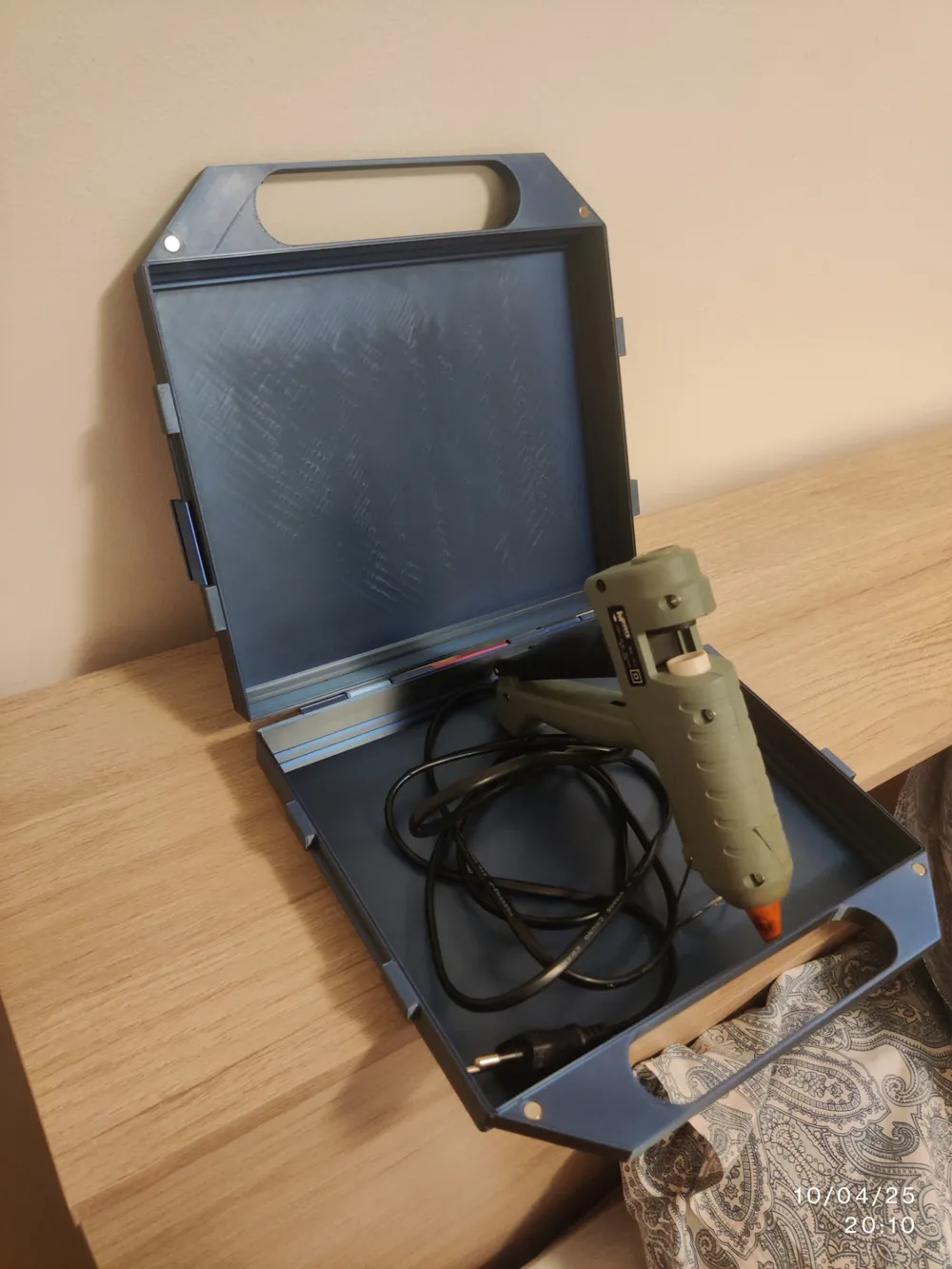
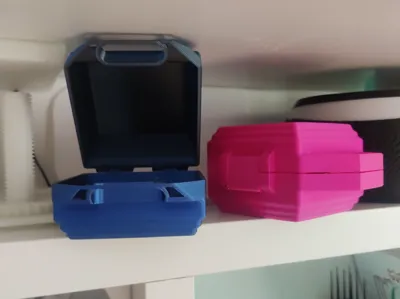
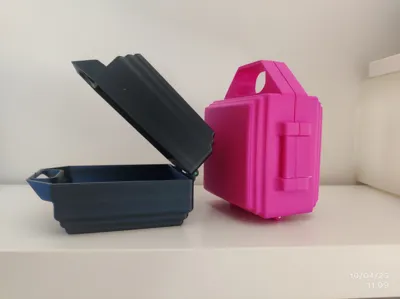
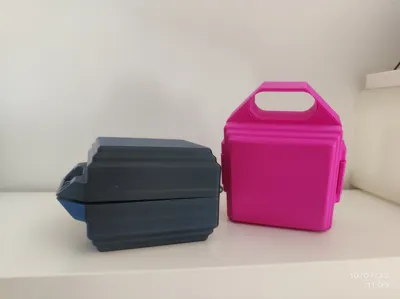
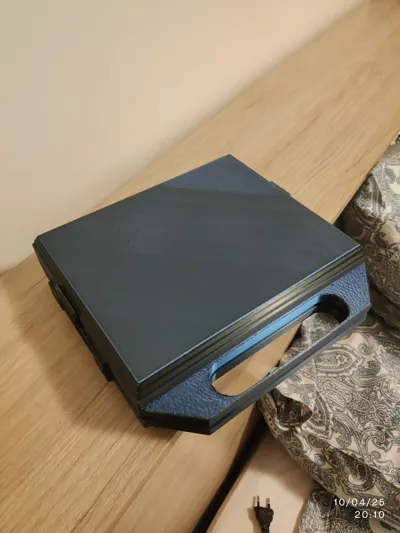
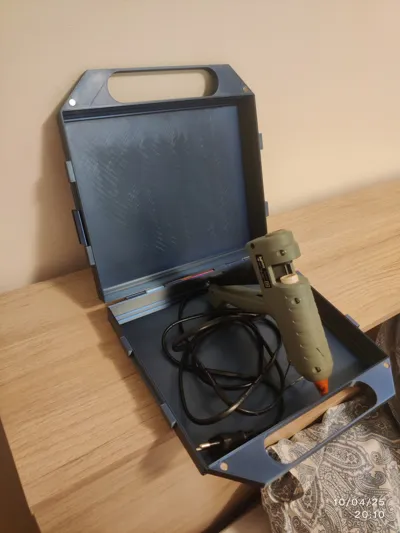
Are you looking for a versatile and fully customizable solution to organize your belongings? This storage box is designed to maximize the print area of the Bambu Lab A1, offering you a spacious and practical container.
The real strength of this project lies in its parametric nature. Thanks to the included Fusion 360 file (in .f3d format), you can easily adapt the internal dimensions of the box to your specific needs. Simply open the file in Fusion 360 and modify the values of the "X_box" and "Y_box" parameters to define the desired internal length and width. A default of 3 cm (1.5 cm per side) will be automatically added for the wall thickness and joints.
This intuitive design allows you to create custom-sized boxes for storing tools, craft supplies, toys, electronic components, or anything else you can think of. The ability to easily change the dimensions makes this project extremely flexible and reusable for various purposes.
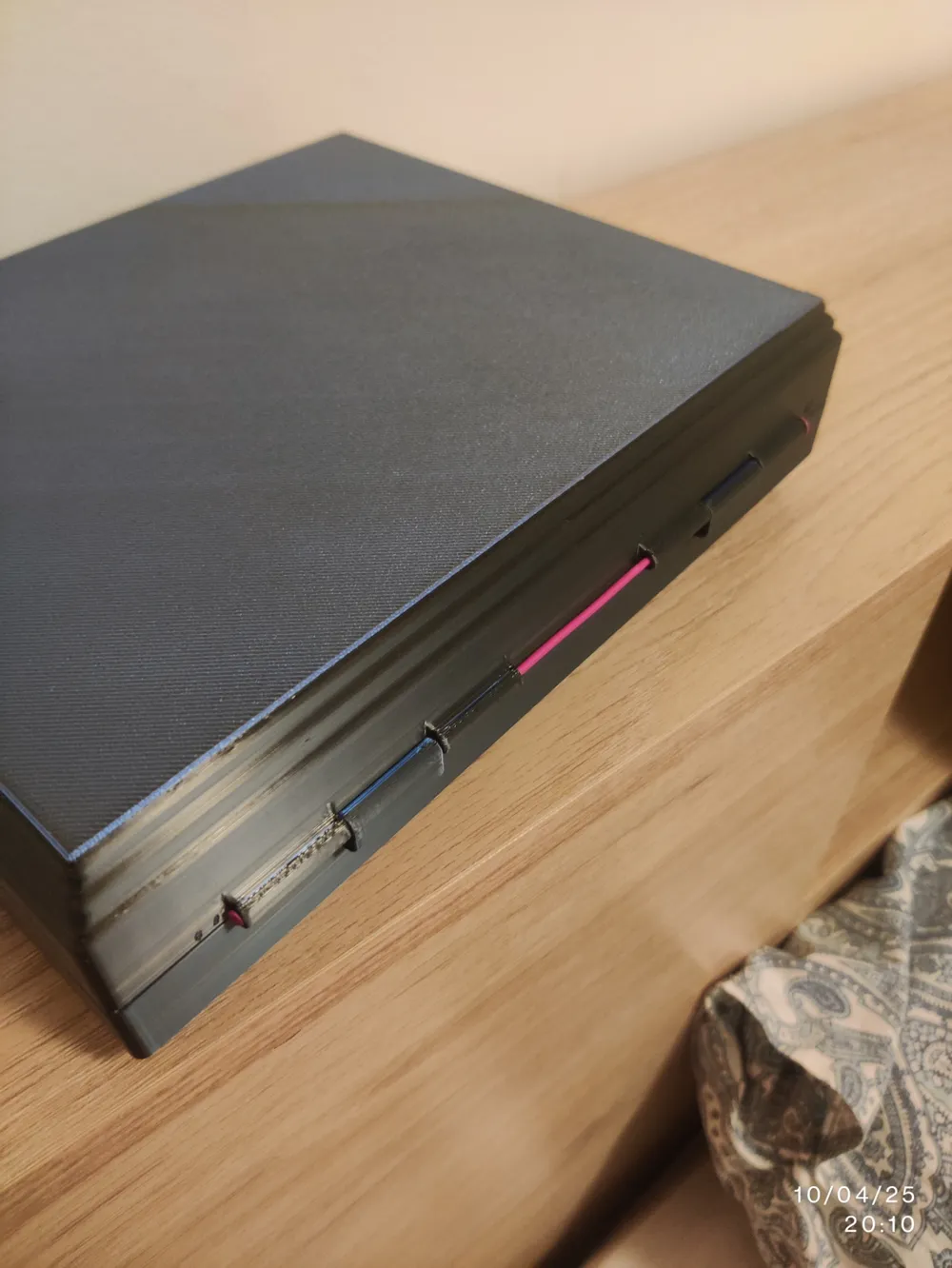
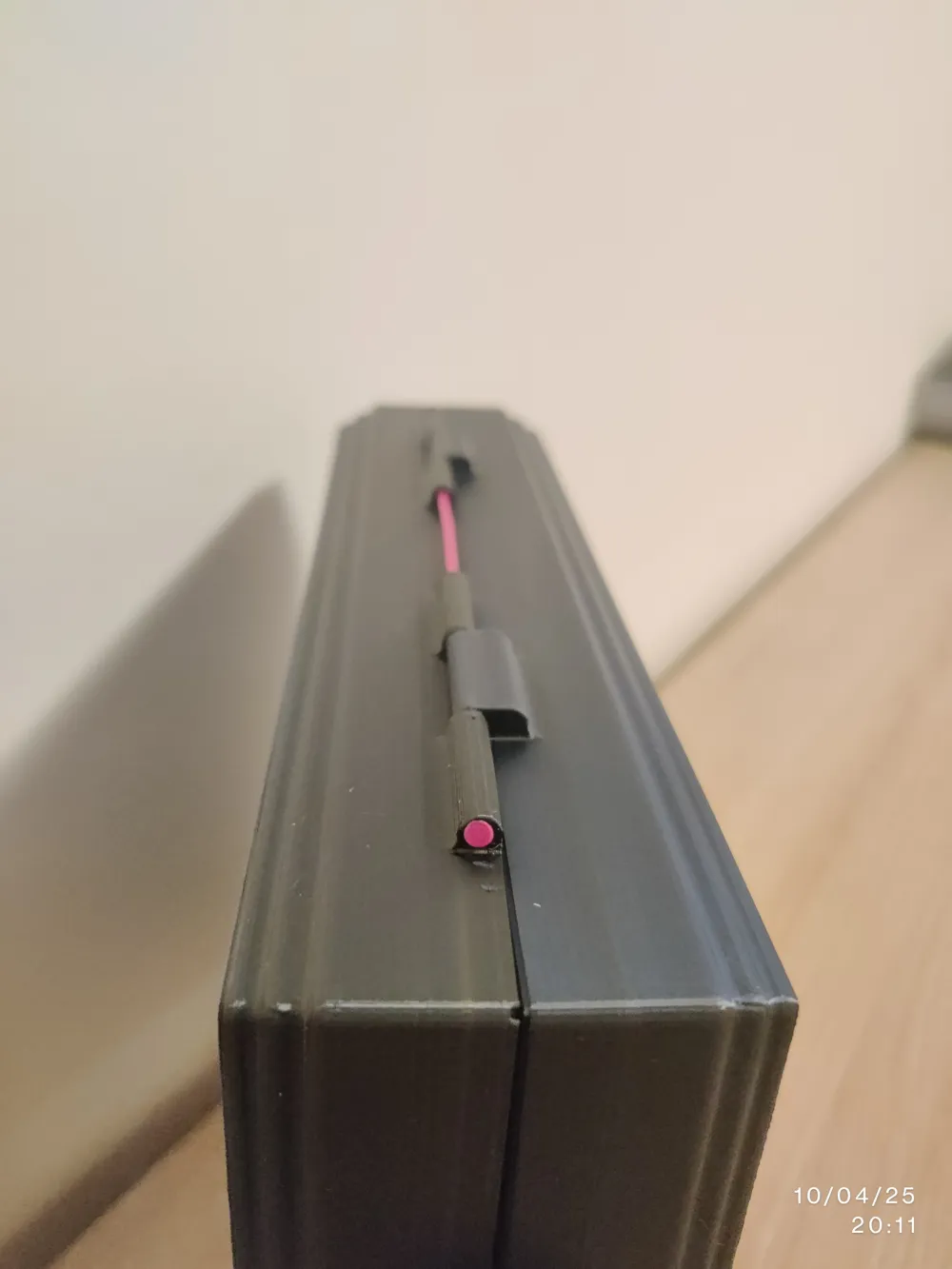
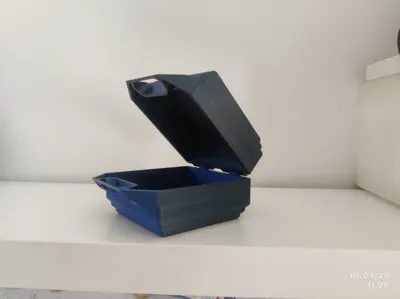
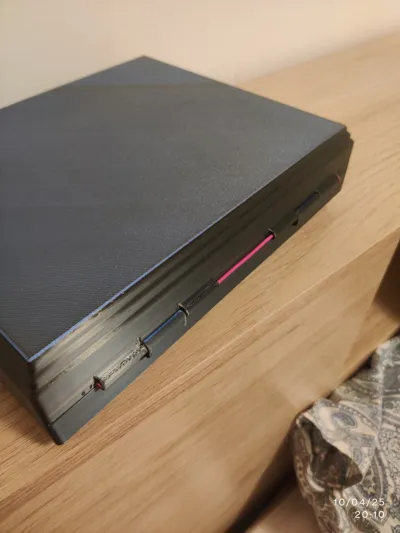
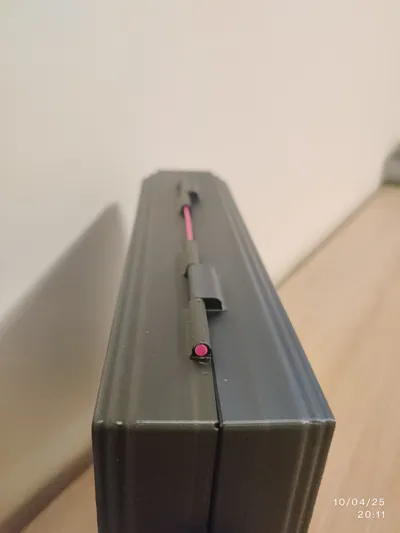
The box features an integrated 3D-printable latch closure. To make the hinges functional, simply insert a short piece of 1.75mm diameter filament through the designated holes. The holes have been specifically sized to accommodate standard 1.75mm filament, providing a simple and effective hinge mechanism without the need for additional hardware. For added security, the design also includes the option to insert two 6mm diameter and 1.6mm thick magnets (not included in the 3D file) into the designated slots.
Printing Instructions:
- Included Files: Print-ready 3MF file and fully editable Fusion 360 (.f3d) file.
- Maximum Dimensions: Designed to maximize the build plate of the Bambu Lab A1.
- Print Time (approx.):
- With generic PLA: approximately 16 hours (8 hours per plate; printing in two parts is recommended to maximize dimensions).
- With Bambu Lab PLA filament: approximately 12 hours (6 hours per plate), offering significant time savings.
- Recommended Filament: PLA (generic or Bambu Lab).
- Supports: Supports are required for the latch mechanism to print correctly. Ensure supports are enabled in your slicer for these areas.
- Print Orientation: Optimized for printing with minimal supports (only needed for the latches). The default orientation in the 3MF file is recommended.
Modification Instructions (Fusion 360):
- Open the .f3d file in Fusion 360.
- Go to the "Modify" section and select "Change Parameters".
- Locate the "X_box" and "Y_box" parameters.
- Modify the values of these parameters to set the desired internal dimensions for your box.
- Fusion 360 will automatically update the model with the new dimensions.
- Export the new model as an STL or 3MF file for printing.
Additional Notes:
- Feel free to download the Fusion 360 file, experiment with modifications, and share your improved versions with the MakerWorld community!
- This project is continuously evolving. New features and customization options may be added in the future. Stay tuned!
- If you have any suggestions or ideas to improve this project, please don't hesitate to leave a comment. Your feedback is valuable!
---
**Enjoyed this design? Consider leaving a like or a tip!**
**Check out my other designs on MakerWorld:** [qBrian's MakerWorld Profile](https://makerworld.com/it/@qBrian)
**Follow me for more creative projects!**
[Optional: Link to your other social media (e.g., Instagram, Thingiverse)]
License



Comment & Rating (0)