
A1 AMS upper-mounted device_v2- A1 AMS上置装置v2

Print Profile(5)


Bill of Materials


Description
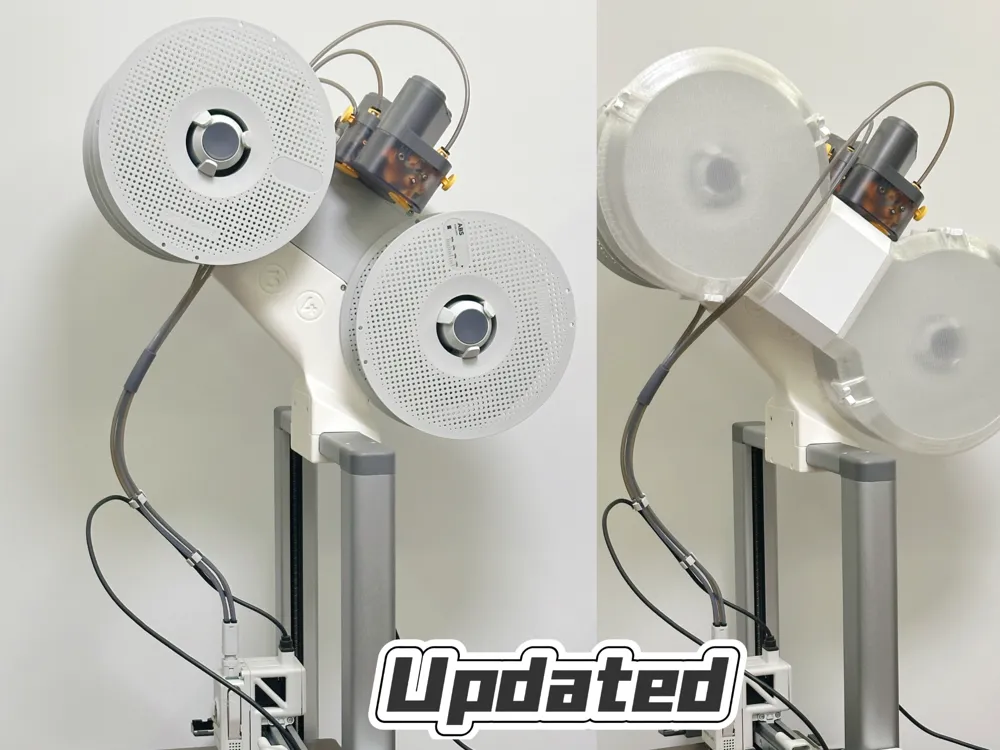
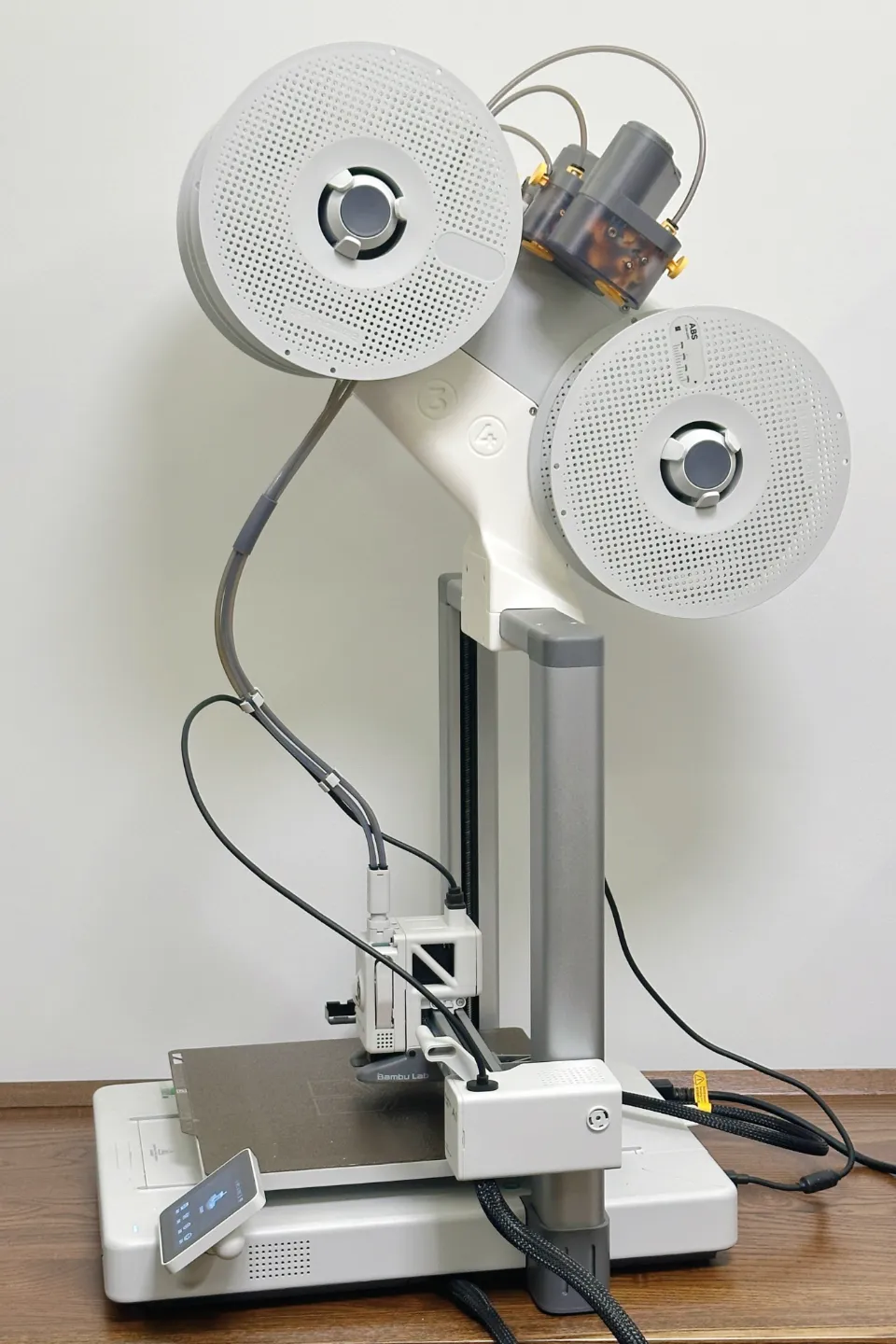
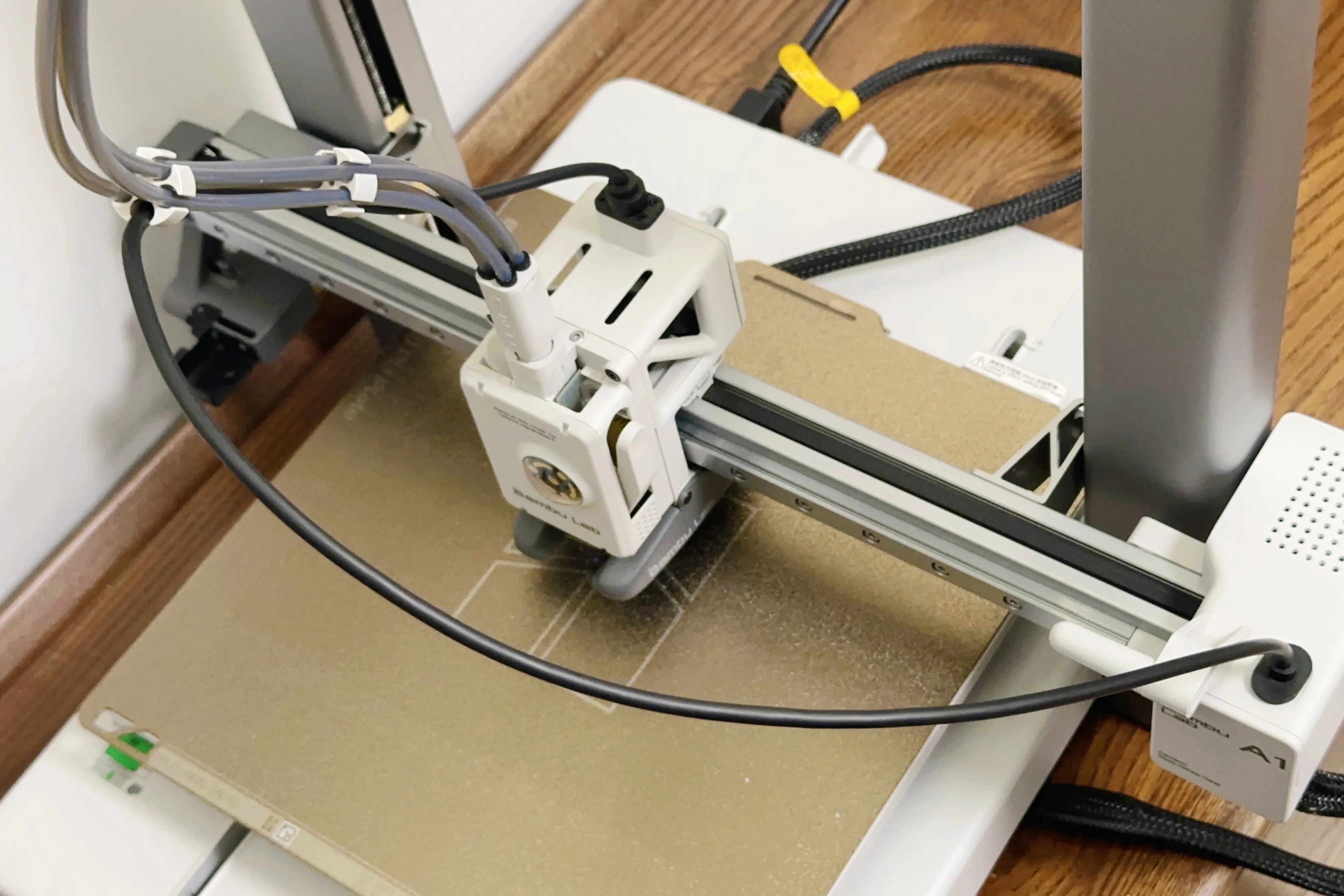
Previously, I uploaded an A1 AMS upper-mounted device model. A1 AMS upper-mounted device- A1 AMS上置装置 by MingGY - MakerWorld. After a period of time, I received some feedback. Many users hoped that this upper-mounted device model could be compatible with the Ultimate Filament Spool Enclosure. https://makerworld.com/en/models/486153?from=search#profileId-584752 For this reason, I have made some adjustments to the model. The newly uploaded model this time can be well compatible with the Ultimate Filament Spool Enclosure. In addition, some users thought that the front wall of the model's strut was too thick, which might compress and damage the USB - C cable, and hoped to reduce the thickness of the front wall. However, I am still worried that an overly thin front wall might not be safe. To avoid compressing and damaging the USB - C cable, I think a better solution is: it is recommended to use the cable tie provided by the official original factory to restrain the orientation of the cable and PTFE tube, and manually run the print head after installation to confirm that the print head can pass safely. |
此前我上传了一个A1 AMS upper-mounted device- A1 AMS上置装置模型, A1 AMS upper-mounted device- A1 AMS上置装置 by MingGY - MakerWorld 上传一段时间后得到了一些反馈,很多用户希望这个上置装置模型能与终极线轴外壳(Ultimate Filament Spool Enclosure)兼容 https://makerworld.com/en/models/486153?from=search#profileId-584752 为此我对模型做了一些调整,本次新上传的模型已经可以和终极线轴外壳(Ultimate Filament Spool Enclosure)很好的兼容。 此外也有用户认为模型的支柱前壁过厚,有可能压迫损坏USB - C 电缆,希望改薄前壁厚度,但我依旧担忧过薄的前壁可能不安全。为了避免压迫损坏USB - C 电缆,我认为更好的方案是:使用官方原厂附带的束线器约束好线缆和PTFE管的朝向,并且在安装后手动运行打印头,确认打印头可以安全通过 |
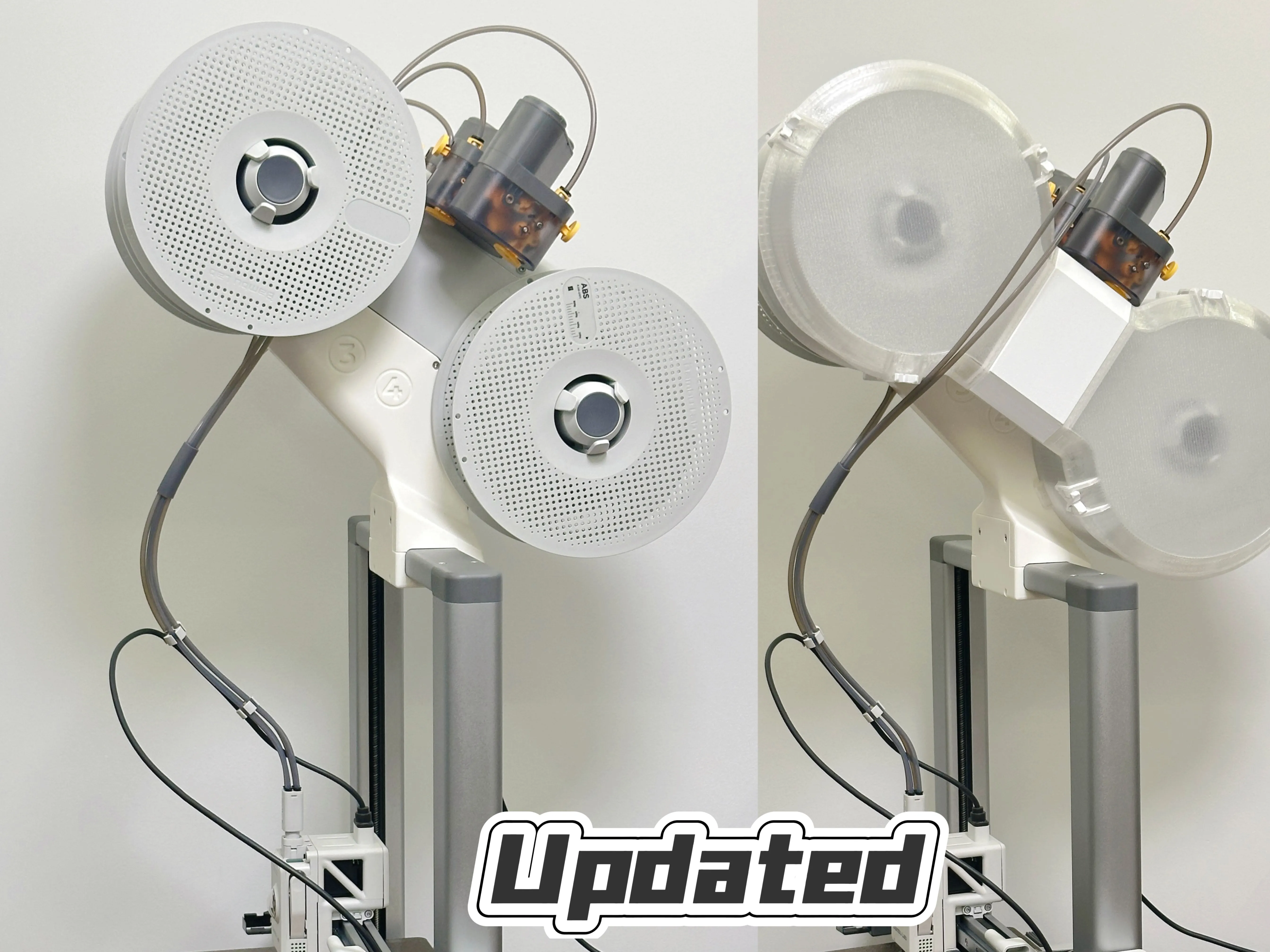
Compared with the officially released AMS lite Top Mount for A1, my design has fewer model parts, shorter printing time, is easier to print, and the installation is simpler.
Required hardware:
8 self-tapping screws of 3×12mm
5 self-tapping screws of 3×16mm.
It is recommended to use PTFE tubes with a length ranging from 850mm to 900mm.
Important Tips:
1. To ensure reliable printing results, it is recommended to use ABS consumables for printing.
2. To guarantee the structural strength of the printed model, please do not change the direction of the bottom surface in the slicing software.
3. Install it in the center at the top.
4. Use the cable tie provided by the official original factory to restrain the direction of the cable and the PTFE tube.

5. After installation, run the print head to the top and move it left and right to confirm that the print head can pass safely.
与官方发布的 AMS lite Top Mount for A1 相比,我的设计模型分件更少,打印时长更短,更易于打印,安装也更加简单。
所需五金:
8 颗 3×12mm 自攻螺丝,
5 颗 3×16mm 自攻螺丝。
推荐使用长度在 850 毫米至 900 毫米的 PTFE 管。
重要提示:
1. 为确保可靠的打印效果,建议使用ABS耗材进行打印。
2. 为保证打印模型的结构强度,请不要在切片软件中改变底面的朝向。
3. 将其居中安装在顶端位置。
4. 使用官方原厂附带的束线器来约束线缆以及 PTFE管的方向。
5. 安装完成后,操控打印头运行至顶端,并左右移动,以此确认打印头能够安全通过。
Printing Tips: As some parts of the model have a small contact surface with the heated bed, they may detach from the heated bed during the printing process. To increase the printing success rate, please clean the printing plate with dish soap and spray glue before printing. Using a low - temperature warming printing plate can significantly enhance the printing success rate.
Feel free to leave a comment if you have any suggestions or questions about the model. When problems occur, please tell apart whether the issue is caused by the model itself, the printer, the filament, or improper operation and installation on your own part. I will block users who blindly attribute printing failures to the model and leave a one-star rating simply because they are unable to troubleshoot and fix problems by themselves. Such behavior greatly undermines the efforts of open-source creators.
有任何关于模型的建议或疑问,欢迎评论留言。出现问题时,请先区分原因:是模型本身、打印设备、耗材,还是个人操作与安装不当造成的。对于自身没有排查和解决问题的能力,却一味将打印失败归咎于模型并给出一星差评的用户,我将进行拉黑处理。这类行为会严重辜负开源创作者的心血与付出。
Boost Me (for free)
If you like my work, giving a boost is the best way to support me.
License

You shall not share, sub-license, sell, rent, host, transfer, or distribute in any way the digital or 3D printed versions of this object, nor any other derivative work of this object in its digital or physical format (including - but not limited to - remixes of this object, and hosting on other digital platforms). The objects may not be used without permission in any way whatsoever in which you charge money, or collect fees.


Comment & Rating (179)