
Universal Handle - WorldBuilder Rollers Set
Print Profile(1)



Description
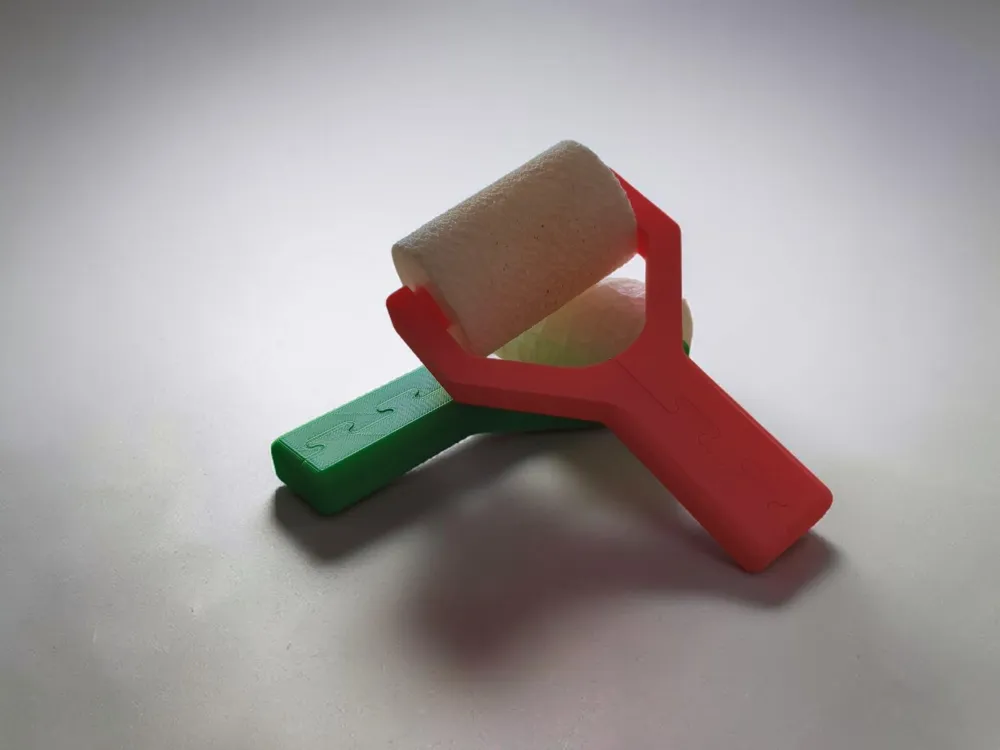
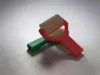
Complete your terrain-building toolkit with the official Universal Interlocking Handle, the core mechanical component of the WorldBuilder Rollers Set. Specifically engineered for seamless compatibility across the entire collection of interchangeable texture heads, this handle lets you swap textures in seconds to build realistic worlds effortlessly.
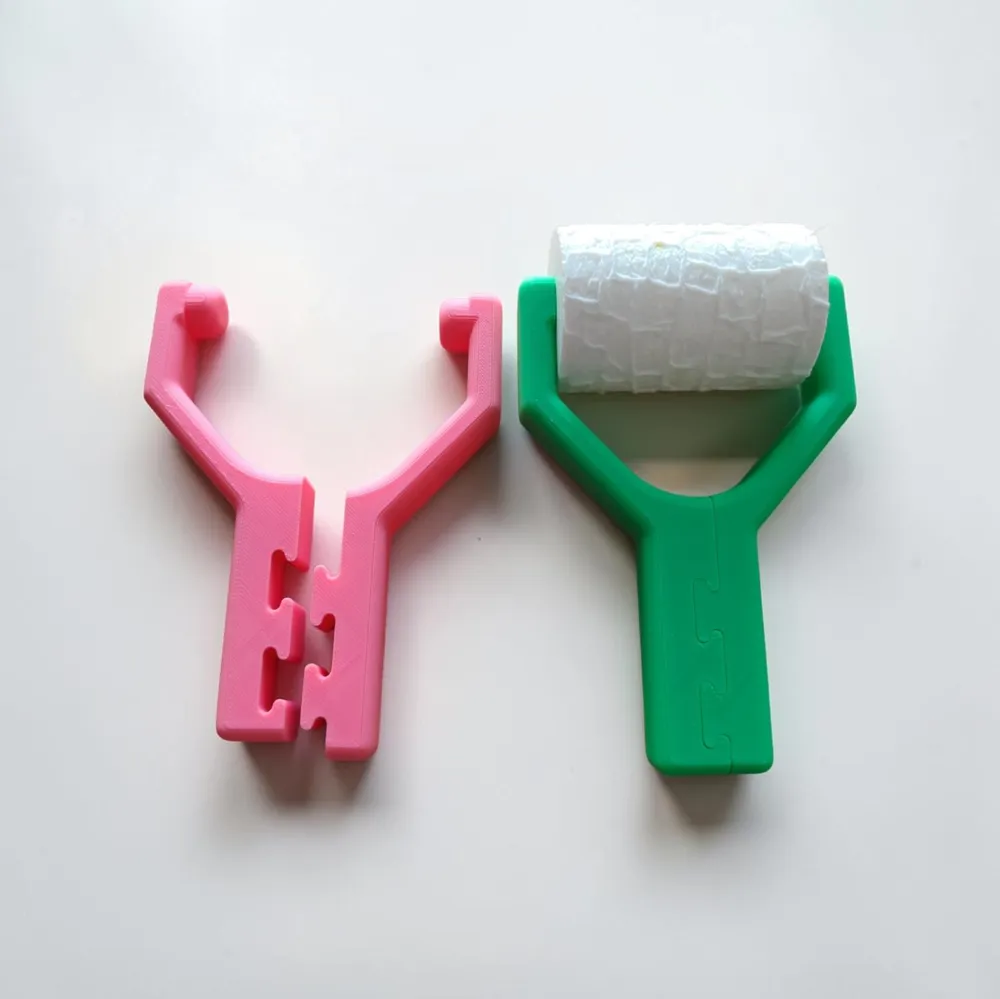
The handle prints in two symmetrical halves featuring a clever, hardware-free interlocking T-mechanism. Simply insert the pins into either side of your texture roller and snap the handle grips together. The roller stays securely trapped on the axis while spinning entirely freely!
Specifications
- Compatible Roller Width: 68.5 mm
- Compatible Inner Core: 17.26 mm
- Model Type: Two-piece interlocking modular handle
- Assembly: 100% Snap-fit (No glue, screws, or hardware required)
- Recommended Materials: PLA, PETG, or ABS
Features
- Print-Flat Design: Both halves lay completely flat on the build plate, requiring zero supports.
- Zero-Hardware Assembly: The robust interlocking puzzle joint tightly clamps the halves together, creating a rigid handle with a smooth, integrated spinning axis.
- Instant Hot-Swapping: Easily pry the halves apart to swap out your paved stone, brick, or terrain rollers in seconds.
- Ergonomic Grip: Designed for comfortable, even pressure distribution when rolling out clay, putty, foam, or fondant.
Printing & Assembly Tips
- Orientation: Print both halves flat.
- Tolerances: The interlocking joint is tuned for standard, well-calibrated machines. If your printer tends to over-extrude, a slight negative horizontal expansion (-0.05mm) in your slicer can ensure a perfect snap fit.
- Assembly: Place your chosen WorldBuilder roller head between the pins of the two split arms, then firmly press the puzzle joints along the handle together until flush.
Part of the expanding WorldBuilder Rollers Set. Check out my profile for a growing collection of compatible texture heads to build landscapes, structures, and entire tabletop worlds — one texture at a time!
🔥 Explore My Collections! 🔥


Boost Me (for free)
If you enjoy my creations and want to support my work, please boost me! Your boosts help me keep creating and sharing free models like this one. Thank you for your support!
License

You shall not share, sub-license, sell, rent, host, transfer, or distribute in any way the digital or 3D printed versions of this object, nor any other derivative work of this object in its digital or physical format (including - but not limited to - remixes of this object, and hosting on other digital platforms). The objects may not be used without permission in any way whatsoever in which you charge money, or collect fees.


Comment & Rating (0)