
Corner bracket
Print Profile(1)
Bill of Materials



Description
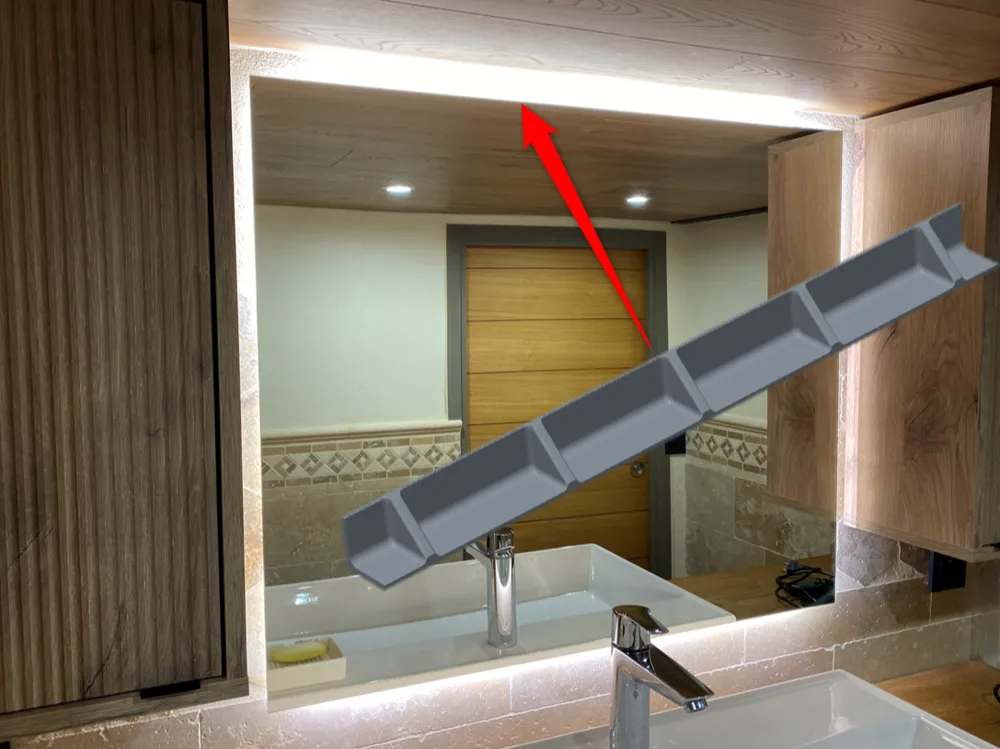
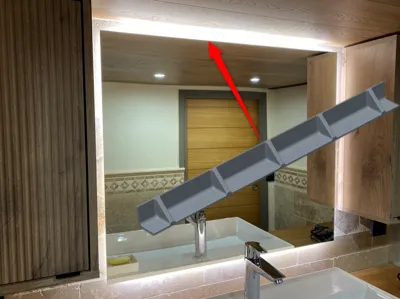
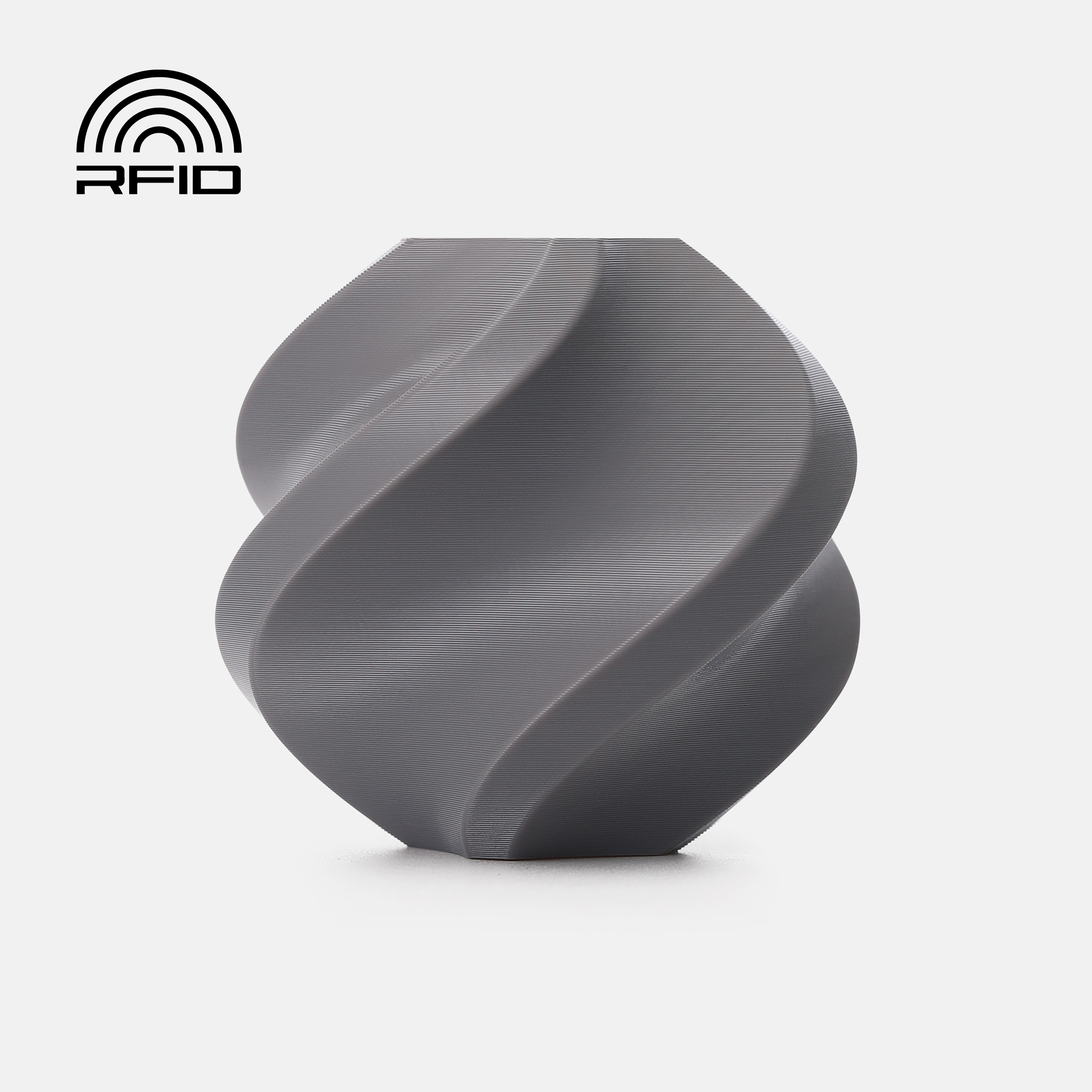
Angle bracket.
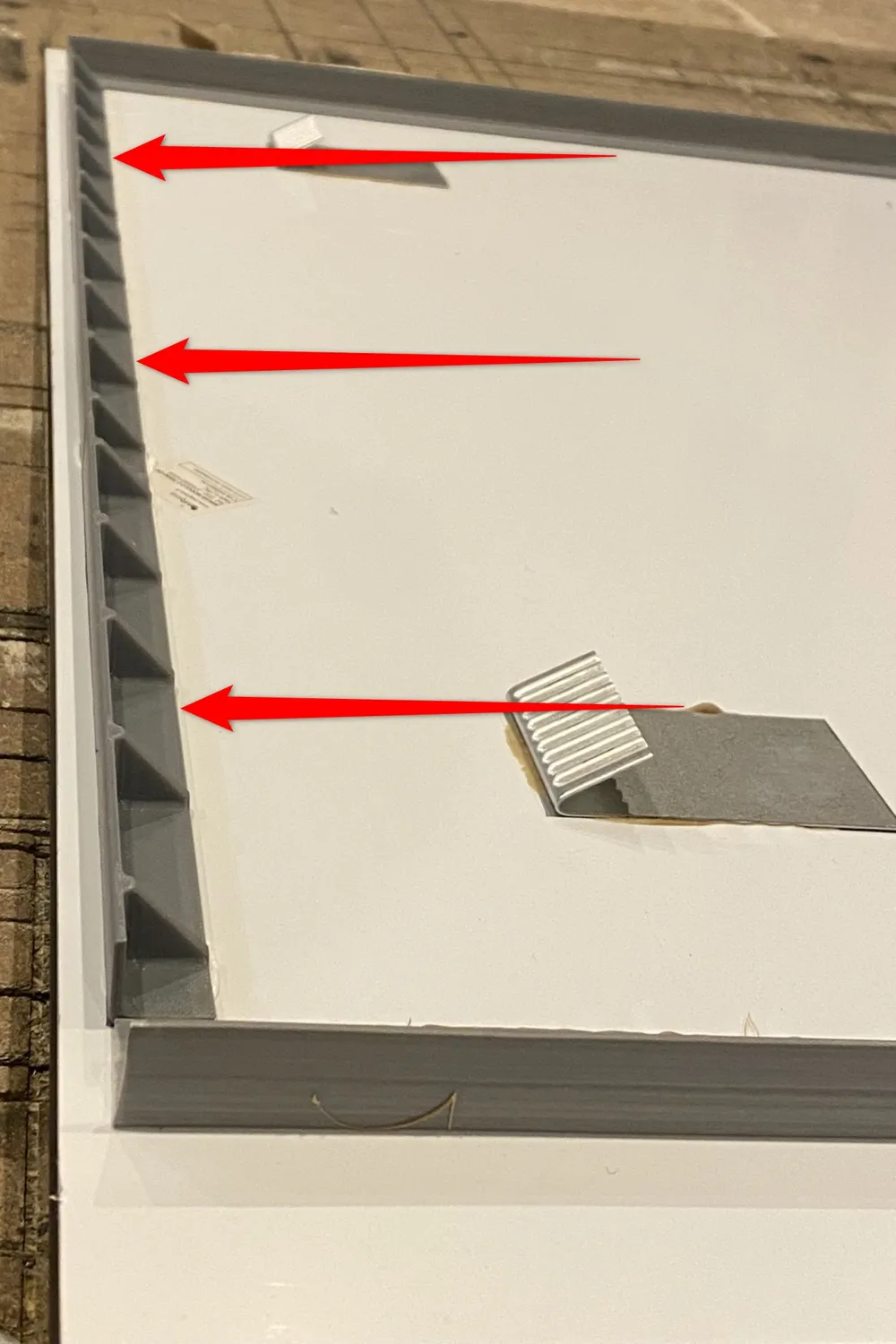
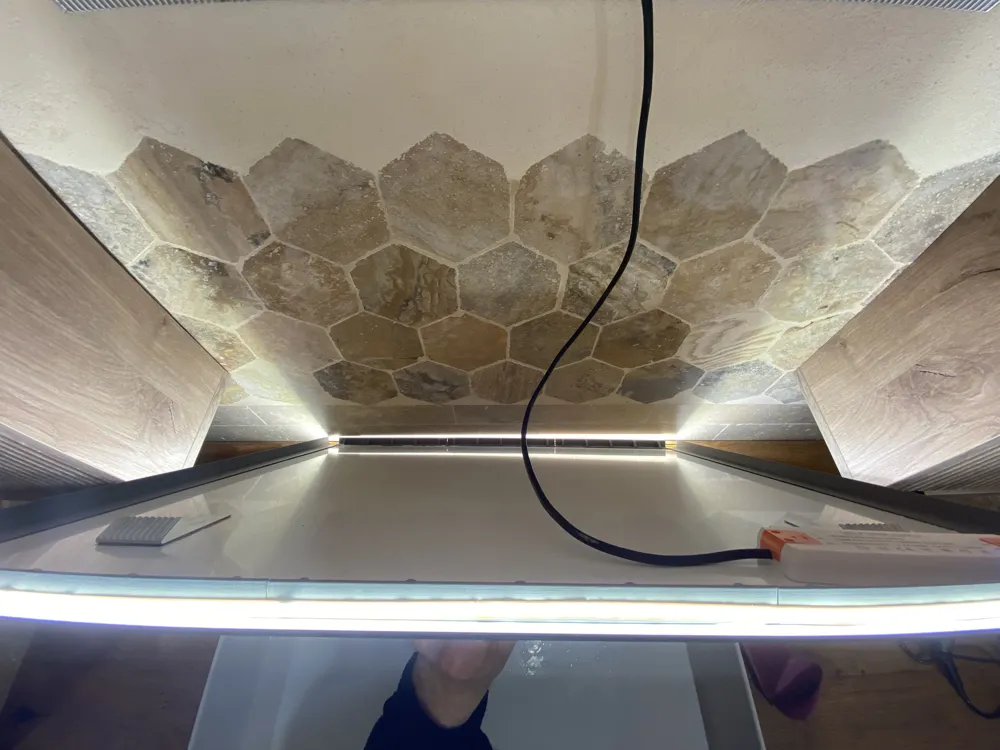
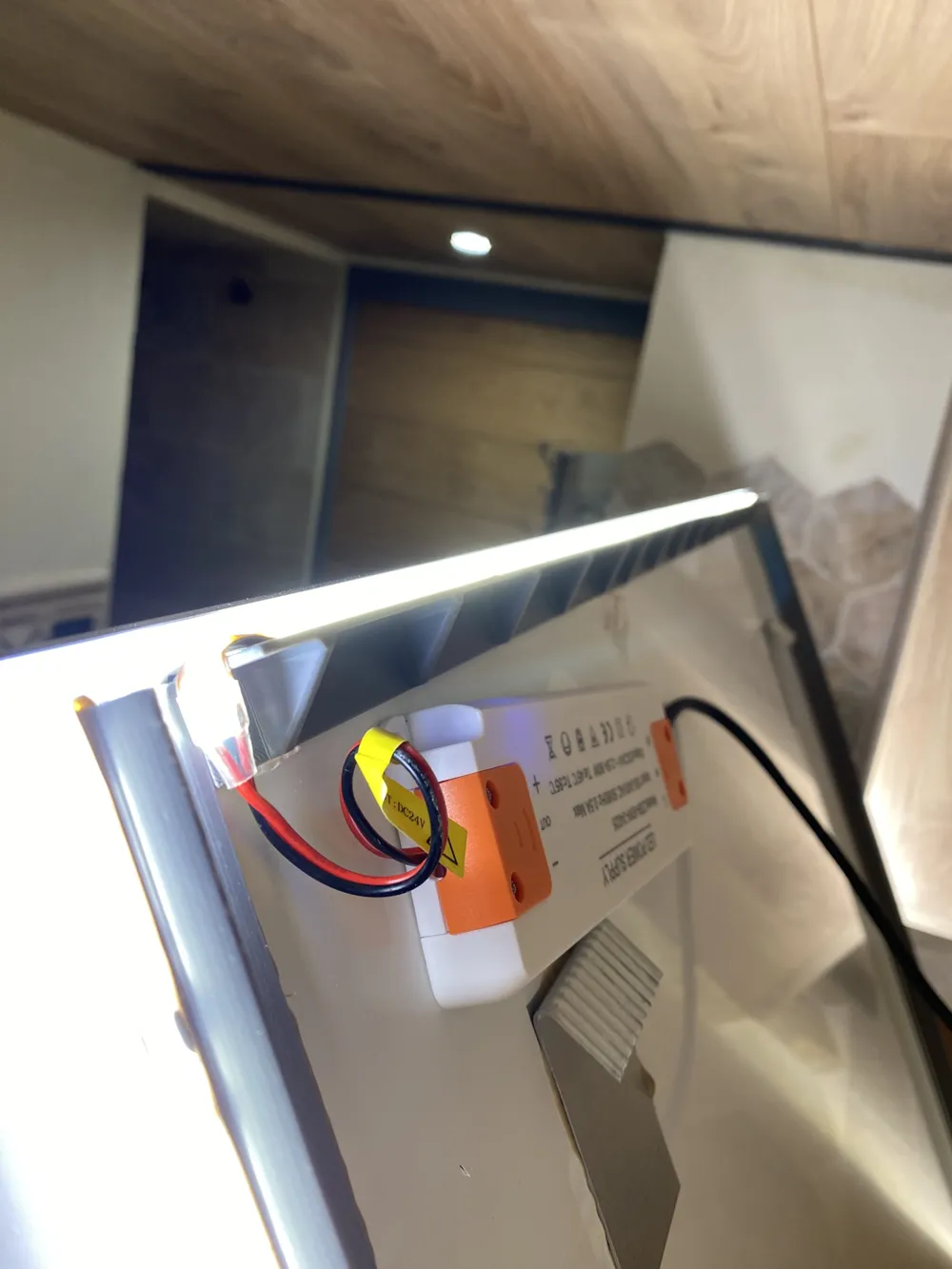
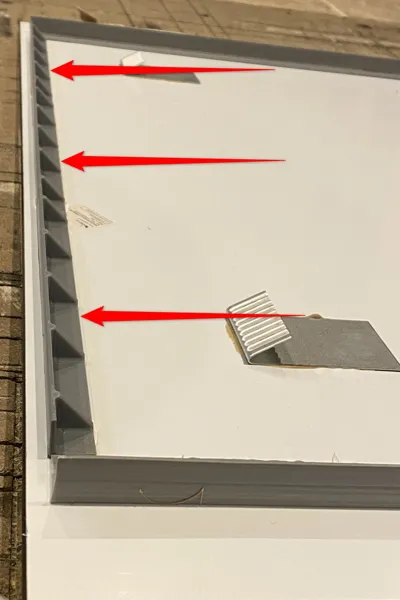
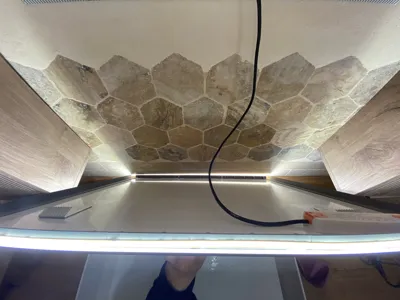
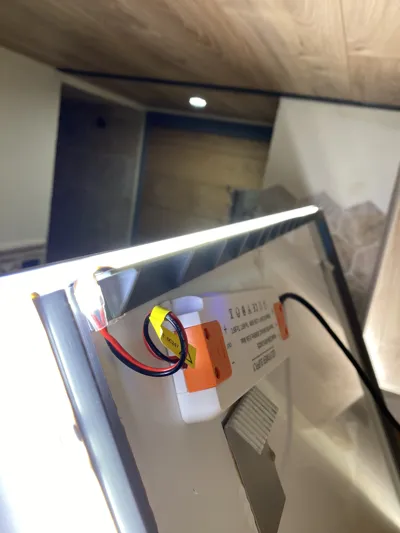
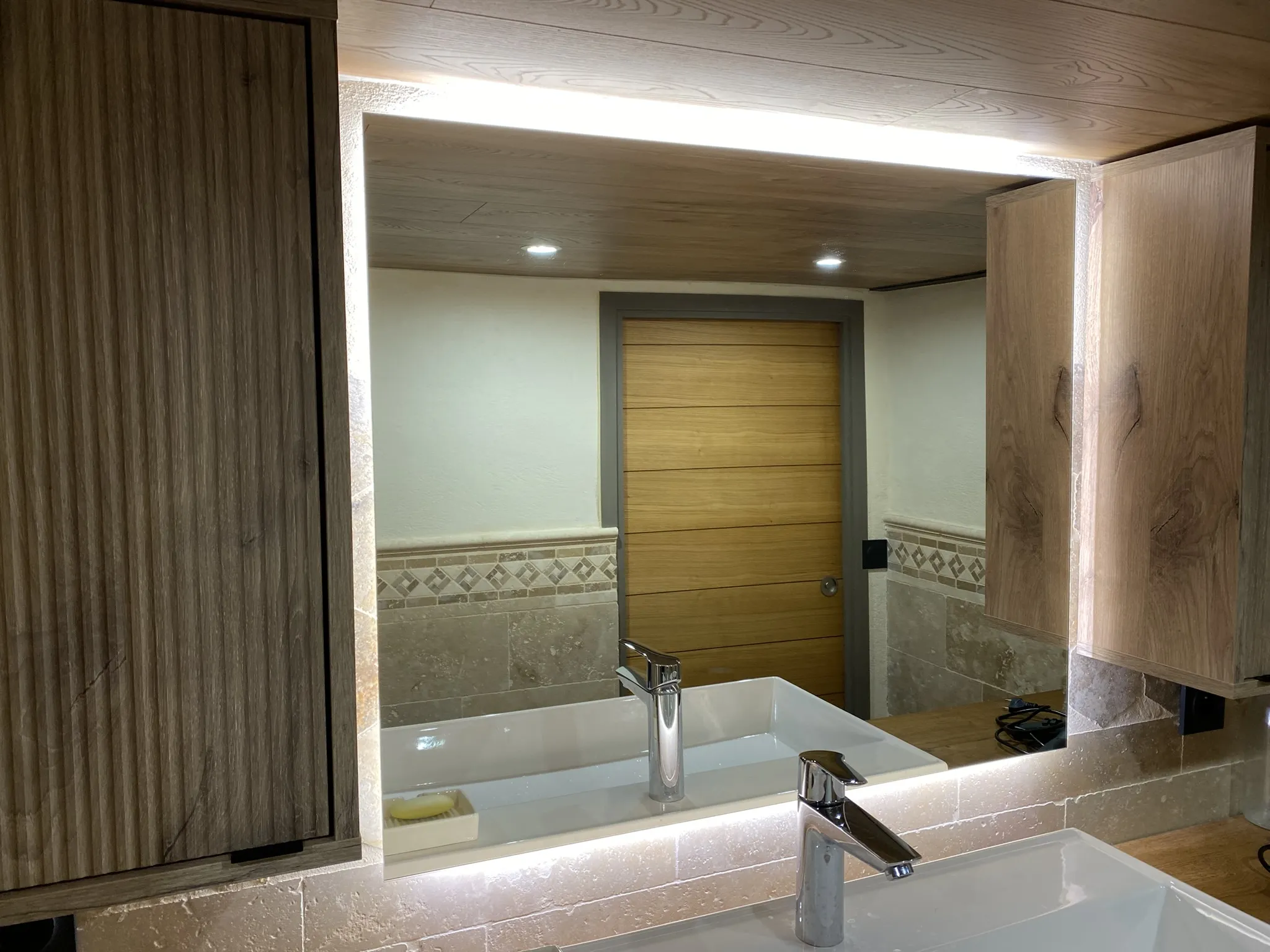
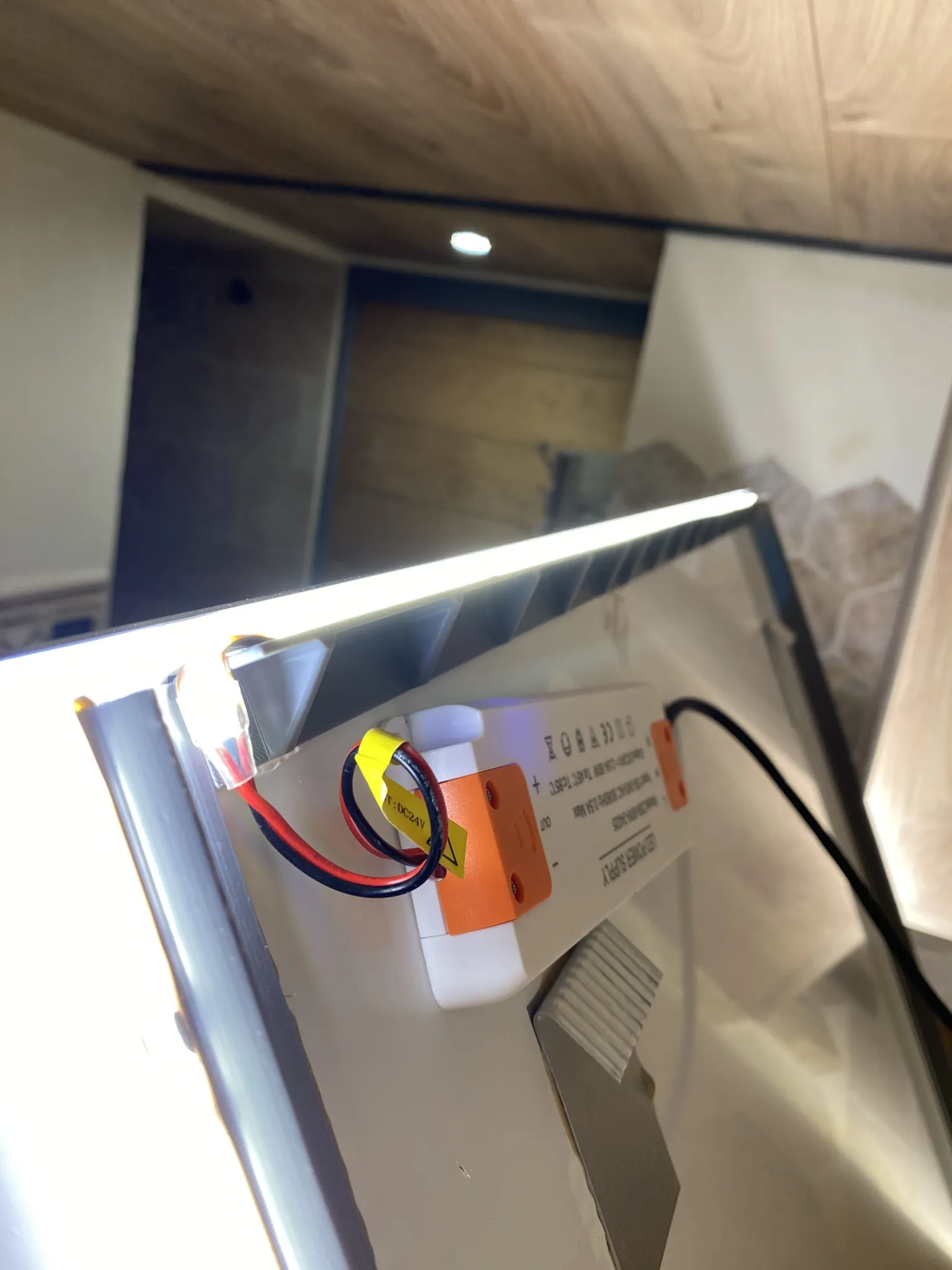
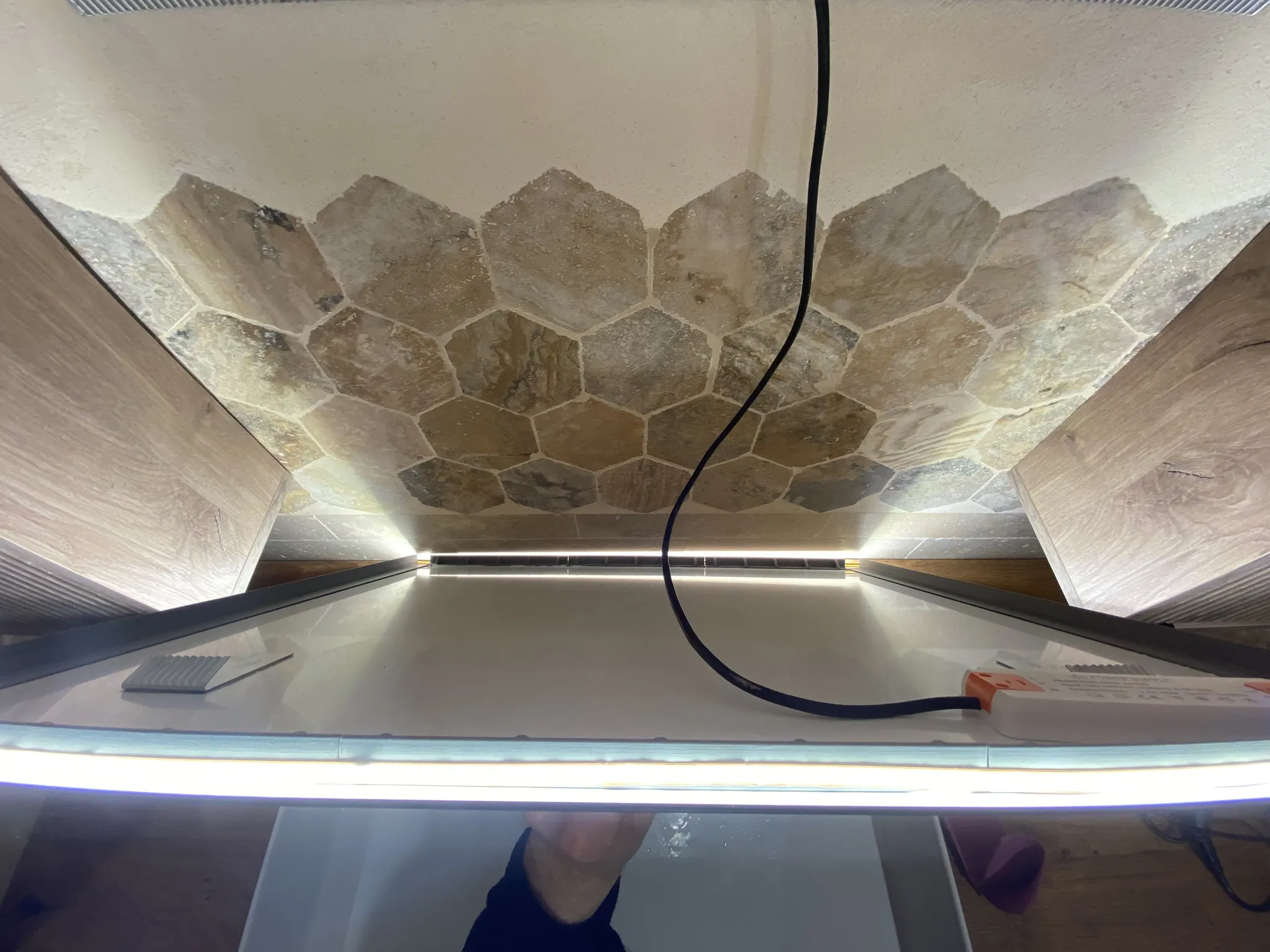
In my case, printed to fix an LED strip behind a mirror.
I used ASA material (with Bambu glue on the build plate) to prevent the heat from the LED from deforming the bracket. PETG or ABS are also possible.
The brackets were then glued to the mirror with PU glue.
! Depending on your mirror, pay attention to the dimensions, you may need to adjust by resizing the bracket!
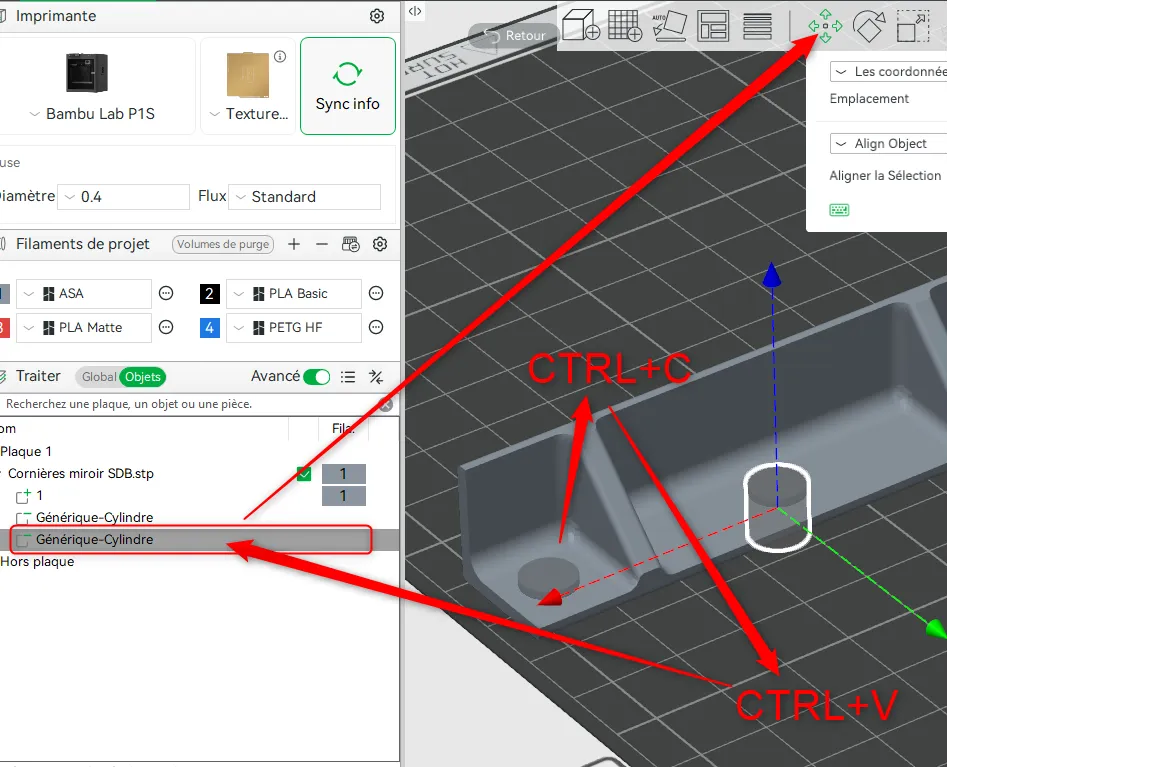
For use in another application. You can, if necessary, add holes like this.
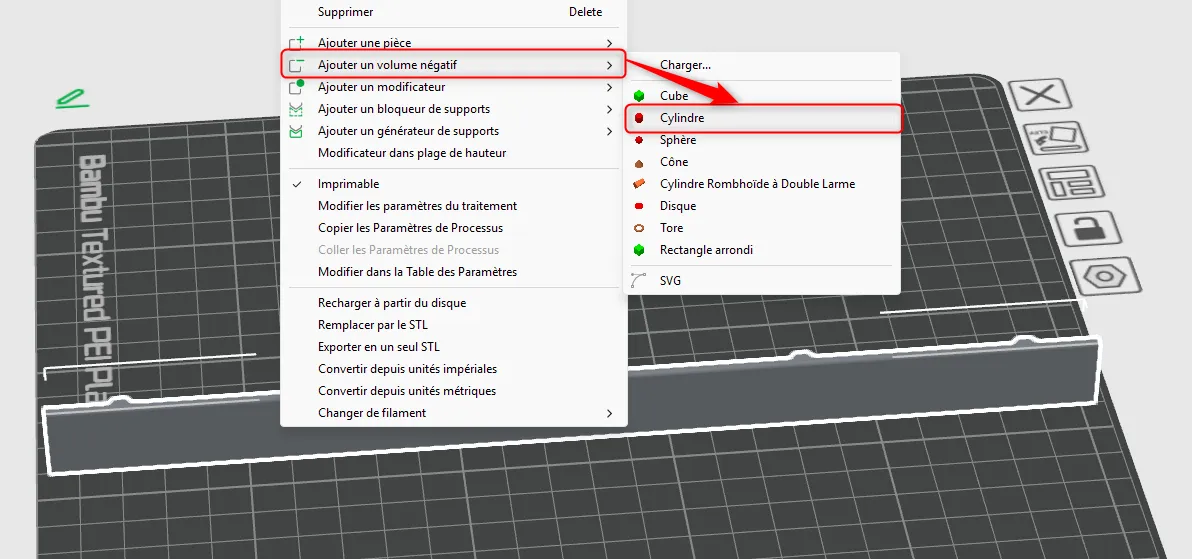
Right-click on the part then “add negative volume”, select “Cylinder”.
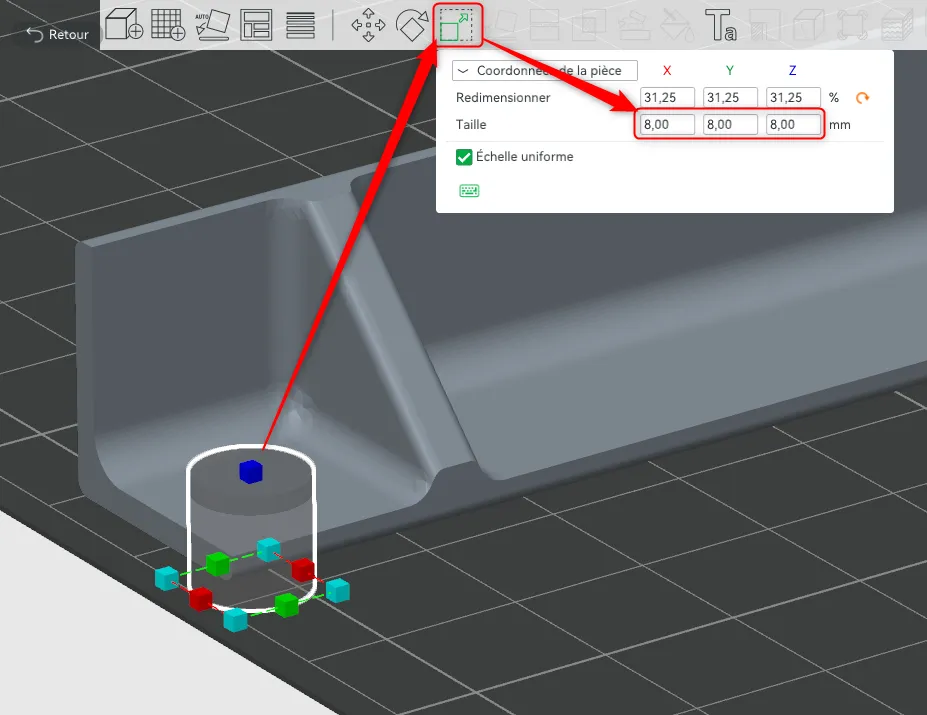
Select the added volume then “resize” (key “S").
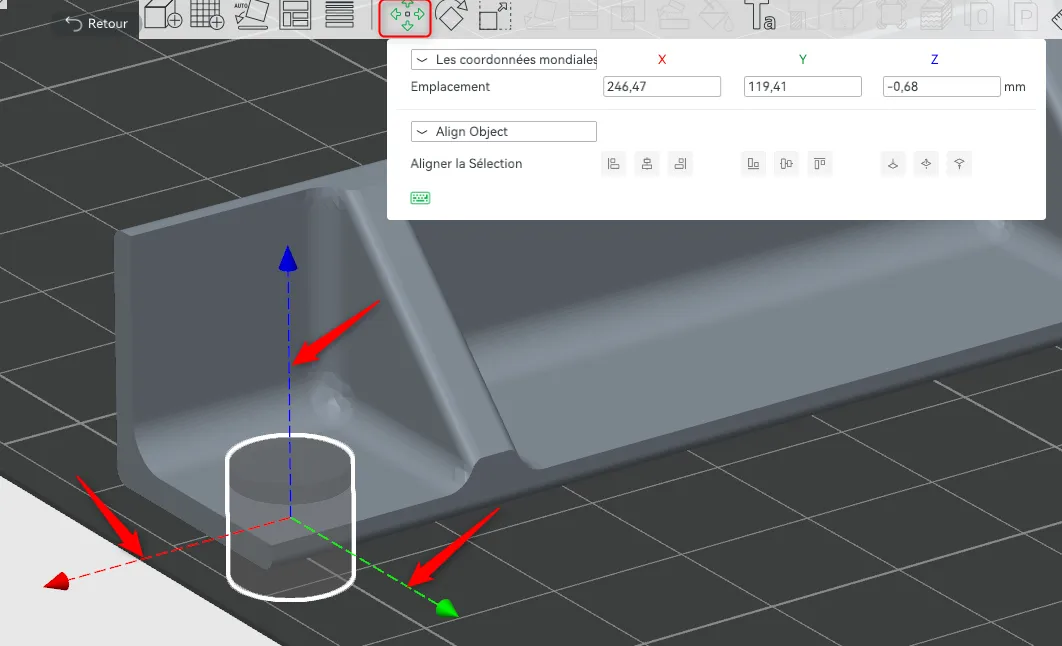
Finally, position the negative volume with “Move” (key “M”).
And move the trihedron handles wherever you like.
Finally, duplicate it by selecting it, then CTRL+C and CTRL+V, select the duplicated volume in the part tree, then move it.
A like or a boost would be appreciated for the work.
I hope this will be useful to you!
License



Comment & Rating (0)