
Print Profile(3)
Bill of Materials




Description
Boost Me (for free)
If you like what you see, consider giving me a boost! they help out a lot. Don’t forget to like and follow for more 3D prints and creative builds!
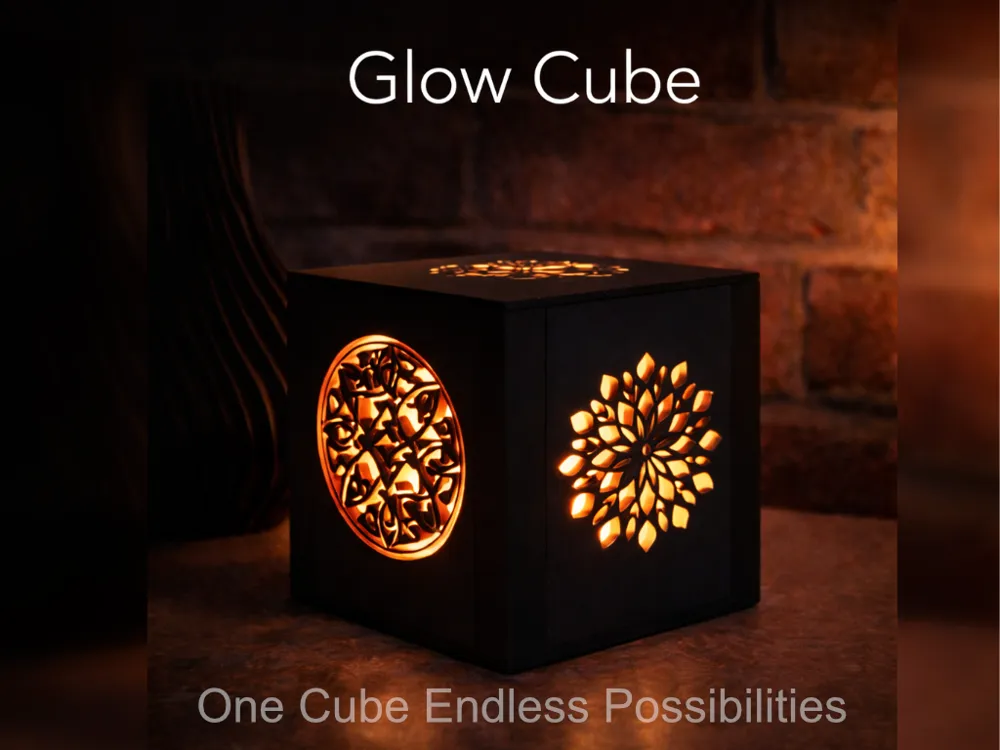
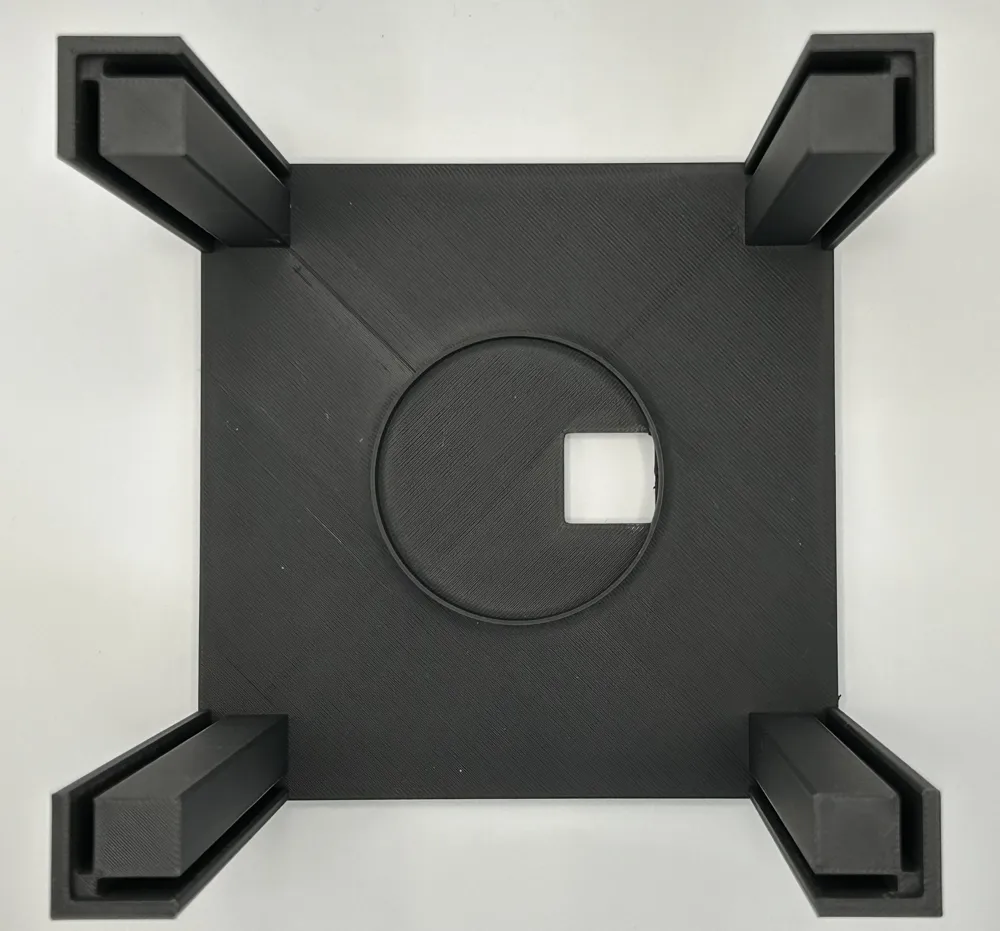
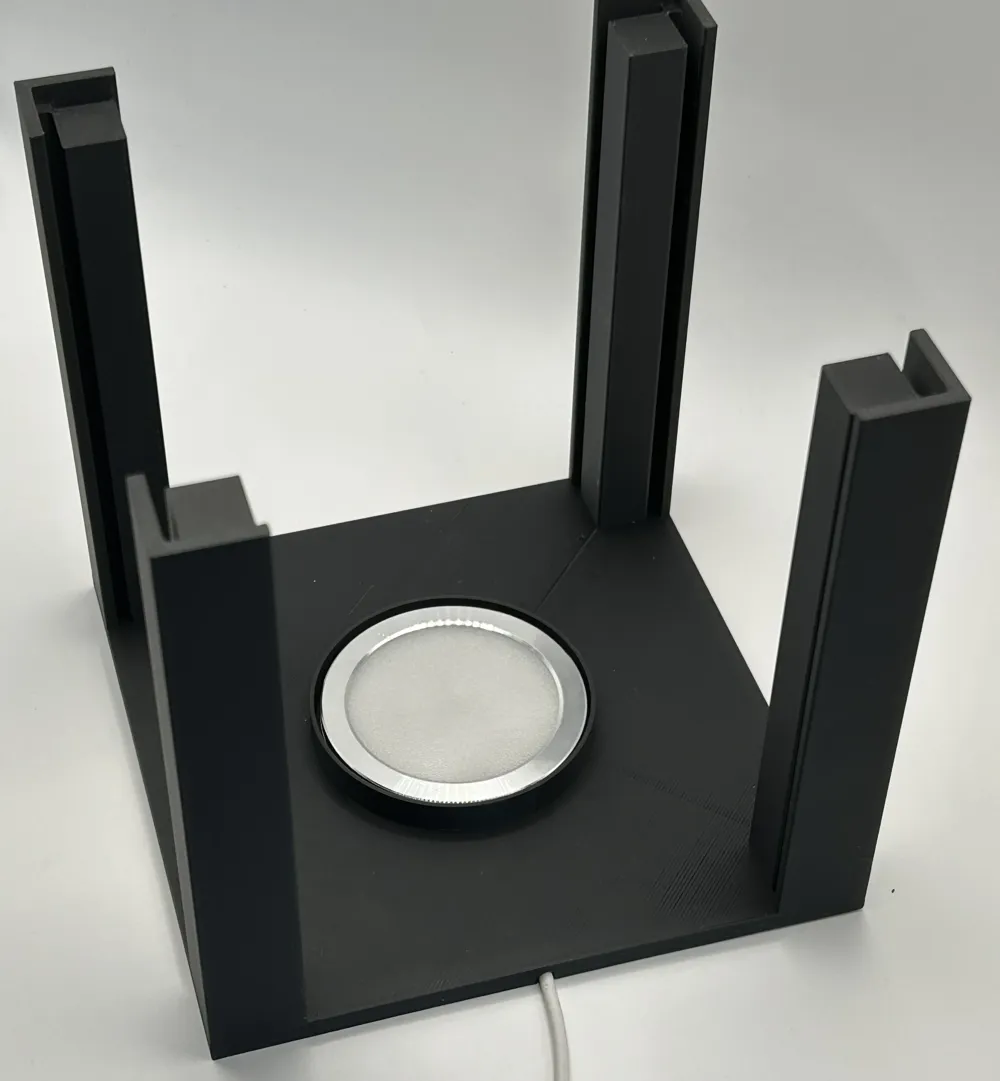
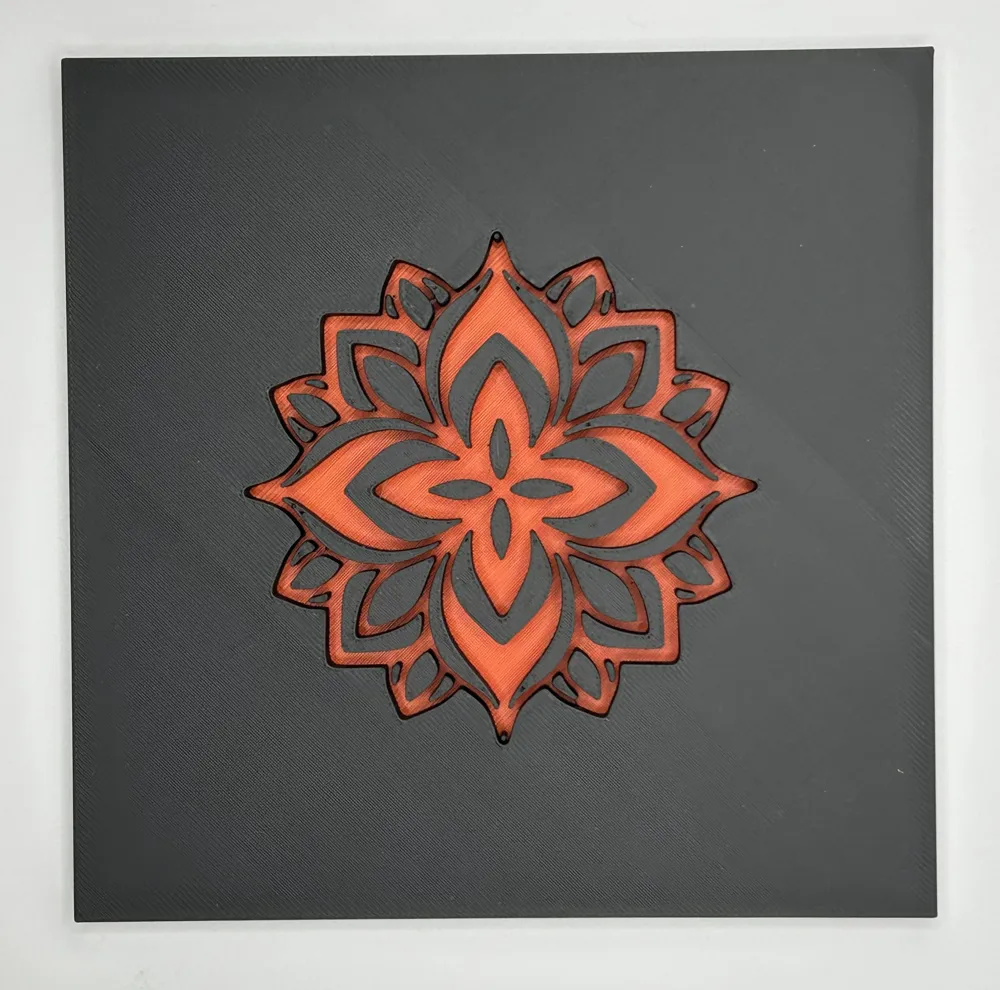
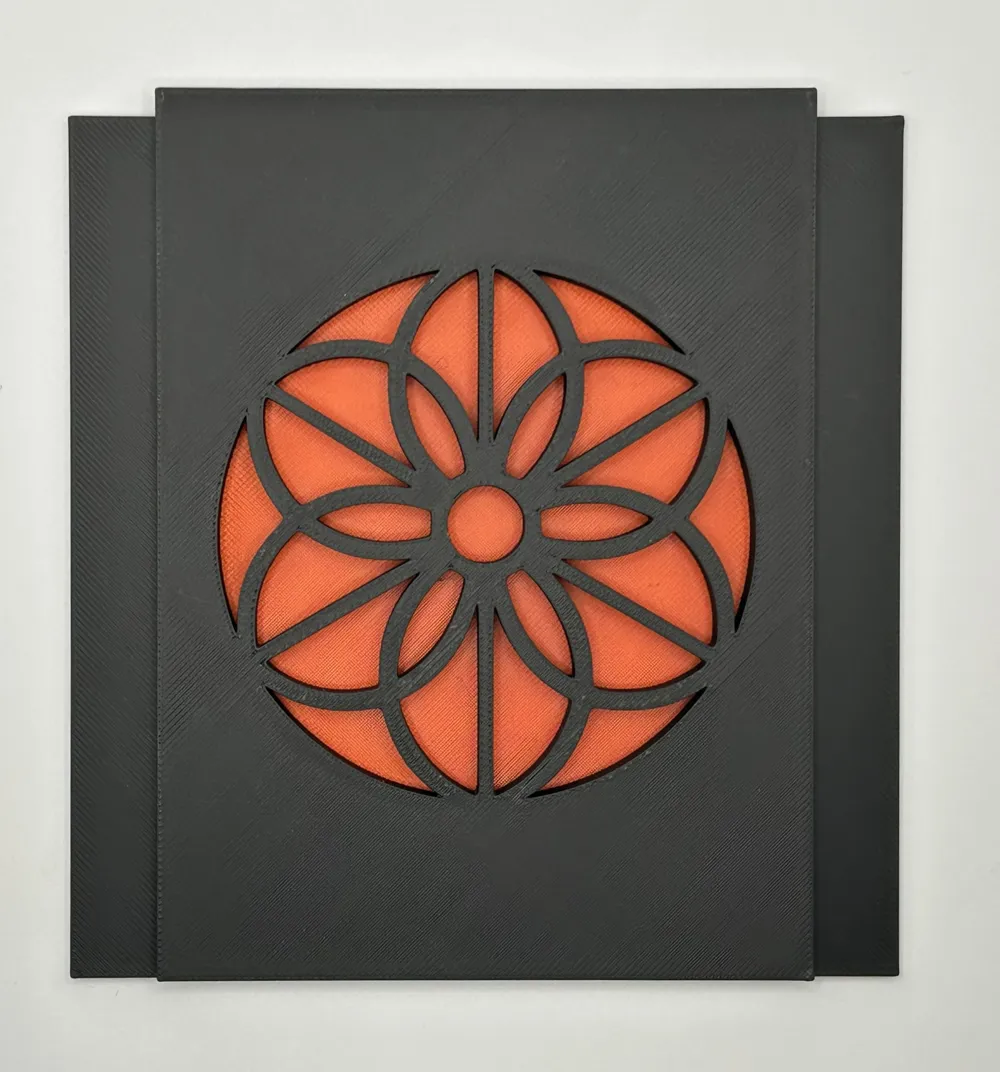
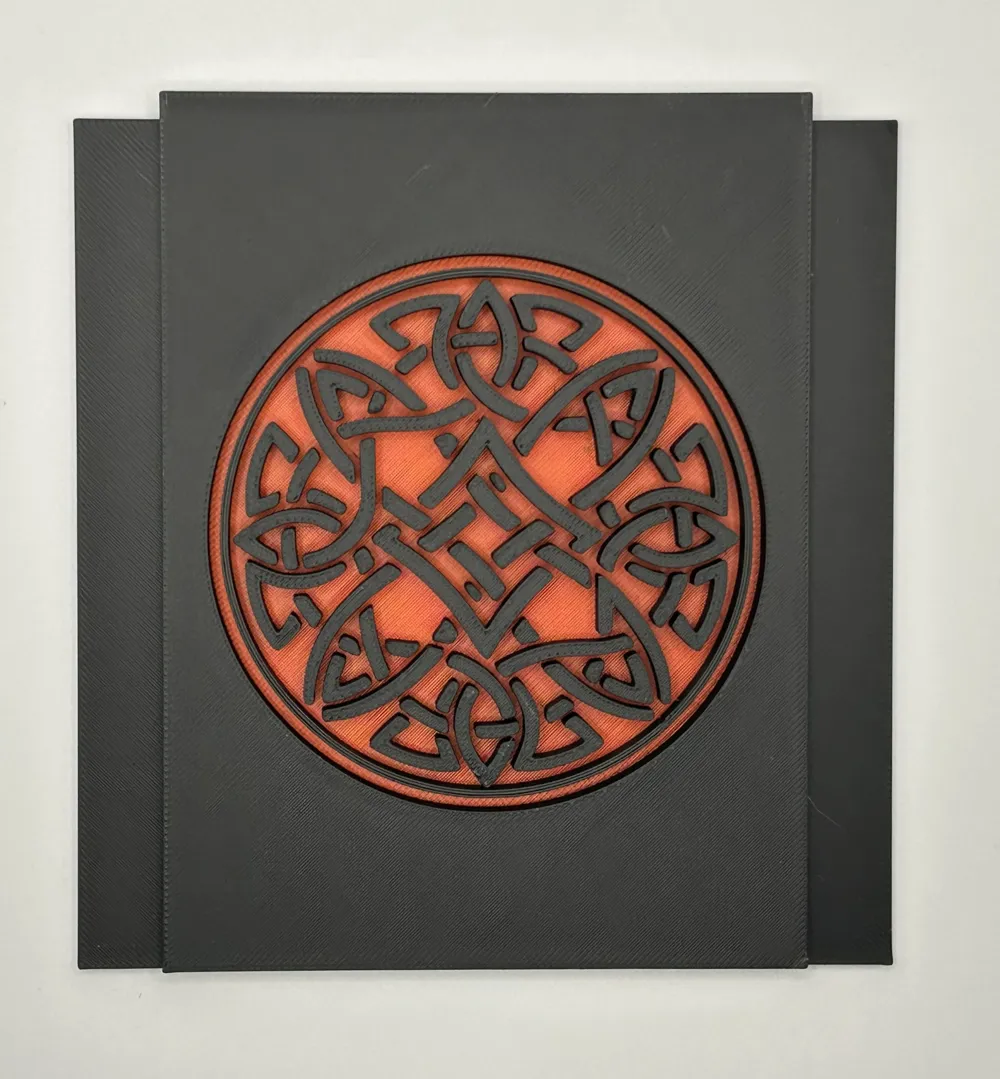
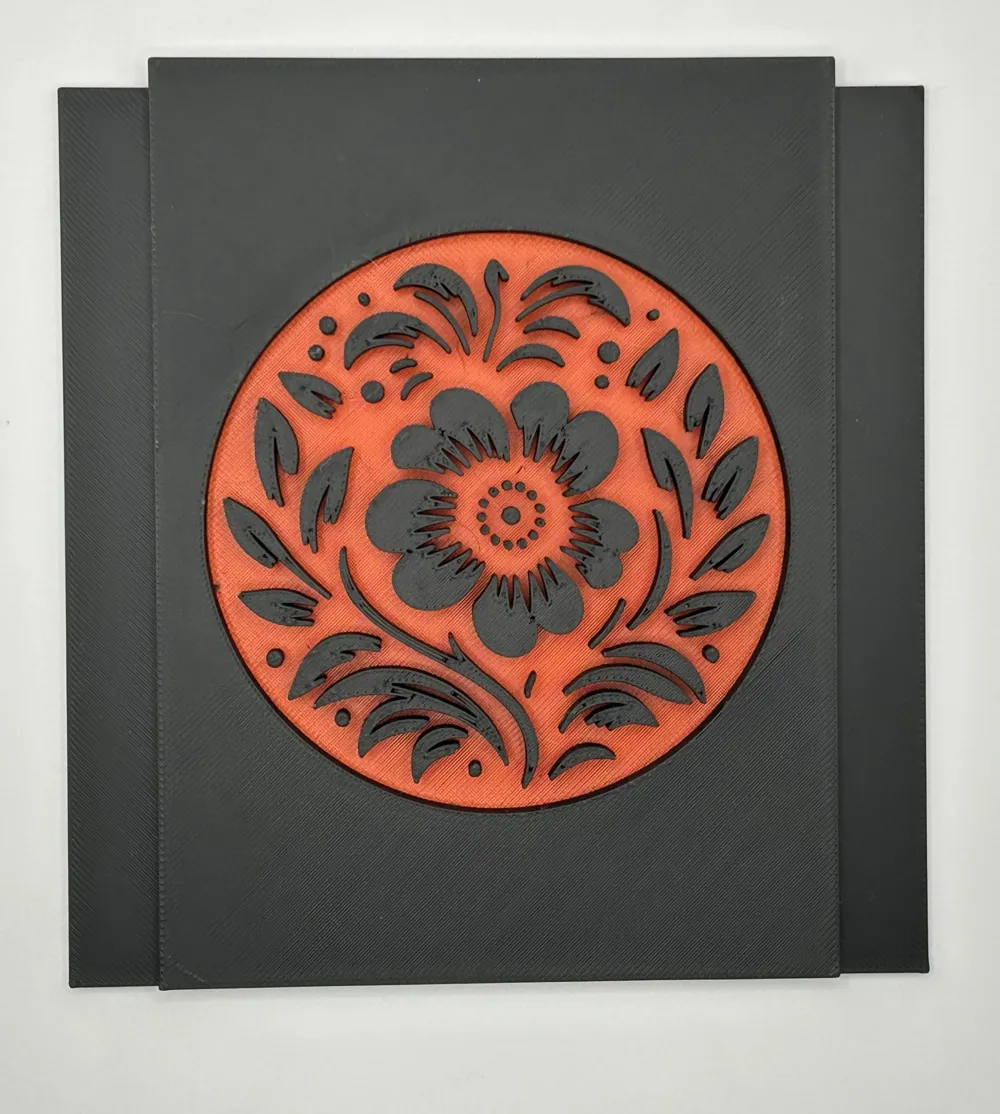
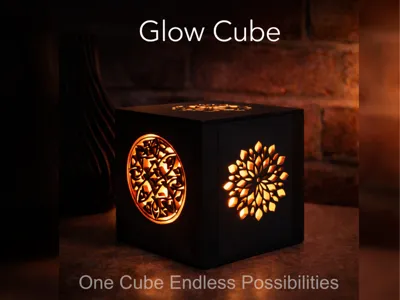
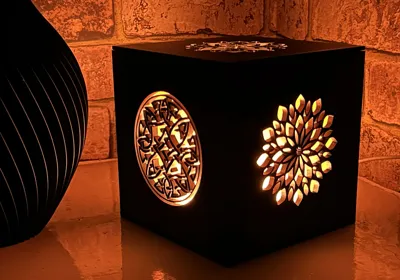
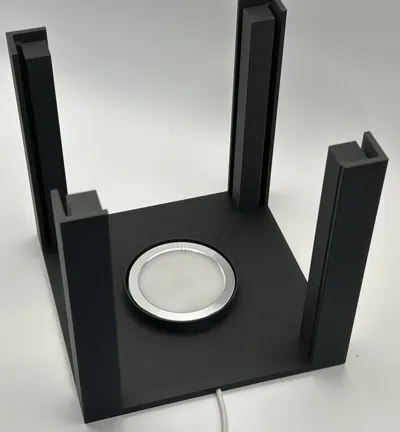
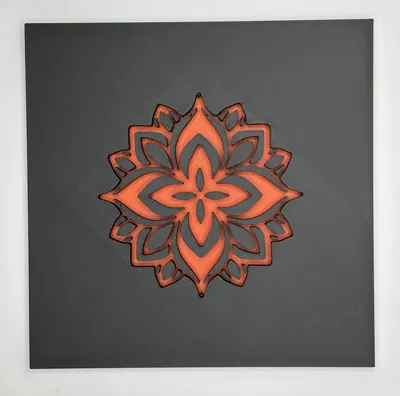
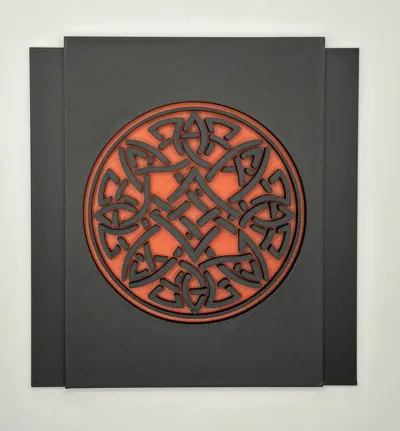
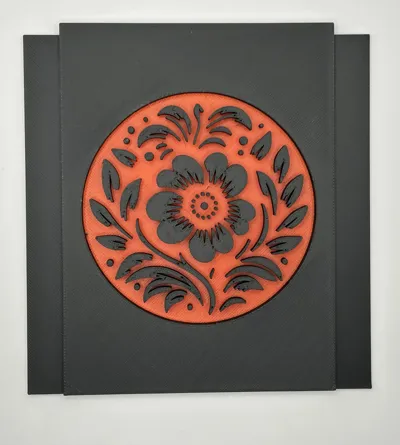
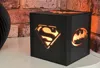
Glow Cube is a modular LED lamp with interchangeable decorative panels, designed so you only need to print the main cube once and then swap the look whenever you want.
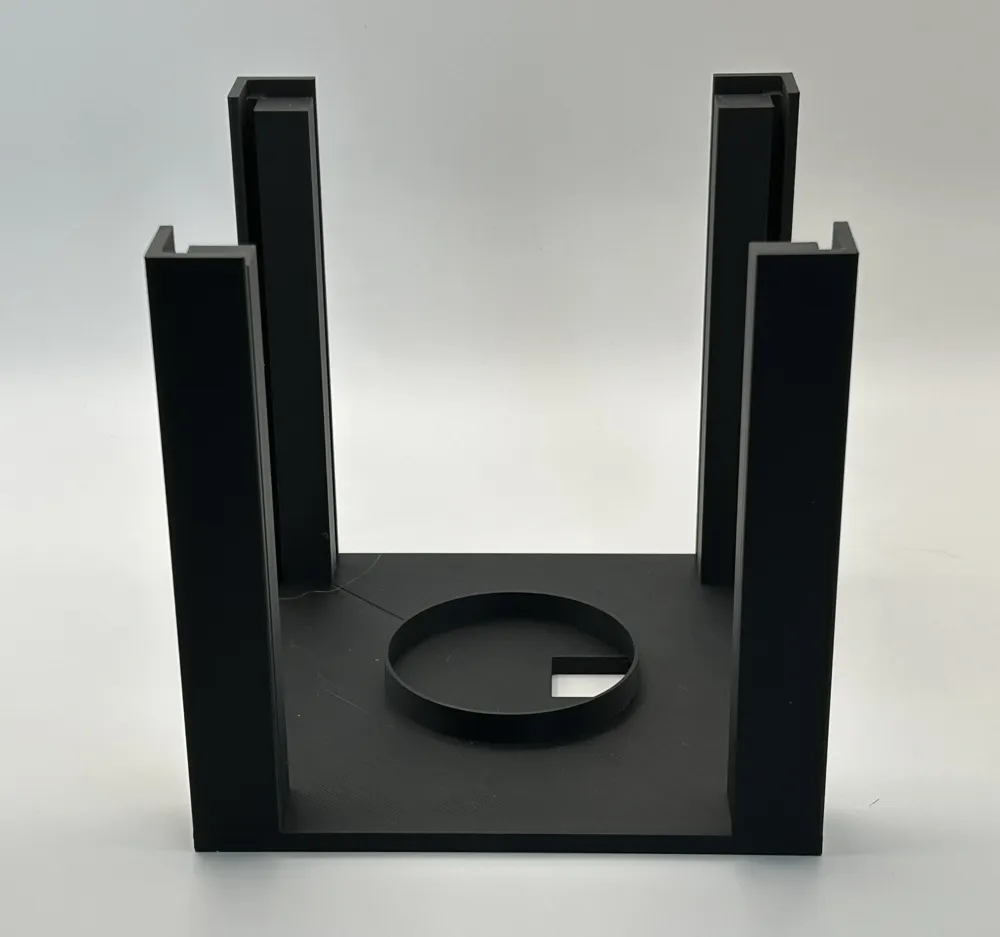
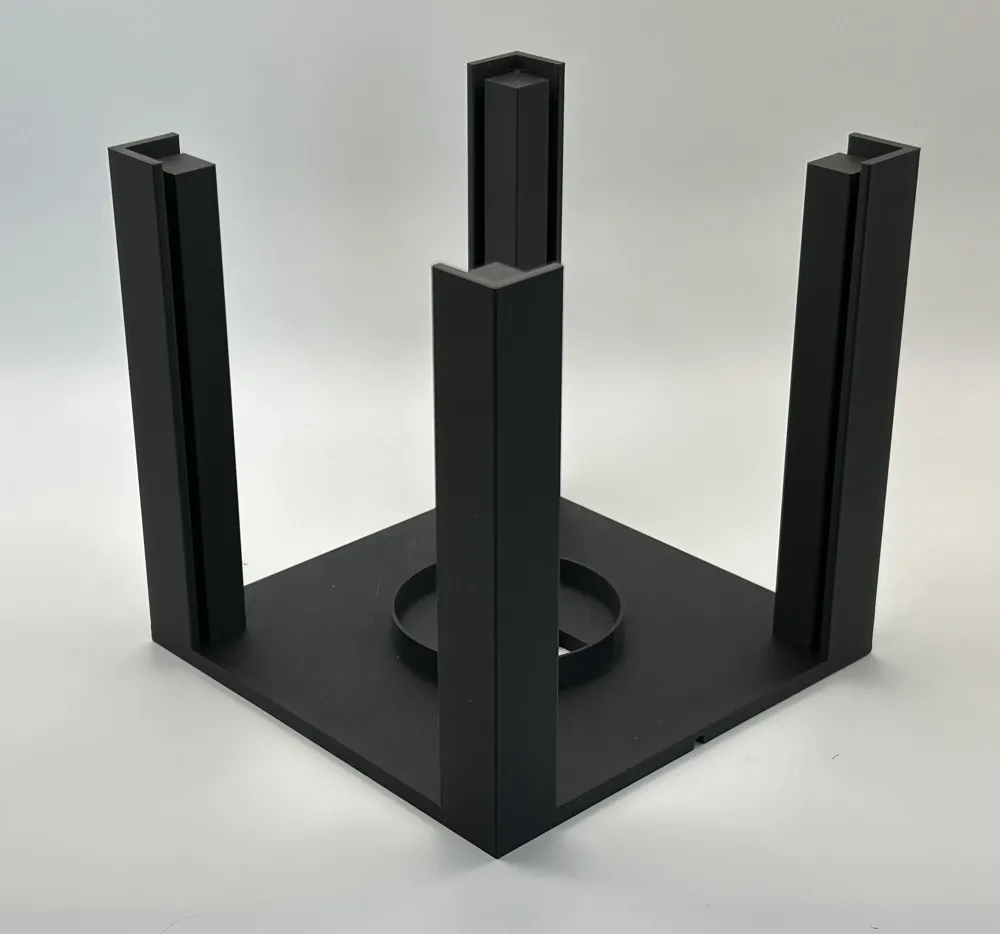
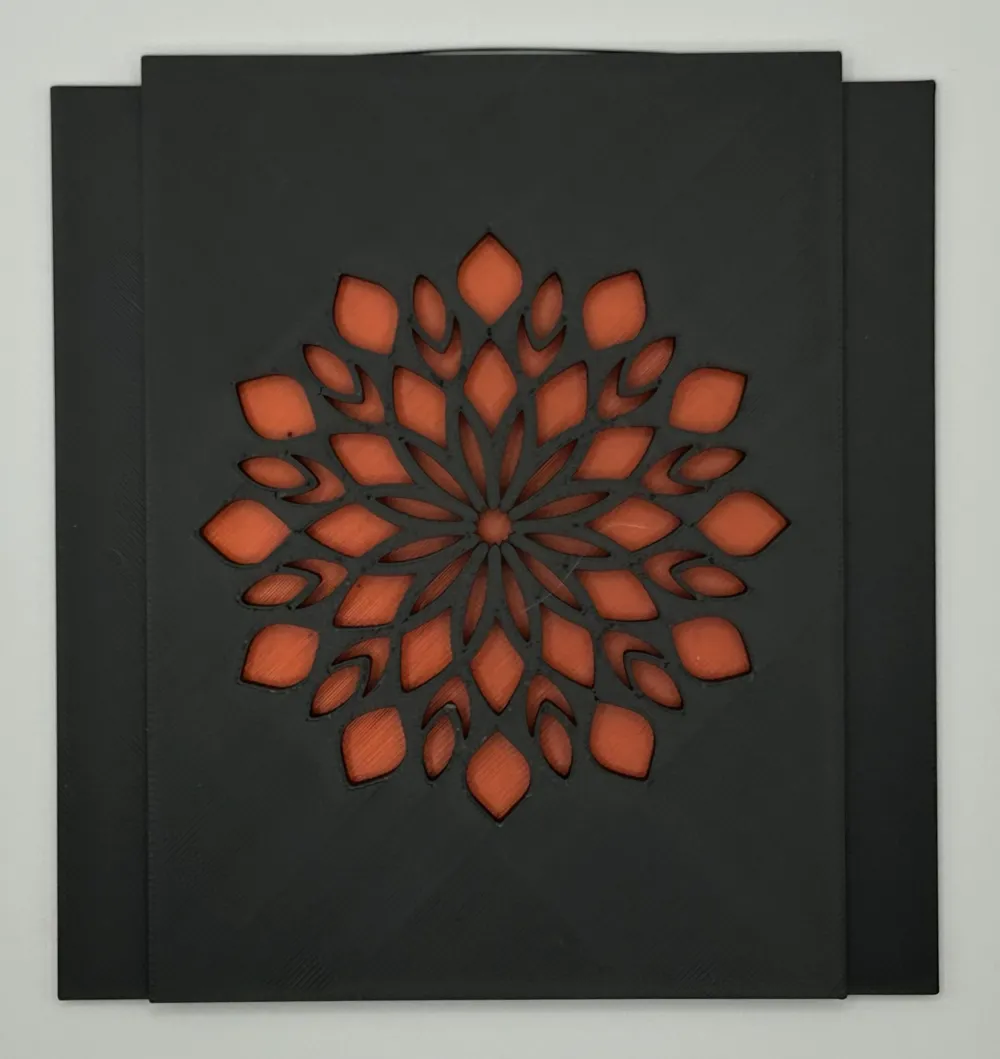
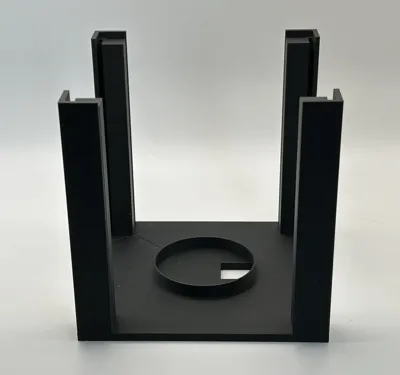
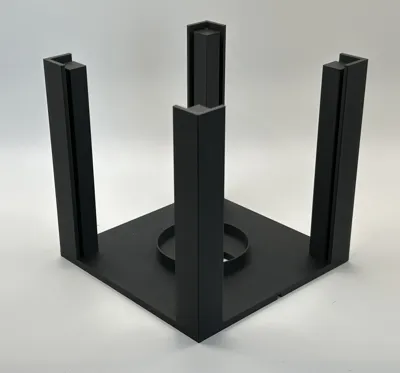
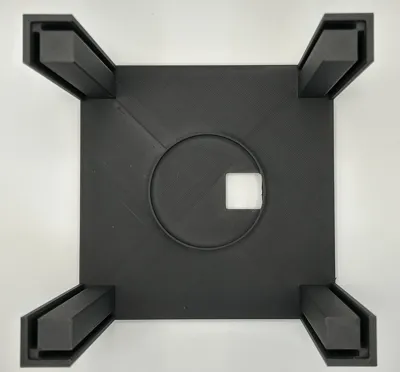
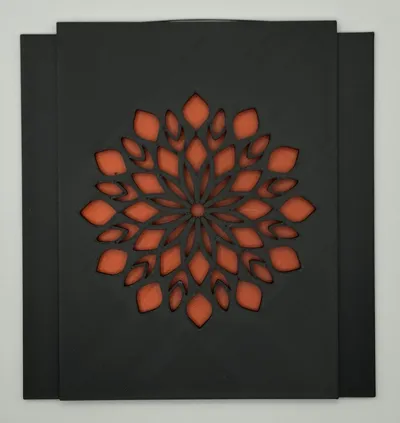
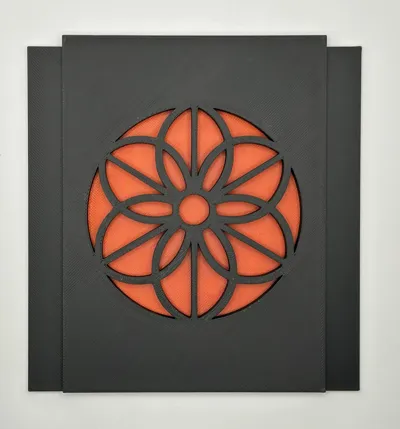
The main body holds the Bambu Lamp Kit 001 light in the centre, with a rear cable path and a removable top. The side panels slide in and out of the corner posts, making it easy to change between different styles without reprinting the full lamp. This starter version includes the cube and the main pattern panel set, with additional panel sets available as separate profiles.
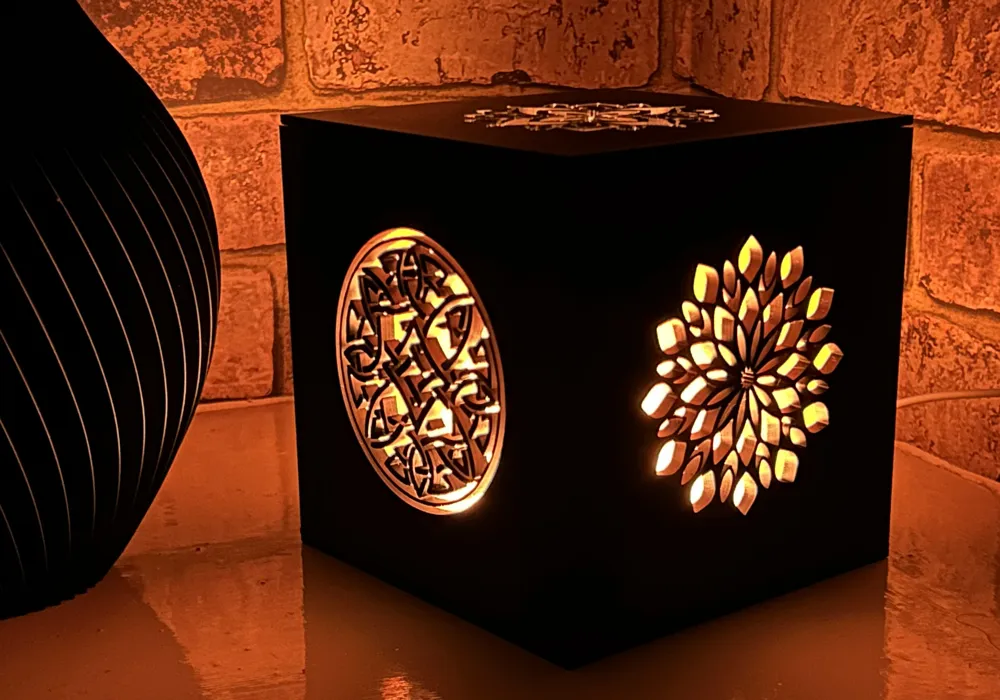
Glow Cube was designed to work as both a practical lamp and a decorative display piece. In daylight, the black frame gives it a clean modern look. When lit, the translucent backed panels create a softer glow that works well on a desk, shelf, bedside table, or as ambient room lighting.
All panel designs are made to be swapped, so you can choose the set that best suits your room, mood, or season. The goal was to create one reusable lamp system that can keep changing over time instead of becoming a single fixed design.
Assembly
Assembly is straightforward and requires no glue.
Thread the cable from the Bambu Lamp Kit 001 through the top opening, then place the light module into position inside the cube.
The side panels slide into the corner posts. Each panel has a front and back — in most cases, the flat side is the back. If a panel is inserted the wrong way, the top lid will not fit correctly. Simply remove the panel, rotate it, and slide it back into place.
A Quick Note
Each model is tested before sharing, but every printer is a little different — sometimes a small tweak is all it takes for a perfect print. If you run into trouble, try:
- Giving your build plate a good clean
- Rechecking bed leveling or Z-offset
- Slowing down the first few layers
- Using a brim or raft for extra grip
Still having issues? Let me know in the comments — I’m always happy to help troubleshoot or improve the design!
License

You shall not share, sub-license, sell, rent, host, transfer, or distribute in any way the digital or 3D printed versions of this object, nor any other derivative work of this object in its digital or physical format (including - but not limited to - remixes of this object, and hosting on other digital platforms). The objects may not be used without permission in any way whatsoever in which you charge money, or collect fees.


Comment & Rating (0)