
Derpy Charm
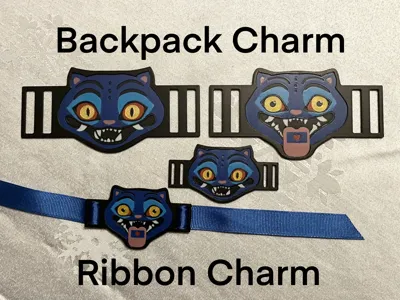
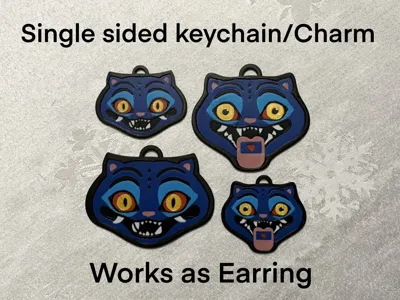
Print Profile(5)


Description
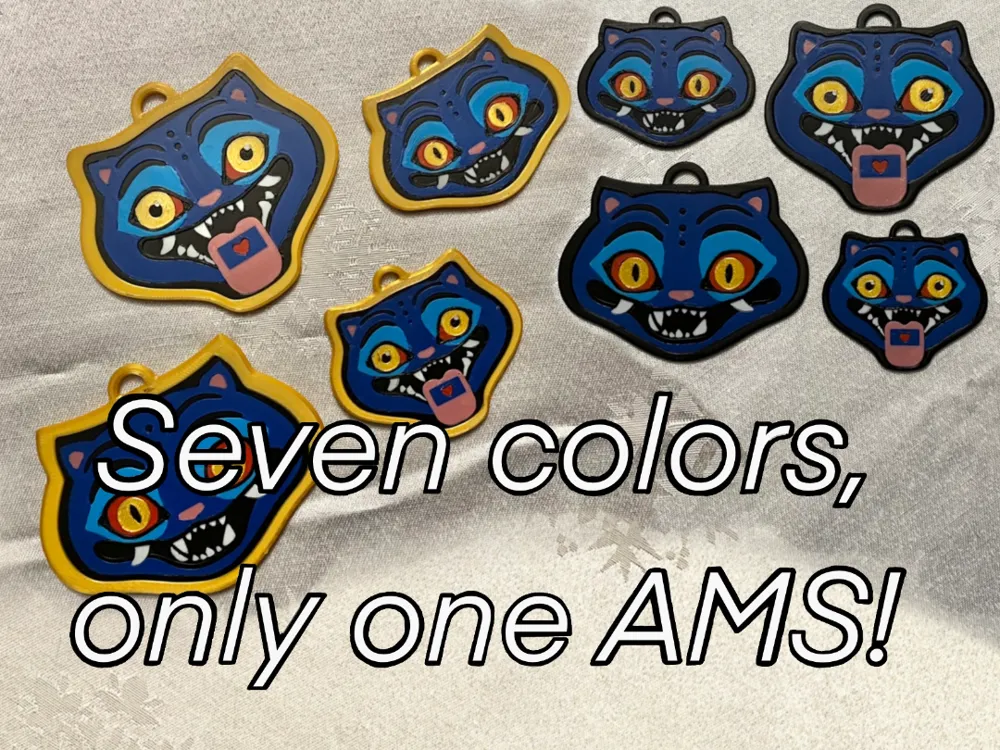
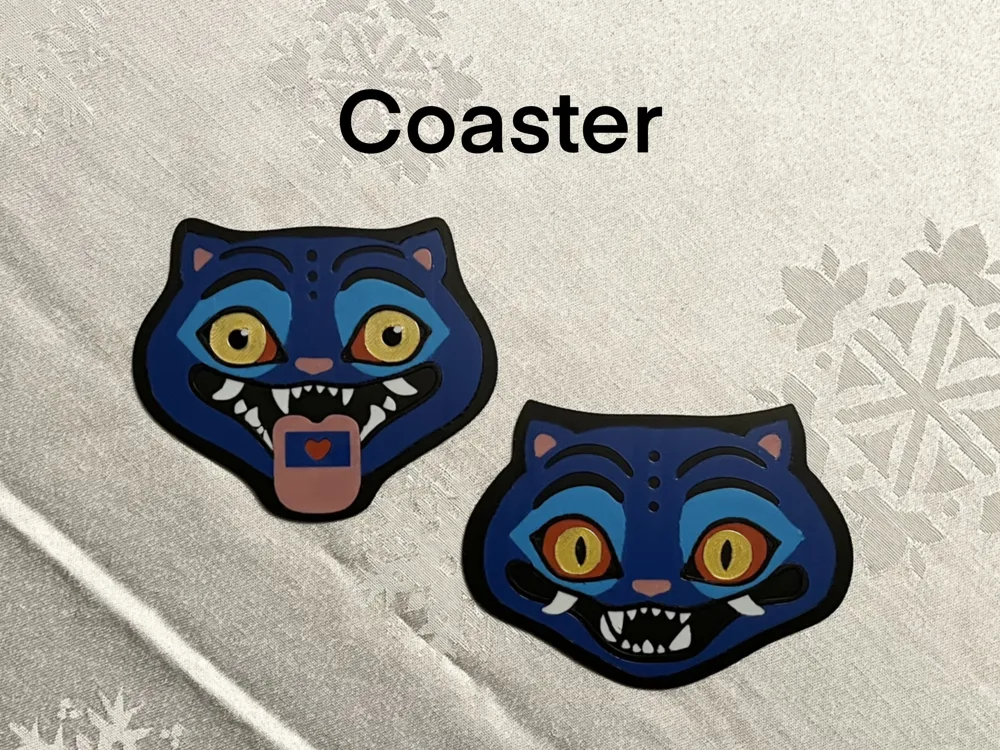
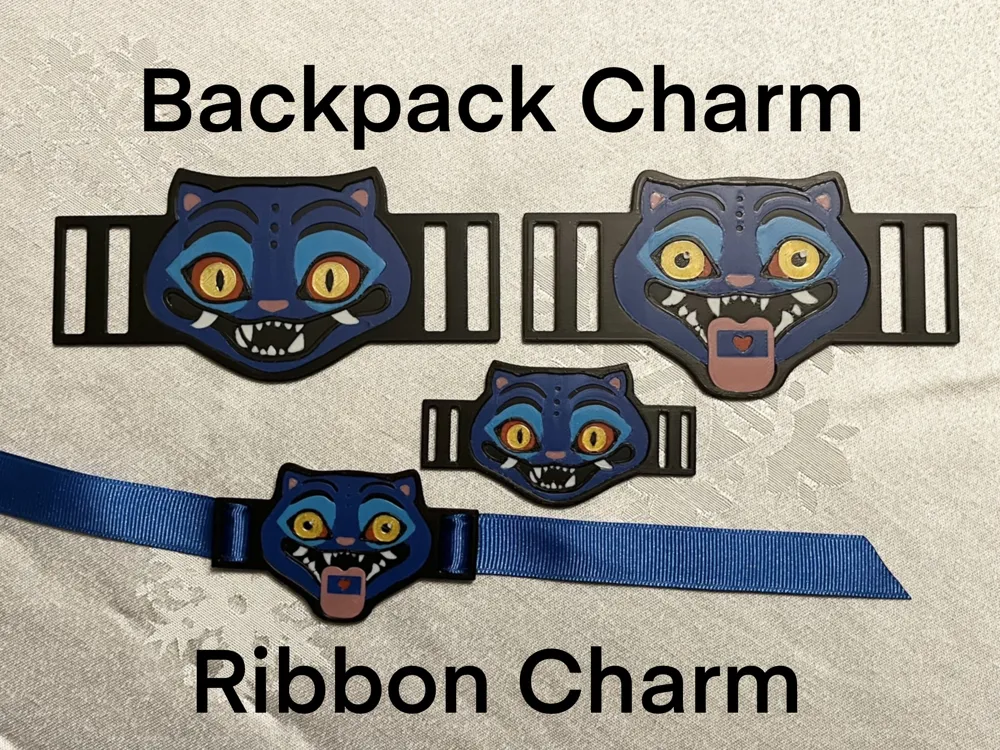
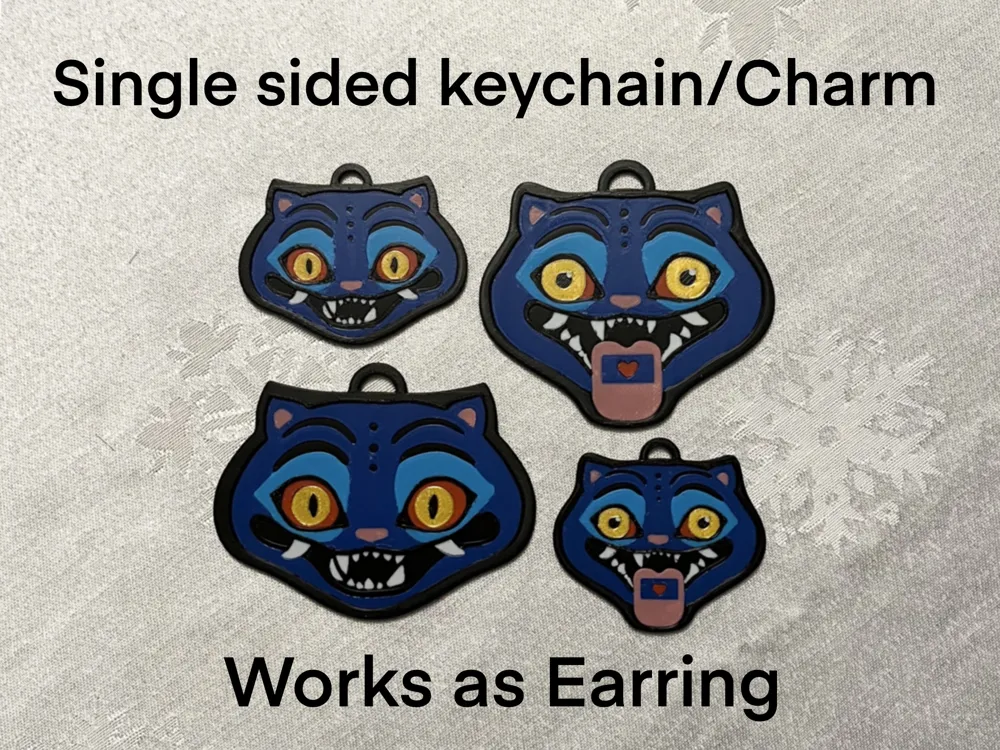
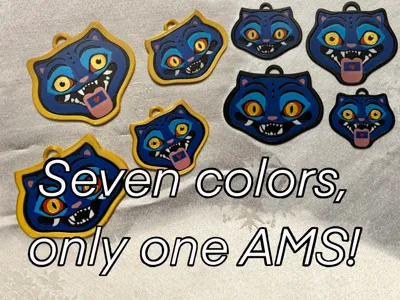
This model is made to allow for a full seven color print with only one AMS unit. I achieve this through the use of color swapping 3 of the filaments mid print. You can either print normally with two AMSs or you can use the pause mid print to swap out colors for the full effect. I also gave each version a reservoir for UV resin for a premium finish. But there is Three things you need to keep in mind:
Be sure to have your black filament in the first slot of your AMS. At the pause, the first slot will be in the extruder and thus cannot be changed. So be sure black is in that slot because it is not swapped at the pause.
Resizing, If you want to resize be sure not to adjust the Z, Hight. Only adjust the X and Y. Don't go smaller than the smallest version unless you want to go smaller than a .4 mm Nozzle.
Remember what filament needs to go into what slot. When you are setting up the print you need to choose what part is what color. Be sure to remember what filament needs to be swapped for what color. But you must start with Black, gold, Red, and white. I used my Santa Derpy print photos for example, because I forgot to take pictures mid print, same thing though.
Or simply follow my recommendation for slot allocation.
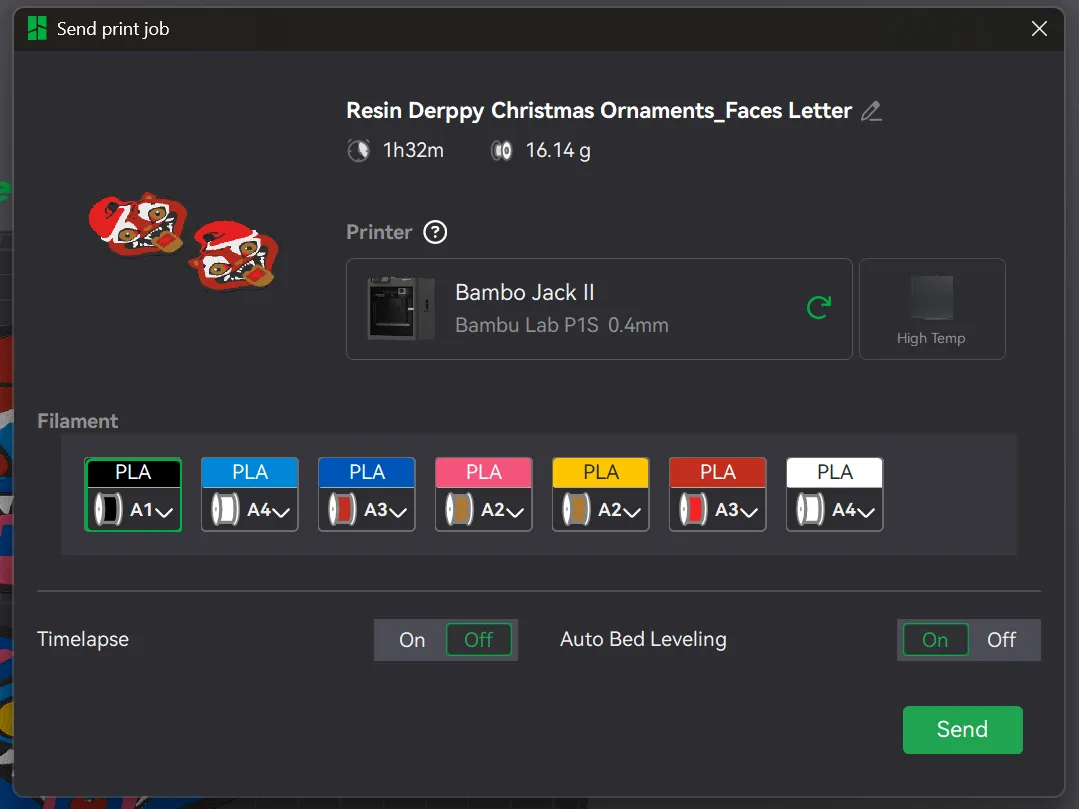
If you set it up like in the image you should be golden. Black in A1 slot is not swapped. But Gold in slot A2 is swapped with Pink. Red in slot A3 is swapped with Dark Blue. And White in slot A4 is swapped with Light Blue. As long as you do it this way and set up the print as shown you will have no problem.
A1: Black > Black
A2: Gold > Pink
A3: Red > Dark Blue
A3: White > Light Blue
I used silk gold filament for the eyes but used the Bambu basic settings and had no issues. Really made the eyes pop.
The picture will not look right but that is OK, because the filament swaps will fix it.
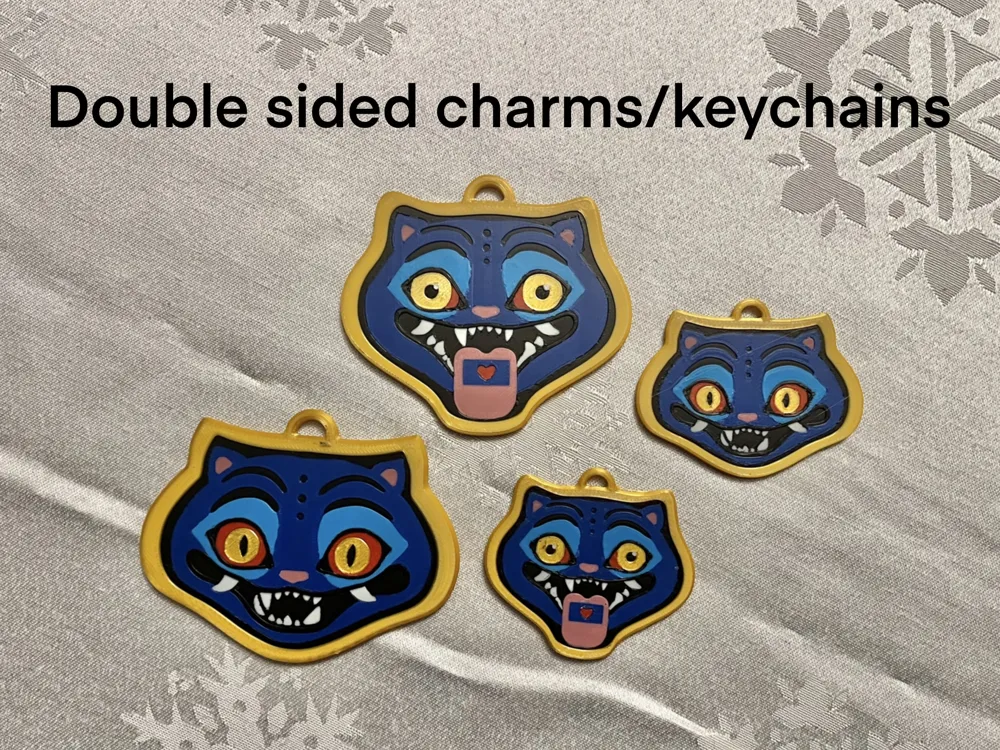
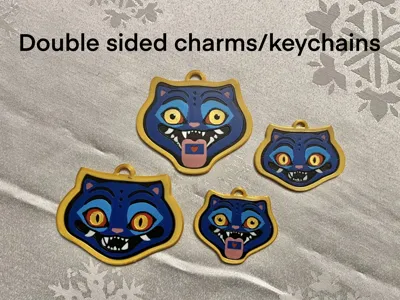
2. If you went with the double sided version you will need to print a housing for the ornament, putting the faces inside mid print. Look to the image for details.
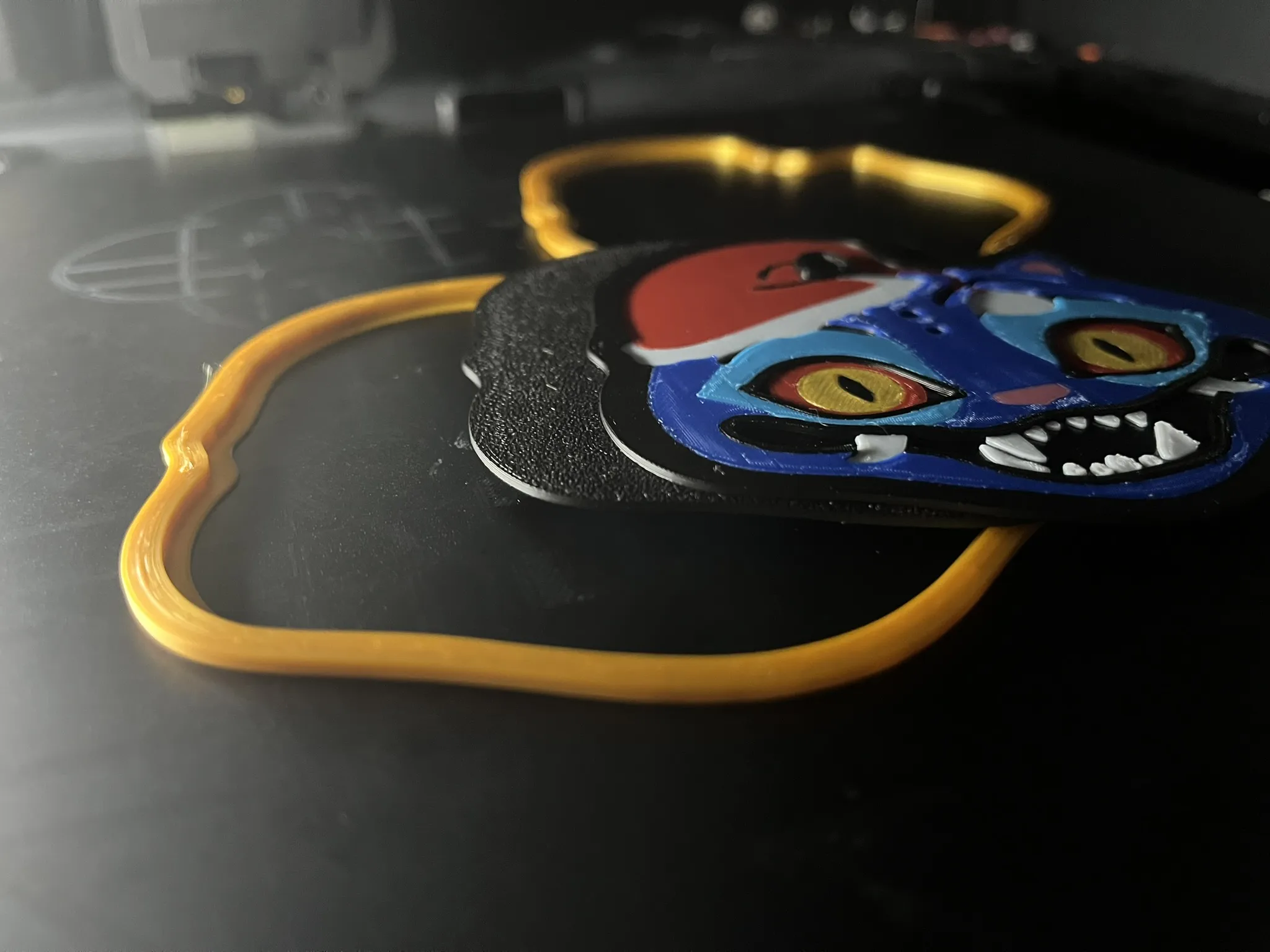
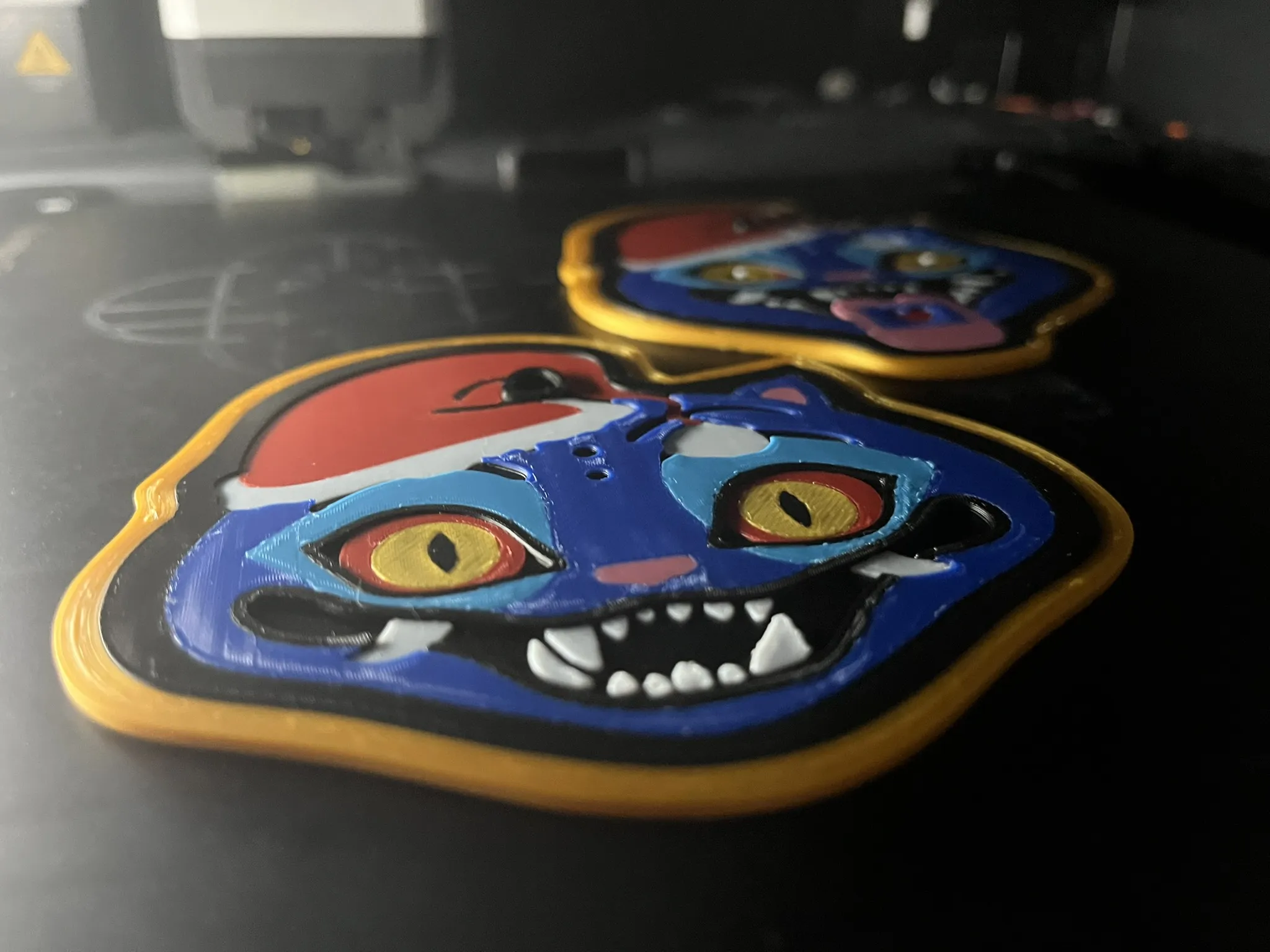
Slip the faces, back to back, into the housing and press play. Be sure to watch for a minute, just to be sure the plates don't dislodge or no poop is carried over onto the print.
3. Last thing is tips for resin application. It is pretty straight forward. Put UV resin on the front plate, spread it out and take a lighter to it to pop any bubbles. Then all you have to do is apply a UV light till it is fully cured. Be sure not to over fill. Put just enough to cover the face then spread it out till there is no dry spots. Leave it for a minute or two to settle before applying the lighter and then UV light. This step is optional but really improves the look of the final product.
If you like my work please follow for more and give me a boost! I am trying to achieve my goal to get 200 followers so any help will be appreciated!
License

You shall not share, sub-license, sell, rent, host, transfer, or distribute in any way the digital or 3D printed versions of this object, nor any other derivative work of this object in its digital or physical format (including - but not limited to - remixes of this object, and hosting on other digital platforms). The objects may not be used without permission in any way whatsoever in which you charge money, or collect fees.


Comment & Rating (3)