
QR code creation tutorial
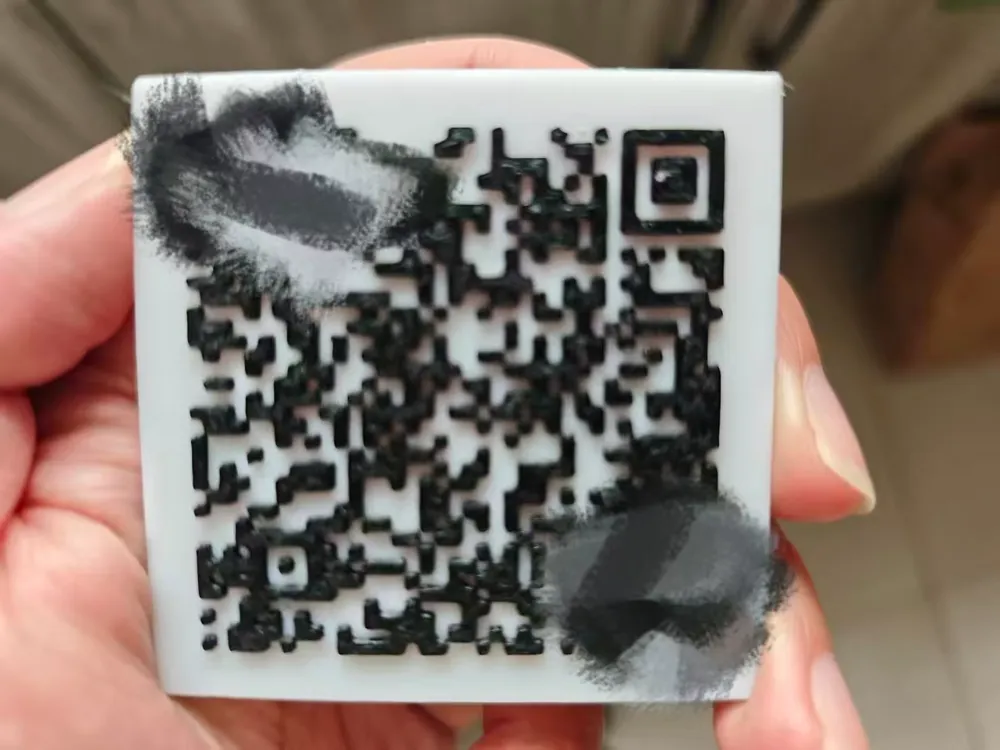
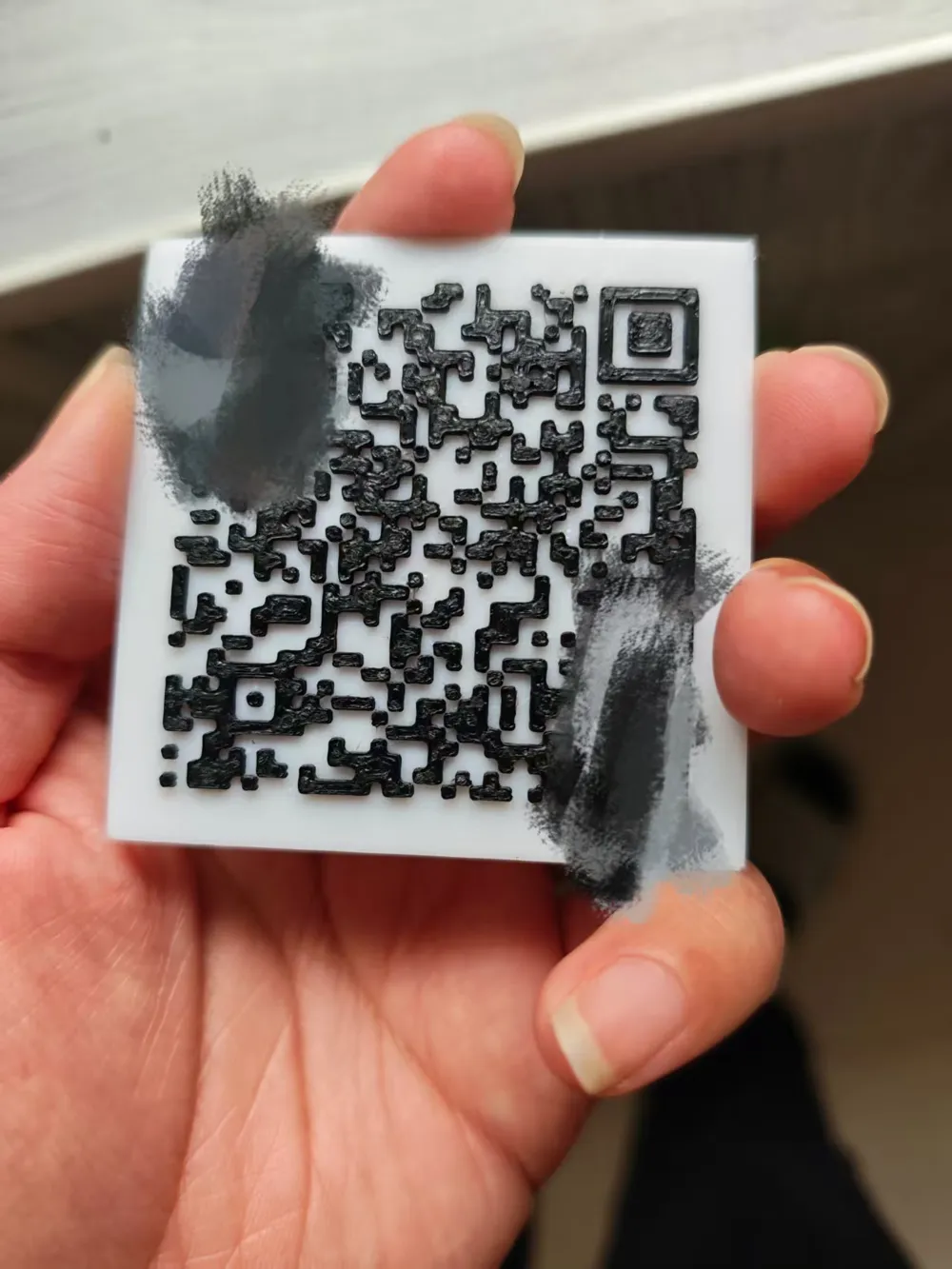
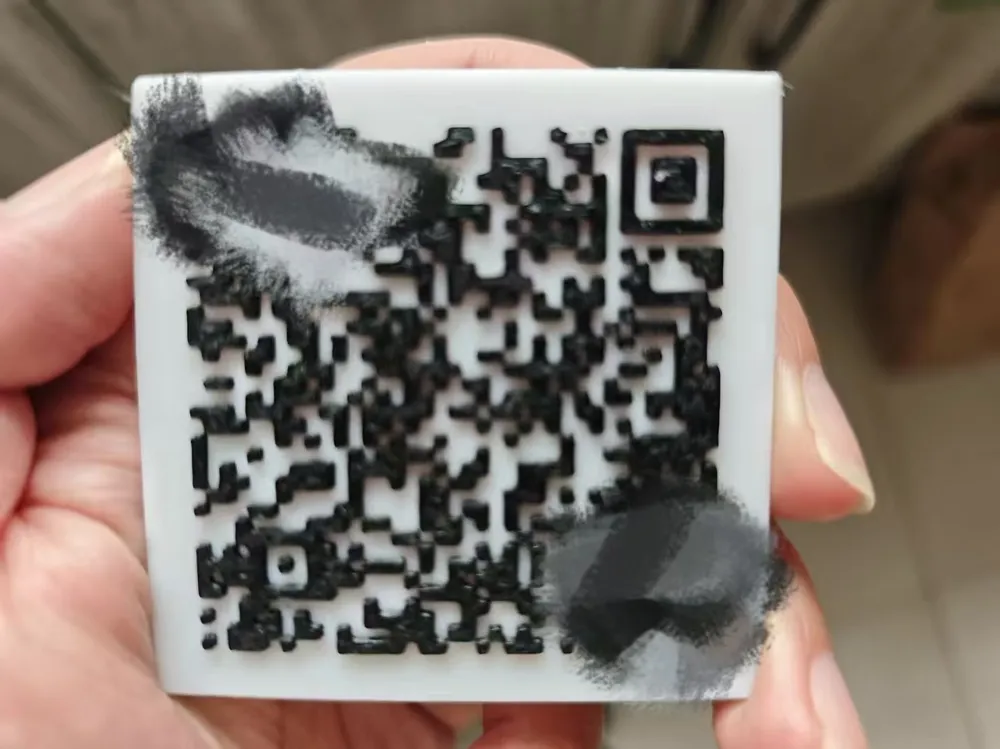
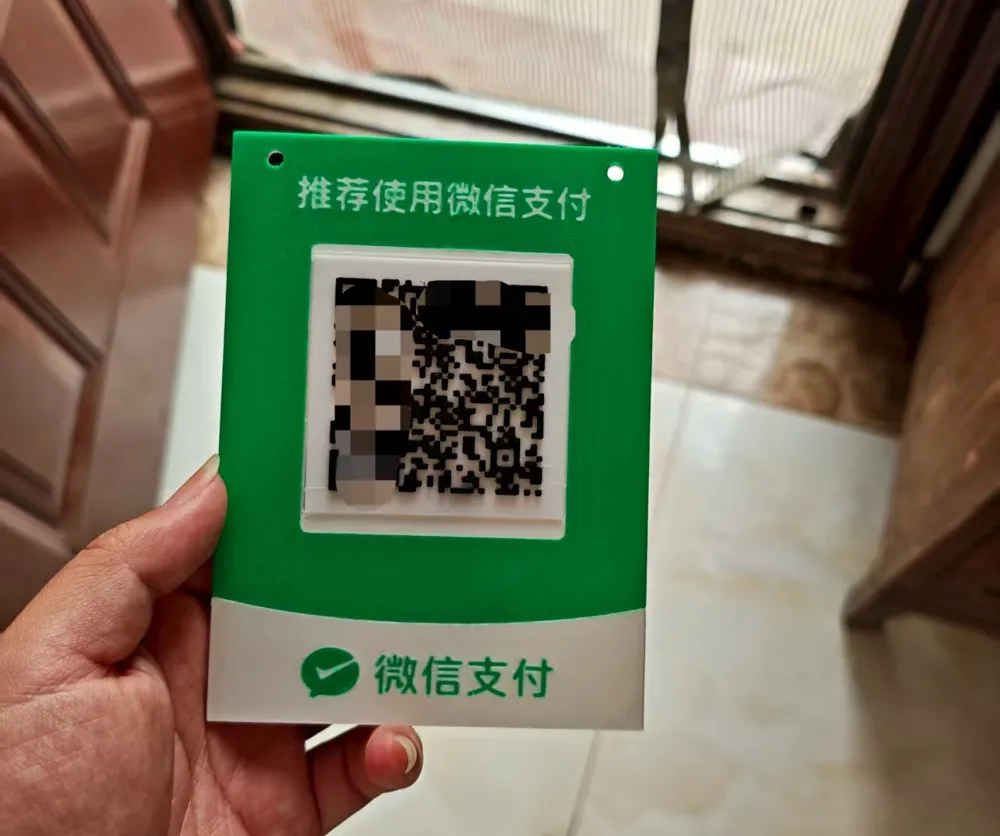
Print Profile(2)

Description
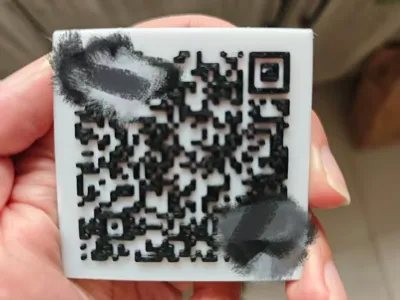
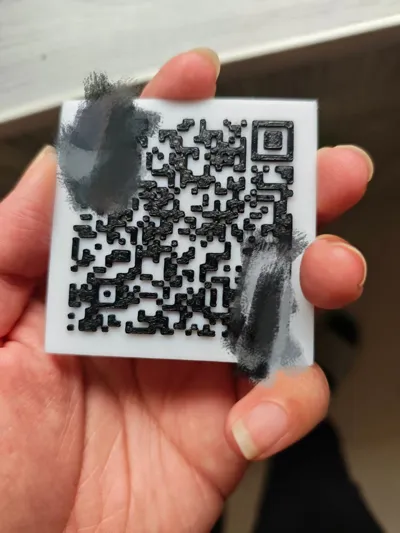
This file is intended to teach you how to fish, showing everyone how to create their own QR code and print it with a 0.4 nozzle for accurate recognition.
If you can't follow the text, you can watch my video
https://v.douyin.com/nnmxyxGyM4A/ FhB:/ I@i.cn 05/04
Boost Me (for free)
If this tutorial helps you, please give me a boost, thanks~
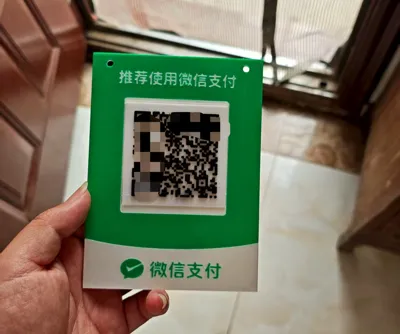
First, save the QR code image you need to print, or prepare the video, pictures, WiFi passwords, etc., that you want the QR code to scan and recognize. Then open the WeChat mini-program: Generate QR Code,
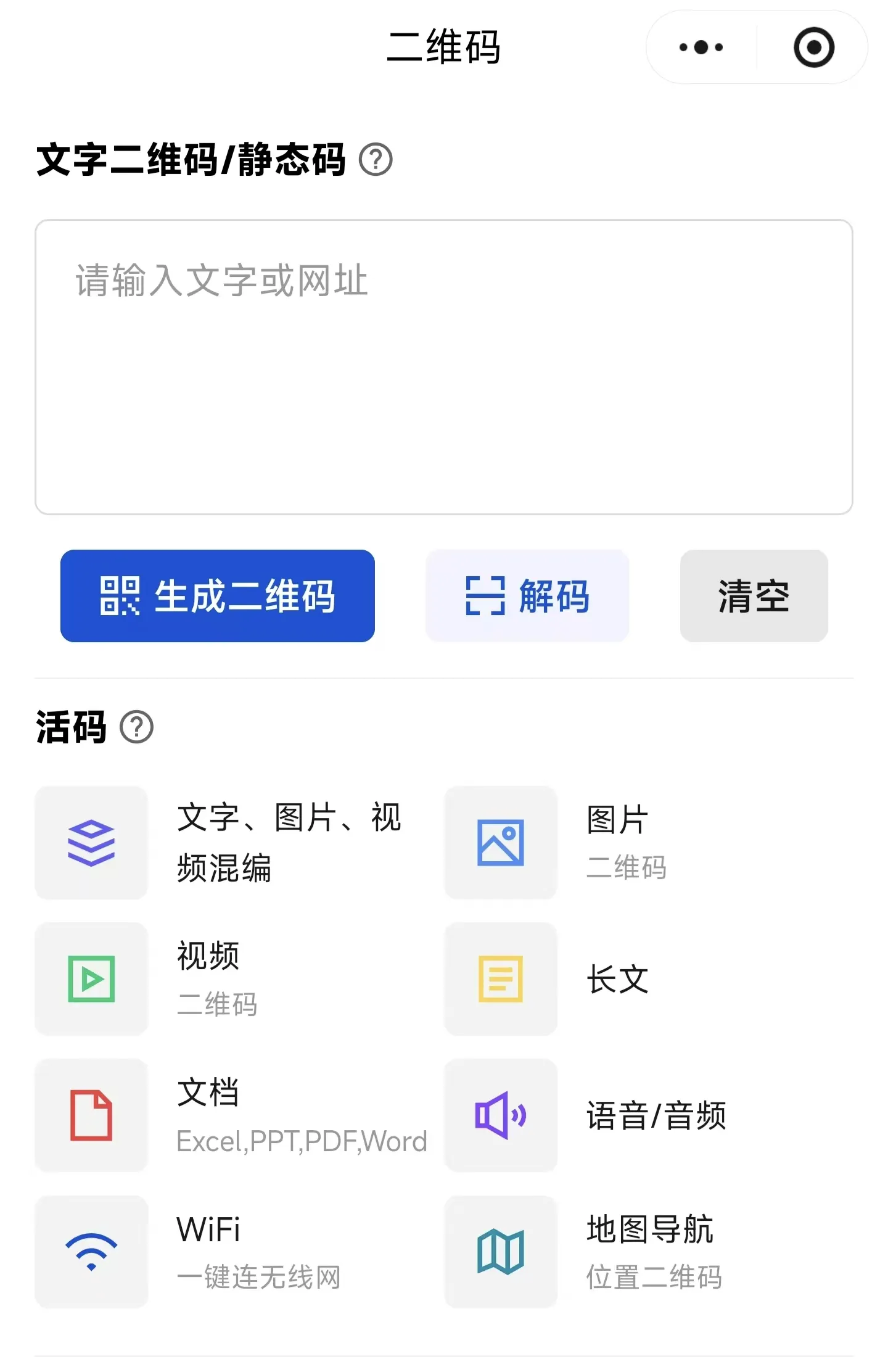
For video, text, or WiFi, click the icon to create. If you have an existing QR code, click decode. After recognition, click to generate the QR code. In the "Add Icon" section, you can add basic icons for WeChat, Alipay, Douyin, etc. You can also upload your own logo, which is simple and convenient for printing.
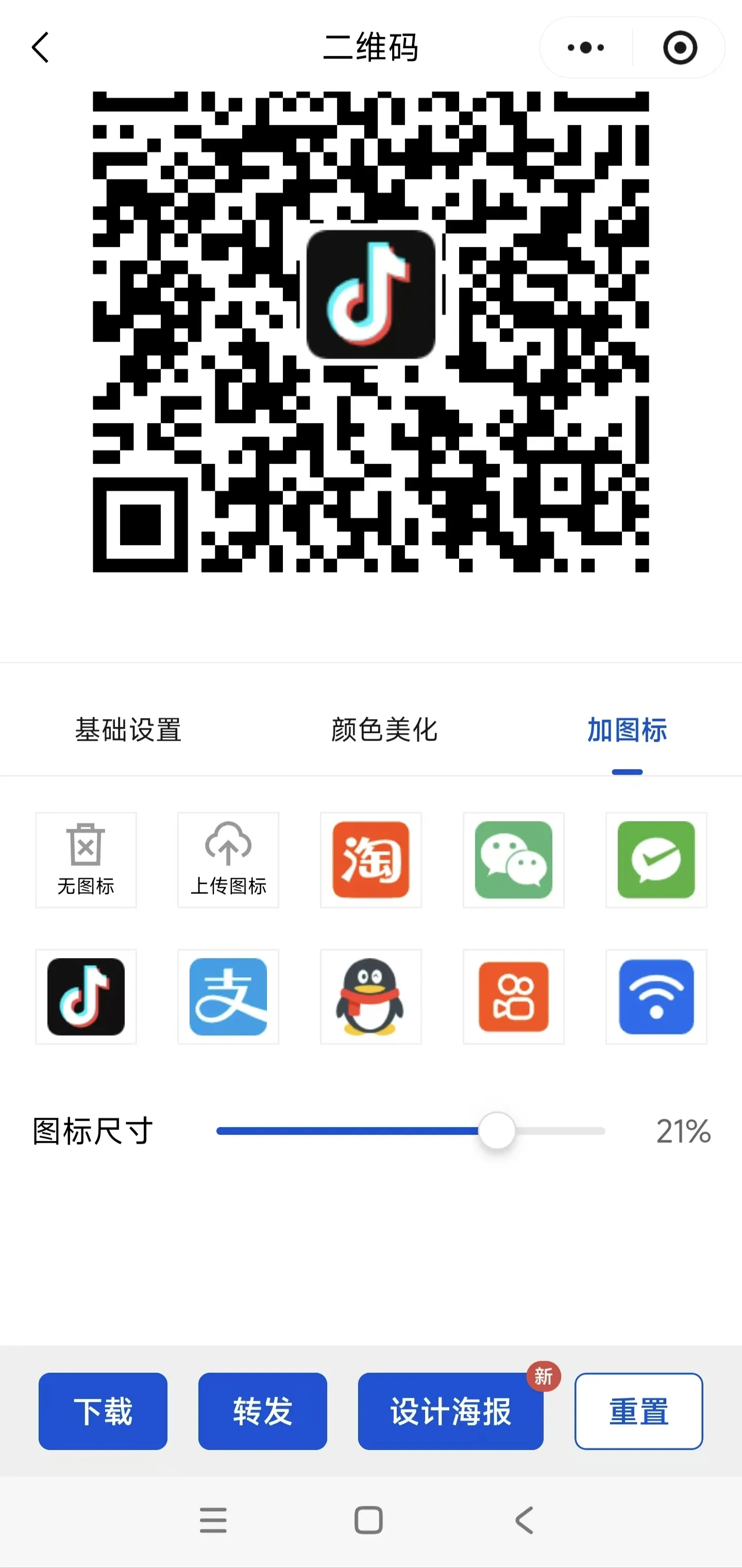
After creation, click download.
Open the website for converting images to SVG format: SVGcode—Convert raster images to SVG vector graphics
Upload the image to generate an SVG format file
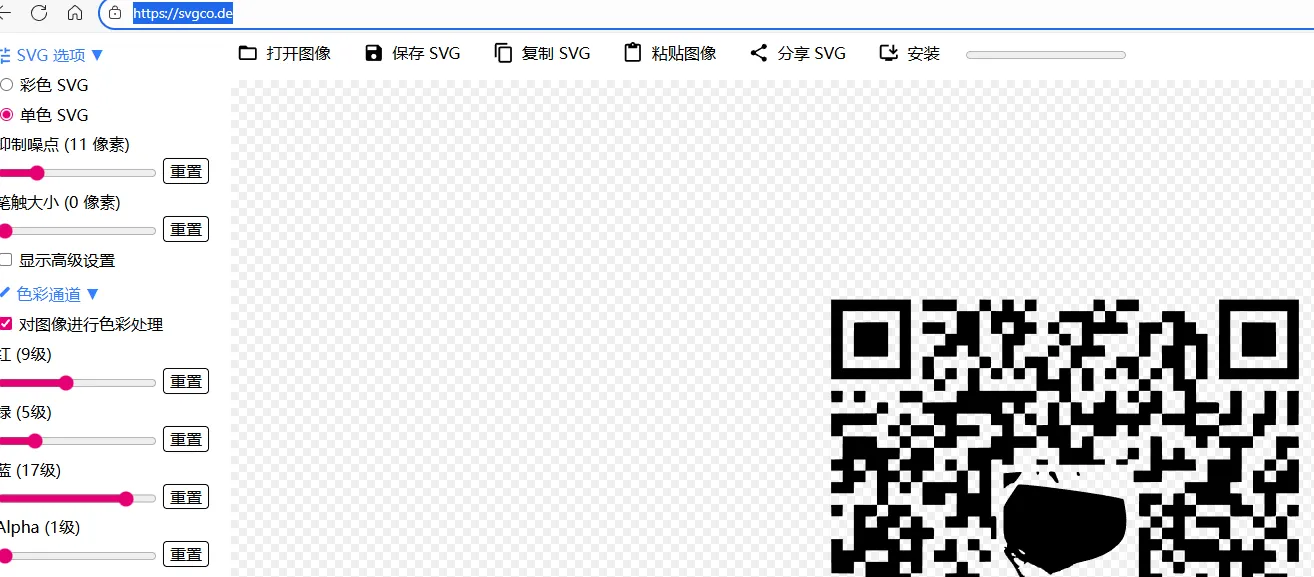
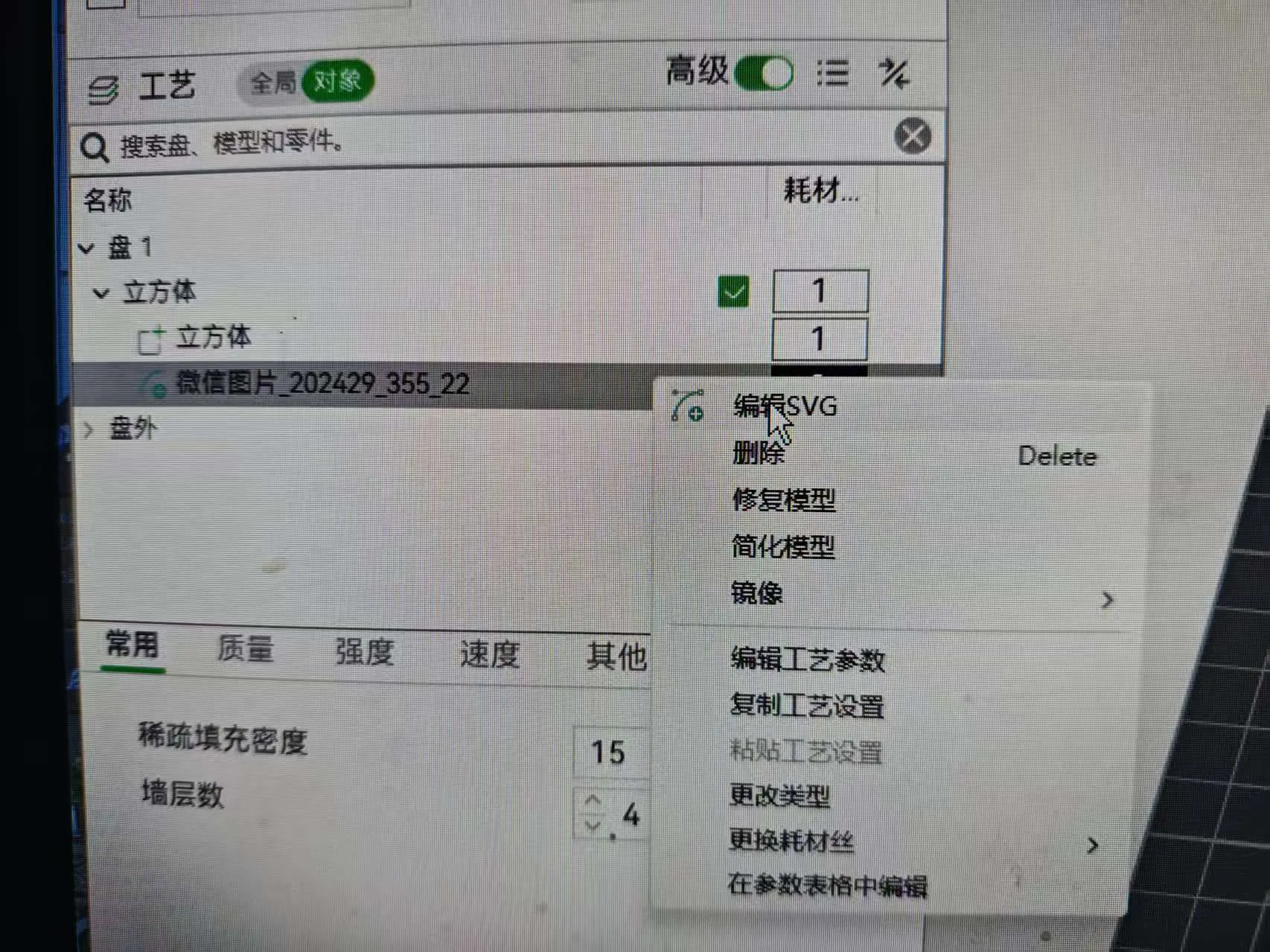
Download and open my print file, then right-click the SVG file to edit
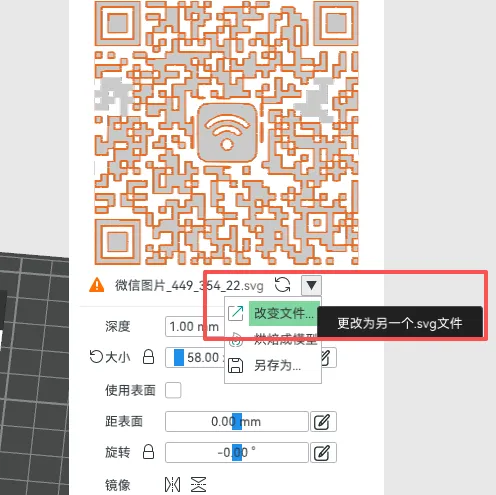
Select the small triangle - Change File, then locate your QR code SVG file.
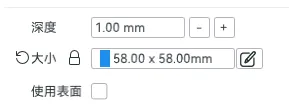
Adjust the size and confirm if it is centered
If coloring is needed, paint directly in the slicer software
Finally~ slice and print!
If the tutorial link is invalid, open this one http://t.n0i.cn/2uOUjV
License

You shall not share, sub-license, sell, rent, host, transfer, or distribute in any way the digital or 3D printed versions of this object, nor any other derivative work of this object in its digital or physical format (including - but not limited to - remixes of this object, and hosting on other digital platforms). The objects may not be used without permission in any way whatsoever in which you charge money, or collect fees.


Comment & Rating (0)