
Desktop Aluminum Profile Pegboard Solution
Print Profile(1)

Description
Model description:
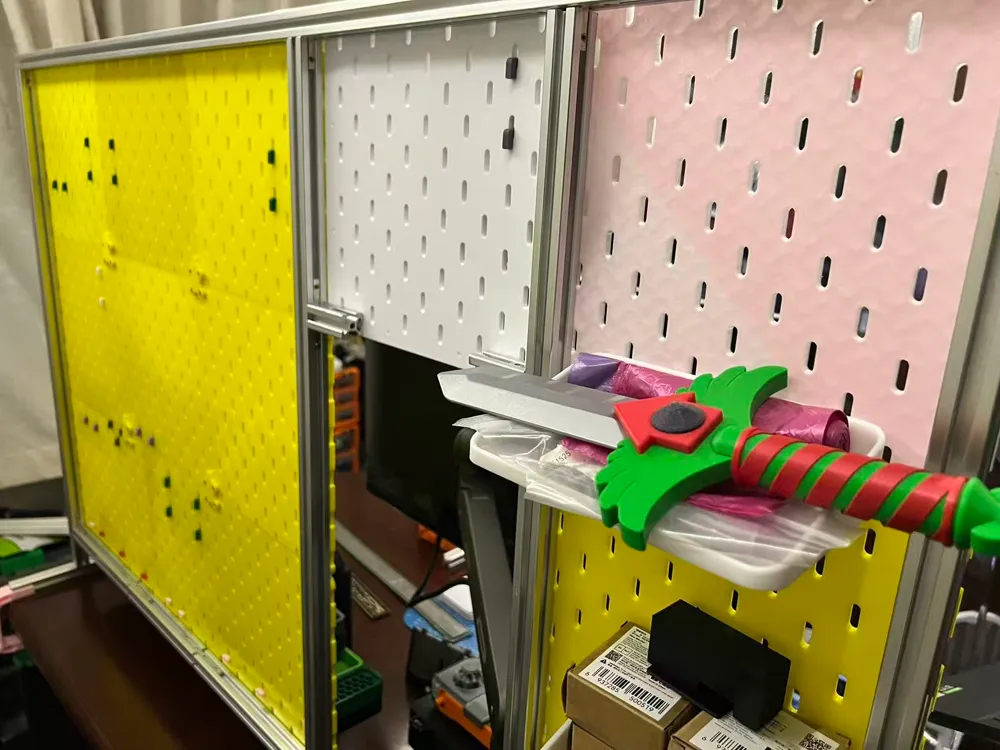
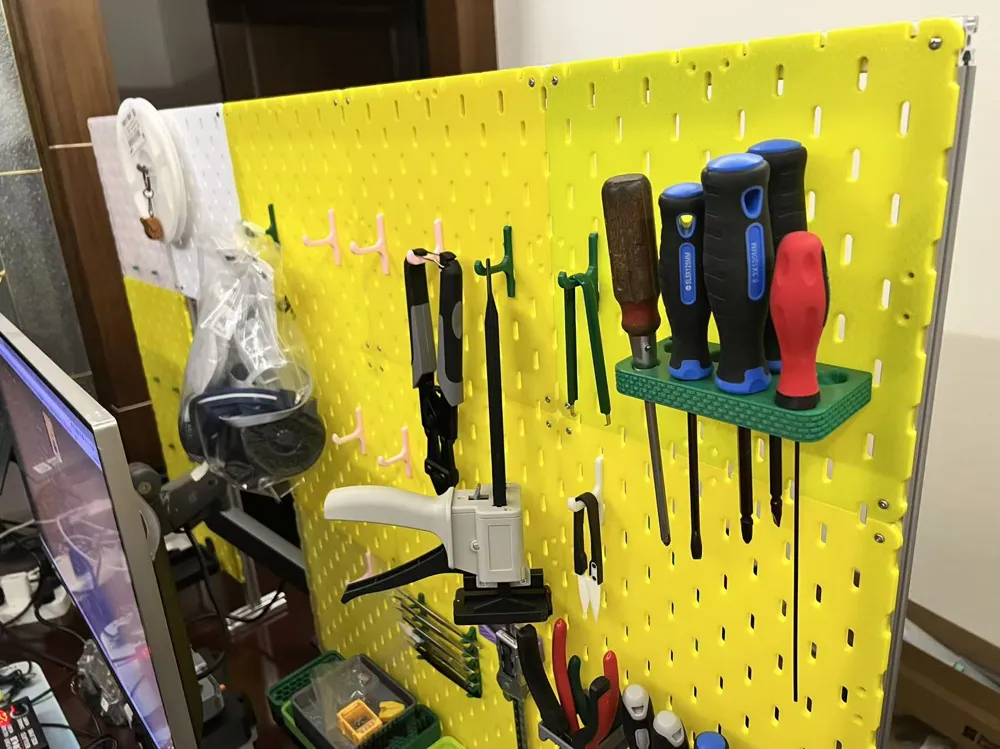
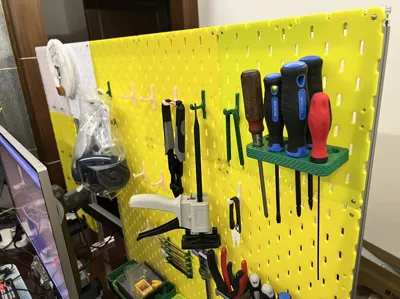
- This project mainly solves the problem of pegboards bending when using multiple layers on a desktop
- Hardware needs to be purchased. Installation is not difficult, but a larger area or a second person may be needed for assistance when the overall size is large
- This project mainly provides a simple solution. If you already have pegboards and connectors (V2, V3 versions, or versions from other authors), you don't need to print them
Estimated model size and quantity take a 4x wide by 3 high square 240mm pegboard (m n L) as an example
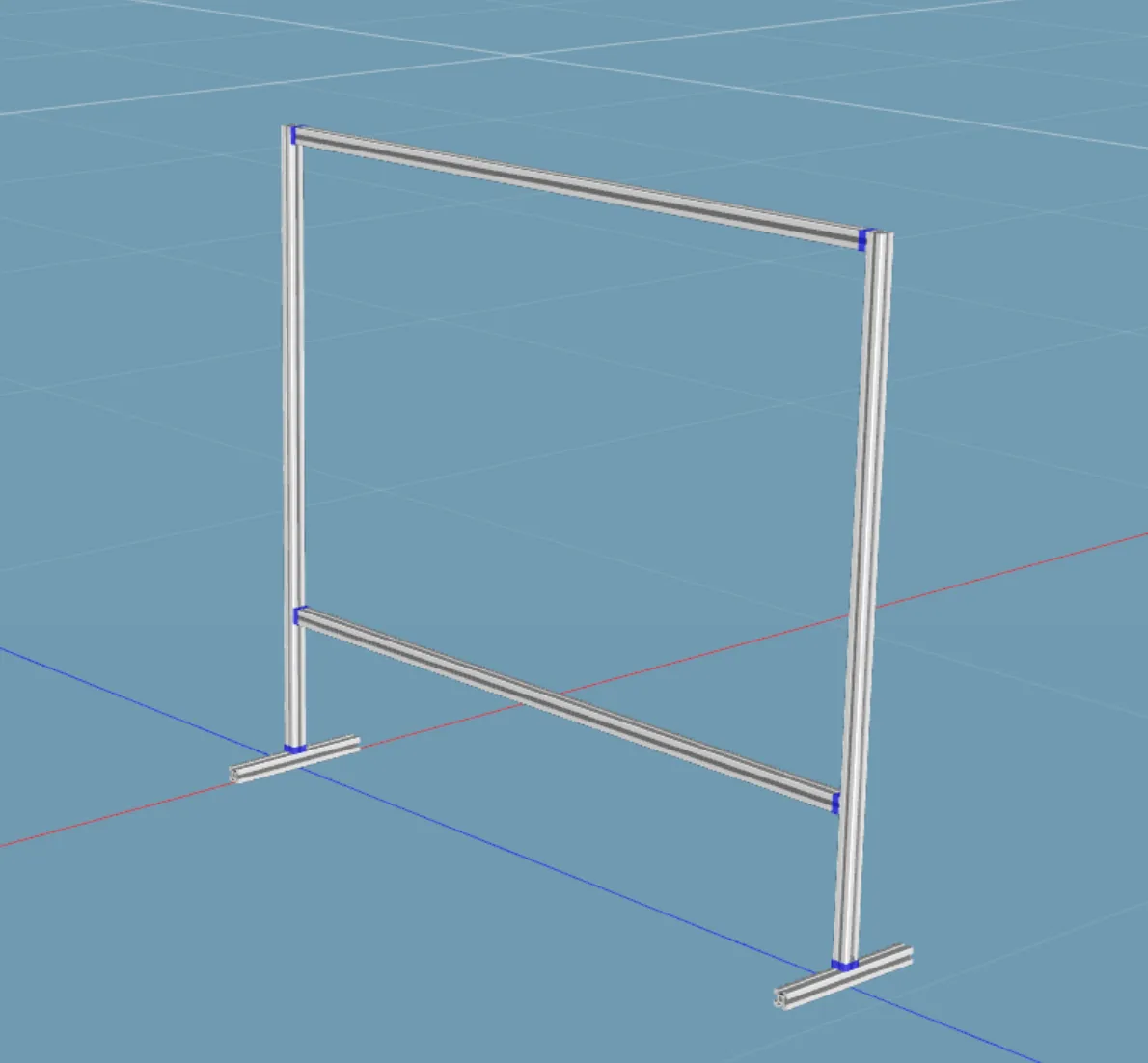
Materials list (Use coupons wisely; the total framework cost can be kept under 50):
2020 European standard aluminum profile (length varies according to demand, see example estimation below, at least 6 pieces needed)
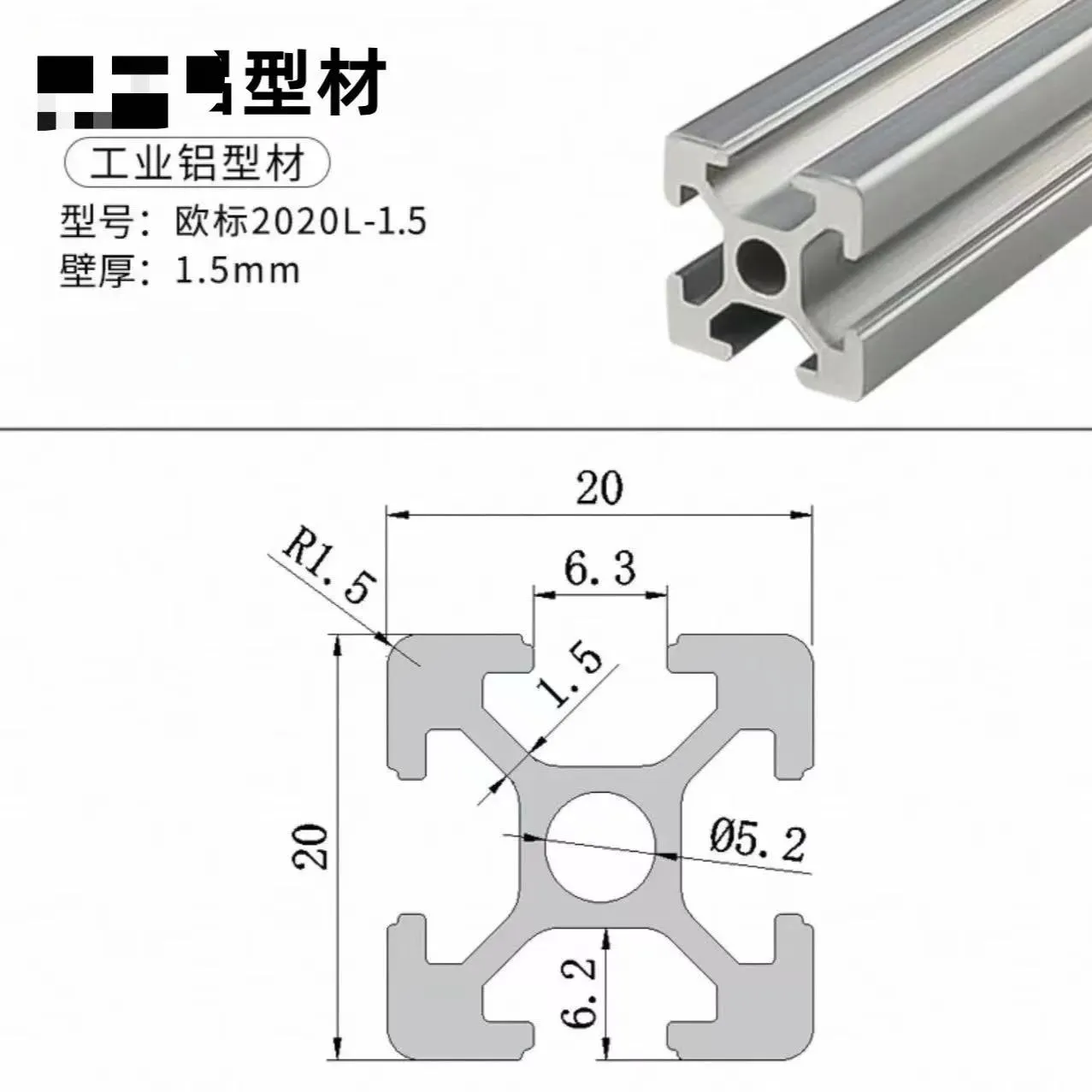
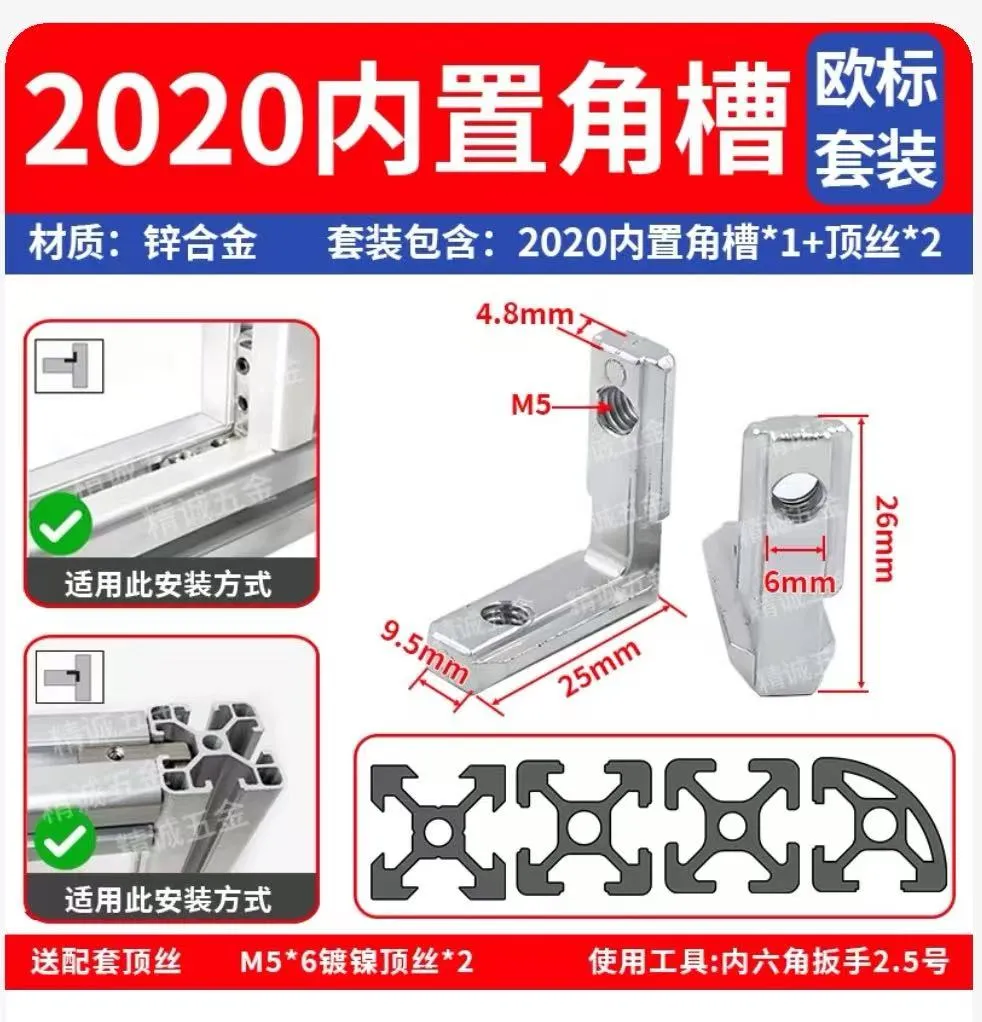
2020 built-in corner slot + grub screw (2020 European standard) (at least 10 pieces)
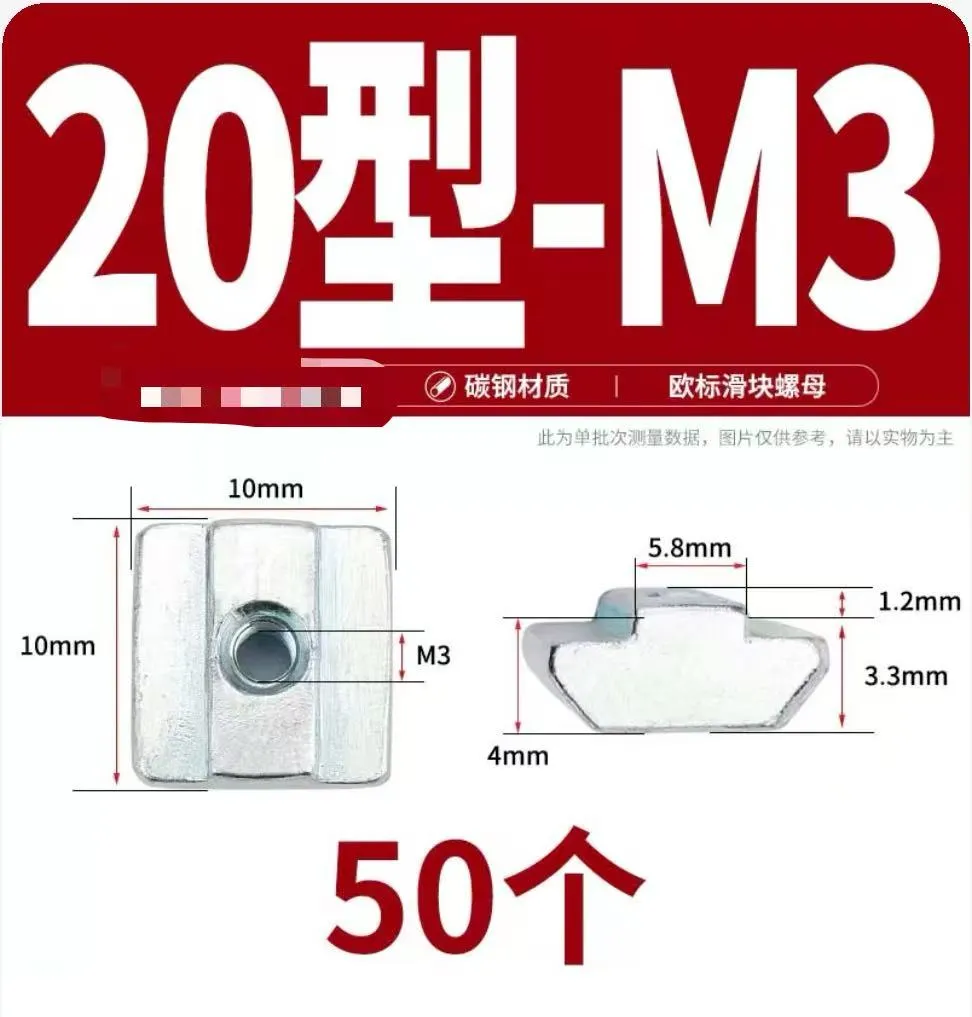
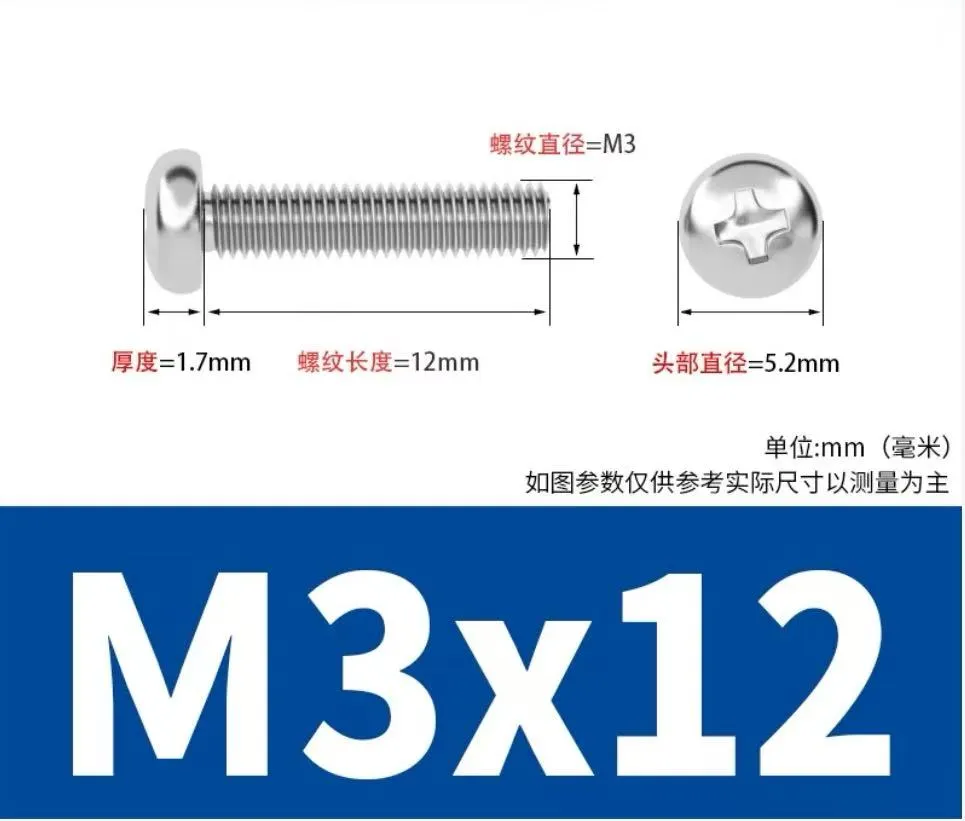
Type 20 M3 European standard slider nut (4 (m + n -1) = 24 pieces). A pack of 50 is usually sufficient, with the same quantity of M3 * 12 round head screws (if the 5mm board does not have a countersunk position for the screw head, M3 * 14 screws are required)
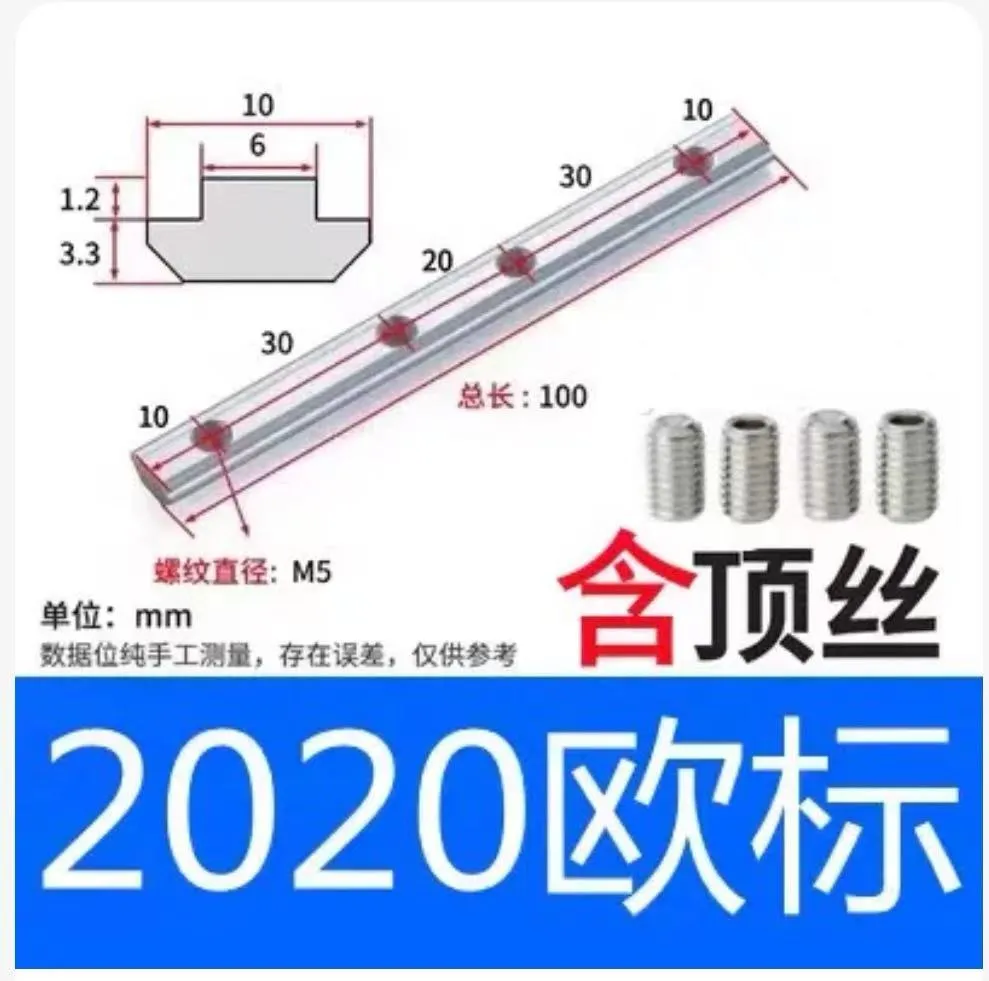
Optional 2020 straight connector (if you already have profiles but they are too short, connectors can be used for extension. A slightly shorter length is fine. Two connectors are needed for each additional section)
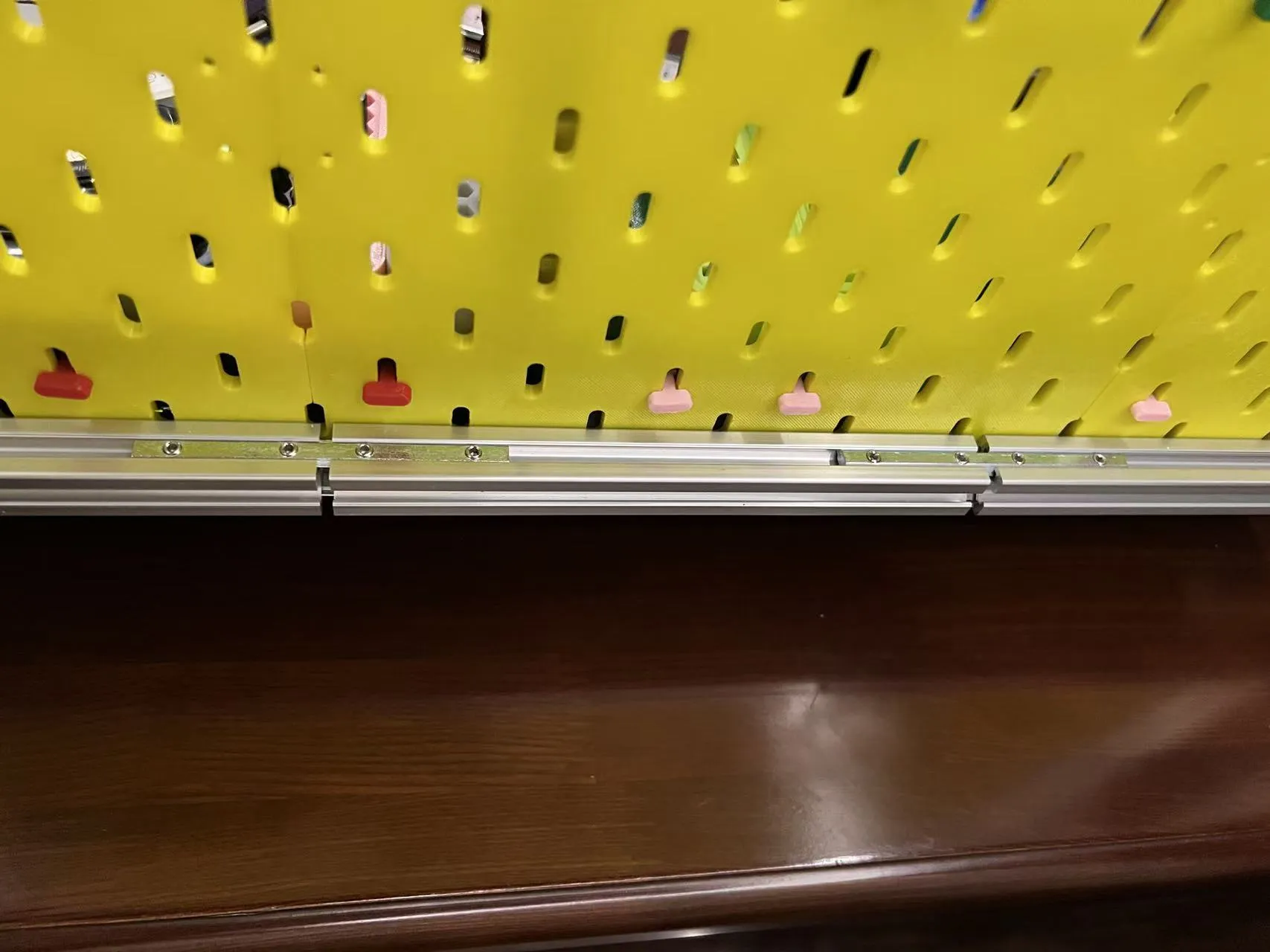
Example estimation:
Beam length: number of horizontal pegboards multiplied by pegboard length, minus the length of the two side frames (40mm) m * L - 40mm (4 * 240 - 40) = 920mm

One top and one bottom, total 2 pieces
Column length: number of vertical pegboards multiplied by pegboard length, plus bottom elevation height (can be calculated according to your needs, for example, designing drawers, here an estimated 100mm height space is reserved), minus 20mm (bottom leg height)
n * L + 100mm - 20mm (3 * 240 + 100 - 20) = 800mm
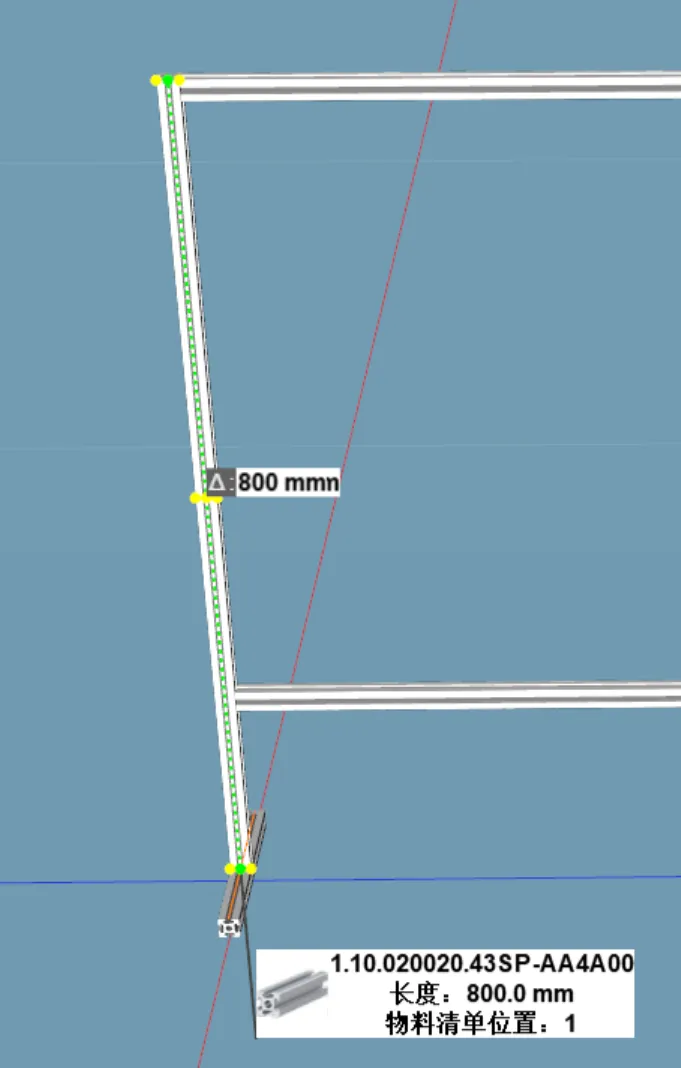
One left and one right, total 2 pieces
- Bottom leg length 200mm, 2 pieces (can be changed according to desktop conditions, but try to ensure that the forward extension distance of the legs exceeds the center of mass of the entire pegboard after mounting items)
Installation instructions:
- First, determine the installation position of each pegboard
Pre-install screws and slider nuts into the mounting holes of the pegboards to be installed on the frame, leaving a certain gap
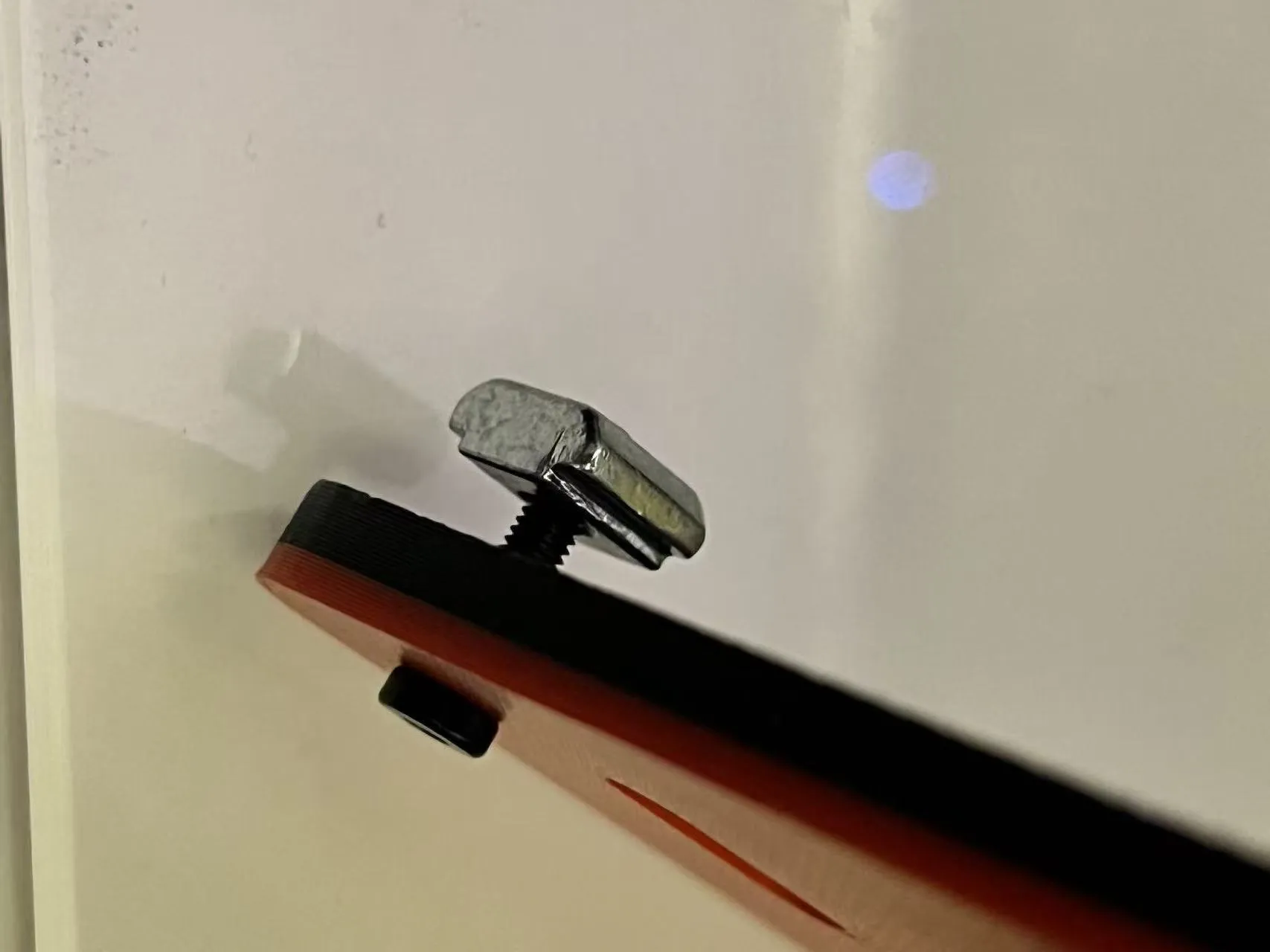
Once all are installed, select an aluminum profile and insert the corresponding pegboard sliders into it
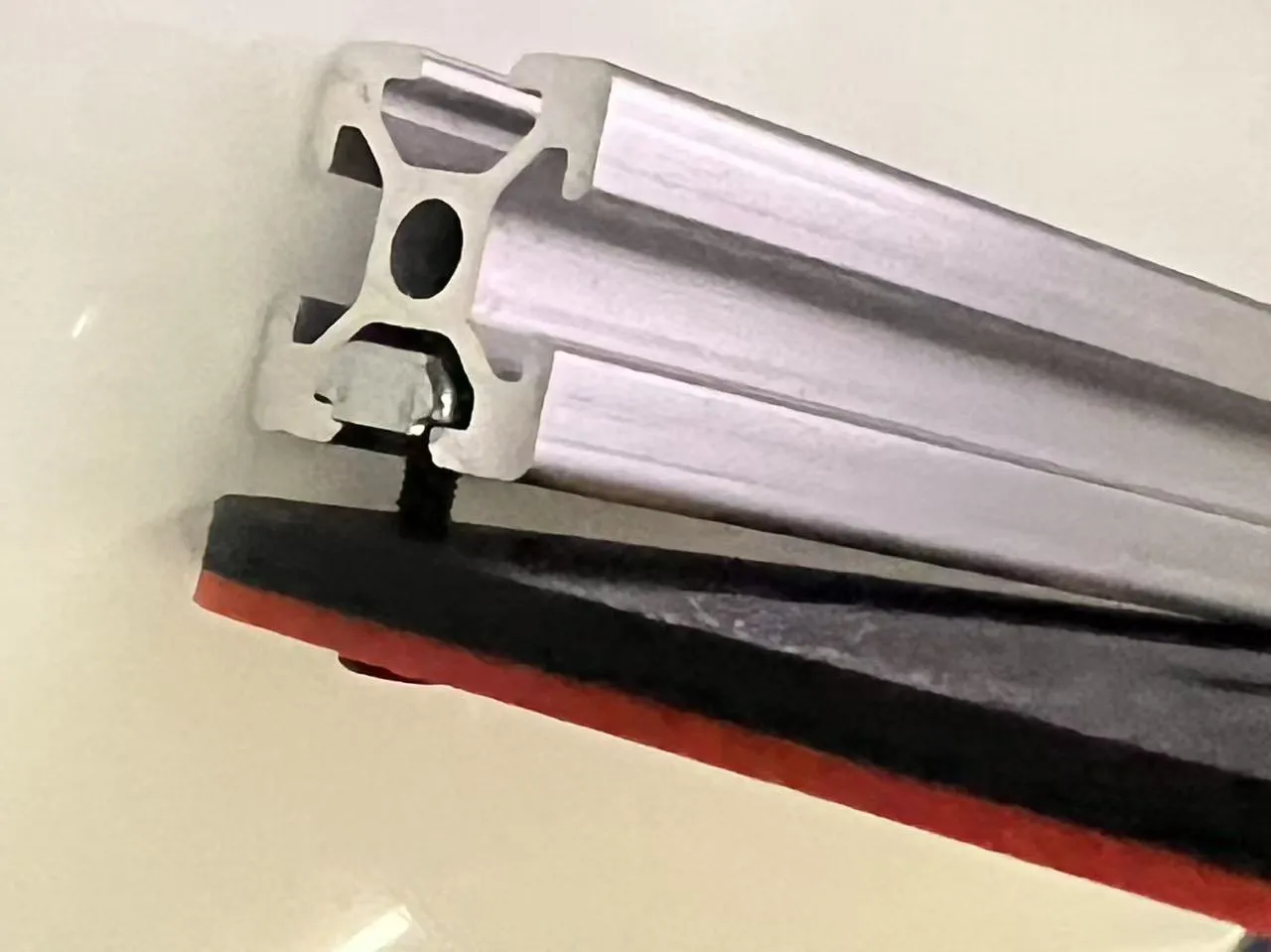
- Then connect an adjacent aluminum profile with a built-in corner slot and place the corresponding pegboard
- Repeat this process to install the surrounding frame. It is recommended to install the columns last
- Then use connectors to complete the middle pegboards
- Finally, install the base and connect it with built-in corner slots
Other notes:
- Aluminum profile installation can be varied, such as turning corners, surrounding, or bridging. This merely provides one idea, which can be modified according to your needs
- Tests show that the 2020 aluminum profile has sufficient strength and is relatively inexpensive. If higher strength is needed, 3030 or even 4040 can be chosen
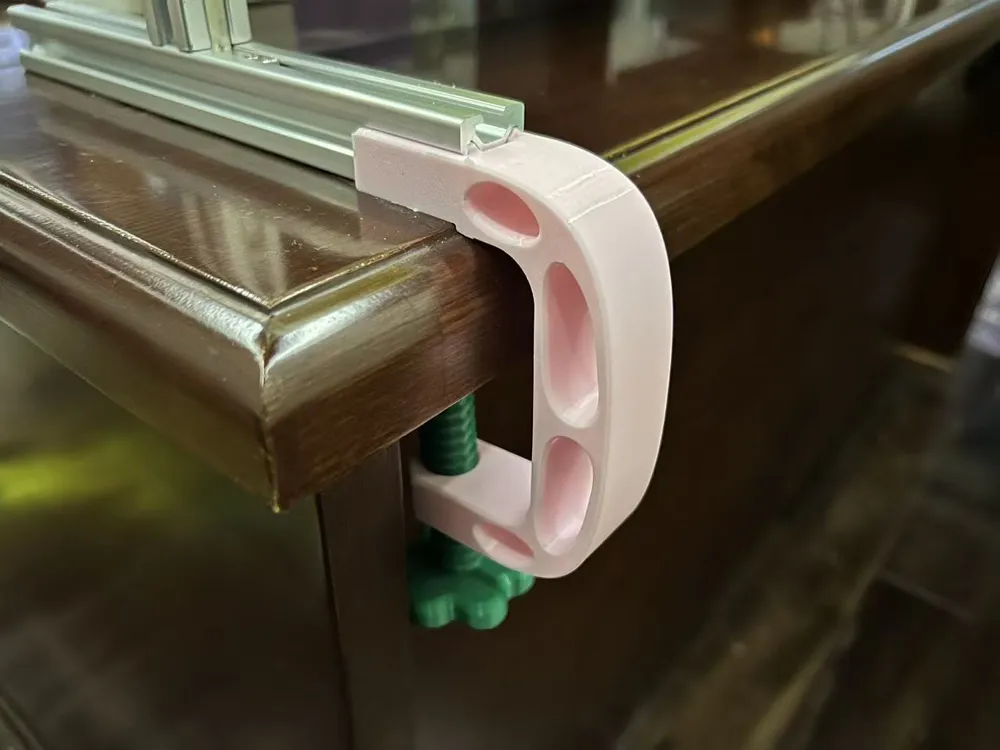
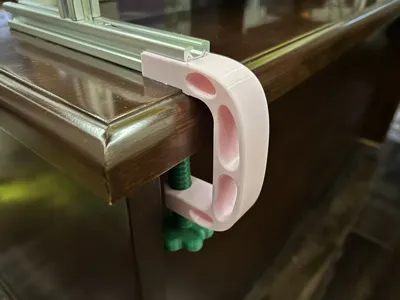
- The G-clamps fixed at the rear are mainly for limiting left-right movement. Non-heavy-duty clamps do not need to be tightened too much
- The pegboard and middle connector models can be found in my
V3 board: https://makerworld.com.cn/zh/models/980288
V2 version: https://makerworld.com.cn/zh/models/532398
They will not be repeated here
Boost Me (for free)
License



Comment & Rating (0)