
PumpkinHead




Print Profile(1)

Description
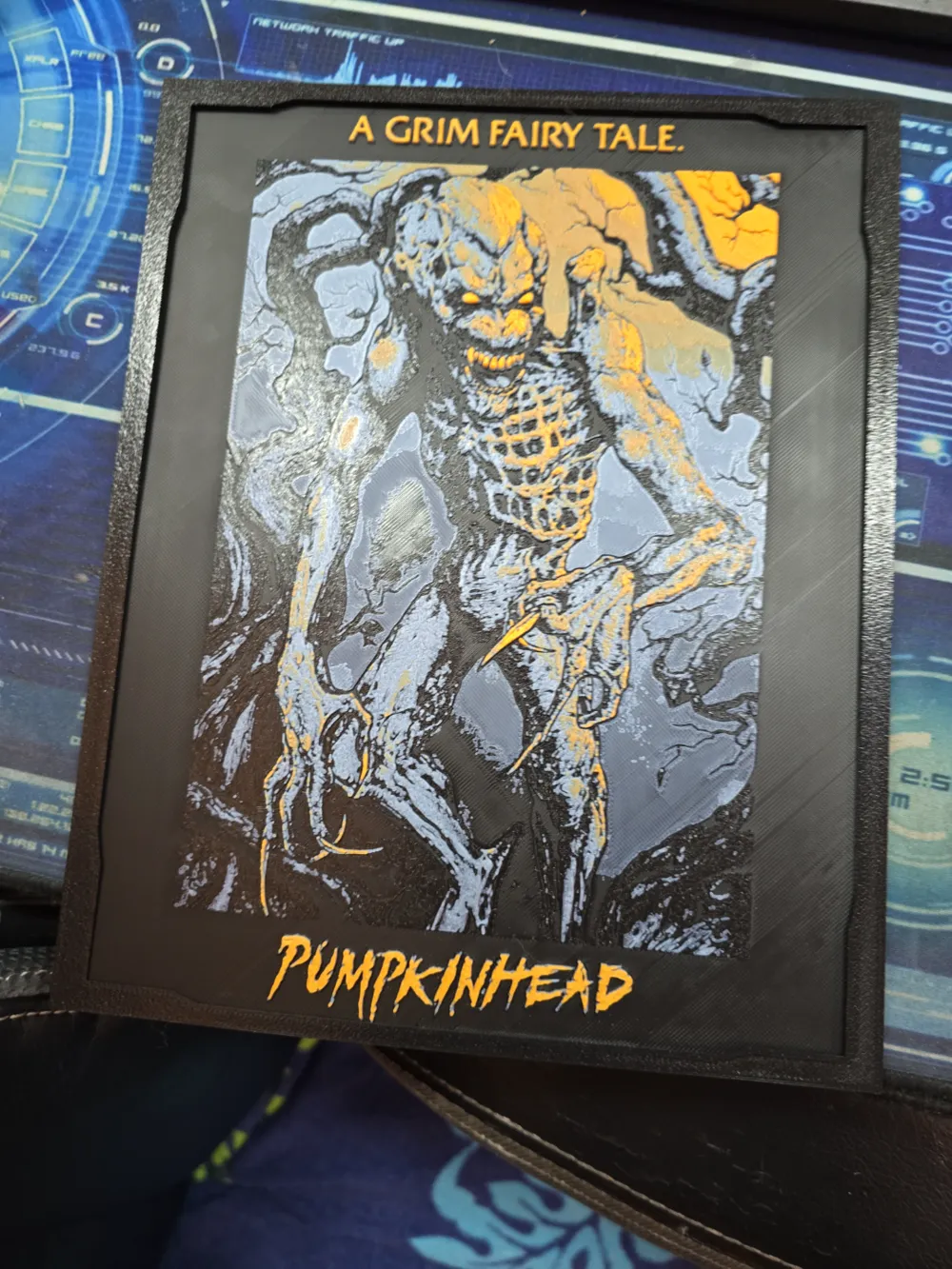
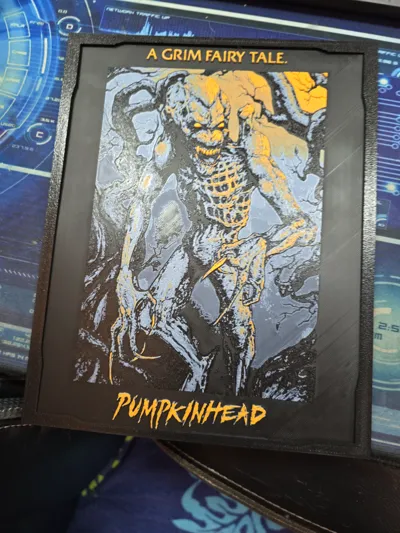
My Frist Hueforge and did this for a friend that loves PumpkHead.
Since the live link is currently giving me a bit of trouble, I’ll provide a high-energy, "Wicked" style update based on your successful branding for your other models. This layout focuses on the "fun" and "human" feel you like, using icons to highlight keywords and keeping the vibe high for collectors.
Here is a refreshed description and a heavy-hitting tag list for Pumpkinhead.
Model Description Update
🎃 Pumpkinhead – The Ultimate Cult Classic Horror Figure
The Vibe: Bring the demon of vengeance to your shelf! 🕯️ This Pumpkinhead model captures the terrifying, spindly detail of the 80s horror icon. Whether you're a hardcore horror collector or just looking for the perfect centerpiece for your spooky season display, this print is designed to impress.
Why You’ll Love This Print:
- Horror-Ready Detail: 💀 Every rib, tendon, and claw has been optimized for high-resolution printing to capture that classic practical-effects look.
- Collector Grade: 🏆 Designed as a standalone art piece that looks incredible with a simple prime and wash or a full custom paint job.
- Easy Printing: 🛠️ Refined geometry to ensure that the lanky, signature silhouette prints cleanly and stays sturdy.
Print at 100% infill with a layer height of 0.08mm with a base layer of 0.16mm
The Model is 193.06x246.74mm in size
You may print at higher layer heights below the minimum depth of 0.48mm
The Max Depth is 2.7mm, and the Actual Depth is 2.8mm
Filaments Used:
PLA PolyLite Black Transmission Distance: 0.3
PLA BambuLab Basic Blue Gray Transmission Distance: 3
PLA BambuLab Basic Brown Transmission Distance: 2
PLA BambuLab Basic Orange Transmission Distance: 7
This print uses 4 unique filaments
Swap Instructions:
Start with Black
At layer #10 (0.88mm) swap to Blue Gray
At layer #16 (1.36mm) swap to Brown
At layer #21 (1.84mm) swap to Orange for the rest.
If you enjoyed printing this, a Like or Boost would be greatly appreciated!
License



Comment & Rating (3)